To stop smart home devices from spamming your Wi-Fi, start by checking for overload signs like slow speeds or disconnections. Identify devices that use excess data and either limit their usage or update their firmware. Optimize your network by switching to less congested channels, using dual-band routers, and placing your router centrally. Regularly monitor your network’s performance and keep firmware updated. Stick around to learn more ways to keep your Wi-Fi fast and reliable.
Key Takeaways
- Update device firmware regularly to improve efficiency and reduce unnecessary data transmissions.
- Limit background activities like automatic updates or cloud backups on smart devices.
- Use network segmentation to isolate smart devices from primary internet traffic.
- Disable or restrict non-essential device features that generate excessive network traffic.
- Monitor network activity to identify and manage devices causing spam or overload.

TP-Link AX1800 WiFi 6 Router (Archer AX21 V5) – Dual Band Wireless Internet, Gigabit, Easy Mesh, Works with Alexa – A Certified for Humans Device, Free Expert Support
DUAL-BAND WIFI 6 ROUTER: Wi-Fi 6(802.11ax) technology achieves faster speeds, greater capacity and reduced network congestion compared to…
As an affiliate, we earn on qualifying purchases.
As an affiliate, we earn on qualifying purchases.
How to Recognize If Your Smart Devices Are Overloading Your Wi-Fi
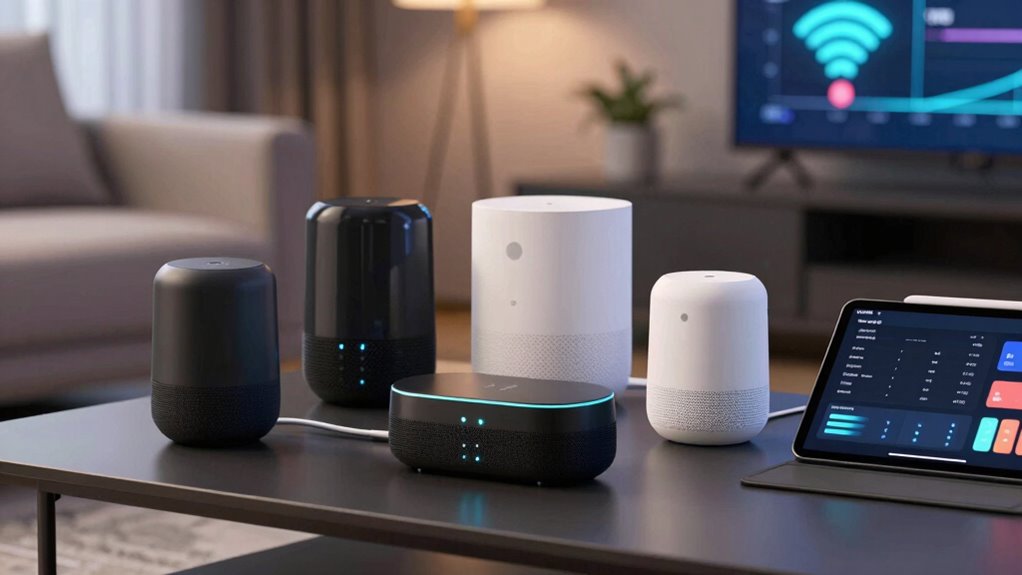
If your Wi-Fi suddenly slows down or your devices keep disconnecting, it’s a good sign that your smart home devices might be overloading your network. One clue is outdated device firmware, which can cause compatibility issues and increase network congestion. Check if your devices are running the latest firmware updates, as manufacturers often release patches to improve performance and stability. Signal interference is another common culprit; devices like cordless phones, microwaves, or neighboring Wi-Fi networks can disrupt your signal. If you notice frequent disconnections or slow speeds during peak usage times, it’s likely your network is overwhelmed. Regularly updating device firmware and minimizing signal interference can help identify if your smart devices are contributing to the overload. Additionally, understanding the role of contrast ratio in projectors can help optimize your home entertainment setup to prevent overloading your network with high-bandwidth streaming. Being aware of network traffic management techniques can further help in distributing bandwidth effectively and avoiding overloads.

ARENTI 5G Indoor Security Camera, 4MP Pet Camera with Speaker for Dog/Cat, Baby Monitor with Phone App, Dual-Band WiFi, Auto Tracking, Super Night Vision, 2-Way Talk, Cloud & SD Card Storage(P2Q)
1 – 4MP Resolution & Dual WiFi Bands – Arenti pet camera provides 2.5K 4MP ultra clear live…
As an affiliate, we earn on qualifying purchases.
As an affiliate, we earn on qualifying purchases.
Diagnose Which Devices Are Causing Wi-Fi Congestion
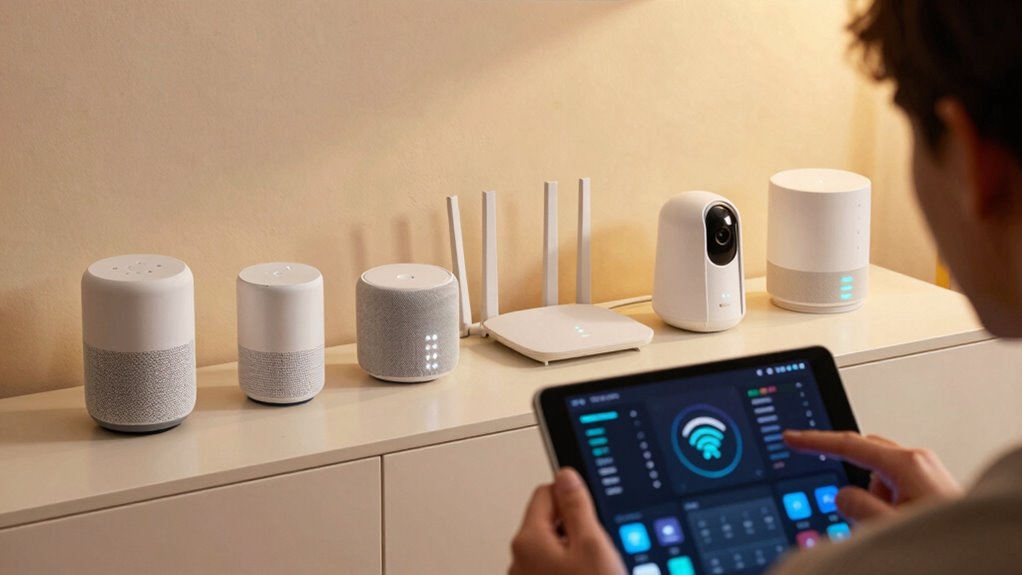
To pinpoint which devices are causing Wi-Fi congestion, start by monitoring your network’s activity through your router’s admin interface or a dedicated network management app. Look for devices that generate high data usage or frequent connections, which can indicate congestion sources. Check each device’s firmware; outdated firmware can cause inefficient data handling, exacerbating network issues. Consider implementing network segmentation by creating separate networks for smart devices and personal devices, isolating heavy traffic. This helps identify problematic devices more easily and prevents congestion from spreading across your entire network. Regularly reviewing device activity and firmware status allows you to detect and address issues proactively, ensuring smoother performance and fewer interruptions caused by overloading devices. Additionally, understanding the types of smart devices and their data demands can help you better manage and optimize your network resources. Being aware of network congestion causes can also guide you in making effective adjustments to improve overall performance.

TP-Link ER7206 Multi-WAN Professional Wired Gigabit VPN Router Increased Network Capacity SPI Firewall Omada SDN Integrated Load Balance Lightning Protection
【Flexible Port Configuration】1 Gigabit SFP WAN Port + 1 Gigabit WAN Port + 2 Gigabit WAN/LAN Ports plus1…
As an affiliate, we earn on qualifying purchases.
As an affiliate, we earn on qualifying purchases.
How to Adjust Smart Device Settings to Reduce Background Data
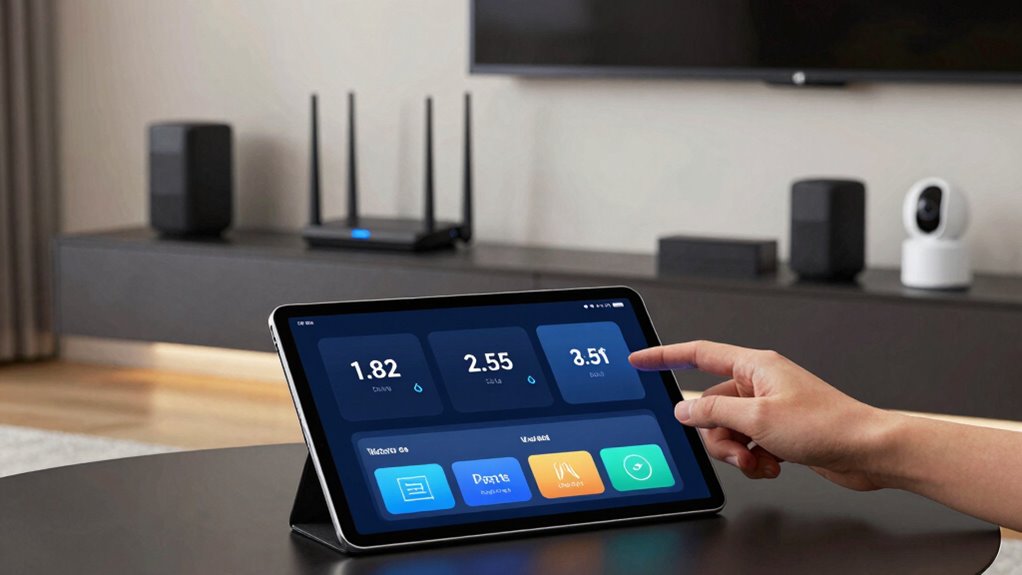
Once you’ve identified the devices contributing most to network congestion, the next step is to fine-tune their settings to limit unnecessary data usage. Start by checking the device firmware—updating it guarantees peak performance and reduces excess data transmission caused by bugs or outdated software. Many smart devices allow you to set data usage limits through their app or web interface. Adjust these limits to restrict background activity and prevent automatic updates from consuming excessive bandwidth. Disabling features like automatic streaming, frequent polling, or cloud backups can also help. Regularly review and modify these settings as needed, especially after firmware updates or new device features, to keep background data in check and maintain a smoother, less congested Wi-Fi network. Additionally, understanding smart device features can help you better optimize their data consumption and improve overall network health. Being aware of vetted survival gear principles, such as proper device maintenance and security, can also help prevent unexpected data usage spikes caused by malware or unauthorized access. Monitoring your network with network management tools can further assist in identifying and controlling data-heavy devices.
Wi-Fi Analyzer
Generates a snapshot view of nearby Wi-Fi signals
As an affiliate, we earn on qualifying purchases.
As an affiliate, we earn on qualifying purchases.
Optimize Your Wi-Fi Network for Better Smart Device Performance
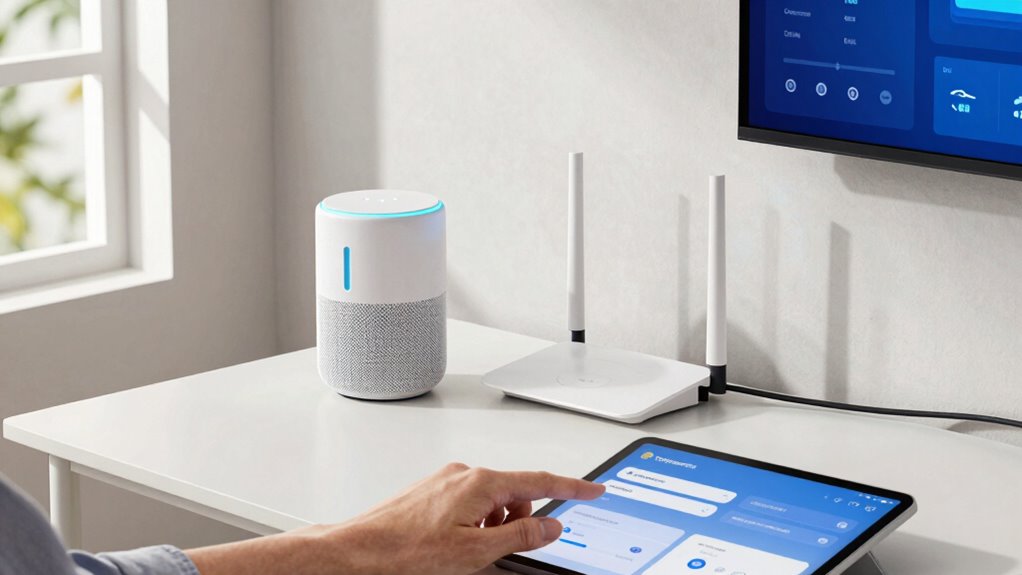
A well-optimized Wi-Fi network is essential for ensuring your smart devices operate smoothly and respond promptly. To achieve this, check device compatibility; using devices that support your router’s latest standards, like Wi-Fi 5 or Wi-Fi 6, improves performance. Minimize signal interference by placing your router in a central location, away from thick walls and electronic clutter. Avoid overlapping channels by switching to less congested ones, especially in crowded Wi-Fi environments. Consider using a dual-band or mesh network to distribute devices more evenly across different frequencies, reducing congestion. Regularly update your router firmware to fix bugs and enhance stability. Additionally, understanding regional flavors and insights can help tailor your network setup to specific environments, ensuring optimal performance. Proper network configuration can greatly improve device responsiveness and reduce lag. Being aware of interference sources can further help in maintaining a strong and reliable connection. Moreover, considering security protocols can protect your network from unauthorized access, further stabilizing your smart devices. Conducting a Wi-Fi speed test periodically can also help identify potential issues before they impact your smart home. By optimizing your Wi-Fi setup with these strategies, your smart home devices will communicate more reliably, with fewer disruptions caused by signal interference or compatibility issues.
Keep Your Wi-Fi Fast With Easy Monitoring and Maintenance
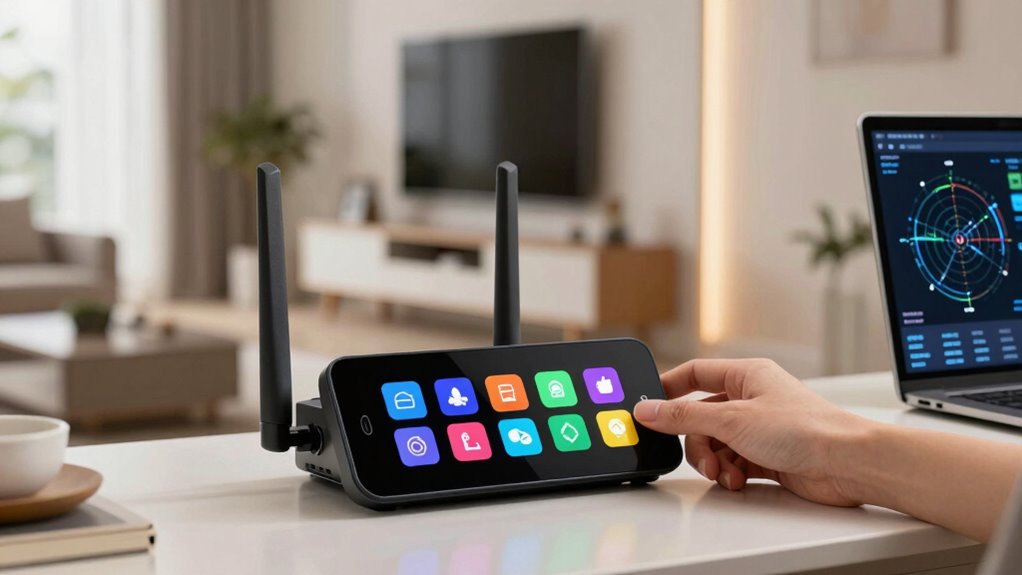
Regularly monitoring and maintaining your Wi-Fi network keeps it running at top speed, preventing slowdowns that can affect your smart devices. Consistent checks help identify bandwidth hogs and suspicious activity, enhancing device security and protecting user privacy. Use network management tools to track device performance and disconnect unauthorized devices. Also, update firmware regularly to patch vulnerabilities and optimize performance. Efficient maintenance ensures your network remains fast and secure, reducing spam from smart devices and preventing congestion. Incorporating smart device security practices can also promote overall physical recovery, which indirectly supports your focus and device management routines. Additionally, understanding network security principles helps in safeguarding your devices from potential cyber threats. Staying informed about herbal and holistic wellness methods can provide a balanced approach to managing your environment, including your smart home setup. Regularly reviewing your network configurations and security protocols can further protect your devices from unauthorized access and cyberattacks.
Frequently Asked Questions
Can Firmware Updates Improve My Smart Device Wi-Fi Performance?
Firmware updates can definitely improve your smart device Wi-Fi performance. They often include firmware optimization, which enhances speed, stability, and security. Plus, updates guarantee better device compatibility with your network and other gadgets. Regularly updating your devices helps prevent spammy behavior and connectivity issues. So, keep your firmware current to enjoy smoother, more reliable Wi-Fi, and to make certain your smart home devices work harmoniously.
Are There Specific Brands More Prone to Causing Wi-Fi Congestion?
Some brands are notorious for causing Wi-Fi congestion, almost as if they’re trying to take over your network! Devices with poor compatibility or frequent interference from other gadgets can clog your bandwidth. Brands like some cheaper or poorly optimized smart devices tend to be more prone to device interference, leading to network slowdowns. To prevent this, choose brands known for better device compatibility and reliable performance, reducing the risk of Wi-Fi congestion.
How Does Bandwidth Allocation Help Manage Multiple Smart Devices?
Bandwidth allocation helps you manage multiple smart devices by prioritizing critical ones through bandwidth prioritization, ensuring they function smoothly without interruption. Device segmentation separates your smart devices into different network segments, reducing congestion and preventing one device from overwhelming your Wi-Fi. This way, you can control how much bandwidth each device gets, improving overall network performance and reducing spam or lag caused by overloaded devices.
What Security Measures Prevent Unauthorized Access to Smart Home Devices?
You prevent unauthorized access by enabling device authentication, which verifies each device’s identity before granting access. Additionally, use network segmentation to isolate your smart home devices from your main network, reducing the risk of breaches spreading. Regularly update device firmware, change default passwords, and disable unnecessary features. These security measures help protect your devices from hackers and keep your smart home environment safe and secure.
Can Upgrading My Router Reduce the Impact of Smart Device Traffic?
Upgrading your router is like upgrading your car for smoother rides; it can help guarantee smart device traffic impact. A new router often supports advanced features like network segmentation and device prioritization, which can isolate your smart home gadgets from other devices. This separation prevents congestion and ensures essential devices get bandwidth, making your Wi-Fi more efficient and responsive, even with multiple smart devices demanding data simultaneously.
Conclusion
Now that you know how to spot, solve, and supercharge your smart home’s Wi-Fi, you’re all set to streamline your signal. With a little troubleshooting and tuning, you’ll tame tech troubles and enjoy a faster, friction-free connection. Keep monitoring your network’s mojo, make mindful adjustments, and maintain a manageable mesh of devices. Mastering your Wi-Fi’s wellbeing means more seamless streaming, smoother smart device functioning, and a happier, hassle-free home.