
To tell if a security alert is fake, look for signs like poor grammar, suspicious sender addresses, and unusual branding. Be wary of messages demanding immediate action or threatening consequences, which aim to create panic. Verify the alert through official websites or apps before clicking links or sharing personal info. Spot red flags in language and design, and avoid opening attachments or links from untrusted sources. If this sounds familiar, you’ll find more ways to stay safe below.

Get the latest gadgets delivered free — and shop member deals
- Fast, free delivery on millions of items
- Access to Prime Big Deal Days deals on October 6–7
- Prime Video, Amazon Music and more included
Key Takeaways
- Verify the sender’s email address and domain for inconsistencies or unusual spelling.
- Check for poor grammar, suspicious branding, or urgent language that creates panic.
- Confirm the alert through official websites or apps before clicking links or sharing info.
- Hover over links to ensure they lead to legitimate, secure websites (https://).
- Be cautious of attachments or links that prompt immediate action or request sensitive data.
As an affiliate, we earn on qualifying purchases.
Why Fake Security Alerts Are a Growing Threat
Fake security alerts are becoming more prevalent because cybercriminals see them as an easy way to trick people into revealing personal information or installing malicious software. These alerts often mimic legitimate notifications but hide malicious intent, making them effective tools for phishing scams. Cybercriminals use fake alerts to lure you into clicking malicious links or providing sensitive data. They also facilitate malware distribution, allowing attackers to infect your device with viruses, ransomware, or spyware. The more convincing these fake alerts appear, the higher the chance that you’ll fall victim. By understanding why these threats grow, you can better recognize their tactics and protect yourself from falling prey to scams that compromise your security and privacy. Additionally, style and presentation can make fake alerts appear more authentic, increasing their effectiveness. Recognizing common deception tactics used in these alerts can help you stay vigilant against such attacks. Being aware of cybercriminal strategies can further strengthen your defenses and prevent you from being duped, especially as social engineering techniques become more sophisticated. Staying informed about security alert tactics can also help you identify and dismiss false notifications before they cause harm.
As an affiliate, we earn on qualifying purchases.
How to Recognize Fake Security Alerts
Recognizing genuine security alerts from fake ones is key to protecting your personal information and devices. Phishing tactics are often used in cyber scams to trick you into revealing sensitive data or clicking malicious links. Fake alerts may appear urgent or alarming, but they often contain signs like poor grammar, suspicious sender addresses, or inconsistent branding. Be wary of alerts that ask for personal details or direct you to unfamiliar websites. Always verify the source before acting on any message. A good rule of thumb is to look for authentic branding elements that match official communications. Cyber scammers rely on creating panic to prompt quick, unthinking responses. If an alert seems suspicious, take a moment to double-check through official channels instead of clicking links or providing info immediately. Understanding cybersecurity basics helps you recognize common scam tactics and avoid falling victim to scams. Being aware of the electric bike market can also help you identify legitimate offers and avoid fake sales advertisements. Additionally, staying informed about sustainable health practices can empower you to make safer online choices related to health and wellness products.
As an affiliate, we earn on qualifying purchases.
Key Signs That an Alert Might Be Fake
You should watch out for alerts from unusual sender addresses or those that seem suspicious. Pay attention to urgent language or threats designed to prompt quick action. Also, be cautious of unexpected attachment links, which could lead to malware or scams. Additionally, verify whether the alert is accompanied by any affiliate disclosure, as legitimate messages typically do not include such prompts. Recognizing signs of infection risks in emails, such as unusual requests or suspicious attachments, can help prevent falling victim to scams or malware. Being aware of water safety tips can also help identify legitimate safety alerts versus malicious ones. Moreover, understanding cultural artifacts and their significance can aid in spotting fake or misleading information that might be embedded in malicious messages.
Unusual Sender Addresses
Unusual sender addresses are a common sign that a security alert might be fake. Hackers often use email spoofing to make messages appear legitimate, but the sender’s address can reveal their true intent. Here are three clues to watch for:
- Strange or misspelled email addresses – Look closely; fake addresses often mimic real ones but include typos or extra characters.
- Unexpected sender domains – If the email claims to be from your bank but comes from a generic or unfamiliar domain, it’s suspicious. Recognizing email spoofing techniques can help you identify these scams.
- Unrecognized senders – Be wary if you don’t recognize the sender or weren’t expecting an alert, especially if it seems out of context.
These signs are common in phishing scams designed to trick you into revealing personal info. Being aware of affiliate disclosure and privacy policies can also help you recognize suspicious communications.
Urgent Language Used
Urgent language is a common tactic in fake security alerts designed to prompt quick, unthinking action. Scammers often use alarming phrases like “Your account has been compromised” or “Immediate action required” to create panic. This urgent tone is meant to bypass your usual caution, making you more likely to click links or call scam phone calls. A further tactic involves exploiting user emotions, which can cloud judgment and lead to impulsive decisions. Be wary of messages that pressure you to act immediately or threaten dire consequences if you don’t respond quickly. Phishing scams rely on this tactic to trick you into revealing personal information or installing malware. Stay calm and verify the alert through official channels before taking any action. Recognizing common cybersecurity tactics can help you identify scams more effectively and prevent potential harm. Remember, legitimate organizations rarely demand instant responses or use threatening language.
Unexpected Attachment Links
One common sign that a security alert might be fake is the presence of unexpected attachment links. These links can hide phishing scams or malware attachments designed to steal your information or infect your device. To spot a fake alert, consider these clues:
- Unusual or suspicious-looking links that don’t match the company’s official URL.
- Attachments you weren’t expecting, especially if they seem urgent or out of context.
- Links that prompt you to download files or click on unfamiliar icons.
- Be aware that cybercriminals often use digital concepts to create convincing fake alerts that mimic legitimate notifications.
Always verify the source before opening any attachments. Phishing scams often use fake security alerts with malicious links to trick you into revealing sensitive info or installing harmful malware attachments. Stay cautious and question unexpected attachments.
As an affiliate, we earn on qualifying purchases.
Verify Alert Source Before Acting
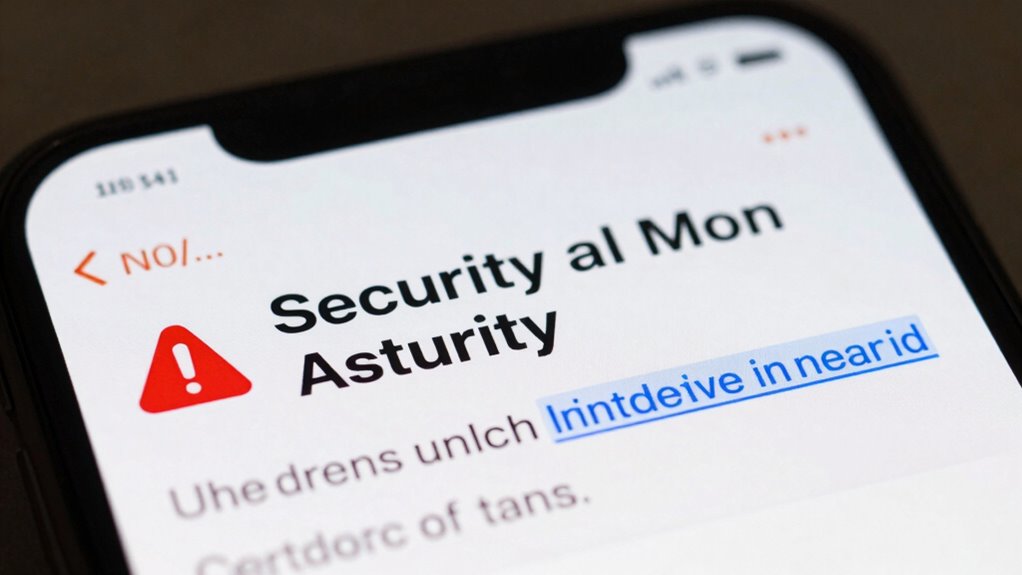
Before taking any action, verify the alert’s source to avoid falling for scams. Check the email address for inconsistencies and make sure it matches official contacts. Also, visit the official website directly rather than clicking links in the message to confirm the alert’s legitimacy. Be cautious of fake alerts that mimic genuine security notices to protect yourself from scams. Additionally, understanding common security practices can help you identify legitimate notifications more easily. Recognizing patterns in urban myths and other false alerts can further enhance your ability to discern genuine threats from deception.
Check Email Address
How can you tell if a security alert is legitimate? One key step is to check the email address it came from. Fake alerts often use email addresses that mimic official sources but have subtle differences. To verify sender authenticity, consider these tips:
- Look closely at the sender’s email for misspellings or unusual domains, like “@bank-security.com” instead of the official “@bank.com.”
- Perform email verification by hovering over the sender’s name to see the full email address.
- Be cautious if the email address seems generic or suspicious, especially if it’s different from previous legitimate communications.
- Remember that Gold IRA markets generally use consistent and recognizable email addresses, making it easier to identify fake alerts.
- Always verify the email sender before acting, as phishing scams rely on fake email addresses to trick you into revealing sensitive information.
Confirm Official Website
Are you sure the alert you received is genuinely from the official organization? Always verify the website linked in the message by checking the URL carefully. Official sites use secure connections with data encryption, indicated by “https://” and a padlock icon. Avoid clicking on links in suspicious emails; instead, visit the website directly by typing the address into your browser. Confirm that the site’s design and URL match the organization’s legitimate online presence. Be cautious if the site asks for passwords or personal info without proper security measures like password protection and encryption. Authentic security alerts won’t pressure you to act immediately or request sensitive data without proper security protocols. Confirming the website helps prevent falling for fake alerts designed to steal your data or infect your device.
Spot Red Flags in Alert Language and Design
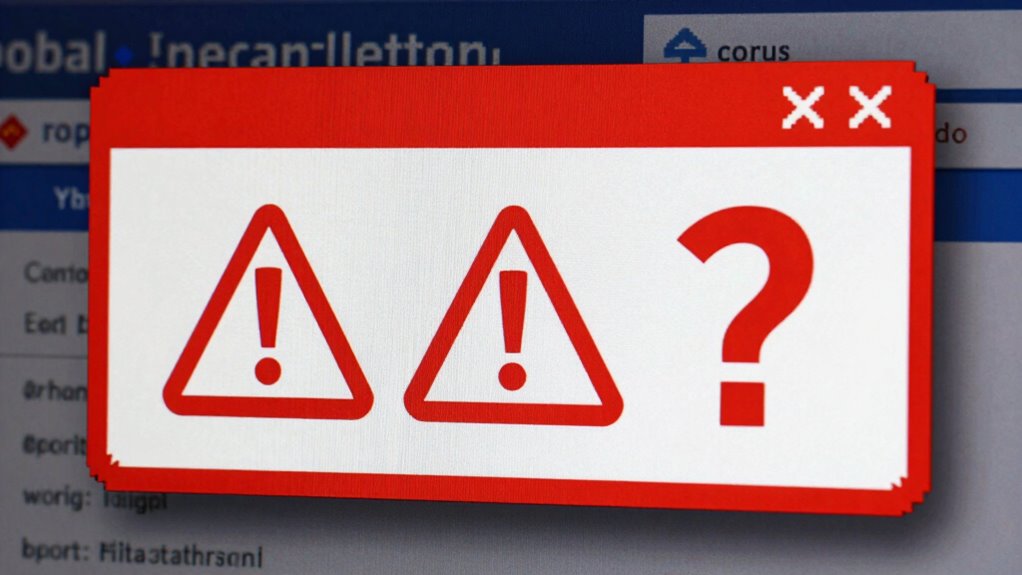
Red flags often appear in the language and design of a security alert, making it essential to scrutinize these elements carefully. Pay attention to the visual design—poorly formatted layouts, misspelled words, or inconsistent branding can signal a fake alert. The alert tone is equally important; fake messages often use urgent, alarming language to provoke panic. Watch for phrases like “Immediate action required” or threats of account suspension without official context.
Here are three key signs:
- Unprofessional visual design with strange fonts or logos.
- Excessive use of urgent language designed to scare you.
- Lack of personalization or generic greetings like “Dear User.”
Being alert to these red flags helps you spot fake alerts quickly.
Use Official Websites and Apps to Confirm Alerts
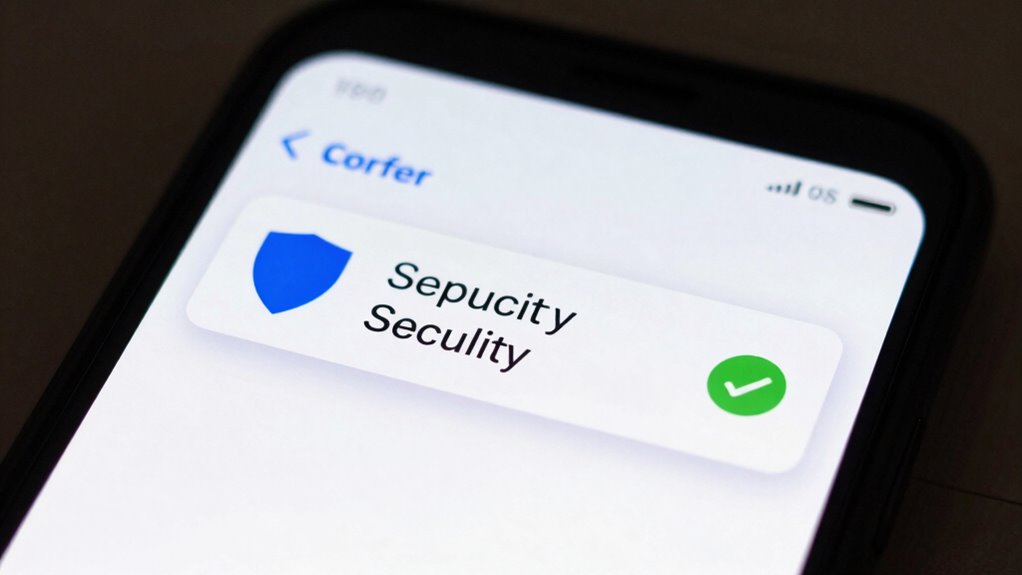
When you spot a suspicious alert, verifying its authenticity through official channels is the smartest move. Instead of clicking links or calling numbers in the message, visit the official website or app directly. Use your browser or official app to log in and check for any notifications or alerts. This approach helps you avoid phishing scams that mimic legitimate sources to steal your personal info. It also protects you from malware threats embedded in fake alerts. Always confirm whether the alert is genuine by comparing details on the official site or app with the message you received. Remember, scammers often create convincing fake alerts, so relying on official channels keeps you safe and reduces the risk of falling for a scam.
How to Safely Handle Suspicious Security Messages
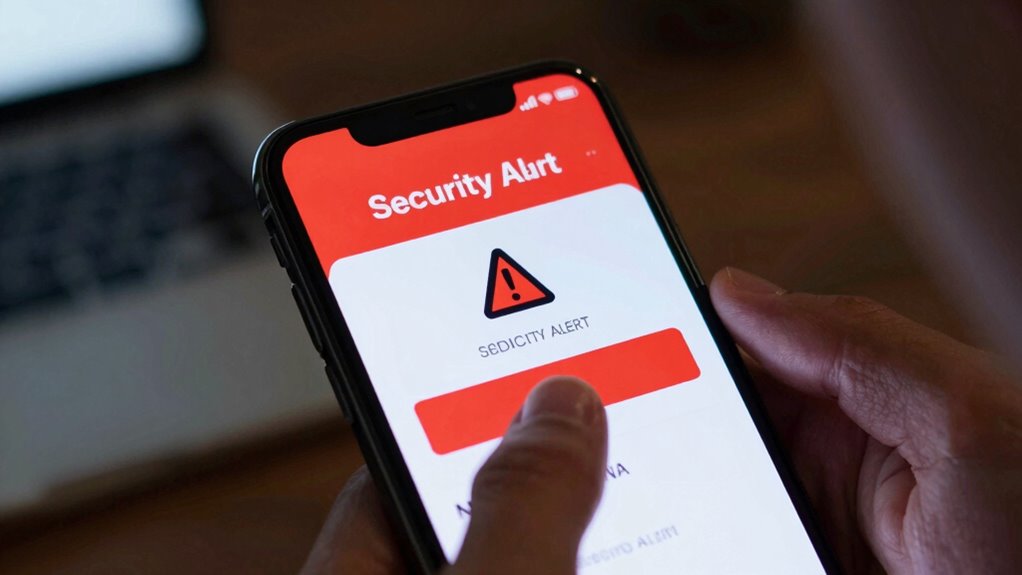
Have you ever received a suspicious security message and wondered how to handle it safely? To protect yourself, follow these steps:
- Don’t click on links or download attachments. Instead, go directly to the official website or app to verify the alert.
- Update your passwords regularly and make sure they’re strong, especially if you suspect your account might be compromised.
- Use secure browsing practices, like enabling two-factor authentication and avoiding public Wi-Fi when dealing with sensitive information.
Tools and Tips for Confirming Fake Alerts
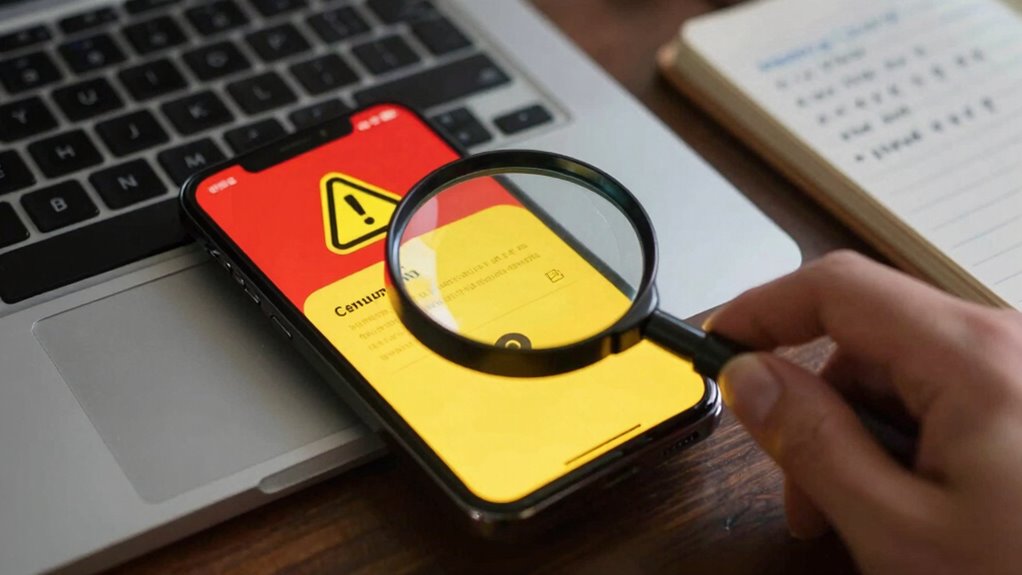
To effectively confirm whether a security alert is fake, you can utilize various tools and follow simple verification tips. First, check the sender’s email or message source—phishing scams often use fake addresses. Use trusted security tools like antivirus software to scan attachments or links for malware threats. Also, hover over links to see if URLs match legitimate sites before clicking.
| Tool/Tip | Purpose |
|---|---|
| Antivirus scanner | Detects malware threats |
| Email verification tools | Verifies sender authenticity |
| URL hover inspection | Checks for phishing scam links |
These steps help you identify fake alerts quickly and prevent falling prey to malicious scams. Stay vigilant with your security practices to stay safe online.
What to Do if You Fall Victim to a Fake Security Alert
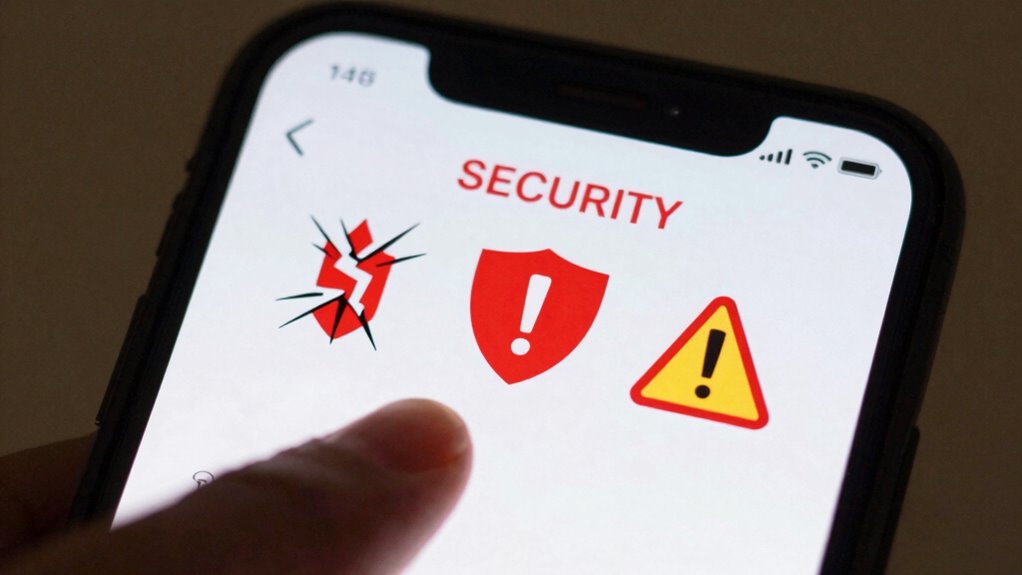
If you realize you’ve fallen for a fake security alert, acting quickly can minimize potential damage. First, disconnect your device from the internet to prevent further malware risks or data theft. Second, run a full scan using reputable antivirus or anti-malware software to detect and remove any malicious programs. Third, change your passwords immediately, especially for sensitive accounts like banking or email, and enable two-factor authentication where possible. Be cautious of phishing scams that may follow, and avoid clicking any links or providing personal info. If you’re unsure, contact your bank or service provider directly. Taking swift action can help contain the threat, protect your information, and reduce the chances of future attacks.
Frequently Asked Questions
Can Fake Security Alerts Infect My Device With Malware?
Yes, fake security alerts can infect your device with malware. scammers use phishing scams to trick you into clicking links or downloading attachments, which then install malware. These fake alerts often look convincing, making it easy to fall for their traps. Always verify the source before acting, avoid clicking suspicious links, and keep your security software updated. This way, you minimize the risk of malware installation from fake alerts.
Are Certain Devices More Vulnerable to Fake Security Alerts?
Think of your device as a fortress, and some walls are more vulnerable than others. Certain devices, like older smartphones or those with outdated software, are more susceptible to fake security alerts because they lack the latest security measures. These devices often have less effective alert customization options, making it easier for scammers to craft convincing fake warnings. Keeping your device updated and customizing alerts helps reinforce your defenses against these deceptive threats.
How Often Do Fake Security Alerts Target Specific User Groups?
Fake security alerts often target specific user groups more frequently, especially those less familiar with phishing tactics. Cybercriminals tailor scam email analysis to craft convincing messages that resonate with their audience, increasing the chances you’ll click malicious links. You should stay vigilant, question unexpected alerts, and verify through official channels. Regularly updating your knowledge on phishing tactics helps you spot these scams and protect yourself from targeted attacks.
What Are Common Techniques Scammers Use in Fake Alerts?
Scammers paint fake alerts like wolves in sheep’s clothing, using slick phishing tactics and social engineering tricks to lure you in. They often create urgent messages mimicking legitimate sources, pretending your account’s at risk. They press your panic button, urging immediate action—often leading you to fake websites or malicious links. Recognizing these tactics helps you stay one step ahead and avoid falling into their trap.
Can Legitimate Security Alerts Be Mistaken for Fake Ones?
Yes, legitimate security alerts can sometimes be mistaken for fake ones, especially if phishing scams or social engineering tactics are involved. Scammers mimic real alerts to trick you into revealing personal information. To avoid confusion, always verify the source directly through official channels, don’t click suspicious links, and check for signs like unusual language or urgent requests that don’t match your usual security notifications.
Conclusion
Think of fake security alerts like sirens in a storm—they look urgent and tempting, but many are false alarms designed to lead you astray. Stay calm, verify the source, and don’t let fear steer your actions. Just as sailors rely on trusted signals, you should anchor yourself with caution and double-check before responding. By staying vigilant, you’ll navigate safely past the rocky shoals of scams and keep your digital ship afloat.
Fall Picks
fall essentials
As an affiliate, we earn on qualifying purchases.