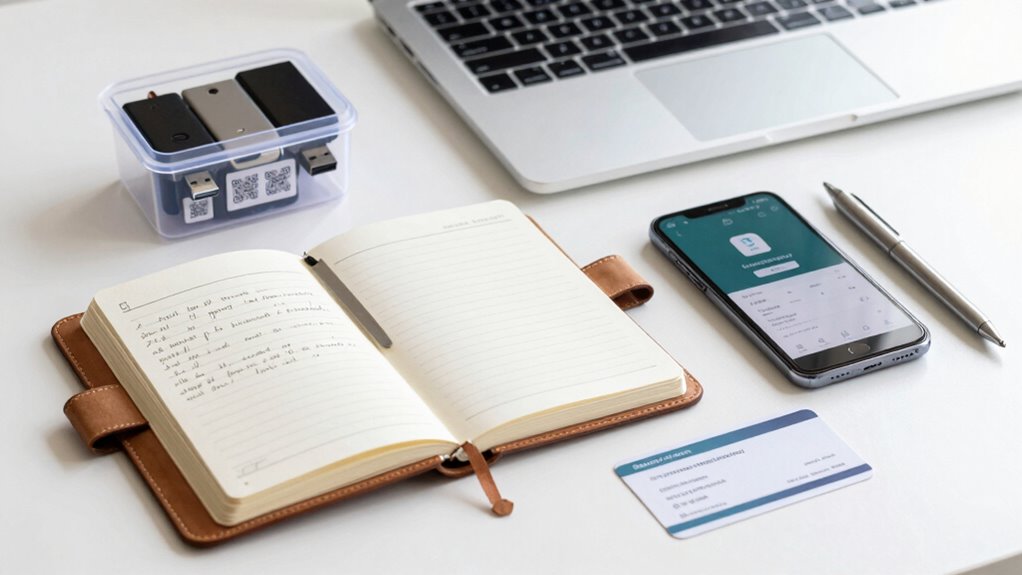

To create an emergency data kit for your passwords and recovery info, start by gathering all essential personal IDs, contact details, medical info, and financial records. Organize this data into clear categories and keep digital copies encrypted with strong passwords using a password manager. Store backups securely offline and in water-resistant locations, and update everything regularly. Ensuring quick access and robust security protects your info when it’s needed most—keep exploring to learn how to make your kit truly reliable.

Get the latest gadgets delivered free — and shop member deals
- Fast, free delivery on millions of items
- Access to Prime Big Deal Days deals on October 6–7
- Prime Video, Amazon Music and more included
Key Takeaways
- Organize and categorize essential data like passwords, medical info, and contacts for quick access during emergencies.
- Use encrypted password managers and secure storage methods for digital data, with regular backups.
- Maintain physical copies in water-resistant, protected environments, and create redundant backups for durability.
- Regularly update and verify access to your emergency data kit, testing retrieval processes periodically.
- Implement strong security measures, including encryption and unique passwords, to protect sensitive information from breaches.
encrypted USB drive for passwords
As an affiliate, we earn on qualifying purchases.
As an affiliate, we earn on qualifying purchases.
What Critical Data Should You Include in Your Emergency Kit?
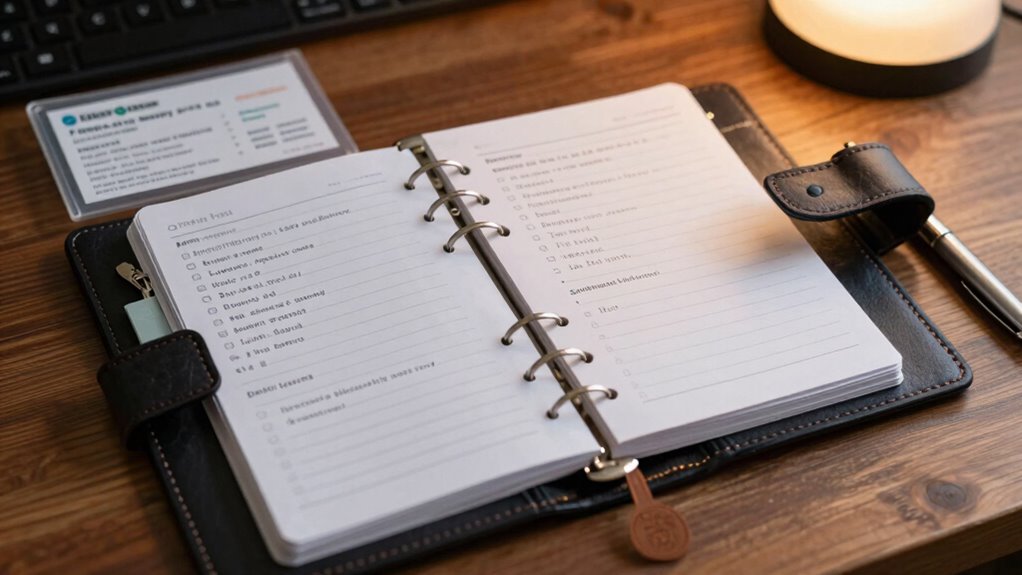
In an emergency, having quick access to your critical data can make all the difference. Your emergency kit should include essential personal identification, like copies of your driver’s license, passport, or birth certificate, to verify your identity if needed. Additionally, include a list of emergency contacts, such as family members, close friends, and your healthcare provider. These contacts can provide crucial information or assistance when you can’t communicate easily. Keep these details organized and up to date, ensuring they’re easily accessible in a crisis. Avoid storing sensitive information in insecure places, but make sure your personal identification and emergency contacts are readily available. Incorporating data security considerations ensures your sensitive data remains protected even in urgent situations. Being prepared with this essential data can help streamline communication and verification during unexpected situations, especially when considering information protection strategies. Maintaining awareness of digital safety practices can further safeguard your information from potential threats in such scenarios, emphasizing the importance of privacy management in your emergency preparedness.
password manager with multi-factor authentication
As an affiliate, we earn on qualifying purchases.
As an affiliate, we earn on qualifying purchases.
How to Choose Secure Storage for Your Passwords and Recovery Info

Choosing a secure storage method for your passwords and recovery information is essential to protect your digital life. When considering password storage, look for options that prioritize data encryption, which keeps your information unreadable to outsiders. Use password managers that offer strong encryption and multi-factor authentication to add extra security layers. Avoid storing sensitive data in plain text files or unprotected cloud services, as these are vulnerable to hacking. Physical options like encrypted USB drives can also work if you keep them in a safe place. The key is selecting a method with robust data encryption, ensuring your passwords remain confidential even if your storage device or account is compromised. Additionally, understanding cybersecurity tactics can help you better safeguard your information against evolving threats. Prioritize security and reliability to keep your essential information safe.
As an affiliate, we earn on qualifying purchases.
Organizing and Documenting Your Emergency Data for Easy Access
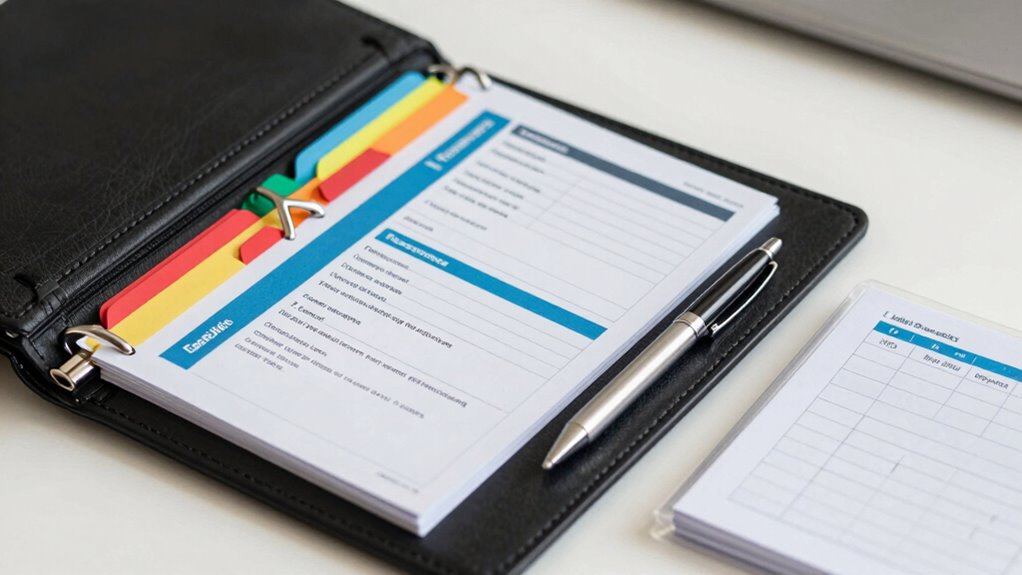
To guarantee you can access your emergency data quickly, start by categorizing your vital information clearly. Use secure storage methods to protect sensitive details, and make certain you update your records regularly. Staying organized makes a life mystery essential difference when time matters most. Ensuring your data is properly organized can save valuable time during emergencies, especially when quick access is critical for safety and decision-making. Incorporating automotive performance upgrades into your preparations can also help you respond more effectively in unexpected situations.
Categorize Critical Information
Have you ever considered how quickly you could access essential information during an emergency? To guarantee swift retrieval, you need to categorize your critical data effectively. Start by grouping information into logical categories, like passwords, financial info, and medical details. Use clear labels and consistent formats. Remember, data encryption is crucial—encrypt sensitive info to protect it from unauthorized access. Establish access protocols so trusted individuals know how to retrieve the data safely. This proactive approach ensures your burnout prevention strategies extend beyond work-life boundaries, fostering greater peace of mind during stressful situations. Proper categorization simplifies finding what you need quickly, reducing stress during emergencies. Keep your organization straightforward but secure, so your trusted contacts can access vital information without unnecessary delays or security breaches.
Use Secure Storage Methods
How can you guarantee your emergency data stays safe yet accessible when you need it most? The key is using secure storage methods. Start by choosing encryption methods to protect sensitive information, making it unreadable without a key. This adds an essential layer of security, especially if your data falls into the wrong hands. Consider cloud storage options that offer robust security features, such as end-to-end encryption and multi-factor authentication. These services allow you to access your emergency data quickly from anywhere, while keeping it protected from unauthorized access. Additionally, store your data in a dedicated, well-organized folder or document, clearly labeling critical information. Combining encryption methods with secure cloud storage ensures your emergency data remains both safe and readily accessible when it matters most.
Maintain Regular Updates
Ever wondered if your emergency data is organized enough to find quickly when every second counts? Regularly updating your data kit guarantees it remains accurate and reliable. Review your passwords and recovery details periodically, updating them with new information or security changes. Keep your data encrypted to prevent unauthorized access, and review your access control measures to ensure only trusted individuals can retrieve it. Use a secure method to document updates, like a password-protected digital file or a physical copy stored securely. Consistent updates prevent outdated information from slowing you down during emergencies. Maintaining an organized, current kit allows for swift access, reducing stress and confusion when you need it most. Stay vigilant, and your emergency data kit will serve you effectively when it matters most.
As an affiliate, we earn on qualifying purchases.
Ensuring Your Emergency Data Is Accessible When You Need It Most
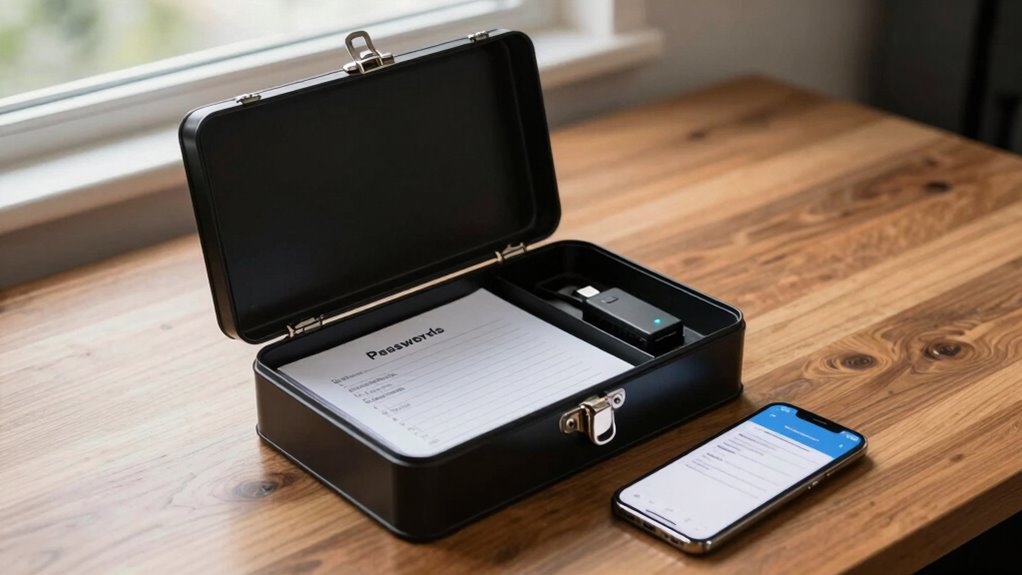
When a disaster strikes, quick access to your emergency data can make all the difference in ensuring your safety and well-being. To guarantee this, you must securely store your data with strong data encryption and clear access permissions. Here are four critical steps:
- Encrypt your data so only trusted individuals can unlock it, preventing unauthorized access.
- Limit access permissions to essential contacts, avoiding confusion during emergencies.
- Choose a secure storage method—like a trusted cloud service or offline device—that’s accessible when needed. Incorporating data security practices can further protect your vital information from potential threats. Proper filter sizing and flow management can also help prevent technical failures at critical moments.
- Test access regularly to ensure you can retrieve your information swiftly, even under stress. Incorporating a growth mindset can help you adapt and improve your emergency preparedness over time.
How to Regularly Update and Back Up Your Emergency Data Kit
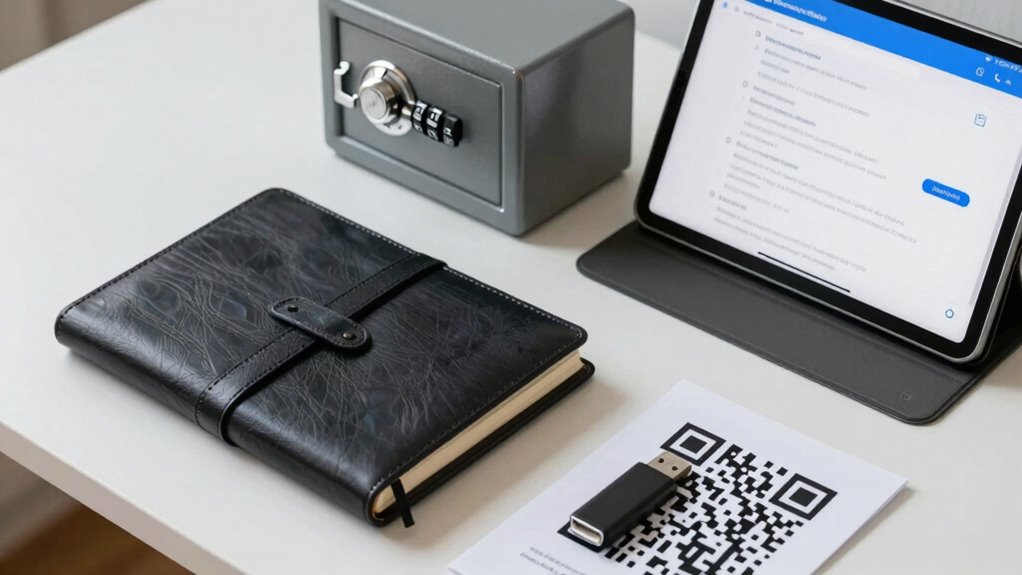
Keeping your emergency data kit up to date and backed up is key to ensuring you can rely on it during a crisis. Regular updates ensure your information remains current, while backups prevent data loss. When updating, review access permissions to control who can view or modify sensitive details. Use data encryption to protect your data from unauthorized access, especially during backups. Store backups in secure locations, both physically and digitally, and consider encrypting stored copies. Schedule updates and backups periodically—monthly or quarterly—to stay ahead. Keep a record of your update and backup dates to track your maintenance routine efficiently. Additionally, understanding water damage prevention can help safeguard your physical copies against unforeseen damage. Incorporating monitoring tools can also alert you to potential issues before they escalate, ensuring your emergency data remains intact.
Top Security Tips for Protecting Your Sensitive Information
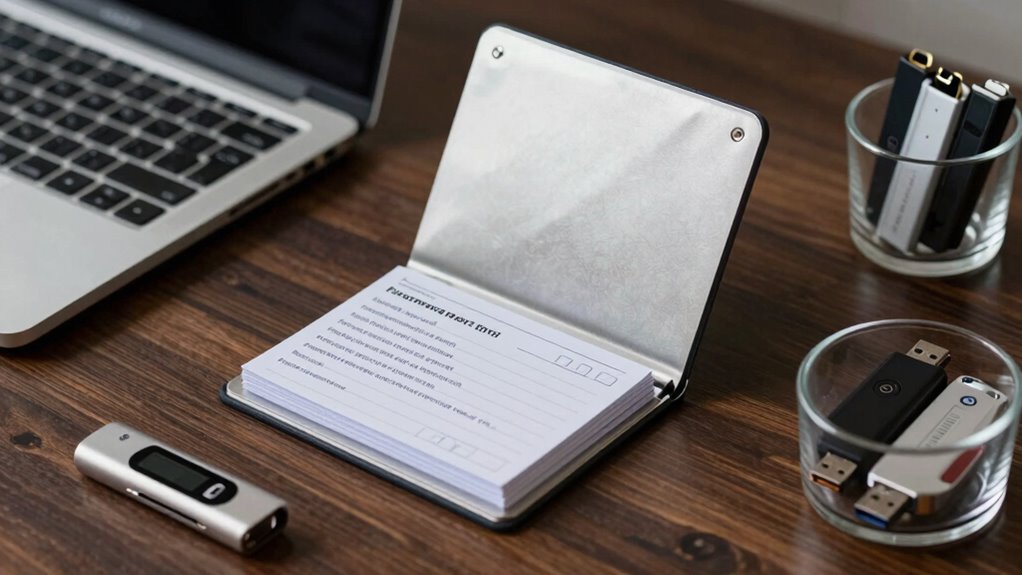
Protecting your sensitive information is essential, especially during emergencies when security lapses can have serious consequences. To keep your data safe, follow these top security tips:
- Use data encryption to scramble your information, making it unreadable to hackers.
- Set strong, unique passwords for each account to prevent unauthorized access.
- Implement access controls by limiting who can view or modify your emergency data kit.
- Regularly update security settings to stay ahead of evolving threats.
- Consider incorporating natural pool features or eco-friendly practices into your backup plans to ensure resilience and sustainability.
- Be aware of data breaches that can compromise your information and take proactive steps to mitigate their impact.
- Always review your privacy policies to understand how your data is being protected and used, ensuring your security measures align with best practices. Additionally, staying informed about cybersecurity threats relevant to your data can help you adapt your protection strategies effectively.
Frequently Asked Questions
How Often Should I Review and Update My Emergency Data Kit?
You should review and update your emergency data kit at least every six months. Regular updates help maintain data privacy and guarantee access control remains current. Life changes, like new passwords or contact info, mean your kit needs to reflect those updates. Additionally, revisiting your kit periodically helps you spot outdated or compromised information, keeping your emergency plan reliable and secure when you need it most.
What Are the Best Methods to Encrypt My Emergency Data?
A stitch in time saves nine—so encrypt your emergency data using strong encryption techniques like AES or RSA. You should use reputable password management tools that offer secure encryption to protect your passwords and recovery info. Always enable two-factor authentication where possible. Remember, safeguarding your data means understanding encryption methods and choosing reliable tools, ensuring your critical information stays private and accessible only to you in emergencies.
Can I Include Digital Copies of Important Documents in My Kit?
Yes, you can include digital copies of important documents in your emergency data kit. Use secure digital document storage, like encrypted files or password-protected PDFs, to keep your documents safe. Consider cloud backup options for easy access and redundancy, but make certain your cloud service uses strong encryption. Always keep a local, offline backup as well, so your critical documents are accessible even without internet or if cloud access is compromised.
How Do I Securely Share My Emergency Data With Trusted Contacts?
You should use secure cloud storage to share your emergency data with trusted contacts. Encrypt sensitive information before uploading, and guarantee the platform uses strong security measures. Verify your trusted contacts’ identities through trusted contact verification processes. Share access securely—preferably via encrypted links or secure portals—and regularly update your information. This way, your trusted contacts can access critical data quickly while keeping it protected from unauthorized access.
What Should I Do if My Emergency Data Device Is Lost or Stolen?
Think of your device as a treasure chest—if it’s lost or stolen, act fast. Use device tracking features to locate it, or remotely lock and wipe data to protect your info. Report the theft to authorities for insurance claims, providing necessary proof. Keep a backup of your emergency data in a secure, separate location. Staying vigilant guarantees your essential information remains safe, even if your device disappears.
Conclusion
Creating an emergency data kit might seem intimidating, but it’s worth the effort for peace of mind. Even if you worry about security, using encrypted storage and strong passwords keeps your info safe. Regular updates and backups guarantee your data stays current and accessible when it’s truly needed. Take control now—your future self will thank you for being prepared. Don’t wait for a crisis; start building your emergency data kit today.
Fall Picks
fall essentials
As an affiliate, we earn on qualifying purchases.