
Battery calibration can help if you notice your charge levels are inconsistent, jump unexpectedly, or your device shuts down suddenly at high charge. It resets your device’s internal fuel gauge, improving power management and estimate accuracy. However, it’s not a fix for old or damaged batteries. If your battery seems stable, calibration might not be necessary. Keep going to discover how to calibrate properly and get the best results.

Get the latest gadgets delivered free with Prime
- Fast, free delivery on millions of items
- Prime Video, Amazon Music and more included
- Member-only deals all year
Key Takeaways
- Calibration helps improve battery percentage accuracy when readings are inconsistent or jumping unexpectedly.
- It is beneficial if your battery drains quickly or shuts down unexpectedly before reaching low charge levels.
- Calibration is unnecessary if your battery capacity is stable and power management is functioning well.
- Regular calibration can prevent misestimation of remaining battery life but does not repair aging or damaged batteries.
- Over-calibration or unnecessary calibration may cause additional wear, especially if the battery is already healthy.
As an affiliate, we earn on qualifying purchases.
Does Your Laptop Battery Need Calibration?
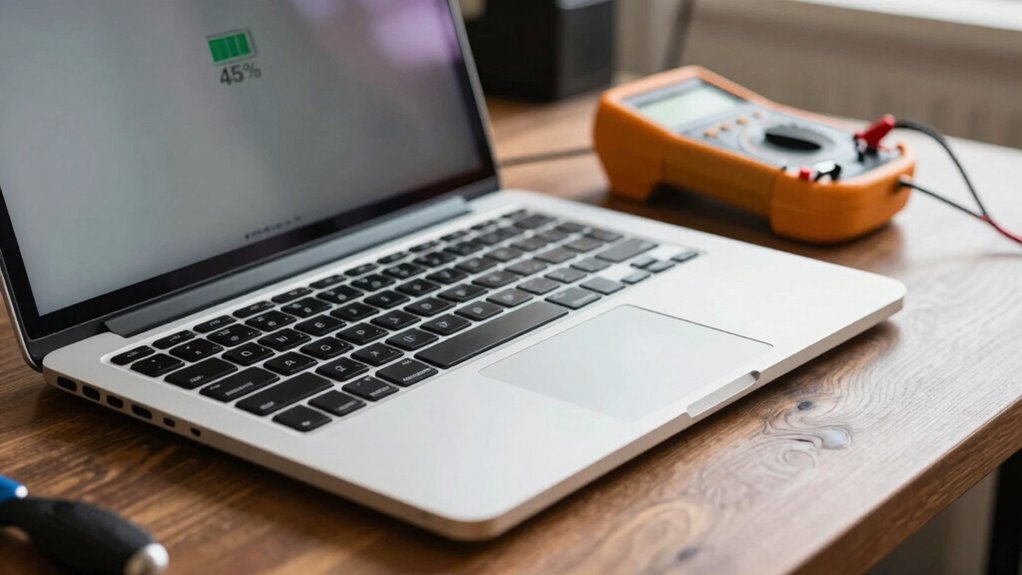
Have you noticed that your laptop’s battery life seems shorter than it used to be or that it drains unexpectedly? This might be a sign your battery isn’t accurately reporting its charge, affecting your power management. Over time, a battery’s lifespan can decline, causing inconsistent performance and quicker drain. Calibration isn’t always necessary, but if you’re experiencing irregular battery readings, it could help restore accurate information. Proper calibration can enhance your device’s power management, allowing you to better gauge remaining battery life and extend usage. Additionally, understanding the importance of battery technology can help you make informed decisions about maintenance and replacement. Recognizing battery health indicators can also guide you on when calibration or replacement is truly needed. However, it’s not a cure-all—regular maintenance, like avoiding extreme temperatures and managing background apps, also plays a role in preserving your battery’s health. Being aware of battery management practices can further support optimal performance and longevity. Understanding how battery lifespan impacts overall device health can help you adopt a more proactive approach to your device’s care. Ultimately, understanding when calibration is needed helps you maintain excellent battery lifespan and performance.
As an affiliate, we earn on qualifying purchases.
How Battery Calibration Works and Why It Matters
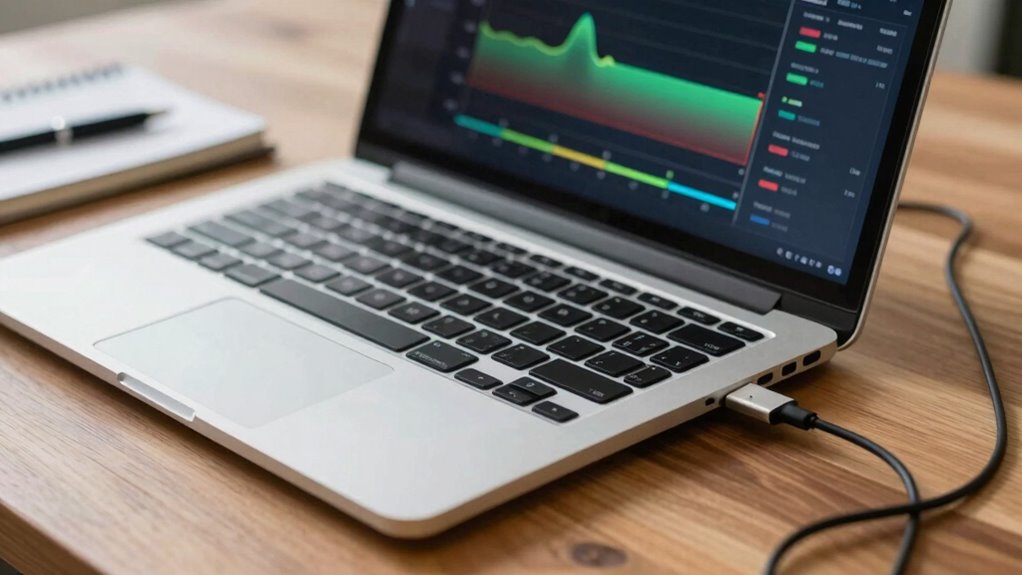
Battery calibration works by resetting the device’s internal fuel gauge, guaranteeing it accurately reflects the true charge remaining. When your battery’s gauge is off, your power management becomes unreliable, leading to unexpected shutdowns or inaccurate percentage readings. Proper calibration helps your laptop better estimate how much battery life is left, which can extend your battery lifespan by preventing excessive charging or discharging cycles. Accurate readings allow you to optimize usage and avoid draining the battery too deep or overcharging it. While calibration doesn’t directly improve battery health, it guarantees your device manages power efficiently. This process is especially helpful if you notice inconsistent charge levels or rapid battery drain, as it aligns the software’s understanding with the battery’s real capacity. Additionally, using the right maintenance tools can help keep your battery functioning optimally over time. Regular monitoring and proper battery care can further enhance the longevity and reliability of your device’s power source. Incorporating Indonesian decor masks into your space, for example, can create a calming environment that encourages mindful device usage and maintenance.
Laptop battery calibration software
As an affiliate, we earn on qualifying purchases.
As an affiliate, we earn on qualifying purchases.
Signs Your Battery Might Be Out of Calibration
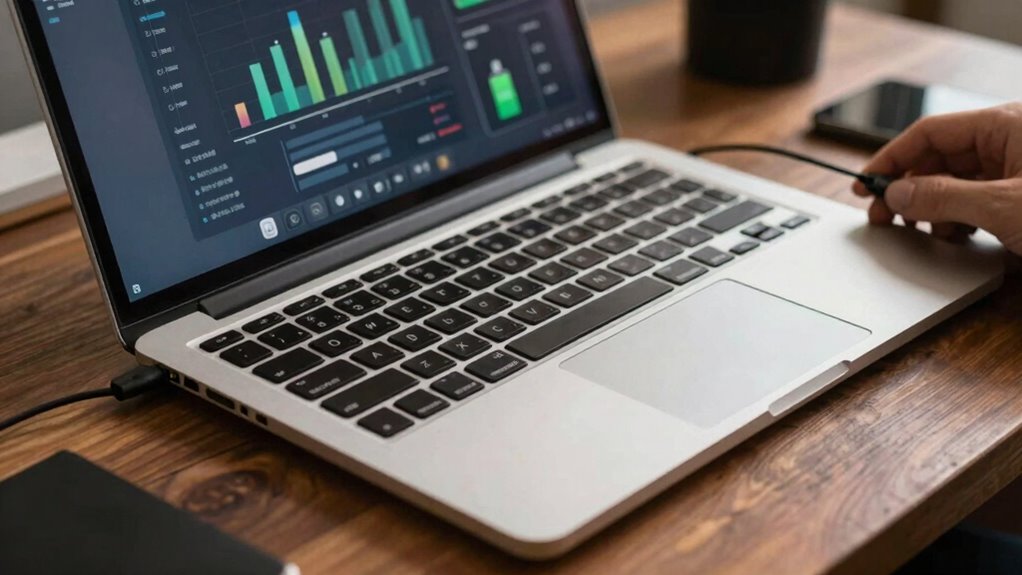
If your laptop’s charge readings seem inconsistent or suddenly drop without warning, it could be a sign that your battery is out of calibration. This misalignment can affect your device’s power management and may shorten your battery’s lifespan over time. You might notice:
- The battery percentage jumps unexpectedly
- The laptop shuts down suddenly at a high charge level
- Discrepancies between estimated and actual usage time
- The battery drains faster than usual
- The power indicator doesn’t match real battery capacity
These signs indicate calibration issues that can mislead your system’s power management. Addressing this can help maintain accurate readings, optimize your battery’s performance, and extend its overall lifespan. Recognizing these symptoms early ensures you don’t overlook potential battery calibration problems. Proper system monitoring can aid in diagnosing and managing these issues effectively, especially since battery health can decline over time without noticeable warning signs. Understanding how battery calibration works can also help you determine when a recalibration might be necessary.
As an affiliate, we earn on qualifying purchases.
Should You Skip Battery Calibration?
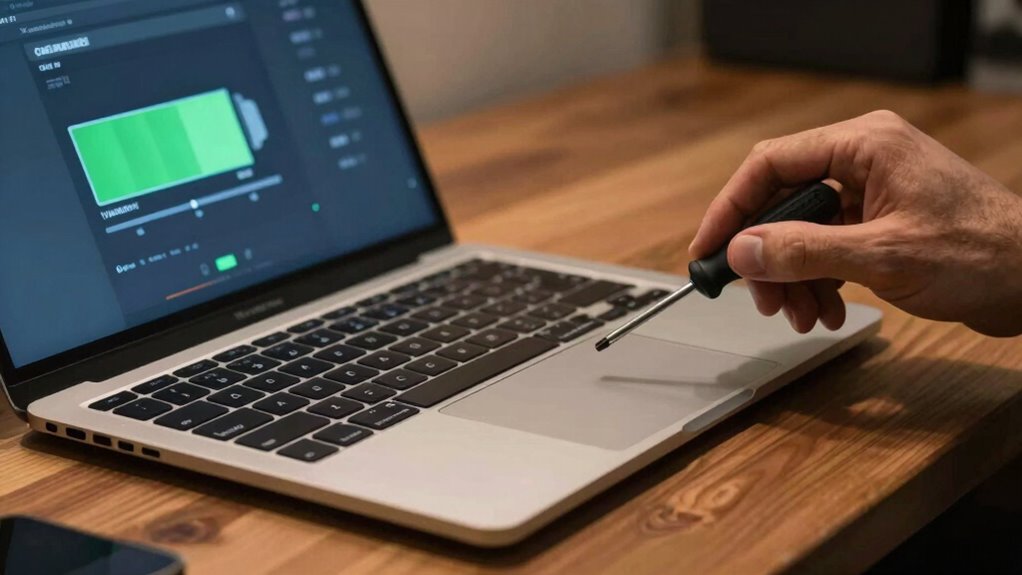
While recognizing the signs of calibration issues is important, deciding whether to skip the process altogether depends on your specific situation. If your battery’s capacity seems stable and your power management settings are working well, you might not need calibration. Skipping calibration can save time and avoid unnecessary wear on your battery, potentially extending its lifespan. However, if your laptop reports inconsistent battery levels or drains unexpectedly, calibration could improve accuracy and help optimize performance. Keep in mind that calibration isn’t a guaranteed fix for all battery issues, especially if your battery is aging or damaged. Ultimately, if your device’s power management feels reliable and battery life isn’t declining sharply, skipping calibration might be a reasonable choice. Additionally, understanding urban pursuits in Harrisburg and other regional activities can provide a good break from troubleshooting tech issues.
How to Properly Calibrate Your Laptop Battery
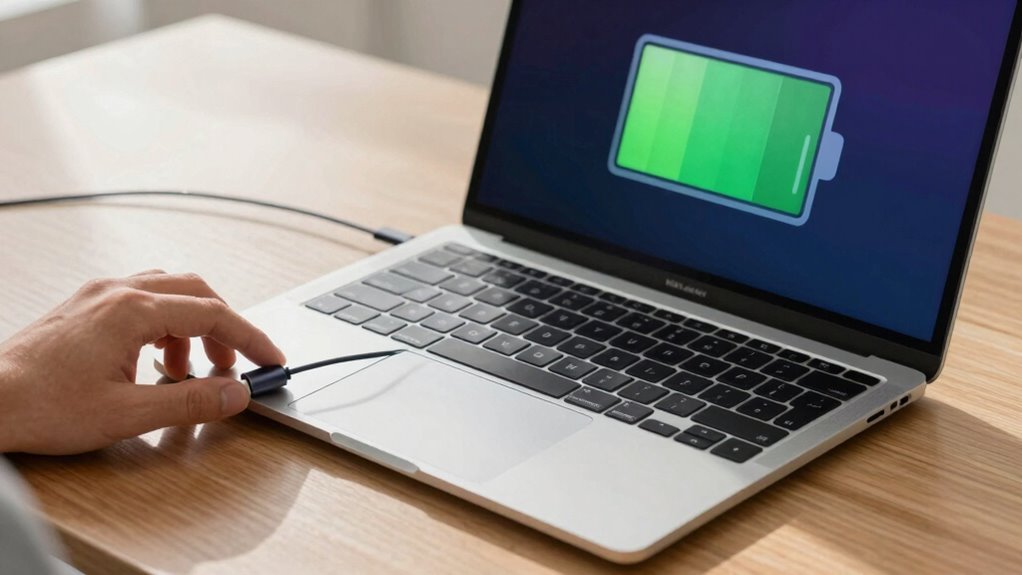
To properly calibrate your laptop battery, start by charging it to 100% and then letting it sit plugged in for about two hours to guarantee it’s fully topped off. Next, unplug your device and use it normally until the battery drops to around 5-10%. This process helps reset the battery’s power management system, improving battery longevity. To make calibration effective, keep these tips in mind:
Charge to 100%, unplug, and use until 5-10% to reset your battery’s system and improve longevity.
- Avoid using intensive apps during discharge
- Keep the laptop in a cool, dry environment
- Don’t fully drain the battery too often
- Once drained, recharge uninterrupted to 100%
- Repeat every few months to maintain accuracy
- Be aware that passive voice can obscure clarity and reduce the impact of your instructions. Additionally, understanding how battery chemistry impacts performance can help you better maintain your device’s health. Proper calibration can also help identify battery health issues early, preventing unexpected shutdowns and extending the overall lifespan of your battery. Regular calibration can also assist in maintaining optimal power management efficiency. Using calibration tools can further enhance the accuracy of your battery assessments.
Frequently Asked Questions
Can Calibration Extend My Battery’s Overall Lifespan?
Battery calibration doesn’t directly extend your battery’s overall lifespan, but it can improve battery health by providing accurate charge level readings. This helps you avoid overcharging or deep discharges, which can harm your battery. Be aware of calibration myths—many believe it’s a magic fix, but it’s mainly useful for troubleshooting inaccurate readings. Regular calibration isn’t necessary for modern batteries, so don’t rely solely on it to preserve your battery’s longevity.
How Often Should I Calibrate My Laptop Battery?
For ideal battery health, you should calibrate your laptop battery every few months, typically every 3 to 6 months. This calibration frequency helps maintain accurate charge readings and prevents performance pitfalls. Think of calibration as a periodic pep talk for your battery, ensuring it stays healthy and honest about its capacity. Don’t overdo it—calibrating too often can cause unnecessary wear, so stick to a regular, manageable schedule.
Does Calibration Improve Battery Performance Immediately?
No, calibration doesn’t improve your battery performance immediately. It’s mainly a method to help you get a more accurate reading of your battery’s health and maximum capacity. Many calibration myths suggest it boosts performance, but it generally doesn’t enhance battery health directly. Instead, calibration confirms your device reports battery levels correctly, preventing unexpected shutdowns. If your battery’s performance is declining, calibration can help you monitor its true condition over time.
Are There Risks Involved in Calibrating My Laptop Battery?
Think of calibrating your battery as tuning a musical instrument—you might hit some off notes if done improperly. While calibration isn’t risky for your battery health when done correctly, it can sometimes lead to inaccurate readings if you ignore calibration myths. Overly frequent calibration or using unverified methods could cause unnecessary wear, so only calibrate when needed and follow trusted instructions to keep your battery singing smoothly.
Is Calibration Necessary for All Types of Laptop Batteries?
Calibration isn’t necessary for all laptop batteries, especially since battery chemistry varies. Lithium-ion batteries, common in modern laptops, usually don’t need calibration unless you notice inaccurate charge readings. If you decide to calibrate, use appropriate calibration tools and follow manufacturer instructions carefully. Over-calibration or improper methods can harm your battery’s health, so understand your battery type and only calibrate when needed to avoid unnecessary risks.
Conclusion
If your laptop’s battery isn’t showing accurate readings, calibration can be a game-changer—like giving your device a much-needed shot of life. But don’t jump to it blindly; sometimes, it’s just a myth. Keep an eye on signs and follow proper steps if you decide to try it. Remember, a well-calibrated battery can save you from unexpected shutdowns, making your device perform like a superhero—powerful and reliable whenever you need it most!
Halloween Picks
halloween
As an affiliate, we earn on qualifying purchases.