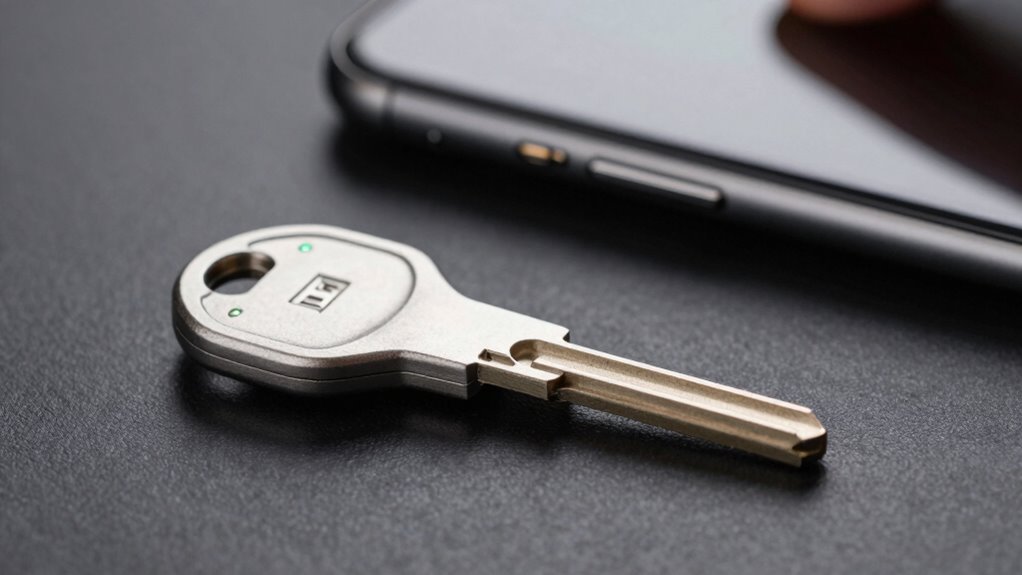

Hardware security keys are physical devices that verify your identity when signing into online accounts, offering much stronger protection than passwords alone. They connect via USB, NFC, or Bluetooth, and often include biometric options like fingerprints. You should consider using one for secure accounts like email or banking, especially if you value high-level security. To find out how they work and if they’re right for you, keep exploring the details below.

Get the latest gadgets delivered free with Prime
- Fast, free delivery on millions of items
- Prime Video, Amazon Music and more included
- Member-only deals all year
Key Takeaways
- Hardware security keys provide strong, physical two-factor authentication to protect sensitive accounts from hacking and phishing.
- They work via USB, NFC, or Bluetooth, offering secure, device-agnostic verification without transmitting sensitive info.
- Use a security key for accessing valuable data on cloud services, email, or financial accounts requiring high-level protection.
- They prevent unauthorized access even if passwords are stolen, significantly enhancing online security.
- Suitable for users prioritizing security, especially for safeguarding confidential information or critical online accounts.
As an affiliate, we earn on qualifying purchases.
What Are Hardware Security Keys and How Do They Work?
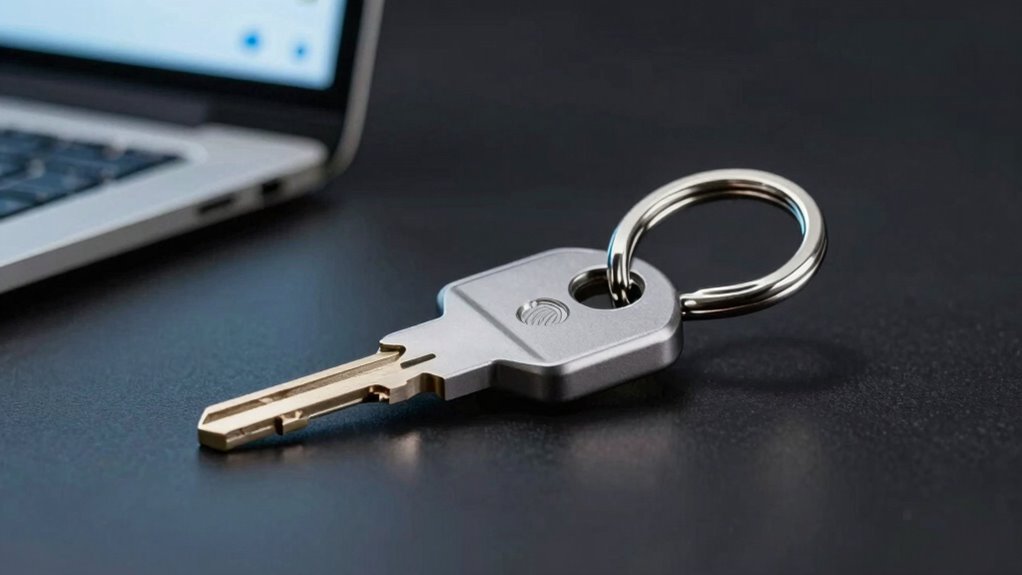
Have you ever wondered how to keep your online accounts more secure? Hardware security keys provide a strong layer of protection by using encryption protocols to verify your identity. These small devices generate unique, time-sensitive codes that authenticate your login, making it nearly impossible for hackers to access your accounts. Some security keys also feature biometric integration, such as fingerprint scanners, adding an extra level of security through physical verification. When you plug in a hardware security key or connect via NFC, it communicates securely with your device, confirming your identity without transmitting sensitive information over the internet. This combination of encryption protocols and biometric options makes hardware security keys an effective tool for protecting your digital life from unauthorized access. Guided Access and accessibility features can also help users manage device security in different scenarios. Additionally, the use of security standards ensures compatibility and robust protection across various platforms and services. Understanding the encryption protocols involved can help users appreciate how these keys defend against cyber threats. Implementing two-factor authentication with security keys significantly enhances overall account security by requiring multiple verification methods.
NFC security key for online accounts
As an affiliate, we earn on qualifying purchases.
As an affiliate, we earn on qualifying purchases.
Types of Hardware Security Keys and Their Features
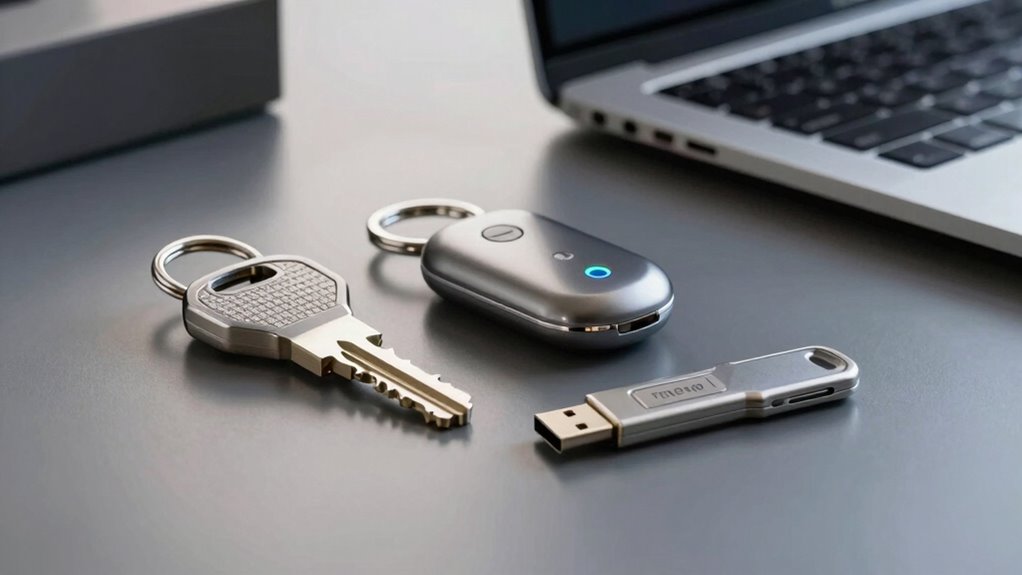
Hardware security keys come in several types, each designed to suit different security needs and device compatibilities. The most common include USB, NFC, and Bluetooth keys, which work seamlessly with various devices. Some keys offer biometric alternatives, such as fingerprint sensors, providing quick access and added security. Others rely on traditional methods like PINs or hardware buttons. When choosing, consider a software token comparison to see how hardware keys differ from app-based or software solutions. Here’s a quick overview:
| Type | Connectivity | Features |
|---|---|---|
| USB Security Key | Wired USB port | Physical button, biometric options |
| NFC Security Key | Near-field communication | Tap to authenticate, biometric options |
| Bluetooth Key | Wireless Bluetooth | Remote authentication, biometric options |
| Biometric Keys | Various (USB/NFC) | Fingerprint or facial recognition |
A secure authentication method like hardware keys provides a higher level of protection compared to traditional login methods. Incorporating hardware security can significantly enhance your account safety by reducing reliance on passwords alone. Additionally, understanding the symbolic meanings behind certain shapes and icons can help in recognizing secure devices and signals.
Bluetooth two-factor authentication device
As an affiliate, we earn on qualifying purchases.
As an affiliate, we earn on qualifying purchases.
Why Hardware Security Keys Offer Better Security Than Passwords
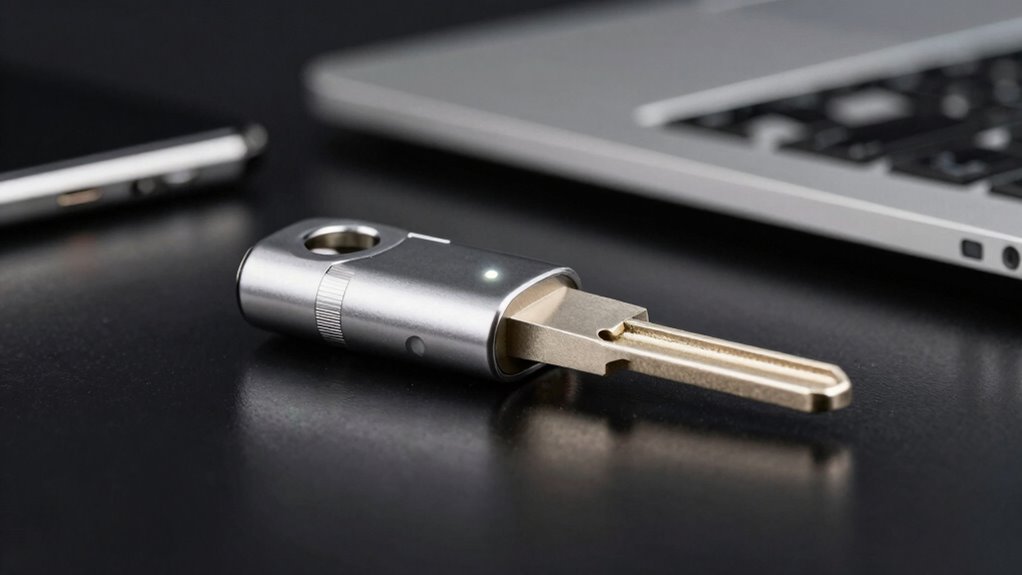
Unlike passwords, which can be stolen, guessed, or cracked, hardware security keys provide a much stronger layer of protection by requiring physical possession for authentication. They eliminate risks associated with biometric authentication being bypassed or stolen, ensuring only you can access your accounts. Additionally, hardware keys don’t rely on cloud storage of sensitive data, reducing exposure to hacking attempts targeting stored credentials. This physical factor makes them inherently more secure than traditional passwords, which can be leaked or reused across multiple sites. By requiring a hardware device, you prevent remote attackers from gaining access, even if your password is compromised. Overall, hardware security keys considerably enhance your security by combining physical control with robust authentication methods. Incorporating cycling gear care tips can also extend the lifespan of your hardware security keys, just as proper maintenance can improve cycling equipment longevity. Understanding security best practices helps further protect your digital assets from evolving threats. Proper device handling also minimizes the risk of damage or loss, and being aware of vulnerabilities can help you implement additional protective measures to ensure your security keys remain functional and effective. Staying informed about emerging threats enables you to adapt your security strategies proactively.
As an affiliate, we earn on qualifying purchases.
When Should You Use a Hardware Security Key?

Knowing when to use a hardware security key can considerably boost your online safety. If you frequently access sensitive accounts, like cloud storage or email, a security key adds an extra layer of protection beyond biometric authentication. Utilize one when you want to prevent unauthorized access, especially if you handle confidential data or financial information. Security keys are particularly valuable for accounts that support two-factor authentication, reducing the risk of hacking even if your password is compromised. If you store important files in cloud services or use biometric authentication on personal devices, adding a hardware security key ensures a more robust defense. Consider using a security key whenever your online security demands the highest level of protection, especially for accounts that contain your most valuable data. Incorporating hardware security keys can also be compared to upgrading car parts like flywheels and engine components to enhance overall performance and security. Additionally, understanding the types of authentication methods can help you choose the most effective security measures for your needs. Recognizing the importance of landscaping in secure outdoor spaces can also enhance your overall security environment. Regularly reviewing your security setup can help identify vulnerabilities and ensure your defenses remain strong.
How to Set Up and Use Your Security Key
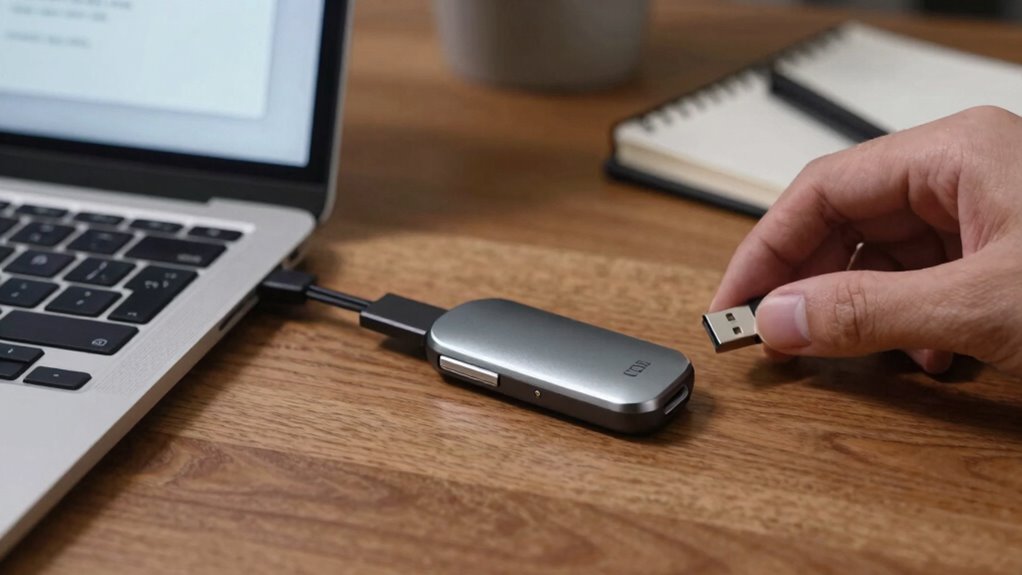
To get started, you’ll need to register your security key with your account, which usually involves plugging it in and following on-screen instructions. Once set up, using your key during sign-in is simple—just insert it when prompted and confirm your identity. This process guarantees your accounts stay protected with a quick, secure authentication step. Additionally, cookie management options can be configured to enhance your privacy while using online security features, ensuring a comprehensive approach to digital security and vetted safety measures. Being aware of your privacy policy and cookie preferences can further strengthen your security practices and improve your overall browsing experience. Understanding how hardware security keys integrate into broader cybersecurity strategies can help you stay ahead of potential threats.
Register Your Security Key
Registering your security key is a straightforward process that helps protect your online accounts. You’ll typically start by plugging it into your device and following prompts to add it to your account’s security settings. During registration, the security key generates a digital certificate, confirming its authenticity. It also uses encryption algorithms to secure your login process, making sure your credentials stay private. Understanding bank SWIFT/BIC codes can also be beneficial if you need to perform secure international transactions. This process guarantees your security key can authenticate you reliably, using encryption and digital certificates to keep hackers out. Additionally, being familiar with security protocols can enhance your understanding of how these keys provide secure access.
Use During Sign-In
Once your security key is registered, using it during sign-in becomes a quick and secure process. When prompted, insert your key into the device or tap it if it supports biometric authentication. This method guarantees your access is protected by hardware-level security, reducing risks associated with compromised passwords. Incorporating work-life harmony into your security practices can help you manage your digital safety more effectively. Here are three key steps to remember:
- Confirm your device recognizes the security key, especially if it supports biometric authentication, for faster access.
- Use your security key for cloud storage services to securely access sensitive files.
- Keep your key handy, as it’s required each time you sign in, especially for accounts with multi-factor authentication.
This approach streamlines access while maintaining robust security.
Troubleshooting Common Problems With Hardware Security Keys
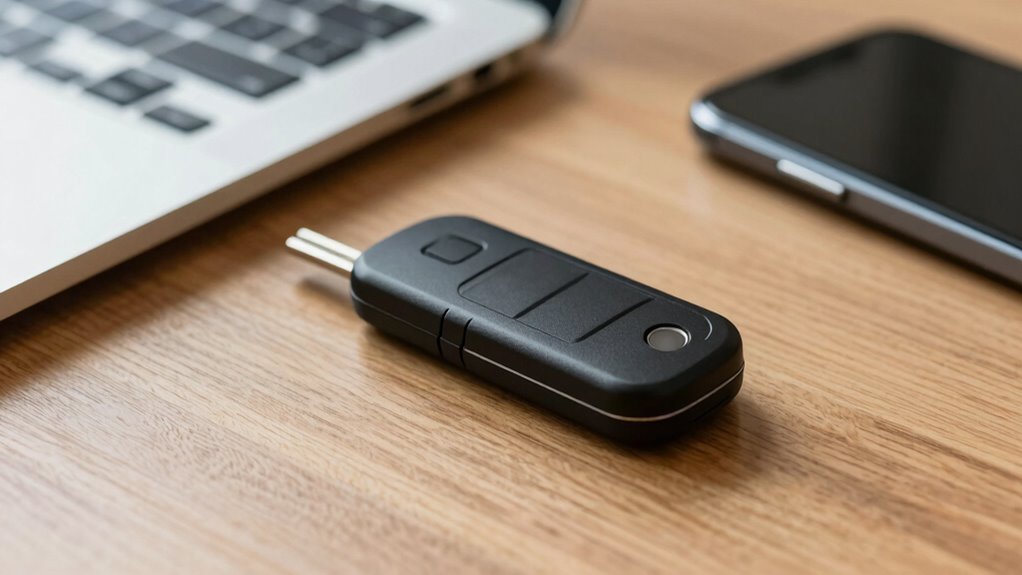
When your security key isn’t connecting properly or you encounter authentication errors, troubleshooting can help you get back on track. Identifying connection issues and understanding how to resolve authentication problems are key steps in fixing these common frustrations. Let’s explore practical solutions to keep your security setup working smoothly. Using the right DIY tools and following safety tips can also help prevent accidental damage during troubleshooting.
Recognizing Connection Issues
Connection issues with hardware security keys can disrupt your ability to authenticate smoothly, but recognizing the signs early can save you time and frustration. Common indicators include inconsistent connection stability, device compatibility problems, and failure to recognize the key.
To troubleshoot, check these:
- Verify your device supports the security key and that it’s compatible with your operating system.
- Confirm the connection port (USB-C, USB-A, NFC, or Bluetooth) is functioning properly and free of debris.
- Test the security key on another device to determine if the problem persists, indicating a potential hardware fault or compatibility issue.
Resolving Authentication Errors
Authentication errors with hardware security keys can be frustrating, especially when they prevent you from accessing your accounts. First, confirm your key is properly connected and compatible with your device. If issues persist, try biometric alternatives like fingerprint or facial recognition, which can serve as quick backups. Check for firmware updates for your security key, as outdated software can cause authentication failures. Using a password manager can help verify that your login credentials are correct, reducing errors caused by typos. If you still face problems, reset your hardware key following the manufacturer’s instructions. Remember, troubleshooting often involves a combination of checking connections, updating firmware, and exploring alternative authentication methods to regain access smoothly.
Are Hardware Security Keys Worth It? Pros and Cons
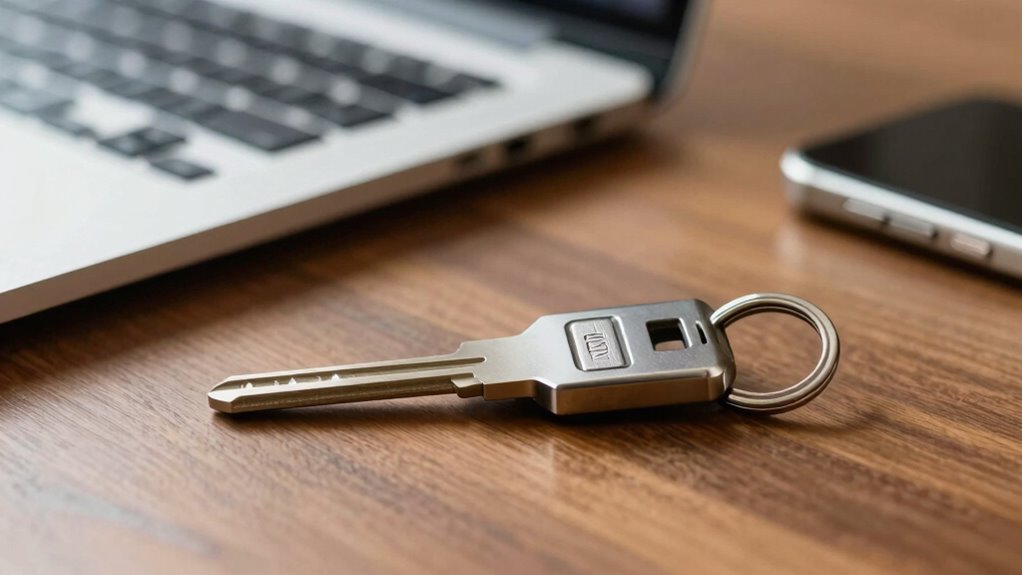
Are hardware security keys worth the investment? It depends on your security needs. Here are three key pros and cons:
- Enhanced Security: They provide strong protection against phishing and account breaches.
- Cost Comparison: While more expensive upfront, they can save you money by preventing costly hacks.
- Compatibility Challenges: Not all devices or services support hardware keys, which could limit your options.
If you’re willing to pay a higher initial cost and can navigate compatibility issues, a security key offers significant benefits. However, if you prefer a low-cost solution or use services that don’t support hardware keys, they might not be the best fit. Weigh these factors carefully to decide if they’re worth it for your security needs.
Do You Need a Hardware Security Key? Factors to Consider
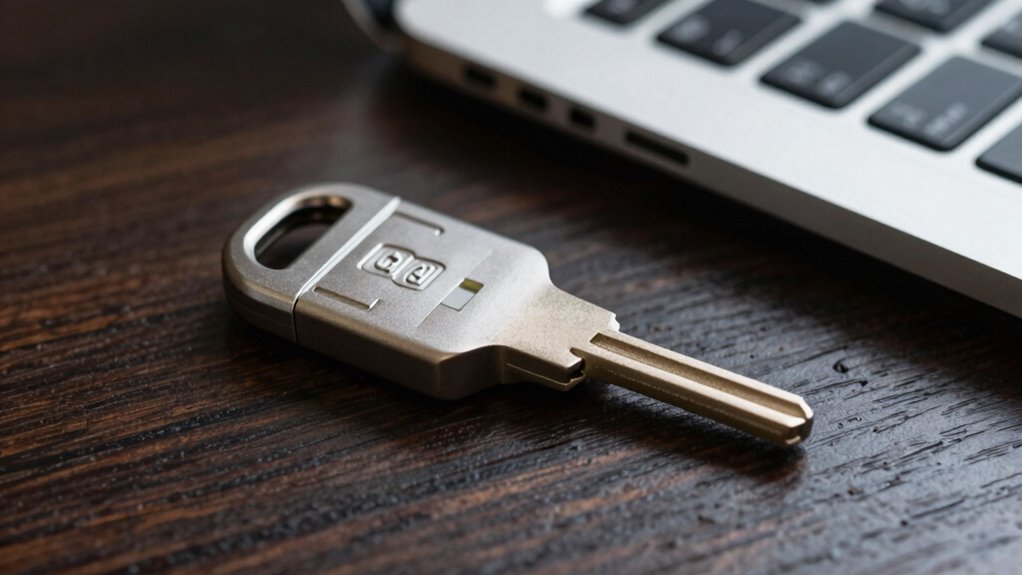
Deciding whether you need a hardware security key depends on your specific security risks and how you use your online accounts. One major factor is device compatibility; verify the key works with your devices and platforms. Some keys support multiple operating systems, while others are limited. Cost considerations also matter—hardware security keys range in price, and investing in one may be worthwhile if you handle sensitive information or want enhanced security. If you’re comfortable with software alternatives like authenticator apps, a key might not be necessary. However, if you prioritize robust protection against phishing and hacking, a hardware security key offers strong security. Evaluate your usage habits, device compatibility, and budget to determine if a hardware security key fits your needs.
Frequently Asked Questions
Can Hardware Security Keys Work With Mobile Devices?
Yes, hardware security keys can work with mobile devices. Many models support biometric authentication, like fingerprint or facial recognition, for added security and convenience. They often offer cloud integration, making it easy to sync your credentials across devices. Just make certain your mobile device has the compatible port or NFC capability. This way, you get strong, multi-factor protection without sacrificing ease of use on your phone or tablet.
Are Hardware Security Keys Compatible With All Online Services?
Hardware security keys aren’t compatible with all online services. While many popular platforms support them, some don’t yet integrate with biometric authentication or cloud services. You need to check each service’s security options to see if they accept hardware keys. For maximum protection, look for keys that work with multi-factor authentication, biometric login, and cloud integration, ensuring you get broad compatibility and enhanced security across your online accounts.
How Durable Are Hardware Security Keys Over Time?
Hardware security keys are quite durable, thanks to rigorous durability testing and quality materials. You can expect them to last several years with proper use, as they’re designed to withstand everyday wear and tear. Material longevity plays a key role, with many keys built from sturdy metals or plastics that resist damage. Just avoid exposing them to extreme conditions, and they’ll maintain their functionality over time, providing reliable security.
Do Hardware Security Keys Require Internet Access to Function?
No, hardware security keys don’t require internet access to function. You use them with biometric authentication like fingerprint scanning or PIN entry, which happens locally. While they don’t need internet for authentication, cloud synchronization can help you manage multiple keys or backup data securely. fundamentally, they’re designed for offline security, ensuring your account protection remains intact even without an internet connection, making them an effective and offline-safe option.
Can Multiple Users Share a Single Hardware Security Key?
Think of a hardware security key as a personal lockbox. You typically shouldn’t share it, as shared device risks and key management challenges arise. Using one key across multiple users increases security vulnerabilities, risking unauthorized access if it’s lost or stolen. Each user should ideally have their own key to guarantee strong, individual protection. Sharing a single key compromises security and complicates managing access, making it unsafe for multiple users.
Conclusion
Considering the rise of cyber threats, a hardware security key can substantially boost your online security—over 80% of data breaches involve compromised passwords. If protecting sensitive information matters to you, using a security key is a smart move. They’re easy to set up and offer a higher level of protection than passwords alone. Investing in one could be your best defense against hackers, giving you peace of mind in your digital life.
Halloween Picks
halloween
As an affiliate, we earn on qualifying purchases.