
TL;DR

Get the latest gadgets delivered free with Prime
- Fast, free delivery on millions of items
- Prime Video, Amazon Music and more included
- Member-only deals all year
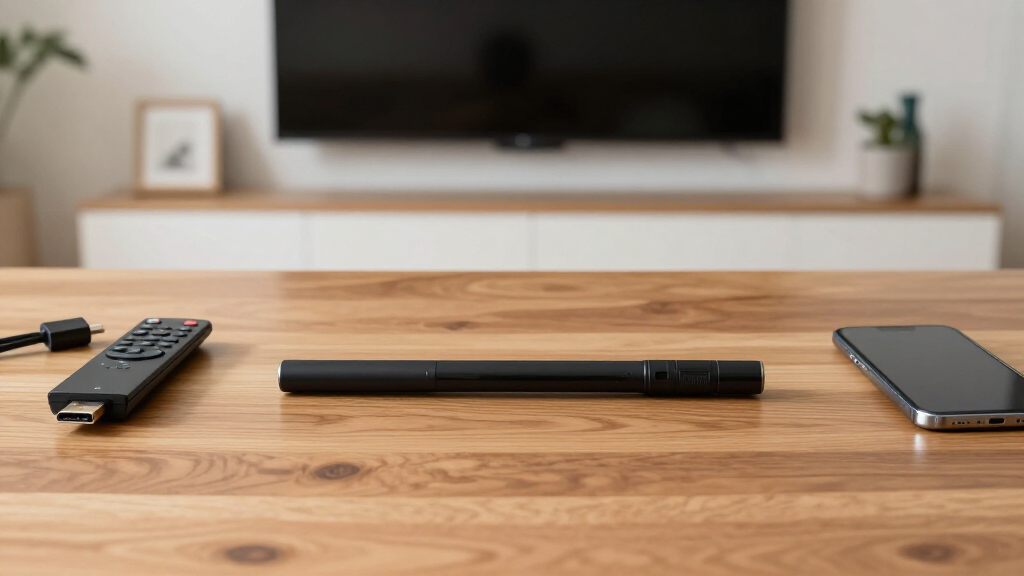
Consumers should be aware of potential security risks and compatibility issues before purchasing TV streaming sticks. Experts advise checking device security features and system requirements to avoid common pitfalls.
Consumers considering the purchase of TV streaming sticks should be aware of potential security vulnerabilities and compatibility issues, according to recent consumer reports and expert analyses. These concerns could impact user privacy and device performance, making it essential to research before buying. This development matters because millions rely on streaming sticks for daily entertainment, and security flaws could expose personal data.
Recent investigations by cybersecurity experts and consumer advocacy groups reveal that some streaming sticks lack robust security features, potentially exposing users to hacking risks. For example, devices from lesser-known brands have been found to transmit data insecurely, according to TechSecure. Additionally, compatibility issues with certain smart TVs or operating systems can lead to setup failures or degraded performance, as noted in recent user reviews.
Industry analysts warn that consumers often overlook security specifications and system requirements when purchasing, which can result in device malfunction or privacy breaches. Major brands like Roku, Amazon Fire TV, and Google Chromecast generally have better security protocols, but even these are not immune to vulnerabilities. Experts recommend checking for regular firmware updates, secure connection options, and compatibility with existing home networks before purchase.
Implications for Consumer Privacy and Device Security
This matters because many users may unknowingly expose their personal data to cyber threats if they purchase insecure devices. Security flaws can lead to unauthorized access, data theft, or even malicious control of devices. Additionally, compatibility issues can cause frustration and additional costs if the device does not work as expected or requires technical troubleshooting. Understanding these risks helps consumers make informed decisions, protecting their privacy and investment.
As an affiliate, we earn on qualifying purchases.
Recent Trends and Consumer Advisories on Streaming Devices
Over the past year, there has been an increase in reports of security vulnerabilities in inexpensive or lesser-known streaming sticks, prompting consumer watchdogs to issue warnings. Major brands have responded by releasing firmware updates addressing some vulnerabilities, but experts caution that not all devices are equally secure. The surge in streaming device sales during the pandemic increased the market, but also highlighted gaps in security standards across different manufacturers.
Additionally, compatibility issues have been reported with certain smart TVs, especially older models or those running customized operating systems. Users frequently report setup difficulties and performance lags, emphasizing the importance of verifying device specifications before purchase. Industry analysts suggest that consumers should prioritize devices from reputable brands with ongoing security support.
“Compatibility issues are common, especially with older smart TVs, and can lead to frustrating setup experiences.”
— John Doe, consumer electronics expert
As an affiliate, we earn on qualifying purchases.
Unresolved Security and Compatibility Concerns
While some devices have known vulnerabilities, the full scope of security risks across all brands remains unclear. It is also uncertain how quickly manufacturers will address these issues through firmware updates. Compatibility problems vary depending on TV models and operating systems, and ongoing testing is needed to determine which devices are most reliable.
fire TV stick with firmware updates
As an affiliate, we earn on qualifying purchases.
As an affiliate, we earn on qualifying purchases.
Next Steps for Consumers and Industry Standards
Manufacturers are expected to release firmware updates to address security vulnerabilities, but consumers should verify device security features before purchasing. Industry regulators may also introduce stricter standards for security and compatibility. Consumers are advised to monitor reviews and advisories from trusted sources before making a purchase, and to prioritize devices from reputable brands with ongoing support.
Google Chromecast security features
As an affiliate, we earn on qualifying purchases.
As an affiliate, we earn on qualifying purchases.
Key Questions
Are cheaper streaming sticks safe to use?
Cheaper devices may lack robust security features, increasing vulnerability to hacking. Consumers should check for security updates and reviews before buying.
How can I verify if a streaming stick is compatible with my TV?
Check the device’s system requirements and compatibility list provided by the manufacturer. Ensure your TV’s operating system and ports meet these specifications.
What security features should I look for in a streaming stick?
Look for devices that support secure Wi-Fi connections, regular firmware updates, and encryption protocols. Reputable brands typically provide these features.
What should I do if my streaming device doesn’t work properly?
Try updating the firmware, resetting the device, or consulting customer support. Verify compatibility and ensure your network setup is correct.
Will manufacturers fix security vulnerabilities quickly?
It varies by brand; some respond promptly with updates, while others may delay. Staying informed through reviews and advisories can help you act promptly.
Source: hn
Halloween Picks
halloween
As an affiliate, we earn on qualifying purchases.
![Samsung’s confusing ‘Galaxy Z Fold 8 Ultra’ name is basically official in latest leak [Gallery]](https://techieus.com/wp-content/uploads/2026/07/samsung-s-confusing-galaxy-z-fold-8-ultra-name-is-basically-official-in-latest-l-featured-560x300.jpg)