
TL;DR

Get the latest gadgets delivered free with Prime
- Fast, free delivery on millions of items
- Prime Video, Amazon Music and more included
- Member-only deals all year
This article explains how to verify if your PC meets the latest VR system requirements for 2026. It covers key hardware specs, how to check your system, and why meeting these specs matters for a smooth VR experience.
PC gamers interested in virtual reality now have a clear method to determine if their systems meet the minimum or recommended specifications for popular VR headsets in 2026. With the rise of affordable and high-performance headsets like Quest 3S and PSVR 2, understanding your PC’s capabilities is essential before making a purchase or setup.
VR gaming demands significantly more processing power than traditional monitor gaming, due to higher render resolutions, 3D rendering, and high frame rate requirements, often between 72 to 144 FPS. To help users assess their systems, manufacturers and third-party tools provide specific hardware requirements for headsets like Meta Quest, Oculus Rift, Valve Index, and Sony PSVR 2.
Key hardware components include the GPU, CPU, RAM, and video output ports. For example, Meta recommends a GPU like the NVIDIA GTX 1060 or AMD Radeon RX 480, with at least 8GB RAM and a Windows 10 OS. Other headsets have similar but slightly varied specs, such as the Valve Index requiring a GTX 1070 GPU and 12GB RAM, and PSVR 2 needing a DisplayPort 1.4 output and an Intel i5-7600 CPU.
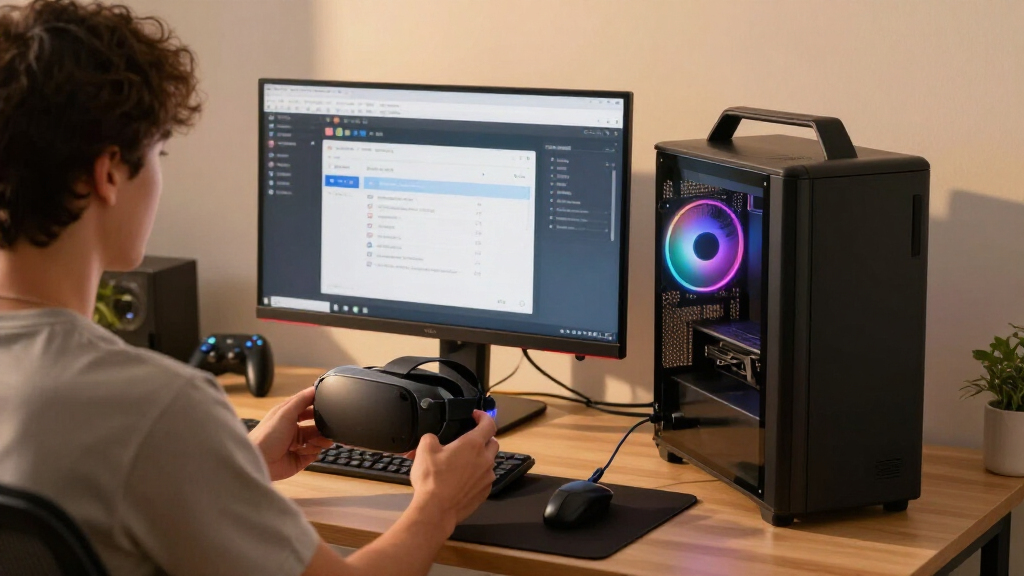
To check your system, users should access system information via the ‘Device Manager’ for GPU details, and ‘About your PC’ for processor and RAM. Most headsets also specify the need for specific video outputs and available USB ports. Some manufacturers offer tools or apps, like Steam’s ‘Are you ready for Valve Index,’ to automate these checks.
Why Verifying Your PC’s VR Readiness Matters in 2026
Ensuring your PC meets VR requirements is crucial for a smooth, comfortable experience. Falling below recommended specs can lead to choppy visuals, low frame rates, and motion sickness, discouraging VR use. As VR hardware becomes more mainstream and affordable, knowing your system’s capabilities helps prevent costly mistakes and guides future upgrades.
With the diversity of headsets and hardware configurations, a clear understanding of your PC’s specs can also influence your choice of headset and gaming experience quality. Meeting or exceeding the recommended specs ensures compatibility and optimal performance, which is especially important as VR content becomes more demanding.
Products Worth Considering

LG UltraGear 34GX90SA-W 34-inch WQHD Curved OLED Gaming Monitor

LG UltraGear 32GX850A-B 32-inch 4K UHD Glossy OLED Gaming Monitor

Samsung Galaxy Tab A11 8.7-Inch Wi-Fi Tablet, 64GB, 4GB RAM, Silver
As an affiliate, we earn on qualifying purchases.
Current VR Hardware Requirements and System Compatibility Checks
Since 2026, the VR landscape has evolved with more demanding hardware requirements. Major manufacturers like Meta, Valve, Sony, and HTC provide detailed specifications for their headsets, emphasizing GPU, CPU, RAM, and video output compatibility. Many users rely on built-in tools or third-party applications to verify their system readiness. The process involves checking hardware components and available ports, which can vary widely depending on the PC’s age and configuration.
Previous models, such as the Oculus Rift S and HTC Vive Pro, had similar baseline specs, but newer headsets like Quest 3S and PSVR 2 have raised minimum requirements to support higher resolutions and frame rates. This shift underscores the importance of hardware upgrades for users aiming to enjoy the latest VR titles at optimal quality.
“VR gaming is much more resource intensive than monitor gaming, requiring higher resolutions, faster frame rates, and more powerful hardware.”
— Road to VR
Uncertainties About Future VR Hardware and Compatibility
While current specifications are well-documented, it is not yet clear how upcoming VR hardware might alter these requirements or introduce new compatibility standards. Manufacturers may update recommended specs as technology advances, and software optimization could impact hardware needs. Additionally, some users report difficulty in accurately assessing port availability and hardware performance without dedicated tools.
It remains uncertain whether existing tools will keep pace with hardware changes or if new standards will emerge that require further system upgrades.
Next Steps for VR Enthusiasts and PC Upgrades
Users should regularly check for updates from headset manufacturers and utilize system compatibility tools provided by platforms like Steam. Upgrading hardware components such as GPU and RAM can improve VR performance and future-proof systems. As VR content continues to grow in complexity, staying informed about upcoming hardware requirements and software updates will be essential for a smooth experience.
Manufacturers are expected to release new headsets and updates that may shift current requirements, so monitoring official announcements and testing your system with available tools will remain key for VR users.
Key Questions
How do I check my PC’s GPU and CPU for VR compatibility?
You can open ‘Device Manager’ on Windows and expand ‘Display Adapters’ to see your GPU. For CPU, go to ‘About your PC’ in Settings and look for ‘Processor.’ Ensure these meet or exceed the specifications listed by your headset manufacturer.
What if my PC doesn’t meet the recommended specs?
If your system falls below the recommended requirements, you may experience lower frame rates, choppy visuals, or discomfort during VR sessions. Upgrading key components like GPU and RAM can improve performance.
Are there tools to automatically check VR compatibility?
Yes, some platforms like Steam offer apps such as ‘Are you ready for Valve Index’ that automatically scan your system for compatibility with specific headsets.
Does VR compatibility differ between headsets?
Yes, each headset has specific hardware requirements. For example, Meta Quest 2 and Quest 3 have similar specs but differ slightly from Valve Index or PSVR 2. Always check the official specs for your chosen device.
Will hardware requirements change in the future?
Likely, as VR technology advances and new headsets are released. Staying updated with manufacturer recommendations and testing your system periodically is advisable.
Source: Road to VR