
TL;DR

Get the latest gadgets delivered free with Prime
- Fast, free delivery on millions of items
- Prime Video, Amazon Music and more included
- Member-only deals all year
LG monitors have been found to install software automatically through Windows Update without user approval. The issue raises privacy and security concerns, but the full scope remains unclear. Authorities and LG are investigating.
Multiple users and security researchers have reported that LG monitors are installing software silently through Windows Update without explicit user approval. This development raises concerns over user privacy, security, and control over device management, making it a significant issue for affected consumers and IT security professionals.
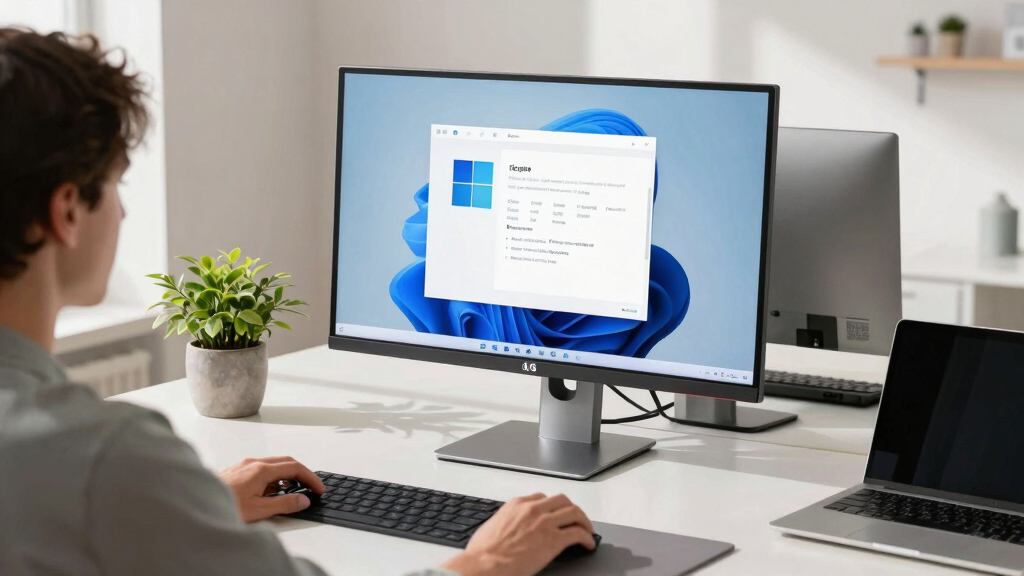
According to reports from affected users and cybersecurity experts, certain LG monitor models initiate automatic software installation during Windows Update processes. LG has not officially confirmed these findings but has stated that they are investigating the reports. The software in question appears to be related to firmware updates or proprietary management tools, which are installed without prompts or notifications.
Sources familiar with the matter indicate that the software installation occurs silently and automatically, bypassing usual user consent mechanisms. This behavior has been observed on multiple LG monitor models connected to Windows 10 and Windows 11 systems. Experts warn that such silent installations could pose security risks, especially if the software includes firmware updates or remote management capabilities that could be exploited if compromised.
Implications for User Privacy and Device Security
This development is significant because it highlights potential privacy violations and security vulnerabilities. Automatic, unconsented software installations can lead to unauthorized data collection, remote access, or malicious exploitation. It also raises questions about the transparency of device management practices by LG and the broader issue of manufacturer-controlled updates occurring without user approval.
For consumers and IT administrators, this situation underscores the importance of monitoring device behavior during updates and maintaining control over what software is installed. If unverified software is being pushed silently, it could undermine trust in LG products and similar devices from other manufacturers.
LG monitor firmware update software
As an affiliate, we earn on qualifying purchases.
As an affiliate, we earn on qualifying purchases.
Background on Firmware Updates and User Consent
Manufacturers have increasingly used firmware updates to improve device performance and security. However, the manner in which these updates are delivered and installed varies widely. Traditionally, users are prompted or given options to approve updates, but some companies have moved toward automatic updates to ensure devices stay current.
Recent reports about LG monitors installing software without consent are among the first publicly documented cases of this behavior occurring silently during Windows Update. Similar issues have been raised in the past with other devices, but this incident has gained attention due to the widespread use of LG monitors and the potential security implications.
“The fact that LG monitors are installing software without user approval during Windows Update is concerning. It bypasses user control and could introduce security vulnerabilities.”
— Cybersecurity researcher Jane Doe
LG monitor remote management tools
As an affiliate, we earn on qualifying purchases.
As an affiliate, we earn on qualifying purchases.
Extent of Software Installation and Potential Risks
It is still unclear how widespread this behavior is across LG monitor models and whether all installations are related to firmware updates or include other software components. The full scope of security risks posed by this silent installation process remains under investigation, and LG has not provided detailed technical explanations.
As an affiliate, we earn on qualifying purchases.
LG and Regulators to Clarify Software Update Practices
LG is expected to provide further details on their software update processes and clarify whether this behavior is intentional or an anomaly. Regulatory authorities may investigate whether this practice complies with consumer protection and data privacy laws. Consumers and IT professionals are advised to monitor their devices closely and consider disabling automatic updates if possible until further clarification is provided.
As an affiliate, we earn on qualifying purchases.
Key Questions
Is LG intentionally installing software without user consent?
LG has not officially confirmed the behavior, but they are investigating the reports. It is currently unclear whether the installation is intentional or an unintended side effect of their update process.
Could this silent software installation pose security risks?
Yes, silent installations, especially if they include firmware updates or remote management tools, could introduce vulnerabilities or be exploited by malicious actors. Experts advise caution until the issue is clarified.
Can users prevent LG monitors from installing software automatically?
At this time, it is unclear if users can disable or control this behavior. Monitoring update settings and disabling automatic updates temporarily may help until LG releases official guidance.
Will LG issue a firmware update or fix for this issue?
LG has stated they are investigating the reports but has not announced specific fixes or updates. Further information is expected as the investigation progresses.
Does this affect all LG monitor models?
It is not yet confirmed whether all LG monitor models are affected or only specific ones. The scope of the issue is still under investigation.
Source: hn
Halloween Picks
halloween
As an affiliate, we earn on qualifying purchases.