
TL;DR

Get the latest gadgets delivered free with Prime
- Fast, free delivery on millions of items
- Prime Video, Amazon Music and more included
- Member-only deals all year
Apple’s Assistive Access, a feature for cognitive disabilities, can be repurposed to set up a basic, child-safe iPhone. It offers limited apps, no web browsing, and enhanced control, providing a new option for parents.
Apple’s Assistive Access feature, originally designed for users with cognitive disabilities, can be configured to turn an iPhone into a simplified, child-safe device. This discovery, shared by a parent on social media, highlights a hidden capability that allows parents to restrict apps, block web browsing, and control device functions without additional third-party apps.
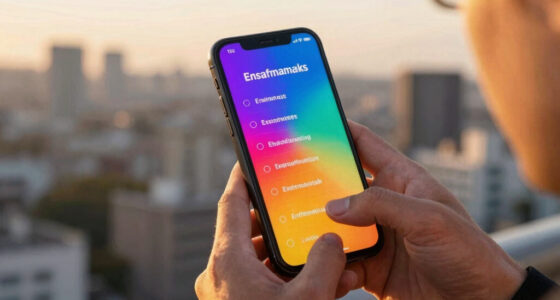
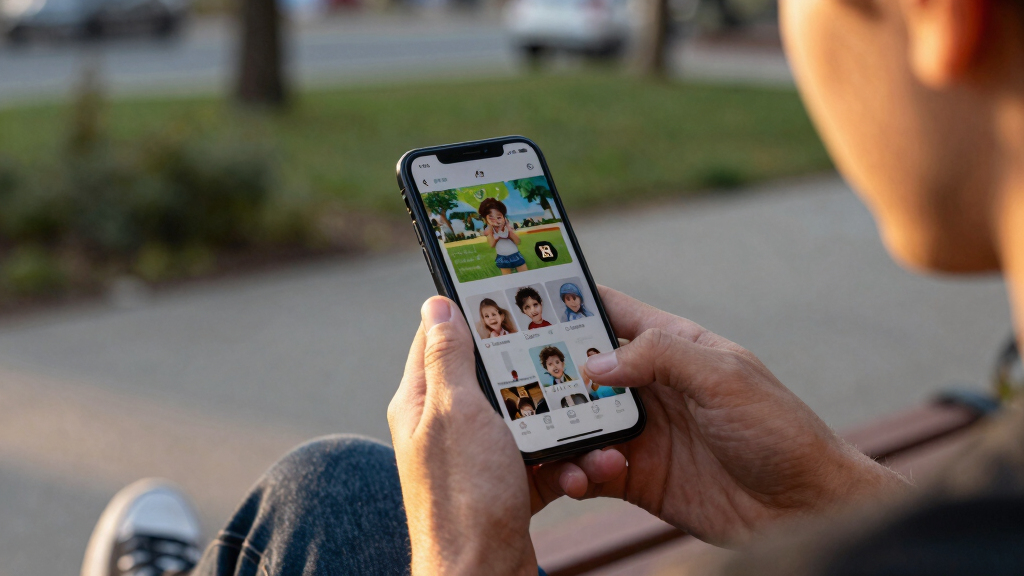
The feature, introduced in iOS 17, is accessible through the Accessibility menu and allows users to customize a simplified interface with large app tiles. By selecting only approved apps such as Calls, Messages, Maps, Photos, and Music, parents can create a device that is effectively a ‘dumb phone’ with navigation capabilities but without internet access or social media.
Unlike standard parental controls, Assistive Access can completely block web browsers like Safari, preventing accidental or intentional web navigation. When in this mode, links in messages are treated as plain text, making web browsing impossible unless explicitly added as an allowed app. The setup involves choosing a grid layout, selecting permitted apps, and setting a PIN to toggle the mode on or off, offering a secure, tamper-proof environment.
This discovery provides parents with a cost-effective and flexible way to set up a safe, limited device for children without relying on third-party apps or complex restrictions. It offers a more secure and tamper-proof solution than standard Screen Time controls, which children can often bypass. The ability to include essential navigation and communication tools while blocking internet access addresses a common concern among parents: balancing safety with functionality.
Furthermore, because Assistive Access is a built-in, officially supported feature, it benefits from regular updates and security patches, making it a reliable long-term solution. It also demonstrates how accessibility features can be repurposed creatively, expanding their utility beyond their original intent.
Products Worth Considering

Bose QuietComfort Headphones (2nd Gen), Wireless Noise-Cancelling Over-Ear Headphones, Eucalyptus Green

Logitech MX Master 4 for Mac, Ergonomic Bluetooth Mouse with Haptic Feedback, Ultra-Fast Scrolling, USB-C Charging, for MacOS, iPadOS, Windo

DJI Osmo Mobile 8 Standard Combo Phone Gimbal Stabilizer
As an affiliate, we earn on qualifying purchases.
Background: iOS Accessibility Features and Parental Controls
Apple has long included accessibility features like AssistiveTouch and Guided Access to aid users with disabilities. Assistive Access, introduced with iOS 17, simplifies the interface for users with cognitive disabilities by reducing options and enlarging app icons. While primarily aimed at accessibility, this feature’s design—focused on limiting options and preventing accidental navigation—makes it suitable for creating child-safe devices.
Prior to this, parents relied on Apple’s Screen Time controls, third-party apps, or basic device restrictions to limit children’s device use. However, these methods often have workarounds, such as messaging links or app bypasses, prompting the search for more secure solutions. The discovery that Assistive Access can serve this purpose offers a new, built-in alternative.
“I turned an old iPhone into a six-app device that my son can use without internet or social media, and I can control everything easily.”
— Parent who shared their setup
Extent of Adoption and Future Potential
It is not yet clear how widely this setup is being adopted by other users or if Apple plans to enhance the feature for parental controls in future updates. The full range of customization options and limitations in different iOS versions remains to be tested and confirmed by independent users.Expected Developments and Recommendations for Parents
Apple may officially recognize and promote this use case in future updates or documentation. Meanwhile, parents interested in this setup should ensure they understand how to configure Assistive Access securely. Tech analysts will likely explore its capabilities further, potentially leading to new third-party tools or native features designed for child safety.
For now, users should test the setup thoroughly to confirm its effectiveness and consider combining it with other safety measures, such as physical tracking devices or supervised access, until more widespread adoption or official guidance is available.
Key Questions
Can I use Assistive Access to fully block internet on my child’s iPhone?
Yes, by not allowing any web browser apps like Safari or Chrome in the setup, you can effectively block internet access while still enabling essential functions like Maps and Messages.
Is this feature officially intended for parental control?
No, Assistive Access was designed for users with cognitive disabilities, but its flexibility allows it to be repurposed for child safety. Apple has not explicitly marketed it for parental control purposes.
Can my child bypass this setup?
Once configured with a PIN, the mode can only be toggled on or off with that code, making it difficult for children to bypass without adult intervention.
Does this setup allow for future app additions?
Yes, parents can add or remove allowed apps at any time through the Assistive Access settings, making it adaptable as children grow or needs change.
Will Apple improve or promote this feature for child safety?
It is not yet clear if Apple plans to enhance Assistive Access for this purpose or promote it as a child safety feature. Observers expect more official guidance in future iOS updates.
Source: WIRED