To reduce false motion alerts without turning off your security system, start by adjusting your camera’s placement—avoid areas with heavy movement, bright lights, or reflections. Lower the motion sensitivity to filter out minor changes and enable smart detection features to focus on people or vehicles. Regularly calibrate your sensors and fine-tune zones to target important areas. By following these tips, you can improve accuracy and trust your alerts—learn more about optimizing your system further.
Key Takeaways
- Properly calibrate and adjust motion sensitivity settings to filter out minor environmental changes.
- Strategically place sensors and cameras away from moving shadows, trees, or reflective surfaces.
- Use zones or masks to focus detection on relevant areas, ignoring irrelevant motion.
- Regularly review and recalibrate sensors to adapt to environmental changes over time.
- Enable advanced detection features like pattern recognition and motion analysis to minimize false triggers.
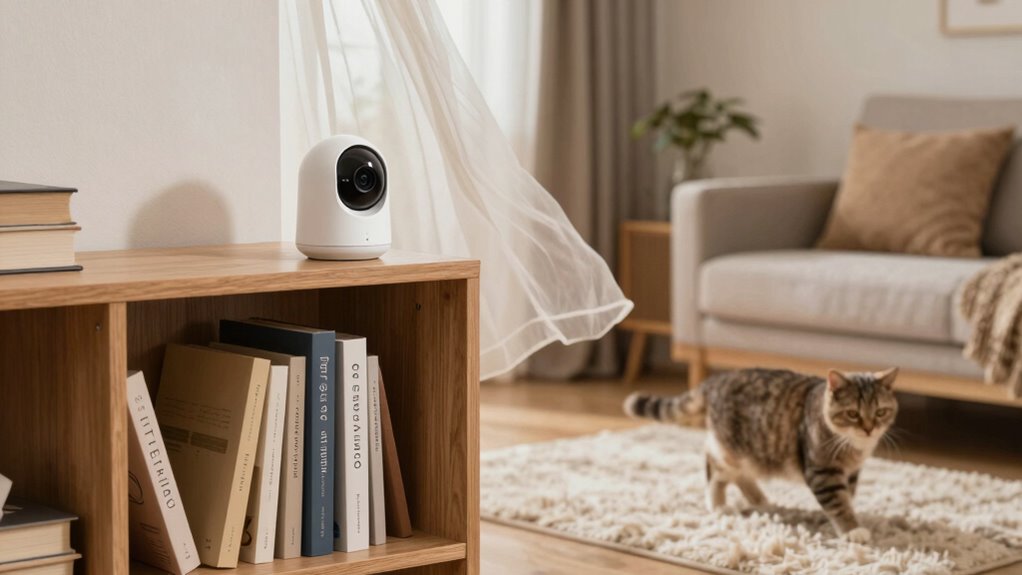
motion detection security camera
As an affiliate, we earn on qualifying purchases.
As an affiliate, we earn on qualifying purchases.
How Do False Motion Alerts Impact Your Security System?
Have you ever been annoyed by frequent false motion alerts? False alert causes, like moving shadows, pets, or changes in lighting, can trigger your security system unnecessarily. These alerts can impact your security system by causing alert fatigue, where you start ignoring genuine threats. Constant false alarms may also lead to unnecessary police dispatches, wasting resources and risking fines. Additionally, repeated false alerts can reduce your trust in the system’s reliability, making you hesitant to rely on it fully. This can ultimately lead to sensor malfunctions, which further contribute to false alarms and compromise system effectiveness. Understanding how false alert causes impact your security system helps you see why minimizing them is vital for maintaining effective and trustworthy protection. Proper gear care and system adjustments can help prevent some of these false triggers, ensuring your security system remains dependable. Staying informed about security best practices can further help you optimize your system’s performance and prevent unnecessary alerts. Regularly updating your software and firmware is also crucial, as it ensures your system benefits from the latest security enhancements and bug fixes, reducing the likelihood of false alarms.
false alarm reduction security system
As an affiliate, we earn on qualifying purchases.
As an affiliate, we earn on qualifying purchases.
How Do Motion Detection Cameras Work?
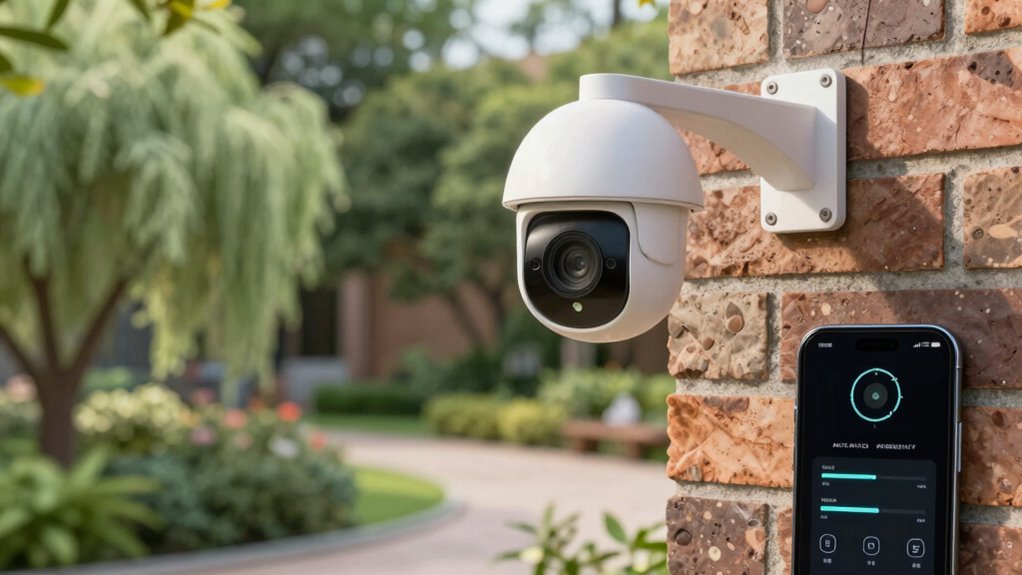
Motion detection cameras use sensors to identify changes in their environment, such as movement or light variations. They then process this information with image processing techniques to determine if what’s detected is a person, animal, or object. Understanding these mechanisms helps you better manage false alerts and improve your security system. Incorporating knowledge of modern design elements can also assist in optimizing camera placement to reduce unnecessary triggers. Additionally, considering the horsepower of electric dirt bikes and their performance features may inspire more strategic positioning, as certain environmental factors can influence sensor sensitivity and trigger rates. Being aware of sensor calibration techniques can further help in fine-tuning your system to minimize false alarms.
How Sensors Detect Movement
Ever wondered how security cameras distinguish between actual movement and harmless background changes? It all comes down to how sensors detect movement. When a camera’s sensor detects a change, it uses calibration to set a baseline for normal background conditions. Proper sensor calibration guarantees the camera recognizes true motion instead of fluctuations like shadows or light shifts. Adjusting motion sensitivity helps fine-tune this detection process; higher sensitivity catches small movements but may cause false alerts, while lower sensitivity filters out minor changes. The sensors monitor thermal or infrared signals or changes in pixel differences. When a detected change exceeds the set sensitivity threshold, the camera triggers an alert. Understanding sensor derating at different altitudes and temperatures can further improve detection accuracy in various environments. Additionally, environmental factors like weather or lighting conditions can influence sensor performance and should be considered when configuring security cameras. Recognizing how background variability impacts sensor readings can help in optimizing camera settings for more reliable detection. Regularly updating your camera’s firmware can also enhance detection algorithms to better differentiate between genuine motion and noise. Implementing adaptive sensitivity settings can further reduce false alarms by allowing the camera to adjust its detection parameters based on environmental changes. This combination of calibration and sensitivity settings helps your camera accurately detect genuine motion without false alarms.
Image Processing Techniques
Image processing techniques are at the heart of how motion detection cameras identify movement. They analyze the visual data captured to distinguish true motion from false alarms. The cameras use image enhancement to clarify details, making it easier to detect subtle changes. They also rely on pattern recognition to compare current images with previous frames, spotting differences that indicate movement. Imagine your camera analyzing a person walking through the yard, with clear outlines and movement patterns. Shadows shifting across the ground, flagged as potential motion. Leaves fluttering in the breeze, identified as background motion to ignore. These techniques help filter out false alerts caused by moving branches or lighting changes, ensuring your security system stays accurate and reliable. Incorporating advanced image processing techniques can further improve detection accuracy by reducing false alarms caused by environmental factors. Additionally, motion detection algorithms are continually evolving to better differentiate between genuine threats and harmless movements.
As an affiliate, we earn on qualifying purchases.
What Causes False Motion Alerts?
False motion alerts often happen because environmental changes, like moving shadows or swaying trees, set off your camera’s sensors. Additionally, poor sensor placement can make your system more prone to false alarms, especially if it’s too close to windows or heat sources. Understanding these causes helps you take steps to minimize unwanted notifications. Properly maintaining your security system and managing environmental factors can significantly reduce false alerts. Using sensor technology to create a calming environment can also help reduce distractions that might trigger false alarms. Incorporating biohacking techniques, such as optimizing sleep and reducing stress, can further enhance your focus and reduce reactive false alerts caused by environmental sensitivity.
Environmental Changes Triggering Alerts
Environmental changes are common culprits behind false motion alerts, often confusing your security system. These fluctuations can cause your sensors to detect movement when there’s none. For example, garden wildlife like birds or squirrels dart across the yard, triggering sensors unexpectedly. Weather fluctuations, such as wind stirring leaves or sudden rain, can also set off alarms. To visualize, imagine:
- A squirrel scurrying near a sensor, setting off the alarm.
- Wind shaking tree branches, causing shadows and movement.
- Raindrops hitting the sensor’s surface, mimicking motion.
- Dust or microplastics in the air settling on sensors, which can sometimes interfere with detection. Indoor air quality issues can sometimes contribute to sensor sensitivity. Recognizing how environmental factors influence sensor behavior helps you implement better mitigation strategies. These natural occurrences make it tricky to distinguish real threats from benign activity. Understanding these environmental triggers helps you take steps to minimize false alerts without compromising your security, keeping your system reliable and your mind at ease.
Sensor Placement Issues
Incorrect sensor placement is a common cause of false motion alerts, as it can make your security system overly sensitive to irrelevant movements. It is important to consider the sensor placement to ensure accurate detection. If sensors are installed too high, too low, or near windows and vents, they may detect motion from outside influences like passing cars, pets, or drafts. Proper placement optimization involves testing different locations to find spots that focus on intended areas while minimizing false triggers. Additionally, sensor calibration is essential; adjusting sensitivity settings ensures sensors respond only to significant motion. Regularly reviewing sensor placement and making adjustments can greatly reduce false alerts. Keep in mind that strategic positioning and proper calibration help your system distinguish between real threats and harmless movement, keeping you secure without unnecessary alerts. Understanding sensor sensitivity can help you fine-tune your setup for better accuracy. Being aware of common decorations and objects that may interfere with sensor detection can help prevent false alarms, especially when considering environmental factors like lighting and airflow patterns that influence sensor performance.
As an affiliate, we earn on qualifying purchases.
How Can I Adjust Camera Settings to Reduce False Alarms?

Adjusting your camera settings is one of the most effective ways to minimize unnecessary motion alerts. Start by refining camera angles to avoid capturing areas prone to movement, like busy streets or trees swaying in the wind. Adjust lighting conditions to prevent false alarms from shadows or glare, especially during sunset or bright sunlight. You can also tweak motion sensitivity settings, reducing the threshold for detection so small movements don’t trigger alerts. Consider enabling zones or masks to focus on specific areas, like doorways or driveways, ignoring irrelevant movements. Visualize your camera view with:
Refine camera angles, adjust lighting, and set zones to reduce false motion alerts and focus on key areas.
- A clear focus on entry points, avoiding busy backgrounds
- Proper lighting that reduces shadows and glare
- Angles that minimize reflections or moving objects outside your property
These adjustments help ensure alerts are accurate and meaningful.
How Do Smart Detection Features Help Prevent False Alerts?
Smart detection features enhance your camera’s ability to distinguish between actual threats and irrelevant movements. These advanced systems analyze motion patterns, shapes, and sizes to identify what’s truly important. By doing so, smart detection reduces false triggers caused by things like leaves, shadows, or small animals. Instead of reacting to every movement, your camera focuses on significant activity, like a person or vehicle. This targeted approach means fewer unnecessary alerts, saving you time and reducing stress. Smart detection uses intelligent algorithms to learn what’s normal in your environment, adapting over time for better accuracy. Ultimately, these features help you maintain security without constant false alarms, ensuring you’re alerted only when something genuinely needs your attention.
Where Should I Place My Cameras to Minimize False Alarms?
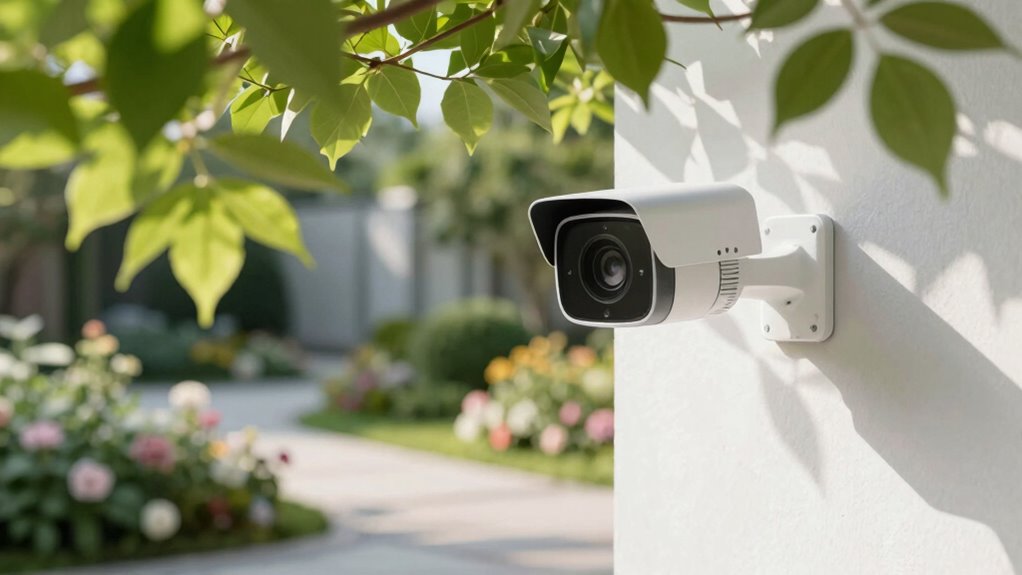
Where you place your cameras can substantially reduce false alarms by ensuring they focus on the right areas. Proper camera positioning is key; avoid pointing cameras at busy streets or trees swaying in the wind, as these can trigger unnecessary alerts. Consider lighting conditions—place cameras where natural light doesn’t cause glare or strong shadows, which can confuse motion detection.
Placing cameras strategically reduces false alarms by focusing on key areas and avoiding glare, shadows, and moving objects.
Think about the ideal placement:
- Near entry points, capturing only relevant movement.
- Away from direct sunlight or reflective surfaces.
- On stable mounts, avoiding shaky footage from high winds or vibrations.
How Can I Test and Fine-Tune Your Motion Detection?
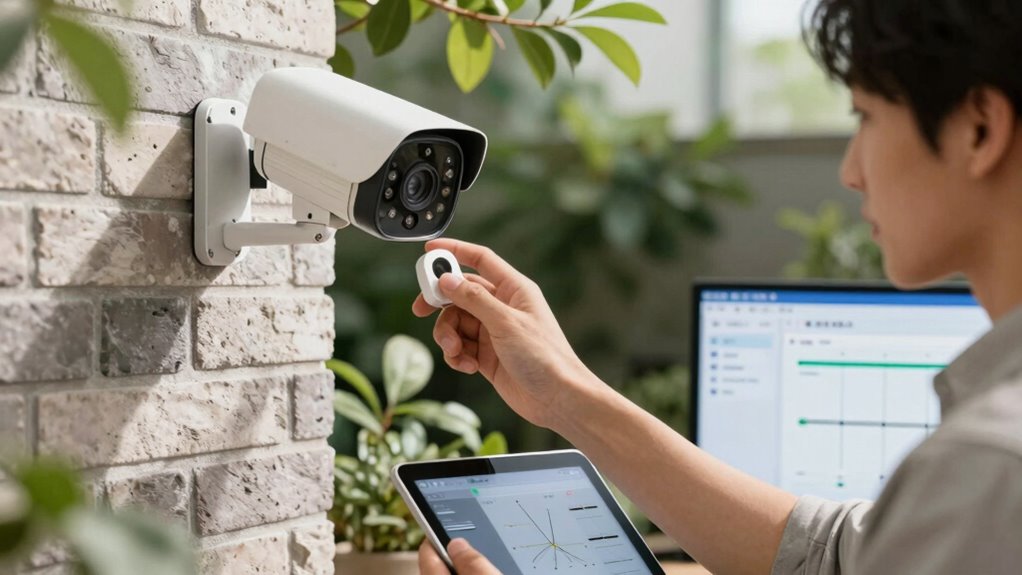
To guarantee your motion detection works accurately, you need to actively test and fine-tune your camera’s settings. Start by adjusting the detection sensitivity to avoid false alarms from minor movements. Perform tests by walking through the camera’s view and observing if alerts trigger appropriately. Use sensor calibration to set precise motion zones, ensuring only relevant areas activate alerts. Regular testing helps identify if the camera reacts to irrelevant motion, like trees swaying. Fine-tune these settings until you find a balance between catching genuine activity and avoiding false triggers.
| Step | Action |
|---|---|
| 1 | Adjust detection sensitivity |
| 2 | Test by moving within camera view |
| 3 | Calibrate sensor for specific zones |
| 4 | Observe false alarms during tests |
| 5 | Refine settings for best detection |
What Extra Tips Keep Your Security Alerts Reliable?
Once you’ve fine-tuned your motion detection settings, maintaining alert reliability requires ongoing attention. Regular sensor calibration ensures your devices stay accurate, preventing false alarms caused by misaligned sensors. Proper calibration adjusts sensitivity and focus, making sure only genuine motion triggers alerts. Additionally, user training plays a vital role—familiarize yourself with how your system works, recognizing false triggers versus real threats. To keep your alerts dependable, consider:
- Routinely recalibrating sensors to adapt to changing environments
- Educating everyone in your household on proper camera positioning
- Monitoring alert patterns to identify and address false triggers early
Frequently Asked Questions
Can Weather Conditions Affect Motion Detection Accuracy?
Weather impact and environmental factors can definitely affect your motion detection accuracy. Rain, snow, fog, and strong wind can trigger false alerts by moving objects or creating visual noise. Bright sunlight or shadows cast by trees and clouds also interfere with sensors, making it seem like motion. To improve accuracy, consider adjusting your camera’s sensitivity settings, using weatherproof equipment, and positioning your camera to minimize exposure to these environmental factors.
Are There Specific Camera Types Better at Reducing False Alerts?
If you want fewer false alerts, consider using cameras with advanced motion sensors, like those with adjustable sensitivity. For example, a homeowner installed a camera with customizable sensor sensitivity near a busy street, reducing false alerts caused by passing cars. Proper camera placement, away from direct sunlight or moving foliage, also minimizes false alarms. These features help you focus on genuine activity while avoiding unnecessary alerts.
How Often Should I Update My Camera Firmware?
You should update your camera firmware whenever updates become available, ideally every few months. Firmware updates often include improvements to motion sensitivity settings, which can help reduce false alerts. Regular updates ensure your camera runs smoothly, stays compatible with other devices, and benefits from the latest security features. Keeping your firmware current minimizes false motion alerts and enhances overall performance, so check for updates regularly to maintain maximum security.
Do Different Alarm Systems Have Varying False Alert Rates?
Yes, different alarm systems have varying false alert rates. You can often adjust sensor sensitivity to reduce unnecessary alerts and customize alerts to better suit your environment. Some systems allow you to fine-tune motion detection zones, set activity schedules, or disable notifications during specific times. By customizing these features, you’ll minimize false alarms while maintaining reliable security, ensuring your system works effectively without constant false triggers.
Can Integrating AI Improve Motion Detection Reliability?
Yes, integrating AI can improve your motion detection reliability. Smart algorithms analyze movement patterns more accurately, reducing false alerts caused by animals or shadows. Enhanced sensors, combined with AI, can distinguish between real threats and harmless motions effectively. This technology adapts over time, learning your environment, and guarantees you get fewer false alarms. Overall, AI integration makes your security system smarter, more precise, and less prone to unnecessary alerts.
Conclusion
Think of your security system like a finely tuned orchestra—each part needs to work in harmony. When false alerts sound, it’s like a discordant note disrupting the symphony. By adjusting camera settings and placement, you keep the melody smooth and reliable. I once helped a neighbor reduce false alarms by repositioning a camera, and she finally felt confident her system was listening only to what truly matters—protecting her home without unnecessary noise.