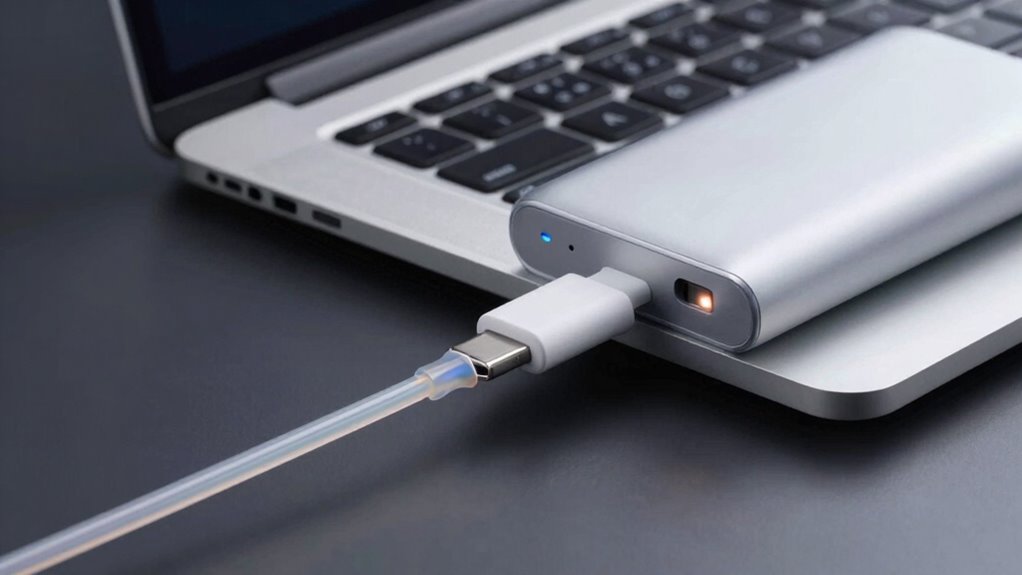

Your laptop charges slowly on a power bank mainly because the power bank may not deliver enough wattage to meet your laptop’s requirements, or the connection and cables might be incompatible or low quality. Overloading, background apps, or high resource use can also limit charging speed. Additionally, environmental factors and device settings play a role. If you want to find out how to improve charging performance and avoid common issues, keep exploring these important points.

Get the latest gadgets delivered free with Prime
- Fast, free delivery on millions of items
- Prime Video, Amazon Music and more included
- Member-only deals all year
Key Takeaways
- The power bank may deliver insufficient wattage to meet your laptop’s charging needs, causing slower charging speeds.
- Mismatched connectors, voltage, or wattage between the power bank and laptop can lead to reduced charging efficiency.
- Using low-quality cables or a worn-out port limits power transfer and slows down charging.
- Background apps, high-performance settings, or peripherals can drain power, decreasing charging speed.
- An aging or degraded power bank or battery can hinder fast charging and overall performance.
As an affiliate, we earn on qualifying purchases.
Why Your Laptop Charges Slowly on Power Banks
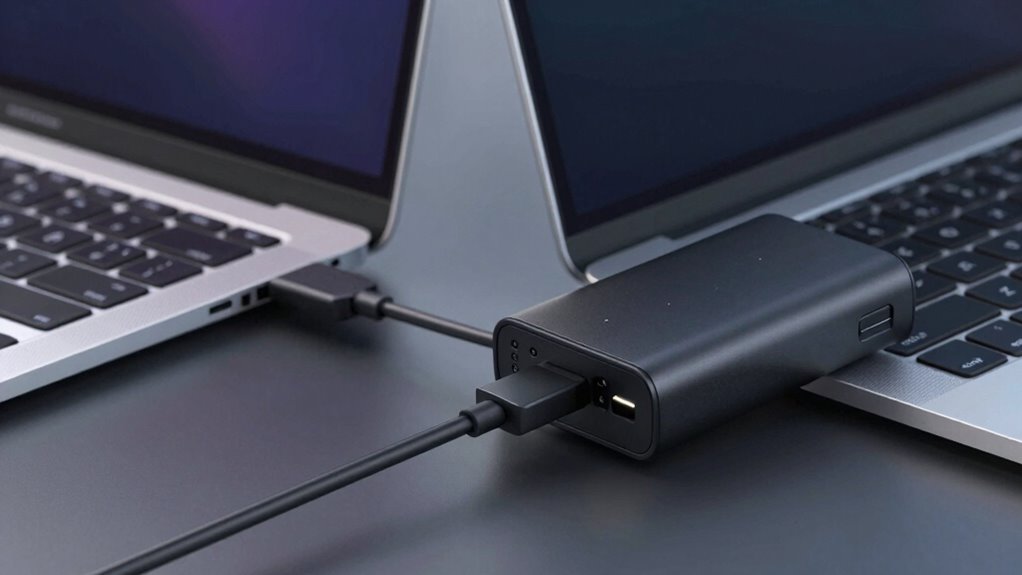
Have you ever noticed that your laptop charges much slower when plugged into a power bank? This happens because power banks often deliver lower wattage than standard outlets, which affects charging speed. When your laptop charges slowly, it puts extra strain on the battery, potentially shortening its lifespan over time. To improve charging efficiency, you might try power conservation strategies, like closing unnecessary apps or dimming the screen. These measures reduce power draw, allowing the power bank to focus more on charging your laptop effectively. Keep in mind, slower charging can be a sign that the power bank isn’t providing enough current for quick charging, which impacts both your device’s performance and the battery’s long-term health. Additionally, understanding power output capabilities can help you select a more suitable power bank that delivers faster charging. Being aware of a power bank’s power delivery standards can also ensure you choose one that matches your laptop’s specific charging requirements.
As an affiliate, we earn on qualifying purchases.
How Compatibility Between Power Banks and Laptops Matters
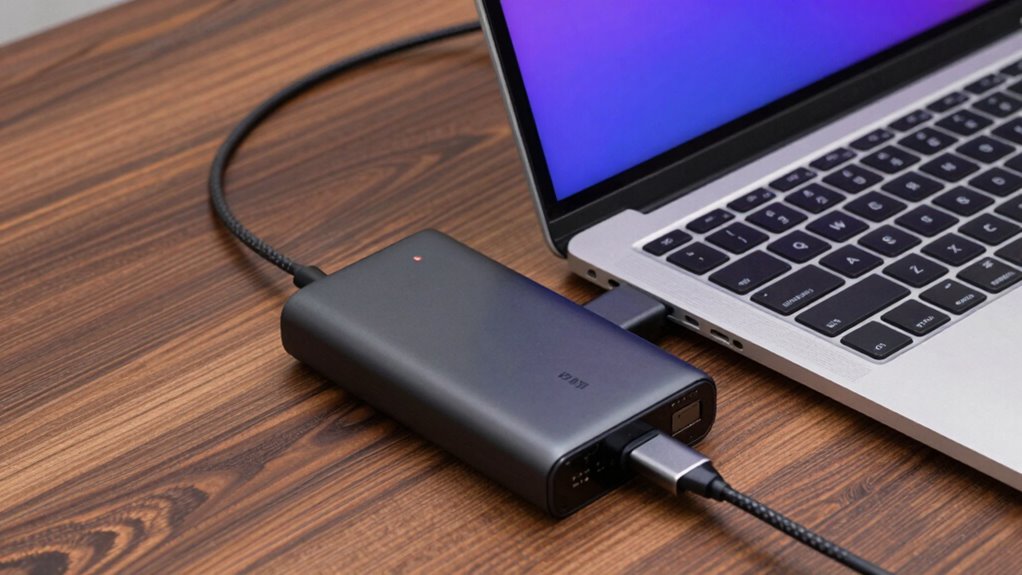
You need to check if your power bank’s output matches your laptop’s requirements to guarantee proper charging. The connector type and voltage must also be compatible; using the wrong ones can cause slow charging or damage. When these factors align, your laptop charges efficiently and safely. Additionally, ensuring the power bank has appropriate safety features can prevent overheating and other electrical issues.
Power Output Compatibility
Ensuring compatibility between your power bank and laptop’s power output is essential for effective charging. If the power bank’s output isn’t matched correctly, it can reduce battery longevity over time and compromise charging safety. Using a power bank with a lower wattage than your laptop needs can cause slow charging or even no charging at all. Conversely, an overly powerful output might generate excessive heat, risking damage to your laptop’s internal components. To avoid these issues, check that the power bank’s wattage and current ratings align with your laptop’s specifications. Proper compatibility ensures efficient energy transfer, protects your device’s battery health, and maintains safe charging conditions. Always verify the power output ratings before connecting to prevent potential damage and extend your laptop’s lifespan. Additionally, understanding your device’s storage and connectivity requirements can help select the most suitable gear for optimal performance. Being aware of power output compatibility can also help you choose the right accessories to ensure safe and efficient charging. Recognizing device-specific requirements can further optimize your charging setup and prevent unintended harm. Understanding the power output ratings of your accessories can also help you avoid overloading your devices.
Connector and Voltage Match
Connecting a power bank to your laptop requires matching the right connector and voltage to guarantee safe and efficient charging. A connector mismatch can prevent charging altogether or cause damage, while a voltage discrepancy may lead to slow charging or harm your device. Always verify that the power bank’s output matches your laptop’s required input. Additionally, photobombs by children and pets can sometimes interfere with setup, so be prepared for unexpected surprises.
As an affiliate, we earn on qualifying purchases.
How Power Output Limits Affect Your Charging Speed
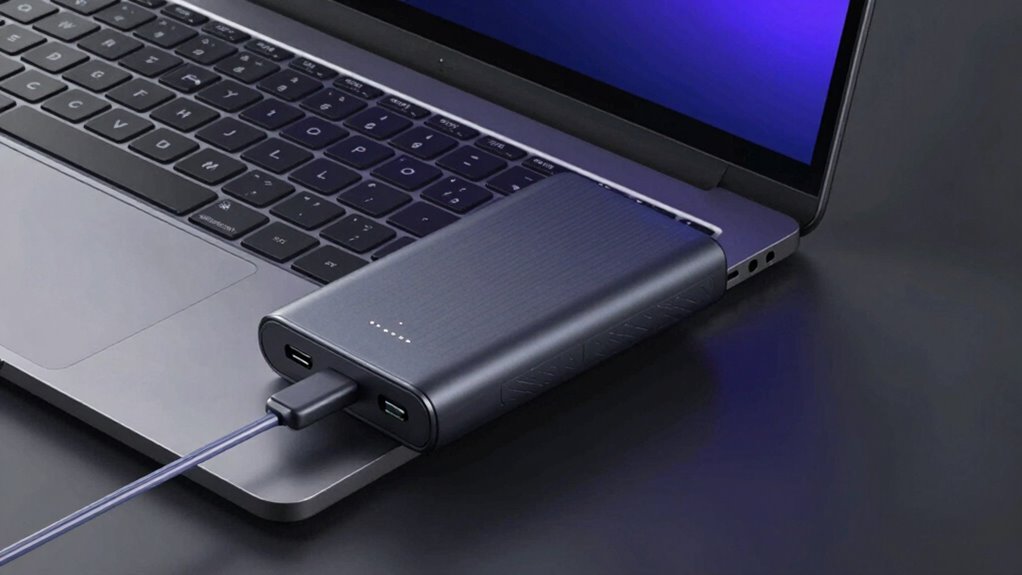
Your charging speed depends on whether your power bank’s output matches your laptop’s power demands. If the power bank can’t supply enough wattage, your laptop will charge more slowly or not at all. Understanding these limits helps you choose a power bank that keeps your device charging efficiently. Additionally, considering the capacity of the power bank ensures it can deliver sustained power for your device’s needs. Recognizing the importance of power output limits can help you prevent disruptions and optimize your charging experience. Being aware of the charging technology used in your power bank can also influence how effectively it powers your laptop. Moreover, understanding derating factors such as altitude and temperature can help ensure reliable performance in various environments.
Power Output Compatibility
Have you ever wondered why your laptop charges slowly on a power bank? One key reason is power output compatibility. Not all power banks deliver enough wattage to meet your laptop’s needs, especially during intensive tasks. If your power bank uses wireless charging technology or relies on solar power, the output tends to be lower or less stable, affecting charging speed. Many power banks are optimized for smartphones and smaller devices, so their maximum output may not be sufficient for a laptop. To charge efficiently, your power bank must match your laptop’s required wattage. Using incompatible or low-output power sources results in slower charging or even no charging at all. Additionally, understanding the electric power output capabilities of your power bank can help you select the right device for your needs. Always check the power bank’s output specs to verify power output compatibility with your device’s power demands. Being aware of power output limits can also prevent potential damage to your device. Knowing the power output capacity helps ensure you select a power bank that provides consistent and reliable charging, especially when considering whole-home water systems for other applications.
Device Power Demands
Power banks vary widely in their ability to supply power, and this directly impacts how quickly your laptop charges. If your device demands more power than the bank can provide, it may charge slowly or not at all. High power demands can cause your laptop to overheat, which risks damaging internal components and reducing device lifespan. Additionally, consistently drawing near the power bank’s maximum output can lead to overheating and strain on the battery. To optimize charging speed and protect your device, choose a power bank with sufficient wattage for your laptop’s needs. Be mindful of the device’s power demands, as surpassing capacity can cause inefficient charging and shorten the overall battery lifespan. Understanding your device’s specific power requirements can help you select the most suitable power bank. For optimal security practices, it’s also important to consider how the power bank manages data and security protocols during charging. Incorporating adaptive power management features can further ensure safe and efficient charging, especially when using devices with varied power demands. Additionally, selecting a power bank with appropriate output specifications ensures better compatibility and performance.
power bank with fast charging for laptops
As an affiliate, we earn on qualifying purchases.
As an affiliate, we earn on qualifying purchases.
Does Your Power Bank’s Battery Capacity Impact Charging?
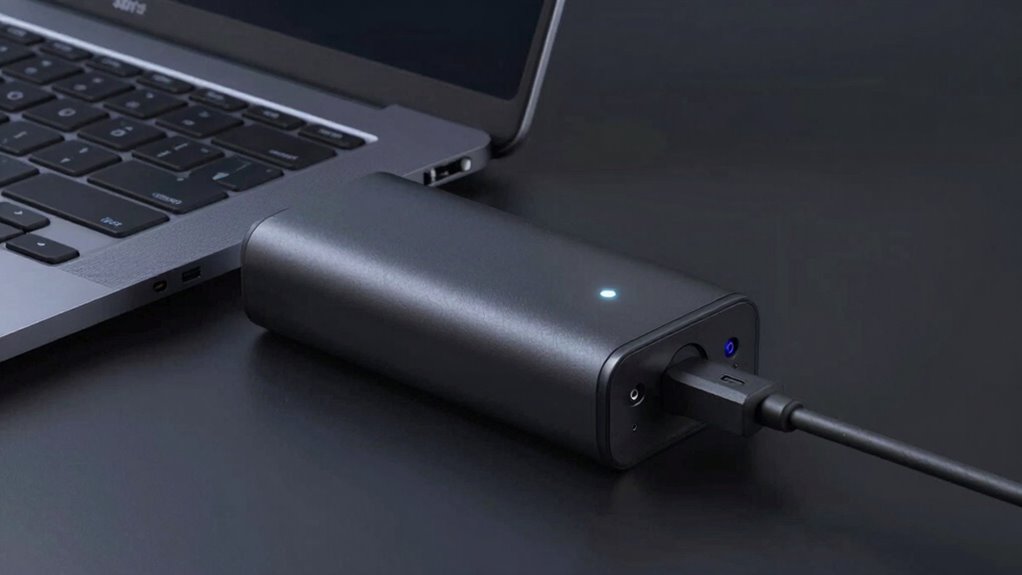
While a higher battery capacity might seem like the obvious choice for better performance, it doesn’t necessarily mean your power bank will charge devices faster. Battery capacity mainly determines how much energy the power bank can store, not how quickly it can transfer that energy. Over time, battery health and the number of charging cycles can affect performance more than capacity. A power bank with many charging cycles may have diminished capacity and slower charging speeds, even if it has a large original capacity. So, don’t assume a bigger capacity guarantees faster charging. Instead, focus on maintaining good battery health through proper use and avoiding excessive draining, which helps ensure consistent charging performance over time.
The Role of Power Bank Quality and Technology in Charging Efficiency
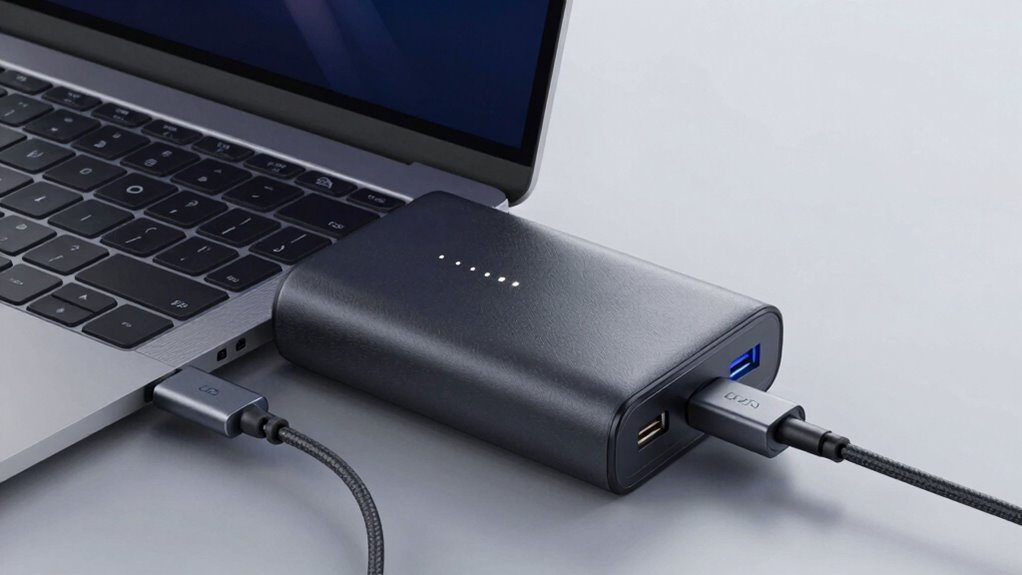
Even if you choose a power bank with a large capacity, its quality and the technology it uses greatly influence charging efficiency. Higher-quality power banks often feature advanced circuitry that supports fast charging, reducing strain on your device’s battery lifespan. They also handle more charging cycles without degrading performance. Cheaper models may have inconsistent output, causing slow or unstable charging. Look for power banks with intelligent power management systems that optimize power delivery.
| Feature | Benefit |
|---|---|
| High-quality components | Longer battery lifespan, consistent charging |
| Fast-charging tech | Quicker, more efficient charge |
| Smart circuitry | Protects against charging fluctuations |
| Support for high wattage | Faster charging for laptops |
| Durable design | Maintains performance over many charging cycles |
Common Settings and Habits That Slow Down Charging
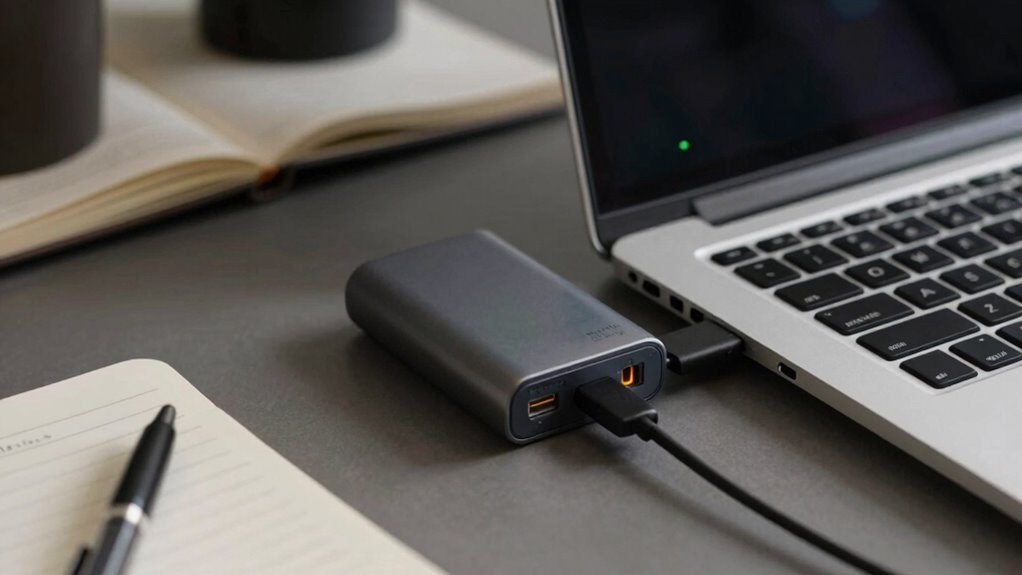
Many common settings and habits can notably slow down your device’s charging process. Keeping your battery health in mind, avoid letting your laptop’s battery drain completely or stay at 0% too often, as it can reduce charging efficiency over time. Also, frequent software updates can interfere with charging speed; they often run background processes that consume power and slow the process. Additionally, running multiple resource-heavy applications while charging can limit power intake. Ensuring your device is in a balanced power mode, rather than a high-performance mode, can help optimize charging. Disconnect unnecessary peripherals and disable features like Bluetooth or Wi-Fi if not needed during charging. These habits and settings can notably impact how quickly your laptop charges when connected to a power bank.
Troubleshooting Tips to Speed Up Laptop Charging on Power Banks
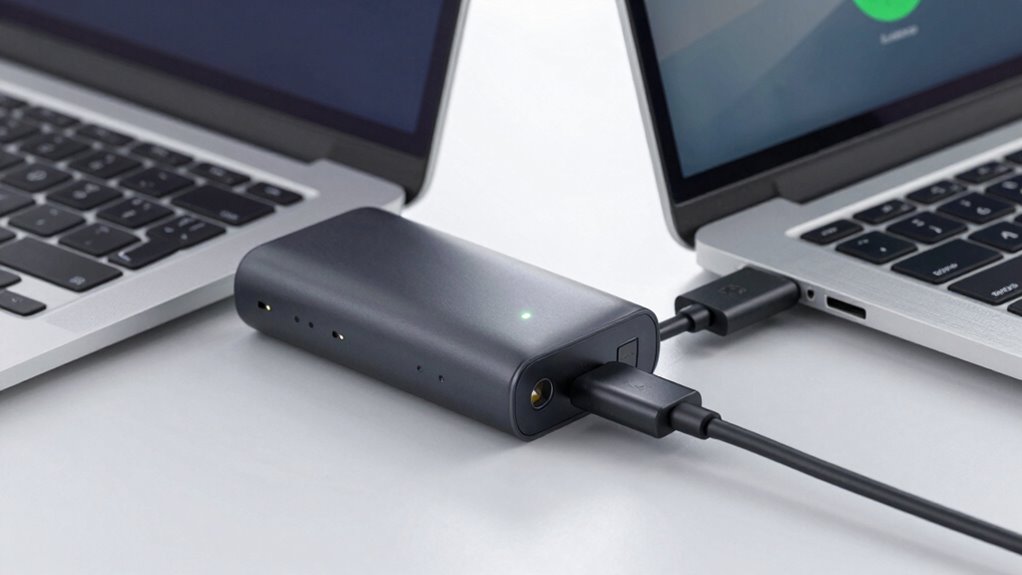
If your laptop is charging slowly on a power bank, there are several troubleshooting steps you can take to improve the situation. First, check the battery health of your laptop; degraded batteries can hinder charging efficiency. If the battery isn’t in good shape, replacing it might help. Next, examine your charging cables—make sure they’re high-quality and compatible with your device. Damaged or low-quality cables can limit power transfer, slowing down charging speed. Also, try disconnecting other devices from the power bank to reduce load. Confirm the power bank is fully charged and providing sufficient output, ideally matching your laptop’s charging requirements. Finally, verify that your power bank’s firmware or software is up-to-date, as updates can optimize charging performance.
When to Upgrade Your Power Bank for Faster Charging
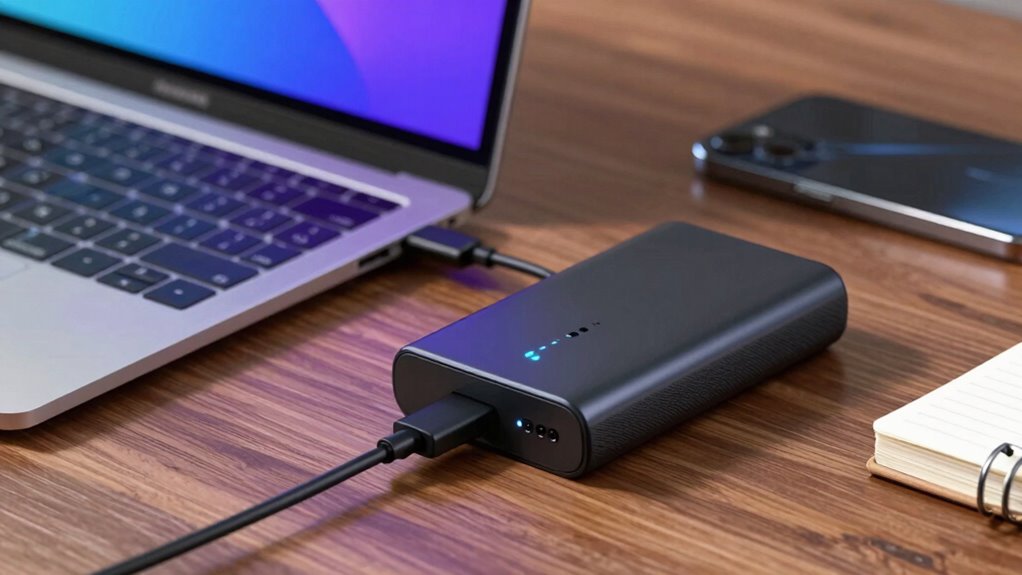
When your current power bank no longer meets your laptop’s charging demands, it’s time to contemplate an upgrade. Over time, battery longevity declines, reducing the power bank’s ability to deliver consistent, fast charges. If you notice your laptop charges slowly despite ideal settings, it’s a sign the power bank’s capacity is waning. Additionally, port durability becomes an issue; frequent use can cause the charging port to loosen or malfunction, limiting charging speed. Upgrading is crucial when your power bank can’t keep up with your device’s power needs or shows signs of wear. Look for models with higher wattage output, improved battery longevity, and sturdy, durable ports to guarantee faster, more reliable charging for your laptop.
Frequently Asked Questions
Can Using a Different Charging Cable Improve Laptop Charging Speed?
Yes, using a different charging cable can improve your laptop’s charging speed. Higher quality charging cables often have better wiring and support higher power transfer, which enhances charging efficiency. Make sure the cable is compatible with your power bank and laptop to avoid issues. Investing in a cable that matches your power bank’s output and is of good quality can considerably reduce charging time and improve overall performance.
Does the Temperature Affect How Quickly My Laptop Charges on a Power Bank?
You’ll notice that high temperatures can slow your laptop’s charging speed on a power bank. Studies show that extreme heat accelerates battery aging, reducing overall battery health and increasing charging cycles needed to reach full capacity. When it’s hot, your device may intentionally slow down charging to protect the battery’s longevity. Keep your laptop and power bank in moderate environments to maintain ideal battery health and quicker charging times.
Are There Specific Laptop Models That Charge Faster With Power Banks?
Yes, some laptop models charge faster with power banks due to their battery capacity and charging protocols. Devices with lower battery capacities often charge quicker because they require less power. Additionally, laptops supporting faster charging protocols, like USB Power Delivery, can draw more power efficiently from compatible power banks, resulting in quicker charging times. Check your laptop’s specifications to verify compatibility with advanced charging protocols for maximum speed.
How Does the Age of My Power Bank Impact Charging Efficiency?
Did you know that over time, a power bank’s efficiency drops by about 20% due to battery degradation? As your power bank ages, its power capacity decreases, making it less effective at charging your laptop quickly. This means older power banks can’t deliver the same output, leading to slower charging speeds. To keep your laptop charging efficiently, consider replacing your power bank once it shows signs of significant battery degradation.
Can I Charge Multiple Devices Simultaneously to Improve Overall Charging Speed?
Charging multiple devices simultaneously doesn’t improve your power bank’s overall charging speed; it divides its charging capacity among all connected devices. To guarantee efficient charging, check your power bank compatibility and its total charging capacity. If your power bank supports multiple outputs, it can handle several devices, but each device may charge more slowly. Always prioritize devices based on their power needs to optimize charging performance.
Conclusion
If your laptop charges slowly on a power bank, upgrading your device might be the answer. Did you know that only about 30% of power banks support fast charging for laptops? Ensuring compatibility, checking power output limits, and choosing a high-quality power bank can substantially boost your charging speed. Don’t let slow charging hold you back—invest in a reliable power bank, and enjoy faster, more efficient power whenever you need it.
Fall Picks
fall essentials
As an affiliate, we earn on qualifying purchases.