
To size a mesh system for your home, start by measuring your total square footage and noting your home’s layout, including thick walls and open spaces. Then, consider environmental factors like interference from electronics or neighboring networks. Place your nodes centrally and evenly, avoiding obstacles like large metal objects or thick walls. Testing signal strength in different areas helps refine placement, ensuring reliable coverage. If you want to learn the detailed steps, keep exploring how to optimize your mesh setup.

Get the latest gadgets delivered free with Prime
- Fast, free delivery on millions of items
- Prime Video, Amazon Music and more included
- Member-only deals all year
Key Takeaways
- Measure your home’s total square footage and identify areas with weak or no Wi-Fi coverage.
- Assess building materials and obstacles that may attenuate signals, like walls or furniture.
- Determine the number of floors and open spaces to estimate the number of mesh nodes needed.
- Evaluate interference sources such as neighboring networks and electronic devices to optimize placement.
- Use coverage mapping tools to visualize signal strength and fine-tune node placement for optimal coverage.
mesh Wi-Fi system for large homes
As an affiliate, we earn on qualifying purchases.
As an affiliate, we earn on qualifying purchases.
How to Assess Your Home’s Size and Layout
Ever wondered how to determine the right mesh system size for your home? The first step is evaluating your home’s size and layout. During a home renovation, you might have changed the floor plan or added rooms, so measure the total square footage. Consider the number of floors, thick walls, or large open spaces that might affect your Wi-Fi signal. Think about your smart home devices and how many will be connected simultaneously. This helps you decide if you need a more powerful system or additional nodes. Also, note any areas where coverage might be tricky—like basements or garages. Taking these factors into account ensures you choose a mesh system that provides seamless coverage, supporting both your home renovation goals and smart home integration needs. Additionally, understanding your home’s wireless coverage requirements can help optimize your network performance effectively. Recognizing how home size impacts coverage needs is essential for selecting the appropriate system that can handle your specific layout, especially when considering potential interference sources like electronics or thick walls. Knowing how to assess your space accurately can make all the difference in achieving reliable Wi-Fi throughout your home. Moreover, evaluating your home’s layout complexity can help determine the number of nodes needed for optimal coverage and performance.
best mesh Wi-Fi nodes for multi-floor houses
As an affiliate, we earn on qualifying purchases.
As an affiliate, we earn on qualifying purchases.
Understanding How Mesh Wi-Fi Coverage Works
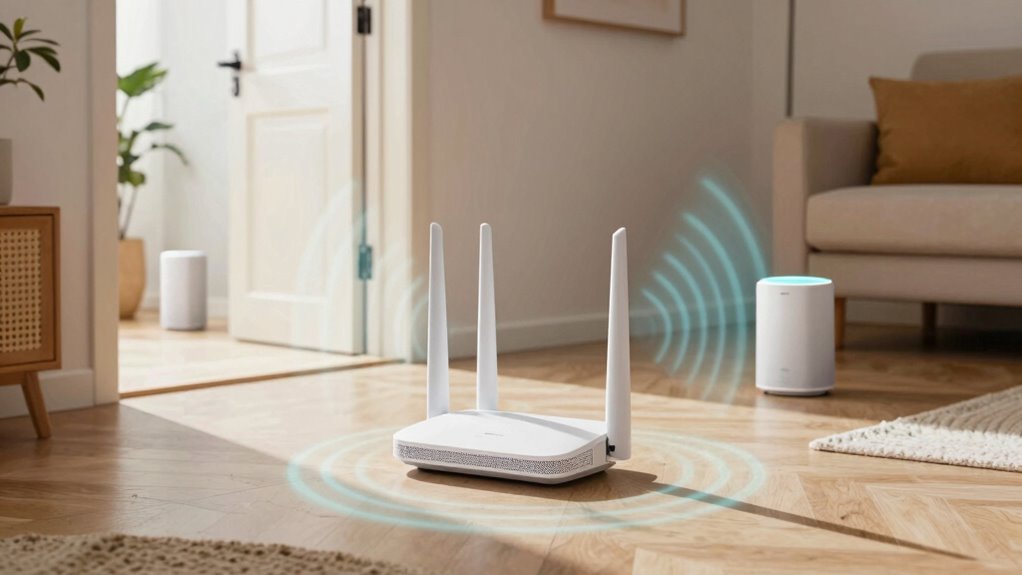
To get the most out of your mesh Wi-Fi system, you need to understand how signals travel and cover your space. Proper node placement is key to ensuring seamless coverage, considering factors like walls and interference. Knowing these principles helps you optimize your setup for reliable, whole-home internet. Additionally, understanding how different placement strategies can minimize signal loss is similar to selecting the right engine upgrades for optimal performance in a vehicle. A good grasp of wireless technology can further enhance your ability to troubleshoot and improve network stability. Recognizing the importance of contrast ratio can also help you understand how signal quality impacts your network’s clarity and speed. Being aware of soundproofing techniques can provide insights into managing interference and maintaining signal integrity within your environment. Incorporating interference mitigation strategies can further enhance your network’s reliability by reducing potential disruptions.
Signal Propagation Principles
Understanding how mesh Wi-Fi coverage works starts with grasping the principles of signal propagation. Signals weaken over distance—a phenomenon called signal attenuation—so the farther a node is from your router, the weaker the connection. Different frequency bands, such as 2.4 GHz and 5 GHz, affect how signals travel. The 2.4 GHz band offers longer range but lower speeds, making it better for coverage over large areas. The 5 GHz band provides faster speeds but has a shorter range and is more affected by obstacles. Walls, furniture, and even appliances can cause signal attenuation, reducing coverage quality. Recognizing how these factors influence signal strength helps you understand how mesh nodes communicate and why proper placement is essential for seamless coverage. Additionally, water-based environments can impact signal propagation, which is important to consider when optimizing your mesh system placement. Knowing about signal attenuation helps you better manage how far and effectively your mesh nodes can communicate within your home. External factors like interference from other wireless devices can also further influence signal strength and coverage, making it crucial to consider your home’s specific environment for optimal setup. Environmental factors such as building materials can also significantly affect signal reach and stability, emphasizing the importance of tailored placement strategies for your mesh system.
Mesh Node Placement Strategies
Proper placement of your mesh nodes is essential for ensuring strong, seamless Wi-Fi coverage throughout your home. To optimize mesh node placement, consider these strategies:
- Position nodes centrally to minimize signal interference and maximize coverage.
- Keep nodes within a clear line of sight, avoiding thick walls or large metal objects.
- Avoid placing nodes near electronic devices that cause signal interference, like microwaves or cordless phones.
- Spread nodes evenly throughout your home, ensuring each one connects reliably without overlapping signals that can cause interference.
- Be mindful of signal interference sources like thick walls or metal objects, which can significantly impact mesh Wi-Fi performance.
Coverage Area Factors
The way your mesh Wi-Fi system covers your home depends on several key factors. One major element is interference mitigation; walls, furniture, and other electronics can weaken signals and reduce coverage. Understanding how these obstacles impact signal strength helps you position nodes effectively. Device compatibility also plays a role—some mesh systems work better with certain devices or frequencies, influencing overall coverage. Additionally, the system’s hardware quality and antenna design affect how well it distributes Wi-Fi signals across your space. By considering interference mitigation and device compatibility, you can optimize your mesh network’s placement and settings. This understanding of coverage area factors can also be enhanced by recognizing how signal propagation is affected by physical barriers. Recognizing how physical barriers influence signal strength ensures you get reliable coverage in every corner, minimizing dead zones and maximizing performance. Moreover, understanding the capacity limitations of your mesh system helps prevent overloads that could degrade coverage and speed. Properly assessing these factors can help you achieve a more robust and reliable network throughout your home.
As an affiliate, we earn on qualifying purchases.
How to Calculate Coverage Per Mesh Node
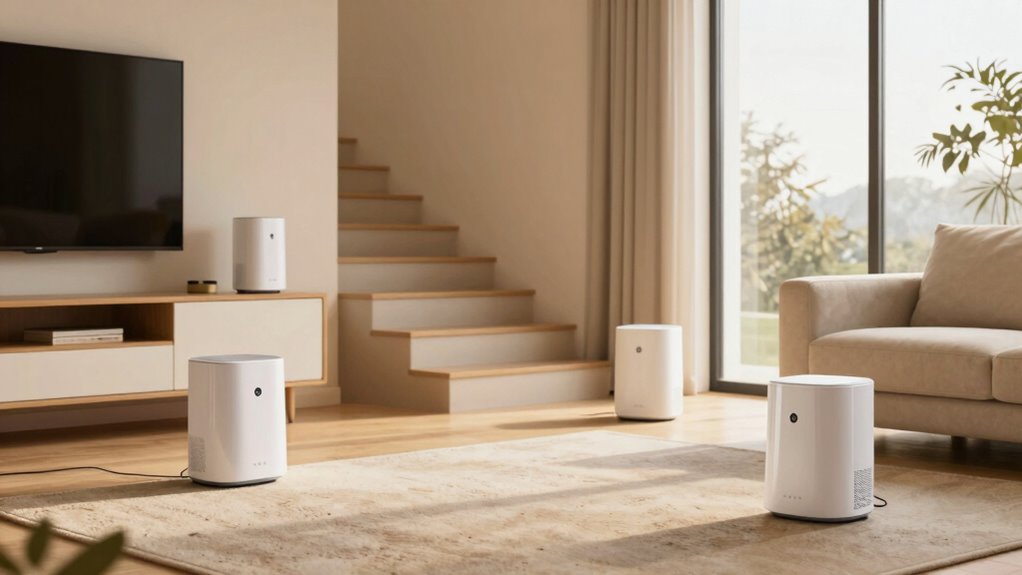
To accurately determine how much area each mesh node can cover, you need to take into account several factors like the node’s signal strength, the type of building materials, and potential sources of interference. A supportive setup can also enhance overall coverage and stability. Confirm node compatibility with your existing router and other mesh units for seamless connectivity. Consider the environment—thick walls or metal objects can reduce coverage. Test the signal quality at different distances to refine your estimate. Additionally, understanding mesh network topology can help optimize coverage and performance across your home. Knowing how environmental factors influence signal propagation is essential for effective placement and maximizing coverage. Properly choosing a reliable mesh system can significantly improve your network’s reach and stability.
mesh network signal strength tester
As an affiliate, we earn on qualifying purchases.
As an affiliate, we earn on qualifying purchases.
What Factors Affect Your Wi-Fi Signal Range?
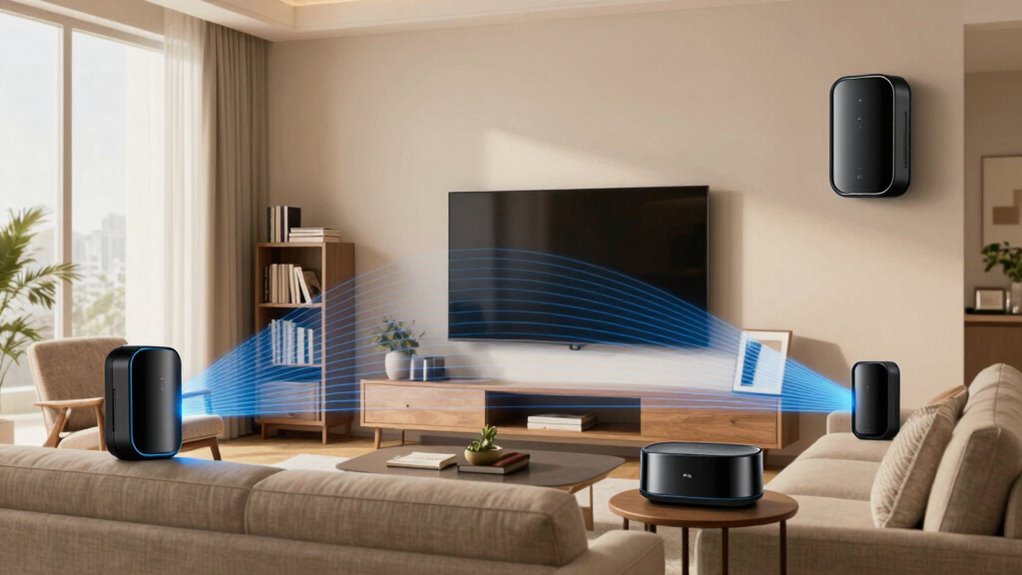
Several factors can substantially influence your Wi-Fi signal range, and understanding them can help you optimize your network. One key factor is Wi-Fi security settings, which can sometimes reduce signal strength if advanced encryption like WPA3 is used. Router compatibility also plays a role; older or incompatible routers may not support higher speeds or extended coverage. Physical barriers like walls, furniture, and appliances disrupt the signal, decreasing range. Interference from neighboring networks or electronic devices can further weaken your connection. Additionally, the router’s antenna design and placement impact coverage area. Ensuring your router is compatible with the latest standards and optimizing security settings without compromising performance can improve your Wi-Fi range. Being aware of these factors helps you make informed decisions when sizing your mesh system.
Estimating How Many Mesh Nodes You Need
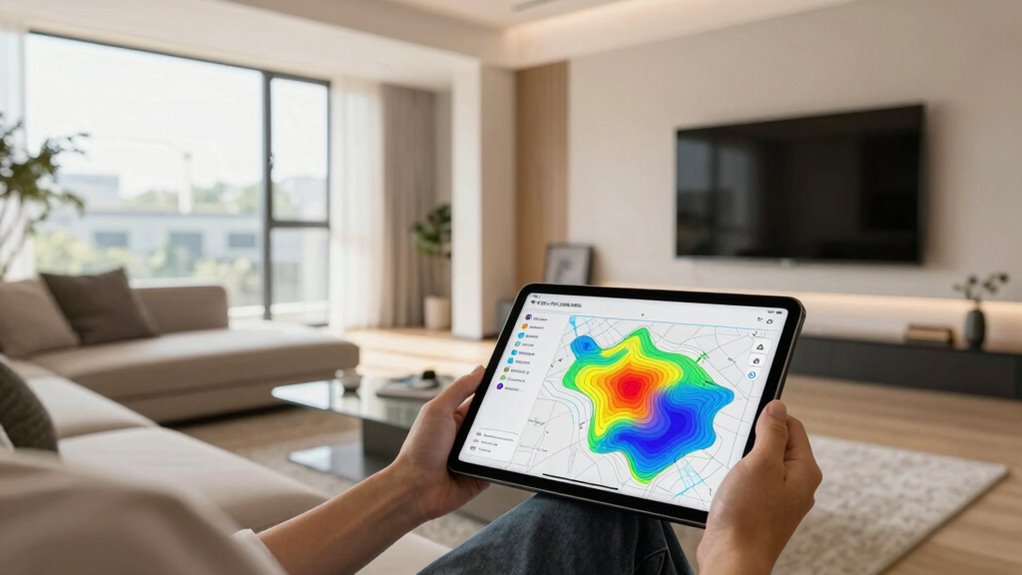
Determining how many mesh nodes you need starts with understanding your home’s size and layout. To get an accurate estimate, consider the following:
- Measure your home’s square footage to determine coverage needs.
- Factor in your home’s construction materials, which can affect mesh durability and signal strength.
- Check device compatibility to make sure the mesh system supports all your gadgets smoothly.
- Decide if you want extra nodes for future expansion or thicker walls that may weaken signals.
Where and How to Place Your Mesh Nodes for Best Coverage
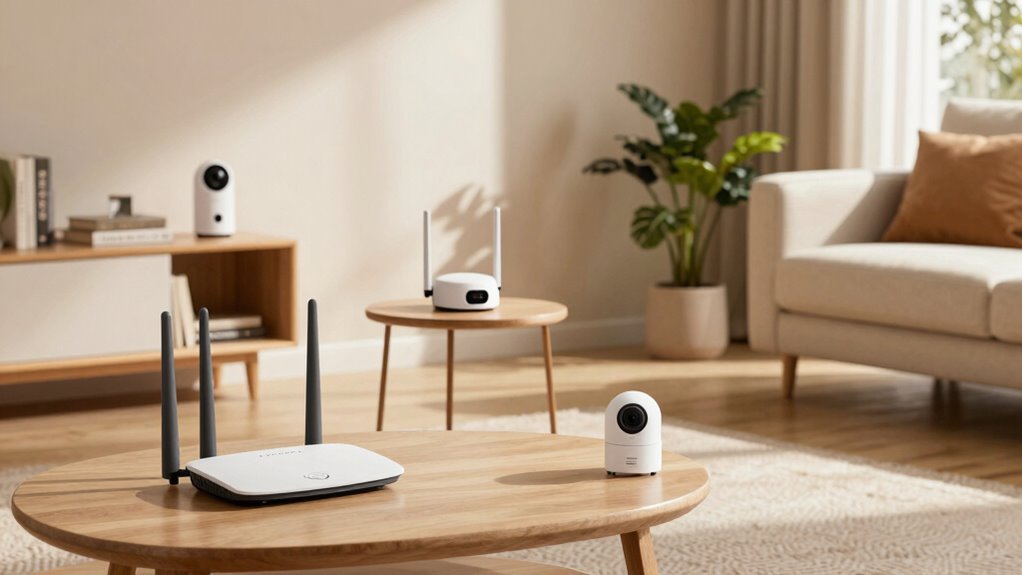
To get the best coverage, place your mesh nodes in ideal locations that maximize signal reach. Keep them away from thick walls, electronics, and other sources of interference that can weaken the signal. Position the nodes centrally in your home to guarantee even distribution and reliable connectivity everywhere.
Optimal Node Placement Strategies
Placing your mesh nodes strategically is essential for achieving seamless coverage throughout your home. To optimize placement, keep these strategies in mind:
- Position nodes centrally in each area, ensuring consistent signal overlap.
- Maintain proximity between nodes to promote node redundancy, preventing coverage gaps.
- Avoid placing nodes too close, which can cause excessive signal overlap and interference.
- Use higher floors and open spaces to maximize coverage and signal strength.
Focus on balancing signal overlap to guarantee a reliable connection while preventing dead zones. Proper placement enhances network stability and speeds, making sure each node supports the others efficiently. Remember, strategic positioning directly impacts your mesh system’s performance, so plan carefully to cover every corner of your home effectively.
Avoid Obstructions and Interference
Strategic placement of your mesh nodes must account for potential obstructions and sources of interference that can weaken signals. Obstructions like thick walls, metal surfaces, and furniture can considerably impact coverage, causing dead zones or slower speeds. Interference sources such as cordless phones, microwave ovens, and neighboring Wi-Fi networks also contribute to signal degradation. To minimize these issues, place nodes in open areas, elevated spots, and away from large metal objects or appliances that emit interference. Avoid setting nodes behind thick barriers or inside cabinets, as these obstruct signal flow and reduce coverage. By being mindful of these obstructions and interference sources, you guarantee a stronger, more reliable mesh network that delivers ideal coverage throughout your home.
Centralized Positioning Tips
For ideal coverage, position your mesh nodes in central locations within your home, where they can distribute signals evenly across all rooms. Centralized positioning guarantees each node can amplify signals effectively, preventing dead zones. To maximize placement:
- Place the primary node near your modem for strong signal amplification.
- Position secondary nodes in open, central areas to maximize coverage.
- Avoid placing nodes behind furniture or inside cabinets, which can obstruct signals.
- Keep nodes elevated, like on shelves, to reduce interference and improve signal distribution.
This strategic placement promotes even coverage and reduces weak spots, ensuring your mesh system performs at its best. Proper centralized positioning is essential for optimal signal amplification and a seamless Wi-Fi experience throughout your home.
Top Tools and Apps to Map Your Wi-Fi Coverage
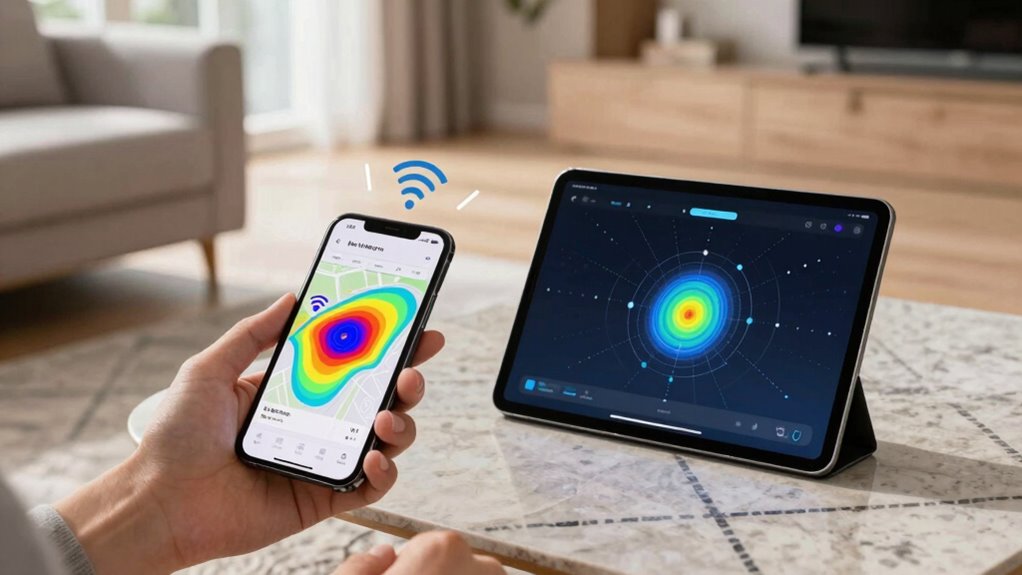
Mapping your Wi-Fi coverage is essential to guarantee your mesh system performs at its best, and luckily, there are several tools and apps designed to make this process straightforward. Apps like NetSpot, Ekahau HeatMapper, and Wi-Fi Analyzer help you visualize signal strength across your home, revealing weak spots. These tools are especially useful in smart home setups, ensuring all devices stay connected seamlessly. They also assist in optimizing placement for better network security by identifying potential interference or vulnerable zones. With these tools, you can accurately measure coverage, avoid dead zones, and fine-tune your network. Using precise maps, you’ll confidently size your mesh system, ensuring all-encompassing coverage and a secure, reliable connection throughout your entire home.
Common Mistakes When Sizing and Setting Up Your Mesh Network
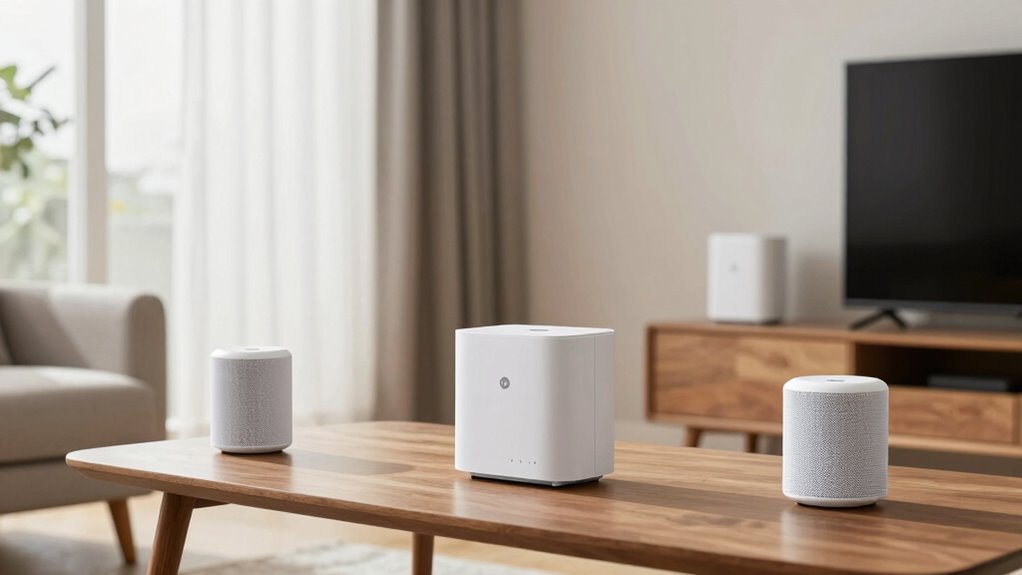
One common mistake people make when setting up their mesh network is underestimating how many devices will connect or overestimating the coverage area needed. This can lead to poor performance or security gaps.
To avoid this, consider these points:
- Overlooking device compatibility, which can prevent certain gadgets from connecting smoothly.
- Neglecting mesh security, risking unauthorized access if security features aren’t properly configured.
- Underestimating the number of devices, causing network congestion and slow speeds.
- Choosing a system based solely on coverage area without accounting for device density or mesh security features.
Being precise about device count, coverage needs, device compatibility, and mesh security ensures a setup that’s both reliable and secure.
Tips for Expanding and Optimizing Your Mesh Wi-Fi Over Time
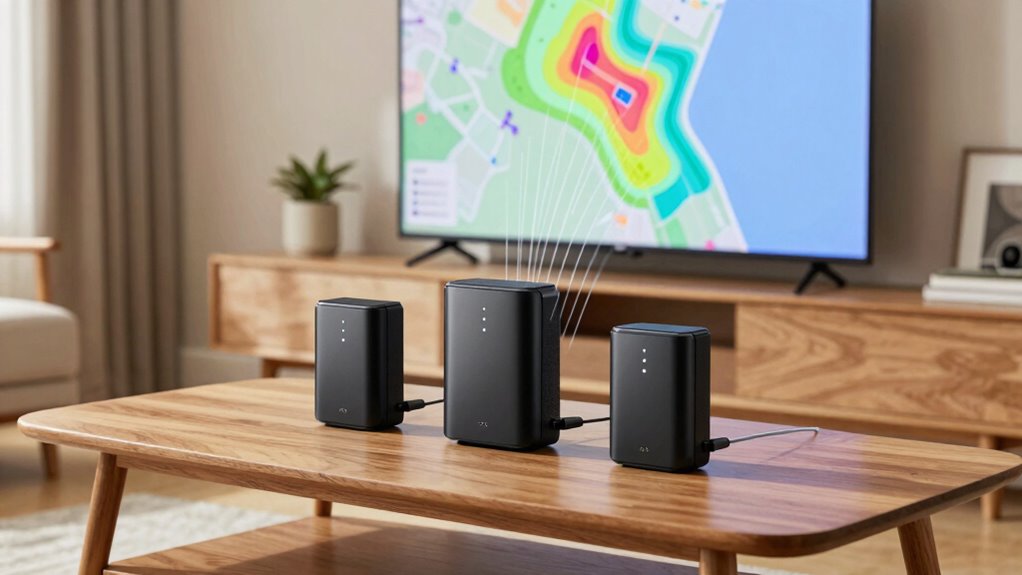
Once your initial mesh system is in place, enhancing and expanding it guarantees your network stays fast and reliable as your needs grow. To do this effectively, regularly check wireless security settings to protect your devices from threats. When adding new nodes, verify device compatibility to maintain seamless connectivity. Think of your network like a workspace:
| Existing Devices | New Expansion Options |
|---|---|
| Smart TVs | Additional mesh nodes |
| Laptops | Mesh-compatible devices |
| Smartphones | Upgraded security tools |
This visualization helps you see how expansion integrates smoothly. Keep firmware updated for peak performance, and position nodes strategically to maximize coverage. With these tips, your mesh Wi-Fi remains secure, scalable, and fast over time.
Frequently Asked Questions
How Does Wall Material Impact Mesh Wi-Fi Signal Strength?
Wall barriers can weaken your mesh Wi-Fi signal because materials like drywall, brick, or concrete absorb or reflect signals, leading to signal interference. The more solid or dense the wall material, the harder it is for your Wi-Fi to pass through, reducing coverage and speed. To improve performance, consider placing your mesh nodes in open areas or using additional units to bypass thick walls and minimize signal interference.
Can a Larger Home Require Fewer Mesh Nodes?
A larger home typically needs more mesh nodes, not fewer, to guarantee consistent coverage. Statistics show that homes over 2,000 square feet often require at least three nodes. For peak performance, you should focus on strategic node placement, especially in areas with thick walls or interference. Properly sizing your mesh system guarantees seamless Wi-Fi, regardless of your home’s size.
Do Multiple Floors Affect Mesh Wi-Fi Coverage Differently?
Multiple floors can affect your mesh Wi-Fi coverage because interference sources and signal overlap become more common. Walls, furniture, and other barriers weaken signals between nodes, especially across floors. To guarantee strong coverage, you should position nodes carefully to minimize interference sources, reduce signal overlap, and maximize signal strength. Proper placement helps your mesh system deliver consistent Wi-Fi performance throughout all floors of your home.
How Often Should I Reassess My Mesh Network Setup?
You should reassess your mesh network every 6 to 12 months, especially if you notice slow speeds or dropped connections. Keep an eye on device placement and signal interference, which can change over time due to furniture rearrangements or new electronics. Regular checks guarantee peak coverage, as even a 10% increase in signal interference can considerably impact your network’s performance. Staying proactive keeps your Wi-Fi reliable and fast.
What’s the Best Way to Troubleshoot Weak Spots in Coverage?
To troubleshoot weak spots, start by checking for interference sources like microwaves or cordless phones that could disrupt your signal. Then, optimize device placement by positioning mesh nodes centrally, elevated, and away from walls or metal objects. Use your router’s app or a Wi-Fi analyzer tool to identify weak areas. Moving nodes or adjusting their placement can substantially improve coverage and eliminate dead zones effectively.
Conclusion
Remember, accurately sizing your mesh system isn’t just guesswork — it’s about understanding your home’s unique layout and needs. While some believe that adding more nodes always improves coverage, the truth is, placement matters more than quantity. By evaluating your space and using the right tools, you can optimize your network efficiently. So, don’t just add nodes blindly — strategize, test, and adjust for the best Wi-Fi experience.
Halloween Picks
halloween
As an affiliate, we earn on qualifying purchases.