Just understanding why your UPS beeps can help you prevent damage and ensure continuous power—discover what each pattern really means.
Browsing Category
Wi‑Fi & Networking
161 posts
UPS Placement Rules: Where NOT to Put a Battery Backup
Avoid placing your UPS in humid, dusty, or poorly ventilated areas to prevent damage and ensure optimal performance—discover more essential placement tips inside.
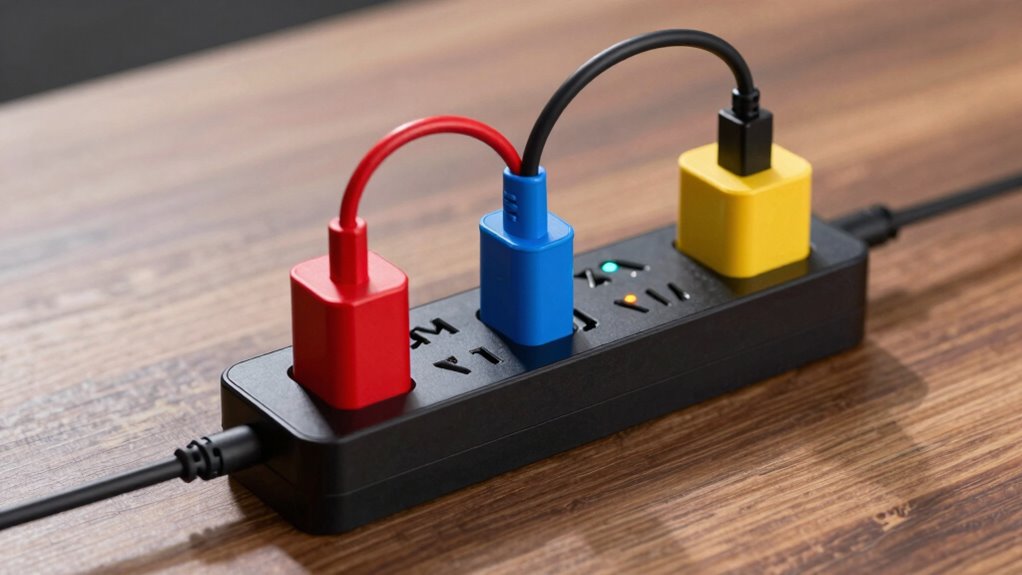
Surge Protection Ratings Explained: Joules, Clamping, and Reality
Understanding surge protection ratings like joules and clamping voltage is crucial to keeping your devices safe—discover how these factors truly matter.
Overheating While Charging? The Safety Checklist
Just when your device overheats during charging, understanding this safety checklist can prevent disaster—discover the essential steps to stay safe and protect your device.
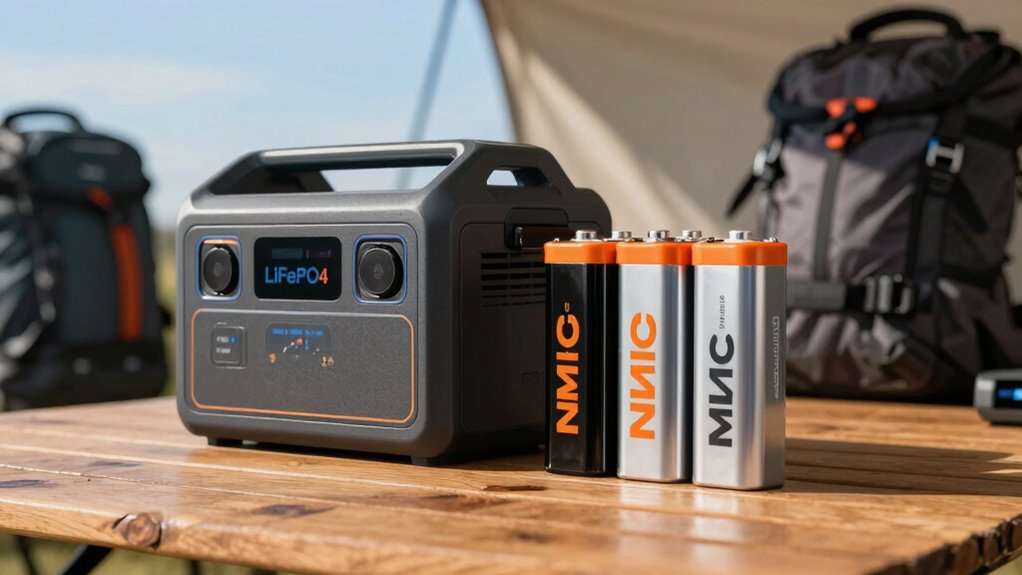
Why Your Laptop Charges Slowly on a Power Bank
Power limitations, cable quality, and device settings can all affect your laptop’s charging speed on a power bank—discover how to fix it.
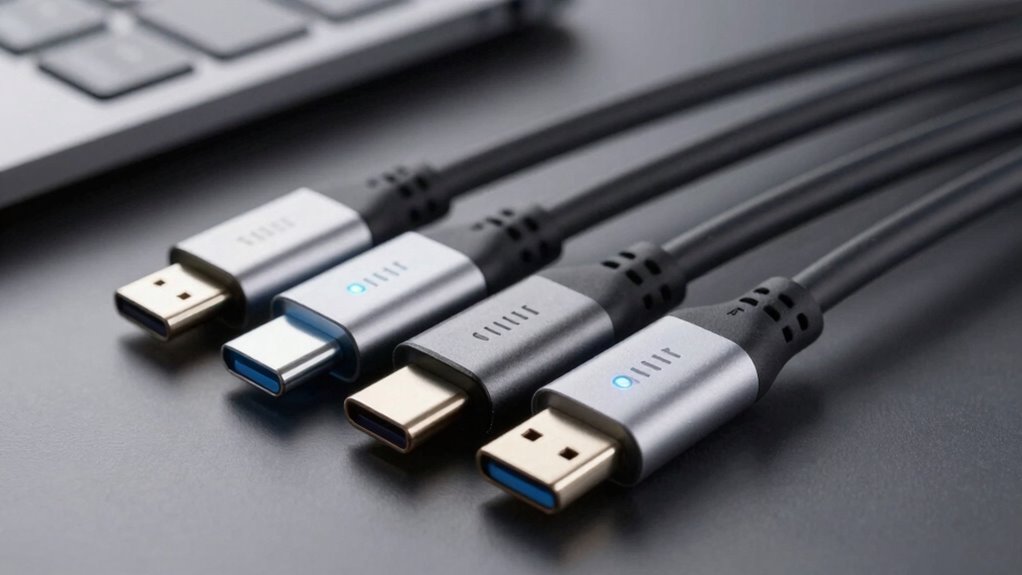
Cable Labels Decoded: What “60W” and “100W” Really Mean
Gaining clarity on cable labels like “60W” and “100W” reveals crucial details for safe, efficient charging—discover what these numbers truly mean.
USB‑C PD Explained: Why Some Cables “Work” but Don’t Charge Fast
You might find that some USB-C cables seem to work but don’t…
How to Read ISP Speed Requirements for Streaming and Gaming
To understand ISP speed requirements for streaming and gaming, start by matching…
Home Network Security Basics for Smart Devices
Learn essential home network security basics for smart devices to protect your data and stay ahead of potential threats.
The Simple Network Map Trick to Find Unknown Devices
The simple network map trick reveals hidden devices, helping you identify unknown connections—discover how to secure your network effectively.