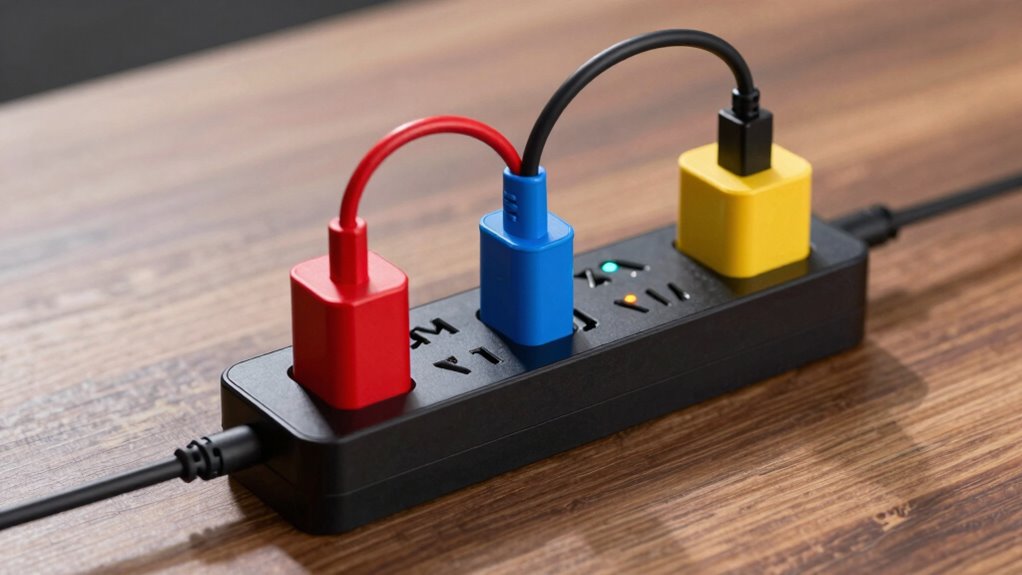

To avoid overloading your power strip, always check its maximum wattage or amp rating, usually printed on the device. Distribute high-power devices across multiple outlets and avoid daisy-chaining strips. Regularly inspect for signs of overheating, such as warmth or burning smells, and unplug unused devices. Keep cords organized and ensure good ventilation. If circuits trip often or devices flicker, it’s time to contemplate upgrading wiring or power strips. Continue to explore to keep your home safe and powered properly.
Key Takeaways
- Check the power strip’s maximum wattage or amperage rating and do not exceed it.
- Distribute high-power devices across multiple outlets to prevent overloading a single circuit.
- Avoid daisy-chaining multiple power strips, which increases overload risk.
- Regularly monitor devices and power strips for signs of overheating or flickering.
- Unplug unused devices and limit the total load to stay within safe circuit capacity.

6Ft Power Strip Surge Protector – Yintar Extension Cord with 6 AC Outlets and 3 USB Ports for for Home, Office, Dorm Essentials, 1680 Joules, ETL Listed, (Black)
Power Strip with 6 Outlets & 3USB Ports: 6 AC Surge protector outlets(1680 Joules) including 1 Widely Spaced…
As an affiliate, we earn on qualifying purchases.
As an affiliate, we earn on qualifying purchases.
Why Overloading Your Power Strip Is Dangerous
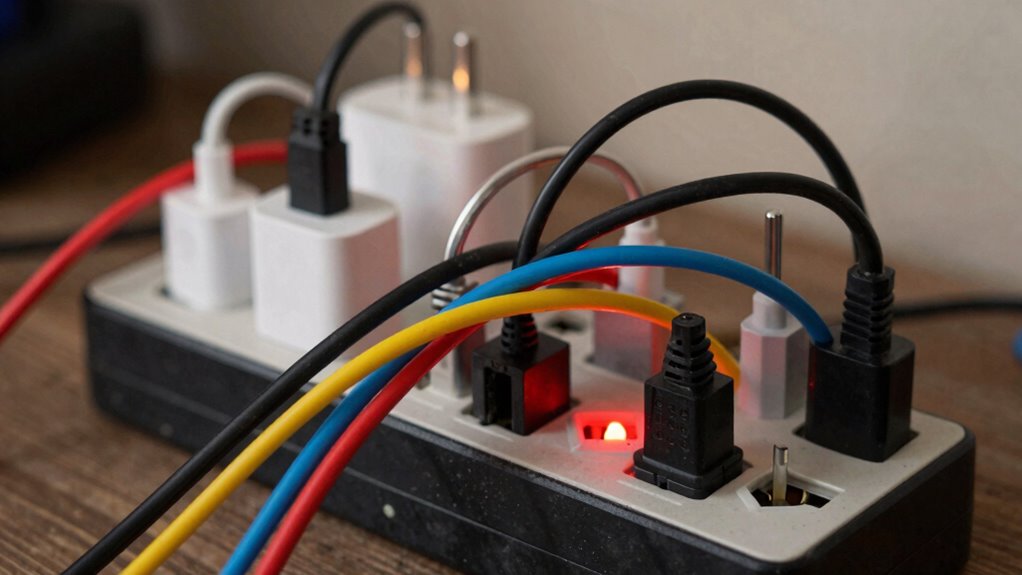
Overloading your power strip can pose serious safety risks because it causes the electrical current to exceed the device’s capacity. When this happens, you risk overheating the strip, which can lead to fires or damage to connected devices. Poor battery safety is another concern, especially if you’re charging devices with lithium-ion batteries that can swell or catch fire if power surges occur. Using a power strip without proper surge protection leaves your electronics vulnerable to power spikes, potentially destroying sensitive equipment. Overloading can also cause the circuit breaker to trip frequently, disrupting your power supply. Always limit the number of devices plugged in and make certain your power strip includes surge protection. Incorporating electrical safety standards can ensure safer usage and help prevent accidents, while also keeping your electronics safe from unexpected damage. Additionally, being aware of the power capacity of your devices can help you avoid exceeding safe load limits. Being mindful of load limits can further reduce the risk of dangerous overloads and ensure your electrical system remains safe. Regularly inspecting your power strips for signs of wear and tear is also an important safety measure to prevent potential hazards.
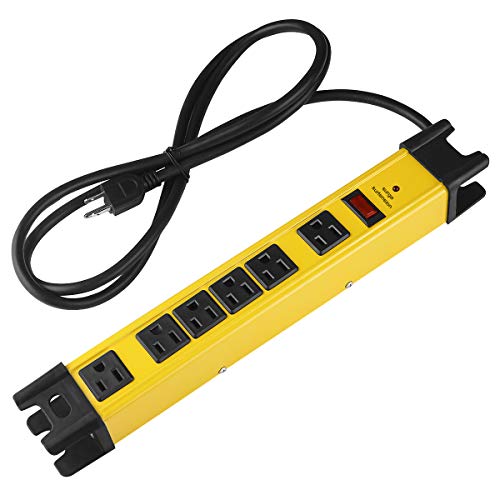
CCCEI Heavy Duty Power Strip Surge Protector with 15A, 6 Plug Industrial Shop Workshop Garden Metal Multiple Outlets, 6FT Extension Cord 1200 Joules ETL Listed, Yellow
1200J heavy duty surge protection with bright yellow aluminum housing, used in garage or shop workbench to charge…
As an affiliate, we earn on qualifying purchases.
As an affiliate, we earn on qualifying purchases.
How to Find Your Power Strip’s Load Capacity

To determine your power strip’s load capacity, start by looking for a label or printed information on the device itself. This label typically shows the maximum wattage or amperage it can handle. Knowing this number helps you avoid overloading, which is vital for safe power strip maintenance. Always follow electrical safety tips by not exceeding the listed capacity. If you can’t find the info, check the user manual or manufacturer’s website. Remember, the total load on the power strip should stay below its maximum rating. Being aware of your power strip’s load capacity is key to preventing electrical hazards. Regularly inspecting your device and adhering to safety guidelines ensures safe and effective use. Additionally, understanding how outdoor electrical setups can impact your wiring safety is important when using power strips in various environments. Properly understanding electrical safety tips can further help you prevent overloads and potential hazards.
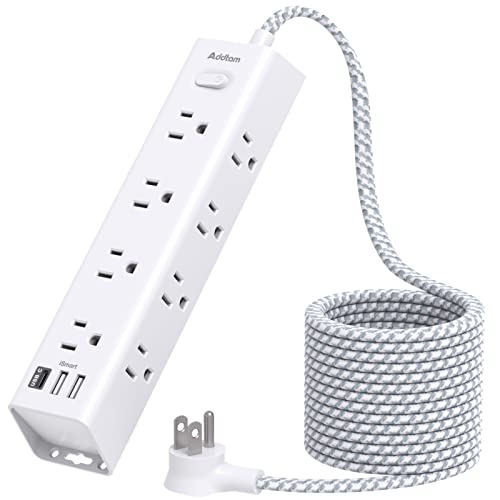
Surge Protector Power Strip – 10 FT Extension Cord, Power Strip with 12 Widely AC Outlet 3 USB, Flat Plug, Wall Mount Overload Protection, 1050J, Desk Charging Station for Home Office, ETL Listed
【15 IN 1 Power Strip】- 12 widely AC outlets power strips(1875W/15A Max)with 3 USB charing ports, the flat…
As an affiliate, we earn on qualifying purchases.
As an affiliate, we earn on qualifying purchases.
Signs Your Power Strip Is Overloaded
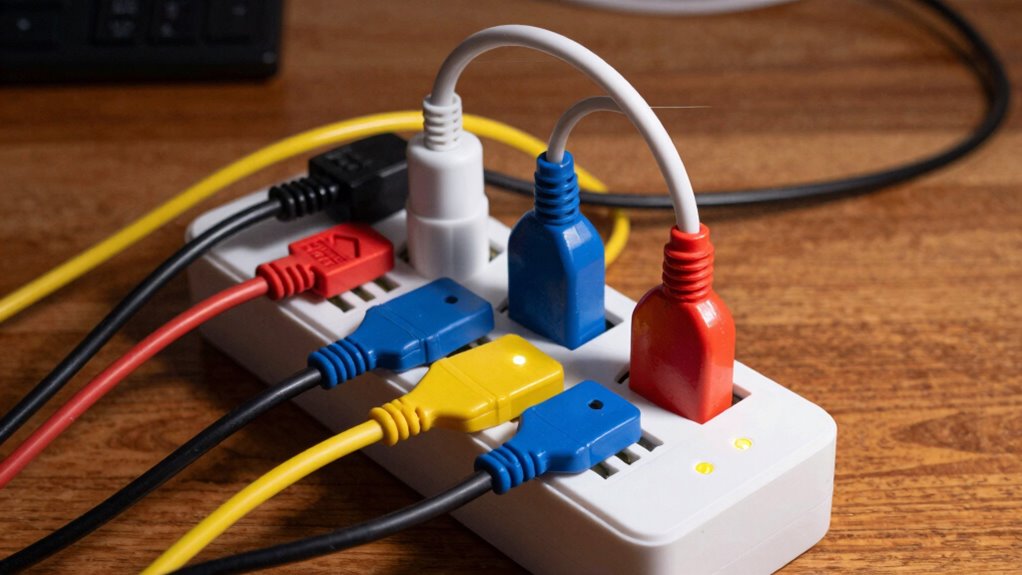
If your power strip shows sudden power fluctuations or your devices turn on and off unexpectedly, it might be overloaded. Frequently tripped breakers or a power strip that feels hot to the touch are clear signs you’re pushing its limit. Ignoring these signs can lead to damage or even fire hazards. In some cases, an overloaded power strip can also impact electrical safety and the longevity of connected appliances. Proper filtration and pump protection in related tools highlight the importance of maintaining optimal conditions to prevent malfunctions, which can be analogous to ensuring your power strip isn’t overwhelmed. Additionally, understanding safe chewing options for your pets can prevent unexpected hazards at home, emphasizing the importance of monitoring all electrical and pet-related safety concerns. To prevent overheating, ensuring proper ventilation around your devices can also help maintain safe operation. Regularly checking the load capacity of your power strip can help you avoid these risks before they become serious.
Sudden Power Fluctuations
Sudden power fluctuations can be a clear warning that your power strip is overloaded. When you notice inconsistent voltage levels or flickering devices, it signals your circuit protection might be compromised. Overloading can cause voltage instability, risking damage to your electronics. These fluctuations often happen when the power strip can’t handle the combined load, forcing it to struggle with voltage regulation. If you experience frequent or abrupt changes in power, it’s a sign you should unplug some devices immediately. Maintaining proper circuit protection requires avoiding overloads that lead to unstable voltage. Ensuring your power strip’s load capacity isn’t exceeded helps preserve voltage stability, protect your devices, and prevent potential electrical hazards. Always stay alert to fluctuations as an early warning to prevent overloading. Additionally, being aware of power strip load limits can help you avoid overloading and ensure safe operation. Understanding circuit capacity and how it relates to your total connected devices can further prevent overloads.
Frequently Tripped Breakers
Have you noticed your circuit breaker tripping frequently whenever you plug in your power strip? This is a clear sign your power strip might be overloaded. Regular power strip maintenance helps prevent these issues, but if your breaker keeps shutting off, it’s time to evaluate the situation. Different circuit breaker types respond differently to overloads; some trip quickly, while others are more tolerant. Constant trips indicate you’re exceeding your circuit’s capacity. Overloading can cause damage to your devices and pose safety risks. To avoid this, distribute your devices across multiple outlets and avoid daisy-chaining power strips. Staying aware of these signs and understanding your circuit breaker type ensures safer power strip use and prevents unnecessary trips. Additionally, understanding airless paint spraying tips and gear can help you better manage your power needs during DIY projects. Being familiar with **circuit breaker types** can also help you recognize how your system might react to overloads and when to seek professional assistance. Recognizing the importance of nail biology and hygiene can also inform safer and more effective maintenance practices for your home electrical system. Regularly inspecting power strip capacity and knowing the breakers’ response to overloads can help you identify when it’s time to upgrade to a higher-rated strip or additional circuits.
Overheating Power Strips
When a power strip becomes overloaded, it often starts to overheat, signaling that it’s handling more current than it’s designed for. This overheating indicates you’re exceeding the power strip capacity, which can compromise electrical safety. If you notice the power strip’s surface feels hot to the touch or emits a burning smell, stop using it immediately. Overloaded power strips risk damaging connected devices and increasing fire hazards. Regularly check for signs of overheating, especially if you have multiple devices plugged in. To prevent overheating, avoid daisy-chaining multiple power strips or plugging high-wattage appliances into a single strip. Staying within the power strip’s rated capacity helps protect your equipment and maintains electrical safety in your space. Additionally, understanding power strip load limits can help you avoid exceeding safe usage levels. Being aware of electrical safety practices is crucial to prevent potential hazards associated with overloads. Properly managing your power distribution and being aware of the capacity of your devices can also reduce the risk of overloads and ensure safer electrical usage. Monitoring your power strip for signs of overheating and understanding its maximum capacity can further enhance safety. Additionally, staying informed about lesser-known platforms for claiming crypto rewards can help you utilize promotional offers safely and effectively.
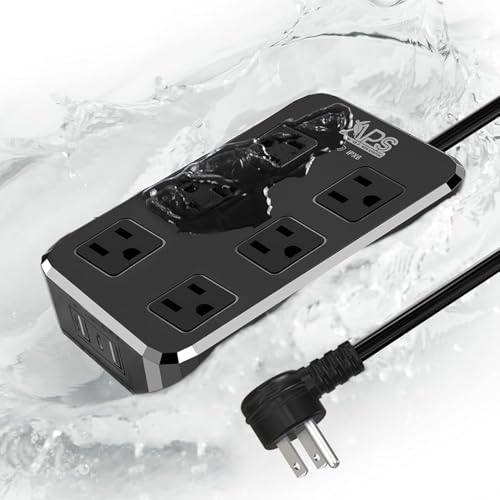
IPX6 Outdoor Power Strip Weatherproof, Waterproof Surge Protector with 6 Wide Outlet with 3 USB Ports, 6FT Long Extension Cord, Wall Mountable for Outside Decorations and More UL Listed(Black)
【9-in-1 Power Strip with 3 USB Ports】Unveil the potential of this power strip, boasting 6 well-spaced AC outlets…
As an affiliate, we earn on qualifying purchases.
As an affiliate, we earn on qualifying purchases.
The Risks of Overloading Power Strips and Circuits
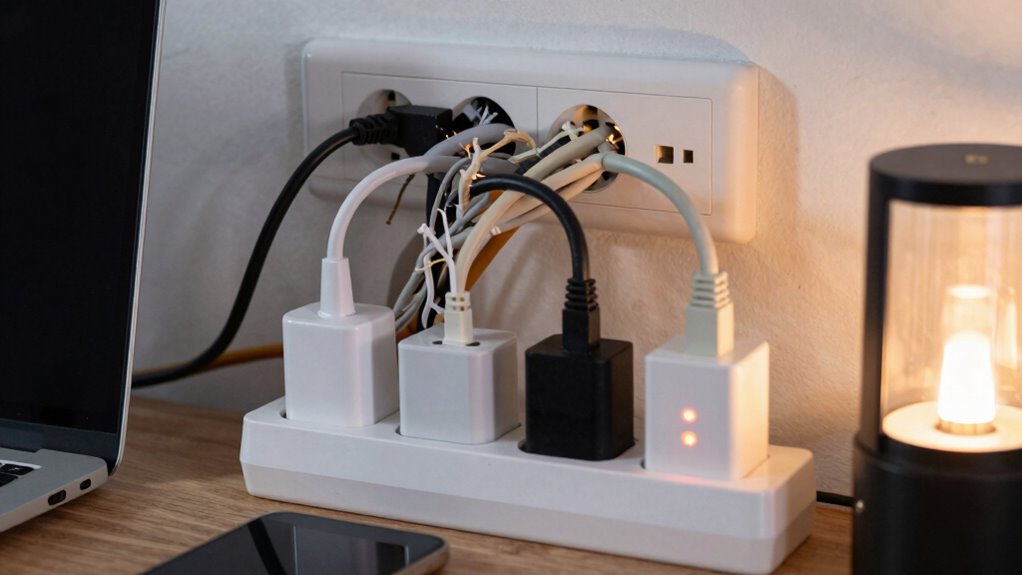
Overloading power strips and circuits can lead to serious electrical hazards that put your safety at risk. When you exceed the load capacity, wires can overheat, increasing the chance of fires or electrical shocks. Overloading also weakens the circuit’s electrical safety features, making it more vulnerable to short circuits and damage. Without proper surge protection, sudden voltage spikes can damage sensitive electronics and increase safety hazards. Ignoring load limits can cause circuit breakers to trip frequently or fail altogether, leaving your home unprotected. To stay safe, always respect the power strip’s rated capacity and avoid plugging in too many devices. Proper load management not only protects your equipment but also guarantees a safer environment. Additionally, understanding the importance of electrical safety can help prevent accidents and ensure your home remains secure.
Simple Tips to Prevent Power Strip Overloading
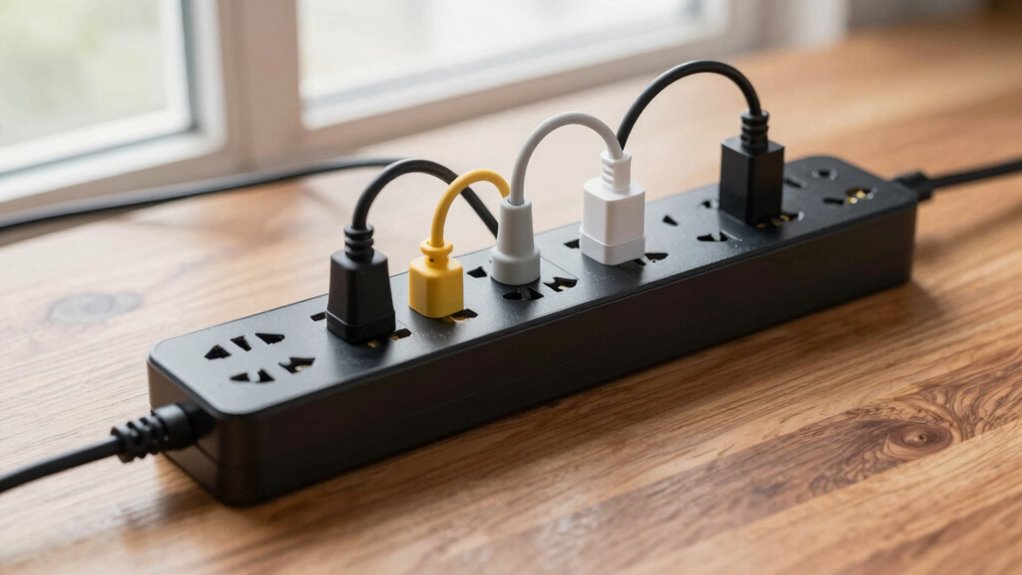
To prevent overloading your power strip, make sure you distribute devices evenly across multiple outlets. Be mindful of how many appliances you connect and watch for signs like flickering lights or warm outlets. Using power strips wisely and recognizing overload signs can keep your setup safe and functional.
Distribute Devices Evenly
Distributing your devices evenly across multiple power strips prevents any single strip from becoming overloaded. Proper device placement is key to effective power management and safety. Instead of plugging everything into one strip, spread out your devices so that no single outlet bears too much load. For example, connect high-power appliances like printers or heaters to separate strips or outlets. This helps avoid overheating and reduces the risk of circuit tripping. Keep an eye on the total wattage each power strip handles, and aim for a balanced setup. Regularly assess your device placement to guarantee even load distribution. Good power management isn’t just about preventing overload; it also prolongs the lifespan of your devices and wiring. Distributing devices evenly is a simple yet essential step toward safe, efficient electrical use.
Use Power Strips Wisely
Using power strips wisely is essential to prevent overloading and guarantee safety. Regular power strip maintenance helps identify signs of wear, such as frayed cords or scorch marks, preventing potential hazards. Always check outlet compatibility before plugging in devices; using a power strip with a higher capacity than your outlet can handle risks overloads. Avoid daisy-chaining multiple power strips, as this increases the chance of exceeding the load limit. Keep cords organized and unplug unused devices to reduce the overall load. Additionally, choose power strips with built-in surge protection and clear labeling of their maximum load capacity. By following these simple tips, you minimize the risk of circuit overload and assure your electrical setup remains safe and efficient.
Recognize Overload Signs
Recognizing the signs of an overloaded power strip is essential for maintaining safety. You should watch for voltage fluctuations, which can cause devices to flicker or malfunction. Unusual heat or a burning smell indicates excessive load. Frequent tripping of circuit breakers is another warning sign. Poor cable management can lead to tangled cords, increasing overload risk.
| Sign | Cause | Action |
|---|---|---|
| Voltage fluctuations | Overloaded circuit | Reduce connected devices and check load limits |
| Heat or burning smell | Excessive current draw | Unplug devices and inspect for damage |
| Frequent breaker trips | Overload or short circuit | Remove devices and distribute load evenly |
| Tangled cables | Poor cable management | Organize cords to prevent overload and damage |
| Device malfunctions | Voltage fluctuations | Limit devices plugged into one strip |
How to Safely Distribute Devices Across Multiple Outlets
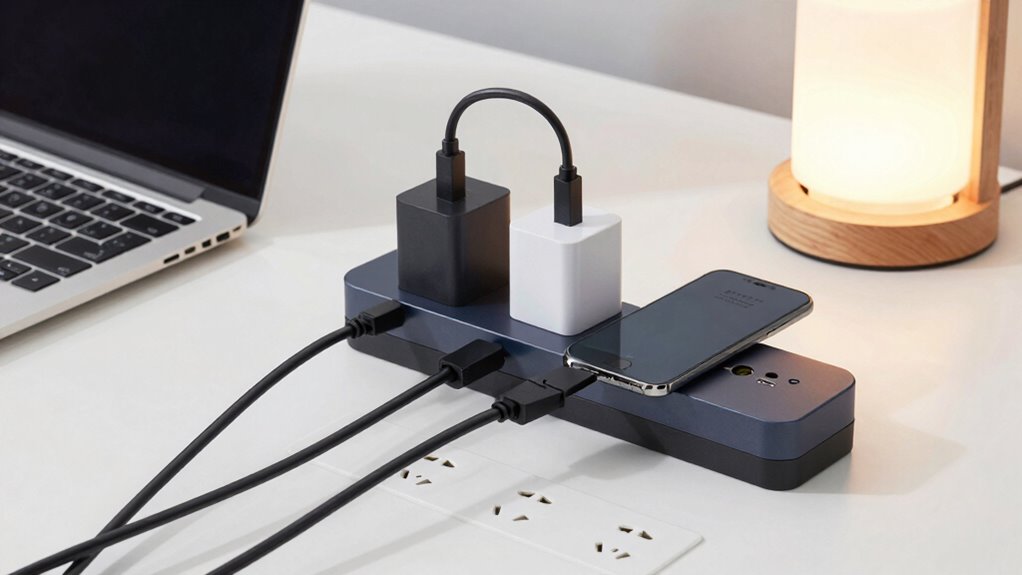
To prevent overloading your outlets and reduce the risk of electrical hazards, it’s important to distribute your devices carefully. Start with proper device placement by spreading high-power appliances across different outlets instead of clustering them together. This prevents any single outlet from bearing too much load. Organize your outlets to keep cords neat and avoid tangling, which can cause damage or accidental disconnections. Use power strips with built-in overload protection, but don’t rely on them to handle all devices at once. Instead, plan outlet organization so that heavy-duty devices are plugged directly into wall outlets, while lighter devices share power strips. This balanced approach helps manage load effectively, minimizing risk and ensuring safe operation.
What to Do When Your Circuit Keeps Tripping?
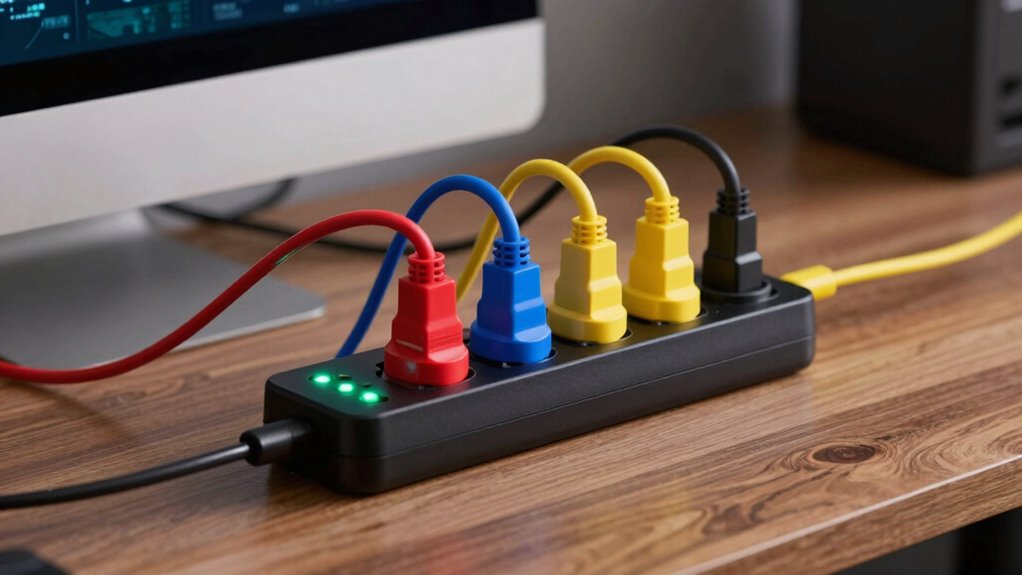
When your circuit keeps tripping, it’s a clear sign that something is overload or causing a short circuit. First, unplug unnecessary devices to reduce the load and see if the breaker resets. Check your circuit design to identify any areas where wires or outlets might be overloaded. If the breaker trips again, it could signal a wiring fault or a short circuit that needs professional inspection. Always prioritize electrical safety by avoiding makeshift fixes or ignoring repeated trips. Consider redistributing devices across different circuits to prevent overload. Regularly inspect outlets and wiring for signs of damage or wear. If you’re unsure, consult a licensed electrician to assess your system. Proper circuit design guarantees safe operation and prevents future trips.
When to Upgrade Your Power Strips or Circuit Wiring
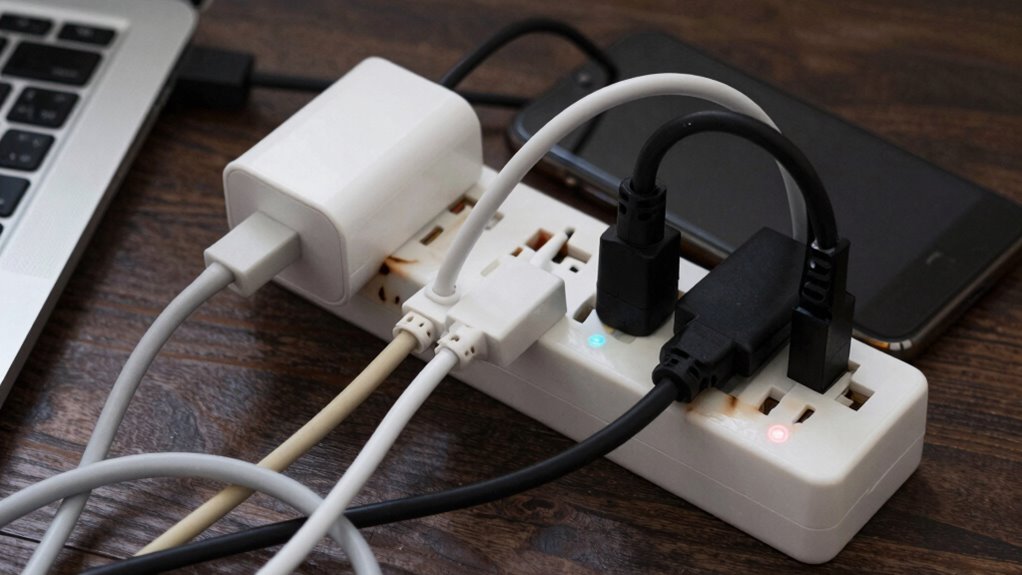
If your circuit keeps tripping despite redistributing devices and inspecting wiring, it might be time to contemplate upgrading your power strips or circuit wiring. Frequent tripping can signal that your electrical system isn’t equipped to handle your load, risking electrical safety hazards. Circuit upgrades become necessary when you notice persistent overloads, flickering lights, or burning smells. Upgrading your wiring ensures your circuits can handle increased power demands safely and reduces the risk of fires or damage. Using inadequate power strips or outdated wiring compromises safety and can lead to costly repairs. Recognizing these signs and investing in proper circuit upgrades helps protect your home and devices, ensuring your electrical system is safe, reliable, and compliant with safety standards.
Frequently Asked Questions
Can Using Extension Cords Affect Power Strip Load Limits?
Using extension cords can definitely affect power strip load limits. When you plug a power strip into an extension cord, you’re increasing the electrical wiring’s load, which can strain circuit breakers and cause overheating. If the extension cord isn’t rated for high loads, it may trip breakers or pose a fire risk. Always make sure your extension cords and power strips are rated properly to handle the total load to keep your electrical system safe.
How Do Surge Protectors Impact Load Capacity?
Surge protectors are like gatekeepers that shield your devices from voltage spikes, but they can limit your load capacity if you overload them. When you add surge protection, it’s essential to stay within the rated load capacity to prevent overheating or damage. Ignoring this is like trying to carry too many books at once—you risk dropping everything. Always check your surge protector’s limits to keep your electronics safe and functioning properly.
Are There Specific Devices That Draw More Power and Risk Overload?
Certain devices, like space heaters, hair dryers, and large kitchen appliances, draw more power and can risk overload. You should check device compatibility with your power strip and consider their power consumption patterns. High-wattage devices often require dedicated circuits or outlets. Always avoid plugging multiple high-power devices into one strip, and monitor their usage to prevent overloads and guarantee safety.
What Safety Measures Should Be Taken When Resetting Tripped Circuits?
Think of resetting a tripped circuit as calming a restless horse—you need patience and caution. Before resetting, make certain grounding safety by unplugging devices and inspecting for damage. Check that the circuit breaker function is fully reset, and avoid rushing to restore power. Stand clear in case it trips again, and always follow manufacturer instructions. These steps help prevent electrical hazards and keep your home safe.
How Often Should I Check My Power Strip’s Load Capacity?
You should check your power strip’s load capacity regularly, especially if you use multiple devices. It’s important to monitor electrical wiring and avoid overloading, which can trip circuit breakers or cause hazards. Aim to inspect once a month or whenever you notice signs of overheating or flickering lights. Keeping within the recommended load limits guarantees safety and helps prevent electrical issues, protecting your circuit breakers and wiring from damage.
Conclusion
Remember, treating your power strip like a delicate garden saves you from unexpected storms. By respecting its load limits and spreading your devices wisely, you keep your home’s electrical landscape thriving. Think of it as tending to a vibrant, balanced ecosystem—carefully nurturing each element without overcrowding. When circuits begin to whisper warnings, take a gentle step back and give your wiring a little extra love. A well-maintained setup keeps everything flowing smoothly, brightening your space with worry-free power.