
The difference between 60Hz and 120Hz refresh rates mainly comes down to how smooth and responsive your screen feels. At 120Hz, your display updates twice as often, making fast movements like gaming, scrolling, or videos appear much smoother and clearer. This reduces motion blur and input lag, giving you a more natural experience. If you want to understand why this feels so different and see whether a higher refresh rate suits your needs, keep exploring the details.

Get the latest gadgets delivered free with Prime
- Fast, free delivery on millions of items
- Prime Video, Amazon Music and more included
- Member-only deals all year
Key Takeaways
- Higher refresh rates, like 120Hz, update images more frequently, resulting in smoother motion compared to 60Hz.
- Increased refresh rate reduces motion blur and ghosting, making fast-moving visuals clearer and more stable.
- Faster refresh rates lower response times and input lag, providing more responsive and seamless interactions.
- Higher refresh rates decrease eye strain and fatigue during extended use by minimizing flickering and blurriness.
- The noticeable difference is most prominent in fast-paced content like gaming or videos, less so in static or casual viewing.
As an affiliate, we earn on qualifying purchases.
What Is Refresh Rate and Why Does It Matter?

Have you ever wondered why some screens look smoother than others? It all comes down to the refresh rate, a key aspect of display technology. The refresh rate measures how many times per second your screen updates its image, expressed in hertz (Hz). A higher refresh rate means the image updates more frequently, resulting in smoother motion and less blur. Different display technologies, like LCD or OLED, can impact how effectively this refresh rate is utilized, but the core idea remains the same. When you choose a display with a higher refresh rate, you’re fundamentally enabling your screen to show fast-paced action more clearly. This makes gaming, videos, and scrolling much more fluid, enhancing your overall viewing experience. Understanding refresh rate can help you make more informed choices when selecting a display. Additionally, the contrast ratio plays a significant role in visual clarity, especially in dark scenes, further affecting the overall image quality.
high refresh rate computer monitor
As an affiliate, we earn on qualifying purchases.
As an affiliate, we earn on qualifying purchases.
How Does Refresh Rate Affect Your Viewing Experience?
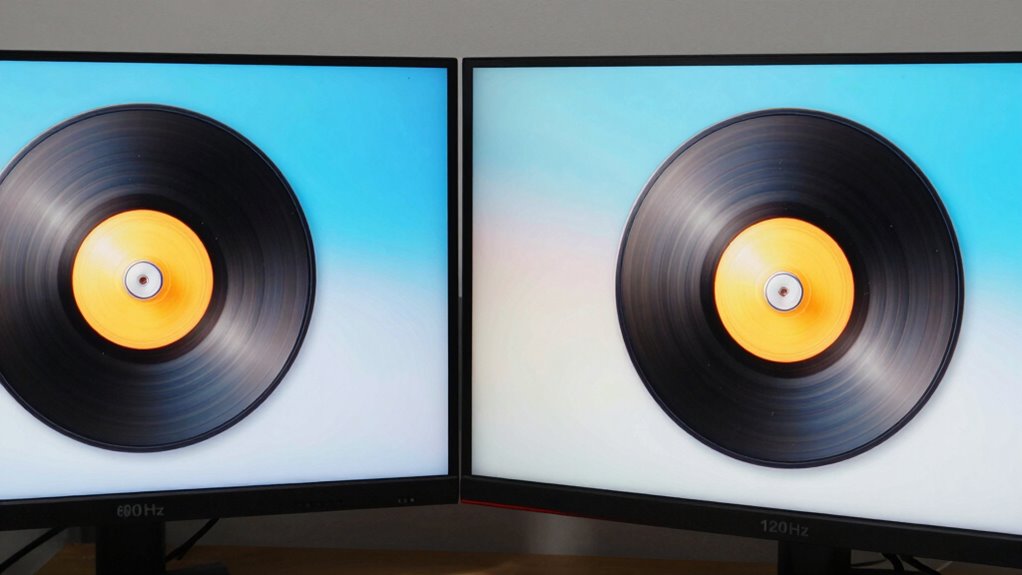
A higher refresh rate makes motion appear smoother and more natural, especially during fast-paced scenes or gaming. It also improves responsiveness and reduces delay, giving you a more immediate and accurate experience. Plus, a suitable refresh rate can help lessen eye strain and fatigue during extended viewing sessions. For optimal viewing, selecting a refresh rate that matches the content type and your usage habits is important. Understanding refresh rate compatibility can enhance your overall experience. Additionally, being aware of how display technology interacts with refresh rates can help you choose the best settings for your needs. Recognizing visual perception and how it influences your viewing comfort can further improve your experience. Considering viewer preferences and individual sensitivities can also optimize your visual comfort during long periods of use. Moreover, incorporating knowledge about public speaking anxiety can help you stay calm and focused if you’re presenting or demonstrating your viewing setup to others.
Smoothness of Motion
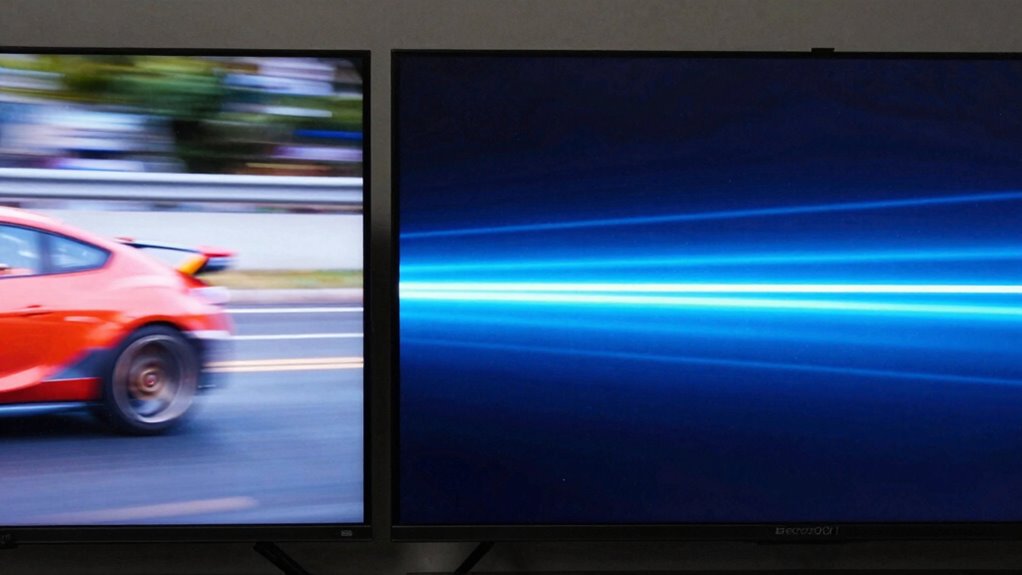
When your display has a higher refresh rate, motion appears much smoother and more natural. This improved fluidity makes fast-moving scenes, like sports or action games, feel more seamless. A higher refresh rate reduces motion blur, helping you see details more clearly and enjoy a more immersive experience. It also enhances color accuracy by providing more consistent frame updates, which benefits the overall image quality. Additionally, a higher refresh rate can complement your display resolution, making visuals sharper and more vibrant. This combination creates a more lifelike picture, especially during rapid movements. Overall, the smoothness of motion considerably elevates your viewing experience, making everything feel more responsive and realistic, especially when watching fast-paced content or gaming.
Responsiveness and Delay
Higher refresh rates directly improve a display’s responsiveness by reducing the delay between your input and what appears on the screen. Faster refresh rates lower response time and input lag, making your actions feel more immediate. This is especially noticeable in fast-paced games or quick interactions, where even milliseconds matter. A lower input lag means less delay between pressing a button and seeing the result on screen, giving you a competitive edge and smoother experience. Here’s a quick comparison:
| Refresh Rate | Response Time | Input Lag |
|---|---|---|
| 60Hz | Higher | Longer |
| 120Hz | Lower | Shorter |
| 144Hz | Even lower | Even shorter |
| 240Hz | Minimal delay | Near instant |
Choosing a higher refresh rate improves responsiveness, reducing delay and enhancing your overall experience.
Eye Comfort and Fatigue
Have you ever felt eye strain or fatigue after long hours in front of a screen? Higher refresh rates can improve eye comfort by reducing visual strain. When your display updates more frequently, your eyes don’t have to work as hard to follow moving images, which minimizes flickering and blurriness. This smoother motion helps lessen tiredness and discomfort, especially during extended use. Lower refresh rates, like 60Hz, may cause your eyes to strain more, leading to fatigue and headaches over time. By choosing a higher refresh rate, such as 120Hz, you can enjoy a more comfortable viewing experience, especially during prolonged sessions. Additionally, performance parts such as high-quality displays with faster refresh rates are designed to enhance your overall viewing comfort. Incorporating Glycolic Acid in skincare routines can also contribute to healthier skin, reducing irritation and improving moisture retention, which can help ease eye discomfort caused by dryness. Ultimately, a higher refresh rate supports better eye health and reduces visual fatigue, making your screen time more pleasant. Using faster refresh rates can also contribute to better motion clarity, further decreasing eye strain during fast-paced activities. A display with a higher refresh rate can also help mitigate visual fatigue, which is especially beneficial during long periods of gaming or video watching. Moreover, reducing screen flicker through higher refresh rates can significantly improve comfort for sensitive eyes.
OLED display with high refresh rate
As an affiliate, we earn on qualifying purchases.
As an affiliate, we earn on qualifying purchases.
Is 120Hz Better Than 60Hz? Here’s What You Need to Know
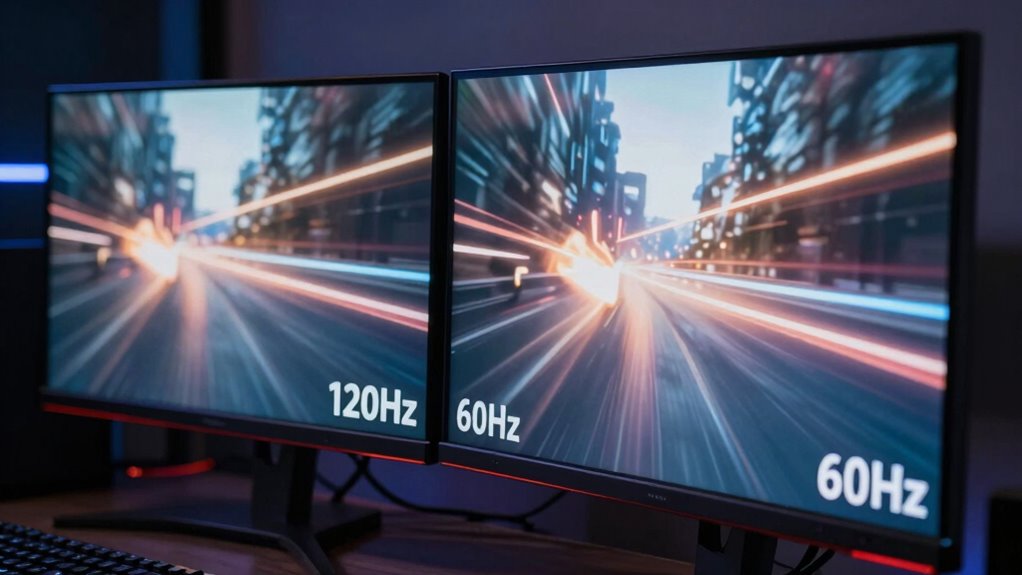
Choosing between a 120Hz and a 60Hz refresh rate can considerably impact your viewing experience. Many believe that a higher refresh rate always equals better quality, but that’s a common refresh rate myths. In reality, display technology varies, and not all screens benefit equally from the jump to 120Hz. If you primarily watch movies or static content, 60Hz might be sufficient. However, for smoother motion and less blur, especially in fast-paced scenes, 120Hz can make a noticeable difference. It’s not just about the number; factors like response time and panel type matter. So, while 120Hz often offers a more fluid experience, your choice should depend on your usage and the display technology in your device.
gaming monitor with low input lag
As an affiliate, we earn on qualifying purchases.
As an affiliate, we earn on qualifying purchases.
How Refresh Rate Impacts Gaming and Fast Action
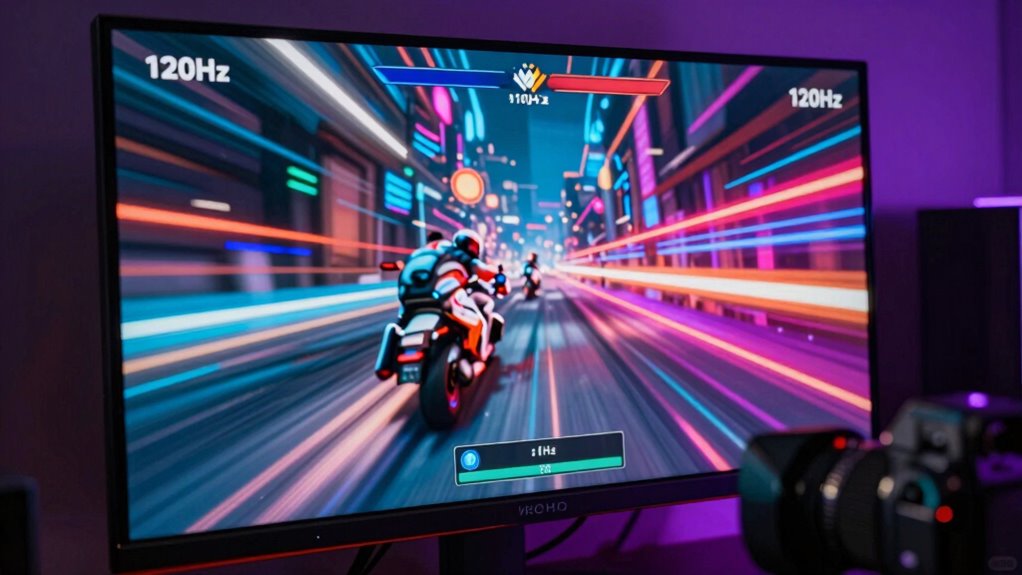
When it comes to gaming and fast-paced action, the refresh rate plays an essential role in how smooth and responsive your gameplay feels. A higher refresh rate, like 120Hz, reduces motion blur and makes fast movements appear clearer, giving you a competitive edge. Proper refresh rate calibration ensures your display technology delivers peak performance, minimizing input lag and screen tearing. This means your actions are reflected instantly, making gameplay more fluid and immersive. Lower refresh rates, such as 60Hz, can cause judder during quick movements, negatively impacting your reaction times. Understanding how refresh rate impacts gaming helps you choose the right display technology and settings for a seamless, lag-free experience, especially in titles where every millisecond counts.
Why Refresh Rate Makes Scrolling and Daily Tasks Smoother
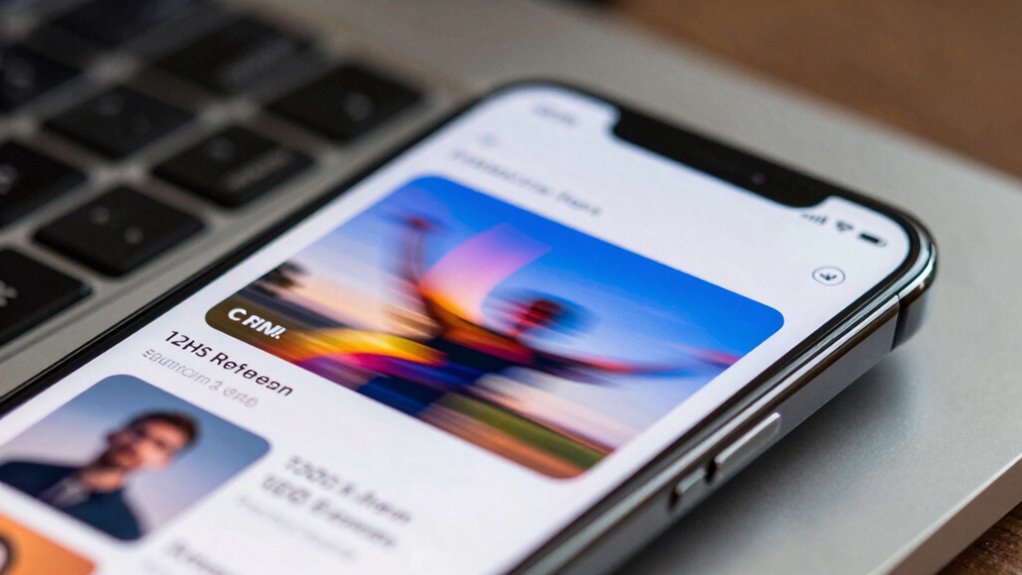
A higher refresh rate helps your screen show smoother motion, making scrolling through webpages feel more seamless. It also reduces motion blur, so fast movements appear clearer and more precise. This means your daily tasks become more comfortable and less straining on your eyes.
Smoother Motion Perception
Higher refresh rates create a smoother visual experience by reducing motion blur and stuttering during fast movements. This increased fluidity improves your perception of motion, making scrolling and daily tasks feel more natural. When motion appears steadier, your eyes don’t have to work as hard to interpret movement, which can help reduce motion sickness for sensitive users. Additionally, higher refresh rates enhance visual stability, preventing shaky or blurry images during quick screen changes. This creates a more comfortable viewing experience, especially during fast-paced activities like gaming or rapid scrolling. Overall, the smoother motion perception makes everyday interactions feel more seamless, reducing eye strain and making your digital experience more enjoyable. Incorporating Suprem fabric into screens and displays can also contribute to better visual comfort by providing a high-quality, durable surface that minimizes glare and enhances clarity.
Reduced Motion Blur
Increased refresh rates considerably reduce motion blur, making fast-moving images appear clearer and sharper. This improvement enhances visual stability, which is especially important during scrolling or quick transitions. When motion blur is minimized, your eyes can track movements more accurately, reducing eye strain and the risk of motion sickness. This smoother visual experience helps your brain process what’s happening onscreen or on your device more effectively. Without noticeable blur, tasks like browsing, gaming, or scrolling feel more natural and comfortable. Refresh rates that are higher, like 120Hz, ensure less ghosting and smoother transitions, which keeps your vision stable. In turn, you experience less fatigue and discomfort, especially during prolonged use, making daily tasks more seamless and enjoyable.
Do You Need a 120Hz Screen? Factors to Consider
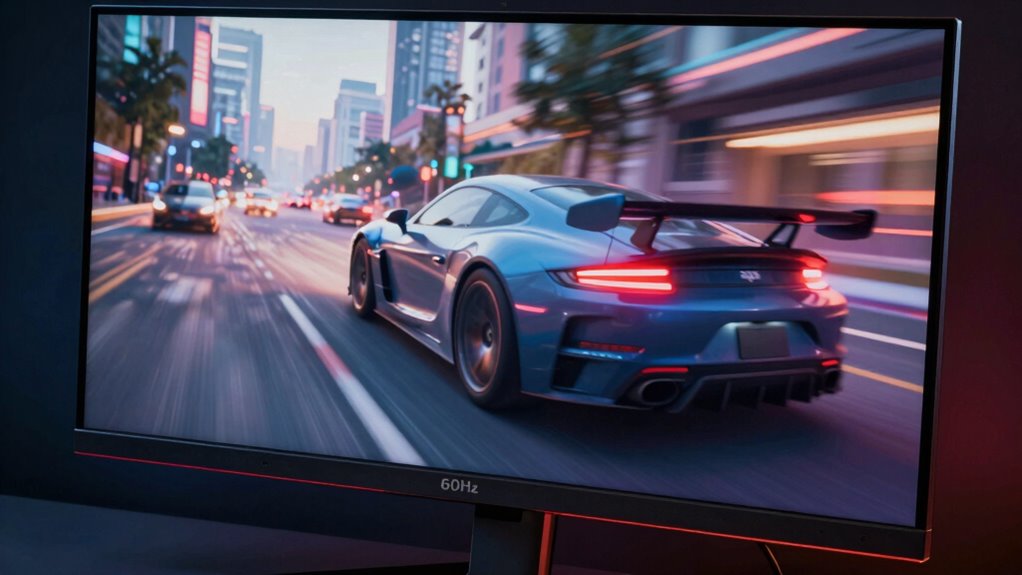
Deciding whether a 120Hz screen is worth it depends on how you use your device. If you spend hours gaming or watching fast-paced videos, a higher refresh rate can reduce screen fatigue and improve visual clarity, making movements smoother and more natural. However, if your activities mainly involve browsing, reading, or casual use, the benefits may be less noticeable. Consider whether your eyes tend to strain after prolonged screen time; a higher refresh rate can ease that discomfort. Additionally, check if your device supports 120Hz and whether it impacts battery life. Ultimately, if smooth visuals and reduced eye strain are priorities, a 120Hz display could be a worthwhile upgrade. If not, a standard 60Hz might suffice.
Common Myths About Refresh Rate Debunked

Many people assume that a higher refresh rate automatically means a better viewing experience, but this isn’t always true. There are common refresh rate misconceptions fueled by marketing hype that can mislead you. For example:
Higher refresh rates don’t always guarantee a better viewing experience—understanding misconceptions helps you choose wisely.
- More is always better: A 120Hz screen isn’t essential for all activities; it shines mainly in fast-paced gaming or certain videos.
- Higher refresh rate equals smoother motion: While generally true, the difference becomes less noticeable beyond a certain point, especially if your hardware isn’t optimized.
- Lower refresh rates are outdated: Many still find 60Hz perfectly sufficient for everyday use, and it often consumes less power.
Understanding these myths helps you make more informed decisions, rather than falling for marketing hype that promotes higher numbers without real benefits.
How to Choose the Best Refresh Rate for Your Devices
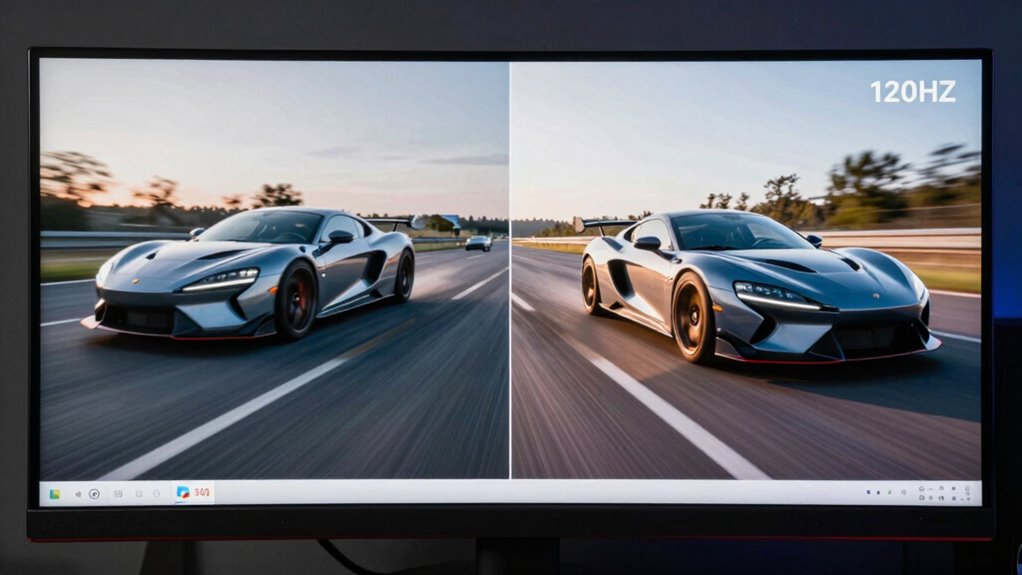
Choosing the right refresh rate for your devices depends on how you use them and what you value most in your viewing experience. If smooth motion is key, a higher refresh rate like 120Hz enhances fluidity, especially in gaming or fast-paced videos. However, consider energy consumption, as higher rates can draw more power. For tasks demanding precise color accuracy, such as photo editing, a lower refresh rate with better color fidelity may be preferable. Use the table below to weigh your priorities:
| Priority | Recommended Refresh Rate | Additional Considerations |
|---|---|---|
| Smooth motion | 120Hz or higher | Increased energy consumption |
| Color accuracy | 60Hz or lower | Better for detailed color work |
| Battery life | 60Hz | Less energy use |
| Gaming | 120Hz or higher | Reduces motion blur |
| General use | 60Hz or 75Hz | Balanced performance and efficiency |
Additionally, understanding the refresh rate can help you optimize your device for specific tasks and improve overall user experience.
Frequently Asked Questions
Can a Higher Refresh Rate Improve Battery Life on My Device?
A higher refresh rate generally doesn’t improve your device’s battery life; it often increases power consumption because your screen updates more frequently. To optimize battery life, you should enable battery optimization features and consider lowering the refresh rate when high performance isn’t needed. This reduces power consumption, helping your device last longer. So, sticking to a lower refresh rate can be a smart move for better battery management.
Does a Higher Refresh Rate Make Text Sharper or Clearer?
They say a picture is worth a thousand words, but higher refresh rates don’t necessarily make text sharper or clearer. Instead, they reduce screen flickering and motion blur, creating smoother visuals. While 120Hz might make animations look more fluid, it won’t improve the clarity of static text. If sharpness is your goal, focus on resolution and pixel density rather than just refresh rate.
Are There Any Health Risks Associated With High Refresh Rates?
High refresh rates generally don’t pose health risks, but they can cause eye strain or motion sickness for some people. You might notice discomfort if your eyes struggle to adapt to rapid screen changes, especially during long use. To avoid issues, take regular breaks, adjust brightness, and consider lowering the refresh rate if you experience persistent eye strain or dizziness. Listening to your body helps prevent any discomfort.
How Does Refresh Rate Affect Virtual Reality Experiences?
A higher refresh rate enhances your virtual reality experience by improving frame synchronization, reducing motion blur, and making movements smoother. When the refresh rate is low, you may experience lag or stuttering, which can trigger motion sickness. To feel immersed and comfortable, you want a high refresh rate that keeps your virtual environment responsive, stable, and synchronized with your head movements, preventing discomfort and enhancing overall VR enjoyment.
Can a Monitor Switch Between Different Refresh Rates Automatically?
Yes, your monitor can switch between different refresh rates automatically. Many modern monitors support adaptive synchronization technologies like G-SYNC or FreeSync, which enable frame rate matching. This allows your display to adjust its refresh rate dynamically based on the content, ensuring smoother gameplay and reducing screen tearing. So, as your system’s frame rate fluctuates, your monitor adapts seamlessly, providing a more comfortable and immersive viewing experience.
Conclusion
Ultimately, understanding refresh rates helps you make smarter choices, enhances your viewing, boosts your gaming, and smooths your scrolling. Whether you’re chasing fluid motion, seeking sharper images, or simply wanting a better experience, knowing what to look for makes all the difference. So, consider your needs, weigh your options, and prioritize what matters most—because a higher refresh rate can elevate your digital life, making every moment more seamless, more responsive, and more enjoyable.
Halloween Picks
halloween
As an affiliate, we earn on qualifying purchases.