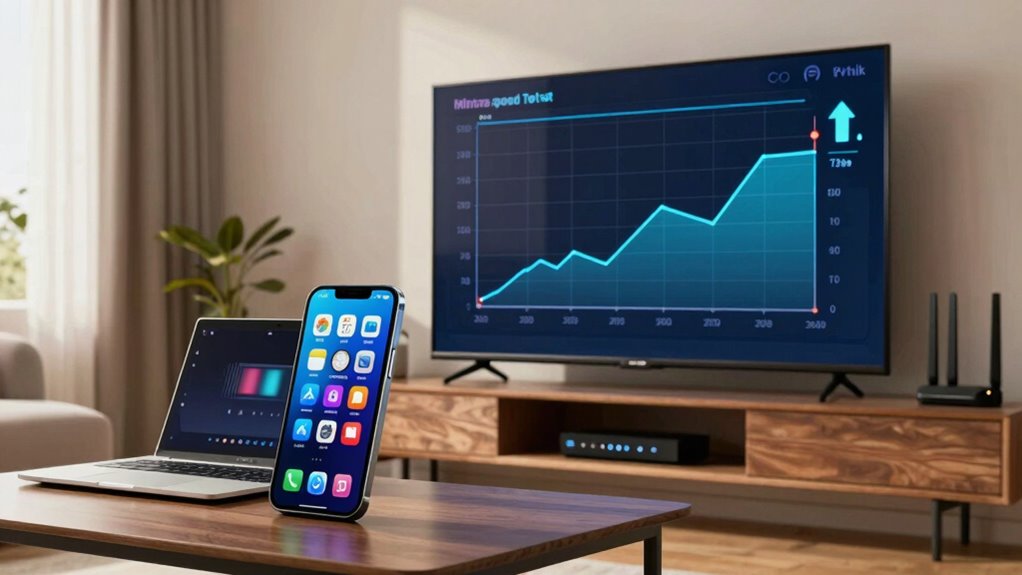

Even if your speed test shows fast internet, your apps can still feel slow because other factors come into play. Cloud streaming, VPNs, network congestion, or interference can reduce real-world performance. Your device’s age or software outdatedness may also cause lag. Sometimes, cleaning your device, updating software, or reducing network clutter helps. If you’re curious about how to improve app speed, explore these common issues and solutions further.

Get the latest gadgets delivered free with Prime
- Fast, free delivery on millions of items
- Prime Video, Amazon Music and more included
- Member-only deals all year
Key Takeaways
- Speed tests measure raw bandwidth, but factors like network congestion and routing issues can cause slow app performance.
- Cloud streaming and VPNs consume bandwidth and introduce latency, impacting app responsiveness despite high speed test results.
- Hardware limitations, outdated software, or background processes can hinder apps from fully utilizing available internet speeds.
- Wi-Fi interference and weak signal strength can disrupt stable connections, making apps feel slow even with good speed test scores.
- Outdated equipment or infrastructure may require upgrades to handle modern app demands and improve overall performance.
As an affiliate, we earn on qualifying purchases.
Why Your Apps Feel Slow Even When Your Internet Looks Fast
Even if your internet speed test shows high download and upload rates, your apps can still feel sluggish. One common reason is the impact of cloud streaming services, which can consume bandwidth even if your speed test appears strong. These services often prioritize their traffic, potentially slowing down other app functions. Additionally, using a VPN can affect your app performance. While VPNs enhance security, they can introduce latency and reduce effective speeds, especially if the server is far away. This impact isn’t always reflected in your speed test results, which often measure raw bandwidth rather than real-world performance. So, even with excellent speeds on paper, cloud streaming and VPN impact can cause your apps to lag or feel unresponsive. Understanding digital concepts like bandwidth management can help you better diagnose why your connection feels slow despite good speed test results. Being aware of network optimization strategies can further improve your overall experience.
As an affiliate, we earn on qualifying purchases.
Common Reasons Your Internet Speed Doesn’t Translate to App Performance
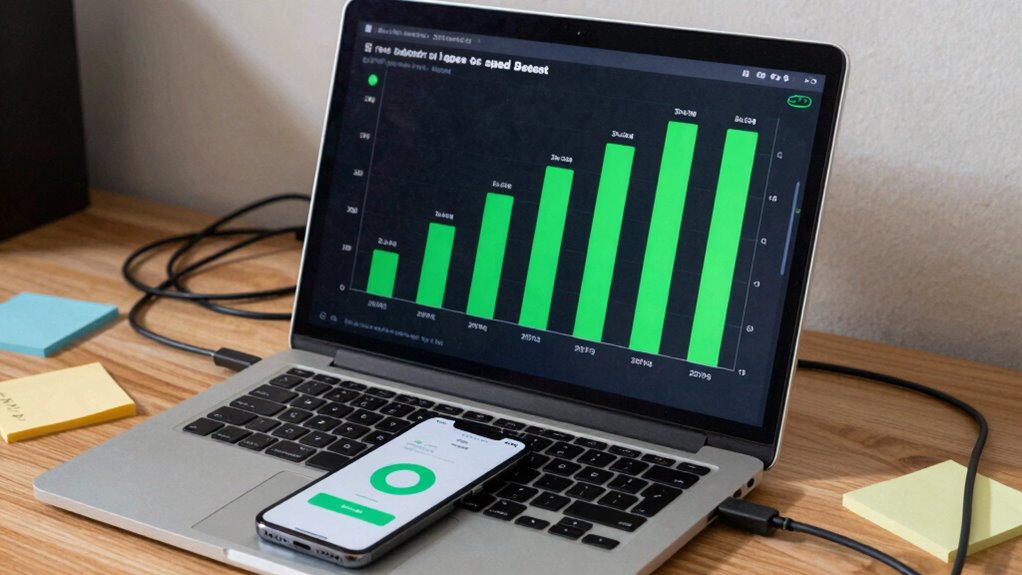
Even if your speed test shows fast internet, issues like network congestion can slow down app performance during peak times. Your device or the app itself might also have limitations that prevent it from using your full internet speed. These factors often cause apps to feel sluggish, despite strong internet connections. Incorporating outdoor entertainment elements like fire pits or outdoor ovens can sometimes influence your network performance if they are connected to your smart home systems, adding another layer to consider. Additionally, smart device connectivity issues can interfere with app responsiveness, especially if multiple devices are competing for bandwidth. Proper wiring and heat management can prevent overheating of network equipment, ensuring consistent performance and avoiding potential disruptions caused by heat buildup. Understanding how network management impacts your devices can help optimize overall performance and support healthy device interactions.
Network Congestion Issues
Network congestion occurs when too many devices or users share the same internet connection, causing delays and reduced performance. During peak times, your ISP might engage in throttling, intentionally slowing down certain types of traffic to manage the load. This can happen even if your speed test shows high speeds, but your apps still feel sluggish. Additionally, network routing plays a big role; data packets may pass through congested or inefficient routes, increasing latency and buffering. When multiple users stream videos or download large files simultaneously, the overall bandwidth gets strained. As a result, your device struggles to get the data it needs quickly, even if the speed test indicates strong connection quality. Network congestion is a common reason your internet feels slow in real-world app usage.
Device or App Limitations
While a strong internet connection is important, the limitations of your device or the apps you’re using can considerably impact your actual browsing or streaming experience. Device compatibility issues or poor app optimization can cause delays, buffering, or slow response times, even with fast internet speeds. Your device’s hardware, such as processor speed and RAM, can bottleneck performance, especially if it’s outdated. Similarly, apps that aren’t optimized for your device or running background processes can slow things down. Additionally, luxury lifestyle products like high-end devices often feature advanced hardware that can mitigate some of these issues, but only if they are properly maintained and updated. Ensuring your device is running the latest software updates can help improve overall app performance and stability. Sometimes, system clutter from unnecessary apps or files can also hinder your device’s efficiency, impacting app responsiveness.
As an affiliate, we earn on qualifying purchases.
How Wi-Fi Interference and Network Congestion Slow Down Your Apps
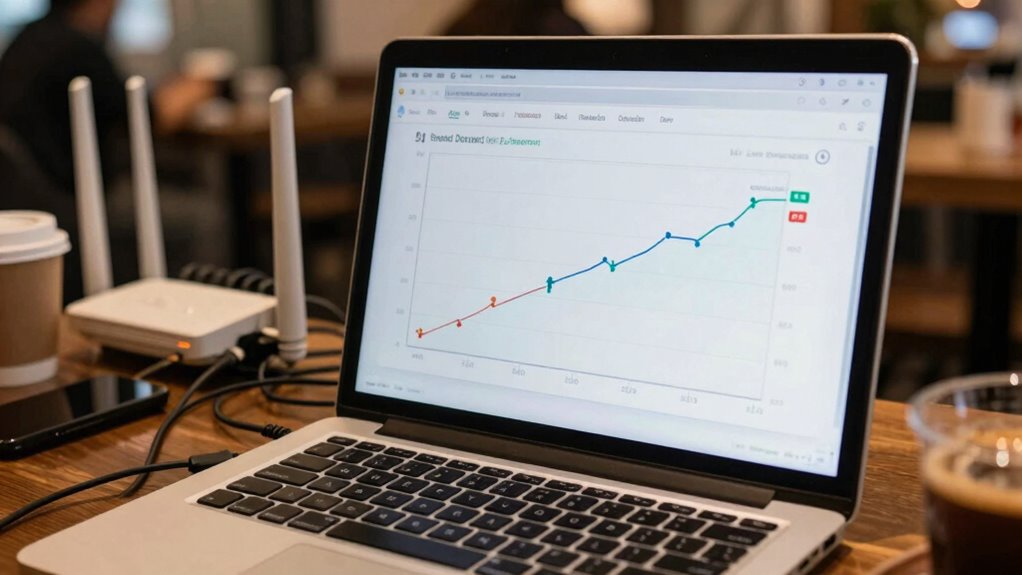
Wi-Fi interference and network congestion can considerably slow down your apps, even when your internet speed test shows impressive speeds. Wi-Fi interference occurs when signals from other devices, like microwaves or neighboring Wi-Fi networks, disrupt your connection, causing delays. Network congestion happens when many devices share the same network, overwhelming bandwidth and reducing performance. During peak times, even fast internet plans can struggle to deliver smooth app experiences. These issues don’t show up on speed tests because they measure raw download and upload speeds at a specific moment, not real-world network stability. As a result, your speed test might look fine, but your apps still feel sluggish. Improving your network involves understanding factors like Wi-Fi interference and how to minimize it, which can lead to a more stable connection. To improve performance, reduce interference sources and limit the number of devices using your network simultaneously. Additionally, understanding network congestion and managing device usage can help maintain consistent speeds for your apps. Being aware of network stability and how it impacts your browsing can guide you in taking steps to optimize your connection. Recognizing signal strength and ensuring your devices are within an optimal range from your router can also make a significant difference.
As an affiliate, we earn on qualifying purchases.
Device Limitations and Software Issues That Can Cause Lag
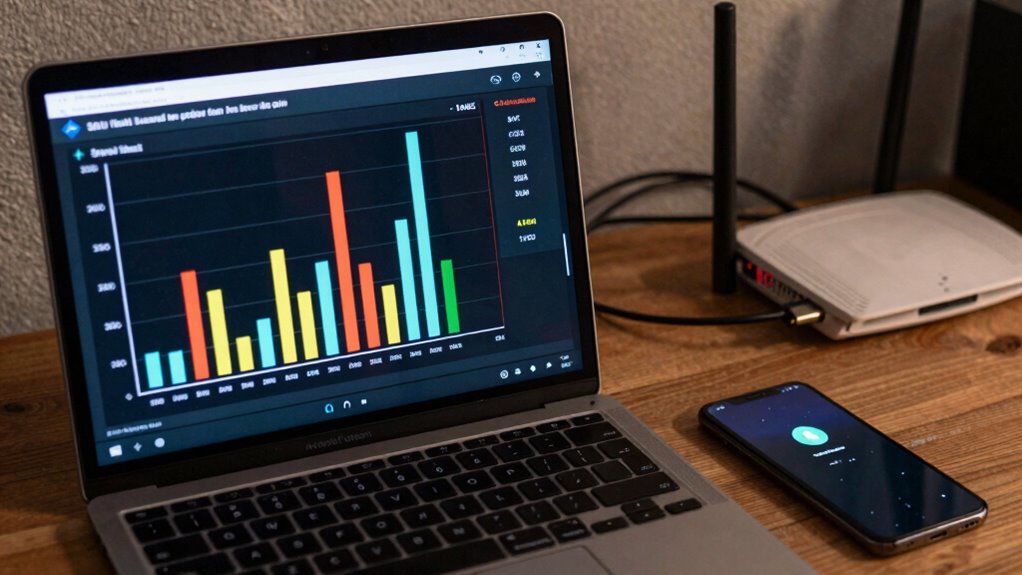
Your device’s aging hardware can struggle to keep up, causing apps to lag even when your internet speed is fast. Running too many background apps or outdated software can also slow things down and create delays. Keeping your device updated and managing app activity can help improve performance. Additionally, exploring classic arcade games can offer a nostalgic way to enjoy entertainment without taxing your device’s resources. Upgrading to more energy-efficient solar panels can also reduce the strain on your system and enhance overall functionality. Being aware of hardware limitations can help you better optimize your device for smoother operation, especially as research into sound healing science suggests that integrating calming audio therapies can further improve device performance and reduce stress.
Aging Hardware Constraints
As devices age, their hardware components gradually become less capable of handling modern apps and updates, leading to noticeable lag. This hardware aging causes performance degradation, making your device feel slower even if your internet connection is strong. Over time, the limited processing power, outdated storage, and declining RAM can’t keep up with app demands. Additionally, early socialization and training can influence how well your device manages multitasking and responsiveness. Regularly updating your software can sometimes mitigate these issues, but hardware limitations remain a fundamental factor in overall performance decline. Detecting these issues early can help you better understand whether hardware failure is contributing to your device’s sluggishness. Utilizing tools like lint rollers can also help maintain your device’s cleanliness, preventing dust buildup that may contribute to overheating and performance drops.
Background App Overload
Even if your internet speed tests show strong results, your device can still feel sluggish because of background app overload. When multiple apps run background processes, they consume system resources like CPU, RAM, and bandwidth, which slows down your device’s overall performance. Sometimes, apps have excessive or unnecessary permissions, causing them to run more actively in the background than needed. This overload can cause lag, delays, or unresponsiveness even when your internet connection is fast. To improve speed, check your app permissions and restrict background activity for apps that don’t need to run constantly. Closing unused apps and managing background processes helps free up resources, ensuring your device runs smoothly and that your apps respond quickly without being hindered by unnecessary background tasks. Additionally, understanding how background app activity impacts device performance can help you develop healthier habits for managing your device’s resources.
Software Update Delays
Software update delays can substantially impact your device’s performance, especially when outdated software struggles to handle new apps or features. When your device isn’t running the latest firmware patch or software update, it may lag or freeze, even if your internet speed tests fine. These delays can cause compatibility issues, prevent smooth multitasking, and leave security vulnerabilities unpatched.
To avoid this, regularly check for updates and install them promptly. Delays in updating can also mean missing out on performance improvements and bug fixes. Sometimes, updates are delayed due to server issues or device limitations, but ignoring them can worsen lag and slow down app responsiveness.
- Outdated firmware patches causing bugs
- Compatibility issues with new apps
- Security vulnerabilities remaining unpatched
- Increased system resource usage
- Reduced device efficiency over time
Simple Troubleshooting Tips to Boost App Responsiveness
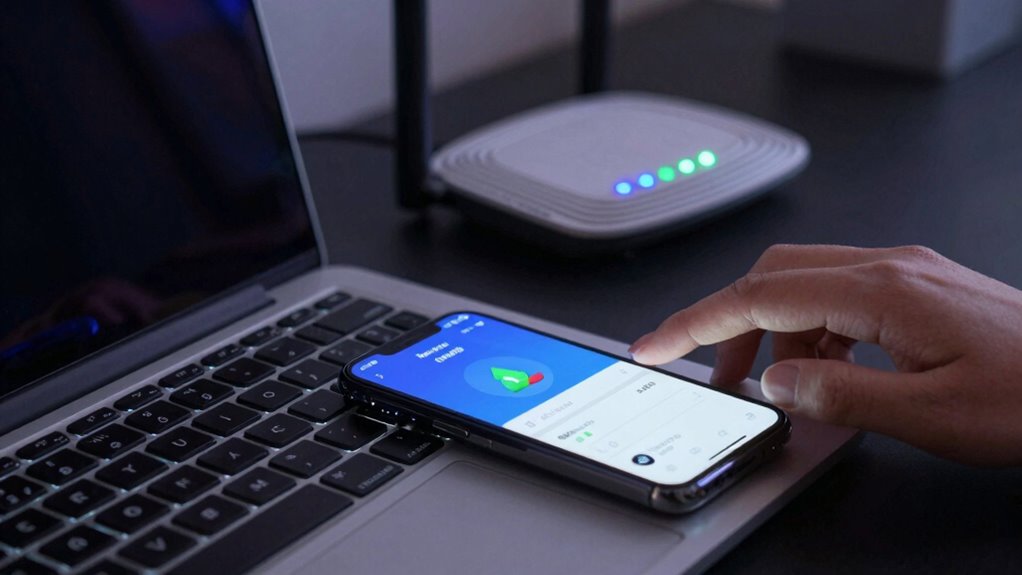
Sometimes, the simplest fixes can substantially improve your app’s responsiveness. Start by closing background apps, clearing cache, and restarting your device. These basic optimization techniques can significantly enhance user experience.
| Action | Effect | Why It Helps |
|---|---|---|
| Close background apps | Frees up system resources | Prevents slowdowns and lag |
| Clear cache | Eliminates clutter | Boosts app load times |
| Restart device | Resets temporary files | Resolves minor glitches |
When It’s Time to Upgrade Your Internet or Hardware
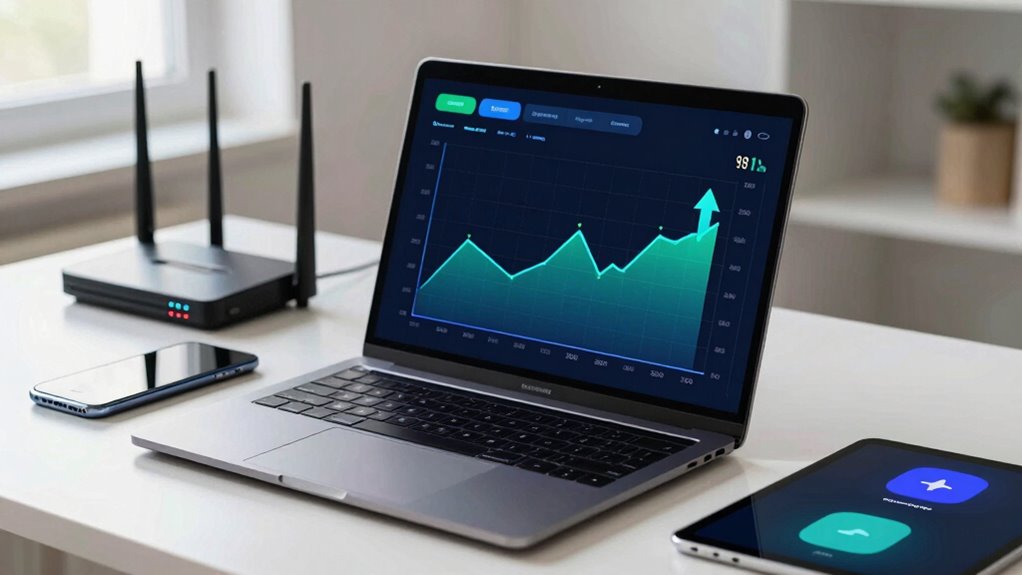
If you’ve tried basic troubleshooting steps and your apps still feel sluggish, it might be time to think about upgrading your internet plan or hardware. Slow performance despite good speed tests often points to outdated hardware or insufficient bandwidth. Consider upgrading to fiber optics, which provides faster, more reliable connections ideal for streaming and gaming. Hardware upgrades, like a new router or modem, can also improve responsiveness. You might need a more powerful device if your current hardware can’t handle the demands of modern apps. Recognize signs such as persistent lag, frequent disconnects, or devices struggling with multiple tasks simultaneously. Upgrading guarantees your internet infrastructure keeps pace with your needs and minimizes frustrating delays during peak usage.
Frequently Asked Questions
Can Background Apps Affect My App Performance Even With Fast Internet?
Yes, background apps can affect your app performance even with fast internet. When multiple background processes run, they consume system resources like CPU and RAM, slowing down your active apps. Battery optimization settings might restrict background activity further, impacting app responsiveness. To improve performance, close unnecessary background apps and disable battery optimization for essential apps, ensuring they have enough resources to run smoothly.
How Does Server Location Impact App Speed Despite Good Internet Connection?
You might notice your apps feeling slow even with a good internet connection because server location impacts speed. When your device connects to a server far away, increased geographic distance causes higher server latency, leading to delays. This coincidence means that despite fast speeds on your speed test, the longer distance to the server can make app responses sluggish, emphasizing how essential nearby server proximity is for best performance.
Do App Updates Improve Responsiveness or Just Fix Bugs?
App updates mainly improve responsiveness through app refinement, enhancing how smoothly the app runs and responds to your actions. They often fix bugs that can cause lag or crashes. Regular update frequency ensures you get these improvements promptly, maintaining peak performance. So, while updates do fix bugs, they also enhance the app’s responsiveness, making your experience faster and more efficient. Staying current with updates helps prevent sluggishness and keeps things running smoothly.
Can Using a VPN Slow Down App Performance?
Yes, using a VPN can slow down app performance. VPN encryption adds extra processing, which can bog down your device’s speed. Additionally, server latency—the delay from your device to the VPN server—can cause lag. When your connection has to travel farther or work harder to encrypt data, apps may feel sluggish. So, while VPNs boost security, they often trade some speed for that safety.
What Role Does Device Age Play in App Lag?
Device age plays a significant role in app lag because older devices often have hardware limitations that hinder performance. As your device ages, its hardware performance declines, making it harder to run newer, more demanding apps smoothly. You may notice lag or slow responses, even if your internet speed tests well. Upgrading your device or optimizing its performance can help reduce this lag and improve overall app responsiveness.
Conclusion
So, next time your apps feel sluggish despite a great speed test, ask yourself—are there underlying issues like interference or device limitations? Sometimes, simple troubleshooting can make a big difference. But if your hardware or internet plan is outdated, upgrading might be the best move. Remember, a fast speed test doesn’t always mean instant app responses. Isn’t it time you took a closer look at what’s really slowing you down?
Columbus Day / Indigenous Peoples' Day Picks
long weekend sales
As an affiliate, we earn on qualifying purchases.