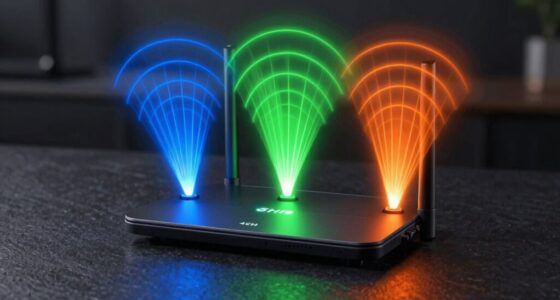
If you choose a tri-band mesh Wi-Fi system, you’ll notice faster, more stable connections, especially in large homes with many devices. It manages network traffic better by dedicating a band for backhaul, reducing lag and buffering during streaming or gaming. Dual-band setups work well for smaller spaces with fewer gadgets, but tri-band systems offer improved coverage and reliability. Keep exploring to discover more ways to optimize your home Wi-Fi experience.
Key Takeaways
- Tri-band Mesh Wi-Fi offers an extra 5 GHz band for dedicated backhaul, reducing congestion and improving overall network speed.
- You’ll experience more stable connections and less buffering, especially with multiple high-bandwidth devices.
- Tri-band systems provide better coverage and fewer dead spots in large or multi-floor homes.
- Dual-band systems may struggle with device management and congestion in busy households.
- Upgrading to tri-band enhances network reliability, supporting seamless streaming, gaming, and smart device use.

TP-Link Deco XE75 AXE5400 Tri-Band WiFi 6E Mesh System – Wi-Fi up to 7200 Sq.Ft, Engadget Rated Best Mesh for Most People, Replaces WiFi Router and Extender, AI-Driven Mesh New 6GHz Band, 3-Pack
WiFi 6E Tri-Band Mesh WiFi – Cover up to 7,200 Sq.Ft with next-gen seamless WiFi and make dead…
As an affiliate, we earn on qualifying purchases.
As an affiliate, we earn on qualifying purchases.
Understanding Dual-Band and Tri-Band Mesh Wi-Fi Systems
Have you ever wondered what sets dual-band and tri-band mesh Wi-Fi systems apart? The main difference is in their ability to handle multiple devices and smart home integration. Dual-band systems operate on two frequency bands—2.4 GHz and 5 GHz—offering decent performance for everyday tasks. Tri-band systems add an extra 5 GHz band, which helps manage more devices simultaneously and keeps your network running smoothly. This is especially useful if you have many smart devices or need reliable parental controls to restrict access during certain hours. With tri-band systems, you get better bandwidth management, reducing lag and buffering. Both types can support smart home integration, but tri-band systems excel in environments with numerous connected gadgets, ensuring your network stays fast and secure. Additionally, tri-band systems can better handle network congestion, which is common in homes with many smart devices and high internet usage. Understanding wireless frequency bands can help you choose the right system for your specific needs, especially if you want to optimize home Wi-Fi performance in busy households. Moreover, knowing how device distribution impacts your network can assist in better managing your connected devices for optimal performance.

TP-Link Deco 7 BE23 Dual-Band BE3600 WiFi 7 Mesh Wi-Fi System | 4-Stream 3.6 Gbps, 160 Mhz | Covers up to 6,500 Sq.Ft | 2× 2.5G Ports Wired Backhaul | VPN,MLO,AI-Roaming, HomeShield, 3-Pack
𝐍𝐞𝐱𝐭-𝐆𝐞𝐧 𝐖𝐢-𝐅𝐢 𝟕 𝐰𝐢𝐭𝐡 𝟒-𝐒𝐭𝐫𝐞𝐚𝐦 𝐃𝐮𝐚𝐥-𝐁𝐚𝐧𝐝 𝐮𝐩 𝐭𝐨 𝟑.𝟔 𝐆𝐛𝐩𝐬 – Designed with the latest Wi-Fi 7 technology,…
As an affiliate, we earn on qualifying purchases.
As an affiliate, we earn on qualifying purchases.
How Dual-Band Mesh Wi-Fi Works

In a dual-band mesh Wi-Fi system, your router uses two frequency bands—2.4 GHz and 5 GHz—to manage data traffic. This setup helps optimize device compatibility and guarantees smoother performance by allocating tasks appropriately. Understanding how band usage impacts your device experience is key to making the most of your network. Additionally, knowing about website functionality and cookie management can enhance your browsing experience and security. To ensure reliable connections, proper cabling solutions are essential, especially in complex setups where interference or physical obstructions may affect signal quality. Being aware of wireless interference sources can also help improve overall network stability.
Band Allocation and Usage
Wondering how dual-band mesh Wi-Fi manages multiple devices efficiently? It uses smart frequency allocation to split traffic between the 2.4 GHz and 5 GHz bands. Typically, the 2.4 GHz band handles devices that need wider coverage, like smart home gadgets, while the 5 GHz band manages high-speed activities such as streaming or gaming. This division helps reduce signal interference, ensuring smoother performance across your network. The mesh system dynamically assigns devices to the most appropriate band based on their needs and signal strength, optimizing overall network efficiency. Additionally, band management techniques enable the system to adapt to changing network conditions, maintaining stability and performance even as the number of connected devices grows. These techniques often include dynamic band steering, which further enhances network reliability and device balance. By intelligently managing band usage, dual-band mesh minimizes congestion and maintains stable connections, even with multiple devices connected simultaneously. This targeted allocation is key to delivering a reliable, high-performing Wi-Fi experience. Furthermore, incorporating adaptive network algorithms allows the system to respond proactively to network fluctuations, ensuring consistent connectivity.
Device Compatibility and Performance
Dual-band mesh Wi-Fi systems are designed to work seamlessly with a wide range of devices, guaranteeing compatibility across modern gadgets. They support essential features like smart home integration and parental controls, making setup straightforward and secure. While dual-band routers typically allocate one band to devices and the other to backhaul, they still handle everyday activities efficiently. However, performance can vary if multiple devices demand high bandwidth simultaneously. For example, streaming videos or gaming may experience buffering if your network is overloaded. To optimize performance, confirm your devices are compatible with dual-band Wi-Fi and prioritize critical tasks like smart home control or parental monitoring. Additionally, understanding bandwidth management can help ensure your network runs smoothly during peak usage times. It’s also beneficial to stay informed about latest Wi-Fi standards to maximize your network’s capabilities. Recognizing how device compatibility impacts overall network performance can further help in optimizing your smart home ecosystem.

TP-Link Deco X55 AX3000 WiFi 6 Mesh System – Covers up to 6500 Sq.Ft, Replaces Wireless Router and Extender, 3 Gigabit Ports per Unit, Supports Ethernet Backhaul, Deco X55(3-Pack)
Wi-Fi 6 Mesh Wi-Fi – Next-gen Wi-Fi 6 AX3000 whole home mesh system to eliminate weak Wi-Fi for…
As an affiliate, we earn on qualifying purchases.
As an affiliate, we earn on qualifying purchases.
Benefits of Tri-Band Mesh Wi-Fi for Large Homes
In large homes, a tri-band mesh Wi-Fi system can handle more devices simultaneously, giving you better overall performance. It reduces signal congestion by dedicating a band solely for communication between mesh units, freeing up bandwidth for your devices. This setup not only provides better coverage but also ensures a more stable connection across your entire space, making it ideal for busy households with multiple smart devices.
Enhanced Network Capacity
Large homes often face the challenge of maintaining strong, reliable Wi-Fi signals across multiple rooms and floors. A tri-band mesh system *substantially* boosts network capacity, allowing more devices—like smart home gadgets and streaming devices—to connect simultaneously without slowdowns. This increased capacity is particularly beneficial for consistent signal quality, ensuring your entire home stays connected. This is especially important if you rely on smart home integration, where multiple connected devices communicate constantly. With an extra 5 GHz band, the network can handle high-bandwidth activities more efficiently, reducing lag and buffering. Parental controls also benefit from increased capacity, ensuring smooth streaming and gaming for everyone while managing device access. Overall, a tri-band setup provides the extra bandwidth needed for a busy, connected home, delivering a more seamless online experience for your entire household.
Reduced Signal Congestion
Because multiple devices compete for the same Wi-Fi channels, signal congestion can quickly slow down your internet connection. Tri-band mesh Wi-Fi reduces this congestion by dedicating one band solely for backhaul communication between nodes, freeing up the other two for your devices. This separation minimizes wireless interference, ensuring your devices maintain stronger, more stable connections. With less interference, your signal strength remains consistent even in large homes with many connected gadgets. You won’t experience the lag or buffering caused by overloaded channels. Instead, the dedicated band helps distribute traffic evenly, improving overall network performance. As a result, your internet stays fast and reliable, no matter how many devices are using the network simultaneously.
TP-Link Deco X55 AX3000 WiFi 6 Mesh System – Covers up to 6500 Sq.Ft, Replaces Wireless Router and Extender, 3 Gigabit Ports per Unit, Supports Ethernet Backhaul, Deco X55(3-Pack)
Wi-Fi 6 Mesh Wi-Fi – Next-gen Wi-Fi 6 AX3000 whole home mesh system to eliminate weak Wi-Fi for…
As an affiliate, we earn on qualifying purchases.
As an affiliate, we earn on qualifying purchases.
Comparing Speed, Coverage, and Reliability of Mesh Networks
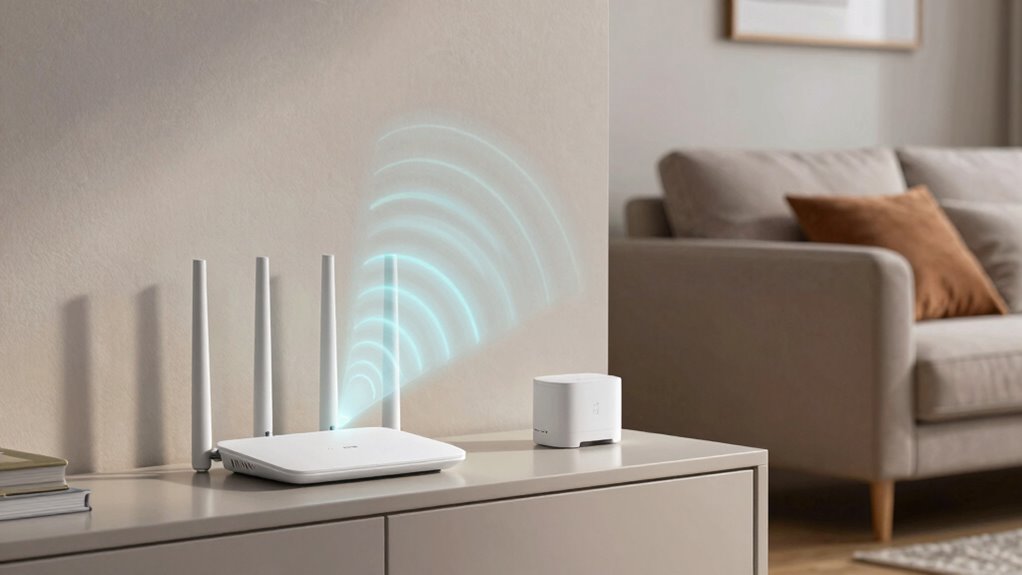
When comparing mesh networks, speed, coverage, and reliability are key factors to take into account. Imagine:
- Streaming your favorite shows in high definition without buffering.
- Walking through your smart home, with signals reaching every corner seamlessly.
- Managing parental controls effortlessly, ensuring a safer online environment.
Dual-band systems are sufficient for basic tasks but can struggle with heavy loads, like multiple smart home devices. Tri-band systems, however, distribute traffic more efficiently, maintaining high speed and stability across larger areas. This means fewer dead spots and more dependable connections, especially when multiple devices demand bandwidth. You’ll notice a more consistent experience, with fewer interruptions. Whether you’re juggling streaming, smart home automation, or supervising your kids’ internet use, a system with better speed, coverage, and reliability makes a real difference. Additionally, mesh network technology is continually evolving to enhance performance and simplify setup.
How to Choose the Best Mesh Wi-Fi System for Your Home
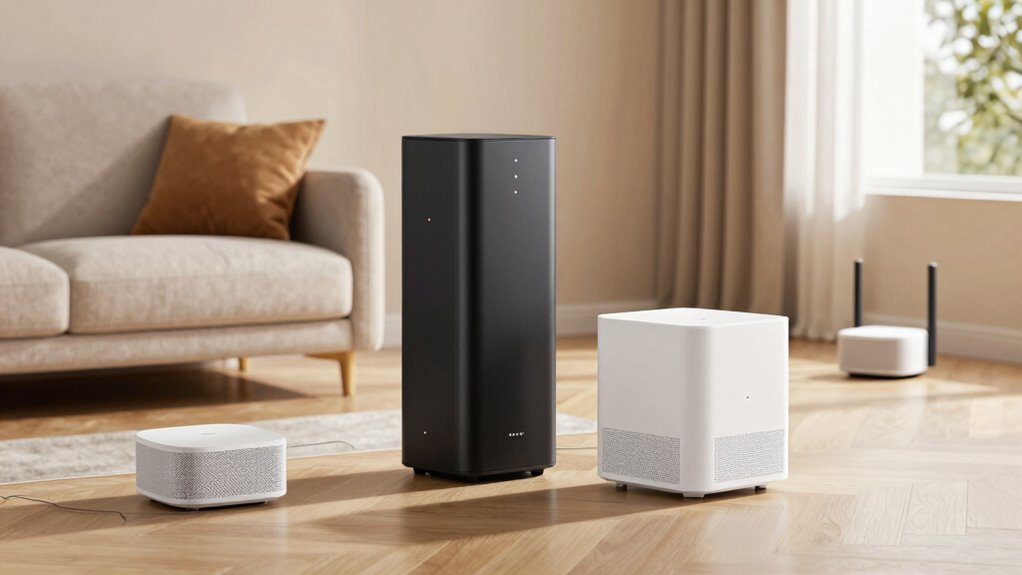
Choosing the right mesh Wi-Fi system for your home involves evaluating your specific internet needs and household size. Start by considering how many devices you’ll connect daily, including smart home devices, streaming gadgets, and work equipment. If you have a smart home setup, look for systems with strong smart home integration to seamlessly connect and manage devices. Parental controls are also essential if you have children, allowing you to restrict access and monitor usage. Consider the size of your home to determine coverage requirements; larger spaces might benefit from systems with more nodes or tri-band capabilities. Finally, check compatibility with your existing modem and whether the system offers easy app management. This approach guarantees a reliable, secure, and user-friendly Wi-Fi experience tailored to your household.
Is Upgrading to a Tri-Band Mesh System Worth It?
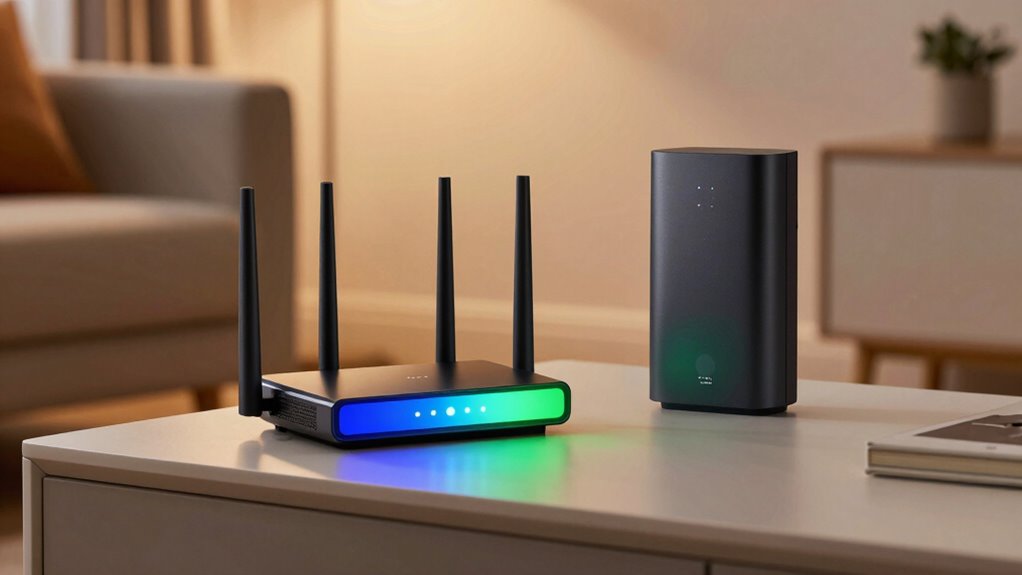
Upgrading to a tri-band mesh system can be a worthwhile investment if you have a large home or many devices that demand high bandwidth. With an extra band dedicated to communication between nodes, you’ll experience a smoother, more reliable connection. Imagine:
Upgrading to a tri-band mesh boosts connectivity for large homes and busy devices with a faster, more reliable Wi-Fi experience.
- Streaming 4K videos seamlessly across rooms without buffering.
- Supporting multiple smart home devices simultaneously without lag.
- Managing wireless security and parental controls effortlessly, keeping your network safe and your kids protected.
This extra band helps reduce congestion, improving overall performance. Plus, tri-band systems often include enhanced security features, like better wireless security options, and simplified parental controls to manage content access. If these benefits sound appealing, upgrading is likely worth it for a faster, more secure, and stable Wi-Fi experience.
Frequently Asked Questions
Can I Mix Dual-Band and Tri-Band Mesh Devices in One Network?
Yes, you can mix dual-band and tri-band mesh devices in one network, but device compatibility matters. Some tri-band units work well with dual-band devices, allowing you to customize your mesh system for better performance. However, confirm the devices are compatible and follow the manufacturer’s guidelines to avoid connectivity issues. Mixing devices can optimize coverage, but the overall network performance depends on proper mesh system customization.
Do Tri-Band Systems Require More Maintenance or Troubleshooting?
Tri-band systems are like a well-oiled machine needing regular tune-ups. You might find yourself doing more firmware updates and checking network security to keep everything running smoothly. Troubleshooting can be slightly more involved because of the additional band, but overall, they’re designed for stability. With proper maintenance, you’ll enjoy seamless connectivity, and the extra effort pays off with faster speeds and fewer hiccups.
How Does Device Compatibility Affect Mesh Wi-Fi Performance?
Device compatibility markedly impacts your mesh Wi-Fi performance. If your devices support only certain frequencies, like 2.4 GHz or 5 GHz, you might experience frequency interference, leading to slower speeds. Ensuring your devices are compatible with your mesh system enhances device interoperability, reducing connection drops and maximizing coverage. Check your device specs and your mesh system’s supported frequencies to achieve seamless performance and eliminate unnecessary frustrations.
Are There Specific Brands That Excel in Tri-Band Mesh Technology?
Think of certain brands like Netgear and Asus as the knights of tri-band mesh technology, wielding advanced features. They excel in providing robust mesh security and minimizing signal interference, ensuring your network stays safe and strong. These brands often lead the charge with innovative tri-band solutions, delivering seamless coverage. Their reputation for reliability makes them top contenders if you’re seeking a high-performance, secure tri-band mesh system that conquers interference.
What Is the Typical Lifespan of a Mesh Wi-Fi System Upgrade?
A mesh Wi-Fi system generally lasts about 3 to 5 years before needing an upgrade. During this time, firmware updates keep your system secure and improve performance, while power consumption remains relatively stable. You’ll notice that as technology advances, newer systems offer better coverage and speed. Regular updates help extend your system’s lifespan, but eventually, hardware limitations will mean it’s time for an upgrade to guarantee peak connectivity.
Conclusion
Picture your home as a bustling city, where every device is a busy street. A dual-band system is like a two-lane road, sometimes clogged during rush hour. Upgrading to a tri-band mesh creates an extra lane, clearing the traffic and keeping everything flowing smoothly. Whether you’re streaming, gaming, or working from home, a tri-band system guarantees your digital city runs seamlessly, no matter how busy it gets. Make the switch and experience the difference in every corner.