
You should avoid placing your UPS in humid, dusty, or poorly ventilated areas, as these can cause damage and reduce its lifespan. Keep it away from heat sources, direct sunlight, and electronic devices that emit electromagnetic interference. Make certain it sits on a stable, level surface with enough space around vents for proper airflow. Staying clear of cluttered or enclosed spaces helps prevent overheating. Continue exploring to discover more essential placement tips to protect your system and maximize performance.
Key Takeaways
- Avoid humid, damp, or dusty areas like basements, garages, or storage rooms to prevent corrosion and dust buildup.
- Do not install near heat sources such as radiators, heating vents, or direct sunlight to prevent overheating.
- Keep away from electromagnetic interference sources like routers, monitors, or appliances that emit electromagnetic noise.
- Refrain from placing in enclosed, poorly ventilated spaces that trap heat and reduce airflow.
- Do not position on uneven or unstable surfaces that could cause tipping or damage.

APC UPS 600VA / 330W UPS Battery Backup & Surge Protector, 7 Outlets (NEMA 5-15R), USB Charging Port, BE600M1 Uninterruptible Power Supply for Computers, Wi-Fi Routers, and Home Office Electronics
600VA / 330W RELIABLE BACKUP POWER: Supplies short‑term battery power during outages to maintain internet connectivity and allow…
As an affiliate, we earn on qualifying purchases.
As an affiliate, we earn on qualifying purchases.
Why Placement Matters for Your UPS Performance
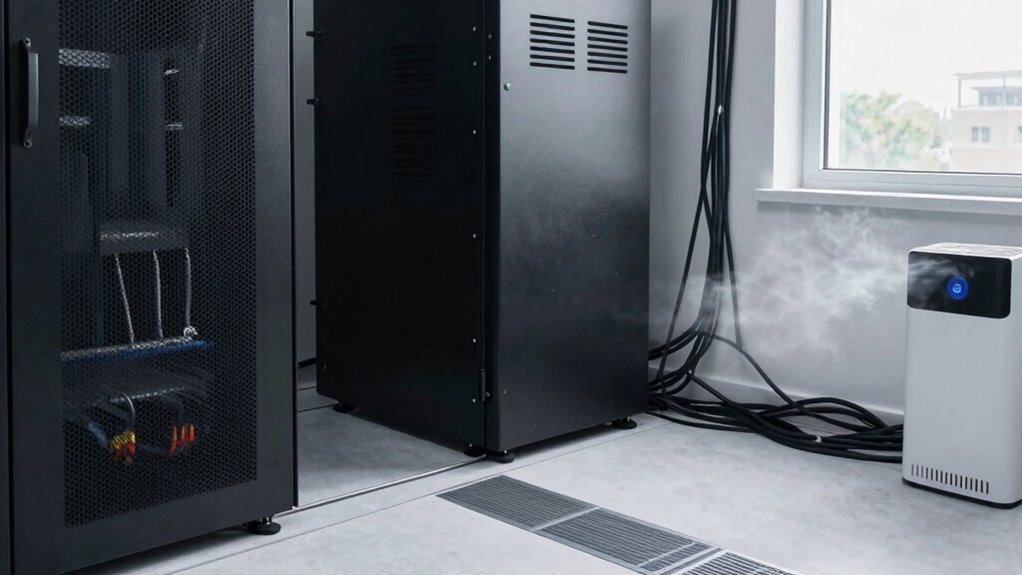
The placement of your UPS can considerably impact its performance and longevity. When positioned correctly, it helps maintain ideal battery lifespan and guarantees consistent power stability. If your UPS is too hot or exposed to direct sunlight, the battery may degrade faster, reducing its effectiveness over time. Conversely, placing it in a cool, well-ventilated area helps prevent overheating and prolongs battery life. Proper placement also minimizes disturbances caused by vibrations or airflow restrictions, which can affect power stability. Avoid cramped spaces where heat can build up or where airflow is blocked. Additionally, heat management is crucial for optimizing your UPS setup, as temperature fluctuations can significantly influence battery health. Ensuring adequate ventilation and avoiding obstructed airflow are key factors in battery longevity. Selecting an optimal location helps prevent thermal stress that can accelerate component wear. By choosing the right spot, you guarantee your UPS operates efficiently, providing reliable backup power while extending the lifespan of its components. Proper placement also helps maintain consistent airflow, which is essential for effective cooling and overall system health.

VIVOSUN 4" Inline Exhaust Fan & Speed Controller, Low Noise Workshop 130 CFM Duct Fan for HVAC Ventilation, Vent Booster Fan in Grow Tents, Basements, Bathrooms, Kitchens, Attics and 3D Printer
Powerful Airflow: Delivers strong airflow up to 130 CFM, efficiently enhancing ventilation and removing exhaust; Ideal for grow…
As an affiliate, we earn on qualifying purchases.
As an affiliate, we earn on qualifying purchases.
Avoid Installing Your UPS in Humid or Dusty Environments
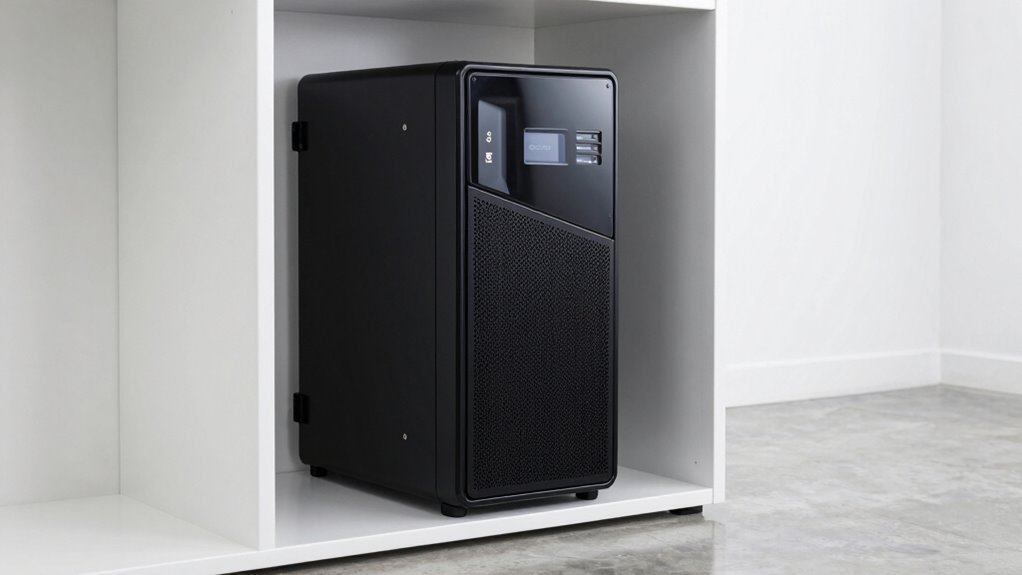
Avoid installing your UPS in humid or dusty environments, as excess moisture and particles can damage its internal components. Humid environments promote corrosion and short circuits, while dusty locations can clog vents and reduce cooling efficiency. Both conditions increase the risk of overheating and component failure. Ensuring proper ventilation can help maintain optimal operating conditions for your UPS. Be mindful to keep your UPS away from:
- Damp basements or laundry rooms that trap moisture
- Areas with poor ventilation prone to dust buildup
- Storage rooms or garages with airborne dirt and debris
Additionally, airborne dirt and debris can settle on internal parts, accelerating wear and tear. Proper environmental conditions are essential for prolonging the lifespan of your UPS and maintaining its reliability. Maintaining a clean environment helps reduce the accumulation of dust and dirt, which can impair performance. Selecting a location with stable temperature and humidity levels can further protect your equipment from environmental stressors. Choosing a clean, dry, and well-ventilated spot helps guarantee your UPS operates reliably and lasts longer. Protecting it from humidity and dust is key to maintaining ideal performance and preventing costly repairs.

Uboxes Furniture Covers protect your furniture with our versatile 10' x 20' dust cover, Clear
Package Dimensions: 3.555 H x 27.94 L x 19.812 W (centimeters)
As an affiliate, we earn on qualifying purchases.
As an affiliate, we earn on qualifying purchases.
Keep Your UPS Away From Heat Sources and Direct Sunlight
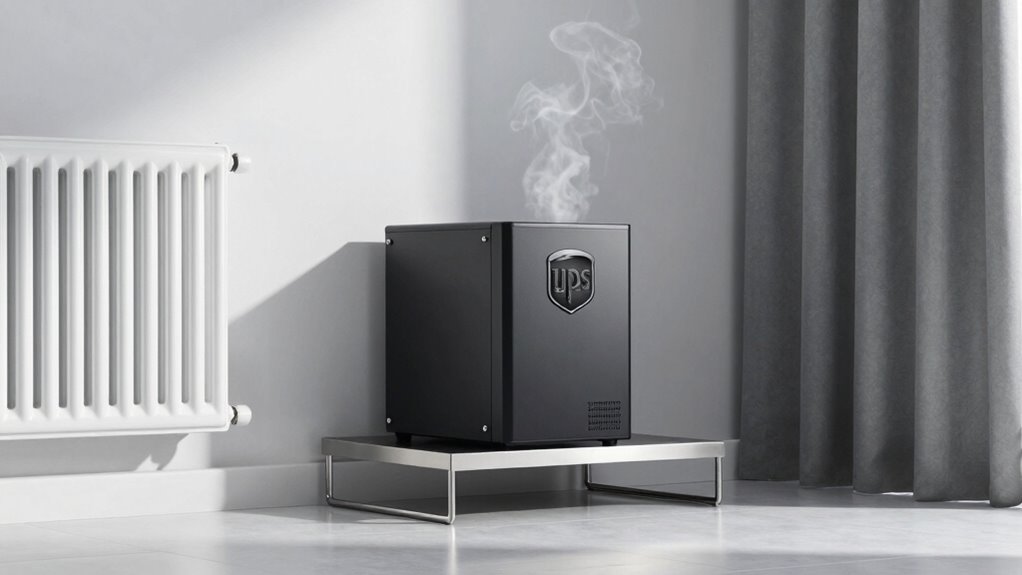
Since heat can considerably impact your UPS’s performance and lifespan, it’s vital to keep it away from heat sources and direct sunlight. Excessive heat accelerates battery degradation, reducing its lifespan and risking sudden failure. Sunlight and heat sources like radiators or heating vents can also cause temperature fluctuations that compromise power stability. Maintaining a cool, shaded environment helps guarantee your UPS operates efficiently and lasts longer. Additionally, proper placement can help prevent thermal stress that damages internal components and shortens device longevity. Avoid placing it near windows or heat-generating appliances. Proper placement minimizes thermal stress, preserving battery health and ensuring consistent power delivery. Additionally, considering environmental factors and standby generator placement can further enhance your data center’s overall power resilience. Being mindful of these factors is especially crucial in areas prone to temperature swings or high ambient heat, as thermal management plays a key role in equipment longevity.

Ethernet Server Room Temperature Monitor, PoE Server Rack Temperature Humidity Sensor with Web Interface, SNMP Modbus MQTT Support, Dual Power, IP55, Data Logging, Alarm & Relay Output
Precision Monitoring for Critical Environments: The server room temperature monitor is a professional temperature and humidity monitor built…
As an affiliate, we earn on qualifying purchases.
As an affiliate, we earn on qualifying purchases.
Ensure Proper Ventilation and Avoid Unventilated Spaces
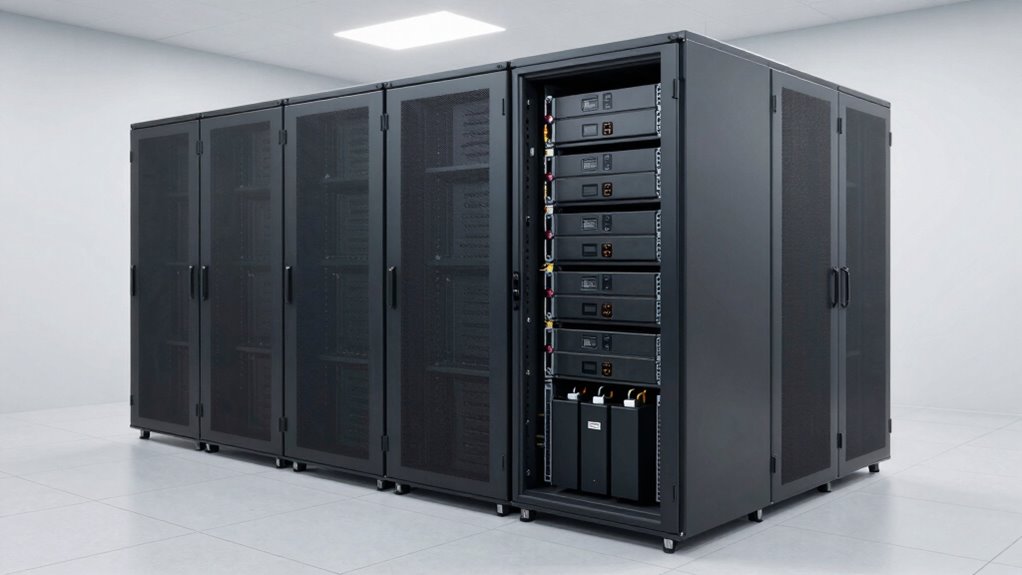
You need to make sure your UPS has enough airflow to stay cool. Without proper ventilation, it can overheat and cause damage or shutdowns. Always place your UPS where air can circulate freely and avoid unventilated spaces. Considering ethical consumer choices, selecting a location that promotes proper ventilation aligns with responsible and sustainable practices. Additionally, ensuring adequate space around the UPS can help prevent heat buildup, which is crucial for maintaining optimal performance and longevity. Proper placement also reduces the risk of regional flavor influences that might affect sensitive electronic components. Being aware of environmental factors can further help in choosing the best spot for your UPS. Ensuring your environment has proper airflow management can significantly enhance the lifespan of your equipment.
Adequate Airflow Is Essential
Have you considered how crucial proper ventilation is when placing UPS units? Adequate airflow prevents overheating, guaranteeing your battery insulation stays effective and prolongs the UPS’s lifespan. Poor ventilation can cause heat buildup, risking equipment failure. To maximize airflow, keep the unit in an open, well-ventilated space and avoid cramped areas. Proper power cord management reduces clutter, preventing airflow blockages. Additionally, ensure the UPS isn’t placed directly against walls or inside enclosed cabinets that trap heat. Good ventilation helps dissipate heat efficiently, maintaining ideal operating temperatures. Remember, a well-ventilated environment is essential for reliable performance and safety. Italian gelato culture emphasizes the importance of maintaining optimal conditions to preserve quality and freshness. Ensuring proper ventilation is also vital for noise reduction and overall comfort in your living or working space. Proper airflow is especially important in confined spaces where heat can quickly accumulate.
Prevent Overheating Risks
Are you aware of how easily overheating can occur if your UPS isn’t properly ventilated? Poor airflow can lead to excessive heat buildup, risking damage to internal components and shortening your battery lifespan. Proper thermal management is essential to prevent this. Avoid placing your UPS in unventilated spaces or cramped areas where heat can’t dissipate. Instead, ensure it’s in a well-ventilated location with enough clearance around it. Overheating not only reduces the lifespan of your batteries but also increases the risk of system failure. Regularly check ventilation paths and keep vents clear from dust and obstructions. By maintaining good airflow, you help your UPS operate efficiently, prolong its life, and prevent overheating risks that could compromise your backup power during critical moments. Additionally, understanding the importance of proper equipment placement can help you avoid common issues related to inadequate ventilation and ensure your system remains reliable.
Place Your UPS Away From Other Electronic Devices
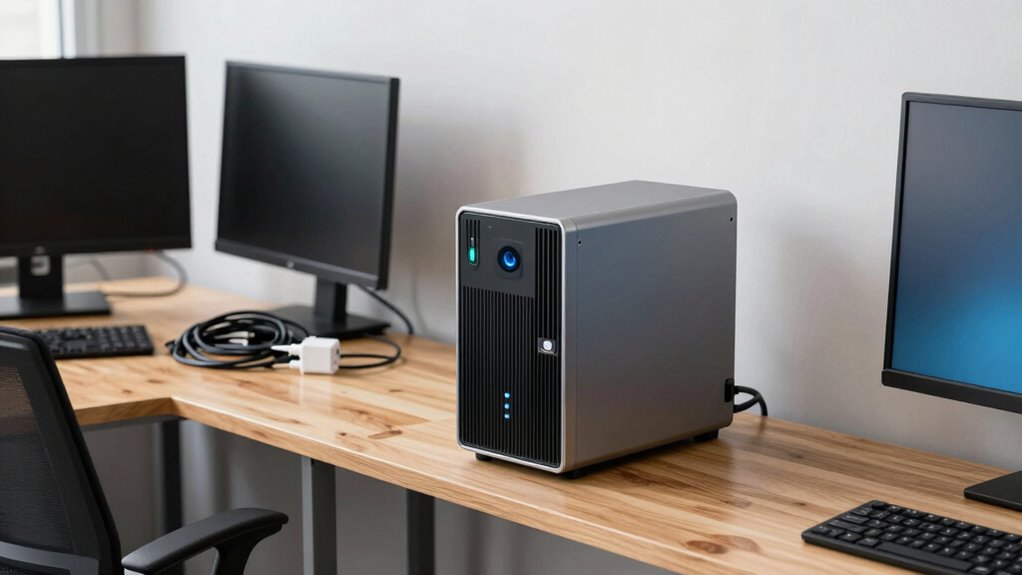
Placing your UPS away from other electronic devices is vital to prevent electromagnetic interference and guarantee peak performance. When devices are too close, electronic interference can cause noise or errors, disrupting your backup system. Additionally, nearby electronics can contribute to power fluctuations, reducing the UPS’s efficiency and lifespan. To ensure ideal operation, keep your UPS separate from high-powered devices or appliances that generate electromagnetic fields.
- Avoid placing your UPS near routers, monitors, or speakers that emit electromagnetic interference.
- Keep it away from refrigerators, microwaves, or other appliances that cause power fluctuations.
- Place it in a location with minimal electronic activity to maintain stable power and reliable backup performance.
Choose a Location That’s Accessible and Not Cluttered
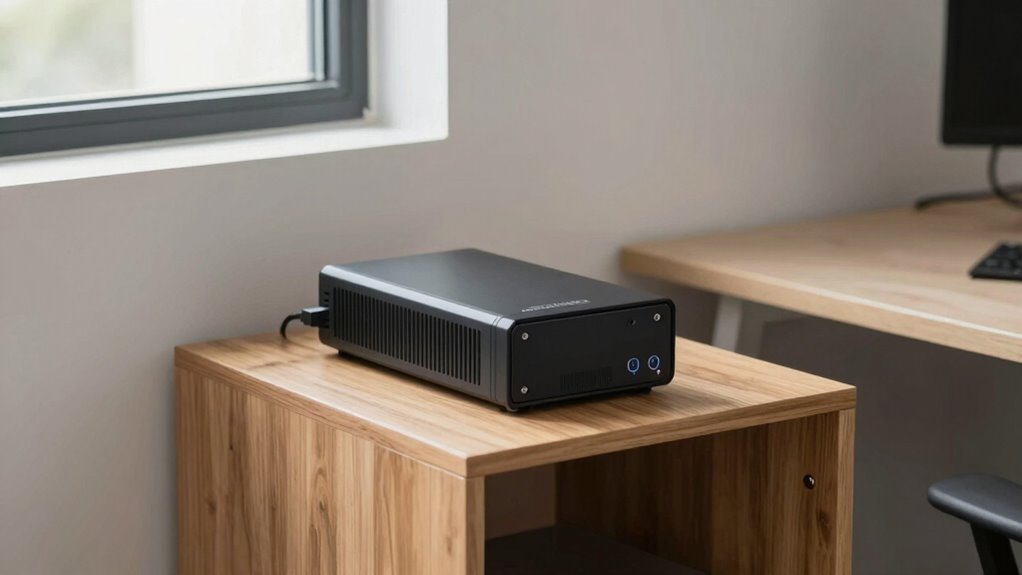
You should pick a spot that’s easy to access for maintenance and checks. Make certain there’s enough space around the UPS for proper ventilation and airflow. Keeping the area clear helps ensure your UPS stays cool and functions reliably.
Easy Access for Maintenance
Choosing a location that’s easily accessible and free from clutter guarantees maintenance tasks can be performed quickly and safely. When accessing your UPS, clear pathways guarantee you can handle battery safety concerns without delays. It also allows for quick emergency access if needed, minimizing downtime and risks. Keep these points in mind:
- Maintain enough space around the UPS for routine checks and battery replacements
- Avoid tight spots that hinder quick access during emergencies
- Guarantee the area is free of obstacles to prevent accidents and facilitate safe handling
Prioritize accessibility to reduce the time spent on maintenance and improve safety. An accessible setup minimizes the risk of injury and ensures you can address issues promptly, keeping your system reliable and safe.
Clear Path for Ventilation
Ensuring proper ventilation for your UPS is essential to prevent overheating and maintain ideal performance. A clear path for airflow helps keep the unit cool, which directly impacts battery lifespan and power efficiency. Avoid placing your UPS in cramped or cluttered spaces that restrict airflow, as poor ventilation can cause the system to overheat and reduce its operational life. An accessible, open area allows heat to dissipate effectively, ensuring consistent performance during power fluctuations. Regularly check vents and fans to prevent dust buildup that can block airflow. By choosing a location with good ventilation, you help your UPS operate efficiently, prolong its life, and prevent unnecessary maintenance or replacement costs. Proper airflow is a simple yet vital step in ideal UPS placement.
Select a Spot With Stable, Level Ground
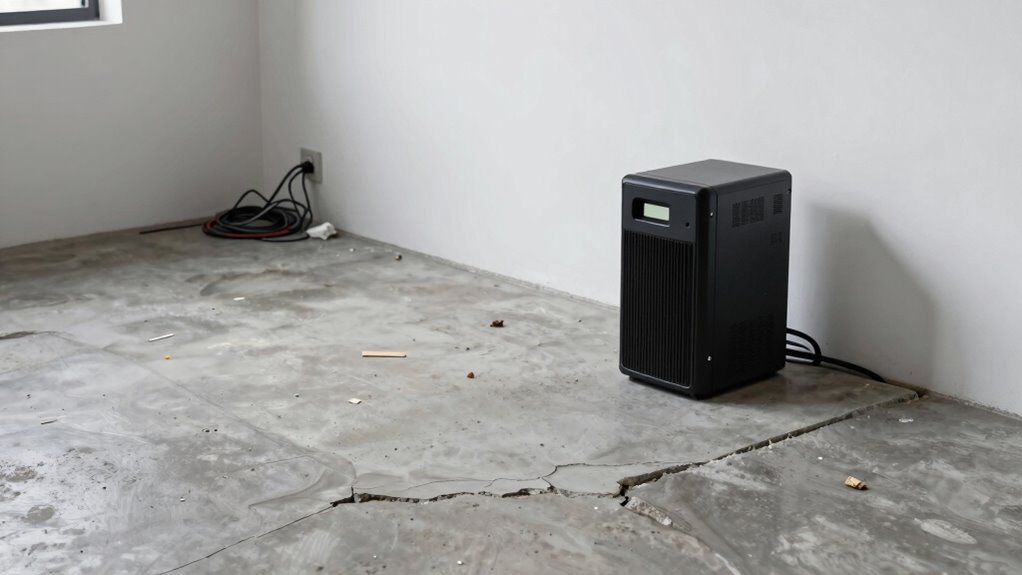
A stable, level ground is essential for a safe and effective UPS placement. Confirming proper ground stability supports the UPS’s foundation integrity, preventing tilting or shifting that could damage equipment. An uneven surface can cause vibrations or accidental falls, risking operational failures. To choose the right spot, consider these points:
- Avoid slopes or uneven terrain that compromise foundation integrity.
- Look for a flat surface that distributes weight evenly.
- Confirm the ground can support the UPS’s weight without sinking or shifting.
Selecting a spot with stable, level ground helps maintain the UPS’s performance and longevity. It also reduces the risk of damage from ground movement, keeping your backup power system reliable when you need it most.
Follow These Tips to Find the Best UPS Placement
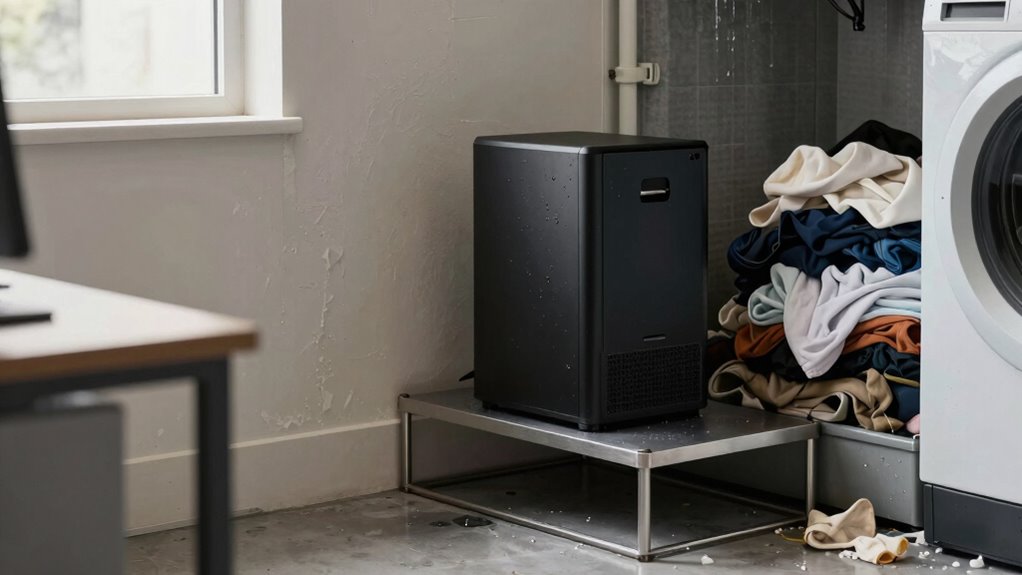
Finding the most suitable spot for your UPS involves more than just picking a flat surface; it requires careful assessment of the environment. You want a location that promotes good airflow, minimizes dust, and avoids extreme temperatures. Proper placement enhances battery lifespan and power efficiency, *guaranteeing* your UPS performs at its best. Use the following ideas to guide your decision:
| Considerations | Tips |
|---|---|
| Ventilation | Place in a well-ventilated area |
| Temperature | Keep away from heat sources |
| Accessibility | Ensure easy access for maintenance |
| Stability | Use a level surface to prevent tipping |
Common Placement Mistakes to Avoid
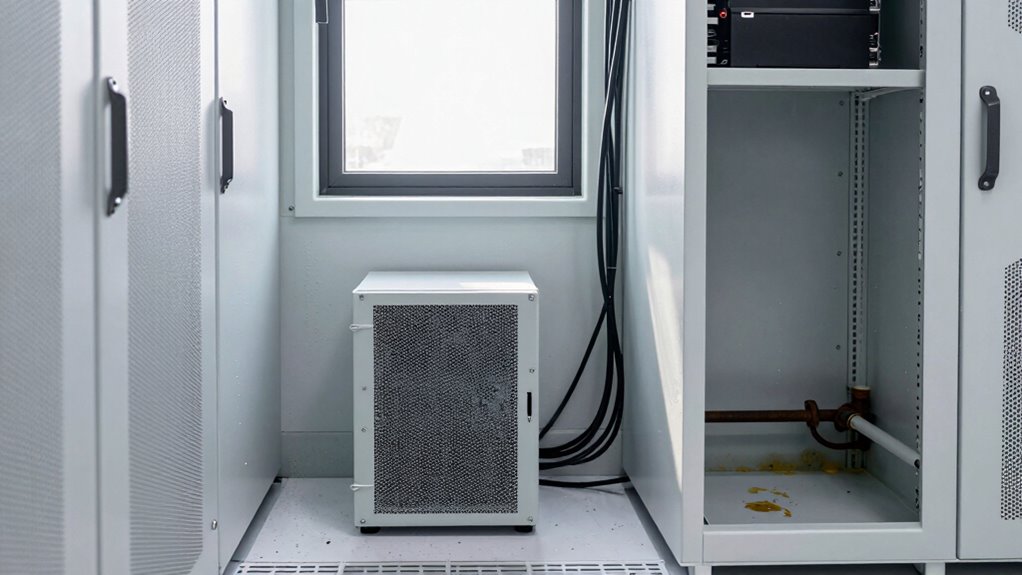
One common mistake is placing your UPS in a cramped or cluttered area, which can restrict airflow and cause overheating. Overheating shortens your Battery lifespan and risks equipment failure. To avoid this, steer clear of these errors:
- Stacking the UPS with other equipment, blocking vents and reducing airflow
- Installing it near heat sources like radiators or direct sunlight, accelerating wear
- Neglecting installation aesthetics, which can make maintenance difficult and impact airflow
These mistakes not only compromise your UPS’s performance but also diminish its lifespan. Proper placement ensures good ventilation, easy maintenance, and a clean appearance. Keep your UPS accessible, clean, and well-ventilated to optimize its efficiency and longevity.
Frequently Asked Questions
Can I Install My UPS Outdoors?
You shouldn’t install your UPS outdoors because outdoor installation considerations include exposure to weather, moisture, and temperature fluctuations. These factors can damage the unit and compromise its safety. Additionally, proper ventilation requirements are essential for preventing overheating. If you must place it outdoors, make certain it’s in a weatherproof enclosure with adequate ventilation, but generally, it’s best to keep your UPS indoors where conditions are controlled and safe.
How Close Can I Place the UPS to Other Electronics?
Think of your UPS like a quiet neighbor—keeping it too close to other electronics is like crowding into a tiny room. You should place it at least a few feet away to prevent heat buildup from battery heat and reduce noise levels that might disturb your workspace. This distance helps avoid overheating and keeps noise levels manageable, ensuring your UPS operates efficiently without causing inconvenience or risk to surrounding devices.
Is It Okay to Put the UPS in a Closet?
Putting your UPS in a closet isn’t ideal because it may lack proper ventilation, which is vital for preventing overheating. Closets often have limited airflow, increasing fire safety risks. If you must place it there, make sure the closet has good ventilation and is free of flammable materials. Always follow manufacturer guidelines for ventilation requirements to keep your UPS operating safely and avoid fire hazards.
What Is the Ideal Height for Mounting a UPS?
Imagine your UPS as a vigilant guardian, ready to protect your equipment. Mount it at a height that allows easy access for maintenance and monitoring—about eye level or slightly below. This height ensures proper battery ventilation, preventing overheating, and provides quick access during power surges. Keeping it at a suitable height helps maintain its efficiency, guaranteeing reliable power surge protection and extending its lifespan, so your devices stay safe and secure.
Should I Position the UPS Near Windows?
You shouldn’t position your UPS near windows, as exposure to direct sunlight can cause temperature fluctuations and hinder ventilation requirements. High temperatures can reduce battery life and efficiency, so avoid placing it in areas with poor airflow or near heat sources. Instead, select a cool, well-ventilated spot away from windows, ensuring proper ventilation requirements and stable temperatures to prolong your UPS’s performance and lifespan.
Conclusion
Think of your UPS like a delicate plant—you want it in the right spot to thrive. I once misplaced mine in a dusty corner, and it kept shutting down unexpectedly. Proper placement isn’t just about convenience; it’s about ensuring reliable protection for your devices. When you follow these rules, you’ll create an environment where your UPS can perform its best, much like tending a healthy plant that blossoms and keeps your tech safe and powered up.