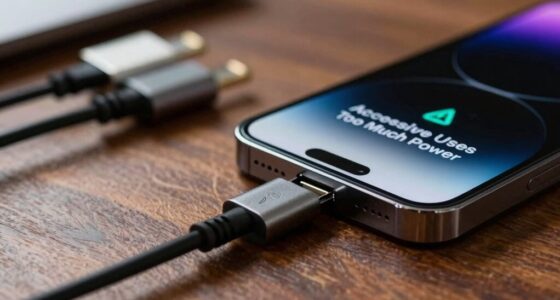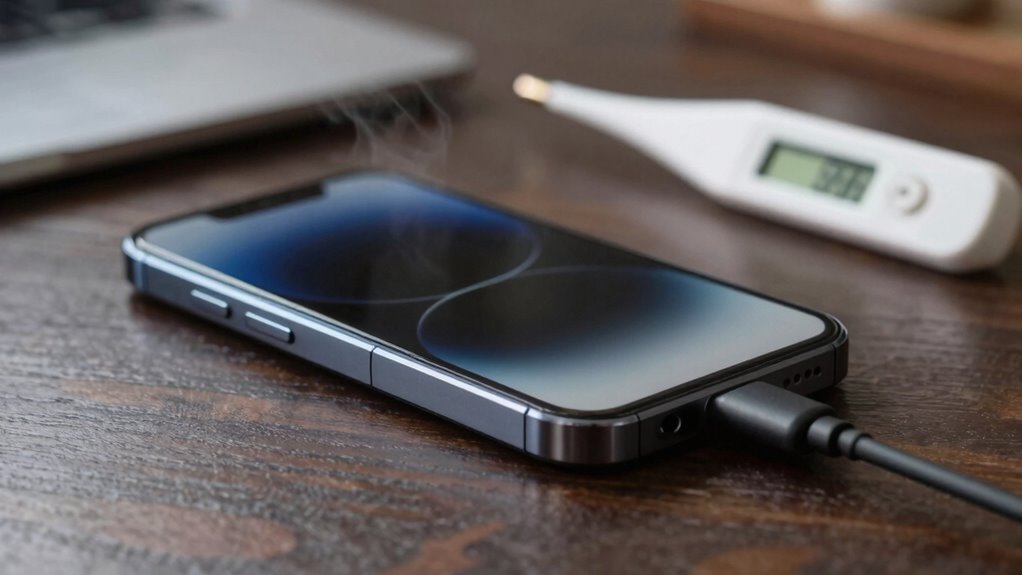
If your device overheats while charging, act quickly to prevent damage or fire. Unplug it immediately, move to a cool, ventilated spot, and remove any cases trapping heat. Check for signs like swelling, strange odors, or hot surfaces. Use certified chargers, keep ports clean, and avoid heavy usage during charging. Staying vigilant helps avoid future problems. Keep going for expert tips to protect your device and stay safe.

Get the latest gadgets delivered free with Prime
- Fast, free delivery on millions of items
- Prime Video, Amazon Music and more included
- Member-only deals all year
Key Takeaways
- Unplug the device immediately if it shows signs of overheating, like swelling or burning smells.
- Use a well-ventilated area and remove cases to promote cooling during overheating episodes.
- Clean charging ports regularly to prevent dust build-up that can cause poor connections and heat.
- Only use certified, compatible chargers and avoid damaged or unofficial cables.
- Seek professional help if overheating persists or if there are signs of battery swelling or software issues.
As an affiliate, we earn on qualifying purchases.
How to Recognize the Signs of Overheating During Charging
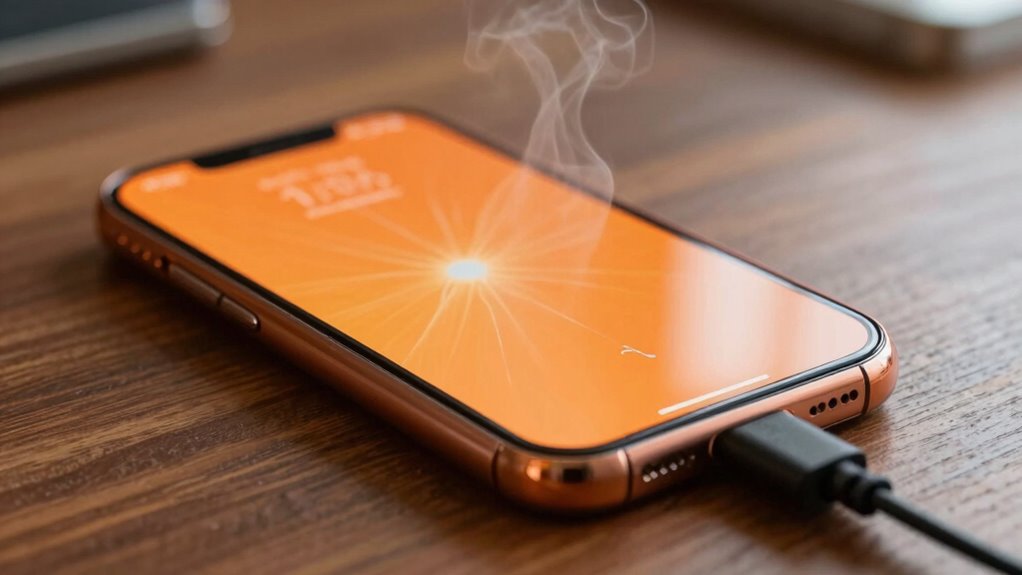
Recognizing the signs of overheating during charging is essential for your safety and your device’s health. One clear sign is battery swelling, which causes your device to feel unusually bulgy or misshapen. If you notice the back cover bulging or the screen lifting, stop charging immediately. Unusual odors are another warning; a burnt or chemical smell can indicate the battery is overheating or degrading. Pay attention to warmth—if your device becomes excessively hot to touch during charging, it’s a red flag. Ignoring these signs can lead to dangerous situations, including battery failure or fire. It’s also helpful to understand power management features that can prevent overheating, such as device thermal regulation, which helps control heat levels during charging. Proper device calibration can also improve how your device manages heat and battery health over time. Being aware of sustainable practices in device use can further help reduce overheating risks and prolong your device’s lifespan. Always disconnect your device if you observe any of these signs, and avoid using damaged chargers or cables to prevent further issues. Additionally, being aware of digital concepts like thermal regulation can help you better understand how your device manages heat during charging.
As an affiliate, we earn on qualifying purchases.
What Causes Devices to Overheat When Charging?
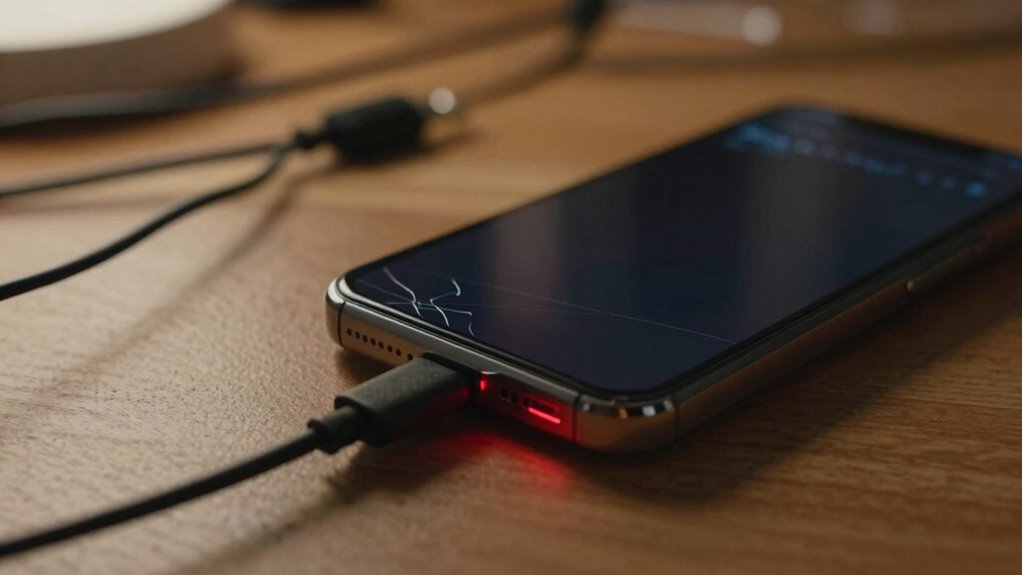
Your device can overheat during charging if the port is blocked or dirty, causing poor connections. Using faulty power adapters or chargers not designed for your device can also generate excess heat. Additionally, heavy usage while charging, like gaming or streaming, increases the risk of overheating. Properly ventilating your device can help prevent heat buildup during charging. Ensuring your charging environment has adequate thermal management can also reduce overheating risks. Regularly checking for dust accumulation around charging ports can further prevent overheating issues. Monitoring your device’s temperature levels during charging is essential, as prolonged overheating can lead to battery degradation and potential safety hazards.
Charging Port Blockages
Ever wondered why your device heats up during charging? One common cause is charging port blockages. Over time, dirt, lint, dust, or debris can accumulate inside the port, disrupting the connection. This buildup can cause poor contact, leading your device to work harder to charge, which increases heat. To prevent this, focus on debris removal:
- Turn off your device before cleaning.
- Use a soft brush or compressed air to gently clear the port.
- Avoid using sharp objects that could damage the connectors.
- Regularly inspect and clean the port to prevent blockages.
Additionally, understanding indoor air quality and how debris buildup might be linked to environmental factors can help you identify and remove specific types of buildup more effectively. Keeping the charging port clean guarantees a solid connection and reduces overheating risks. Regular debris removal can save your device from unnecessary heat buildup and potential damage. Maintaining a dust-free environment can also help minimize debris accumulation inside your device.
Faulty Power Adapters
A faulty power adapter can considerably contribute to overheating during charging. When your power adapter malfunctions, it may not regulate voltage properly, leading to voltage fluctuations that cause excess heat. Damaged or low-quality adapters often have compromised insulation or internal components, increasing the risk of overheating and potential device damage. User privacy and data security are also important considerations when selecting replacement adapters.
Excessive Device Usage
When you use your device intensively while it’s charging, it can generate excess heat that contributes to overheating. High battery capacity means more energy, which can produce more heat if you’re multitasking. Overworking your device blocks the vents designed for heat dissipation, trapping heat inside. To prevent this, consider these points:
- Overloading your device with apps drains battery faster, increasing temperature.
- Ignoring device vents blocks airflow, risking overheating.
- Playing graphics-intensive games while charging amplifies heat buildup.
- Using incompatible chargers can cause your device to work harder, raising internal temperature.
- Sound healing science suggests that certain vibrations and frequencies can influence cellular health, highlighting the importance of maintaining optimal device temperatures for overall performance.
Reducing usage during charging helps maintain safe temperatures, protecting your device from damage. Keep an eye on battery capacity and guarantee vents stay clear for maximum safety.
dust cleaning tool for charging ports
As an affiliate, we earn on qualifying purchases.
As an affiliate, we earn on qualifying purchases.
Immediate Steps to Take if Your Device Gets Too Hot
If your device gets too hot, unplug it right away to stop the charging process. Move it to a cooler area and give it time to cool down before using it again. Taking these quick actions can help prevent damage and guarantee your safety. Additionally, monitoring your device’s smart home security settings can help alert you to overheating issues early.
Unplug Device Immediately
As soon as you notice your device overheating, you need to unplug it immediately to prevent further damage or potential hazards. Ignoring the signs can severely affect device durability and reduce battery lifespan. Take these essential steps:
- Disconnect the charger instantly—don’t wait, or the heat could cause internal damage.
- Turn off the device to stop the heat build-up and preserve its integrity.
- Avoid using the device until it cools down to prevent additional stress.
- Inspect for visible damage once cooled, as overheating can weaken internal components and compromise safety.
- Remember that device overheating can sometimes be linked to external factors like environmental conditions, so consider these as well when troubleshooting. Recognizing battery safety risks early can help prevent more serious issues down the line.
- For electric bikes and other battery-operated devices, ensuring proper charging practices, such as using compatible chargers and avoiding overcharging, can significantly reduce overheating risks. Proper filter maintenance and understanding your electric bike components contribute to overall safety.
Acting quickly protects your device’s longevity and keeps you safe from possible hazards. Unplugging immediately is crucial for maintaining device durability and extending battery lifespan.
Move to Cooler Area
Once you’ve unplugged your device and turned it off, the next step is to move it to a cooler area. This helps with temperature regulation and prevents further overheating. Find a spot away from direct sunlight, heat sources, or enclosed spaces. Using cooling techniques like placing the device on a hard, flat surface or near a fan can speed up cooling. Avoid stacking objects around it, as this traps heat. Here’s a quick guide:
| Cooler Area Options | Cooling Techniques |
|---|---|
| Well-ventilated room | Place on a cool, flat surface |
| Near an air conditioner | Use a fan to enhance airflow |
| Shaded spot | Remove any case or cover |
| Air-conditioned space | Keep device out of sunlight |
Additionally, ensuring proper ventilation is key to preventing overheating during use, similar to how cleaning glass on small wood stoves can help maintain optimal airflow.
Allow Cooling Time
When your device begins to overheat during charging, giving it time to cool down is essential to prevent damage or potential hazards. Use effective cooling techniques and ventilation methods to accelerate this process. Here’s what you should do:
- Unplug immediately to stop further heat buildup.
- Move to a cooler, well-ventilated area to promote airflow.
- Remove any cases or covers that trap heat.
- Place the device on a cool surface and avoid direct sunlight.
- Be aware of modern family dynamics that emphasize safety and shared responsibility in managing household devices and technology. Maintaining a safe environment also involves understanding household products that can influence device safety.
- Stay informed about fireproof storage options to protect your devices and important documents in case of overheating or other hazards.
These steps help dissipate heat quickly, reducing the risk of damage. Allow your device to rest until it’s cool enough to handle safely. Always prioritize cooling techniques and ventilation methods to keep your device safe during overheating episodes.
As an affiliate, we earn on qualifying purchases.
How to Prevent Overheating During Charging in the Long Run
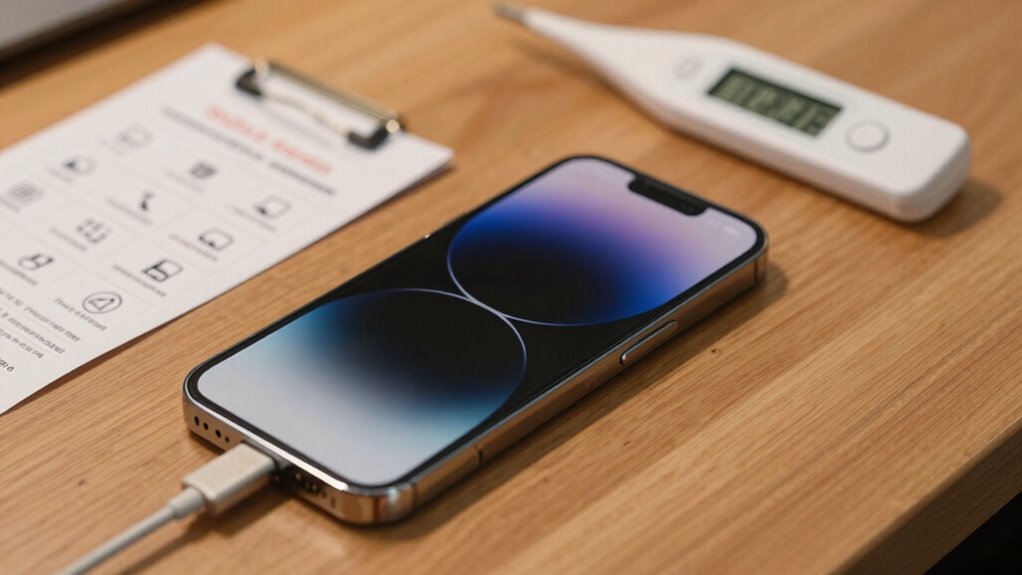
Preventing overheating during charging over the long term requires proactive measures to keep your device cool. Focus on proper battery maintenance by avoiding full discharges and keeping your battery between 20% and 80%. Regularly cleaning charging ports prevents dust buildup that can trap heat. Implement effective thermal management by keeping your device in a cool, ventilated environment during charging. Avoid exposing your device to direct sunlight or high temperatures, which can accelerate overheating. Use built-in device settings to monitor battery health and temperature alerts. Additionally, remove cases that trap heat while charging if you notice your device heating up excessively. Consistent care and proper environment control help guarantee your device stays cool, prolonging battery life and reducing the risk of overheating issues over time.
Which Chargers and Cables Are Safe to Use?
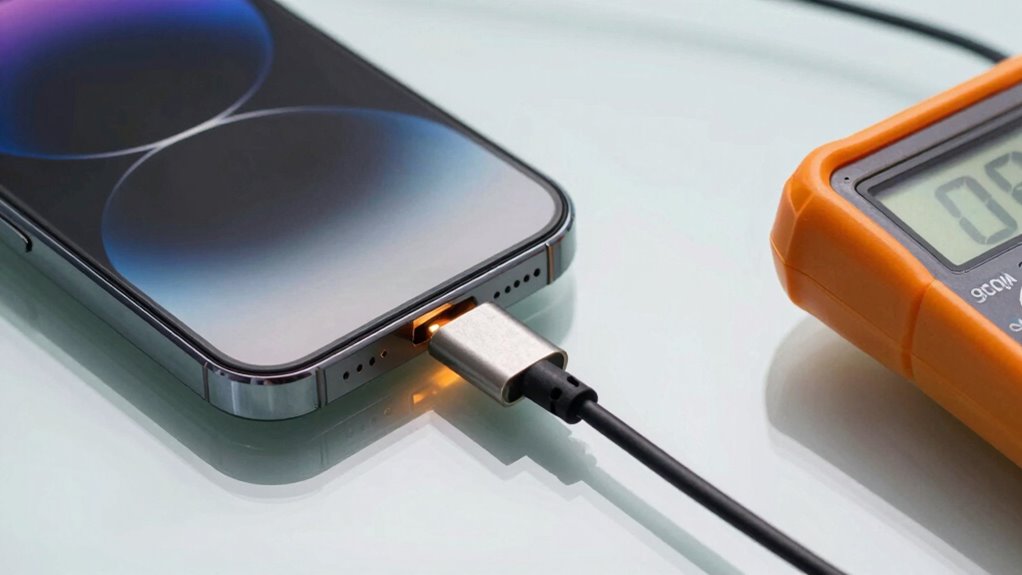
Using the right chargers and cables is essential to guarantee safe and efficient charging, especially to prevent overheating and damage to your device. To assure safety, prioritize chargers that match your device’s charging compatibility, avoiding unofficial or incompatible options. When choosing cables, focus on cable durability—look for reinforced connectors and quality materials that withstand daily wear.
Consider these tips:
- Use certified chargers and cables approved by your device’s manufacturer.
- Check for compatibility labels to avoid mismatched power supplies.
- Select cables with robust, tangle-free designs for longevity.
- Replace frayed or damaged cables immediately to prevent overheating.
When Should You Seek Professional Help for Overheating Issues?
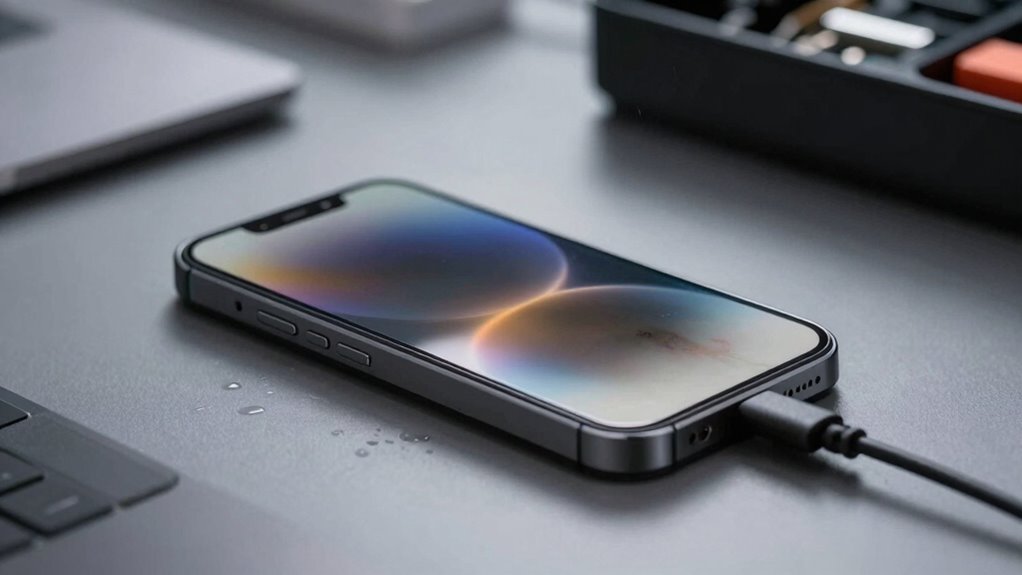
Even with the safest chargers and cables, overheating can still occur, signaling a potential issue that shouldn’t be ignored. If you notice your device consistently heats up during charging, it’s time to seek professional help. Signs include rapid battery drain, slow charging, or overheating despite proper battery maintenance. Additionally, keep your software up to date, as outdated software can cause charging issues.
| Issue | When to Seek Help | Recommended Action |
|---|---|---|
| Persistent overheating | After trying basic troubleshooting | Consult a technician for diagnosis |
| Battery issues | Unusual battery behavior or swelling | Professional battery replacement |
| Software problems | After multiple updates or glitches | Get expert assistance for software fix |
| Charging anomalies | Sudden device shutdowns or sparks | Immediate professional inspection |
Frequently Asked Questions
Can Overheating During Charging Damage My Device Permanently?
Yes, overheating during charging can permanently damage your device. Excess heat affects the battery materials, causing them to degrade faster. Poor thermal management can lead to internal components warping or malfunctioning, which shortens your device’s lifespan. To prevent this, guarantee proper ventilation, avoid using the device while charging, and use the original charger. Proper thermal management helps keep your device safe and functioning at its best over time.
Are Certain Apps or Functions More Likely to Cause Overheating?
Certain apps or functions can turn your device into a furnace, especially if they cause high battery drain or stay active in the background. Heavy gaming, GPS navigation, or streaming videos often spike your device’s temperature during charging. These apps keep your processor busy, generating heat. To stay safe, monitor which apps run in the background and close those that cause excessive battery drain, preventing overheating and potential damage.
How Does Temperature Affect Battery Longevity Over Time?
Higher temperatures accelerate battery chemistry degradation, reducing its longevity over time. When your device runs hot, thermal management systems struggle to keep the temperature in check, causing wear on the battery. You can extend its lifespan by keeping your device cool, avoiding direct sunlight, and not overcharging. Proper thermal management is key to preserving battery health, so prioritize cooling your device during heavy use or charging to prevent long-term damage.
Is Wireless Charging More Prone to Overheating Than Wired Charging?
Think of wireless charging as a busy marketplace with buzzing stalls—wireless interference from nearby devices can cause the charging pad to heat up more than wired options. You’re more likely to experience overheating with wireless charging because the process is less direct and more prone to heat build-up. To stay safe, keep charging pads clear of interference and avoid prolonged charging sessions, especially during hot days.
What Are Hidden Signs of Internal Damage From Overheating?
Hidden signs of internal damage from overheating include battery swelling, which you might notice as bulging or cracking, and reduced battery life. Conduct regular battery inspections and pay attention to thermal sensors’ alerts, which can detect abnormal heat levels early. If you notice unusual warmth, strange smells, or your device’s performance drops, it’s essential to address these issues promptly to prevent further damage or safety hazards.
Conclusion
Overheating during charging can be risky, but staying vigilant makes all the difference. Remember, about 60% of smartphone overheating incidents happen due to using incompatible chargers or damaged cables. Regularly check your device and use certified chargers to keep it safe. If your device gets unusually hot or shows signs of damage, don’t ignore it—seek professional help. Staying proactive protects both your device and your safety.
Halloween Picks
halloween
As an affiliate, we earn on qualifying purchases.