Cheap chargers often cause touchscreen ghost touch by delivering unstable power and electrical noise that interfere with your device’s sensors. Low-quality cables and poor wiring can lead to voltage spikes and fluctuations, confusing the touchscreen and causing false inputs. Over time, this can damage your screen and internal components. To protect your device, it’s best to use certified, reliable chargers. Keep exploring to learn more about preventing these issues and keeping your phone safe.

Get the latest gadgets delivered free with Prime
- Fast, free delivery on millions of items
- Prime Video, Amazon Music and more included
- Member-only deals all year
Key Takeaways
- Cheap chargers often produce electrical noise and voltage fluctuations that interfere with touchscreen sensors.
- Low-quality chargers lack proper voltage regulation, causing power surges that trigger ghost touches.
- Poor wiring and substandard components in inexpensive chargers increase electrical interference affecting the display.
- Voltage spikes from cheap chargers can overload delicate touchscreen circuits, leading to false touch inputs.
- Using uncertified or low-quality chargers can damage internal components, resulting in persistent ghost touch issues.
certified fast charging cable for smartphones
As an affiliate, we earn on qualifying purchases.
As an affiliate, we earn on qualifying purchases.
What Is Ghost Touch and Why Does It Happen?
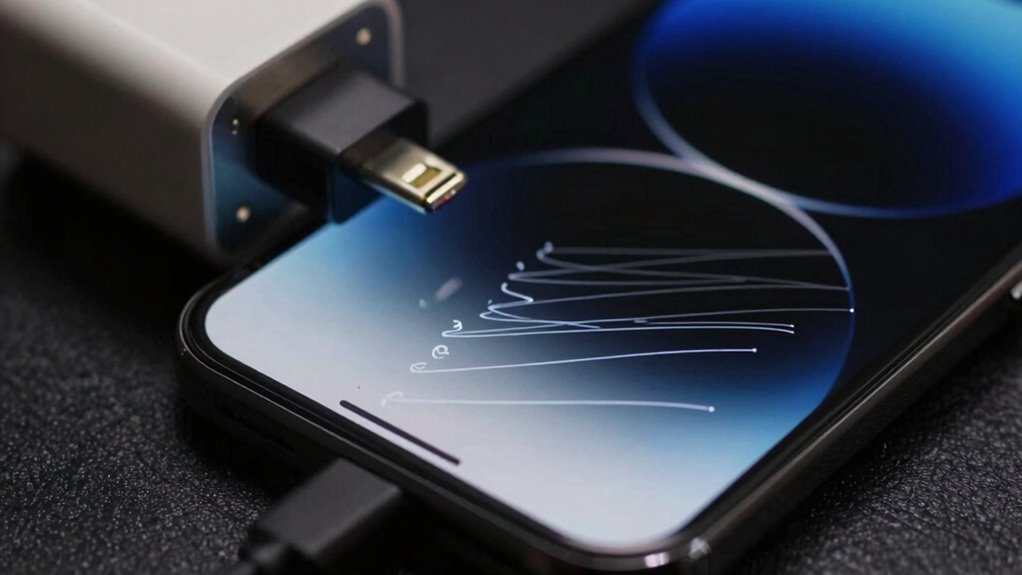
Ghost touch occurs when your touchscreen registers unintended inputs without you actually touching it. This usually happens because of issues with screen calibration or touch sensitivity. When your screen isn’t properly calibrated, it can misinterpret minor electrical signals or interference as touch commands. Similarly, low-quality chargers, especially cheap ones, can cause power fluctuations that disrupt the delicate electronic signals in your device. These fluctuations may lead to erratic touch responses, making your screen seem as if it’s acting on its own. Additionally, electrical noise generated by subpar chargers can interfere with your device’s sensitive components, further increasing the likelihood of ghost touches. This electrical interference can be intensified by poor quality wiring, which is common in inexpensive chargers. Essentially, ghost touches are a signal that your device’s touchscreen isn’t accurately sensing your inputs, often due to compromised hardware or software issues caused by subpar charging accessories. Ensuring proper screen calibration and avoiding faulty chargers helps prevent these false touch events. Regularly inspecting your charging equipment for hardware issues can also help identify potential sources of interference before they affect your device. To minimize this risk, it’s recommended to use original or certified chargers that meet safety standards.
high-quality phone charger with voltage regulation
As an affiliate, we earn on qualifying purchases.
As an affiliate, we earn on qualifying purchases.
How Cheap Chargers Damage Your Phone’s Power System
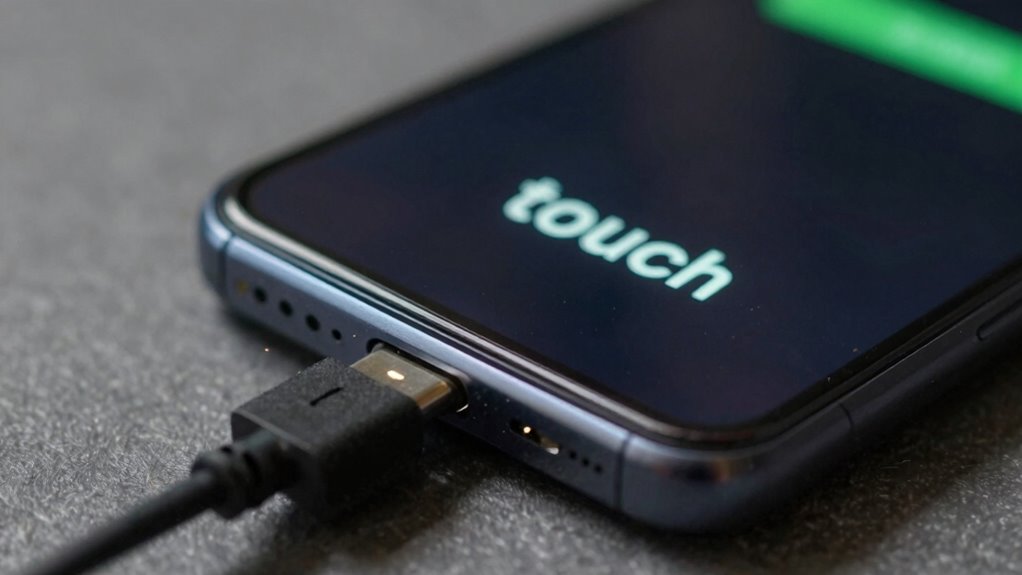
Cheap chargers often deliver inconsistent voltage and current levels, which can directly harm your phone’s power system. Poor charging safety practices mean your device isn’t receiving stable power, leading to stress on the internal components. When power regulation fails, it forces your phone’s battery and circuitry to work harder to compensate, increasing wear and tear. Over time, this can cause battery swelling, reduced capacity, and even damage to the motherboard. Substandard chargers lack the necessary circuitry to guarantee a steady flow of power, putting your device at risk. Using high-quality chargers with proper power regulation is essential for protecting your phone’s internal systems, maintaining battery health, and avoiding costly repairs caused by faulty charging. Additionally, fluctuations in power can contribute to microplastics in dust, which may further impact your device’s performance and longevity. Ensuring stable power delivery is crucial for preventing power fluctuations that accelerate internal component degradation. Proper power management also helps minimize the occurrence of touchscreen issues, such as ghost touches, that often result from inconsistent electrical signals. Incorporating quality chargers can significantly reduce the risk of these problems by providing more reliable and stable electrical flow.
smartphone screen protector for ghost touch prevention
As an affiliate, we earn on qualifying purchases.
As an affiliate, we earn on qualifying purchases.
Why Voltage Spikes From Budget Chargers Harm Your Screen
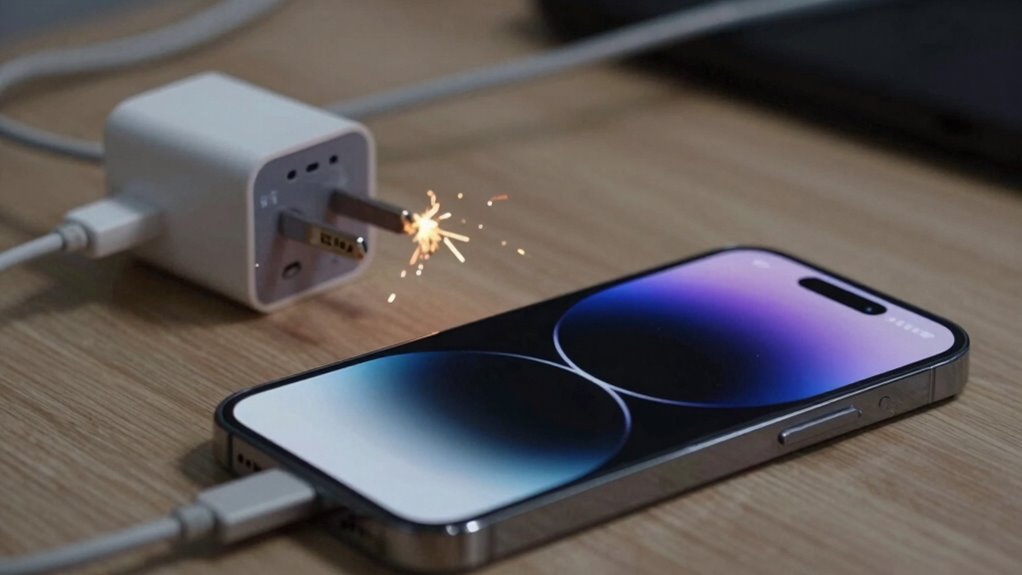
Voltage spikes caused by budget chargers can quickly damage your phone’s display, even if the charger seems to work fine at first. Poor charger compatibility and lack of proper voltage regulation mean these chargers can deliver inconsistent power. When voltage spikes occur, they overload your screen’s delicate circuits, leading to ghost touch issues and potential permanent damage. Cheap chargers often skip quality control, increasing the risk of sudden surges. To protect your device, choose chargers with proper voltage regulation and certified compatibility. Watch out for:
- Unstable power delivery
- Sudden voltage surges
- Overloaded circuits
- Damage to touchscreen components
Ignoring these risks can compromise your display’s performance and longevity, making it essential to invest in reliable chargers that maintain consistent voltage levels. Additionally, understanding the importance of body-based healing can help you better appreciate how proper electrical regulation preserves your device’s health. Properly regulated power can also prevent electrical damage, which is crucial for maintaining your device’s overall lifespan. Recognizing the role of voltage regulation can help you select safer chargers and avoid costly repairs. Being aware of electrical fluctuations can further aid in preventing damage caused by unsteady power sources. Understanding how voltage stability impacts device longevity underscores the importance of choosing quality chargers.
USB-C charger with electrical noise filtering
As an affiliate, we earn on qualifying purchases.
As an affiliate, we earn on qualifying purchases.
Signs Your Charger Is Causing Ghost Touch Problems
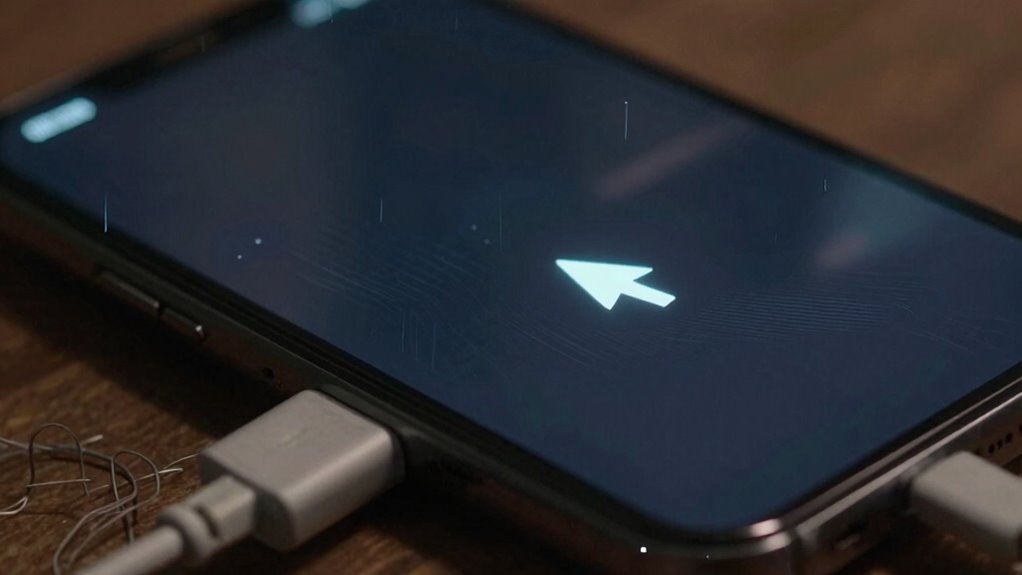
If your phone’s screen starts acting strangely while charging, it’s a clear sign that your charger might be causing issues. Ghost touch symptoms, like unresponsive areas or erratic movements, often appear during certain charging habits—especially with cheap or incompatible chargers. You might notice these problems more when using your device while plugged in or with low-quality cables. These issues can sometimes be temporary, but persistent ghost touches could indicate damage caused by faulty chargers. Keep in mind, if your phone is still under warranty coverage, using unreliable chargers might void that protection. To prevent further damage, consider switching to a certified charger and avoid charging habits that strain your device’s circuitry. Using quality accessories can help maintain your device’s health and performance over time. Additionally, understanding the importance of charging safety can help you avoid potential risks associated with poor-quality chargers. Recognizing the impact of electrical interference from cheap chargers can also help you better protect your device’s delicate components. Proper airflow around your device during charging can further reduce the risk of overheating and electrical issues.
How to Choose Safe, Reliable Phone Chargers
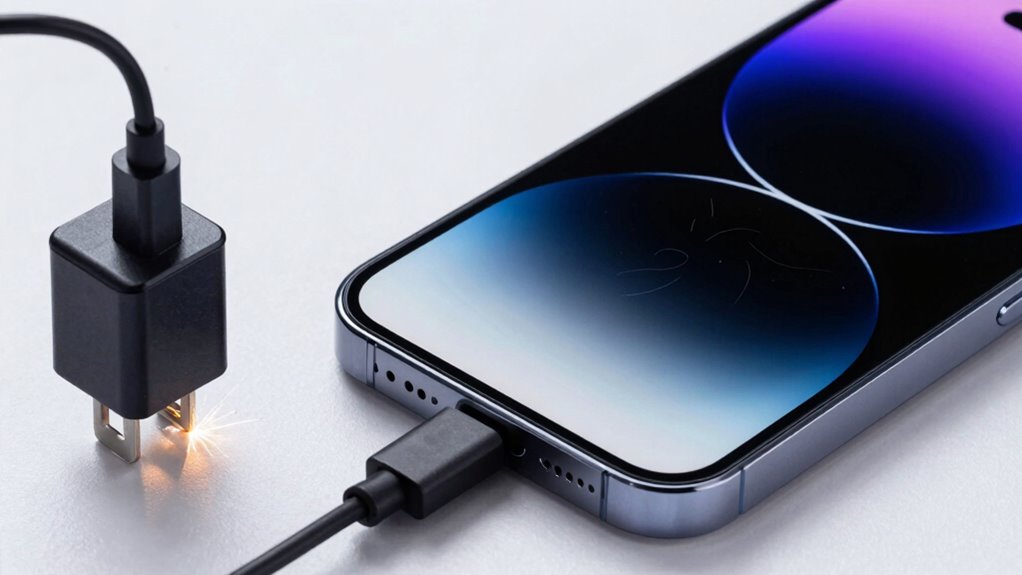
Wondering how to guarantee your phone charges safely and reliably? Choosing the right charger is key. Look for reputable brands that meet safety standards and avoid ultra-cheap options. When selecting a charger, consider these tips:
- Opt for certified chargers that support your device’s charging speed.
- Prioritize wireless charging pads with good reviews for safety and efficiency.
- Check if the charger supports fast charging without overheating.
- Use chargers designed to protect battery longevity, preventing overcharging or overheating.
- Be mindful of global flavors and diverse designs that reflect the latest innovations in charging technology to enhance safety and compatibility.
- Additionally, embracing inclusive casting in product design can lead to more universal and accessible charging solutions for all users.
- Staying informed about urban pursuits and regional innovations can also help you identify the most advanced and safe charging options available in different markets.
- Understanding safety standards in different regions can further ensure you select chargers that are both reliable and compliant with local regulations.
- Consulting trusted Gold IRA markets and industry leaders can provide further insights into the most reputable and safe charging technologies suitable for your needs.
Reliable chargers help maintain your phone’s overall health and prevent issues like ghost touch. Investing in quality ensures your device charges efficiently and safely, whether wired or wireless. Remember, a good charger isn’t just about speed; it’s about preserving your phone’s lifespan and performance.
Preventing Ghost Touch: Tips to Protect Your Phone
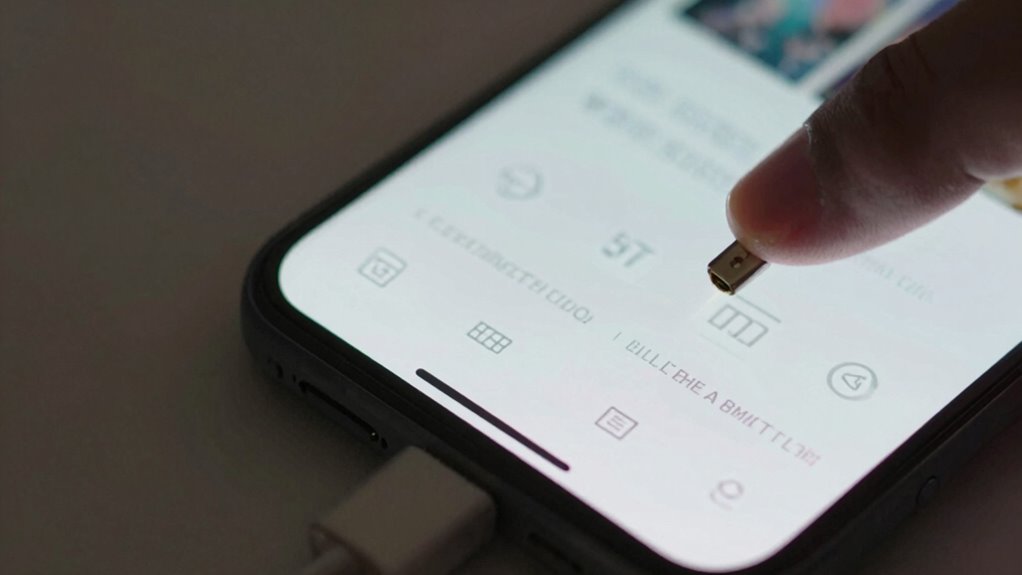
To prevent ghost touch, always use certified chargers to avoid power issues that can interfere with your screen. Keep your screen clean and dry, and avoid pressing too hard on the touchscreen, as excess pressure can cause false inputs. Properly securing your smart devices and understanding privacy risks associated with untrusted chargers also helps maintain your device’s security. Following these simple tips helps protect your phone and keeps it functioning smoothly.
Use Certified Chargers Only
Using only certified chargers is essential to prevent ghost touch issues on your phone. Unofficial chargers often lack proper safety features, risking damage to your device’s charging port and internal components. When you choose certified chargers, you guarantee charging safety and protect your battery’s longevity. These chargers deliver the correct voltage and current, reducing the chances of overloading or overheating.
To keep your phone safe, look for chargers with official certifications like UL or FCC. Avoid cheap, unbranded chargers that may cause inconsistent power flow. Remember, investing in quality chargers not only prevents ghost touch but also extends your device’s lifespan.
- Guarantee chargers have proper safety certifications
- Use original or reputable brand chargers
- Avoid third-party chargers with questionable quality
- Regularly inspect your charger for damage
Keep Screen Clean and Dry
A dirty or damp screen can cause your phone to register false touches, leading to ghost touch issues. To prevent this, focus on regular screen maintenance by cleaning your screen with a soft, lint-free cloth. Avoid using harsh chemicals that can damage the display. Always handle your phone with dry hands to prevent moisture from interfering with the touchscreen’s sensors. Keeping your screen dry ensures accurate responsiveness and reduces the risk of accidental inputs. If your phone gets wet, dry it thoroughly before using it again. Proper dry handling not only maintains screen clarity but also protects your device’s internal components. Consistent screen maintenance and dry handling are simple but effective ways to minimize ghost touch problems associated with moisture and dirt.
Avoid Excessive Pressure
Applying too much pressure on your phone’s screen can cause it to register unintended touches or ghost inputs. Excessive pressure can lead to pressure damage, affecting your device’s screen sensitivity over time. To prevent this, handle your phone gently and avoid pressing too hard during use.
Remember these tips:
- Use a light touch to maintain ideal screen sensitivity.
- Avoid pressing on the edges, where pressure damage is more likely.
- Don’t rest heavy objects on your phone for extended periods.
- Replace worn-out or damaged screen protectors that might increase pressure points.
How Electrical Fluctuations Affect Your Phone’s Touchscreen
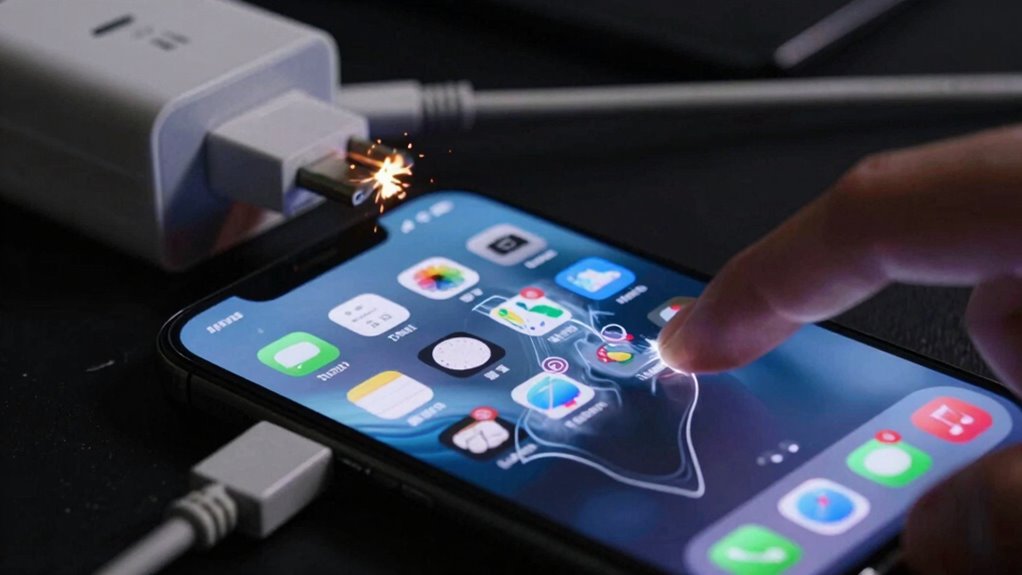
Have you ever noticed your touchscreen acting erratically when nearby electrical devices are in use? Electrical fluctuations caused by cheap chargers can disrupt your phone’s internal power stability. These fluctuations can interfere with your battery health, leading to inconsistent voltage levels that confuse the touchscreen sensors. When the charging speed is inconsistent, the phone’s processor struggles to interpret touch inputs correctly, resulting in ghost touches or unresponsiveness. Cheap chargers often lack proper filtering components, allowing electrical noise to seep into your device’s circuitry. This interference can cause the touchscreen to register false taps or erratic movements. Ultimately, unstable electrical flow from low-quality chargers hampers your phone’s ability to accurately detect touch, making your device seem unreliable or malfunctioning.
Fixing Screen Issues Caused by Low-Quality Chargers
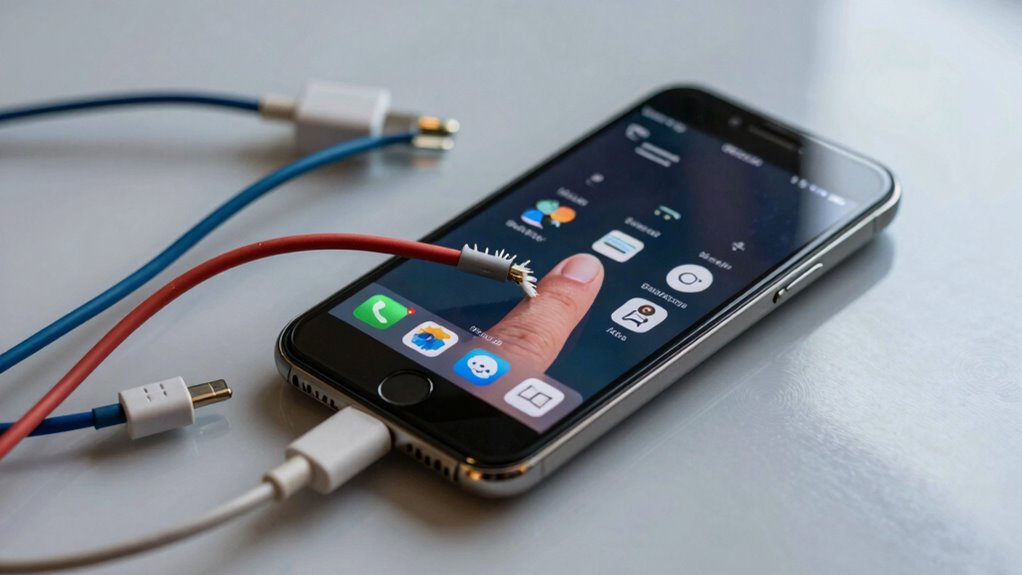
When screen issues stem from a low-quality charger, the first step is to disconnect your device and stop using the faulty charger immediately. This prevents further damage like battery degradation or software glitches that can worsen touchscreen problems. Next, follow these steps:
- Perform a soft reset to clear temporary glitches.
- Use a certified, high-quality charger to recharge safely.
- Check for software updates that might fix touchscreen issues.
- If problems persist, consider replacing the battery or visiting a technician.
Low-quality chargers can cause inconsistent power delivery, leading to ghost touches or unresponsive screens. Addressing the root cause early helps preserve your device’s lifespan and prevents costly repairs. Always prioritize using trusted chargers to avoid recurring issues.
Frequently Asked Questions
Can Using a Cheap Charger Void My Phone’s Warranty?
Using a cheap charger can potentially void your phone’s warranty because it may compromise charging safety and cause damage to internal components. Manufacturers often specify using certified chargers to guarantee warranty protection remains valid. If you experience issues like ghost touches or battery problems, your warranty might not cover repairs if a non-approved charger caused the damage. To protect your device, always use quality, certified chargers that meet safety standards.
Are All Budget Chargers Equally Harmful to Smartphones?
Not all budget chargers are equally harmful, but many lack proper charger quality and voltage stability. For example, a friend used a cheap charger, and her phone experienced ghost touches and rapid battery drain. Poor-quality chargers often supply inconsistent voltage, damaging your phone’s touchscreen and battery over time. To safeguard your device, always opt for certified chargers that guarantee stable voltage and reliable charger quality, minimizing risks of damage.
How Often Should I Replace My Phone Charger?
You should replace your phone charger when you notice signs of battery degradation or slower charging speeds. Over time, cheap chargers can cause inconsistent power delivery, leading to battery wear and potential touchscreen issues like ghost touch. To keep your phone safe and functioning properly, consider replacing your charger every one to two years, especially if it’s showing signs of damage or isn’t charging as efficiently.
Do Wireless Chargers Also Cause Ghost Touch Issues?
Think of your phone as a delicate dance partner—wireless chargers can sometimes cause ghost touch due to wireless interference. If your charging setup isn’t stable, it might send mixed signals to your device, leading to unintentional screen responses. While generally safe, cheap or poorly designed wireless chargers can create charging instability, increasing the likelihood of ghost touch issues. To avoid this, opt for reputable chargers that guarantee consistent, interference-free power delivery.
What Safety Features Should I Look for in a Charger?
When choosing a charger, prioritize safety features like built-in overcurrent, overvoltage, and short-circuit protection to prevent damage. Look for genuine certifications and counterfeit approvals from reputable organizations, ensuring the charger meets safety standards. These features help protect your device and reduce risks like overheating or electrical faults. Always buy from trusted brands or authorized sellers, as cheap, uncertified chargers often lack these essential safety measures, risking damage and safety hazards.
Conclusion
Just like Icarus flying too close to the sun, using cheap chargers can lead to a fiery downfall for your phone’s touchscreen. Protect your device by choosing reliable chargers and staying vigilant for ghost touch signs. Remember, safeguarding your tech isn’t just about avoiding inconvenience—it’s about preventing the silent damage that can leave your device as broken as Icarus’s wings. Stay smart, stay safe, and keep your phone flying high.
Halloween Picks
halloween
As an affiliate, we earn on qualifying purchases.