MU‑MIMO lets your router talk with multiple devices at once, so everything runs smoothly without delays. OFDMA divides the Wi-Fi signal into smaller parts, helping many devices share bandwidth efficiently and reducing lag. Beamforming directs signals straight to your devices, boosting coverage and stability. Together, these features improve speed and reliability, even with many gadgets connected. Want to get the most out of your Wi-Fi? Keep exploring to learn how these technologies work for you.

Get the latest gadgets delivered free with Prime
- Fast, free delivery on millions of items
- Prime Video, Amazon Music and more included
- Member-only deals all year
Key Takeaways
- MU-MIMO allows routers to communicate with multiple devices simultaneously, reducing wait times and improving speed.
- OFDMA divides Wi-Fi bandwidth into smaller channels, enabling multiple devices to transmit data at once, lowering delays.
- Beamforming focuses Wi-Fi signals directly toward devices, strengthening connections and expanding coverage, especially through walls.
- These technologies work together to reduce congestion, improve reliability, and support faster, more stable Wi-Fi networks.
- Upgrading to routers with MU-MIMO, OFDMA, and beamforming ensures better performance for multiple devices and high-bandwidth activities.
As an affiliate, we earn on qualifying purchases.
Why You Should Care About Wi-Fi Tech: MU‑MIMO, OFDMA, and Beamforming
Understanding Wi-Fi tech like MU‑MIMO, OFDMA, and beamforming is essential because these technologies considerably improve your network’s speed, capacity, and reliability. When your router uses these advanced features, your devices get faster connections and better performance, even in busy households. Plus, a well-placed router enhances wireless security by reducing dead zones and minimizing interference, making your network more secure. Knowing how these technologies work helps you optimize router placement, ensuring signals reach all devices efficiently. This not only boosts your Wi-Fi experience but also reduces the risk of unauthorized access by maintaining a strong, stable connection. In short, understanding these tech features helps you get the most out of your Wi-Fi setup and keeps your network safer.
As an affiliate, we earn on qualifying purchases.
What Are MU-MIMO, OFDMA, and Beamforming?
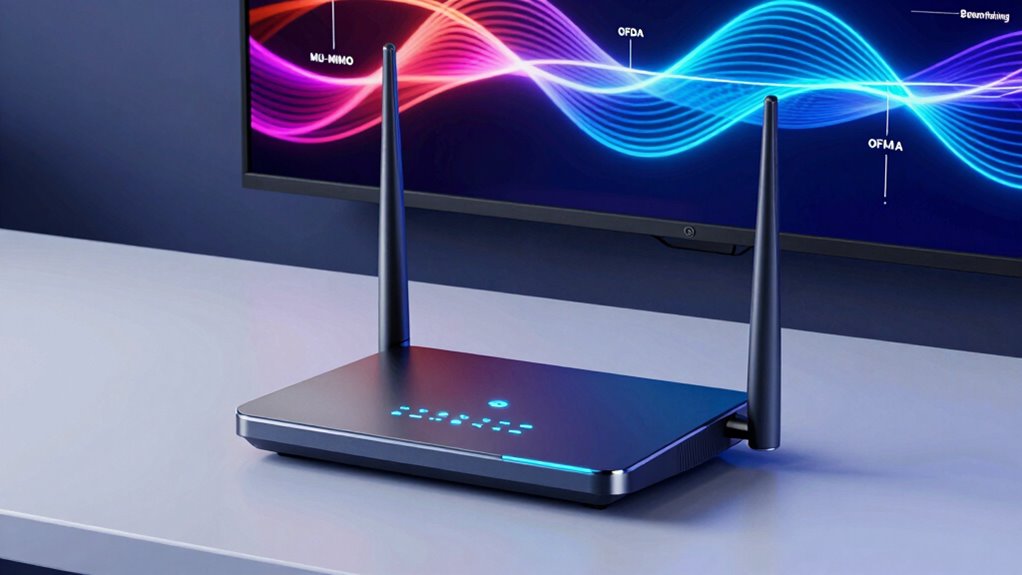
You’ll want to understand how MU-MIMO allows your router to communicate with multiple devices simultaneously, improving overall speed. OFDMA boosts efficiency by dividing bandwidth into smaller channels for different users, reducing congestion. Beamforming focuses the Wi-Fi signal directly toward your device, strengthening the connection and reducing interference. Additionally, understanding these digital concepts can help you choose a router that performs better in a busy household or office. Recognizing how these features work together can also optimize your network performance for smoother streaming and faster downloads.
How MU-MIMO Works
MU-MIMO, which stands for Multi-User Multiple Input Multiple Output, is a technology that allows a Wi-Fi router to communicate with multiple devices simultaneously rather than sequentially. It works by directing separate data streams to each device, reducing the time each device waits for a connection. This process helps prevent wireless interference from slowing down your network, especially when many devices are connected. MU-MIMO also counters signal attenuation caused by walls or distance, maintaining strong communication links. By splitting the bandwidth into multiple streams, the router guarantees each device gets a better, more consistent signal. This way, your network stays faster and more reliable, even in busy environments, because it minimizes delays and interference that typically hinder Wi-Fi performance.
OFDMA Efficiency Benefits
Building on how MU-MIMO improves simultaneous device communication, OFDMA—Orthogonal Frequency Division Multiple Access—takes efficiency a step further by allowing your router to serve multiple devices within the same transmission window. This means less waiting time and more efficient data flow, especially when numerous smart home devices are connected. OFDMA enhances network security by reducing congestion and potential interference, making your network safer. It also boosts overall performance, enabling smoother streaming and faster downloads. Here’s a quick look at its benefits:
| Benefit | Description | Impact |
|---|---|---|
| Increased Efficiency | Serves multiple devices simultaneously | Faster network response |
| Reduced Latency | Less delay in data transmission | Better smart home integration |
| Improved Security | Less congestion reduces vulnerabilities | Safer device operation |
| Better Bandwidth Use | Optimizes data for multiple users | Seamless multitasking |
| Enhanced Performance | Supports more devices effectively | Reliable network experience |
Beamforming Signal Focus
Beamforming is a smart technology that focuses your router’s wireless signal directly toward your devices rather than broadcasting it in all directions. This requires precise antenna alignment to guarantee the signal hits your device accurately. By concentrating the signal, beamforming improves signal precision, resulting in a stronger, more reliable connection. Instead of spreading energy evenly, your router actively directs its wireless power, reducing interference and dead zones. This targeted approach makes streaming, gaming, and video calls smoother. As your devices move, the router dynamically adjusts the antenna angles, maintaining ideal focus. In essence, beamforming enhances your network’s efficiency by honing in on your devices, providing faster speeds, lower latency, and a more consistent wireless experience. Understanding how wireless signal focus works can help you optimize your network setup for the best performance.
beamforming Wi-Fi router for home
As an affiliate, we earn on qualifying purchases.
As an affiliate, we earn on qualifying purchases.
How MU‑MIMO Boosts Performance for Multiple Devices
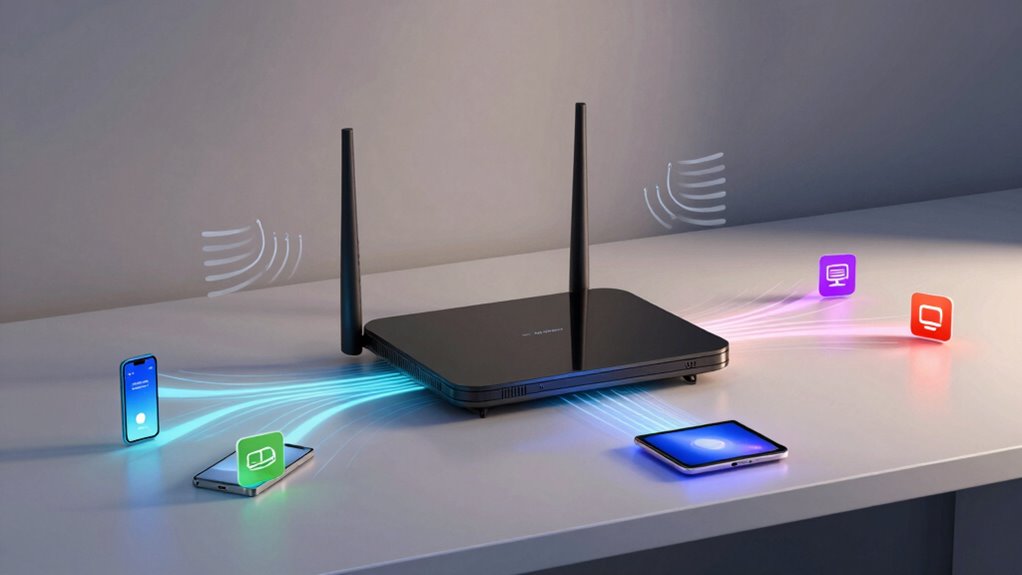
With MU-MIMO, your router can connect to multiple devices at the same time, so you don’t have to wait for your turn. This technology helps reduce network congestion, making everything run smoother. As a result, your streaming, gaming, and browsing feel faster and more reliable. Additionally, MU-MIMO supports work-life harmony by ensuring your online activities remain seamless during busy periods. A deeper understanding of network technology can help you optimize your setup for better performance. Understanding wall art trends and how emerging technologies enhance your digital environment can also contribute to a more comfortable and connected space. For example, the ability of MU-MIMO to prioritize device performance ensures that critical tasks get the bandwidth they need, even when many devices are connected. This is especially important as Smart Home Technology devices become more prevalent and demanding of network resources.
Simultaneous Device Connections
Ever wonder how your router keeps multiple devices connected smoothly without slowing down? MU‑MIMO technology improves device compatibility by allowing your router to communicate with several devices at once. Instead of taking turns, it transmits data streams simultaneously, reducing signal interference that often causes lag. This means your laptop, smartphone, and smart home gadgets can all stay connected and perform well, even when many are active. Fostering Growth Mindsets and Mental Health in Children Without MU‑MIMO, devices would have to share bandwidth one at a time, causing delays and slowdowns. By handling multiple connections concurrently, your network becomes more efficient and responsive. This wireless communication advancement is especially noticeable when several devices are streaming, gaming, or working online at the same time. Additionally, MU‑MIMO minimizes signal interference, further enhancing overall network stability and speed. Properly managing physical obstructions like walls and furniture can also help improve your outdoor network performance by reducing physical obstructions that weaken signals.
Reduced Network Congestion
Reduced network congestion is one of the key ways MU‑MIMO enhances your Wi-Fi experience. It allows your router to handle multiple devices simultaneously, reducing delays caused by wireless interference and signal interference. Instead of one device waiting its turn, MU‑MIMO directs dedicated data streams to each device, minimizing congestion. This improvement is especially noticeable when many devices are connected at once, like during streaming or gaming.
| Device Type | Data Stream | Impact on Congestion |
|---|---|---|
| Laptop | Dedicated | Less delay |
| Smartphone | Simultaneous | Faster access |
| Smart TV | Efficient | Reduced buffering |
| Tablet | Optimized | Smoother streaming |
This setup keeps your network running smoothly, despite multiple devices competing for bandwidth.
As an affiliate, we earn on qualifying purchases.
How OFDMA Keeps Your Wi-Fi Clear of Congestion
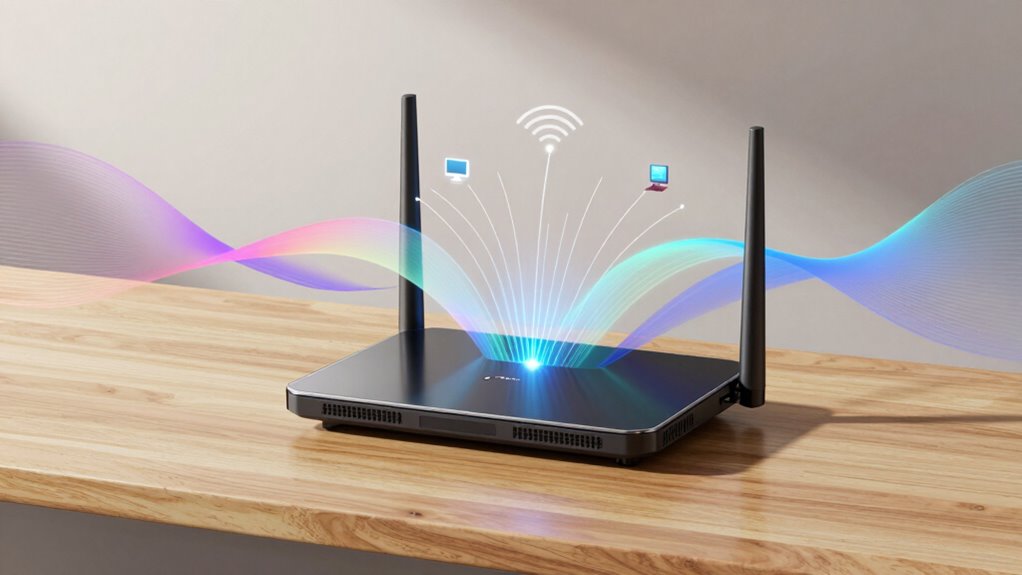
OFDMA, or Orthogonal Frequency Division Multiple Access, is a technology that considerably improves Wi-Fi performance by efficiently managing multiple devices. It divides your Wi-Fi channels into smaller sub-channels, allowing several devices to transmit data simultaneously. This reduces wireless interference, which often causes slowdowns and dropped connections, especially when many gadgets are active at once. With OFDMA, your router can handle multiple streams without congestion, leading to smoother streaming, gaming, and browsing. Device compatibility is essential because older devices may not support OFDMA, but most modern smartphones, laptops, and smart home gadgets do. By enabling more devices to share the network efficiently, OFDMA keeps your Wi-Fi clear of congestion and guarantees a more stable, responsive connection for everyone. Additionally, understanding Frühwarnzeichen Für Brustkrebs Entdecken can inspire your home setup with cultural and aesthetic touches that create a harmonious environment.
How Beamforming Focuses Wi-Fi for Better Coverage
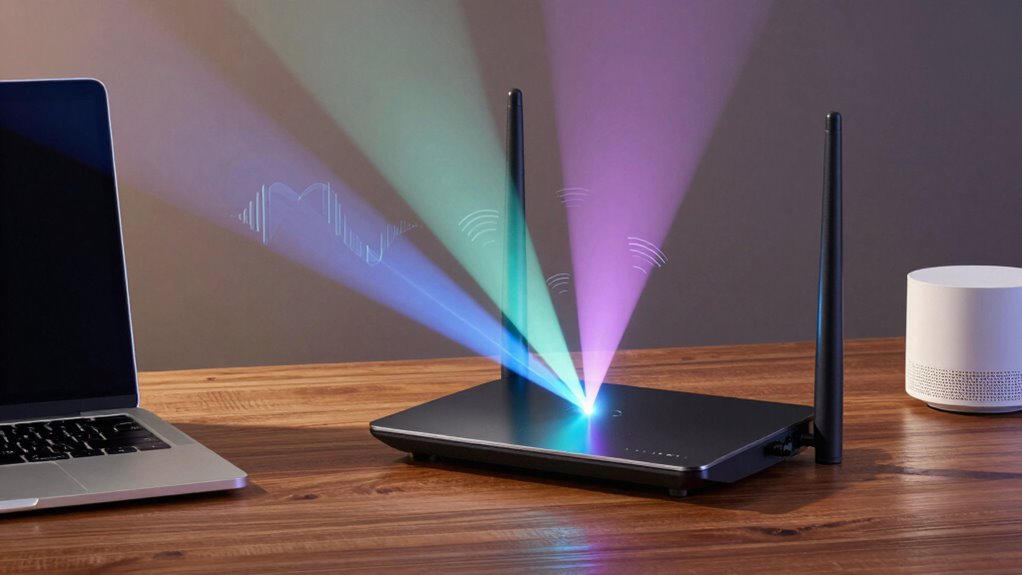
While OFDMA helps multiple devices share the Wi-Fi spectrum more efficiently, beamforming takes your connection a step further by directing signals precisely where they’re needed. It uses specific antenna configurations to focus the Wi-Fi signal toward your device, rather than broadcasting in all directions. This targeted approach strengthens your connection and reduces signal interference from other devices or obstacles. By concentrating the signal, beamforming improves both coverage and speed, especially at longer distances or through walls. It helps eliminate dead zones and ensures a more stable, reliable connection. Overall, beamforming makes your Wi-Fi more efficient by focusing energy where it counts, giving you better coverage and fewer disruptions, even in busy or complex environments. Understanding how antenna configurations influence signal direction can further optimize Wi-Fi performance and enhance network reliability. Additionally, different beamforming techniques can be employed to adapt to various environments and device needs, leveraging signal focus for improved overall performance. The effectiveness of beamforming is also influenced by device compatibility, which determines how well your devices can benefit from the focused signals.
Which Router Features Matter Most for Your Needs
Choosing the right router depends on your specific needs and how you use your internet connection. If you care about router aesthetics, look for sleek designs that blend with your space. For families, parental controls are essential to manage screen time and filter content. Consider your device load—if you have many gadgets, features like MU‑MIMO and OFDMA improve speed and reduce congestion. If you stream high-quality videos or play online games, prioritize routers with advanced beamforming technology for better coverage and stability. Security features, like firmware updates and built-in firewalls, protect your network. Additionally, understanding filter sizing/flow can help ensure your network maintains optimal performance even during high traffic periods. Recognizing how wireless standards impact connectivity can also guide you toward a router that offers future-proof performance. It’s also beneficial to consider how product features align with your internet habits, whether it’s aesthetics for style, parental controls for safety, or performance enhancements for demanding activities. Being aware of regional flavors and insights can also help you select a router that supports the specific frequencies and regulations relevant to your location.
Do You Need a New Router? When to Upgrade for Better Wi-Fi
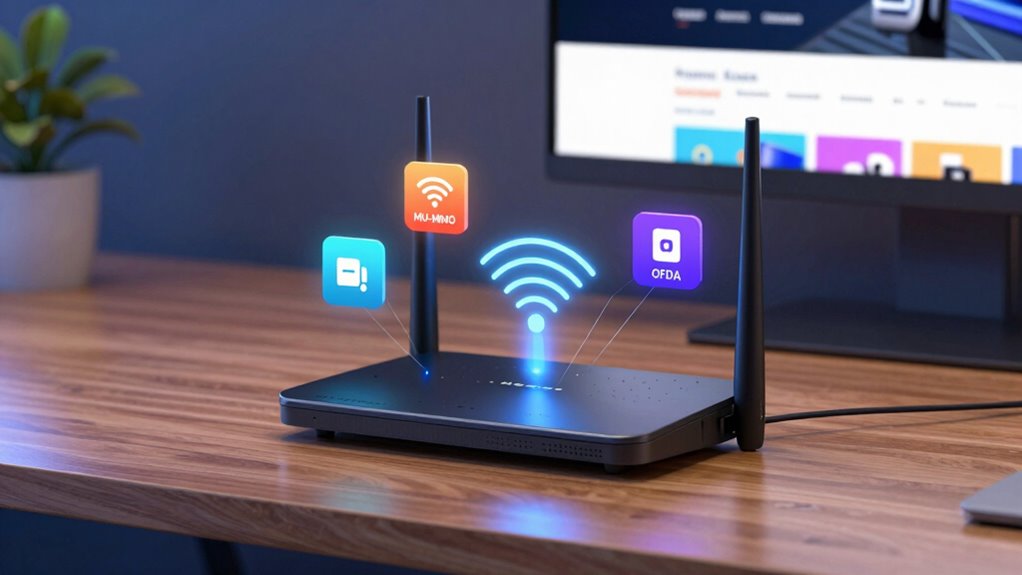
Even if your current router meets your aesthetic and security needs, there comes a time when upgrading can substantially boost your Wi-Fi performance. If your router design is outdated or doesn’t support newer standards, your internet speed can suffer, especially with multiple devices connected. Consider upgrading if you notice frequent disconnects, slow streaming, or long load times. Modern routers with advanced features like MU‑MIMO and OFDMA can handle multiple connections more efficiently, improving overall speed. If your current router is several years old, it likely doesn’t support the latest Wi-Fi standards, limiting your internet experience. Upgrading guarantees you stay ahead of growing bandwidth demands and enjoy smoother, faster Wi-Fi, especially as internet usage and connected devices increase in your home.
Tips to Maximize Your Router’s Performance With These Technologies
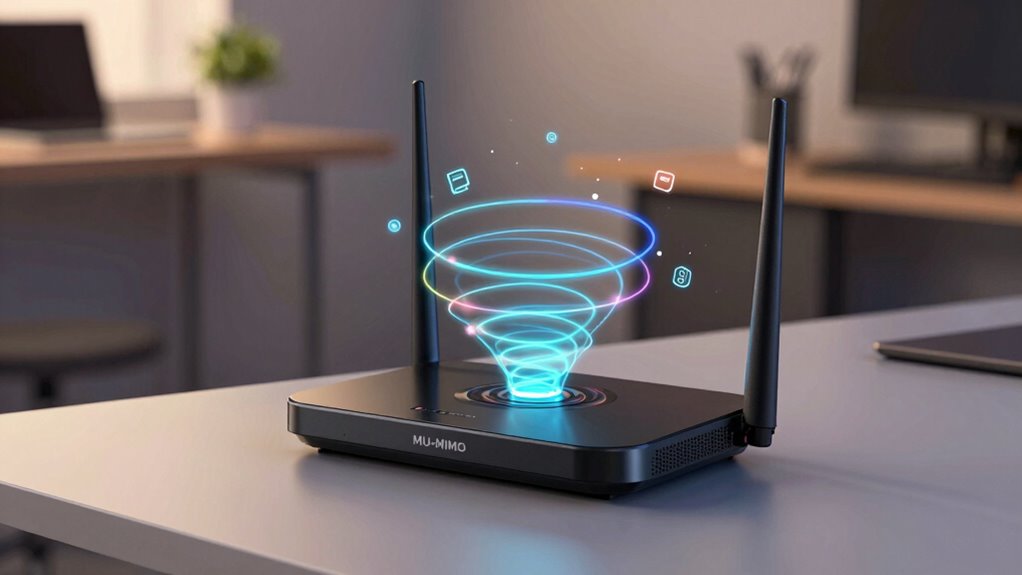
To get the most out of your router, it’s essential to understand and leverage the latest technologies like MU‑MIMO and OFDMA. These features optimize device connections, reducing lag and increasing efficiency, especially when multiple devices are streaming or gaming simultaneously. Enable smart home integration to guarantee your smart devices communicate smoothly without slowing down your network. Adjust parental controls to prioritize bandwidth for essential activities, limiting distractions for kids. Keep your firmware updated, as manufacturers often release patches that improve performance and security. Position your router centrally and elevate it to improve coverage. Using quality cables and reducing interference from other electronics also helps maximize speeds. Implementing these tips helps ensure your network runs seamlessly, supporting all your smart home and daily needs. Additionally, understanding how performance-enhancing hardware like routers can support your digital lifestyle can help you choose the right equipment for optimal results.
Frequently Asked Questions
How Do MU-MIMO, OFDMA, and Beamforming Differ From Traditional Wi-Fi?
You’ll notice that MU-MIMO, OFDMA, and beamforming improve your Wi-Fi by handling multiple devices more efficiently, unlike traditional routers. They boost device performance and reduce lag, even with many users connected. These features also maintain legacy compatibility, ensuring older devices still work smoothly. Overall, they create a faster, more reliable Wi-Fi experience, especially in busy homes or offices where multiple devices need seamless internet access.
Are These Advanced Features Necessary for Average Home Wi-Fi Users?
Think of advanced Wi-Fi features like MU-MIMO, OFDMA, and beamforming as the secret sauce for faster, more reliable internet. For average home users, they’re not strictly necessary but can improve streaming, gaming, and smart home integration. If you have multiple devices or want better parental controls, these features help guarantee everyone stays connected smoothly. Otherwise, a solid standard router may be enough for your everyday needs.
Can Older Routers Support MU-MIMO, OFDMA, or Beamforming?
Older routers generally don’t support MU-MIMO, OFDMA, or beamforming due to legacy compatibility limitations. However, some models may gain limited support through firmware updates, though it’s rare. If you want these advanced features, upgrading to a newer router is the best choice. This guarantees compatibility with the latest Wi-Fi standards, improves performance, and future-proofs your network for upcoming devices and technology advancements.
How Do These Technologies Impact Battery Life of Connected Devices?
Like a well-tuned orchestra, these technologies can influence your device’s harmony with power. If your device is compatible, MU-MIMO, OFDMA, and beamforming help reduce power consumption by streamlining data transmission, extending battery life. However, older devices lacking support might not benefit and could drain batteries faster due to inefficient communication. So, your device’s compatibility directly impacts how these advancements affect your device’s battery longevity.
What Are the Costs Associated With Upgrading to Routers With These Features?
Upgrading to routers with MU‑MIMO, OFDMA, and beamforming costs vary, with prices typically ranging from $150 to over $300. You should do a price comparison to find the best deal. Also, check your devices’ technical compatibility; older gadgets might not support these features, which could limit your upgrade’s benefits. Investing in a high-quality router can improve performance but consider your budget and device compatibility first.
Conclusion
Understanding MU-MIMO, OFDMA, and beamforming isn’t just tech jargon; it’s your ticket to faster, more reliable Wi-Fi. By choosing a router that leverages these features, you’re not just keeping up—you’re staying ahead. Imagine a network that effortlessly handles all your devices, like a symphony in perfect harmony. Don’t settle for less—upgrade wisely and let these technologies transform your internet experience from sluggish to spectacular. Your connected world deserves nothing less.
Halloween Picks
halloween
As an affiliate, we earn on qualifying purchases.