
When choosing a NAS drive, understanding the difference between CMR and SMR is essential. CMR drives offer consistent, faster performance and better reliability, making them ideal for frequent data updates and editing tasks. SMR drives have higher storage capacity and are cheaper but perform slower during writes, making them better suited for archival storage. To guarantee your setup lasts and performs well, consider your usage carefully—more insights await if you explore further.

Get the latest gadgets delivered free — and shop member deals
- Fast, free delivery on millions of items
- Access to Prime Big Deal Days deals on October 6–7
- Prime Video, Amazon Music and more included
Key Takeaways
- CMR drives offer faster, more reliable write performance, ideal for NAS environments with frequent data updates.
- SMR drives provide higher storage density at a lower cost, suitable for long-term, infrequent backups.
- CMR ensures better data integrity and longevity under heavy workloads compared to SMR.
- SMR drives may experience slower write speeds and higher maintenance needs in active NAS setups.
- Choosing between CMR and SMR depends on workload demands, budget, and whether performance or capacity is prioritized.
As an affiliate, we earn on qualifying purchases.
What Are CMR and SMR Drives: And How Do They Work?
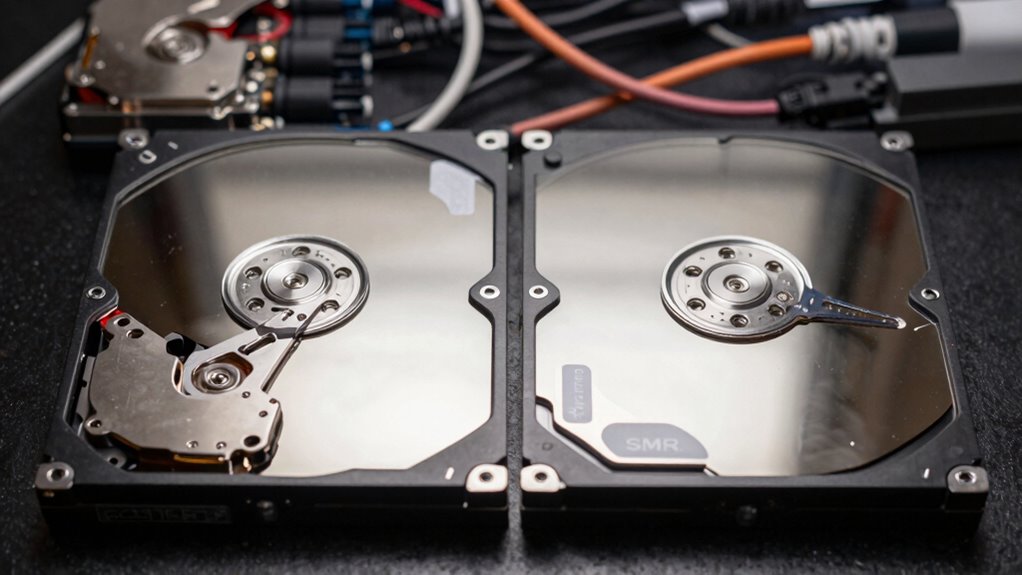
Understanding the differences between CMR and SMR drives is essential when choosing storage for your NAS. CMR (Conventional Magnetic Recording) drives use traditional writing methods, ensuring consistent performance, lower drive noise, and predictable power consumption. They’re reliable for continuous use and handle multiple write cycles well. SMR (Shingled Magnetic Recording) drives, on the other hand, pack data more densely by overlapping recording tracks. This increases storage capacity but can lead to higher drive noise during data rewriting and potentially higher power consumption during intensive tasks. SMR drives are more suitable for archival storage rather than frequent writing, while CMR drives excel in environments requiring regular data updates. Knowing these differences helps you select the right drive based on your specific NAS needs.
best NAS hard drives for performance
As an affiliate, we earn on qualifying purchases.
As an affiliate, we earn on qualifying purchases.
How Do CMR and SMR Impact NAS Performance and Longevity
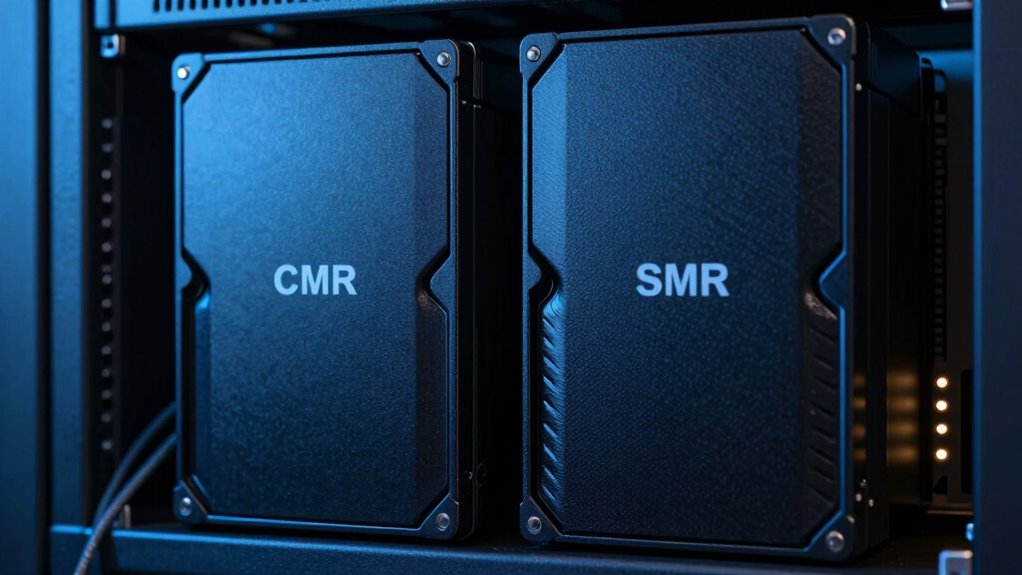
The way CMR and SMR drives handle data affects your NAS’s performance and how long it lasts. You’ll notice speed differences, especially during large transfers, and potential risks to data integrity with SMR drives. Factors like drive lifespan are also impacted, so choosing the right technology can help maintain your system’s efficiency over time. Additionally, understanding the write amplification process in SMR drives can help you better anticipate their performance limitations. Since SMR drives rely on shingled magnetic recording, this can lead to increased write amplification and affect overall drive endurance.
Write Speed Differences
Have you ever wondered how different recording technologies affect your NAS’s write speeds? CMR drives typically offer faster, more consistent write speeds because they write data directly to the disk’s surface, making them ideal for frequent, random writes. In contrast, SMR drives write data in overlapping tracks, which can slow down write performance, especially during large or random data updates. These differences impact not only speed but also power consumption; CMR drives often use more power due to their active writing process, while SMR drives can be more energy-efficient. Encryption methods may add a slight overhead, but they generally don’t profoundly affect the core write speed differences between CMR and SMR. Overall, your choice influences how quickly and efficiently your NAS handles data.
Data Integrity Risks
Since data integrity is essential for the longevity of your NAS, it’s important to understand how the type of drive you choose can influence this aspect. CMR drives generally offer more reliable data storage, reducing the risk of data corruption during heavy use. SMR drives, however, can increase data integrity risks because their write process is more complex, which may lead to higher failure rates over time. If data loss occurs, efficient data recovery becomes critical, and drives with better firmware support can facilitate this process. Additionally, regular firmware updates are necessary to address bugs and improve data integrity features. Choosing the right drive type, with reliable firmware, helps guarantee your data remains secure and accessible, minimizing risks to your NAS’s performance and longevity.
Drive Lifespan Factors
Choosing between CMR and SMR drives can considerably impact your NAS’s performance and lifespan. CMR drives generally offer longer durability because they handle writes more efficiently, reducing wear over time. SMR drives, however, tend to produce more drive noise due to their layered recording process, which can accelerate wear if frequently written to. Additionally, SMR drives often consume more power during intensive write operations, potentially decreasing their overall lifespan. Lower power consumption in CMR drives helps maintain steady performance and reduces heat buildup, extending drive longevity. Overall, CMR drives tend to be more reliable for continuous use, while SMR drives may face faster degradation under heavy workloads. Your choice influences how long your NAS stays efficient and quiet. Understanding drive capacity and how it affects performance is also crucial when selecting the right drive type.
high capacity NAS drives for archival storage
As an affiliate, we earn on qualifying purchases.
As an affiliate, we earn on qualifying purchases.
When Should You Use a CMR NAS Drive?
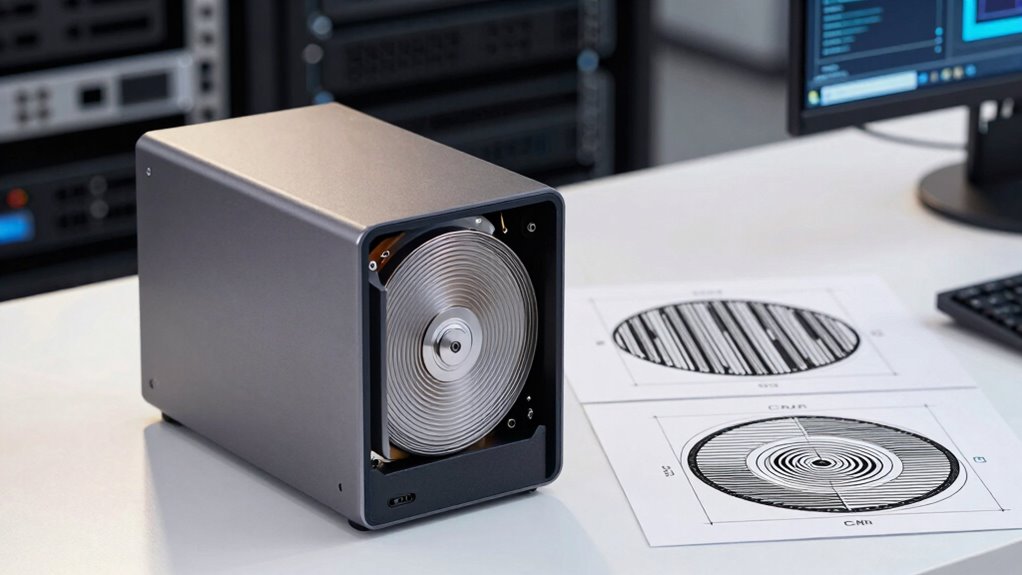
A CMR (Conventional Magnetic Recording) NAS drive is best suited for environments where data writes are continuous and high in volume. If your setup involves frequent firmware updates or regular data transfers, a CMR drive guarantees reliable performance without slowdown. These drives handle sustained workloads efficiently, making them ideal for professional or business use. Additionally, CMR drives often come with better warranty coverage because they’re built for durability under heavy use. This technology is particularly effective when managing Free Floating storage solutions that require robust write capabilities. This means fewer worries about drive failure due to constant writing activity. Because of their write stability, CMR drives maintain consistent performance over time, especially under demanding conditions. For users managing large-scale data, choosing a CMR drive ensures that your storage remains dependable during intensive operations. If your needs demand consistent write speeds and long-term reliability, choosing a CMR NAS drive is the smart move. It provides peace of mind, especially when data integrity and uptime are critical. Moreover, understanding the different recording technologies can help you make more informed decisions about your storage solutions.
reliable NAS hard drives for frequent data updates
As an affiliate, we earn on qualifying purchases.
As an affiliate, we earn on qualifying purchases.
Is an SMR NAS Drive Right for Your Needs? Key Use Cases
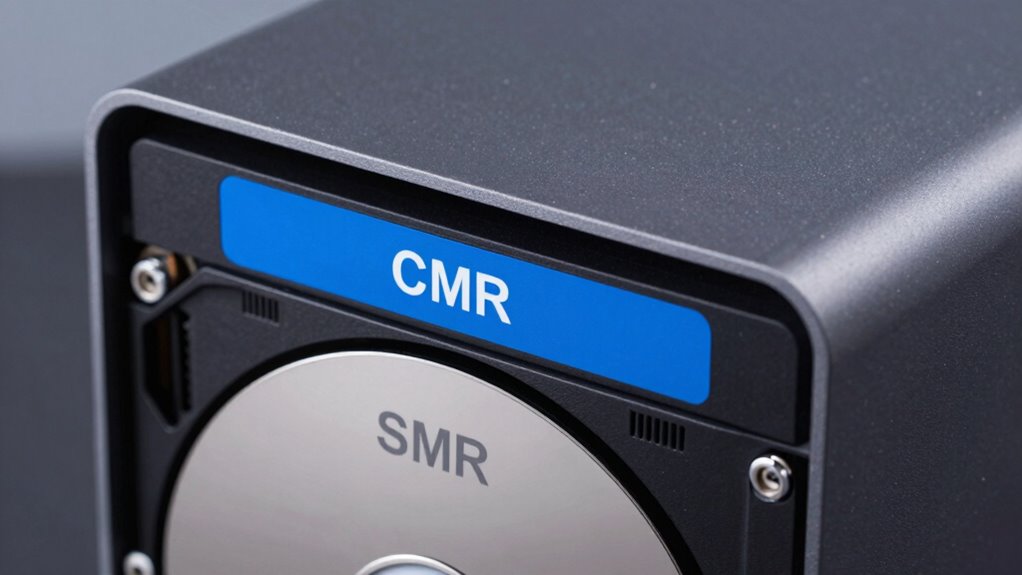
If you mainly need to store large amounts of data for long-term access or backups, an SMR NAS drive can be a cost-effective choice. It’s well-suited for archival storage and routine backup tasks but isn’t ideal if you do heavy editing or frequent write operations. Consider your specific use case carefully before choosing an SMR drive for your needs. Understanding inspiring leadership and management insights can help you make informed decisions about technology investments that align with your organizational goals. Additionally, evaluating the effectiveness of soundproofing techniques can contribute to creating a quieter, more focused environment when working with data storage solutions.
Ideal for Archival Storage
When it comes to long-term storage of large data sets, SMR NAS drives excel due to their high capacity and cost-effectiveness. They’re ideal for archival storage because they store data efficiently over time, reducing ongoing costs. Additionally, SMR drives tend to be more energy-efficient, consuming less power during operation, which lowers long-term energy expenses. Here’s a quick comparison:
| Feature | CMR NAS Drives | SMR NAS Drives |
|---|---|---|
| Capacity | Moderate to high | Very high |
| Cost Comparison | Higher initial cost | Lower initial cost |
| Energy Efficiency | Moderate | High |
If you prioritize large storage at a lower cost with energy savings, an SMR drive fits well for archival needs.
Suitable for Backup Tasks
While SMR NAS drives offer impressive storage capacity and cost savings, they may not be the best choice for backup tasks that require frequent data rewriting or higher performance. SMR drives excel at sequential writes, making them suitable for long-term storage or infrequent backups. However, if your backup routine involves regular firmware updates or frequent data changes, the drive’s slower write speeds can become a bottleneck. Additionally, SMR drives tend to operate at higher noise levels during intensive write cycles, which could be disruptive in a home or office environment. For tasks demanding quick, reliable backups and consistent performance, CMR drives are generally better suited. Consider your backup frequency, performance needs, and environment before choosing an SMR drive for critical backup tasks.
Limited for Heavy Editing
SMR NAS drives are not ideal for heavy editing tasks because their slower write speeds can hinder your workflow. If you’re editing large files frequently, the lag in data transfer may cause frustration. When considering if an SMR drive suits your needs, keep these points in mind:
- Cost comparison: SMR drives are generally cheaper upfront but may incur higher long-term costs if editing demands cause frequent re-copying or troubleshooting.
- Noise levels: They tend to produce less noise during operation, which is beneficial in quiet environments.
- Performance limits: Their slower sequential write speeds can bottleneck your editing, leading to delays.
- Data integrity: For heavy editing, drives that support CMR technology are more reliable, reducing the risk of data corruption during intensive use. Additionally, understanding microplastics in dust can be relevant when considering air quality impacts on hardware longevity.
Factors to Consider When Choosing Between CMR and SMR
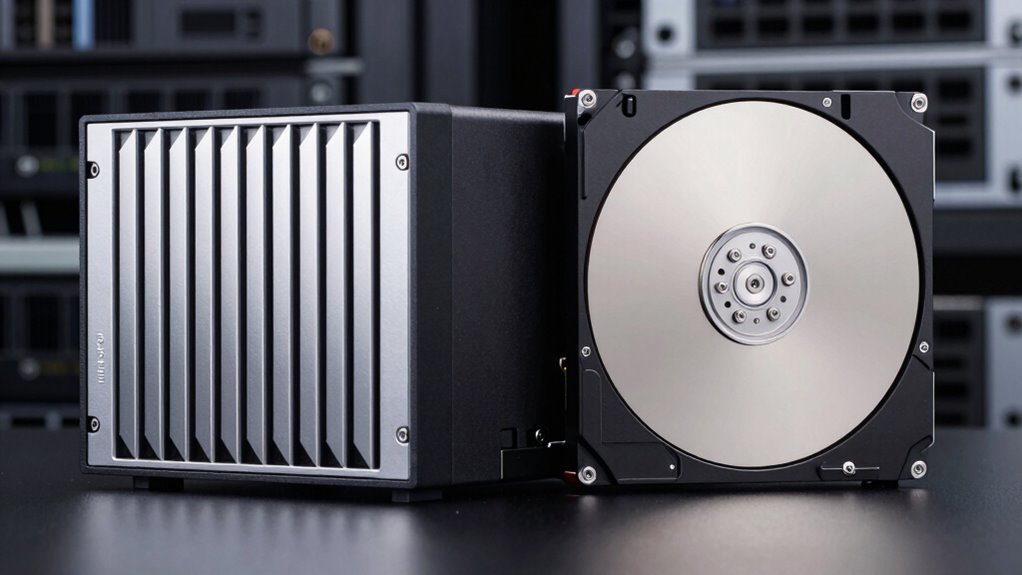
Choosing between CMR (Conventional Magnetic Recording) and SMR (Shingled Magnetic Recording) drives depends on understanding their strengths and limitations. You should consider compatibility issues and noise levels, as these affect performance and integration. CMR drives typically handle frequent rewrites better, making them suitable for NAS environments with high activity. SMR drives, while offering higher storage density, may face challenges with compatibility during intensive write operations, potentially causing slower performance. Noise levels are generally comparable, but SMR drives sometimes produce more noise under heavy load. Use the table below to compare key factors:
| Factor | CMR | SMR |
|---|---|---|
| Compatibility issues | Less problematic | More prone to issues |
| Noise levels | Usually quieter | Slightly noisier under load |
| Write performance | Consistent | Slower with frequent writes |
| Storage density | Lower | Higher |
| Ideal for | Frequent rewrites, NAS | Archival, infrequent updates |
How to Decide Which NAS Drive Technology Is Best for You
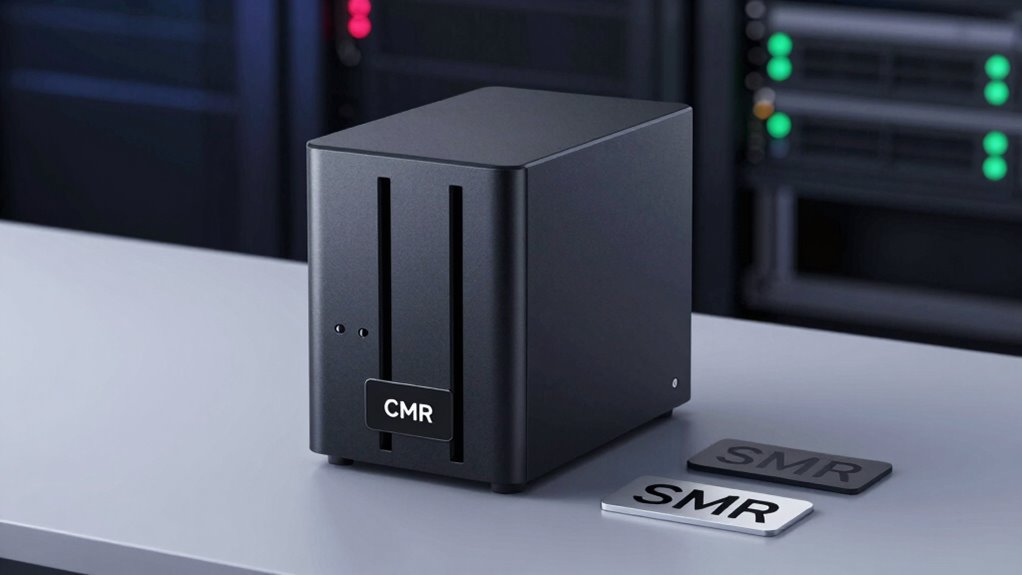
Deciding which NAS drive technology is best for you starts with evaluating your specific storage needs and usage patterns. Consider how much data you’ll store, how often you’ll access it, and your budget. Comparing price points between CMR and SMR drives helps identify affordability. Noise levels can also influence your choice, especially if your NAS is in a quiet environment. To refine your decision, evaluate these factors:
- Storage capacity and scalability needs
- Budget constraints and price comparison
- Noise levels for your environment
- Expected read/write workloads and drive longevity
- Drive care tips to extend the lifespan and performance of your chosen drives
Understanding the drive technology differences can help you select the most suitable option for your intended use.
Choosing the right technology depends on balancing cost, performance, and environment. If you need high-performance, CMR might be better; for large, archival storage, SMR could suffice. Your specific requirements will guide the best fit.
Frequently Asked Questions
Are CMR Drives More Expensive Than SMR Drives?
Yes, CMR drives tend to be more expensive than SMR drives because they offer better drive compatibility and generally have longer warranties, making them more reliable for NAS use. The higher cost reflects their superior performance and durability. When choosing between them, consider your needs for data integrity and warranty coverage, as SMR drives might be cheaper but could have limitations in certain NAS environments.
Can SMR Drives Be Used for Enterprise-Level NAS?
SMR drives can be used for enterprise-level NAS, but only if your workload isn’t highly write-intensive. Notably, around 80% of enterprise data growth involves sequential writes, which SMR handles efficiently. However, for enterprise scalability and robust data redundancy, CMR drives are generally better suited. SMR drives may save costs initially, but they can struggle with the demanding read/write cycles typical in enterprise environments.
How Does Drive Firmware Affect CMR and SMR Performance?
Your drive firmware directly impacts CMR and SMR performance by optimizing data management strategies. Firmware updates enhance how drives handle data writing and retrieval, leading to better stability and efficiency. For CMR drives, firmware guarantees consistent performance during high workloads. In SMR drives, it helps manage shingled tracks more effectively, reducing errors and data loss. Keeping firmware optimized ensures your NAS operates smoothly, regardless of the drive type.
What Are the Common Brands Offering CMR and SMR NAS Drives?
You’ll find popular brands like Western Digital, Seagate, and Toshiba offering both CMR and SMR NAS drives. CMR drives typically provide better drive longevity and easier data recovery, making them ideal for critical storage. SMR drives are suitable for less demanding tasks. When choosing, consider your data recovery needs and how long your drive will last, as these factors impact your overall storage reliability and performance.
Do CMR Drives Require Special Maintenance or Setup?
Did you know that nearly 90% of users don’t perform routine maintenance on their drives? CMR drives don’t require special maintenance, but ensuring drive compatibility with your NAS is essential. Keep your firmware updated regularly to enhance performance and reliability. While CMR drives are generally low-maintenance, monitoring their health and updating firmware prevents issues, ensuring smooth operation and longer lifespan without complex setup or extra care.
Conclusion
Choosing between CMR and SMR drives depends on your storage needs. For example, if you’re running a small business with frequent data writes, a CMR drive guarantees better performance and durability. Conversely, if you primarily store large, infrequently updated files, an SMR drive can save you money without sacrificing reliability. Consider your use case carefully—this choice can greatly influence your NAS’s performance and lifespan. Make an informed decision to keep your data safe and accessible.
Halloween Picks
halloween
As an affiliate, we earn on qualifying purchases.