
To prevent identity theft, make sure you turn on essential security settings most overlook. Enable two-factor authentication on all your accounts, use device encryption, and manage app permissions to limit data sharing. Set up security alerts for suspicious activity and regularly review your privacy and account settings. Securing your Wi-Fi and browser options adds extra layers of protection. If you want to stay safer, keep these tips in mind and discover more ways to shield your identity.
Key Takeaways
- Enable device encryption to protect personal data if your device is lost or stolen.
- Turn on two-factor authentication and securely store backup codes for added account security.
- Regularly review and restrict app permissions to limit access to sensitive information.
- Activate security alerts for login attempts and suspicious activities to detect breaches early.
- Keep recovery information updated and monitor account activity routinely for ongoing protection.

Thetis Pro-A FIDO2 Security Key Passkey Device with USB A & NFC, TOTP/HOTP Authenticator APP, FIDO 2.0 Two Factor Authentication 2FA MFA, Works with Windows/macOS/Linux/Gmail/Facebook/Dropbox/GitHub
FIDO2/Passkey Authentication – Secure, passwordless login with supported platforms. Check if your intended service supports hardware keys before…
As an affiliate, we earn on qualifying purchases.
As an affiliate, we earn on qualifying purchases.
Why Hidden Security Settings Are Key to Protecting Your Identity
Many people overlook hidden security settings on their devices and accounts, but these small adjustments can make a big difference in protecting your identity. These hidden vulnerabilities often go unnoticed, leaving your data exposed to hackers. The privacy paradox explains why many ignore these settings—despite valuing privacy, they avoid digging into complex security options. By neglecting these features, you create gaps in your defenses that cybercriminals can exploit. Turning on hidden security options, like app permissions or account privacy controls, can drastically reduce your risk. You might think your basic security measures are enough, but these overlooked settings act as essential layers of protection. Addressing the privacy paradox and closing hidden vulnerabilities keeps your personal information safer and helps you stay one step ahead of identity thieves. Understanding the importance of security features and how they enhance your overall protection can empower you to take proactive steps toward safeguarding your data. Recognizing and configuring security settings properly is a crucial part of maintaining your digital safety. Familiarizing yourself with hidden security options can uncover additional safeguards that are often overlooked but highly effective. Being aware of security vulnerabilities in your devices can help you identify potential entry points for cyber threats before they become a problem, especially when you understand the common attack methods used by cybercriminals.

Integral Secure 360-C 32GB Software Encrypted USB Flash Drive – USB-C Connector – 256-bit AES encryption – Compatible with Mac, MacBook, PC, Laptop
USB Type-C connector suits a variety of devices. Compatible with Microsoft Windows & macOS
As an affiliate, we earn on qualifying purchases.
As an affiliate, we earn on qualifying purchases.
How to Enable Two-Factor Authentication on Your Accounts
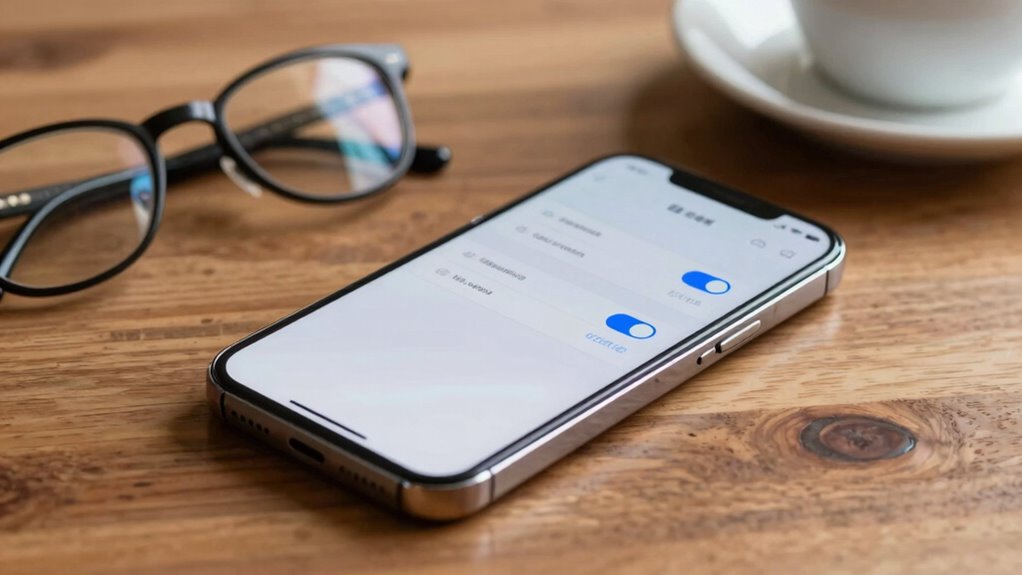
To strengthen your account security, you should enable two-factor authentication (2FA). Setting up authentication apps is a quick way to add an extra layer of protection, and don’t forget to save backup codes in case you lose access. These simple steps make it much harder for hackers to compromise your accounts. For the best security, consider using necessary cookies to support secure login processes and protect your digital assets alongside your physical belongings. Additionally, enabling security tips for online accounts can help you stay ahead of potential threats. Incorporating landscaping to enhance natural beauty can also serve as a deterrent, making it more difficult for intruders to access your property unnoticed.
Setting Up Authentication Apps
Have you ever wondered how to add an extra layer of security to your online accounts? Setting up Authentication Apps is a straightforward way to do this. First, go to your account’s Security Settings and locate the Two-Factor Authentication option. Second, select the option to use an Authentication App. Third, scan the QR code with your app, like Google Authenticator or Authy. Fourth, enter the generated code to verify the setup. Authentication Apps generate time-sensitive codes, making it harder for hackers to access your accounts. This method is more secure than SMS codes and ensures your account stays protected even if your phone number is compromised. Understanding cybersecurity tactics can help you better protect your digital identity. Incorporating holistic wellness principles, such as maintaining mental clarity, can further enhance your overall digital resilience. Additionally, cultivating an energetic alignment can strengthen your ability to stay vigilant against cyber threats, creating a more comprehensive security approach. Being aware of emerging off-road vehicle technology, like electric dirt bikes and bike generators, can give you insights into innovative energy and mobility solutions. Practicing these mindful security habits can help you stay alert and responsive to emerging online risks, significantly reducing your vulnerability. Taking these steps considerably strengthens your online security.
Using Backup Codes
Ever wondered what you should do if you lose access to your authentication app? That’s where backup codes come in. These codes are one-time use keys you generate when setting up two-factor authentication. Keep them in a safe place, like a secure digital or physical location. If you lose your phone or app, you can use backup codes to access your account and prevent lockout. They’re essential for account recovery, especially if your primary authentication method isn’t available. Never store backup codes in the same device or location as your account, to avoid risking exposure. By proactively saving these codes, you guarantee you always have a way to regain access, strengthening your account’s security and safeguarding against identity theft. Additionally, understanding your privacy policy helps you know how your data is protected when managing security features. Being aware of security best practices can further enhance your account safety and reduce vulnerabilities. Knowing how your personal information is handled is crucial for comprehensive account safety and privacy. Incorporating advanced security measures, like enabling two-factor authentication, provides an extra layer of protection against unauthorized access.

Permission manager
1. List dangerous permissions data which app requested.
As an affiliate, we earn on qualifying purchases.
As an affiliate, we earn on qualifying purchases.
How to Turn On Device Encryption for Privacy
Enabling device encryption is one of the most effective ways to protect your personal information from prying eyes. It guarantees that your data remains secure even if your device is lost or stolen, boosting your privacy protection. To turn on device encryption:
Enabling device encryption protects your personal data from unauthorized access and enhances your privacy security.
- Go to your device’s Settings menu.
- Find the Security or Privacy section.
- Select “Encrypt Device” or “Turn On Encryption.”
- Follow the prompts, which may include setting a PIN or password.
Once activated, your device encrypts all data, making it unreadable without your password. This simple step greatly enhances your privacy protection by preventing unauthorized access to your sensitive information, safeguarding you from identity theft and data breaches. Simple security measures like device encryption can make a significant difference in your overall privacy. Additionally, understanding air purifier maintenance can help you keep your devices functioning efficiently and ensure optimal air quality, especially when filters are properly cleaned or replaced regularly. Incorporating cybersecurity practices into your routine further strengthens your data protection efforts, and being aware of environmental impacts related to technology use can help you make more sustainable choices.

GRSICO 9-Piece Home Security System, WiFi Wireless Alarm System, 120dB Siren Alert, DIY Smart Security System for House and Apartment, Smart Life App Control, No Monthly Fee, 2.4GHz WiFi
DIY Home Alarm System – Easy Setup in Minutes: Protect your home right out of the box with…
As an affiliate, we earn on qualifying purchases.
As an affiliate, we earn on qualifying purchases.
How to Manage App Permissions to Limit Data Sharing
Regularly review your app permissions to see what data they access. Limit access to sensitive information whenever possible to reduce your risk. Taking control of these permissions helps protect your privacy and prevent identity theft.
Review App Permissions Regularly
Monitoring your app permissions is essential because it helps you control what data apps can access and share. Regularly reviewing permissions guarantees no app has more access than necessary, reducing your risk of data breaches. To do this effectively:
- Check app permissions in your device settings frequently.
- Revoke access for apps that don’t need certain data, like location or contacts.
- Use password managers to securely store login info, making it easier to manage permissions.
- Enable biometric authentication for quick, secure access, reducing the need to grant excessive permissions.
Limit Access to Data
Do you know how much data apps can access and share without your knowing? Managing app permissions is crucial to limit data sharing. Start by reviewing permissions regularly, disabling access to your camera, location, or contacts when unnecessary. This reduces exposure and keeps your data safer. Use data encryption to protect sensitive information stored on your device, making it harder for thieves to access even if they gain entry. Strong password management is essential—create unique, complex passwords for each app and update them frequently. Be cautious about granting permissions that seem excessive for an app’s purpose. By controlling access, implementing data encryption, and managing passwords diligently, you minimize your risk and keep your personal information out of the wrong hands.
How to Set Up Security Alerts and Notifications
Setting up security alerts and notifications is an essential step in protecting your personal information from identity theft. These alerts keep you informed of suspicious activity and help you respond quickly.
- Enable notifications for login attempts and password changes to monitor access and guarantee password complexity remains strong.
- Set alerts for large transactions or unfamiliar device sign-ins to catch unauthorized activity early.
- Activate account recovery notifications so you’re immediately aware if someone tries to reset your password.
- Regularly review your alert settings to assure they cover all critical areas, providing an extra layer of security.
Controlling Your Profile Visibility With Privacy Settings
You can protect your information by managing your profile privacy settings, making sure only trusted connections see your details. Limiting your search visibility also prevents strangers from easily finding your profile. Taking control of these settings is key to reducing identity theft risks.
Manage Profile Privacy Settings
Have you ever wondered who can see your personal information online? Managing your profile privacy settings is key to controlling that. By adjusting your settings, you can enhance your profile customization and stay within privacy regulations. Here’s what you should do:
- Review your profile visibility options to restrict who can view your details.
- Limit access to personal information like your contact info and location.
- Set your posts and photos to private or friends-only to prevent strangers from seeing them.
- Regularly update privacy settings to stay compliant with evolving privacy regulation.
Taking these steps helps you control your profile visibility, reducing the risk of identity theft and unwanted exposure. Always be proactive in managing your privacy settings to protect your personal information online.
Limit Search Visibility
After adjusting your profile privacy settings, the next step is to limit how easily your profile can be found through search engines and internal searches. Many platforms allow you to restrict visibility, making it harder for social engineers to locate your information. Strengthening your password complexity helps prevent unauthorized access, especially if someone tries to bypass privacy restrictions. By controlling your search visibility, you reduce the risk of falling victim to social engineering scams that rely on accessible personal data. Remember, the less public your profile is, the fewer opportunities cybercriminals have to gather details for identity theft. Take advantage of privacy options to keep sensitive information hidden, and always stay vigilant about who can see your online presence.
How to Use Find My Device and Remote Wipe Features

When your device goes missing, using Find My Device and remote wipe features can be lifesavers. These tools help with device tracking and remote locking, preventing unauthorized access. To get started:
When your device is missing, Find My Device and remote wipe can secure your data and help locate it quickly.
- Enable Find My Device on your phone or tablet so you can locate it quickly.
- Use the app or website to see its current location on a map.
- If you suspect theft or loss, activate remote locking to secure your information instantly.
- If recovery seems unlikely, select remote wipe to erase all personal data, protecting your identity.
These steps ensure your device’s location is known and your data remains safe, reducing the risk of identity theft. Acting fast with these features can make all the difference.
Securing Your Wi-Fi Network With Strong Settings
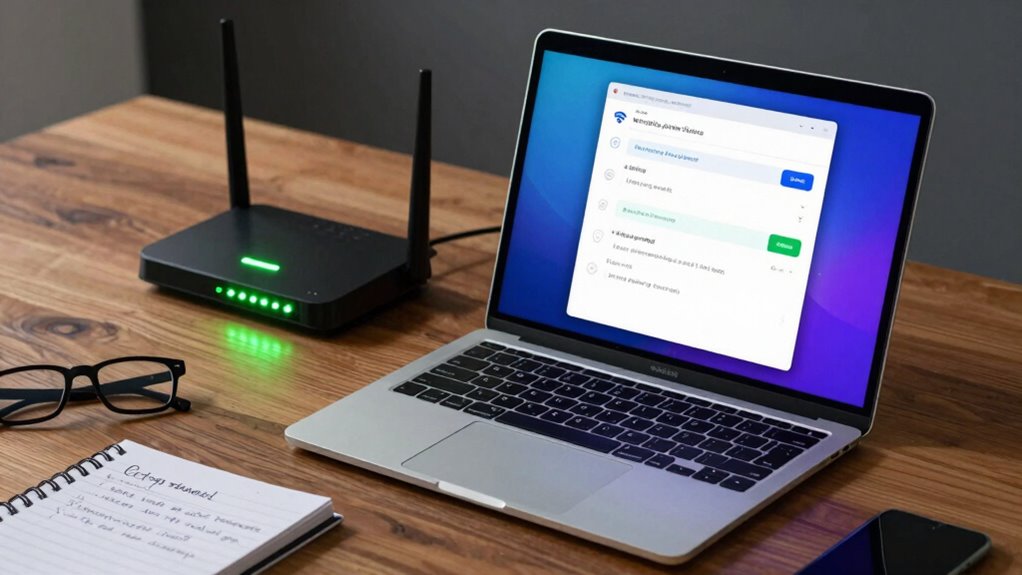
Securing your Wi-Fi network with strong settings is essential to prevent unauthorized access and protect your personal information. Use a complex, unique Wi-Fi password that’s difficult to guess, and update it regularly. Enable network segmentation to separate your main devices from guest networks, reducing potential vulnerabilities. This way, even if someone gains access, they can’t reach your sensitive data. Adjust your router settings to disable WPS and remote management, which are common attack points. Regularly update your router’s firmware for the latest security patches. Here’s a quick overview:
| Security Measure | Description | Benefit |
|---|---|---|
| Strong Wi Fi passwords | Use complex, unique passwords | Prevents brute-force attacks |
| Network segmentation | Separate guest and private networks | Limits access to sensitive info |
| Disable WPS | Turn off Wi-Fi Protected Setup | Stops easy hacking methods |
| Firmware updates | Keep router software current | Fixes security vulnerabilities |
How to Configure Browser Privacy and Security Options
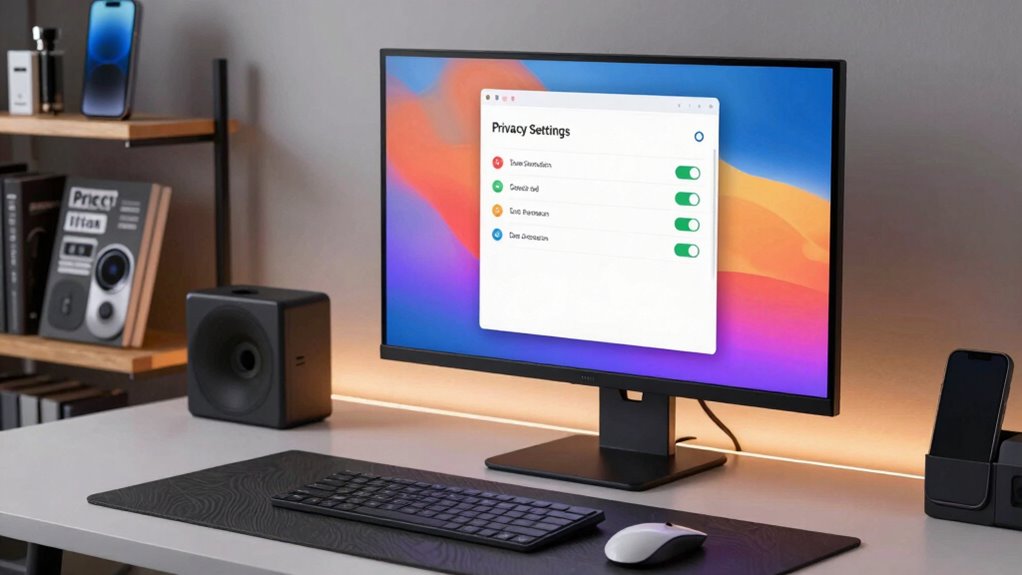
Are you aware of how your browser settings can protect your online privacy and security? Adjusting these settings is essential to prevent identity theft. Here are four steps you should take:
- Review and customize your privacy policies to limit data sharing with websites.
- Disable or restrict browser extensions that could track or access personal info.
- Enable private browsing modes to minimize stored cookies and history.
- Regularly update your browser to guarantee security patches are in place.
How to Regularly Review and Update Your Security Settings
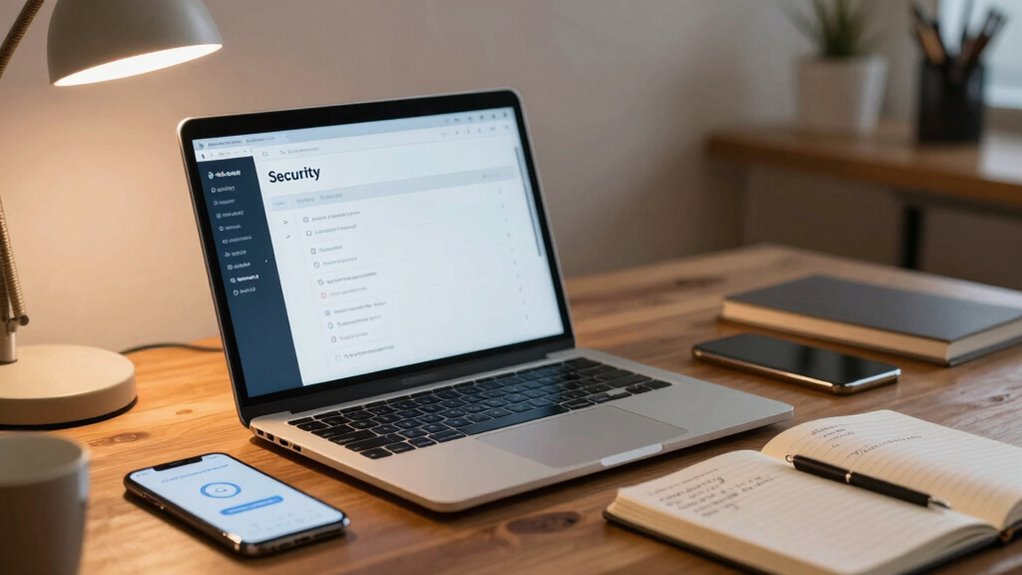
To keep your online accounts and personal information safe, it’s crucial to regularly review and update your security settings. Start by checking your password diversity—use unique, strong passwords for each account. Stay vigilant about phishing awareness; verify links and emails before clicking. Regularly update your recovery options to guarantee you can regain access if needed. Use the table below to track your security checks:
| Action | Frequency | Tips |
|---|---|---|
| Review password strength | Monthly | Use a password manager |
| Update recovery info | Quarterly | Keep info current |
| Check account activity | Weekly | Look for suspicious activity |
Consistently reviewing these settings helps prevent breaches and keeps your information secure.
Frequently Asked Questions
Which Hidden Security Features Are Often Overlooked on Smartphones?
You often overlook security features like encryption protocols and app permissions. Encrypting your data protects it even if your phone gets compromised, while reviewing app permissions prevents unnecessary access to your personal information. Make sure to enable device encryption and regularly check app permissions in your settings. These hidden features greatly boost your security, keeping your data safe from potential threats and identity theft.
How Can I Prevent Unauthorized Access to My Cloud Storage?
You can prevent unauthorized access to your cloud storage by enabling cloud encryption and carefully managing access permissions. First, verify that your cloud provider offers end-to-end encryption to protect your data. Next, regularly review and update permissions, ensuring only trusted devices and users have access. Don’t forget to enable two-factor authentication for an added security layer. These steps keep your data safe from prying eyes and potential breaches.
Are There Specific Settings to Block Tracking by Advertisers?
To block ad tracking, you should enable your device’s privacy settings to limit ad personalization and reset your ad ID regularly. Install ad blockers on your browser and mobile devices to prevent tracking scripts from loading. You can also opt out of targeted ads through ad networks’ settings. These steps help reduce ad tracking, giving you more control over your online privacy and preventing unwanted profiling.
How Do I Secure Smart Home Devices From Hacking?
To secure your smart home devices from hacking, start by enabling smart device encryption, which protects your data in transit and at rest. Regularly check for firmware updates, as they patch security vulnerabilities. Change default passwords to strong, unique ones, and disable unnecessary features. Additionally, set up a separate network for your smart devices, reducing the risk if one gets compromised. These steps considerably strengthen your smart home security.
What Are the Best Practices for Managing Biometric Security Settings?
Did you know 81% of consumers prefer biometric authentication for security? To manage biometric security settings effectively, always enable biometric authentication on your devices and keep security protocols updated. Regularly review and reset your biometric data, especially after device updates or suspicious activity. Use strong, unique passwords as backups, and limit access to trusted individuals. These practices help guarantee your biometric data stays secure and reduces the risk of unauthorized access.
Conclusion
By taking these simple steps, you can greatly reduce your risk of identity theft. Did you know that over 50% of data breaches occur because people neglect basic security settings? Turning on two-factor authentication, encrypting your device, and managing app permissions are powerful ways to protect your personal information. Don’t wait for a breach—act now to secure your digital life and keep your identity safe from thieves.