
To manage your iPhone battery health without obsessing, focus on simple habits like avoiding extreme temperatures, using optimized charging features, and unplugging before 80%. Charge in smaller increments instead of full cycles and use high-quality chargers. Keep an eye on battery health in settings, but don’t stress over perfect numbers—regular calibration and avoiding overcharging help your battery last longer. If you want to learn more tips, there’s plenty of practical advice to help keep your battery in great shape.

Get the latest gadgets delivered free with Prime
- Fast, free delivery on millions of items
- Prime Video, Amazon Music and more included
- Member-only deals all year
Key Takeaways
- Charge your iPhone between 20-80% regularly, avoiding full 0-100% cycles.
- Use optimized charging features and unplug once at 80% to reduce stress.
- Keep the device in cool, dry environments and avoid exposing it to extreme temperatures.
- Avoid overusing wireless chargers and unplug after full charge to prevent overheating.
- Monitor battery health periodically but focus on overall usage habits for long-term care.
As an affiliate, we earn on qualifying purchases.
Why Your iPhone Battery’s Health Matters: And How to Keep It Good
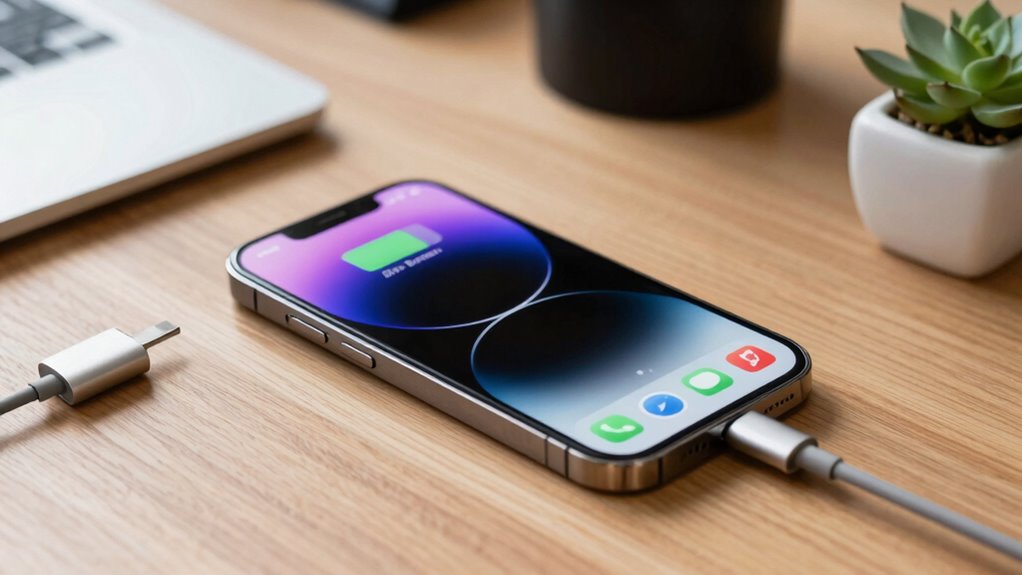
Your iPhone battery’s health directly impacts how well your device performs and how long it lasts between charges. When your battery remains healthy, your phone maintains peak battery lifespan, meaning you get more use out of each charge and extend its overall longevity. Poor charging habits, like constantly letting the battery drain completely or charging to 100% all the time, can accelerate battery wear. To keep your battery in good shape, avoid frequent full discharges and unplug once it hits around 80-90%. Using certified chargers and avoiding extreme temperatures also help preserve battery health. Incorporating mindful charging habits can make a significant difference in preventing unnecessary strain on your battery. Being aware of your device’s battery health status can help you make informed decisions about charging routines. Regularly monitoring battery performance can alert you to early signs of degradation and help you adjust your usage accordingly. Additionally, understanding battery calibration can assist in maintaining accurate battery level readings, ultimately supporting better battery management. Recognizing the importance of proper storage when not in use for extended periods can also prevent unnecessary battery deterioration. By adopting mindful charging habits, you guarantee your iPhone stays reliable longer, saving you money and preventing the hassle of early battery replacement.
As an affiliate, we earn on qualifying purchases.
Monitor Your iPhone Battery Health Effectively
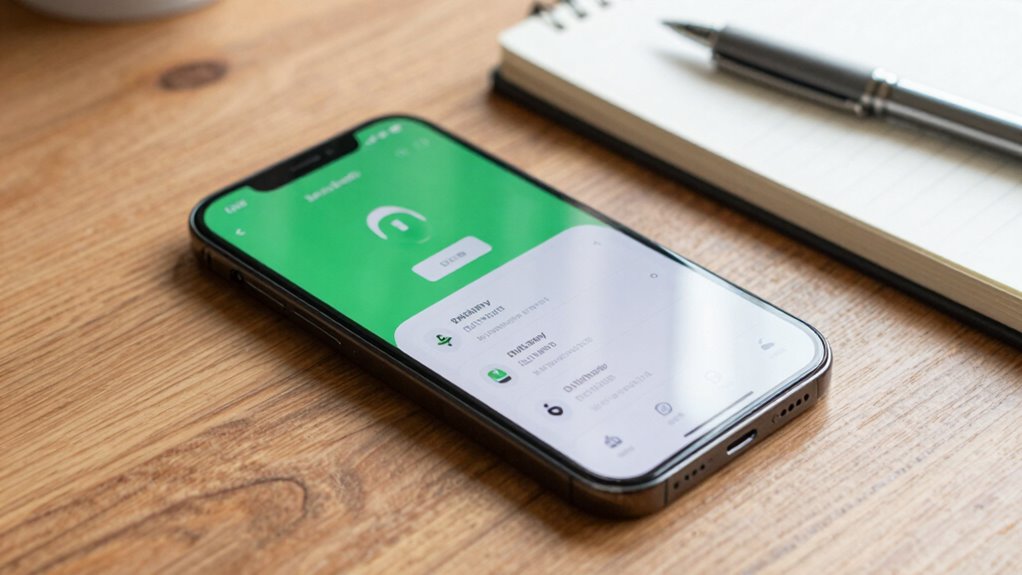
To keep an eye on your iPhone’s battery health, start by checking the Battery Health settings regularly. Use battery usage stats to see which apps drain your power the most, and make adjustments as needed. Also, keep your software up to date, since updates often include improvements that protect your battery’s longevity. Maintaining optimal charging habits, such as avoiding frequent full discharges, can further preserve battery capacity over time. Incorporating world clock tools to monitor your device usage across different time zones can also help manage your usage patterns more effectively. Approaching your device’s battery care with virtue and intention, as emphasized in Stoic wisdom, can help foster a calm and mindful approach to your technology habits.
Check Battery Health Settings
Checking your iPhone’s battery health settings is a straightforward way to monitor its condition and guarantee ideal performance. To do this, navigate to Settings > Battery > Battery Health & Charging. Here, you’ll see the maximum capacity percentage, indicating overall health, and whether your battery needs service. Regularly checking this helps you identify if your battery requires a calibration, which involves fully charging and discharging it to recalibrate the system’s readings. Additionally, enabling power-saving mode can extend battery life, especially when health declines. Monitoring these settings allows you to stay informed about your battery’s condition without obsessing, ensuring you take timely actions like reducing screen brightness or avoiding unnecessary background activity, consequently maintaining the best possible battery performance. Incorporating battery care tips from your cycling gear routines can also help prolong overall device longevity.
Use Battery Usage Stats
Battery usage stats provide a detailed view of how your iPhone consumes power throughout the day, helping you identify habits and apps that drain the battery quickly. By checking these stats regularly, you can see which apps use the most energy and adjust your usage accordingly. Monitoring your battery consumption encourages better charging habits—such as avoiding constant partial charges or letting the battery drain completely—that support battery health. Additionally, reviewing usage data helps with battery calibration, ensuring your device accurately reflects its remaining capacity. Consistently tracking these stats allows you to spot patterns and make informed decisions, preventing unnecessary stress on your battery. Using this information keeps your iPhone running ideal without obsessive monitoring.
Regularly Update Software
Have you kept your iPhone’s software up to date? Regular updates are essential for maintaining battery health. They often include bug fixes, performance improvements, and enhancements for battery calibration, ensuring your device accurately reports remaining charge. Updated software also improves power bank compatibility, making charging more efficient. Additionally, keeping your system current can help optimize your device’s overall power management for better longevity.
optimized wireless charger for iPhone
As an affiliate, we earn on qualifying purchases.
As an affiliate, we earn on qualifying purchases.
Decipher What Your Battery Data Means
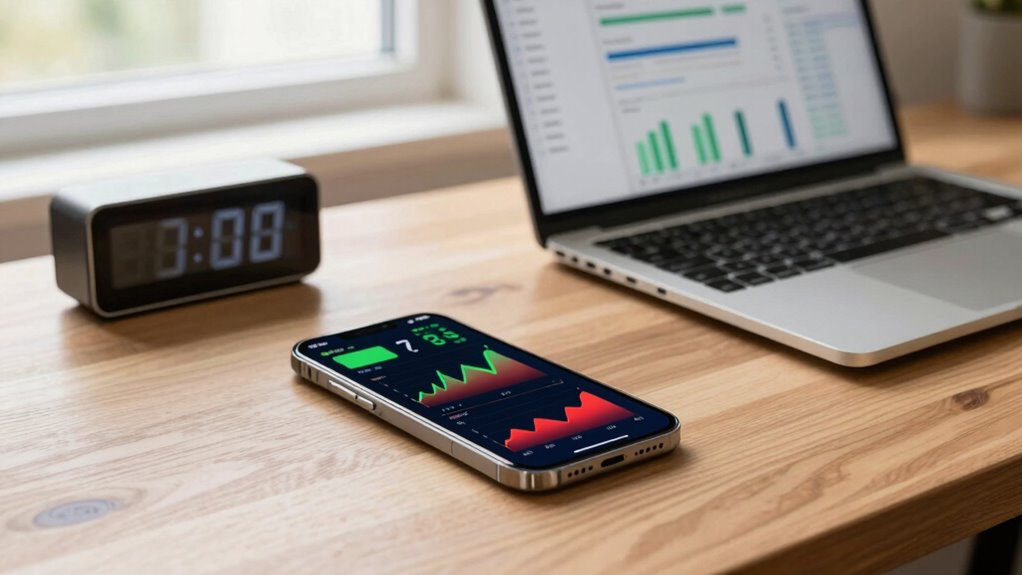
Understanding what your iPhone’s battery data reveals can seem intimidating at first, but it’s essential for managing your battery health effectively. Your device tracks metrics like maximum capacity and peak performance capacity, giving you insight into your battery’s actual health. If your battery reports a low maximum capacity, it might be time for a calibration process—fully charging and draining your battery to reset its estimate. Pay attention to charging accessories; using official or high-quality chargers helps guarantee accurate data and prevents unnecessary wear. Analyzing these metrics helps you identify patterns, such as rapid capacity decline, so you can adjust usage habits accordingly. Properly managing your battery involves avoiding extreme temperatures and safe charging practices. Additionally, understanding how battery data metrics are collected and interpreted can empower you to make informed decisions about your device’s longevity. Recognizing the importance of battery health monitoring can further assist you in maintaining optimal performance over time. By understanding what these data points mean, you’re better equipped to keep your battery healthy without obsessing over every detail. Regularly reviewing battery diagnostics can help you detect early signs of potential issues before they become serious.
As an affiliate, we earn on qualifying purchases.
Simple Habits to Extend Your Battery’s Lifespan
To keep your iPhone battery healthy, you should avoid exposing it to extreme temperatures and try not to charge it to 100% all the time. Limiting full charge cycles helps prevent faster battery wear, and using optimized charging features can slow down battery aging. These simple habits can notably extend your battery’s lifespan over time. Additionally, managing your battery usage with smart device recommendations can help optimize performance and longevity. Being mindful of battery management techniques can further support the health of your battery and prevent unnecessary degradation. Incorporating proper storage practices when not in use for extended periods can also help maintain battery integrity. Understanding the horsepower of electric dirt bikes can give insights into the energy demands of different devices, which can inform better charging habits and energy conservation strategies.
Avoid Extreme Temperatures
Extreme temperatures can substantially shorten your iPhone’s battery lifespan, so it’s important to keep your device in a moderate environment. Temperature awareness helps maintain your battery’s health, preventing damage from heat or cold. To protect your device, consider these habits:
- Avoid leaving your iPhone in hot cars or direct sunlight.
- Keep it away from freezing environments, like outdoor winter activities.
- Use your phone in air-conditioned or shaded areas during extreme heat.
- Regularly calibrate your battery by fully charging and draining it once a month.
Limit Full Charge Cycles
Limiting full charge cycles is a simple but effective way to extend your iPhone’s battery lifespan. Each time you charge from 0% to 100%, it counts as a full cycle, gradually wearing down the battery’s capacity. To improve energy efficiency and slow this process, try charging your phone in smaller increments, like 20-80%. Avoid letting the battery drain completely or stay fully charged for long periods. Practicing battery recycling by responsibly disposing of old batteries can also help reduce environmental impact. These habits prevent unnecessary wear, helping your battery stay healthy longer. By managing your charge routines, you can maximize battery life without obsessing over every detail, ensuring your iPhone remains efficient and reliable for years to come.
Use Optimized Charging
Implementing optimized charging habits can considerably extend your iPhone’s battery lifespan. This involves following good charging etiquette and allowing your battery to stay healthy over time. To do this, consider these habits:
- Plug in your phone before reaching 20%, and unplug around 80% to reduce stress on the battery.
- Avoid overnight charging; instead, enable optimized charging to pause at 80% until you need to use your phone.
- Perform occasional battery calibration by fully charging to 100% and then discharging to 0%, resetting the battery indicator.
- Keep your iPhone in a cool, dry place while charging to prevent overheating, which can degrade battery health.
- Be mindful of battery health and how your charging habits impact the long-term performance of your device. Maintaining proper charging practices can also help prevent unnecessary battery wear and tear.
Using these simple habits helps maintain accurate battery readings and prolongs overall battery life.
Best Charging Practices to Protect Your Battery

To keep your iPhone’s battery healthy over time, adopting good charging habits is essential. Use wireless charging when possible, but avoid leaving your phone on the charger constantly, as it can cause unnecessary stress on the battery. Instead, aim to keep your battery between 20% and 80% for maximum longevity. Regularly performing battery calibration by fully charging to 100% and then letting it drain to near 0% can help your device’s software more accurately report battery health. Avoid exposing your phone to extreme temperatures during charging, and don’t use cheap or incompatible chargers, which can harm the battery. Following these practices ensures your iPhone maintains its battery capacity and performance over the long term. Additionally, understanding AI-powered battery management tools can help you monitor and optimize your battery health more effectively. Being aware of battery degradation can guide you in making informed charging decisions that extend your device’s lifespan. Incorporating proper charging techniques can further support your efforts in maintaining optimal battery condition. To further protect your battery, consider enabling battery health management features available in your device settings.
Common Charging Mistakes That Accelerate Battery Wear
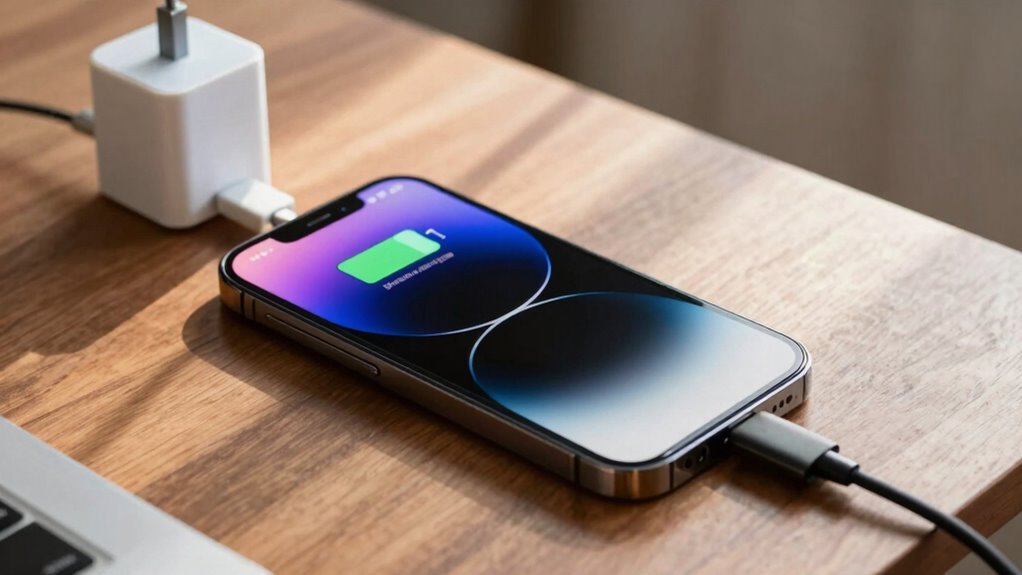
While good charging habits help preserve your battery, certain common mistakes can accelerate its wear and reduce overall lifespan. One mistake is relying solely on wireless charging, which can generate heat and strain the battery over time. Avoid frequently letting your battery drop to 0% or keeping it constantly at 100%, as this disrupts proper battery calibration. Using cheap or damaged cables can cause inconsistent charging, harming the battery’s health. Additionally, neglecting to unplug your phone once it’s fully charged can lead to overcharging stress. Always aim for partial charges and avoid leaving your device plugged in overnight. These habits accelerate battery degradation, ultimately shortening its lifespan and reducing overall performance.
Battery Tips for Heavy Usage and Travel
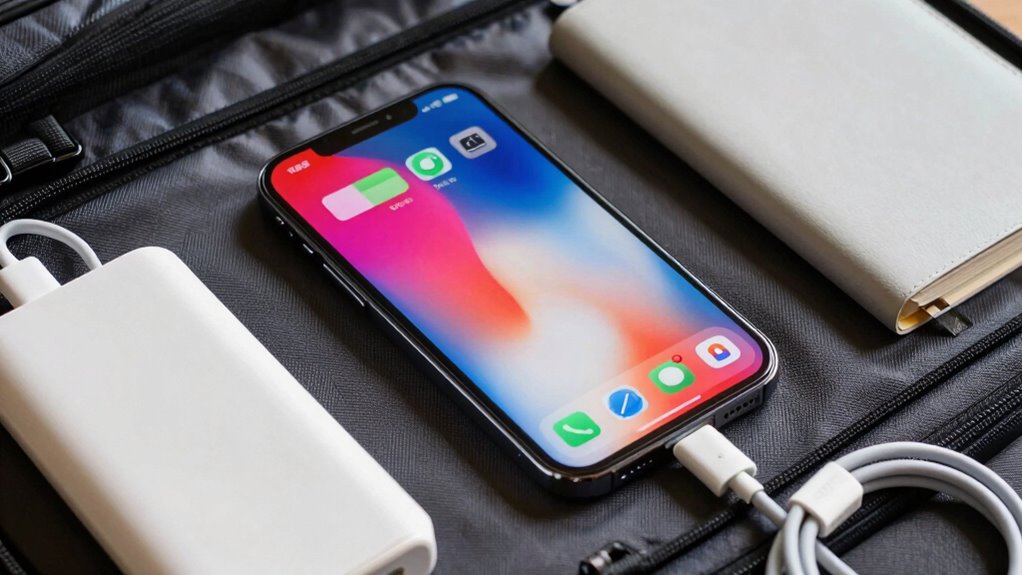
When you’re relying heavily on your iPhone during busy days or travel, managing its battery life becomes even more essential. Use wireless charging stations when available, as they can reduce wear from frequent cable plugging. To maximize battery health, try to keep your battery between 20% and 80% during heavy use. If you notice your battery percentage behaving erratically, perform a battery calibration by fully draining and then fully charging your device. This helps the battery report more accurate levels, especially during long trips. Avoid keeping your phone plugged in at 100% for extended periods, as it can accelerate wear. Also, enable Low Power Mode when necessary to extend usage, and minimize background app activity to conserve energy during demanding days.
When and How to Get Your Battery Replaced
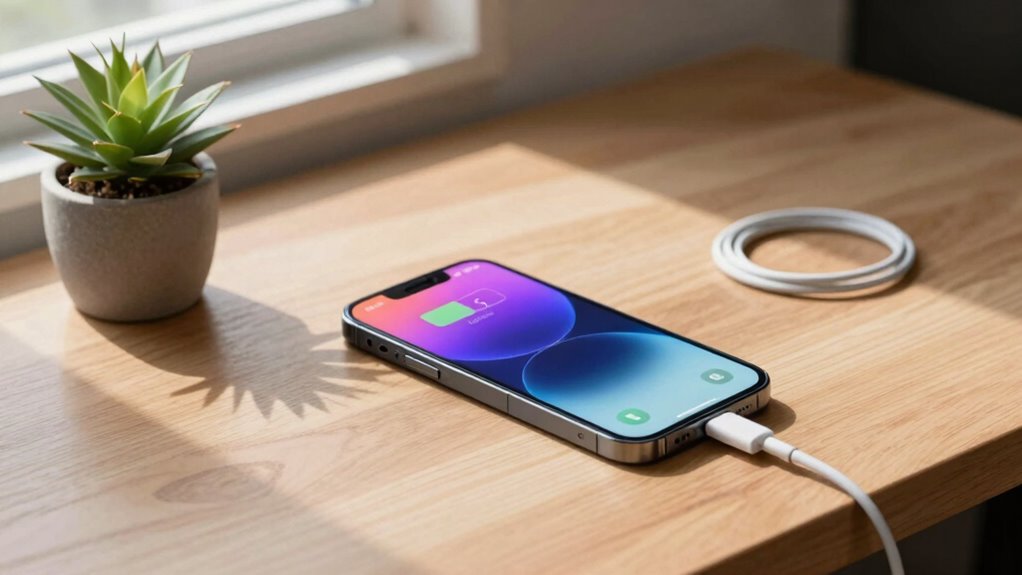
Knowing the signs that your battery needs replacement can save you from unexpected shutdowns and declining performance. If your iPhone’s battery no longer holds a charge, or if your device frequently shuts down even with some battery life left, it’s time to think about a replacement. You might also notice poor battery calibration, leading to inaccurate battery percentage readings. To determine if a replacement is necessary, check your battery health in settings; if it’s below 80%, replacement is recommended. When replacing the battery, opt for genuine Apple parts to guarantee maximum performance. This process can also improve power saving, restoring your device’s longevity. Remember, timely replacement prevents further damage and keeps your iPhone running smoothly.
Quick Tips to Maintain Battery Health Without Stress

Regularly monitoring your battery health is a good start, but maintaining it requires simple daily habits that won’t add stress to your routine. One effective tip is to occasionally calibrate your battery by fully charging it to 100%, then letting it drain to zero before charging again. This helps your iPhone accurately report battery levels. Using power saving modes during heavy usage or low battery can reduce strain and prolong battery life.
| Tip | Benefit |
|---|---|
| Battery calibration | Keeps battery level readings accurate |
| Power saving modes | Extends usability and reduces battery drain |
| Avoid extreme temps | Prevents battery degradation |
| Regular updates | Optimizes battery performance |
Frequently Asked Questions
Can Software Updates Negatively Impact My iPhone Battery Health?
Software updates generally don’t harm your iPhone battery health; in fact, they often include improvements for better power management. However, after updating, you might notice quicker battery drain, which can be fixed with battery calibration and enabling power-saving modes. Staying current with updates helps optimize your device’s performance, but you should also monitor battery usage and adjust settings as needed to keep your battery healthy without obsessing.
How Does Temperature Affect My iPhone Battery Longevity?
Temperature plays a significant role in your iPhone battery longevity. Excessive heat can cause battery degradation, while cold temperatures slow down chemical reactions, affecting performance. To protect your battery, maintain proper charging habits and avoid exposing your device to extreme temperatures. Regular battery calibration helps, but controlling ambient temperature is essential for long-term health. Keep your iPhone in a cool, dry place and avoid leaving it in hot cars or cold environments.
Is It Safe to Leave My iPhone Charging Overnight Regularly?
Yes, it’s safe to leave your iPhone charging overnight regularly. Modern iPhones have smart charging features that prevent overcharging, protecting your battery health. To maintain ideal Battery calibration and extend battery longevity, develop good Charging habits, like unplugging once fully charged. While overnight charging is generally safe, occasional full discharges and proper calibration can help keep your battery functioning at its best without stressing over every charge.
What Are Signs My Battery Needs Immediate Replacement?
If your iPhone’s battery drains quickly, shows inconsistent levels, or struggles to hold a charge, it might need replacing. Try battery calibration by fully draining and recharging it to recalibrate the battery indicator. Also, use power cycle techniques—turn your device off and on—to refresh system processes. If issues persist despite these steps, it’s a sign you should consider replacing the battery to restore peak performance.
Do Third-Party Chargers Harm My iPhone Battery?
You might think third-party chargers are harmless, but they can actually harm your iPhone battery. Poor-quality chargers can disrupt your battery calibration and damage the charging habits your device relies on. Instead, use certified chargers to protect your battery’s health. Remember, consistent, proper charging habits keep your battery lasting longer, and avoiding cheap replacements helps prevent unexpected issues, proving that sometimes, sticking to the original is the smarter choice.
Conclusion
Taking care of your iPhone’s battery might seem intimidating, but with mindful habits, you can extend its lifespan without obsession. Sometimes, a simple unplug at the right time or avoiding extreme temperatures makes all the difference. Remember, even the best plans face surprises—your battery’s health fluctuates naturally. Embrace these tips, stay attentive without stress, and trust that a little care today can keep your device running smoothly far into the future.
Columbus Day / Indigenous Peoples' Day Picks
long weekend sales
As an affiliate, we earn on qualifying purchases.