
TL;DR

Get the latest gadgets delivered free with Prime
- Fast, free delivery on millions of items
- Prime Video, Amazon Music and more included
- Member-only deals all year
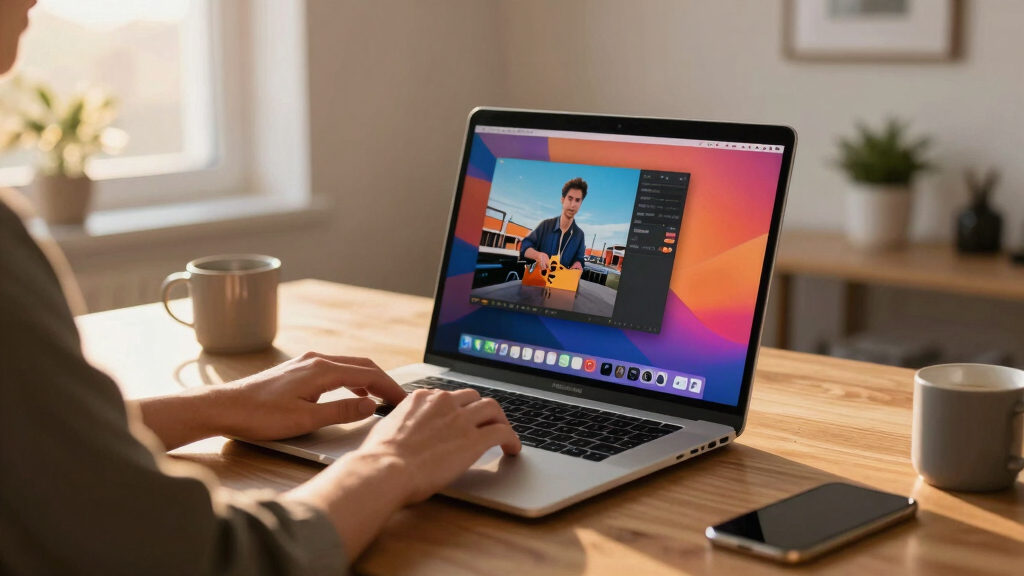
A developer has reverse-engineered Apple’s video wallpaper system on macOS Tahoe, revealing how it uses private frameworks to display custom videos as wallpapers. The project is open-source, but relies on private APIs that could change in future OS updates.
A developer has publicly released detailed information on how to create custom video wallpapers on macOS Tahoe by reverse-engineering Apple’s private WallpaperExtensionKit framework, enabling third-party video wallpapers to run seamlessly alongside Apple’s built-in Aerials.
The project, named Phosphene, is an open-source application that allows users to set their own videos as desktop and lock-screen wallpapers on macOS Tahoe. It leverages Apple’s private WallpaperExtensionKit framework, which Apple uses for its own video wallpapers like Aerials, to integrate custom videos into the system wallpaper picker. This framework is loaded dynamically via dlopen and communicates with the system using runtime reflection, making it inherently fragile against OS updates.
Phosphene supports importing MP4, MOV, and other AVFoundation-compatible files, and features gapless, frame-accurate looping. It also offers multi-display support with per-space wallpapers, power-aware playback that adjusts based on thermal and battery states, and smooth transitions on lock/unlock screens. The app manages its video library through a menu bar interface, allowing users to preview, select, and configure wallpapers directly from the system settings. The implementation involves a dedicated extension process that renders frames into a remote context, bypassing traditional AVPlayerLayer limitations inside remote contexts.
Why It Matters
This development is significant because it reveals a technical pathway for third-party developers to implement custom video wallpapers on macOS, a feature previously limited to Apple’s own offerings. It demonstrates how private frameworks can be exploited for system-level customization, which may influence future system security and stability considerations. For related discussions, see video podcasts on Apple platforms. For users, it opens the door to personalized desktop experiences but also raises questions about reliance on private APIs that could change or break with OS updates.
As an affiliate, we earn on qualifying purchases.
Background
Apple introduced video wallpapers with macOS Aerials, but these were restricted to Apple’s own content and system processes. The reverse-engineering effort by the developer, @kageroumado, builds on the knowledge that macOS Tahoe’s WallpaperExtensionKit framework is used internally for these features. Prior to this, third-party customization of system wallpapers was limited to static images or limited third-party tools. For more on system customization, visit related projects. The project tracks macOS 26 (Tahoe) and depends on private APIs, making it inherently unstable across updates.
“By reverse-engineering the WallpaperExtensionKit, I was able to enable custom video wallpapers on macOS Tahoe that run seamlessly and integrate with the system.”
— the developer, @kageroumado
“Using private frameworks for system features can introduce stability and security risks, and Apple may change or disable these APIs in future updates.”
— Apple security researcher (unconfirmed)
As an affiliate, we earn on qualifying purchases.
What Remains Unclear
It remains unclear how stable or sustainable this approach is long-term, as Apple could modify or remove the private WallpaperExtensionKit framework in future OS updates. Additionally, the method relies on runtime reflection and dynamic loading, which are fragile and may break with system changes or security patches.
custom desktop video backgrounds Mac
As an affiliate, we earn on qualifying purchases.
As an affiliate, we earn on qualifying purchases.
What’s Next
Next steps include monitoring Apple’s future updates for changes to the private APIs used, and potential efforts by Apple to restrict or block such modifications. The developer may also expand functionality or improve stability, but the core method remains dependent on private system internals that could be altered at any time.
multi-display video wallpaper Mac
As an affiliate, we earn on qualifying purchases.
As an affiliate, we earn on qualifying purchases.
Key Questions
Can I use this method on my current macOS system?
Yes, the approach is demonstrated on macOS Tahoe (26.0+), but it requires technical setup and may not be stable across updates.
Is this legal or safe to use?
Using private APIs can violate terms of service and may introduce security or stability risks. Proceed with caution and understand that future OS updates could break the functionality.
Will Apple fix or block this in future updates?
It is likely, as Apple regularly patches private API usage that bypasses system restrictions. The approach relies on undocumented features that are not officially supported.
Can this be used to create other system modifications?
Potentially, yes. The technique demonstrates how private frameworks can be accessed for system customization, but it carries similar risks and uncertainties. You can explore similar coding challenges in coding video game projects.
Source: Hacker News
Halloween Picks
halloween
As an affiliate, we earn on qualifying purchases.