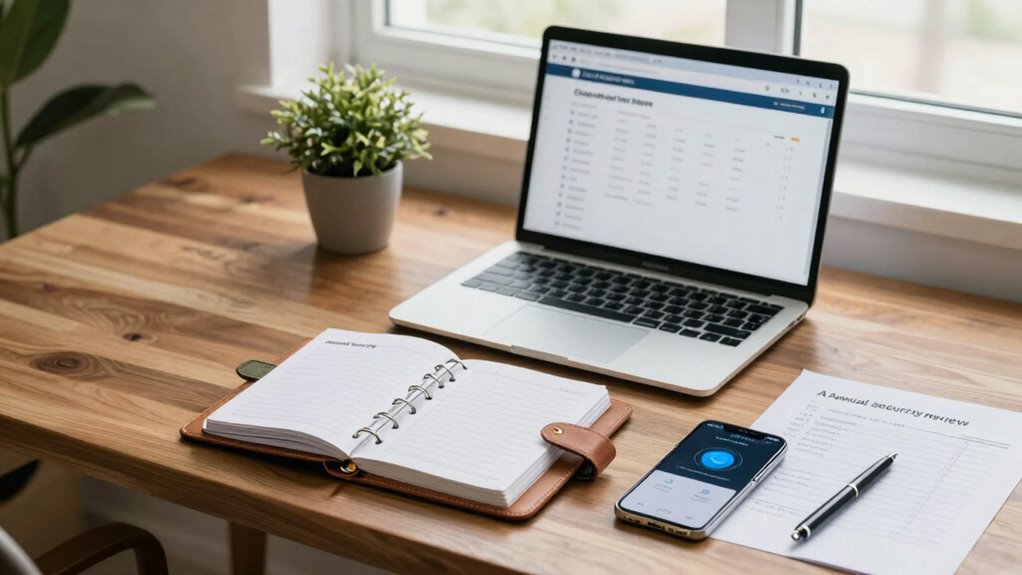

Once a year, review your passwords and update them with strong, unique options. Verify your recovery contacts and refresh backup methods to guarantee access if needed. Check your devices and login activity for suspicious signs. Update your software and browser security settings and review connected apps’ permissions. Enable two-factor authentication and confirm your most critical accounts have strong security measures. Keep backups secure and regularly revisit your security setup—if you want more tips, keep exploring the complete checklist.

Get the latest gadgets delivered free with Prime
- Fast, free delivery on millions of items
- Prime Video, Amazon Music and more included
- Member-only deals all year
Key Takeaways
- Review and update all passwords, ensuring they are complex, unique, and stored securely with a password manager.
- Verify and refresh account recovery options and contact information to ensure accessibility during emergencies.
- Conduct a thorough review of connected devices and third-party apps, removing unrecognized or unnecessary access.
- Check recent login activity and enable login alerts for suspicious or unauthorized access attempts.
- Perform a comprehensive security audit, including software updates, browser security, and backup integrity.
As an affiliate, we earn on qualifying purchases.
Review and Update Your Passwords for Better Security
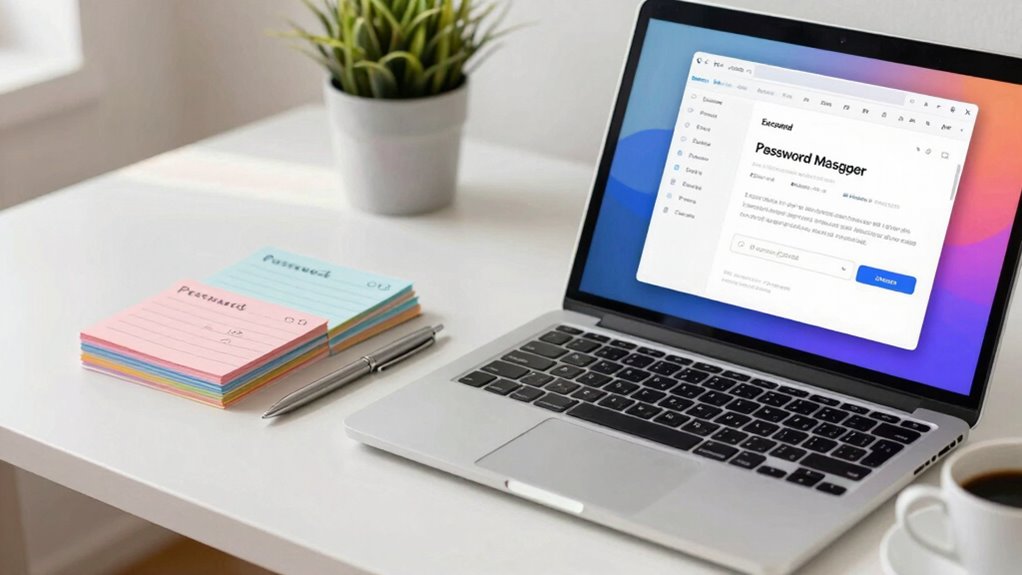
Reviewing and updating your passwords regularly is vital for maintaining strong account security. Over time, passwords can become vulnerable, especially if they’re reused across multiple sites or simple enough to guess. To improve password strength, you should create unique, complex passwords for each account, combining letters, numbers, and symbols. Effective password management makes this easier—using a password manager helps you store and organize your passwords securely, reducing the temptation to reuse them. Regularly updating your passwords ensures that if any of your accounts are compromised, the damage is limited. Incorporating encryption methods can further protect your password data from potential breaches. Understanding cybersecurity challenges can help you stay informed about emerging threats and vulnerabilities. Staying aware of privacy policies and how your data is handled is also essential for comprehensive security. Additionally, being mindful of security best practices can help you adopt more robust protective measures. Recognizing the importance of user privacy and how it influences your online safety is crucial for a holistic approach to security. By staying proactive about password management and prioritizing strong, unique passwords, you greatly reduce the risk of unauthorized access and keep your online presence safer.
two-factor authentication device
As an affiliate, we earn on qualifying purchases.
As an affiliate, we earn on qualifying purchases.
Verify and Refresh Your Account Recovery Options
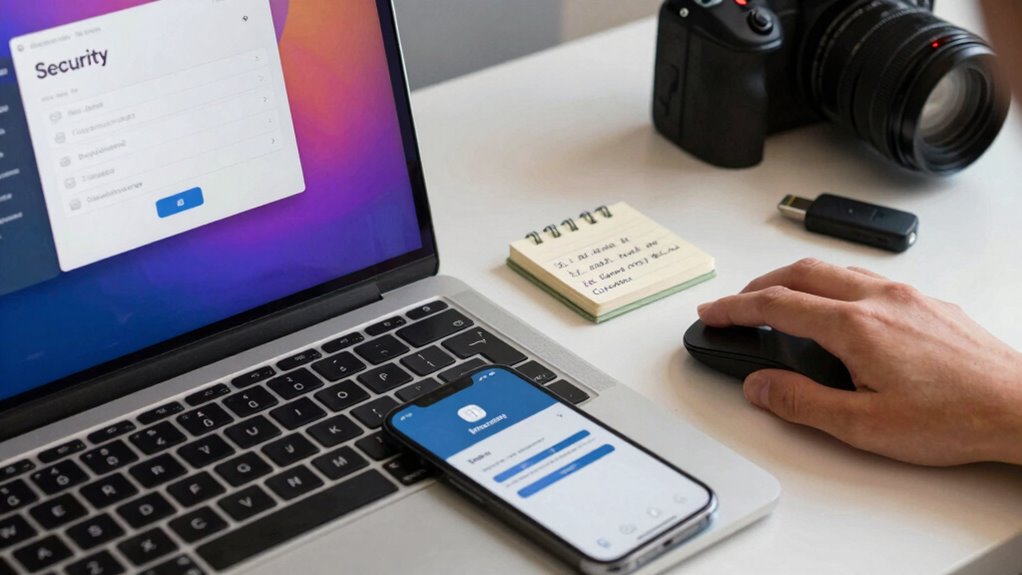
Make sure your contact information is current so you can easily recover your account if needed. Test your recovery options to confirm they work smoothly and quickly. Keeping these details updated helps protect your account from unauthorized access. Consider reviewing your security features to ensure your account remains safe. Regularly reviewing your account settings can help you stay ahead of potential vulnerabilities. Additionally, verifying your privacy preferences ensures your data remains protected while maintaining control over your account. Staying informed about best practices for online security can further enhance your protection.
Update Contact Information
Have you recently checked your contact information to make certain your account recovery options are up to date? Confirming your emergency contacts and privacy settings are current helps you recover access quickly if needed. Review your email, phone number, and backup options regularly. Keep emergency contacts informed so they can assist if you’re locked out. Update your privacy settings to control who can see your recovery info. Here’s a quick reminder:
| Contact Type | Important To Keep Updated |
|---|---|
| Emergency contacts | Confirm they have current info for quick recovery |
| Recovery email/phone | Verify they’re active and accessible |
| Privacy settings | Limit access to sensitive recovery info |
| Backup options | Add or remove as your contact situation changes |
Regularly revitalizing these details keeps your account secure and recovery smooth. Additionally, maintaining the health of your Aloe Vera plant can serve as a reminder to regularly check and refresh your personal security measures. Using essential oils known for their calming and antimicrobial properties can also help create a more secure and peaceful environment. Incorporating mindful routines into your daily schedule can enhance your overall security awareness. Ensuring your account security practices are up to date is an essential part of this process. For added security, consider soundproofing your environment to reduce distractions and protect your privacy.
Test Recovery Processes
Once you’ve updated your contact information and privacy settings, the next step is to verify that your recovery options actually work. Recovery testing is essential to guarantee you can regain access if you forget your password or get locked out. Start by attempting a password reset, confirming that your recovery email or phone number receives the code promptly. Review your password habits—use strong, unique passwords—and make sure your recovery info is current. Regularly testing these processes helps identify any issues before you’re locked out during an emergency. If you encounter problems, update your recovery options immediately. Staying proactive with recovery testing keeps your account secure and ensures you can quickly regain access, maintaining your overall security posture. Additionally, understanding the significance of time in security can help you appreciate how crucial timely recovery efforts are when facing potential breaches. Recognizing how cultural lessons from ancient myths can inform modern security practices emphasizes the importance of vigilance and preparedness in safeguarding digital assets. Incorporating security best practices into your routine enhances your ability to respond swiftly to unforeseen issues, including the importance of regular security reviews to maintain effective protection. Being aware of common vulnerabilities can further help you identify potential weak points in your account recovery setup.
secure backup external hard drive
As an affiliate, we earn on qualifying purchases.
As an affiliate, we earn on qualifying purchases.
Check for Unrecognized Devices and Login Activity
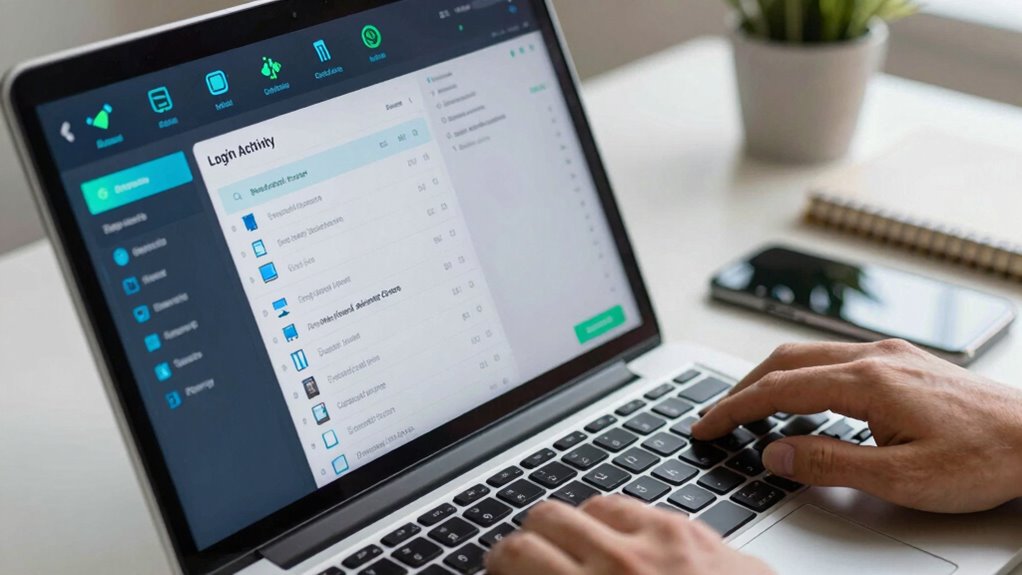
Regularly checking for unrecognized devices and login activity is essential to maintaining your account security. This helps you catch unauthorized access early through device authentication and login anomaly detection. Here’s what you should do:
- Review your device list for unfamiliar devices.
- Check recent login history for suspicious activity.
- Log out of devices you no longer use or don’t recognize.
- Enable alerts for login attempts from new locations.
- Change your password immediately if you spot anything odd.
- Remember, just as maintaining your cycling gear ensures a safe ride, keeping your account secure is vital for your digital safety. Staying informed about the latest wall art trends can also inspire creative ways to personalize your space and make your environment more engaging. Additionally, understanding battery capacity can help you better assess your security devices’ power needs and optimize their performance. Regular security audits can further strengthen your defenses by identifying potential vulnerabilities early, much like understanding nail biology helps maintain healthy nails and prevent issues.
account recovery contact verification tool
As an affiliate, we earn on qualifying purchases.
As an affiliate, we earn on qualifying purchases.
Update Your Software and Browsers for Enhanced Security
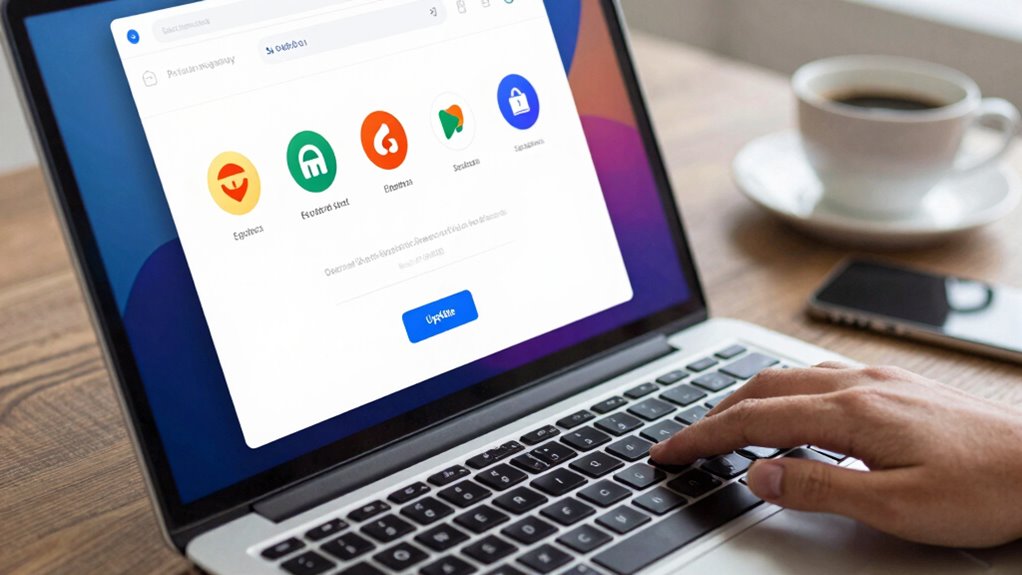
Keeping your software and browsers up to date is a crucial step in strengthening your account security. Regular software updates patch vulnerabilities, preventing hackers from exploiting outdated systems. Browser security improvements also protect you from malicious sites and phishing scams. To stay protected, check for updates monthly and install them promptly. Additionally, staying informed about top products for your home and outdoors can help you make safer choices when purchasing security-related devices or tools.
| Software Updates | Browser Security | Security Tips |
|---|---|---|
| Patch vulnerabilities | Enable automatic updates | Use strong, unique passwords |
| Install new features | Clear cache regularly | Avoid clicking suspicious links |
| Fix bugs | Update extensions | Enable two-factor authentication |
Updating software and browsers ensures you have the latest protections, reducing your risk of security breaches. Stay proactive and keep your accounts safe.
Review Connected Apps and Manage Permissions
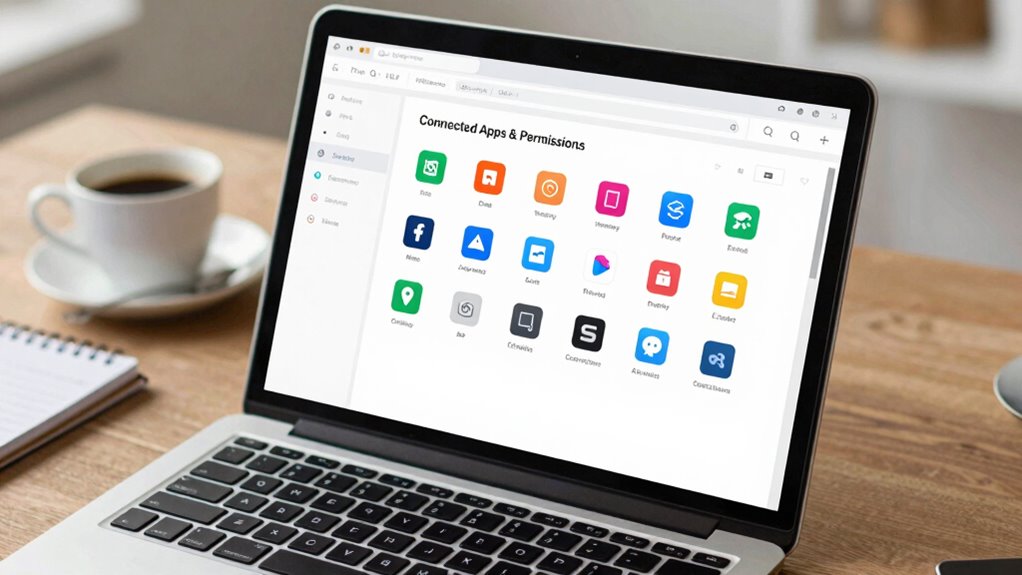
Reviewing your connected apps and managing their permissions is a vital step in safeguarding your online accounts. Over time, third-party access can accumulate, increasing your security risks. Regular permission management ensures you only grant access to trusted apps and revoke permissions for those you no longer use.
- Check which apps have access to your accounts and remove any unfamiliar or unnecessary ones
- Revoke permissions for apps that no longer serve a purpose
- Be cautious with third-party access, only authorize trusted developers
- Update app permissions to limit access to sensitive information
- Keep track of connected apps to prevent potential security breaches
Enable and Double-Check Two-Factor Authentication
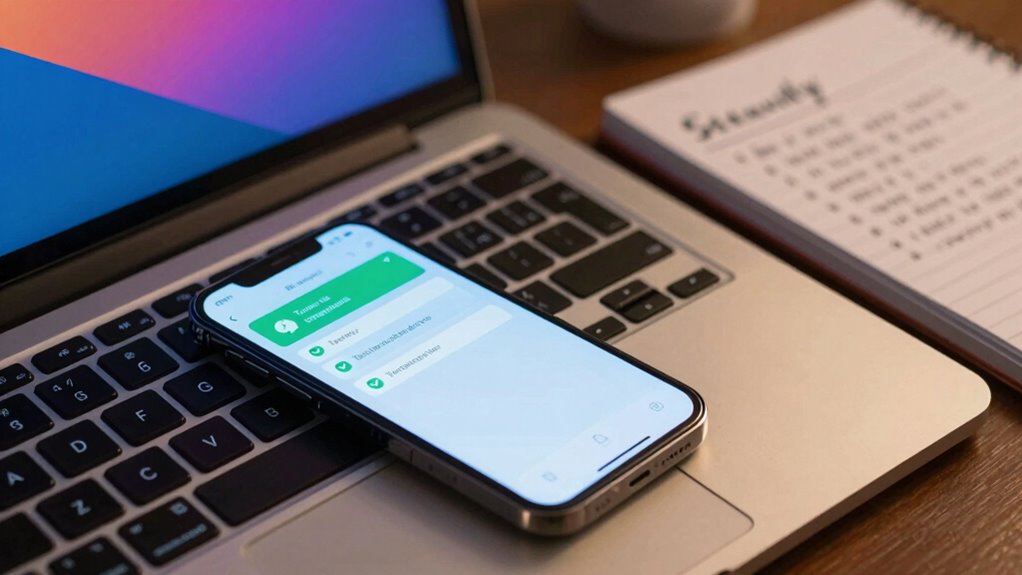
Enabling two-factor authentication (2FA) adds a critical layer of security to your accounts by requiring a second form of verification beyond just your password. You can often set up 2FA using biometric authentication, like fingerprint or facial recognition, which enhances convenience and security. Double-check that your 2FA methods are current and functioning properly—update your security questions if needed, ensuring they’re not easily guessable. Some services offer backup options, like authenticator apps or SMS codes, so verify they’re active and accessible. Regularly review and test your 2FA settings to prevent lockouts. This small effort considerably reduces the risk of unauthorized access, making your account much safer from hacking attempts or credential theft.
Confirm Security Settings on Your Most Important Accounts
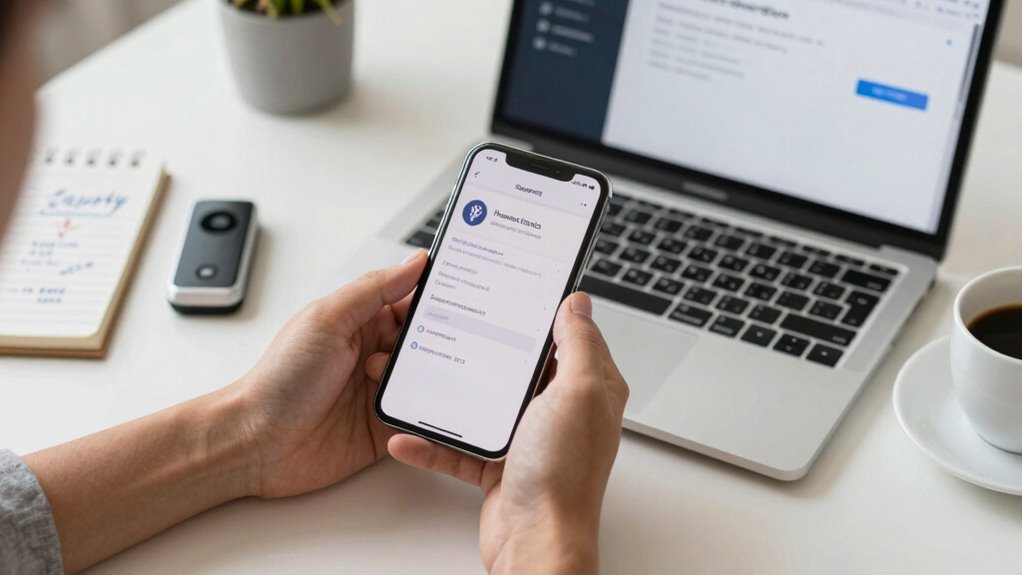
Once you’ve set up and verified your two-factor authentication, it’s time to focus on confirming the security settings of your most important accounts. Strengthening security awareness means reviewing options like account recovery methods and login alerts. Check that your passwords meet complexity standards—using a mix of letters, numbers, and symbols—to prevent easy breaches. Make sure your account privacy settings are tight, limiting who can see your info. Look for any connected apps or devices that shouldn’t have access and remove them. Regularly update your security questions and review recent activity logs to spot suspicious actions. These steps help safeguard your accounts from unauthorized access and reinforce your security habits. Staying proactive keeps your digital life secure and your confidence high.
Back Up Your Data and Ensure Backup Security
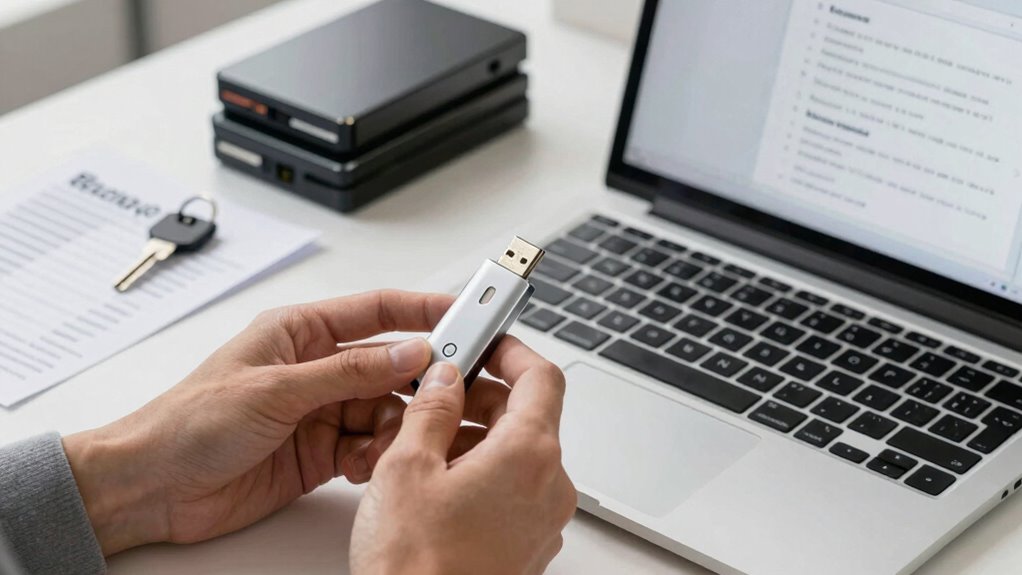
Backing up your data is essential to protect against loss from hardware failures, cyberattacks, or accidental deletion. To keep your backups secure, use data encryption to safeguard sensitive information both during transfer and storage. Cloud storage offers a reliable way to back up your files remotely, giving you access from any device and reducing the risk of physical damage. Confirm your cloud backups are encrypted and protected with strong, unique passwords. Regularly verify your backup files to confirm they are complete and accessible. Avoid relying solely on physical drives, which can be damaged or stolen. By encrypting your data and choosing secure cloud storage, you strengthen your backup security, ensuring your important files stay safe even if your primary system encounters issues.
Set a Reminder to Perform Your Next Security Review
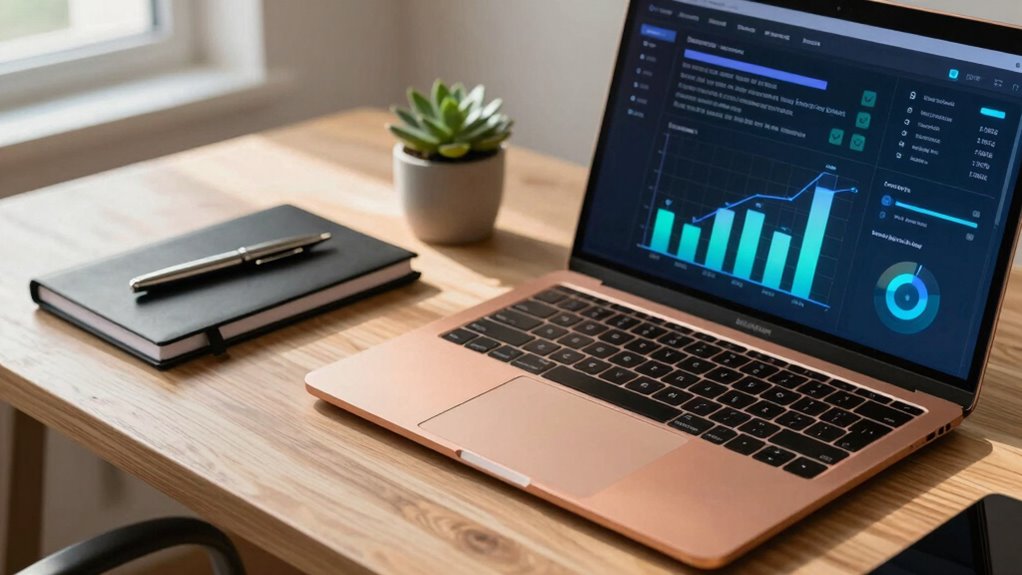
Have you scheduled your next security review? Setting a reminder is essential for consistent security review planning. Without it, you might forget to evaluate your accounts or update passwords regularly. Use reminder scheduling tools like calendar alerts or task apps to keep this task top of mind. When planning your security review, consider reviewing account access, updating recovery options, and checking for suspicious activity.
To make it easier, think about:
- Adding a recurring calendar alert for your review
- Setting a specific date that works for your schedule
- Using task management apps with notifications
- Incorporating a review checklist into your routine
- Notifying yourself a week in advance as a prompt
This proactive approach guarantees your security stays tight year-round.
Frequently Asked Questions
How Often Should I Change My Passwords Beyond the Annual Review?
You should change your passwords whenever you notice a security breach or suspect they’ve been compromised, not just annually. Regularly updating passwords enhances security, especially if you use password expiration policies or multi-factor authentication. Even if you don’t see signs of trouble, it’s wise to revisit your passwords periodically, ideally every three to six months, to reduce risks. Combining frequent password updates with multi-factor authentication keeps your accounts safer overall.
What Are the Best Practices for Choosing Strong, Memorable Passwords?
You might think simple passwords are fine, but research shows password complexity greatly enhances security. To choose strong, memorable passwords, use mnemonic techniques—like combining initials of a favorite quote or song lyrics. Avoid common words, and include a mix of uppercase, lowercase, numbers, and symbols. This way, your passwords stay both tough for hackers and easy for you to remember, keeping your accounts safer without the hassle of complex recall.
How Can I Identify if My Account Has Been Compromised?
You can spot if your account’s been compromised by watching for signs like unexpected emails or messages, which may be phishing scams. Check for unusual activity or login alerts, and if you notice anything suspicious, act fast with account recovery options. Reset your passwords, enable two-factor authentication, and review recent activity to secure your account. Staying vigilant helps prevent further damage and keeps your information safe.
Are There Specific Tools to Monitor Login Activity Across Accounts?
Yes, there are specific tools to monitor login activity across your accounts. Password managers often include security alerts that notify you of suspicious login attempts, helping you stay informed about unauthorized access. Additionally, many services offer built-in security features, like login history or activity logs, which you can review regularly. Using these tools together helps you proactively detect and respond to any suspicious activity, keeping your accounts safer.
What Steps Should I Take if I Find Suspicious Activity During My Review?
If you find suspicious activity, act quickly by changing your passwords and enabling two-factor authentication. Review recent login history for signs of phishing scams or fraudulent transactions. Contact your bank or service provider to report any unauthorized activity and dispute fraudulent charges. Be cautious of phishing scams that may try to steal your information further. Keep an eye on your accounts regularly to catch and address issues early, ensuring your security stays intact.
Conclusion
Regularly reviewing your account security is essential—did you know that 81% of data breaches are due to weak or stolen passwords? By following this yearly checklist, you can greatly reduce your risk of cyber threats. Staying proactive about updating passwords, verifying recovery options, and enabling two-factor authentication keeps your accounts safer. Don’t wait until it’s too late—schedule your next security review now and stay one step ahead of cybercriminals.
Fall Picks
fall essentials
As an affiliate, we earn on qualifying purchases.