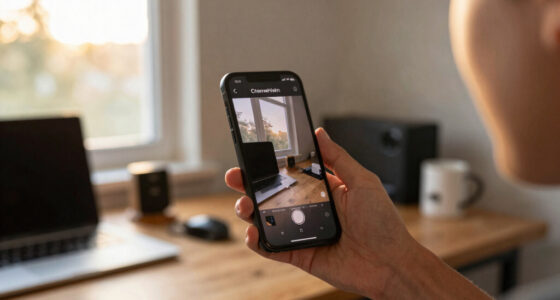

Webcams are simple, plug-and-play devices ideal for beginners, offering easy setup and affordability. Dedicated cameras provide higher resolution, better image quality, and more control, but require more effort, accessories, and a higher budget. Webcams work well in most lighting, but dedicated cameras excel in low-light and professional environments. Your choice depends on your needs, setup space, and goals. Keep exploring to discover how each option can fit into your streaming setup.

Get the latest gadgets delivered free — and shop member deals
- Fast, free delivery on millions of items
- Access to Prime Big Deal Days deals on October 6–7
- Prime Video, Amazon Music and more included
Key Takeaways
- Dedicated cameras offer higher resolutions (up to 4K) and better image quality than most webcams.
- Webcams are easier to set up, more affordable, and suitable for casual or space-limited streaming.
- Dedicated cameras provide manual controls, interchangeable lenses, and customization for professional-level streaming.
- Webcams typically have limited low-light performance, while dedicated cameras excel in dim conditions and night vision.
- Proper lighting and mounting options significantly impact streaming quality, regardless of the camera type used.
As an affiliate, we earn on qualifying purchases.
Webcam vs. Camera for Streaming: Which Is Right for You?
Webcam vs. Camera for Streaming: Which Is Right for You?
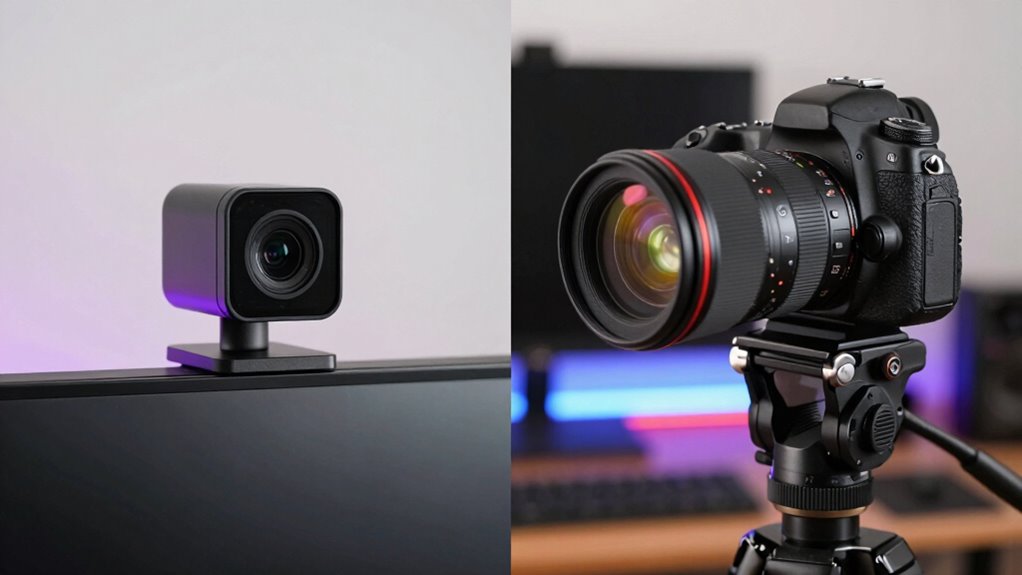
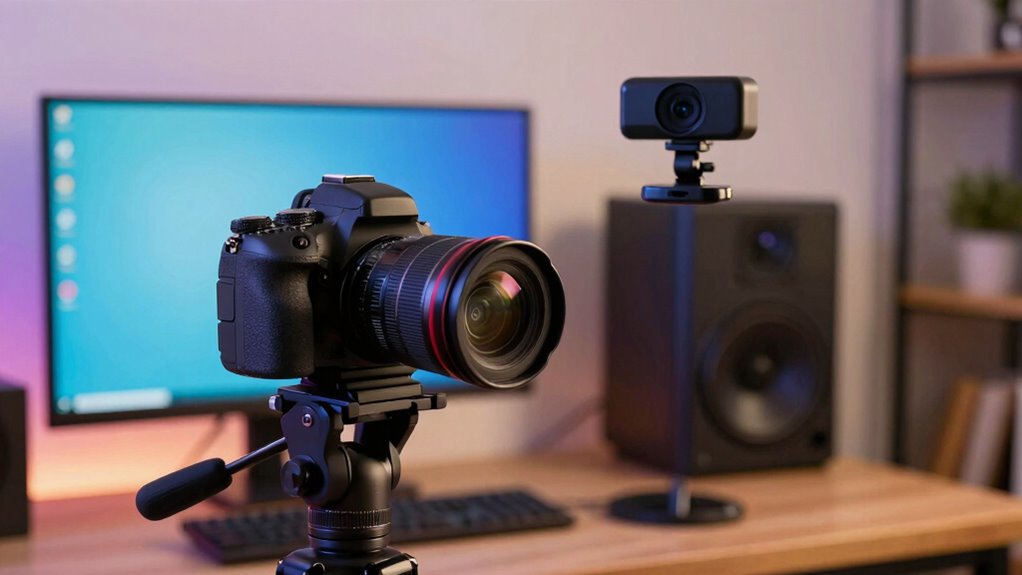
Are you unsure whether to use a webcam or a dedicated camera for streaming? Your choice depends on your priorities, like camera ergonomics and setup flexibility. Webcams are simple, plug-and-play devices that work well with minimal effort. They’re ideal if you want quick, hassle-free streaming, especially with the right webcam accessories like tripods or ring lights. Dedicated cameras offer superior image quality and more control over settings, but they require more setup and understanding of camera ergonomics to avoid awkward angles and poor framing. If comfort and ease matter most, a good webcam might be enough. However, if you’re aiming for professional-level streams and don’t mind the extra effort, a dedicated camera could be the better investment. Additionally, understanding camera technology can help improve the clarity and engagement of your streaming content. Using ergonomics principles in your setup can also make your streaming experience more comfortable and efficient, especially when considering camera ergonomics to optimize positioning and reduce strain.
professional DSLR camera for streaming
As an affiliate, we earn on qualifying purchases.
As an affiliate, we earn on qualifying purchases.
How Do Streaming Quality and Performance Compare?
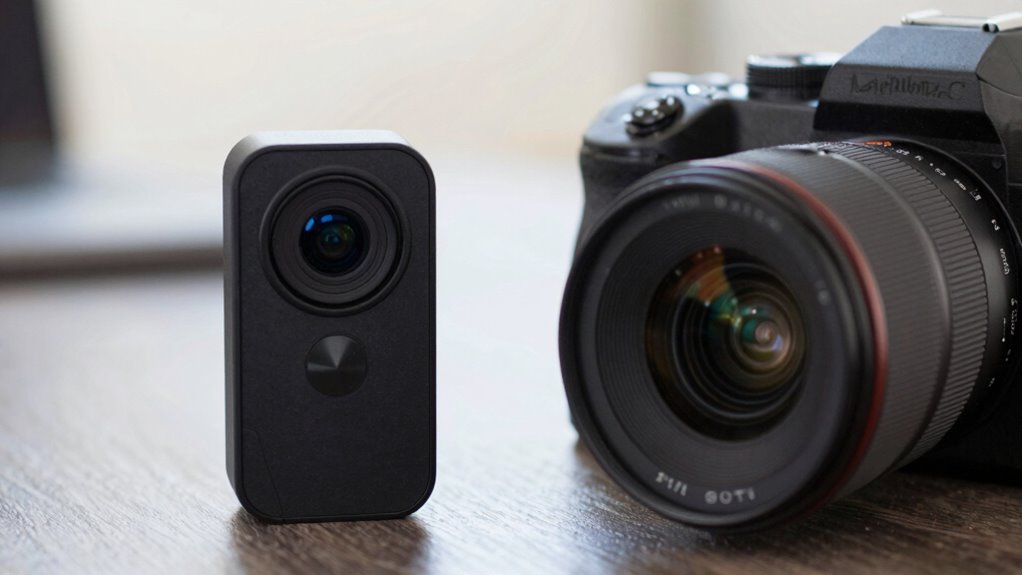
When comparing streaming quality, you’ll notice differences in video resolution and how clear your image appears. Frame rate variability can make your streams look smoother or choppier depending on your equipment. Low-light conditions also impact performance, with cameras handling dim environments better than most webcams. Additionally, the video presentation quality can be enhanced by using high-end cameras that offer superior clarity and color accuracy. Using proper streaming gear can significantly improve overall performance and image quality in your streams. Investing in streaming setup components tailored to your needs ensures optimal results and a more professional appearance. For optimal results, integrating reliable connectivity gear is essential to maintain stable streams without interruptions. Upgrading your camera accessories can further boost your streaming quality by providing better stabilization and flexibility in your shots.
Video Resolution Differences
Have you ever wondered how the video resolution of a webcam compares to that of a dedicated camera when streaming? Generally, dedicated cameras deliver higher resolution options, resulting in better pixel clarity and image sharpness. Webcams often max out at 1080p, which can still produce clear images, but with less detail and depth. Professional cameras can stream in 4K or higher, providing more detailed, crisp visuals that enhance your overall streaming quality. Higher resolution means your viewers see more detail and a sharper picture, especially on larger screens. Keep in mind, though, that higher resolution also demands better bandwidth and processing power. So, if you want superior image quality, a dedicated camera will give you the edge in resolution and sharpness over most webcams. Additionally, video quality, including resolution, can be significantly impacted by advancements in AI-driven image processing and stabilization, further improving streaming performance. It’s also important to consider privacy policies and how data is managed when choosing between streaming devices.
Frame Rate Variability
Frame rate variability plays a crucial role in streaming quality and performance, as it determines how smooth and fluid your video appears. A stable frame rate ensures consistent motion, preventing choppy or jittery visuals that can distract viewers. Webcam typically offers lower and less stable frame rate options, which can lead to variability impact, especially during fast movements or scene changes. Cameras designed for streaming or professional use usually provide higher, more steady frame rates, maintaining smoothness even during demanding scenes. Variability in frame rate can cause uneven playback, reducing overall quality and viewer engagement. To achieve ideal streaming performance, prioritize devices with strong frame rate stability, minimizing the variability impact and delivering a consistently smooth viewing experience.
Low-Light Performance
In low-light conditions, the difference between webcams and dedicated cameras becomes especially significant for streaming quality. Dedicated cameras often excel in darkness thanks to better infrared sensitivity and night vision capabilities, allowing you to capture clearer images without additional lighting. Webcams typically struggle, resulting in grainy or dark footage. If you need reliable performance in dim environments, a camera with night vision or infrared sensitivity is essential. Additionally, emotional skills such as patience and adaptability can help you troubleshoot and optimize your streaming setup in challenging lighting situations. Understanding the infrared sensitivity of your camera can further enhance your ability to perform well in low-light scenarios.
As an affiliate, we earn on qualifying purchases.
Advantages of Using a Webcam for Streaming
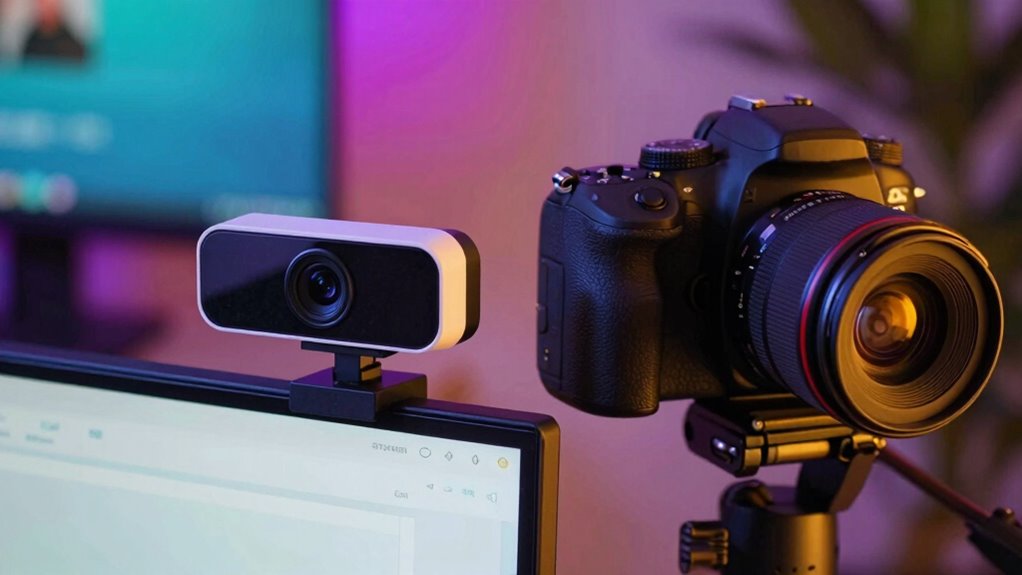
Webcams offer a straightforward and cost-effective solution for streamers who want to start broadcasting quickly. Their auto focus feature guarantees your image stays sharp, even if you move around slightly. This makes it easier to maintain professional video quality without constant adjustments. Most webcams are plug and play, meaning you simply connect them to your computer, install any necessary drivers, and you’re ready to go. You don’t need extra equipment or technical skills to set up a webcam, saving you time and money. Additionally, webcams are compact and portable, making them ideal for on-the-fly streaming or travel. Recognizing the importance of ergonomics and workspace setup can also help you create a more comfortable and efficient streaming environment. Moreover, selecting the appropriate video quality features ensures your stream appears polished and engaging to viewers. Considering the support breakfast options available in your area can also inspire creative ideas for your streaming setup or content themes. For example, incorporating elements like essential oils for relaxation or focus can create a calming or energizing environment during your streams.
As an affiliate, we earn on qualifying purchases.
Why Upgrade to a Dedicated Streaming Camera?

Upgrading to a dedicated streaming camera considerably enhances your video quality, providing sharper images, richer colors, and better low-light performance than standard webcams. With a dedicated camera, you’ll notice improved audio clarity through better microphone integration and reduced background noise. Plus, many models offer longer battery life, so you can stream for hours without interruptions. Incorporating gear for content can further elevate your streaming setup and overall production quality. Additionally, a specialized camera often supports higher frame rates and resolutions, making your streams appear more professional and engaging. Understanding the history of pinball machines can also inspire creative visuals or themes for your streams, especially if you’re into gaming or vintage content. Investing in a quality camera can also reduce the need for extensive body piercing adjustments or concerns about equipment irritation, ensuring your setup remains comfortable and hassle-free for long streaming sessions. Being aware of home appliance technology can help you optimize your streaming environment for comfort and efficiency.
Setup, Cost, and Flexibility: What You Need to Know
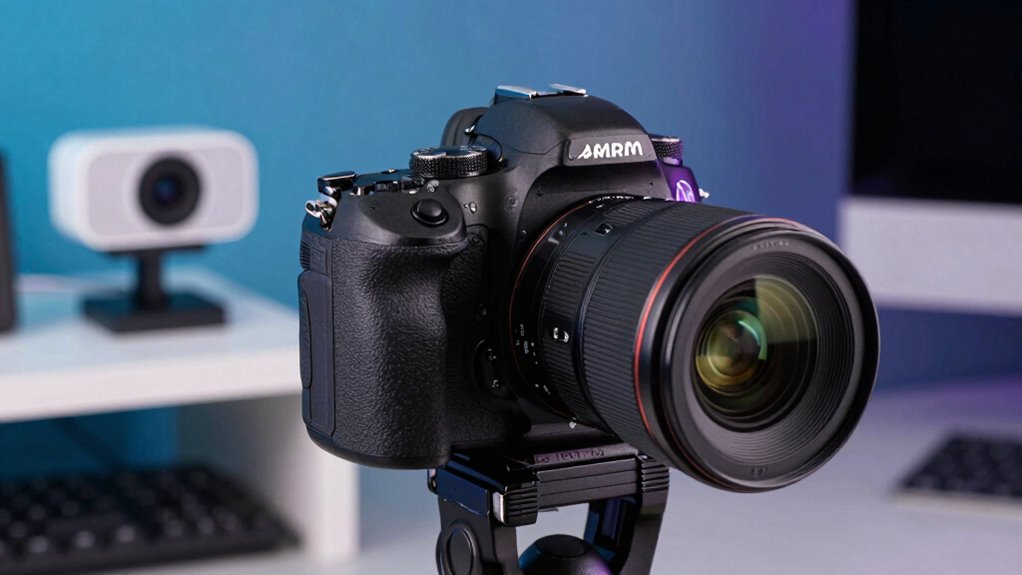
Setting up a dedicated streaming camera can vary in complexity and cost, depending on your goals and equipment choices. You’ll need to evaluate your lighting setup to make sure your image looks clear and professional—good lighting can reduce the need for expensive camera gear. Audio integration is equally important; investing in a quality microphone or audio interface can greatly improve your stream’s overall quality. While webcams are often more budget-friendly and easier to set up, dedicated cameras offer greater flexibility, like interchangeable lenses and manual controls, but may require additional accessories and calibration. The initial investment can be higher, but the enhanced customization options and quality often justify the cost. Additionally, understanding the potential side effects and interactions of various equipment and accessories can help you make safer and more informed choices. Overall, your setup should match your streaming ambitions and the level of control you desire.
Which Device Suits Different Types of Streamers?
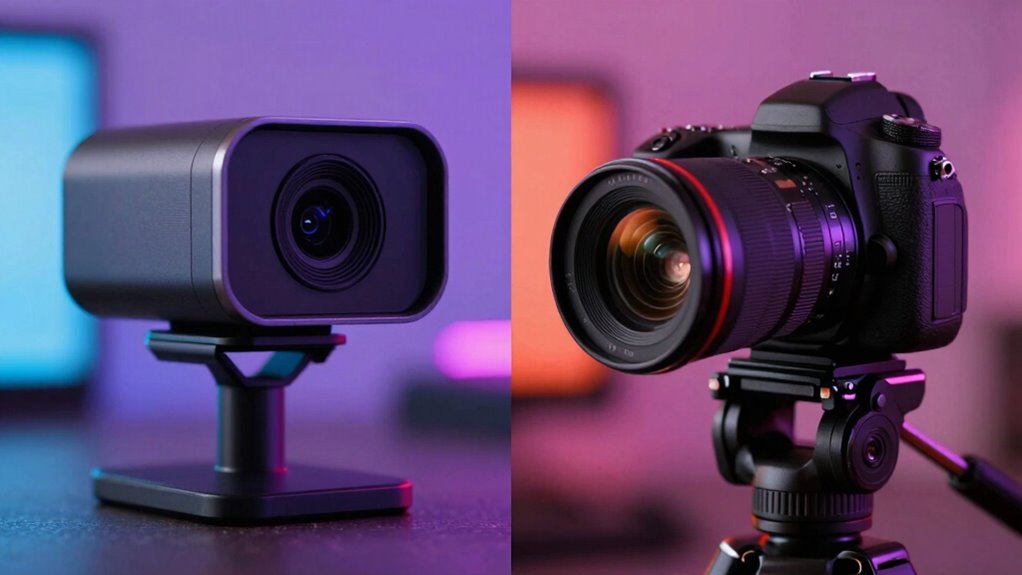
Choosing the right device depends largely on your streaming goals and how much control you want over your image quality. If you’re a casual streamer or have limited space, a webcam might suffice, especially in well-lit conditions. For more professional or dedicated streamers, a camera offers higher quality, but you’ll need to evaluate lighting conditions to get the best results. Mounting options also matter; webcams are often easy to mount on monitors, while cameras may require tripods or mounting plates. Your choice should align with your setup flexibility and the level of control over your visuals.
- Assess your lighting conditions to ensure clear, vibrant images
- Choose mounting options that fit your setup, whether on monitors or tripods
- Determine if your streaming needs require high-quality video or basic visuals
- Consider how much space and flexibility you need for future upgrades
How to Improve Your Streaming Setup With the Right Equipment
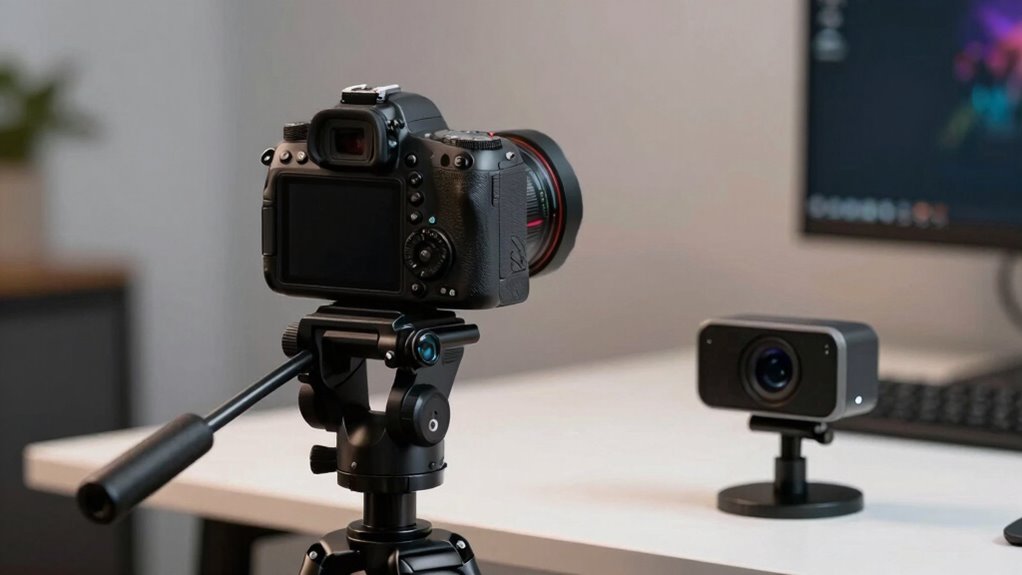
Your streaming quality can markedly improve with the right equipment, making your content more engaging and professional. Start with good lighting setups to guarantee your face is well-lit and clear, avoiding harsh shadows or overexposure. Soft, diffused lighting works best for a natural look. Next, prioritize audio integration by investing in a quality microphone; clear sound is essential for viewer retention. Use a pop filter to reduce unwanted noise and consider an audio mixer for better control. Additionally, position your camera at eye level for a more natural connection. Combining effective lighting and premium audio creates a polished, immersive experience that keeps your audience hooked. With these adjustments, you’ll see a noticeable boost in your streaming quality and overall presentation.
Frequently Asked Questions
Can I Use a DSLR or Mirrorless Camera as a Webcam?
Yes, you can use a DSLR or mirrorless camera as a webcam. You’ll need a capture card or compatible software to connect it to your computer. Remember, camera ergonomics and proper lighting setups are essential for high-quality streams. Adjust your camera settings for ideal focus and exposure, and make sure your lighting is even and flattering. With these steps, your camera will deliver professional-looking video for streaming.
What Software Is Best for Connecting Cameras to Streaming Platforms?
You’ll find OBS Studio is your best bet for connecting cameras to streaming platforms. It’s user-friendly, flexible, and supports a wide range of camera settings, allowing you to optimize image quality effortlessly. With OBS, you can easily broadcast to popular platforms like Twitch or YouTube. Its seamless integration and customization options make it an ideal choice, turning your camera into a professional-grade streaming tool with minimal hassle.
How Does Camera Lens Quality Affect Streaming Video Clarity?
Camera lens quality directly impacts your streaming video clarity by enhancing lens sharpness, making your image crisp and detailed. A high-quality lens minimizes image distortion, ensuring your footage looks professional and smooth. Poor lens quality can cause blurriness or warping, distracting viewers. Investing in a good lens improves overall image sharpness and reduces distortion, making your stream visually appealing and more engaging for your audience.
Are There Any Health or Eye Strain Concerns With Prolonged Webcam Use?
In the days of dial-up, eye strain from prolonged webcam use was rare, but now, it’s a real concern. Extended screen time can cause eye fatigue, dry eyes, or headaches, especially if your lighting isn’t ideal. To prevent eye strain, take regular breaks, adjust your display brightness, and guarantee good lighting. Staying mindful of these habits helps protect your eyes during long streaming sessions.
What Are the Best Accessories to Enhance Camera Streaming Quality?
To boost your camera streaming quality, focus on lighting setups like softbox lights or ring lights to guarantee clear, well-lit videos. Additionally, invest in a good microphone—such as a cardioid or condenser mic—to improve audio clarity. These accessories make a significant difference, helping your stream look professional and sound crisp. Proper lighting and quality sound equipment create a more engaging experience for your viewers.
Conclusion
Choosing between a webcam and a dedicated camera is like picking the right brush for your masterpiece—each offers unique strokes. Your streaming journey depends on your goals, budget, and passion. With the right gear, you’ll craft a visual story that captures hearts and eyes alike. So, pick your tools wisely, and watch your streaming landscape bloom into a vibrant canvas of connection and creativity. Your perfect setup awaits—dive in and make it your own.
Halloween Picks
halloween
As an affiliate, we earn on qualifying purchases.