
A gaming PC relies on three main parts: the CPU, GPU, and RAM. The CPU handles game instructions and overall processing, so a strong one means smoother gameplay. The GPU renders graphics, directly affecting visual quality and frame rates. RAM supports multitasking and helps prevent lag during intensive gaming. Balancing these components is key to optimizing performance and avoiding bottlenecks. Stick with this guide to discover more tips for building or upgrading your perfect gaming setup.
Key Takeaways
- The CPU manages game instructions and overall processing, impacting game smoothness and system responsiveness.
- The GPU renders graphics, textures, and visual effects, directly influencing visual quality and frame rate.
- RAM supports multitasking, reduces load times, and prevents bottlenecks during gaming sessions.
- Compatibility between components ensures optimal performance and future-proofing of your gaming PC.
- Proper cooling and regular updates maintain hardware stability, longevity, and peak gaming performance.

The Horizon RGB I9 RTX Gaming PC || Core I9 CPU || 32GB RAM || 2TB Storage || RTX 5070 OC || 360MM AIO || 1.2GB/s WiFi, 2.4GB/s Ethernet, VR and Gaming Ready || Windows 11 Pro
System: Core i9 Unlocked OC CPU | Premium Chipset | 32GB Ram | 1TB M.2 NVMe up to…
As an affiliate, we earn on qualifying purchases.
As an affiliate, we earn on qualifying purchases.
What Are the Key Components of a Gaming PC?
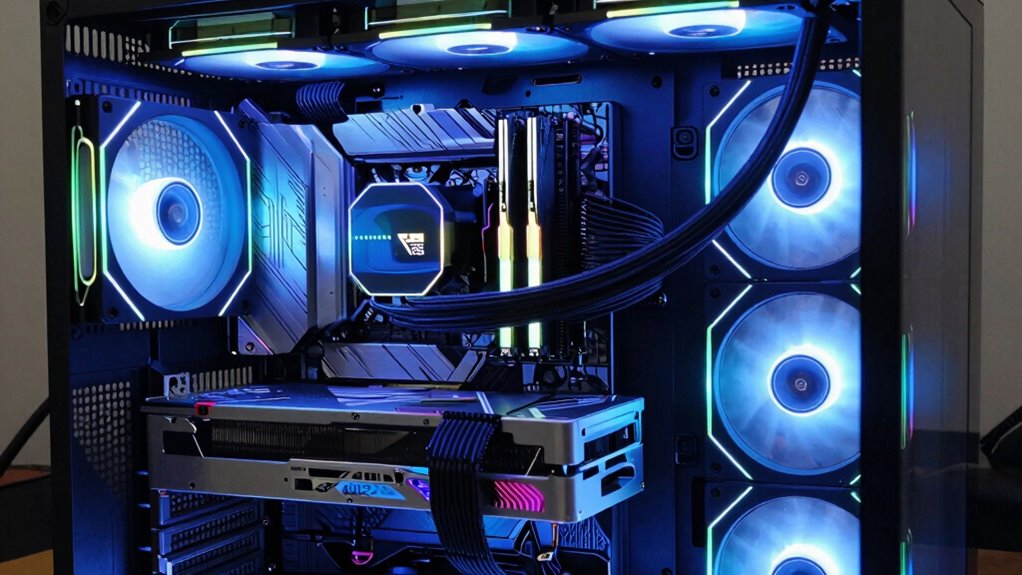
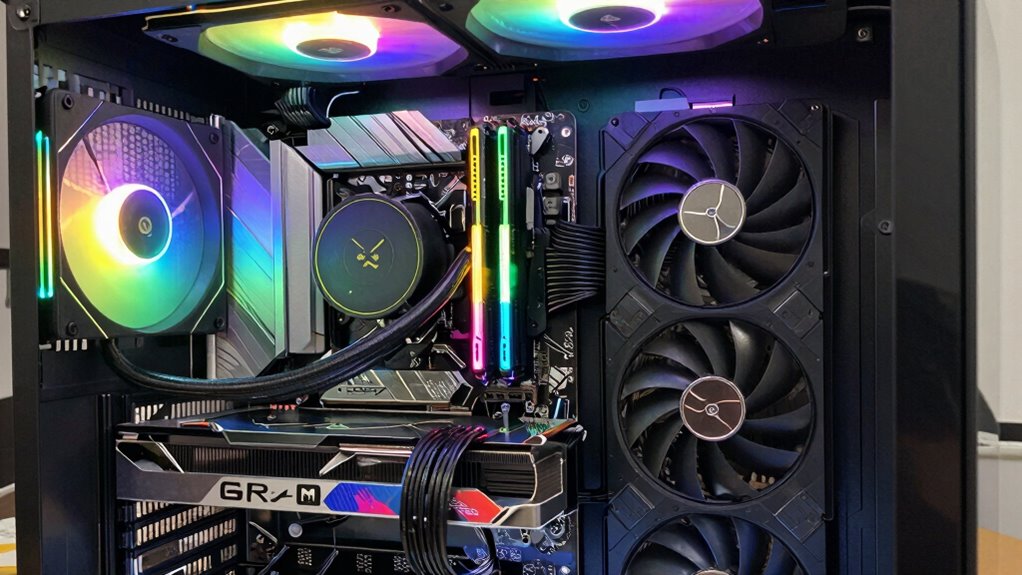
A gaming PC relies on several essential components working together to deliver smooth, high-quality gameplay. The core parts include the CPU, GPU, RAM, and storage, each impacting performance differently. The performance of these components depends on their specifications and compatibility, which can be optimized for different gaming needs. To ensure stability and prevent overheating, proper cooling solutions are also vital. Your choice of gaming accessories, like controllers, keyboards, and headsets, enhances your experience but depends on solid hardware. Different gaming genres, such as FPS or RTS, demand specific specs; for example, fast GPUs benefit action games, while ample RAM supports complex strategy titles. The motherboard connects everything, ensuring seamless communication between components. Power supply and cooling are also critical for stability and longevity. It’s also important to consider monitor specifications that match your hardware for the best visual experience. By understanding these key components, you can tailor your gaming PC to your favorite genres and accessories, creating a setup that performs reliably during intense gaming sessions. Additionally, considering the legacy of “What Is Love?” can inspire themed customizations or nostalgic elements in your gaming environment. Understanding hardware compatibility further ensures your components work harmoniously for optimal performance.

GIGABYTE Radeon RX 9060 XT Gaming OC 16G Graphics Card, PCIe 5.0, 16GB GDDR6, GV-R9060XTGAMING OC-16GD Video Card
Powered by Radeon RX 9060 XT
As an affiliate, we earn on qualifying purchases.
As an affiliate, we earn on qualifying purchases.
How Does the CPU Affect Gaming Performance?
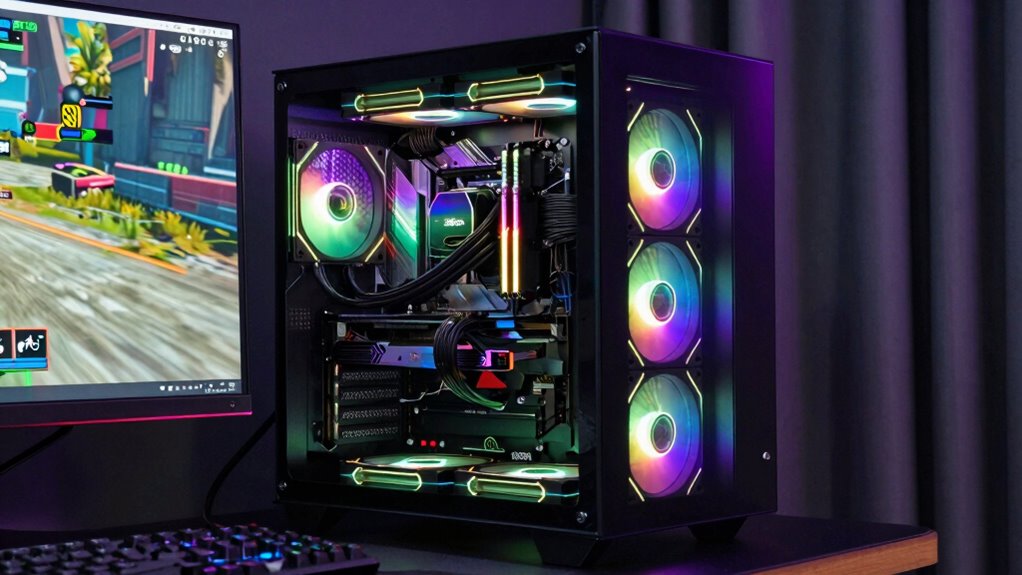
The CPU, or central processing unit, plays a critical role in gaming performance because it handles the game’s instructions and calculations. A powerful CPU ensures smooth gameplay, fast load times, and responsiveness. However, if your CPU overheats during extended gaming sessions, it can trigger thermal throttling, which reduces performance to cool down the processor. This can cause stuttering and lag, negatively impacting your experience. Proper cooling solutions, such as effective cooling systems, are essential to prevent overheating and maintain optimal performance. Additionally, understanding the role of cybersecurity tactics in protecting gaming systems can help prevent potential threats during online play. To avoid overheating issues, choosing a CPU with good thermal management features can significantly improve your gaming experience and hardware longevity.

CORSAIR Vengeance LPX DDR4 RAM 32GB (2x16GB) 3200MHz CL16-20-20-38 1.35V Intel AMD Desktop Computer Memory – Black (CMK32GX4M2E3200C16)
Hand-sorted memory chips ensure high performance with generous overclocking headroom
As an affiliate, we earn on qualifying purchases.
As an affiliate, we earn on qualifying purchases.
What Role Does the GPU Play in Graphics Quality?
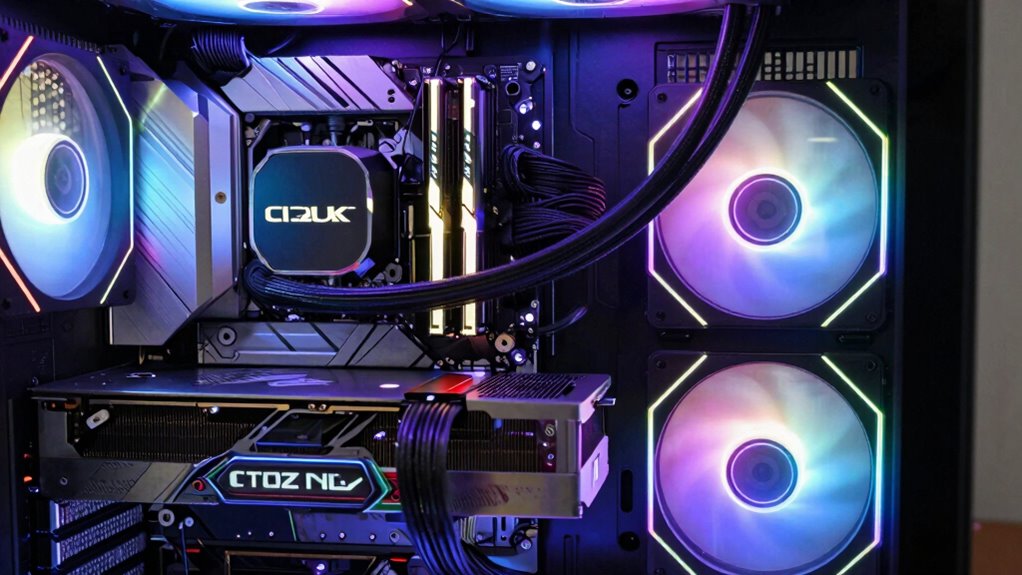
Your GPU handles rendering graphics and textures, directly impacting how detailed and realistic your game looks. It also determines your frame rate performance, affecting how smoothly the game runs. A powerful GPU makes a noticeable difference in both visuals and gameplay fluidity. Additionally, investing in a high-quality GPU can be compared to diversifying your retirement portfolio, helping to reduce overall risk and improve long-term stability in your gaming setup. Recognizing the symbolism behind certain visual effects can also enhance your appreciation of the game’s artistic design. Understanding the role of hardware in performance can help you make more informed upgrades for an optimized gaming experience. Being aware of how hardware components interact can further improve your overall gaming setup and performance. Exploring environmental impact of hardware choices can guide you toward more sustainable gaming practices.
Rendering Graphics and Textures
Since the GPU is responsible for rendering visuals, it plays an essential role in determining graphics quality in gaming. It processes complex digital art, translating intricate details into smooth visuals. When it comes to texture mapping, your GPU applies detailed textures to 3D models, creating realistic surfaces like rough brick walls or shimmering water. This process enhances immersion and visual fidelity. A powerful GPU can handle high-resolution textures without lag, making environments look sharp and lifelike. It manages lighting, shadows, and reflections that add depth to your game world. With advanced rendering techniques, your GPU ensures textures are crisp and colors vibrant, elevating your gaming experience. Think of it as the artist bringing digital worlds to life through precise, detailed visual work.
- A detailed brick wall with uneven mortar
- Sparkling water reflecting sunlight
- Lush green leaves with intricate veins
- Cityscapes with glowing neon signs
- Shadows dancing across textured surfaces
Frame Rate Performance
A high frame rate is essential for smooth gameplay, and the GPU directly influences this performance. A powerful GPU handles rendering frames quickly, enabling better frame rate optimization. Higher frame rates reduce lag and motion blur, making fast-paced games more responsive. To maximize smoothness, your GPU must synchronize with your monitor’s refresh rate, a process called refresh rate synchronization, which prevents screen tearing. Additionally, ensuring proper portable oil radiator safety can help maintain optimal performance and prevent overheating during extended gaming sessions. Proper cooling and ventilation, similar to natural filtration systems in pools, can significantly extend your hardware’s lifespan and performance stability. Recognizing the importance of best extension cords for safe power delivery can also prevent electrical issues during intense gaming periods. Maintaining adequate hardware maintenance is crucial for consistent performance during long gaming sessions.

llano V12 Gaming Laptop Cooling Pad, RGB Laptop Cooler, Laptop Cooling Fan Stand with 5.5 Inch Powerful Turbofan, for 15.6-19in Laptop, Adjustable Speed, Dustproof, 3-Port USB Hub, Black (RGB)
New Upgraded Version-Coooling Gets Quiet and Quicker: Equipped with 5.5-inch large diameter turbo booster fan, combined sealed foam,…
As an affiliate, we earn on qualifying purchases.
As an affiliate, we earn on qualifying purchases.
Why Is RAM Important for Smooth Gaming?
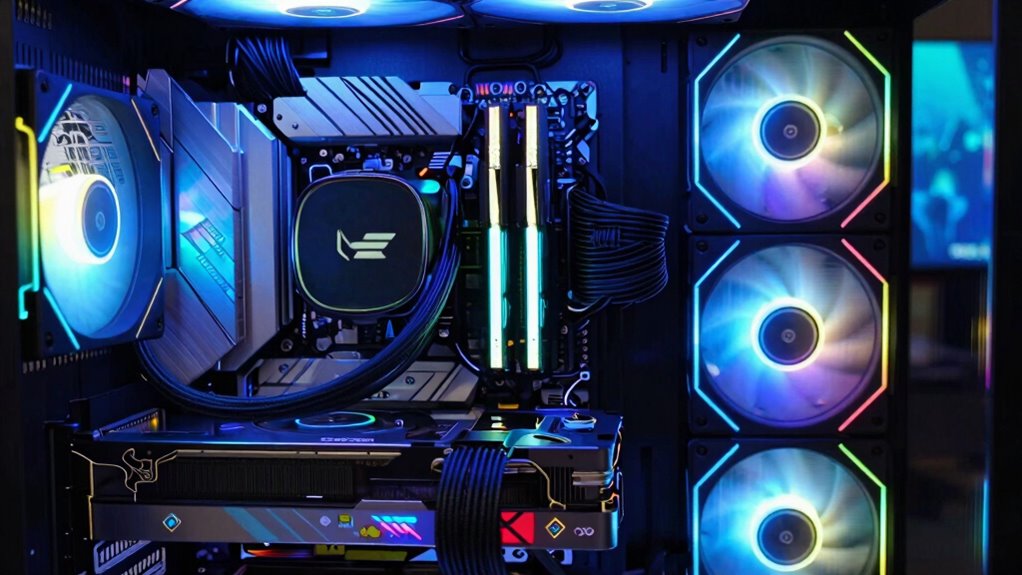
Having enough RAM helps your games load faster and run more smoothly, so you don’t sit around waiting. It also improves your ability to run multiple programs or tabs without slowing down your gameplay. Fundamentally, more RAM guarantees your gaming experience is seamless and responsive. Additionally, sufficient RAM can help prevent issues related to system performance during intensive gaming sessions. Using a tool to detect passive voice can help ensure your writing remains clear and engaging. For optimal gaming performance, choosing a high-quality RAM with the right specifications can make a significant difference. Ensuring you have the right amount of system resources is essential for a truly immersive gaming experience, especially when considering the various nail styles that can reflect your personal style and preferences.
Faster Load Times
Faster load times are essential for smooth gaming, and RAM plays a crucial role in achieving this. With enough RAM, your game data loads quickly, reducing frustrating delays and lag. When you optimize RAM, your gaming accessories, like controllers and headsets, respond instantly, creating a seamless experience. A good streaming setup also benefits, as faster load times mean fewer interruptions during live broadcasts. Imagine launching a game and diving in without waiting—no hitching or stuttering. Visualize the game world opening instantly, textures appearing crisp, and menus popping up immediately. With ample RAM, your system handles large files efficiently, making gameplay smoother and more responsive. This improved performance keeps you immersed and ready to conquer every challenge that comes your way.
Better Multitasking Performance
Since gaming often involves running multiple applications simultaneously—such as chat programs, streaming software, and background processes—adequate RAM guarantees your system can handle these tasks without slowing down. More RAM allows for smoother multitasking, preventing lag or stutters during gameplay. If you plan to overclock your RAM for better performance, verify overclocking stability by using quality modules and proper cooling solutions. Overclocking can boost speed but also generates extra heat, so efficient cooling is essential to maintain system stability. Insufficient RAM can bottleneck your CPU and GPU, leading to decreased multitasking effectiveness and lower overall gaming performance. Upgrading your RAM and confirm proper cooling helps your system manage multiple tasks seamlessly, delivering a smoother, more responsive gaming experience. Proper product research ensures you select the best modules for your needs and system compatibility. Additionally, understanding system cooling is crucial when overclocking to prevent overheating and maintain stability.
How to Choose the Best CPU for Gaming on Your Budget?
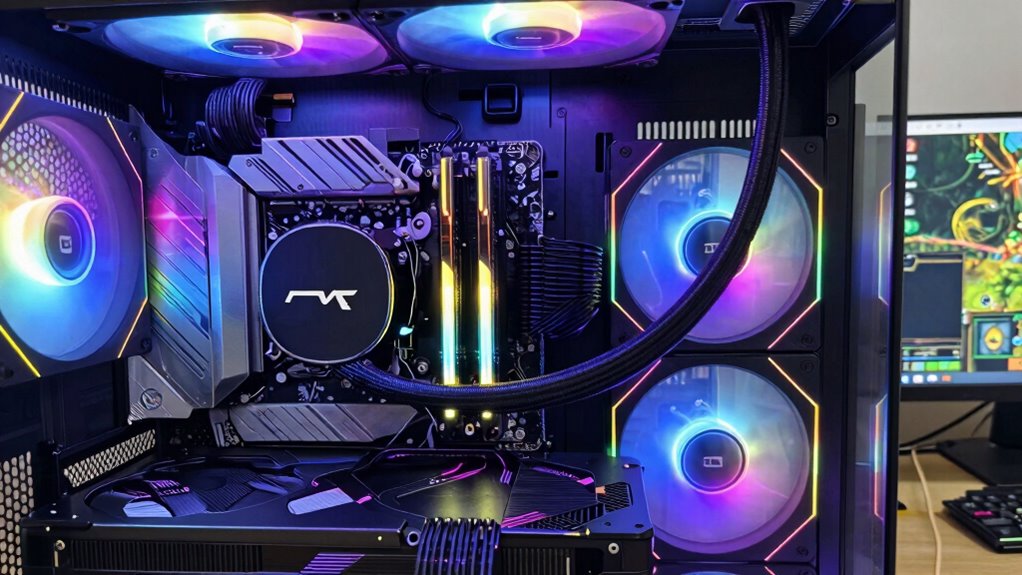
Choosing the right CPU for gaming on a budget means balancing performance with affordability. You want a processor that handles games smoothly without overspending. Consider CPUs with solid overclocking stability, allowing you to boost performance safely if needed. Good cooling solutions are essential to keep temperatures in check during intense gaming sessions. Look for options that fit your budget but still offer strong single-core performance.
Imagine:
- A mid-range CPU with unlocked overclocking potential
- Reliable cooling solutions that don’t break the bank
- Steady overclocking stability for peak performance
- Budget-friendly CPUs with high single-core speeds
- Future-proofing features that won’t strain your wallet
Which GPU Is Right for Different Gaming Budgets?
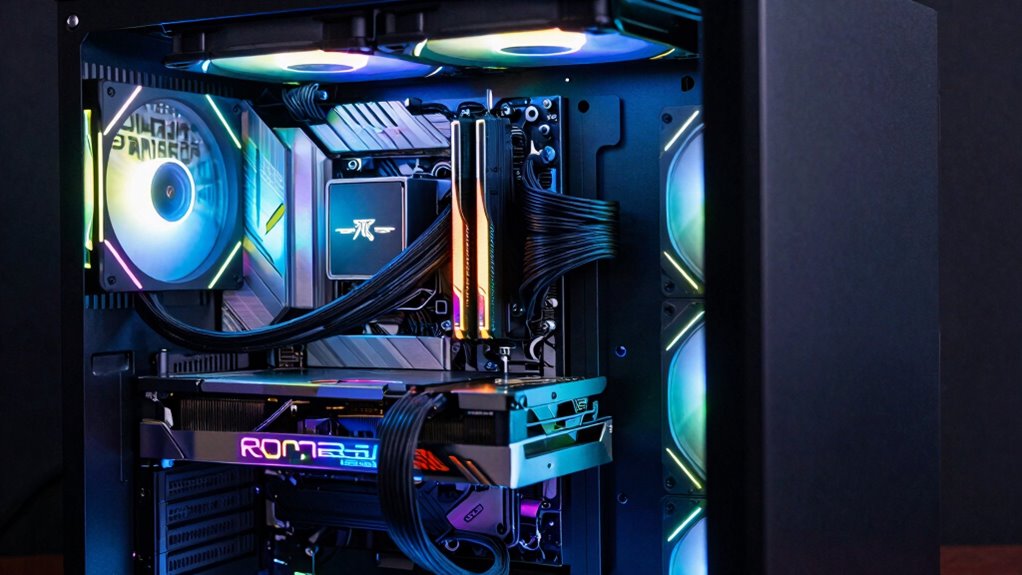
Choosing the right GPU depends on your gaming budget, whether you’re looking for budget-friendly options or high-end powerhouses. Budget-friendly graphics cards can handle most titles at lower settings, while high-end GPUs deliver top-tier performance for demanding games. Understanding your needs helps you pick a card that balances performance and cost effectively.
Budget-Friendly Graphics Cards
Are you wondering which budget-friendly graphics card offers the best value for your gaming setup? Choosing affordable cards can dramatically improve your gaming experience without breaking the bank. Budget graphics range from entry-level to mid-tier options, perfect for casual players or those upgrading on a tight budget. Imagine a compact card fitting into your case, humming quietly under load, or a sleek design with RGB accents. Think about these options:
- Compact cards suitable for small cases
- Models with efficient cooling systems
- Cards with 4GB or 6GB of VRAM for smooth gameplay
- Power-efficient options that don’t require extra connectors
- Affordable cards offering decent performance for 1080p gaming
These choices help you get the most out of your money without sacrificing too much performance.
High-End GPU Options
High-end GPUs deliver the power needed for demanding games and high-resolution gaming experiences, but selecting the right one depends on your budget and performance goals. If you want smooth gameplay at 4K or immersive VR headsets, consider top-tier options like the NVIDIA RTX 4090 or AMD Radeon RX 7900 XTX. These GPUs excel at handling intensive graphics and can make your gaming peripherals shine with high frame rates. For a more balanced setup, the RTX 4080 or RX 7900 XT offer excellent performance without breaking the bank. Remember, pairing a high-end GPU with quality gaming peripherals enhances your experience, especially for competitive or immersive gaming. Choose based on your preferred resolution, VR use, and how much you’re willing to invest in your gaming setup.
How Much RAM Do You Need for Modern Games?
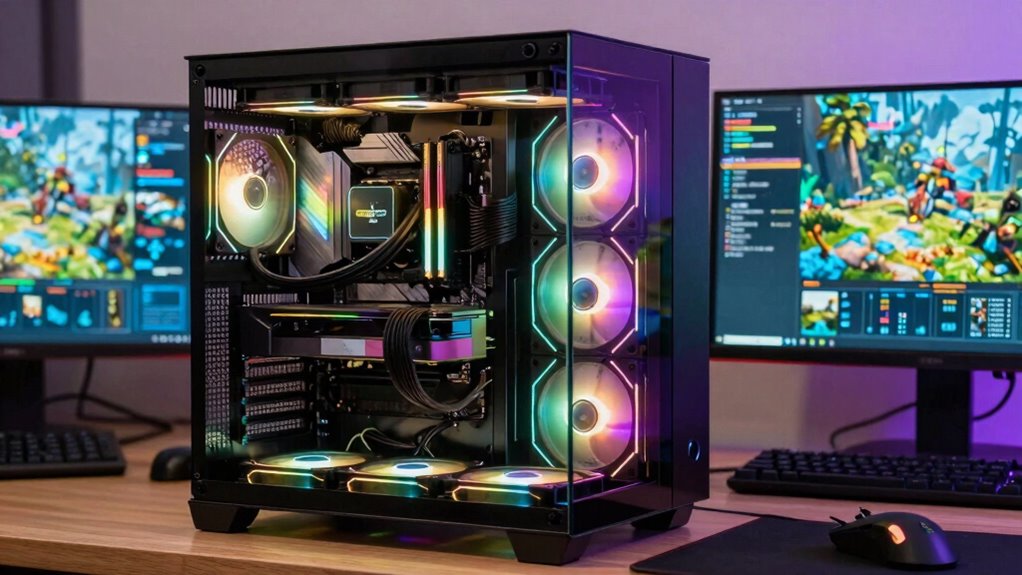
Modern games demand more RAM than ever, but how much is enough for smooth gameplay? Generally, 16GB of memory capacity is a solid starting point for most gamers. If you want to future-proof your setup or run demanding titles, 32GB offers extra breathing room. When choosing RAM, consider RAM speed; faster modules can improve load times and responsiveness.
Imagine your system’s memory as a workspace:
- A cluttered desk with scattered files
- Multiple monitors displaying game stats and streams
- Rapidly switching between apps and game menus
- Running background tasks without lag
- Handling large textures and game files effortlessly
Picking the right amount and speed of RAM guarantees your gaming experience remains smooth, responsive, and ready for the latest titles.
What Are the Common CPU, GPU, and RAM Bottlenecks in Gaming PCs?
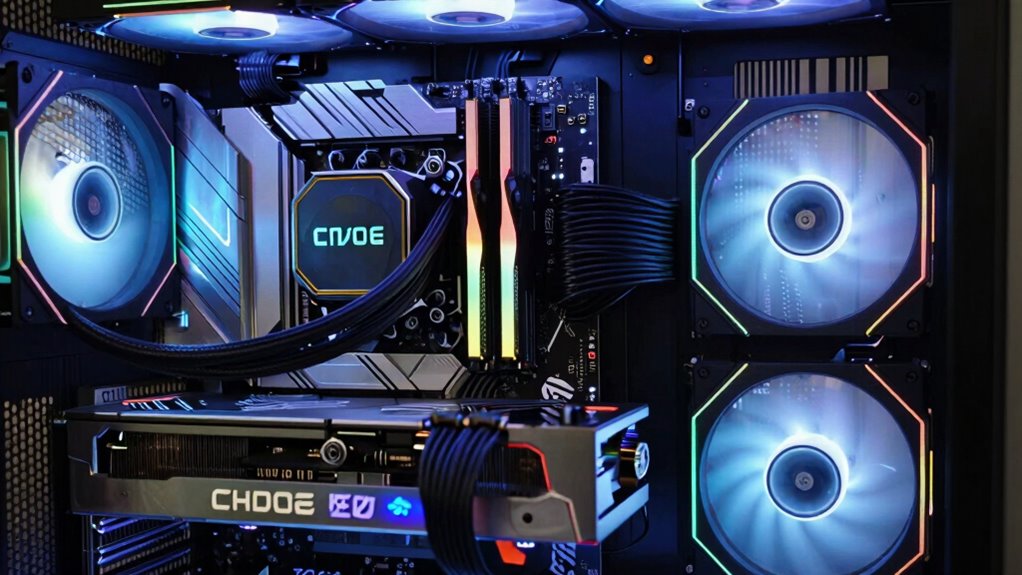
Even the most powerful gaming PCs can experience performance issues if certain components struggle to keep up, creating bottlenecks that limit overall performance. The most common bottlenecks involve hardware compatibility issues where a high-end GPU isn’t balanced with a weaker CPU, or insufficient RAM hampers smooth gameplay. These mismatches slow down data flow and reduce frame rates. Overclocking can boost performance but comes with risks, like overheating and system instability, which may worsen bottlenecks if not managed carefully. Recognizing these bottlenecks helps you prioritize upgrades; for example, upgrading your GPU without updating your CPU might not improve performance. Staying aware of hardware compatibility and overclocking risks guarantees you avoid unnecessary issues and keep your gaming experience smooth and responsive.
How to Balance Your CPU, GPU, and RAM for Optimal Gaming Performance?
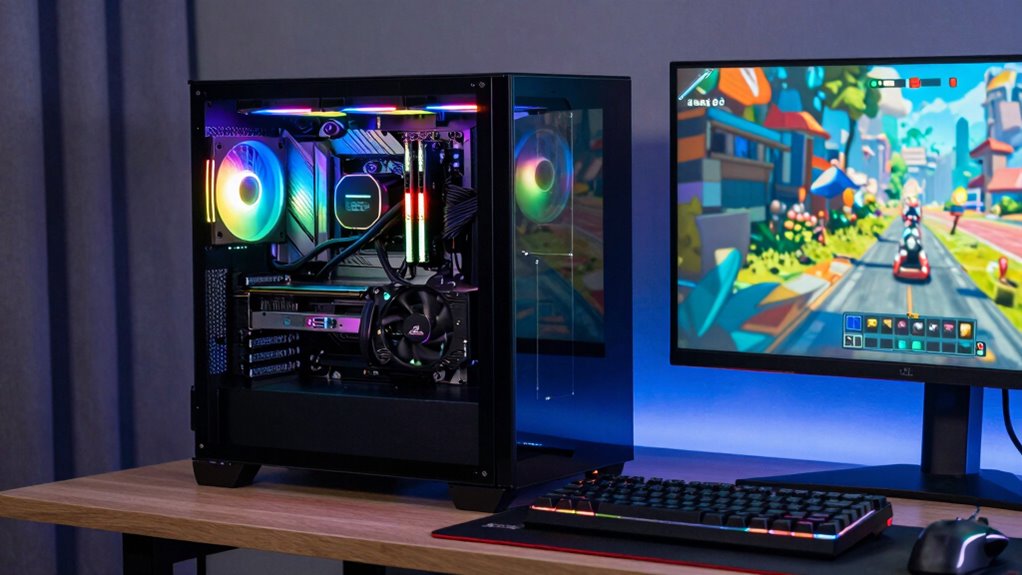
Balancing your CPU, GPU, and RAM is crucial for getting the best gaming performance, as each component plays an essential role in how smoothly your games run. To achieve this, make sure your CPU and GPU are roughly aligned in power, preventing bottlenecks. Use quality cooling solutions to maintain overclocking stability, especially when pushing components to their limits. Keep RAM at ideal speeds to avoid lag and stuttering. Consider the following:
- Upgrading CPU or GPU to match each other’s performance
- Investing in effective cooling solutions for overclocked parts
- Monitoring system temperatures regularly
- Ensuring RAM capacity and speed match game requirements
- Balancing overclocking for stability without overheating
This approach helps prevent bottlenecks and guarantees consistent, smooth gameplay.
Quick Tips for Upgrading Your Gaming PC Components
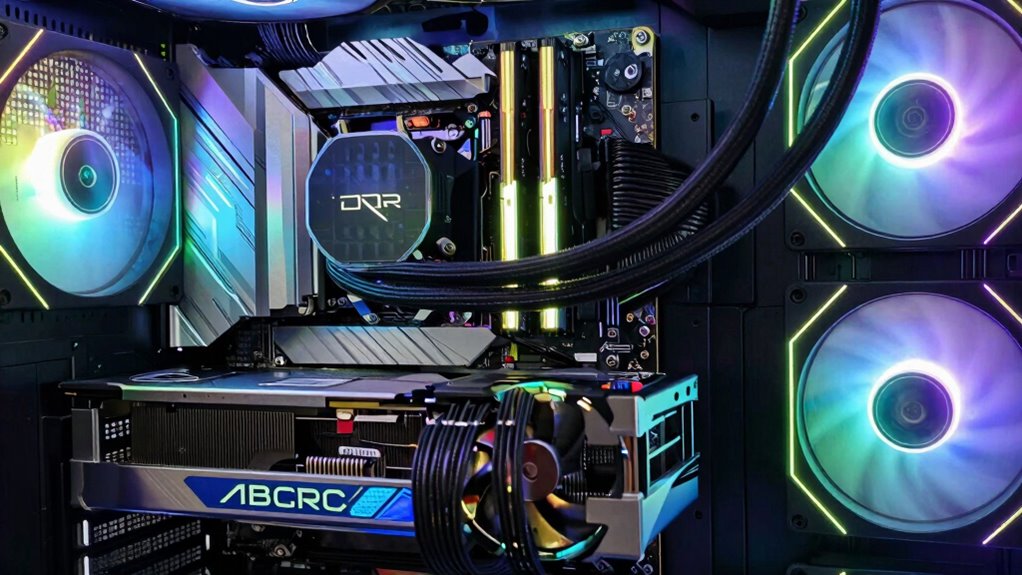
Upgrading your gaming PC components can substantially boost performance, but knowing where to start makes the process smoother. Focus on upgrading essential parts like your GPU, CPU, and RAM first, as they directly impact gameplay and streaming quality. To enhance your streaming setup, consider adding a dedicated capture card or better microphone, which improves stream quality without straining your PC. When upgrading, check compatibility with your existing system to avoid bottlenecks. Upgrading gaming accessories like a mechanical keyboard, gaming mouse, or high-refresh-rate monitor can also improve your experience without major PC changes. Always back up your data before hardware swaps, and research the latest components to guarantee future-proofing. These quick tips help you get the most out of your upgrades with minimal hassle.
Frequently Asked Questions
How Does Cooling Impact Gaming PC Performance?
Cooling directly impacts your gaming PC’s performance by preventing overheating, which can cause your system to slow down or crash. Using liquid cooling keeps temperatures low more efficiently, especially during intense gaming. Airflow optimization guarantees hot air exits and cool air enters, maintaining consistent performance. Together, liquid cooling and proper airflow help your PC run smoothly, allowing you to enjoy seamless gaming without worrying about thermal throttling or hardware damage.
What Are the Most Energy-Efficient Components for Gaming?
Think of your gaming PC as a garden; choosing energy-efficient components is like planting resilient, low-maintenance plants. Opt for a power-efficient CPU and GPU, which consume less energy but still deliver great performance. These components help reduce power consumption and maximize energy savings, ensuring your gaming sessions are greener and more sustainable. By selecting efficient parts, you nurture your gaming garden while keeping energy costs in check.
How Does Resolution Affect Component Requirements?
Resolution impacts your gaming PC by increasing display scaling and demanding more from your components. Higher resolutions, like 4K, require a powerful GPU to maintain smooth frame rates, especially during fast-paced scenes. You might notice a frame rate impact if your hardware struggles, leading to choppiness. To keep gameplay fluid, upgrade your GPU and confirm your CPU can handle the increased data processing from higher resolutions.
Can I Upgrade Individual Components Later?
Yes, you can upgrade individual components later, but imagine your PC as a finely tuned race car—you need component compatibility and clear upgrade pathways. Upgrading your GPU or RAM is usually straightforward if you choose components compatible with your motherboard and power supply. However, major upgrades like CPUs might require a new motherboard or power supply. Always plan ahead to guarantee your future upgrades stay smooth and hassle-free.
What Are the Signs of a Failing GPU or CPU?
You’ll notice signs of a failing GPU or CPU through overheating issues, where your system runs abnormally hot or crashes unexpectedly. Performance degradation is another key indicator, with games or applications slowing down, stuttering, or freezing. If your hardware shows these signs, it’s time to check for overheating issues, clean dust from fans, or consider replacing the component. Ignoring these signs can lead to further damage and costly repairs.
Conclusion
To build a great gaming PC, you need to understand your components—select the right CPU for speed, the right GPU for visuals, and enough RAM for multitasking. Balance your budget with your performance needs, avoid bottlenecks, and upgrade wisely. Prioritize what matters most for your gaming style, optimize your setup for smooth gameplay, and enjoy every moment. Remember, a balanced build is the key to gaming success—so choose, balance, and upgrade with purpose.