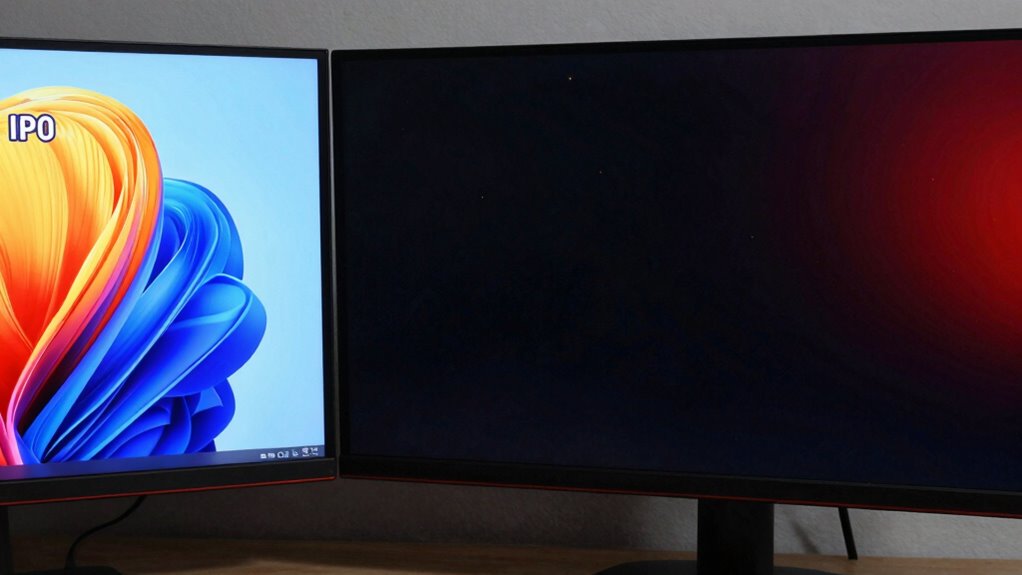

When choosing between IPS, VA, and OLED panels for work, consider your priorities. If color accuracy and wide viewing angles are key, go for IPS. For better contrast and deeper blacks, VA or OLED are ideal, with OLED providing the best black levels. OLED offers vibrant colors but can be pricier, while VA balances contrast and affordability. To understand which option suits your workflow best, keep exploring the details ahead.
Key Takeaways
- IPS panels offer superior color accuracy and wide viewing angles, ideal for creative work and detailed editing.
- VA panels excel in contrast and black levels, suitable for multimedia tasks and environments requiring deep blacks.
- OLED screens provide vibrant colors, true blacks, and excellent viewing angles, enhancing visual quality for professional use.
- Consider panel longevity, energy efficiency, and cost when balancing work requirements and budget.
- Choose based on primary work needs: color fidelity for editing, contrast for multimedia, or overall versatility.

ASUS ProArt Display 27" Monitor PA278CV – WQHD (2560 x 1440), IPS, 100% sRGB, 100% Rec. 709, ΔE < 2, Calman Verified, USB Hub, USB-C, DisplayPort Daisy-Chaining, HDMI, Eye Care, Height Adjustable
27-inch WQHD (2560 x 1440) LED backlight display with IPS 178° wide viewing angle panel International color standard…
As an affiliate, we earn on qualifying purchases.
As an affiliate, we earn on qualifying purchases.
What Are the Main Types of Display Panels and How Do They Differ?

Have you ever wondered what sets apart different display panels? The answer lies in their types and how they’re made. Panel manufacturing has evolved through technology advancements, resulting in three main panel types: IPS, VA, and OLED. IPS panels are known for their excellent color accuracy and wide viewing angles, thanks to their liquid crystal alignment. The manufacturing process in IPS panels is designed to optimize these qualities, making them ideal for precise color work. Additionally, IPS panels typically have a fast response time, which benefits smooth motion and reduces blurring during fast-paced scenes. VA panels excel in contrast ratios, providing deeper blacks suited for multimedia use. Contrast ratio is a key feature that enhances visual depth and detail in dark scenes. OLED panels, a recent innovation, use organic compounds that emit light, offering vibrant colors and true blacks without backlights. Each type has unique manufacturing processes that influence performance, cost, and application. Understanding these differences helps you choose a display that best fits your work needs, ensuring ideal visual quality and efficiency. Additionally, the liquid crystal alignment in IPS panels plays a crucial role in their superior color reproduction and viewing angles.

KOORUI New 22 Inch Computer Monitor FHD 1080P 120Hz PC Gaming Screen VA Panel Ultra-Slim Display 4000:1 Contrast Ratio with Adpitive Sync (HDMI/VGA/VESA Compatible 100x100mm/Audio Out), Tilt, Black
[Connectivity & Device Compatibility] This monitor supports HDMI and VGA input only (⚠️Not compatible with DisplayPort). Only HDMI…
As an affiliate, we earn on qualifying purchases.
As an affiliate, we earn on qualifying purchases.
How Do Color Accuracy and Viewing Angles Affect Your Work?
When working on detailed tasks like photo editing, design, or video production, color accuracy is essential because even slight deviations can affect the final result. Proper color calibration guarantees your display shows true-to-life colors, helping you trust your work. Viewing angles also matter; a panel with limited angles can distort colors or contrast when viewed from the side, hampering collaboration or multi-monitor setups. IPS panels typically excel in consistent color accuracy and wide viewing angles, improving viewing ergonomics and reducing eye strain. OLED displays often provide exceptional color fidelity and contrast, but their angles are also wide. Choosing a panel that offers accurate colors and stable images from various angles ensures your work remains precise and reduces fatigue over long hours. Additionally, understanding the style of display technology can help you select the best panel type for your specific needs. Recognizing the impact of panel technology on image quality is crucial for making an informed choice. For example, some display types may have inherent color shifting issues that can impact your work accuracy.

Samsung 27” Odyssey OLED G5 (G50SF) QHD & QD-OLED Gaming Monitor, 180Hz Refresh Rate, 0.03ms (GtG) Response Time, NVIDIA G-Sync Compatible, AMD FreeSync™, LS27FG500SNXZA
Samsung’s 27” Odyssey OLED G5 QHD Gaming Monitor delivers hyper-real visuals and lightning-fast action.
As an affiliate, we earn on qualifying purchases.
As an affiliate, we earn on qualifying purchases.
Which Panel Offers the Best Contrast and Black Levels for Professional Use?
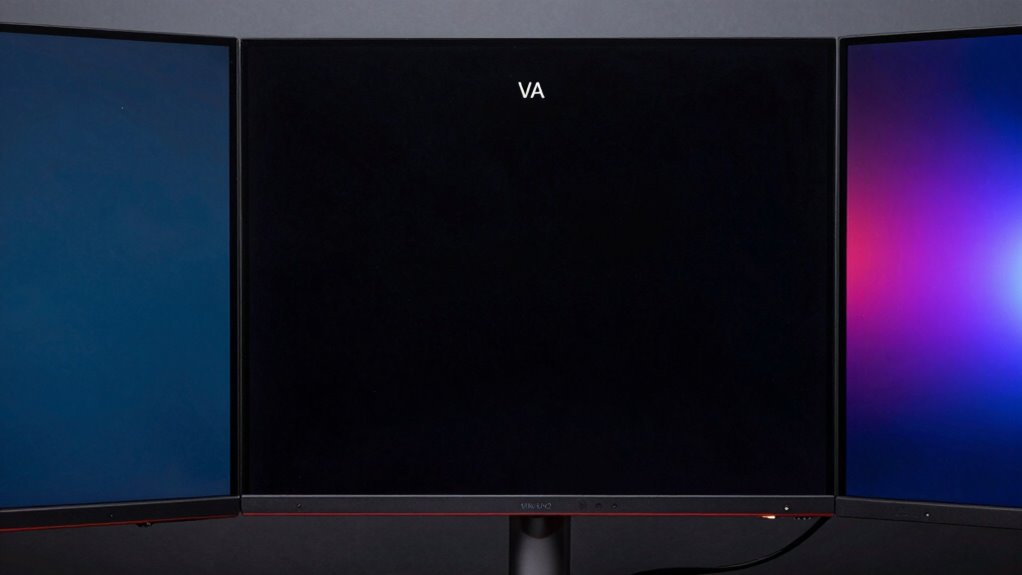
Choosing the right panel for professional use often hinges on contrast and black levels, as these factors influence image depth and detail. VA panels and OLED screens excel here, offering superior black levels and high contrast ratios. VA panels typically deliver deeper blacks than IPS, making them ideal for tasks requiring rich contrast. OLED panels outperform both with perfect black levels and infinite contrast ratios, creating vivid images with exceptional depth. IPS panels, while known for accurate colors and wide viewing angles, usually have lower contrast ratios and less impressive black levels. Additionally, panel technology plays a crucial role in determining overall display performance. Understanding the black level capabilities of each panel type can help you make a more informed decision based on your specific professional needs, especially when considering contrast ratio as a key metric for image quality.
ASUS ProArt Display 27" Monitor PA278CV – WQHD (2560 x 1440), IPS, 100% sRGB, 100% Rec. 709, ΔE < 2, Calman Verified, USB Hub, USB-C, DisplayPort Daisy-Chaining, HDMI, Eye Care, Height Adjustable
27-inch WQHD (2560 x 1440) LED backlight display with IPS 178° wide viewing angle panel International color standard…
As an affiliate, we earn on qualifying purchases.
As an affiliate, we earn on qualifying purchases.
Are IPS, VA, and OLED Panels Comfortable for Long Working Hours?
While VA and OLED panels excel in delivering rich contrast and deep blacks, their impact on comfort during extended use varies. OLED screens often have excellent color accuracy and fast response times, reducing eye strain if paired with proper ergonomic design. However, OLED’s potential for screen flickering and brightness fluctuations can cause discomfort over long hours. VA panels provide good contrast but may exhibit slower response times, which can contribute to eye fatigue during prolonged use. IPS panels generally offer more consistent brightness and color stability, making them more comfortable for long work sessions. Incorporating ergonomic design features like adjustable stands and blue light filters helps diminish eye strain across all panel types. Additionally, understanding panel technology can guide you in selecting displays that align with your comfort needs. Ultimately, choosing a display tailored to your workspace setup and eye comfort needs ensures you can work longer without discomfort.
How to Choose the Right Display Panel Based on Your Work Needs and Budget?
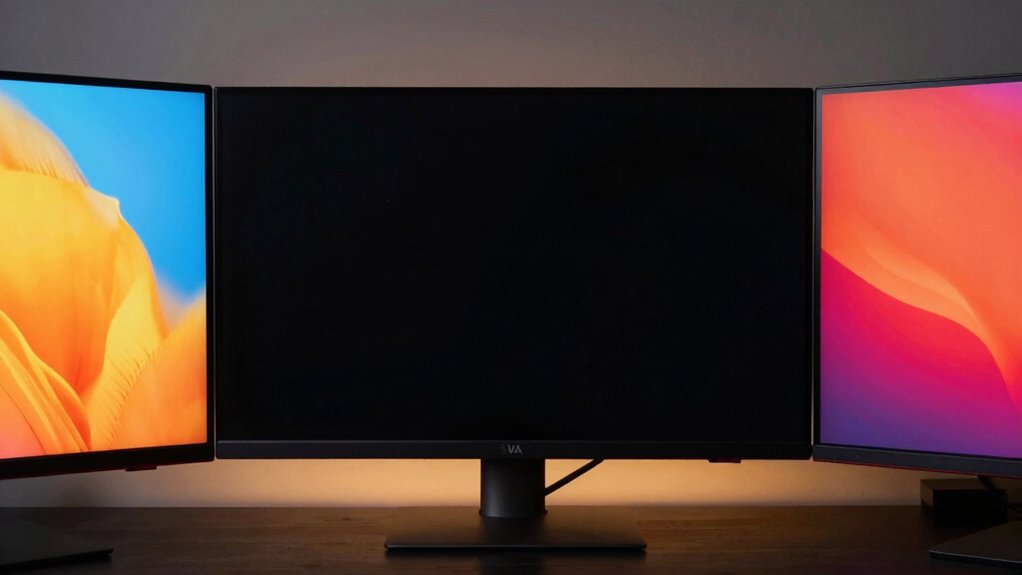
Selecting the right display panel depends on balancing your specific work requirements and budget constraints. If you prioritize display longevity, look for panels known for durability, like OLEDs, which tend to age better over time. For energy efficiency, IPS panels generally consume less power than OLEDs, helping reduce ongoing costs. Consider your work tasks: if color accuracy and wide viewing angles are essential, an IPS panel might suit you best. If you need high contrast and deep blacks, OLED is advantageous but may come with a higher price tag. Budget also plays a role; VA panels often offer a middle ground with good contrast and affordability. Ultimately, identify your main needs—whether it’s longevity, energy efficiency, or visual performance—and choose a panel that aligns with both your work demands and financial situation. Paying attention to panel durability can ensure your display remains reliable over years of use.
Frequently Asked Questions
Which Panel Type Is Most Energy-Efficient for Extended Use?
You’ll find that VA panels are the most energy-efficient for extended use, thanks to their lower power consumption compared to OLED and IPS screens. This not only helps reduce your electricity bill but also extends panel longevity. OLEDs tend to consume more power, especially with bright displays, which can impact energy efficiency. So, if you want a balance of good image quality and lower power use, VA panels are your best choice.
How Do Panels Impact Color Calibration and Consistency?
Panels considerably impact color calibration and consistency. IPS panels excel in color accuracy and maintain uniformity across the screen, making calibration easier with standard techniques like color profiles. VA panels may struggle with consistency due to contrast variations, while OLED screens offer vibrant colors but can experience slight shifts over time. Proper calibration techniques guarantee your display maintains ideal color accuracy, regardless of panel type, helping you achieve consistent, professional-quality visuals.
Are OLED Panels Prone to Burn-In During Prolonged Work Sessions?
Yes, OLED panels can be prone to burn-in risks during prolonged work sessions, especially if you display static images for hours. This issue raises longevity concerns, as persistent static content may cause uneven wear on the pixels. To prevent this, you might consider using screen savers or varying your displayed content regularly. While OLED offers stunning visuals, staying mindful of burn-in risks helps ensure your display remains vibrant over time.
What Maintenance Is Required to Keep Panels in Optimal Condition?
To keep your panels in top shape, regularly perform gentle panel cleaning with a soft, lint-free cloth and avoid harsh chemicals. Use screen protection like a matte screen protector or a screen cover to guard against scratches and dust. Keep the monitor in a cool, dry environment and avoid prolonged static images to prevent burn-in, especially on OLEDs. Regular maintenance guarantees vibrant visuals and extends your display’s lifespan.
How Does Screen Size Influence Panel Choice for Professional Tasks?
Choosing the right screen size is like finding the perfect pair of shoes—it should fit your work style comfortably. For professional tasks, larger screens improve immersion and multitasking, especially with high screen resolutions. An ergonomic design becomes essential as size increases, ensuring your setup minimizes strain. You want a display that balances size and clarity, letting you work efficiently without sacrificing comfort, so pick a size that complements your workspace and enhances productivity.
Conclusion
Choosing the right display panel depends on your work needs and budget. IPS offers great color accuracy and wide viewing angles, perfect for creative tasks. VA panels excel in contrast and black levels, ideal for media consumption and detailed work. OLED provides stunning visuals with deep blacks but can be pricier. Remember, a wise man once said, “You get what you pay for,” so pick the panel that best balances your needs and your wallet for a comfortable, productive experience.