
TL;DR

Get the latest gadgets delivered free with Prime
- Fast, free delivery on millions of items
- Prime Video, Amazon Music and more included
- Member-only deals all year
This article explains how a single video can generate a complete publishing kit—media kit, social assets, articles—without uploading anything to the cloud. It’s about controlling your content, speeding up production, and keeping everything private. Think of it as your all-in-one, local content factory.
Imagine turning one video into a full media toolkit, ready to publish across every platform—without ever uploading to the cloud. That’s the promise of a new wave of local-first tools that put you in control. No more waiting for cloud processing, no data leaks, just instant, private, and streamlined content creation.
This article walks you through how one source video can become a media kit, social posts, articles, and more—automatically and locally. You’ll see what gets generated, who it’s for, and how it fits into your modern self-publishing strategy.
Key Takeaways
- One source video can generate a complete set of publishing and promotional assets automatically.
- Running locally keeps your content private, reduces dependence on cloud services, and speeds up your workflow.
- A structured, multi-layer analysis of your video enables more accurate and meaningful asset creation.
- You can produce media kits, social media assets, articles, and more from a single source—saving hours of manual work.
- Ensure your hardware is capable and be prepared to do some manual tweaks for perfect results.
As an affiliate, we earn on qualifying purchases.
What does ‘one video in, a whole publishing kit out’ really mean?
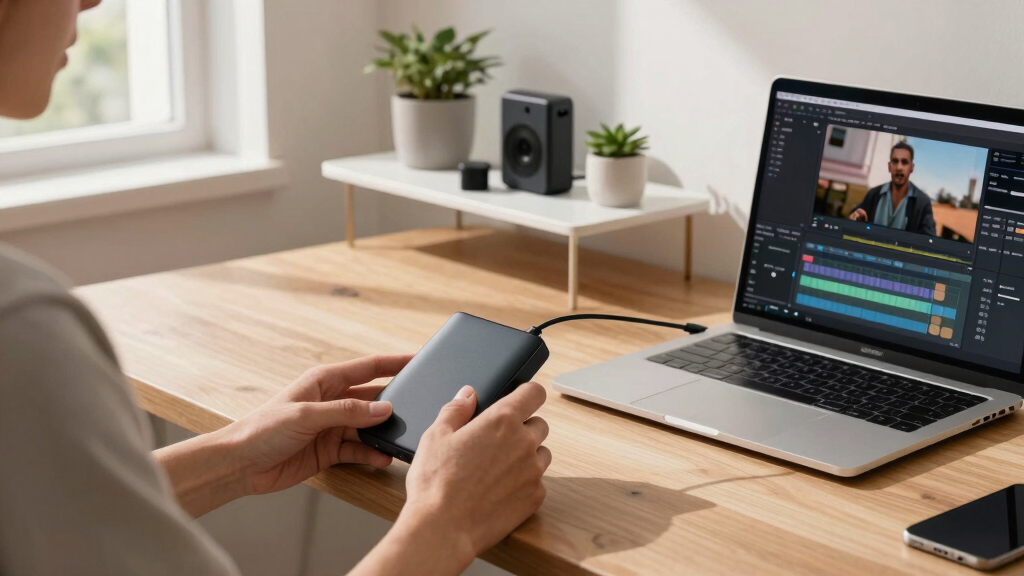
It means you feed a single video into a local tool, and it automatically creates everything you need to promote and publish—titles, descriptions, social media assets, articles, and even press-ready media kits. Learn more about local publishing tools. For example, you upload a 10-minute interview, and within minutes, you have a ready-to-share YouTube title, catchy TikTok clips, a blog draft, and high-res images for press.
All these assets are derived from deep analysis—transcripts, visual cues, scene changes, on-screen text, and key moments—without relying on any cloud service. This process is fast, private, and tailored to your brand.
Understanding why this matters is crucial: automating asset creation saves significant time, especially when producing multiple pieces of content from a single source. Learn more about content automation. It also reduces the risk of inconsistencies, ensuring branding remains uniform across platforms. Moreover, doing this locally means you retain full control over your data, which is increasingly important in an era of frequent privacy concerns and data breaches. The tradeoff? Slightly more setup and learning curve upfront, but ongoing efficiency gains and privacy benefits are well worth it.
As an affiliate, we earn on qualifying purchases.
Why is ‘without the cloud’ a game-changer for creators?
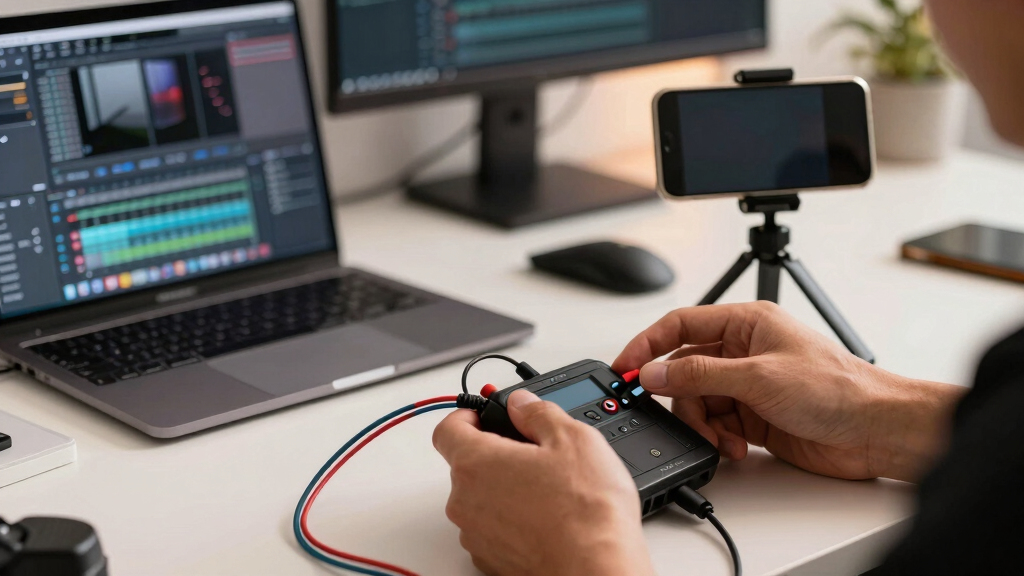
Running everything locally boosts your control over your content and data. No more worrying about cloud outages or data breaches. Plus, it saves time—no waiting for uploads or processing delays. Imagine editing your assets on your own machine, with instant feedback, and knowing your work stays private.
For example, a YouTuber can produce dozens of assets for a new video—thumbnails, social clips, a press kit—without ever uploading a file to a server. Everything stays on your computer, protected and ready to go.
This local approach also shifts the power dynamics: you’re no longer dependent on third-party cloud services that may change policies, introduce fees, or become unavailable. It fosters independence, which is vital for creators who value privacy, security, and speed. The tradeoff? You need a capable machine and some familiarity with the tools, but the payoff is a faster, more secure workflow that respects your ownership of your content.

As an affiliate, we earn on qualifying purchases.
What assets does a single video generate? Here’s the full list
From one video, you get a variety of publishing assets: discover how to streamline content creation.
- Title options scored against character limits
- Full description with chapters and hashtags
- Thumbnail concepts based on key moments
- Short clips for TikTok, Reels, Shorts
- Transcripts in multiple resolutions
- Blog drafts and newsletters
- Social media posts tailored per platform
- Media kit including high-res author photos and book covers
- One-sheet marketing materials
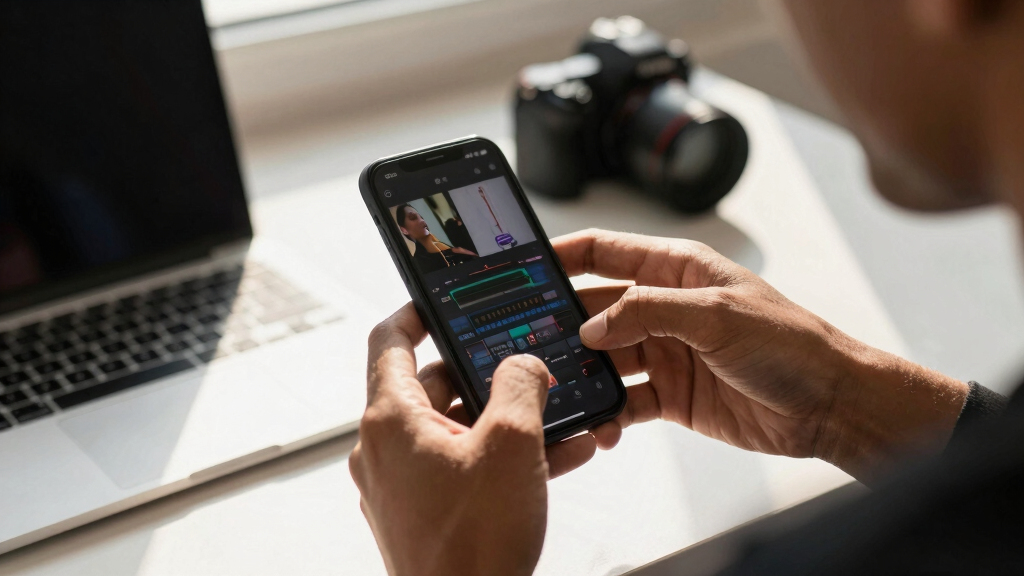
But why does this comprehensive list matter? Because each asset serves a specific purpose in your marketing pipeline. Well-crafted titles and descriptions improve discoverability and SEO. Custom thumbnails and clips enhance engagement. Transcripts and articles extend your content’s reach into blogs and newsletters. The media kit consolidates your branding, making your promotional materials more professional and consistent. The tradeoff here is that the quality of each asset depends on the input quality and the sophistication of the tools—manual tweaks may still be necessary for perfection, but the foundation is laid automatically, saving you hours of work.
privacy-focused video publishing software
As an affiliate, we earn on qualifying purchases.
As an affiliate, we earn on qualifying purchases.
Who benefits most from this local publishing workflow?
This approach suits creators, authors, educators, and entrepreneurs wanting full control. Explore more about content independence. If you produce YouTube videos, podcasts, or online courses, you’ll appreciate the speed and privacy. It’s perfect for those who want to build a consistent, professional brand without relying on external cloud services.
Take a small business owner creating product demos—upload one video, and instantly get social media assets, a press kit, and a blog post. It’s about streamlining your entire content pipeline, reducing bottlenecks, and maintaining brand consistency. The deeper implication is that this workflow democratizes content production: even small teams or solo creators can produce high-quality, multi-platform assets without expensive infrastructure or outsourcing. The tradeoff? It requires some initial investment in understanding the tools, but the long-term benefits of independence and speed are substantial.

What problems does this local-first system solve?
It cuts down hours of manual repackaging and editing. You avoid the delays and privacy risks of cloud services. And, you get a structured, reliable output that’s easy to update or customize. For example, instead of manually cropping clips and writing descriptions, the system does it all in seconds.
Beyond saving time, this system enhances consistency—assets generated from the same source are inherently aligned, reducing the risk of branding errors or mismatched messaging. It also minimizes reliance on third-party services, which can be costly or unreliable. The tradeoff? You might need to accept some limitations in customization or require manual adjustments for highly specific branding needs, but overall, the system’s efficiency and control outweigh these considerations.

How does this fit into modern self-publishing and media strategy?
It aligns perfectly with the trend toward direct-to-audience publishing. Stay updated on media strategy trends. You can publish your video content, then instantly generate all supporting materials—press releases, social campaigns, media kits—ready for distribution. This speeds up launches and helps you stay relevant.
The deeper significance lies in agility: being able to respond quickly to audience feedback or trending topics. Instead of waiting days or weeks for assets to be prepared, you generate them instantly, maintaining a competitive edge. For authors and creators, this means more opportunities for engagement, more control over timing, and a stronger, more coherent brand presence. The tradeoff is that rapid production might sometimes lead to less polished assets unless you review and refine them manually, but the overall acceleration in your workflow is invaluable.

Limitations and questions to ask before diving in
While powerful, these tools aren’t perfect. They require a decent local machine—preferably with a good processor and enough RAM. The accuracy of asset generation depends on the quality of your video and the sophistication of the tool. And, some customization may still require manual tweaking.
Ask yourself:
- Does my hardware support this system comfortably?
- Am I okay with some manual editing for perfection?
- Will this meet my branding and quality standards?
Understanding these tradeoffs is essential. For instance, a less capable machine might struggle with high-resolution videos or complex analysis, leading to slower processing or less accurate assets. Similarly, while automation is powerful, it’s not a substitute for human judgment—manual refinement remains important for maintaining brand consistency and quality. The key is finding a balance: leveraging automation to save time while applying your personal touch where it matters most. Tools like ChannelHelm offer transparency, allowing you to understand exactly what’s happening behind the scenes, which is crucial for making informed decisions about your workflow.
Frequently Asked Questions
What exactly does ‘one video in, a whole publishing kit out’ produce?
It produces titles, descriptions, social clips, transcripts, media kits, articles, and promotional assets—all from a single video, ready to publish across platforms.
How does it work without the cloud?
All processing happens on your local machine using powerful AI models that don’t require internet access, ensuring privacy, speed, and control.
Is the output editable, or just auto-generated?
The assets are auto-generated but fully editable. You can tweak titles, descriptions, images, and clips before publishing.
What files are included in a publishing kit?
A typical kit includes high- and low-resolution images, transcripts, social media snippets, articles, and media-ready press materials.
Yes, a comprehensive system produces all those materials from your source video, making it ideal for authors and content creators.
Conclusion
Turning one video into a full publishing kit without the cloud isn’t just a tech gimmick. It’s a smarter way to control your content, protect your privacy, and speed up your entire publishing process. Imagine the time saved and the assets you can produce—on your terms, from your machine.
Think of it as having your own mini media factory in your pocket, ready to roll whenever you need it. The future of publishing is local, fast, and fiercely independent. Ready to build your kit?

Halloween Picks
halloween
As an affiliate, we earn on qualifying purchases.