
To plan your Plex storage effectively, you need to understand how bitrate impacts your media file sizes and quality. Higher bitrates mean larger files, but also better quality, so balance this based on your media type. Use typical bitrate ranges for SD, HD, and 4K videos to estimate storage needs, and adjust compression settings for efficiency. Continue exploring to discover detailed calculations and tips to optimize your library’s capacity and streaming performance.

Get the latest gadgets delivered free with Prime
- Fast, free delivery on millions of items
- Prime Video, Amazon Music and more included
- Member-only deals all year
Key Takeaways
- Calculate storage needs by multiplying media bitrate by duration and dividing by 8 to convert to gigabytes.
- Use typical bitrate ranges (SD: 1–5 Mbps, 4K: 20–50 Mbps) to estimate file sizes accurately.
- Consider compression standards like H.265 or AV1 for efficient storage and quality retention.
- Account for future library growth and storage overheads like encryption and metadata.
- Optimize media quality and bandwidth by balancing bitrate settings and hardware capabilities.
As an affiliate, we earn on qualifying purchases.
How Much Storage Do You Need for Your Plex Library?

Determining how much storage you need for your Plex library depends on the size and quality of the media files you plan to store. Different media formats, like 4K, HD, or SD, considerably affect storage requirements. 4K files, for example, take up much more space than HD or SD videos. To choose the right storage solutions, consider your current library size and future growth. If you plan to store high-bitrate media, you’ll need larger capacity drives. Conversely, lower bitrate videos require less space. Think about the format you’ll use most often and how much content you want to keep accessible. By evaluating your media format and anticipated library size, you can select appropriate storage options to guarantee your Plex server runs smoothly without running out of space. Additionally, reviewing store return policies and hours can help you make informed decisions when purchasing new storage devices. Understanding bitrate math is essential for accurately estimating your storage needs based on the quality and length of your videos.
As an affiliate, we earn on qualifying purchases.
Why Bitrate Is Key to Planning Your Media Storage
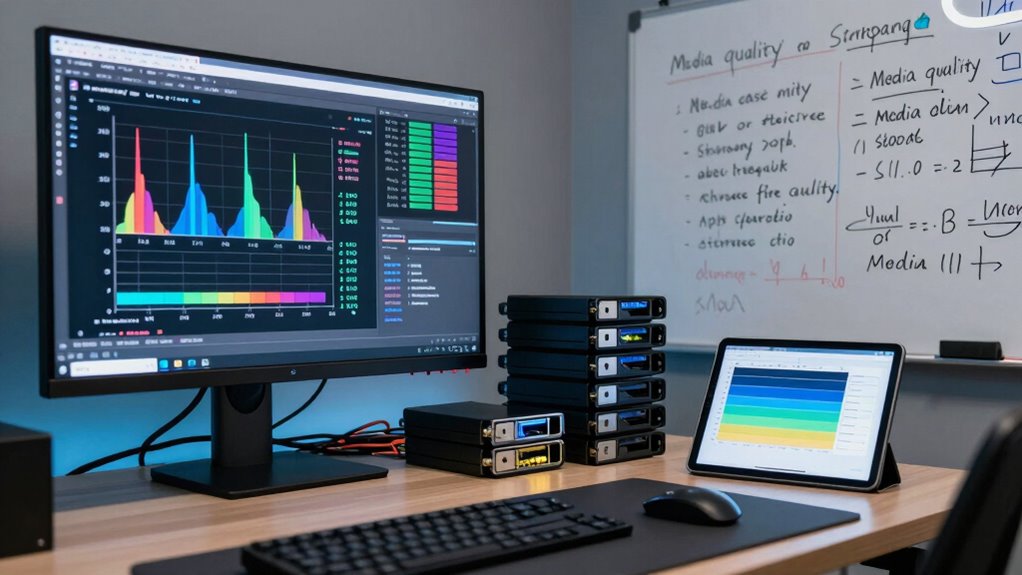
While knowing your media’s format size is important, understanding bitrate is equally vital for effective storage planning. Bitrate determines how much data is transmitted per second, directly impacting file quality and size. Different audio formats, like AAC or FLAC, have varying bitrates, affecting storage needs. Higher bitrates mean better quality but larger files, which can strain your network bandwidth during streaming. If your network bandwidth is limited, choosing lower bitrates or optimized formats helps guarantee smooth playback without buffering. By accurately evaluating bitrate requirements, you can better estimate storage needs and avoid over- or under-provisioning. Additionally, considering color accuracy and contrast ratios in your media can enhance your viewing experience, especially when streaming high-quality content. Recognizing molecular-scale circuits and their fabrication challenges can provide insights into future media storage technologies, paving the way for more efficient data management. A thorough understanding of network infrastructure can also help optimize your media delivery and prevent bottlenecks. Understanding content compression techniques can further improve your storage efficiency and streaming performance. Recognizing regional cultural influences can also help tailor your media library to suit diverse viewer preferences, making your Plex experience more personalized. This understanding helps you balance media quality with available network resources, making your Plex library more efficient and reliable.
external hard drive for media library
As an affiliate, we earn on qualifying purchases.
As an affiliate, we earn on qualifying purchases.
How Bitrate Affects the Size of Your Media Files
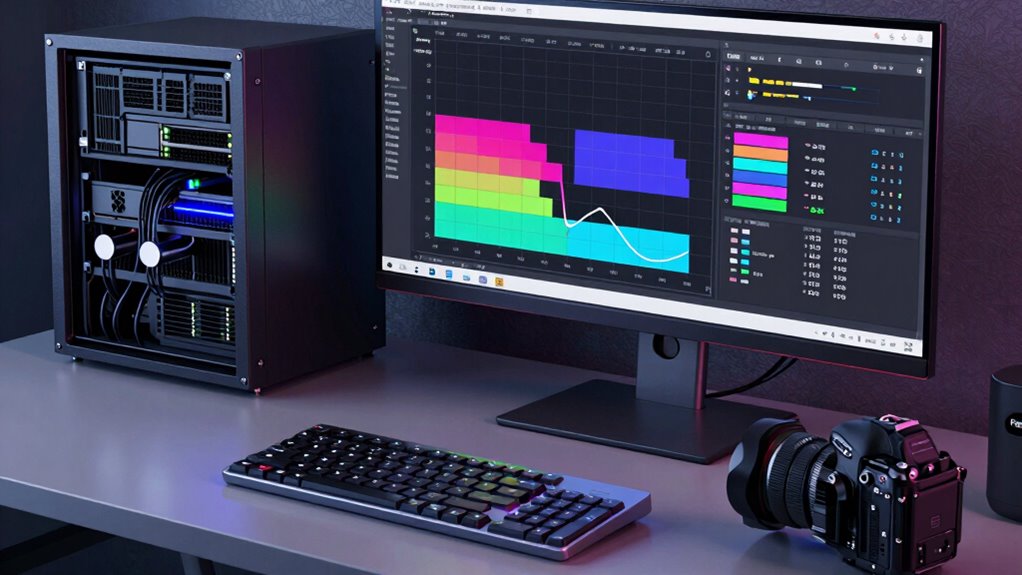
Bitrate directly influences the size of your media files because it dictates how much data is encoded per second of audio or video. Higher bitrates produce better quality but also increase file size, while lower bitrates reduce size at the expense of quality. Fluctuations in bitrate during media encoding can lead to inconsistent file sizes and quality levels. To understand this better:
Bitrate controls file size and quality; higher for clarity, lower for smaller files, with fluctuations causing inconsistency.
- Increasing bitrate boosts quality but enlarges files.
- Decreasing bitrate shrinks file size but may degrade quality.
- Bitrate fluctuations during encoding can cause size variability.
- Different media types demand specific bitrates for ideal balance.
- Consistent encoding practices help maintain predictable file sizes and quality. Additionally, understanding astrological influences on personal traits can inform creative choices in media production and presentation. Recognizing how media compression algorithms manage bitrate variations can also improve overall file efficiency and quality.
high capacity SSD for media server
As an affiliate, we earn on qualifying purchases.
As an affiliate, we earn on qualifying purchases.
Calculating Typical Bitrate for Your Media Types

Understanding typical bitrate ranges for your media types helps you estimate storage needs accurately. Different media formats have specific bitrate variations that impact file size and quality. By knowing these ranges, you can better plan your Plex storage and guarantee smooth playback. Additionally, considering media compression techniques can further optimize your storage efficiency without sacrificing quality. Knowing the bitrate ranges for your media types allows you to select appropriate settings that balance quality and storage use. Being aware of sauna safety tips and best practices can also help ensure your media environment remains secure and efficient, especially if you’re managing hardware in a dedicated setup. Furthermore, understanding industry standards like those used in Gold IRA markets can provide insights into reliable and trusted methods for maintaining quality and security in your media storage solutions. Incorporating verification tools and guidelines from lubricant specs can also help you ensure your media environment adheres to best practices for longevity and performance.
Common Bitrate Ranges
Determining the typical bitrate for your media types is essential for efficient storage planning, as it directly impacts both quality and file size. Common bitrate ranges vary depending on the media quality you aim for. Generally, high-definition videos have bitrates from 5 to 25 Mbps, while standard-definition videos stay between 1 to 5 Mbps. When considering bitrate improvements, keep in mind that higher bitrates enhance quality but consume more storage. To work within storage limitations, you should recognize these typical ranges:
- SD Video: 1–5 Mbps
- 720p HD Video: 3–8 Mbps
- 1080p HD Video: 8–15 Mbps
- 4K UHD Video: 20–50 Mbps
Knowing these ranges helps balance quality with storage constraints, familiar faces and the emotional significance they carry can influence the perceived quality of your media.
Media Type Variations
Have you ever wondered how to accurately estimate the typical bitrate for different media types in your library? Your media format substantially influences bitrate calculations, as each format has unique compression standards. For example, high-quality 4K HDR videos demand more storage space and higher bitrates due to richer detail, while standard HD streams use lower bitrates. Storage technology also plays a role; modern codecs like HEVC or AV1 offer better compression, reducing the required bitrate for similar quality. Understanding these media type variations helps you plan your storage needs more precisely. By considering both media format and the underlying storage technology, you can optimize your library’s capacity, ensuring smooth playback without over-allocating space. This targeted approach keeps your Plex setup efficient and scalable.
Estimating Your Storage Needs Based on Bitrate and Library Size

Estimating your storage needs starts with knowing how much data your media consumes based on its bitrate and library size. To do this effectively, consider these factors:
- Calculate the total bitrate of your library, including media tagging metadata.
- Multiply that bitrate by the average duration of your videos in seconds.
- Convert the resulting figure into gigabytes for a clearer storage estimate.
- Account for storage encryption, which can slightly increase the required space due to added overhead.
- Additionally, understanding auditory processing can help tailor media content for specific audiences, ensuring efficient and effective storage and delivery.
Choosing the Best Compression Settings for Your Media

Choosing the right compression settings for your media can considerably impact both storage efficiency and playback quality. To do this, you need to understand how different compression algorithms affect bitrate efficiency. Some algorithms prioritize smaller file sizes, which saves storage space, but may sacrifice quality. Others focus on maintaining high quality, resulting in larger files. Your goal is to find a balance that matches your streaming needs and storage capacity. Consider using codecs like H.264 or H.265, which offer good compression efficiency without losing too much detail. Adjust your bitrate settings based on your media type and playback devices. By selecting the most suitable compression settings, you ensure smooth streaming while maximizing your storage resources.
Real-World Examples of Bitrate Math for Different Media
Understanding how bitrate affects streaming quality and file sizes helps you plan your storage more effectively. You’ll see how slight changes in bitrate can impact video clarity or storage needs. A clear grasp of video encoding techniques can further optimize your media management. Additionally, considering energy efficiency in your appliance choices can help reduce ongoing operational costs, especially when managing large media libraries. Let’s explore real-world examples to make these concepts clear and actionable.
Streaming Quality Variations
When streaming media, the quality you experience often depends on the bitrate, which varies based on the type of content and your internet connection. Higher bitrates generally improve audio quality, but they also demand more network bandwidth. For example:
- Standard definition videos typically stream at 2-4 Mbps, balancing quality and bandwidth.
- HD content may require 5-8 Mbps for smooth playback without buffering.
- 4K videos often need 15-25 Mbps to maintain sharp visuals and audio fidelity.
- Audio-only streams, like music, usually operate at 128-320 kbps, with higher bitrates delivering better audio quality.
- Incorporating adaptive streaming ensures that your media adjusts to your network conditions for a smoother viewing experience.
Your network bandwidth influences how well these variations play out, affecting overall streaming satisfaction. Understanding these differences helps you optimize your Plex library for consistent quality.
File Size Estimations
Knowing how much storage space your media files will require depends on their bitrate and length. To estimate file sizes, multiply the bitrate (in Mbps) by the duration (in seconds) and divide by 8 to convert bits to bytes. For example, a 2-hour 1080p video at 8 Mbps needs about 7.2 GB. Metadata management plays a role in organizing these files efficiently, ensuring quick access and minimal duplication. Network bandwidth impacts streaming quality and transfer times, especially when managing multiple large files. Accurate file size estimations help you plan storage capacity and optimize your network setup. Understanding the relationship between bitrate, length, and size empowers you to balance quality with available resources, ensuring smooth playback and efficient storage management for your Plex library.
Tips to Optimize Storage and Streaming Performance
Optimizing storage and streaming performance in your Plex setup requires careful planning and regular maintenance. To improve efficiency, consider these tips:
- Regularly update your hardware to handle higher bitrates and larger libraries, ensuring smoother playback.
- Strengthen network security to prevent unauthorized access that could disrupt your streams.
- Use SSDs for caching and frequently accessed files to reduce load times and buffering issues, which can significantly enhance overall performance.
- Monitor your network bandwidth and optimize your router settings to prioritize Plex traffic.
- Choose the appropriate battery inverter generator to ensure your system remains powered during outages and maintains stable streaming performance. Additionally, understanding bitrate and how it impacts your library’s quality can help you make informed decisions about your hardware upgrades. Being aware of the latest trends in digital media can also help you stay current with new formats and technologies that might enhance your streaming experience. To guarantee consistent quality, it’s essential to understand how synthetic lubricants can contribute to your hardware’s longevity and reliable operation.
Frequently Asked Questions
How Does Network Speed Influence Storage Planning for Plex?
Network speed directly impacts your Plex storage planning because slower networks can cause buffering and interruptions. Network congestion can reduce effective bandwidth, making it essential to take into account your upload and download speeds. Proper router configurations help optimize performance, ensuring smooth streaming. By understanding your network’s capacity, you can allocate storage efficiently to handle high-bitrate files and prevent playback issues, creating a seamless Plex experience.
What Impact Do Different Codecs Have on Bitrate and Storage Needs?
Different codecs considerably impact bitrate and storage needs due to video compression and codec efficiency. More efficient codecs, like HEVC or AV1, reduce bitrate while maintaining quality, saving storage space. Less efficient codecs, such as older MPEG formats, require higher bitrates, increasing storage requirements. Understanding these differences helps you plan your library better, balancing quality and storage, especially if you want to optimize streaming performance and minimize disk usage.
Can Cloud Storage Solutions Affect Bitrate Calculations?
Cloud storage solutions can influence bitrate impact because they often compress or optimize files differently than local storage. This may alter your original bitrate calculations, affecting the quality and storage needs of your media library. When planning your Plex setup, keep in mind that cloud compression, streaming protocols, and bandwidth limitations can change how bitrate impacts your overall storage strategy, so adjust your calculations accordingly.
How Often Should I Reassess My Storage Needs as My Library Grows?
Don’t put all your eggs in one basket; regularly reassess your storage needs as your library grows. You should review your media organization and storage optimization every few months or when adding significant new content. This helps prevent bottlenecks and guarantees smooth playback. Staying proactive allows you to adjust bitrate calculations, optimize space, and maintain quality, so your library always meets your evolving viewing demands effectively.
Are There Tools to Automatically Estimate Optimal Bitrate for My Media?
Yes, there are tools that can help you automatically estimate the ideal bitrate for your media, balancing media quality and storage efficiency. Apps like HandBrake and Plex’s own bitrate calculator analyze your media files and suggest bitrate settings for streaming or storage. These tools assist with bitrate optimization, ensuring you maintain good media quality without unnecessarily hogging storage space. Using them keeps your library well-balanced as it grows.
Conclusion
By understanding bitrate math, you hold the key to accessing your perfect Plex library. Planning your storage isn’t just about numbers—it’s about crafting a seamless streaming experience that feels effortless. Think of your library as a garden; the right bitrate and compression keep it lush and vibrant without overburdening your space. Embrace these calculations, and turn your media setup into a masterpiece that’s both beautiful and efficient.
Halloween Picks
halloween
As an affiliate, we earn on qualifying purchases.