
RAID 1 mirrors your data across two disks, offering simple recovery but halving your storage capacity. RAID 5 uses striping with parity, balancing performance and redundancy, while RAID 6 adds extra parity to handle two disk failures but slightly slows speeds. RAID 10 combines mirroring and striping for top performance and safety but requires more disks. To understand which option fits your needs, keep exploring the key differences and benefits.
Listen free for 30 days with Audible
Thousands of audiobooks and originals — cancel anytime.
As an affiliate, we earn on qualifying purchases.
Key Takeaways
- RAID 1 mirrors data for simple recovery, offering high redundancy but halves storage capacity.
- RAID 5 uses striping with parity, balancing performance, storage efficiency, and fault tolerance.
- RAID 6 adds an extra parity block, allowing for two disk failures but slightly reduces speed.
- RAID 10 combines mirroring and striping for high performance and redundancy, requiring more disks.
- Choice depends on balancing costs, performance needs, fault tolerance, and hardware compatibility.
As an affiliate, we earn on qualifying purchases.
Differences Between RAID 1, RAID 5, RAID 6, and RAID 10
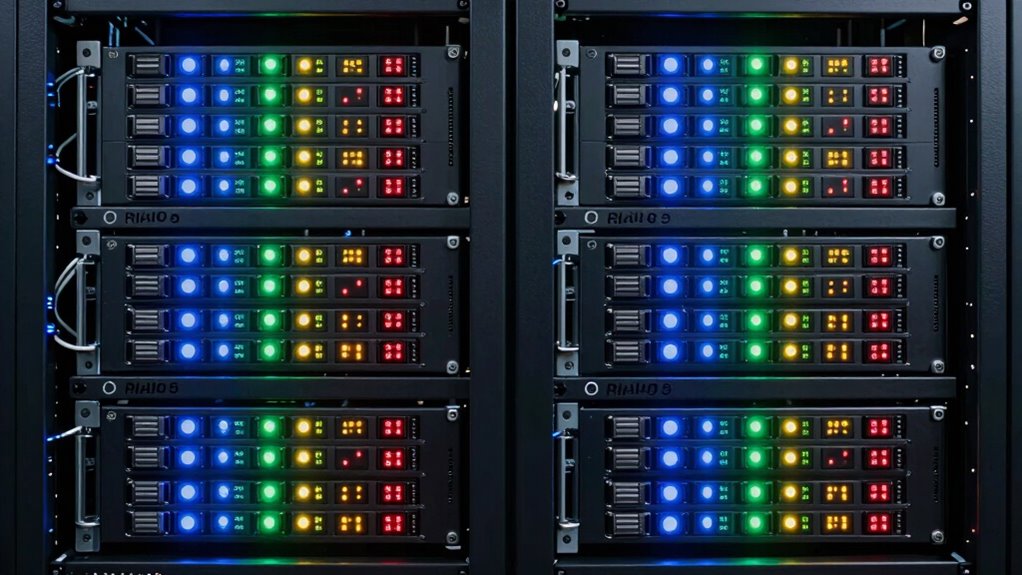
When choosing between RAID 1, RAID 5, RAID 6, and RAID 10, it’s important to understand their key differences regarding redundancy, performance, and storage efficiency. RAID 1 mirrors data across two disks, offering straightforward data recovery but at the cost of halved storage capacity. RAID 5 uses striping with parity, providing a good balance of redundancy and efficiency, but may require compatible hardware to handle parity calculations smoothly. RAID 6 adds an extra parity block, boosting fault tolerance but slightly reducing speed. RAID 10 combines mirroring and striping, delivering high performance and redundancy, but demands more disks. Ensuring hardware compatibility is essential for maximum data recovery and performance across these RAID levels. Exploring digital concepts can help optimize your data storage strategy and improve overall system resilience.
As an affiliate, we earn on qualifying purchases.
How RAID Levels Affect Data Redundancy and Speed
Different RAID levels impact data redundancy and speed in distinct ways, shaping how well your system can protect data and perform tasks. You’ll notice that some configurations prioritize performance, while others focus on data safety, affecting your data recovery challenges. For example, RAID 1 provides excellent redundancy, making data recovery easier, but reduces overall speed. RAID 5 balances performance benchmarks and redundancy, though data recovery can be complex if multiple disks fail. RAID 6 enhances redundancy further, handling two disk failures but slightly decreasing speed. Understanding these differences helps you choose the right level for your needs, ensuring ideal data protection and performance. Additionally, gear care tips can help maintain your hardware’s longevity and reliability.
As an affiliate, we earn on qualifying purchases.
Which RAID Is Best for Your Storage Needs?
Choosing the right RAID level depends on your specific storage needs and priorities. If you prioritize speed and data redundancy, RAID 10 might suit you, but it requires more drives and better hardware compatibility. For cost-effective redundancy, RAID 5 offers a good balance, especially if you plan to integrate cloud backups for off-site safety. If you need maximum fault tolerance with fewer drives, RAID 6 is ideal, though it may impact write performance. Consider your hardware compatibility; not all RAID levels work seamlessly with every system or controller. Additionally, think about your backup strategy—cloud backups can complement RAID arrays by providing extra security against physical damage or theft. Ultimately, match the RAID level to your data criticality, budget, performance needs, and backup plans.
As an affiliate, we earn on qualifying purchases.
Factors to Consider When Picking a RAID Level
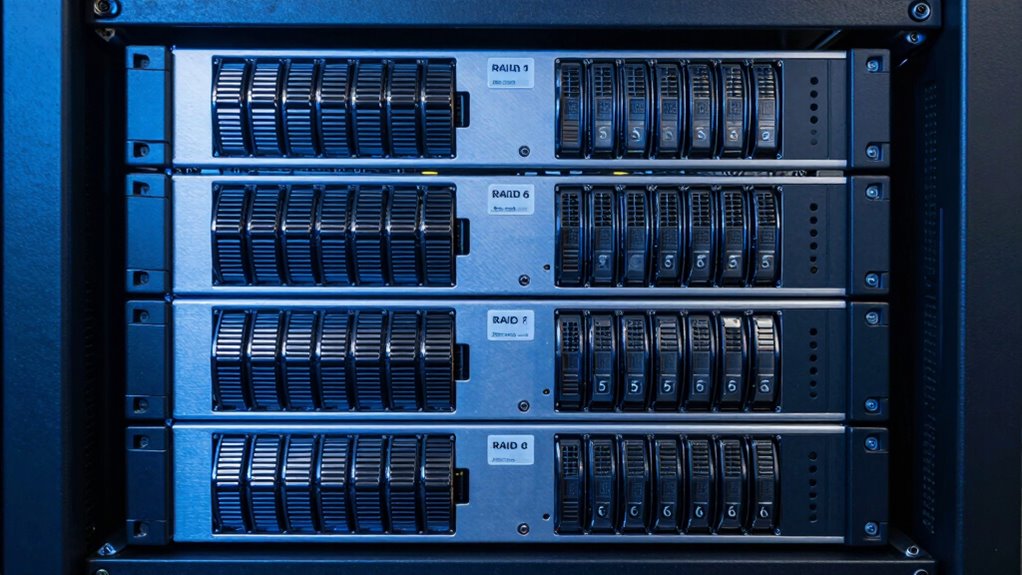
Selecting the right RAID level requires carefully weighing several key factors to guarantee it aligns with your storage goals. First, consider your cost considerations, including hardware and maintenance expenses, since some RAID levels demand more drives or controllers. Second, evaluate scalability options—will your storage need grow, and can the RAID setup expand easily? Third, think about your performance needs—do you require high read/write speeds or redundancy? Fourth, assess your fault tolerance requirements—how much data protection do you need in case of drive failure? Balancing these factors helps you choose a RAID level that fits your budget, future growth, and performance expectations, ensuring your storage solution remains reliable and cost-effective over time.
Frequently Asked Questions
Can RAID Levels Be Combined for Better Performance?
Yes, you can combine RAID levels through hybrid configurations to boost performance and data protection. For example, RAID 10 merges RAID 1 and 0, offering faster speeds and redundancy. By customizing these setups, you optimize performance based on your needs. Hybrid configurations allow you to balance redundancy and speed, making them ideal for environments demanding both performance optimization and reliable data protection.
How Does RAID Impact Data Recovery Time?
RAID can substantially influence your data recovery time; it’s a balance between data redundancy and recovery speed. When a drive fails, RAID 1 offers quick recovery thanks to mirroring, while RAID 5 and 6 may take longer due to parity rebuilding. Your choice affects how fast you restore data after failures, with RAID levels designed to optimize either redundancy or recovery speed, but rarely both simultaneously.
Are There Specific Use Cases for Each RAID Level?
You can choose a RAID level based on your need for fault tolerance and data redundancy. RAID 1 suits critical data requiring mirroring, ideal for small businesses. RAID 5 offers a balance of performance and redundancy, perfect for servers with read-heavy workloads. RAID 6 provides higher fault tolerance, suitable for large storage arrays. RAID 10 combines mirroring and striping, great for high-performance applications demanding both speed and fault tolerance.
What Are the Costs Associated With Different RAID Levels?
The costs vary widely depending on your chosen RAID level. You might find yourself paying more upfront for higher data redundancy, like with RAID 6, which demands additional disks. However, lower-cost options like RAID 5 balance cost efficiency with protection, while RAID 1 can be pricier due to duplication. The true cost lies in the balance between initial investment, ongoing maintenance, and the level of data redundancy you need to safeguard your data.
How Do Hardware and Software RAID Options Compare?
You’ll find hardware RAID offers better performance and dedicated firmware compatibility, making it ideal for critical systems. Software RAID, on the other hand, is more flexible and easier to set up, with seamless backup integration. However, hardware RAID can be costly and less adaptable if hardware fails. Consider your needs for firmware compatibility and backup integration, then choose the option that balances performance, cost, and ease of maintenance.
Conclusion
Choosing the right RAID level depends on your balance of speed, redundancy, and capacity. Did you know that RAID 10 offers the best performance and redundancy by combining RAID 1 and 0, but at twice the cost? Understanding these options helps you make smarter storage decisions. Whether you prioritize data safety or speed, knowing the trade-offs guarantees your data remains protected and accessible when you need it most.
Fall Picks
fall essentials
As an affiliate, we earn on qualifying purchases.