When choosing a projector, understanding lumens, throw ratio, and ALR helps you get the best picture for your space. Lumens indicate brightness, but more isn’t always better—consider your environment and room lighting. Throw ratio determines how close your projector needs to be for a certain image size. ALR screens reduce reflections and improve clarity in bright rooms. To make smart choices that fit your setup, explore these specs further and optimize your viewing experience.

Get the latest gadgets delivered free with Prime
- Fast, free delivery on millions of items
- Prime Video, Amazon Music and more included
- Member-only deals all year
Key Takeaways
- Lumens measure projector brightness; higher lumens suit bright environments, but excessive brightness can wash out dark scenes.
- Throw ratio determines image size relative to projector distance; short throw for small spaces, long throw for larger rooms.
- Ambient Light Rejection (ALR) screens reduce reflections and improve image clarity in well-lit environments.
- Proper calibration and matching projector specs to room conditions prevent common issues like washed-out images or distortion.
- Understanding these specs ensures optimal projector performance tailored to specific room size, lighting, and viewing needs.
best projector with high lumens for bright rooms
As an affiliate, we earn on qualifying purchases.
As an affiliate, we earn on qualifying purchases.
What Makes Brightness (Lumens) Important When Choosing a Projector?
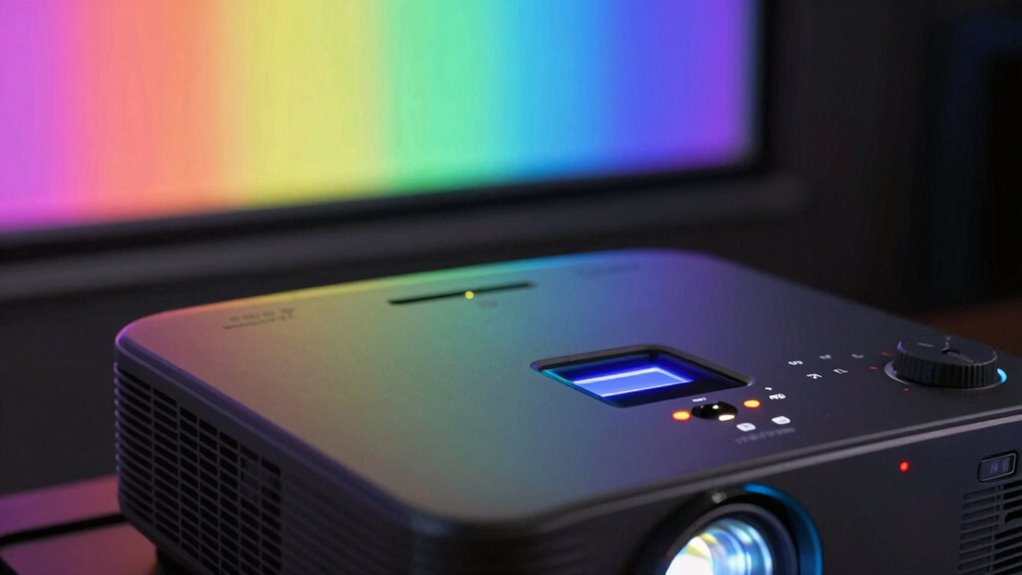
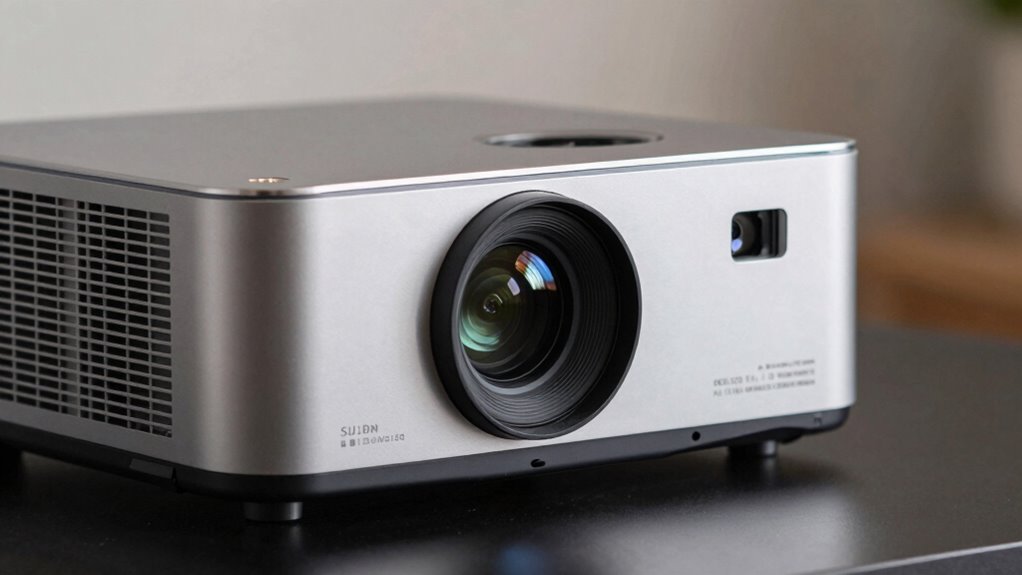
Brightness, measured in lumens, is a key factor because it determines how well your projector will perform in different lighting conditions. Many people fall for brightness myths, thinking higher lumens always mean a better picture. But lumen myths can be misleading; a projector with too many lumens in a dark room can cause washed-out images, while one with fewer lumens may struggle in bright spaces. Understanding the actual needs of your environment helps you choose the right brightness. Instead of chasing the highest lumen count, consider your room’s lighting and screen size. This way, you’ll avoid lumen myths and select a projector that delivers clear, vibrant images without overpaying for unnecessary brightness.
short throw projector for small spaces
As an affiliate, we earn on qualifying purchases.
As an affiliate, we earn on qualifying purchases.
How to Pick the Right Throw Ratio for Your Room Size
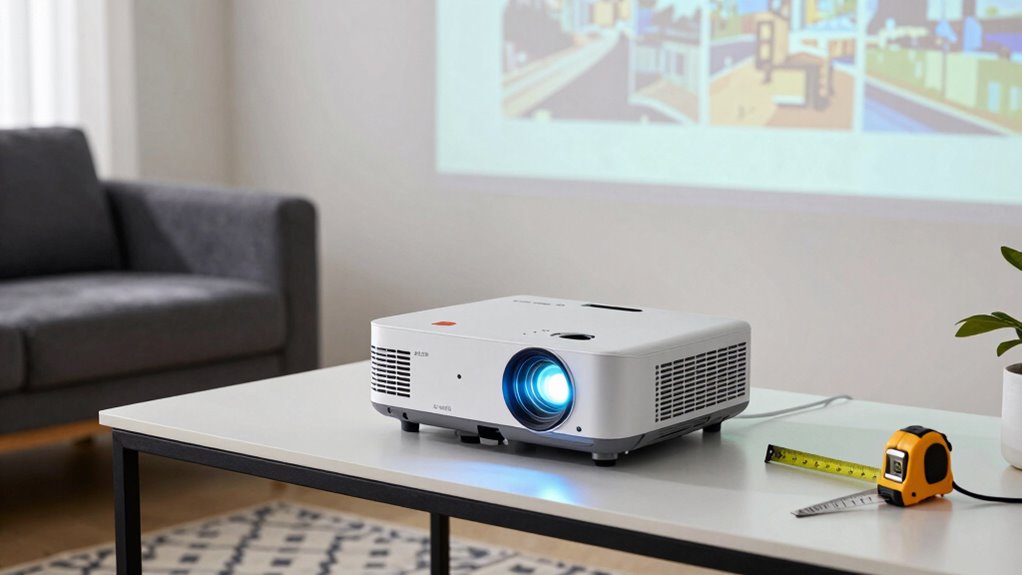
Choosing the right throw ratio is essential for ensuring your projector fits well in your space and delivers the ideal image size. To do this, consider your room dimensions and how far the projector will sit from the screen—known as the projection distance. A short throw ratio is perfect for small rooms or limited space, allowing you to place the projector close to the screen while still achieving a large image. Conversely, a long throw ratio works better for bigger rooms, where the projector needs to be farther back. Measure your available space carefully, and match it with the projector’s throw ratio specifications. This helps you select a model that produces the right size image without crowding or excessive distance. Additionally, understanding the cabling solutions involved can ensure your projector installation is both functional and tidy. Recognizing the importance of exponential growth in technology can also help you anticipate future upgrades or compatibility needs, especially as smart home integration continues to evolve. Being aware of how technological advancements influence projector features can help you make more informed decisions now and in the future. Staying current on these trends can also help you adapt your setup as new connectivity options become available.
Ambient Light Rejection (ALR) projector screen
As an affiliate, we earn on qualifying purchases.
As an affiliate, we earn on qualifying purchases.
Understanding Ambient Light Rejection (ALR) and Why It Matters
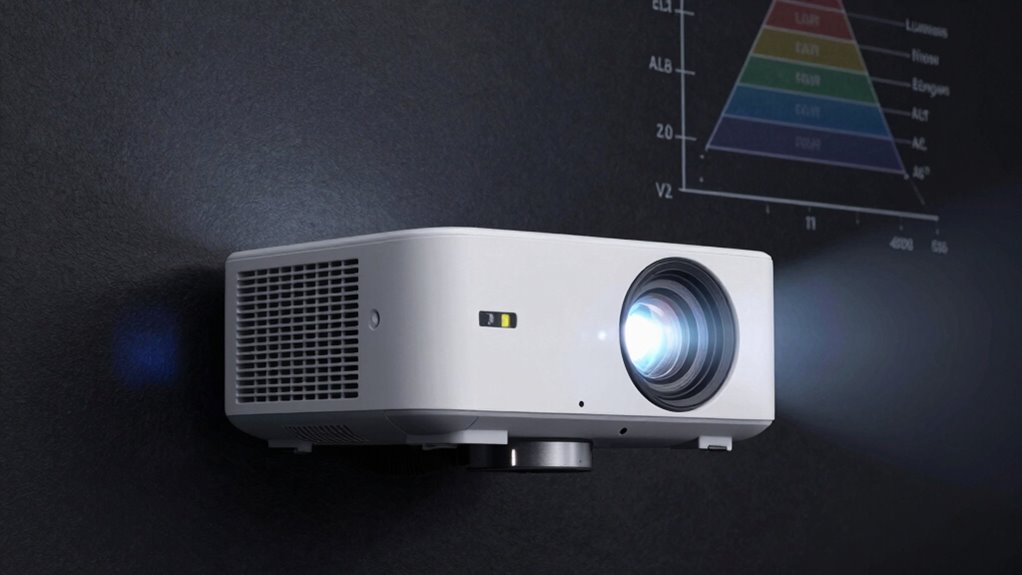
Understanding Ambient Light Rejection (ALR) is key to getting a clear, vibrant image in any room. When your projector has good ALR, it reduces reflections from ambient light, making the picture sharper and more vivid. This feature considerably enhances your viewing experience, especially in well-lit spaces. Additionally, choosing a screen with dust resistance can further improve image clarity by minimizing dust-related reflections. In the context of future economies, such technological features can support more flexible and adaptable home entertainment setups, even as lighting conditions vary. Incorporating advanced protective coatings can also help maintain the integrity of your screen over time, ensuring consistent performance. Moreover, selecting high-quality copper cookware for your kitchen can reflect a similar emphasis on durability and performance, enhancing your overall environment.
Enhances Image Clarity
Ambient light can markedly diminish the clarity of your projected image, making it harder to see details and colors vividly. To counter this, look for projectors with enhanced image clarity features like ambient light rejection (ALR) screens. These screens help maintain sharpness and color accuracy, even in bright rooms. Proper color calibration guarantees your image remains vibrant and true to life, boosting overall clarity. Additionally, a lens shift feature allows you to adjust the image without moving the projector, helping you optimize positioning and reduce glare or reflections that can blur details. By combining ALR technology with precise color calibration and flexible lens shift, you ensure your image stays clear, sharp, and vibrant regardless of ambient lighting conditions. Understanding the importance of contrast ratio also plays a vital role in enhancing overall image quality and clarity. Moreover, being aware of ambient light levels can help you choose the right projector and setup for your specific environment.
Reduces Ambient Reflections
Even with a projector that offers excellent image clarity, ambient reflections can still diminish picture quality. Reflection control becomes essential for reducing ambient reflections, especially in bright environments. An ALR (Ambient Light Rejection) screen helps filter out unwanted light, ensuring your image remains sharp and vivid. These screens are designed to minimize ambient reflections, allowing you to enjoy better contrast and color accuracy without darkening the room. When selecting a projector, look for features that improve reflection control, such as specialized coatings or textured surfaces. Proper ambient light management enhances your viewing experience by preventing reflections from washing out the image. Key factors include:
- ALR screen technology
- Surface texture optimized for reflection control
- Brightness levels suited to ambient light conditions
Improves Viewing Experience
Have you ever struggled to see a clear, vibrant image on your projector in a bright room? That’s where Ambient Light Rejection (ALR) screens make a difference. ALR screens improve your viewing experience by reducing ambient light interference, ensuring colors stay accurate through better color calibration. This technology mimics how shipwreck preservation techniques protect materials from light damage, helping your images remain clear and true to life. In fact, ALR screens often incorporate specialized coatings that reflect ambient light away from the viewing surface, further enhancing image clarity. These coatings are designed based on market standards to optimize reflectivity and light absorption, making your viewing experience more consistent. Proper light management is crucial for achieving the best picture quality, especially in environments with variable lighting conditions. When combined with a high-quality projector, these features create a seamless experience, whether you’re watching movies or presentations. Additionally, ALR technology can help minimize glare and reflections that can otherwise compromise image quality. With ALR, you don’t have to dim the lights or sit in the dark to enjoy sharp images and synchronized sound, making your home or office setup more versatile and enjoyable.
home theater projector with adjustable throw ratio
As an affiliate, we earn on qualifying purchases.
As an affiliate, we earn on qualifying purchases.
How Bright Should Your Projector Be for Different Uses?
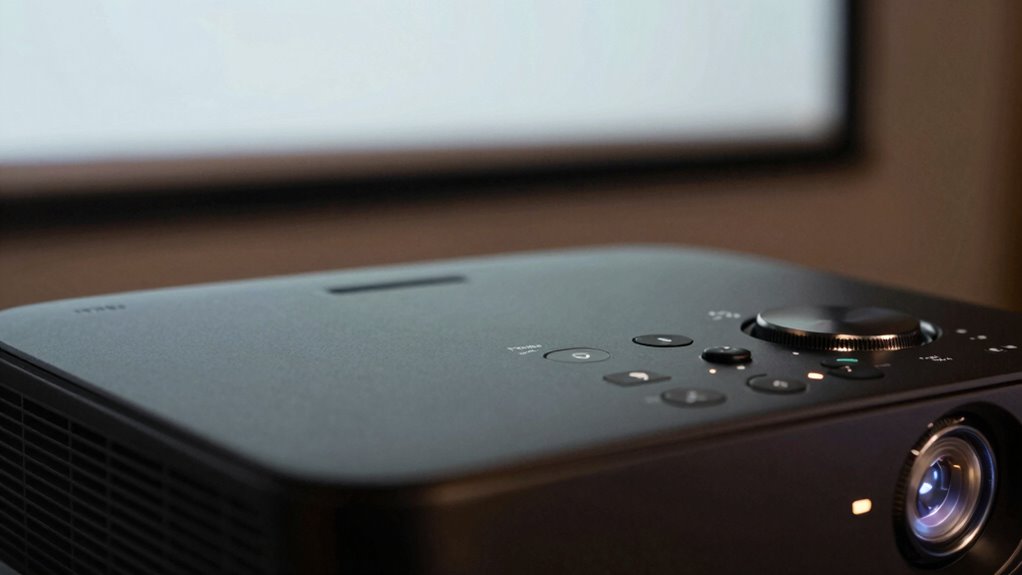
Choosing the right brightness depends on what you’ll use your projector for. If you’re setting up a home theater, you’ll need a different lumen level than for business presentations or outdoor movies. Understanding these needs helps you pick a projector that performs perfectly in each setting. Additionally, considering the throw ratio and ambient light conditions can significantly impact your viewing experience. To ensure optimal performance, pay attention to projector specs and how they align with your specific environment. Recognizing ambient light and its effect on image visibility can help you select the appropriate projector brightness for your space. Moreover, knowing the lumens needed for various environments ensures you get a clear and vibrant picture regardless of lighting conditions.
Brightness for Home Theater
When setting up a home theater, selecting the right projector brightness is essential to guarantee a great viewing experience. You want enough lumens to enjoy vibrant images without washing out colors or losing detail. For a dark room, a projector with 1500 to 2500 lumens usually suffices, ensuring good color accuracy and contrast. If your space has ambient light, consider brighter models around 3000 lumens or more. Keep in mind that keystone correction can affect perceived brightness, so choose a projector that maintains image quality even with adjustments. Additionally, understanding projector specifications can help you make better choices based on your room conditions and usage needs. Proper room lighting conditions are crucial for matching brightness levels to prevent color distortion and maintain a clear image. Being aware of lumens and how they impact image quality ensures you select the best projector for your specific environment. Knowing how ambient light interacts with projector brightness can also help optimize your viewing experience.
Brightness for Business Presentations
Selecting the right projector brightness for business presentations depends on the size of the room and the ambient light conditions. In well-lit conference rooms, you’ll need at least 3000 lumens to guarantee clear visibility, while smaller, dimmer spaces might only require 2000 lumens. Higher brightness levels help maintain color accuracy, making your visuals vibrant and professional-looking. Keep in mind that increased brightness can lead to higher power consumption, so balance your needs with energy efficiency. If you’re using the projector frequently, a model with adjustable brightness settings can optimize performance and save energy. Ultimately, choosing the right brightness assures your audience sees sharp, colorful images without straining their eyes or draining your power resources.
Brightness for Outdoor Use
Are you wondering how bright your outdoor projector needs to be for different occasions? The key is matching lumens to your outdoor setup and weather resistance requirements. For evening outdoor movies, a projector with at least 2,000 lumens usually suffices. If you’re hosting during dusk or in brighter environments, aim for 3,000 to 4,000 lumens to guarantee clarity. For daytime outdoor setups, especially in direct sunlight, look for 5,000 lumens or more. Remember, weather resistance and outdoor placement can affect visibility, so choose a projector with a sturdy build and protective features.
- Use higher lumens for daytime or bright ambient conditions
- Consider weather-resistant models for durability outdoors
- Adjust brightness based on distance and screen size
Choosing the Best Throw Ratio for Your Space and Setup
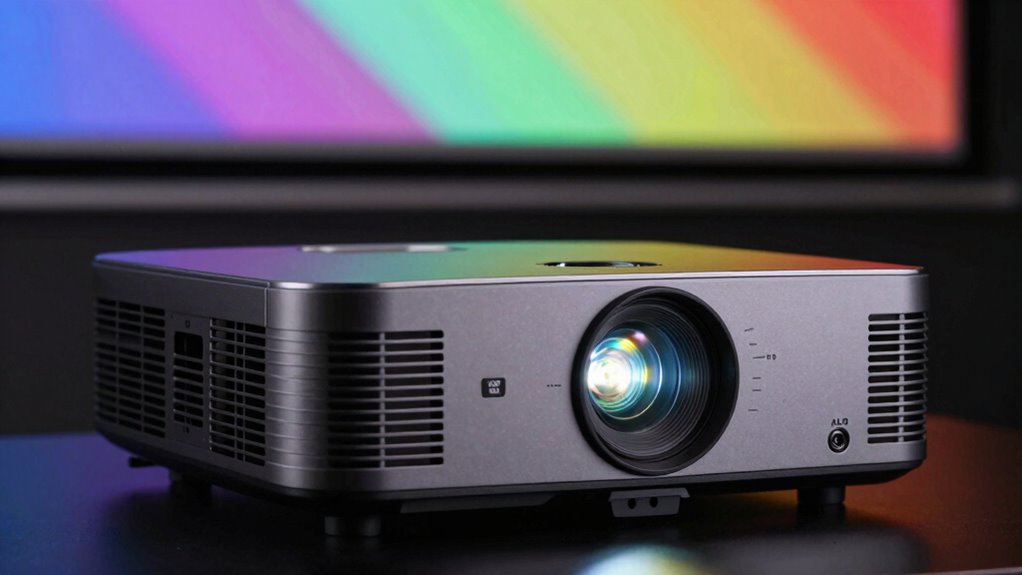
Choosing the right throw ratio is essential because it determines how large your projected image will be at a given distance from the screen. Your decision impacts screen placement and whether ceiling mounting is feasible. A short throw ratio is ideal for small rooms or tight spaces, allowing you to position the projector close to the screen while still projecting a large image. Conversely, a long throw ratio suits larger rooms where the projector needs to be farther away. Consider your room size and the desired image size when selecting a throw ratio. Proper alignment of the projector with your screen guarantees top-quality image clarity and avoids distortions. By matching the throw ratio to your space, you create an efficient, clutter-free setup that fits your viewing needs.
How ALR Screens and Built-In Technology Improve Image Quality
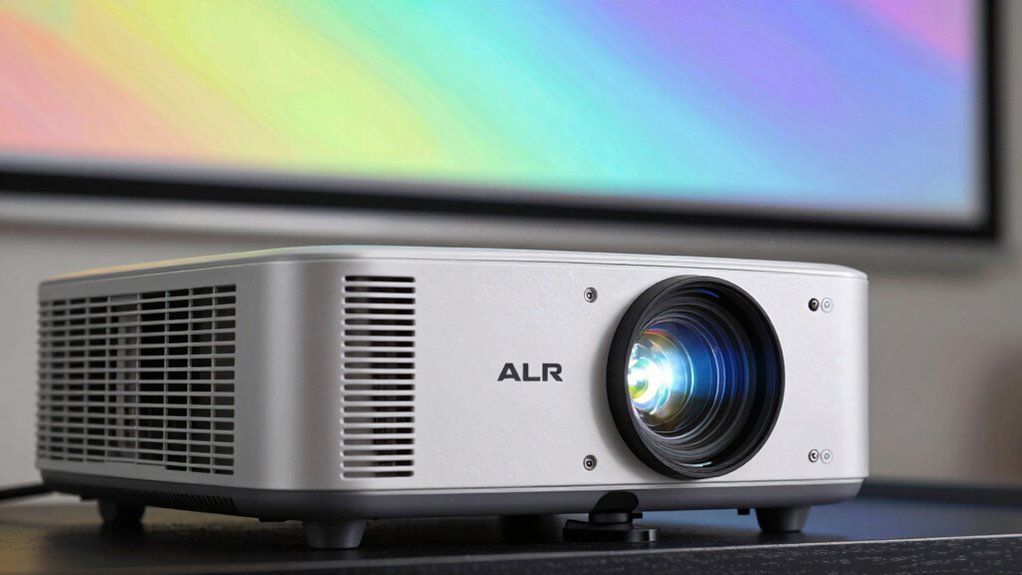
ALR screens and built-in technology boost your image quality by increasing contrast and brightness, making details pop even in bright rooms. They also offer seamless integration features that simplify setup and enhance overall viewing experience. Together, these advancements guarantee you get a sharper, clearer picture every time you watch.
Enhanced Contrast and Brightness
Enhanced contrast and brightness are essential for delivering sharp, vivid images, especially in well-lit environments. High contrast levels make details stand out, while increased brightness ensures images remain clear and vibrant even in ambient light. Modern projectors with ALR screens and built-in tech improve these aspects by enhancing color accuracy and reducing power consumption. This means you get richer colors without draining energy or sacrificing image quality.
- ALR screens boost contrast by rejecting ambient light, improving visibility
- Built-in technology optimizes brightness for different settings
- Improved color accuracy enhances overall image realism
Seamless Integration Features
How do ALR screens and built-in technology work together to improve image quality? ALR (Ambient Light Rejecting) screens reduce ambient light interference, guaranteeing sharper and more vibrant images even in bright rooms. Built-in technology, like wireless connectivity, allows you to stream content directly to your projector without extra cables, making setup seamless. Additionally, integrated audio systems eliminate the need for external speakers, providing clear sound that complements your visual experience. Together, these features create a smooth, user-friendly setup with minimal lag or disruption. The combination of ALR screens and advanced built-in tech ensures you get high-quality images with minimal fuss, whether you’re streaming, gaming, or presenting. This integration enhances overall picture clarity and simplifies the entire projection experience.
How Many Lumens Do You Need for Home Theaters and Bright Rooms?
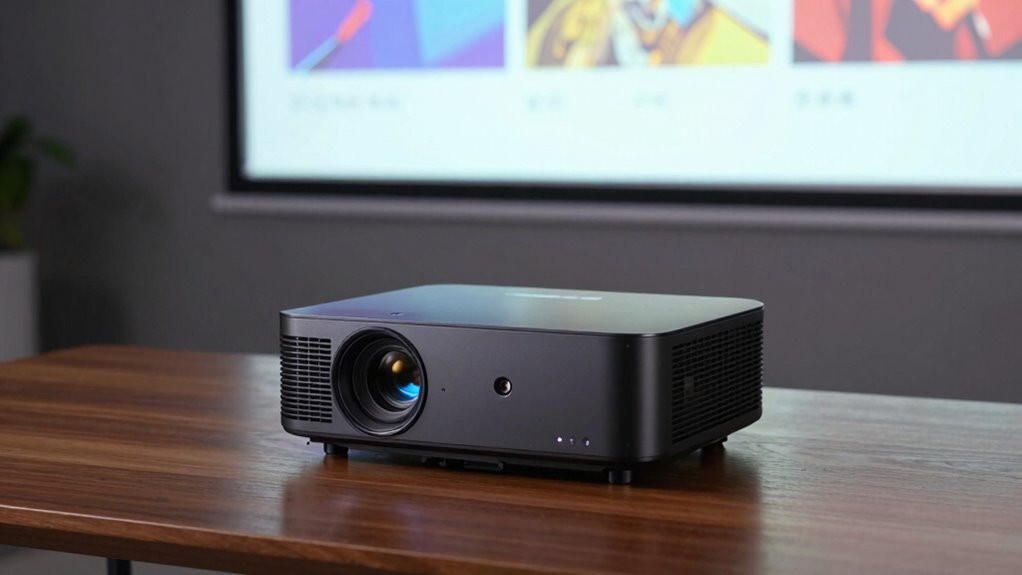
Determining the right number of lumens for your home theater or bright room depends on the lighting conditions and screen size. In bright rooms, you’ll need higher lumens to maintain visibility without washing out colors. For home theaters with controlled lighting, lower lumens suffice, emphasizing color accuracy and detail. Keep in mind that lens quality also impacts brightness perception, so investing in a high-quality lens can enhance clarity without needing extra lumens.
Consider these factors:
- Bright rooms often require 2,500 to 4,000 lumens for clear images
- Home theaters with dim lighting need about 1,500 to 2,500 lumens
- Proper lens quality can improve perceived brightness and color fidelity
Common Mistakes to Avoid When Selecting Projector Brightness and Throw Ratio
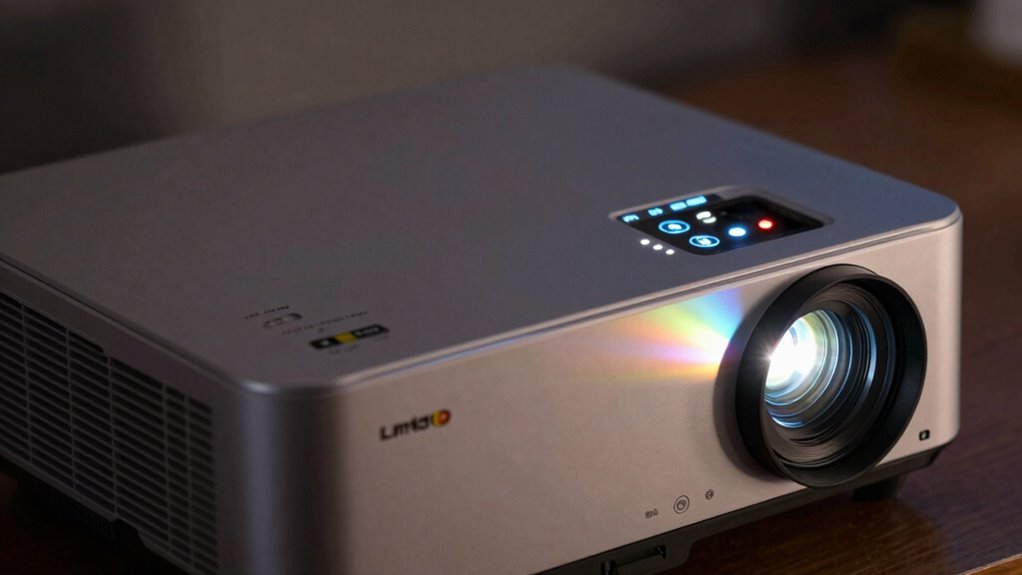
Choosing the right projector brightness and throw ratio can be tricky, but avoiding common mistakes makes a big difference. One mistake is ignoring ambient light, which affects brightness needs; too much light requires higher lumens. Also, don’t overlook screen resolution and color calibration, which impact image clarity and color accuracy. Selecting a throw ratio too short or long can result in distorted images or installation issues. Here’s a quick comparison:
| Brightness Issue | Throw Ratio Mistake | Impact |
|---|---|---|
| Too dim for bright rooms | Too short for large spaces | Poor visibility, eye strain |
| Too bright for dark rooms | Too long for small spaces | Washed-out images, glare |
| Ignoring color calibration | Not matching resolution | Faded colors, lack of detail |
Avoid these mistakes to guarantee ideal viewing and presentation quality.
Matching Your Projector Specs to Your Viewing or Presentation Goals
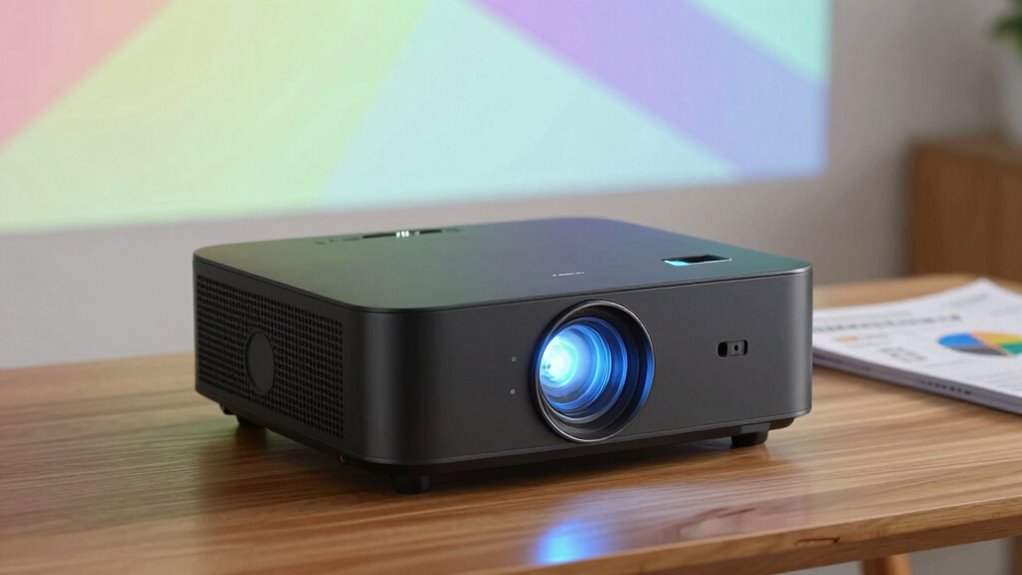
Matching your projector specs to your viewing or presentation goals is crucial for achieving ideal results. Consider your environment and the type of content you’ll display. For bright rooms, prioritize high lumens and noise reduction to minimize distractions. If color accuracy is essential, focus on projectors with excellent color calibration for true-to-life visuals. For home theaters, a projector with adjustable settings helps enhance contrast and image quality.
- Guarantee your projector supports proper color calibration for vibrant, accurate colors
- Choose a model with noise reduction features to keep audio clean and clear
- Match brightness and throw ratio to your space for prime image size and clarity
Quick Tips for Calculating the Right Brightness and Throw Ratio
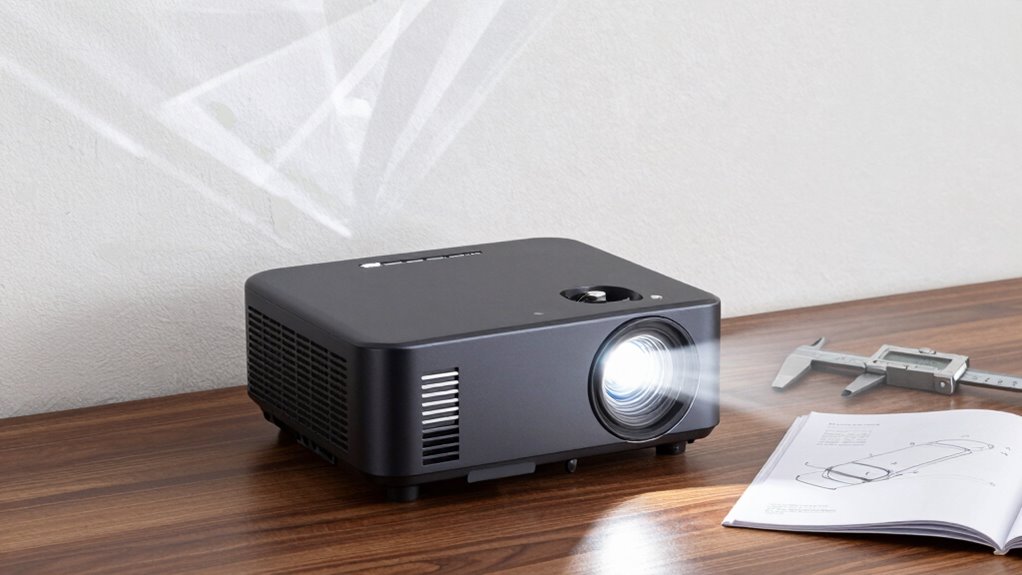
To find the right brightness and throw ratio for your projector, start by evaluating your room size and lighting conditions. Larger rooms or spaces with ambient light require higher lumens, typically 2,500 to 4,000, to assure clear images. For smaller, darker rooms, lower lumens, around 1,500 to 2,500, suffice. When calculating throw ratio, measure the distance between your projector and screen, then divide that by your desired image width. Keep in mind that proper color calibration enhances image quality, while considering noise levels helps you select a projector that operates quietly in quieter environments. Adjusting these factors guarantees a balanced setup, delivering sharp visuals without distractions, and assures your projector fits your specific viewing or presentation needs.
Frequently Asked Questions
How Does Ambient Light Affect Projector Image Quality?
Ambient light can considerably reduce your projector’s image quality by washing out colors and details. It diminishes your projector contrast, making dark scenes less vivid and overall picture less sharp. To improve visibility, you should control ambient light with curtains or blinds or choose a projector with higher lumens. This way, your projected image remains bright, clear, and engaging, even in well-lit rooms.
What Is the Optimal Projector Placement for Best Image Clarity?
You should position your projector so it’s directly aligned with the screen, minimizing keystone correction for a clearer image. Aim for high screen contrast by placing it at an ideal distance—usually recommended by the manufacturer—to avoid distortion. Keep the projector at the right height and angle, and avoid obstructions, to guarantee the image remains sharp and vibrant, even in ambient light conditions. This setup maximizes clarity and overall viewing experience.
How Do Projector Specifications Impact Gaming or Streaming Experiences?
Your gaming or streaming experience greatly depends on projector specs, impacting color accuracy and resolution settings. Sharp resolution brings vibrant visuals, while ideal color accuracy ensures true-to-life hues. Brightness, measured in lumens, prevents washed-out images during lively scenes. Throw ratio influences screen size and placement, affecting immersion. When specs align with your content, you get smoother gameplay and streaming, making every scene feel more real and engaging.
Can a Projector With High Lumens Be Used Outdoors Effectively?
Yes, a projector with high lumens can be used outdoors effectively, especially in well-lit environments or during daytime. However, consider outdoor durability, as exposure to weather can affect performance, and guarantee it’s protected. Also, high lumens typically mean increased power consumption, so check if your power source can handle it. Proper setup and weather-resistant features make high-lumen projectors a great outdoor choice for movies or gaming.
How Often Should Projector Bulbs or LEDS Be Replaced?
Think of it as a gentle farewell—you should replace your projector bulb or LEDs when their lifespan begins to dwindle, usually after about 2,000 to 5,000 hours for bulbs, and up to 20,000 hours for LEDs. Regularly monitoring performance helps you catch the signs of dimming or color fading early. With good care, your projector’s LED durability will keep your visuals bright and vibrant longer, enhancing your viewing experience.
Conclusion
By understanding lumens, throw ratio, and ALR, you can pick a projector that transforms your space into a cinematic paradise or a vibrant presentation hub. Don’t settle for a blurry, dull experience—think of it as choosing a window into a whole new universe. With the right specs, you’ll enjoy stunning clarity and perfect brightness, making your viewing or presenting experience truly legendary. So, get the specs right and prepare to be amazed!
Halloween Picks
halloween
As an affiliate, we earn on qualifying purchases.