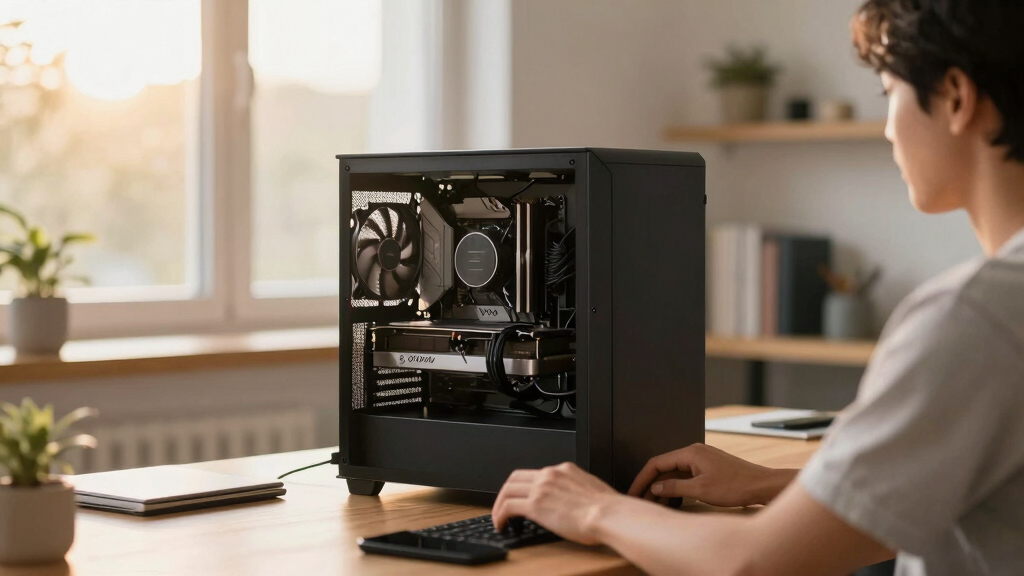

📊 Full opportunity report: Quiet GPUs for Local AI: Acoustic and Thermal Roundup on ThorstenMeyerAI.com — validation score, market gap, and execution plan.

Get the latest gadgets delivered free with Prime
- Fast, free delivery on millions of items
- Prime Video, Amazon Music and more included
- Member-only deals all year
TL;DR
This article reviews the most silent and thermally efficient GPUs suitable for local AI workloads in 2026. It highlights how power capping and cooler design influence noise and heat, with specific recommendations per VRAM tier.
In 2026, the most effective GPUs for local AI are those that balance inference performance with low noise and heat output, enabled primarily by undervolting and superior cooling designs. The focus is on practical configurations that allow sustained, quiet operation in dedicated AI rigs.
This roundup evaluates GPUs based on their thermal and acoustic performance, emphasizing that power management and cooler design are more influential on noise levels than silicon alone. The RTX 5090 with a 32GB VRAM stands out as the top choice for single-GPU setups, especially when paired with a good cooler and power cap. For budget-conscious users, the RTX 4090 or used RTX 3090 offers a reliable baseline, with power capping significantly reducing heat and noise. Mid-tier options like the RTX 5080 and RTX 4060 Ti with 16GB VRAM provide efficient, low-noise operation for smaller models. The RTX PRO 6000 Blackwell with 96GB VRAM targets professional users needing maximum memory with quiet operation, though cooling remains critical.
Quiet GPUs
for local AI.
The GPU makes ~70% of your heat and most of your noise. But here’s the secret: the chip doesn’t decide how loud your card is — the cooler design and your power settings do. Match your VRAM tier in Part 2, then make it quiet.
Capping to 70–80% sheds a huge amount of heat for almost no inference loss — because inference is memory-bound. A capped 5090 is dramatically cooler & quieter than stock. Do this first.
Within one GPU model, partner cards differ enormously. For a single card, a large triple-fan open-air with zero-RPM idle runs slow & quiet. For multi-GPU, the calculus flips →
With room to breathe, a large triple-fan open-air cooler spreads heat across a big fin stack and runs its fans slowly. The quietest choice — what most people should buy.
Why Quiet, Cool GPUs Matter for Local AI Deployments
Choosing GPUs that run quietly and stay cool is essential for dedicated AI workstations, especially when these systems are placed close to users. Excessive noise and heat can reduce comfort, increase energy costs, and necessitate more robust cooling solutions. Power capping and high-quality cooling variants enable high-performance GPUs to operate quietly, making local AI more practical and accessible for individual researchers and small teams.
As an affiliate, we earn on qualifying purchases.
GPU Heat and Noise Challenges in Local AI Setups
GPUs are the primary heat and noise sources in local AI rigs, often producing over 70% of total heat during inference. Historically, high-performance cards like the RTX 4090 and 5090 are loud and hot under sustained load. Recent advances focus on undervolting and cooler design to mitigate these issues. The emphasis on VRAM tiers reflects the importance of model size capacity, with 16GB, 24GB, 32GB, and 96GB options catering to different user needs. Prior to 2026, many users relied on power management and cooler variants to reduce noise, with some models capable of near-silent operation when properly configured.
"Power-capping a GPU to 70–80% can dramatically reduce heat and noise, often without sacrificing inference speed."
— Thorsten Meyer, AI hardware expert
thermal efficient GPU with low noise
As an affiliate, we earn on qualifying purchases.
As an affiliate, we earn on qualifying purchases.
Remaining Questions on GPU Quietness and Longevity
While power capping and cooler design significantly improve noise and thermal performance, it is still unclear how these configurations impact long-term GPU durability. Additionally, real-world noise levels can vary based on case design and ambient conditions, and some models may not perform equally well when scaled in multi-GPU setups. Further testing is needed to establish optimal configurations for different workloads and environments.
As an affiliate, we earn on qualifying purchases.
Next Steps for Achieving Ultra-Quiet Local AI Systems
Future developments will likely include more efficient cooling solutions, refined undervolting techniques, and potentially new GPU architectures optimized for low noise and heat. Manufacturers may also release dedicated quiet variants, and user community feedback will continue to shape best practices. Expect ongoing updates in cooling hardware and power management tools to further improve quiet operation in AI rigs.
power capping GPU for quiet operation
As an affiliate, we earn on qualifying purchases.
As an affiliate, we earn on qualifying purchases.
Key Questions
How does undervolting affect GPU performance?
Undervolting reduces power consumption and heat output, often with minimal impact on inference speed, especially when the workload is memory-bound. Proper undervolting allows for quieter, cooler operation without sacrificing significant performance.
What cooler features are most effective for quiet GPUs?
Large triple-fan open-air designs with generous heatsinks and zero-RPM idle modes are highly effective, as they reduce fan noise during low to moderate loads. Cooler variants that prioritize airflow and heat dissipation are preferred for quiet operation.
Can power capping harm GPU longevity?
When properly implemented, power capping generally does not harm GPU longevity and can extend lifespan by reducing thermal stress. However, aggressive undervolting or improper cooling could pose risks, so it should be done carefully.
Are professional GPUs like the RTX 6000 Blackwell suitable for quiet AI setups?
Yes, professional GPUs with larger VRAM, such as the RTX 6000 Blackwell, are designed for high-performance, sustained workloads and can be configured for quiet operation with appropriate cooling and power management, though cooling remains critical due to high heat output.
Source: ThorstenMeyerAI.com
Halloween Picks
halloween
As an affiliate, we earn on qualifying purchases.