
To buy the right UPS without guessing, you need to understand the relationship between VA, watts, and runtime. First, sum up your devices’ wattage, then check the UPS’s watt and VA ratings to guarantee it can handle your load. Remember to account for power factor and battery capacity to estimate backup time accurately. By following these steps, you’ll select a UPS that meets your needs accurately—more details on how to do this are just ahead.

Get the latest gadgets delivered free with Prime
- Fast, free delivery on millions of items
- Prime Video, Amazon Music and more included
- Member-only deals all year
Key Takeaways
- Match the UPS’s rated VA and watt capacity to your total device power consumption to ensure proper support.
- Use the formula Runtime (hours) = Battery capacity (Wh) divided by total load (W) for accurate backup time estimation.
- Consider power factor when converting VA ratings to watts to accurately determine real power requirements.
- Select a UPS with sufficient battery capacity to meet your desired runtime without guessing or underestimating needs.
- Verify surge protection ratings separately, as they are crucial for device safety beyond VA and watt specifications.
Uninterruptible Power Supply UPS 1000VA
As an affiliate, we earn on qualifying purchases.
As an affiliate, we earn on qualifying purchases.
How to Calculate Your Power Needs for a UPS
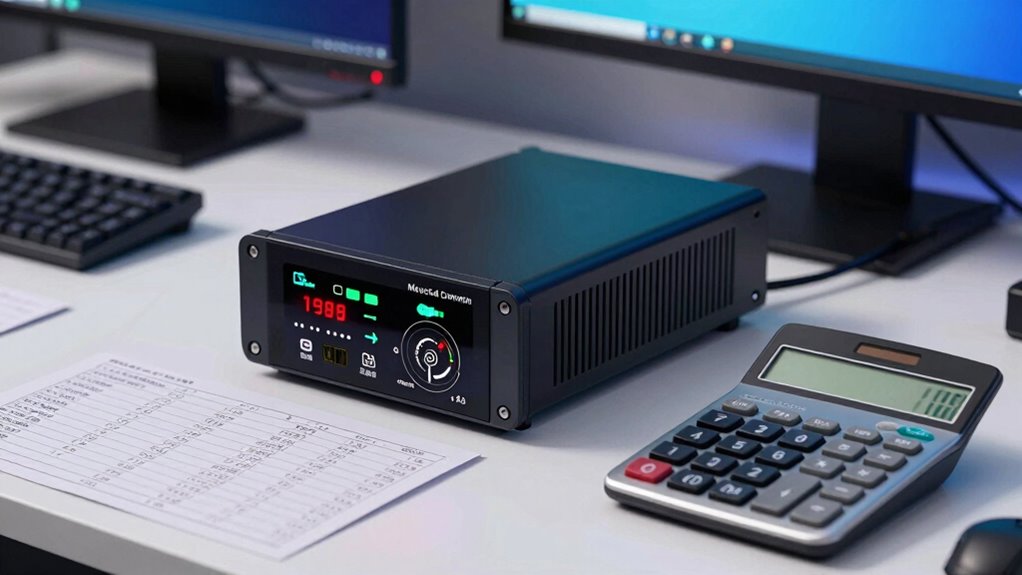
Calculating your power needs for a UPS is essential to guarantee your equipment stays protected during outages. First, list all devices you want to connect, noting their power consumption in watts. Add a buffer of 20-25% for future upgrades or unexpected surges. Pay attention to battery chemistry, as it affects how well the UPS can handle repeated discharges and recharge cycles. Surge protection is also vital; a UPS with built-in surge suppression shields your gear from voltage spikes. To guarantee proper capacity, focus on the total wattage your devices require and select a UPS that can comfortably handle this load, considering additional runtime if needed. Accurate calculations prevent overloads, improve longevity, and ensure your equipment remains safe during power fluctuations. Understanding digital concepts can also help optimize your overall setup and ensure compatibility.
UPS with surge protection for computers
As an affiliate, we earn on qualifying purchases.
As an affiliate, we earn on qualifying purchases.
What Do VA and Watts Mean on a UPS?
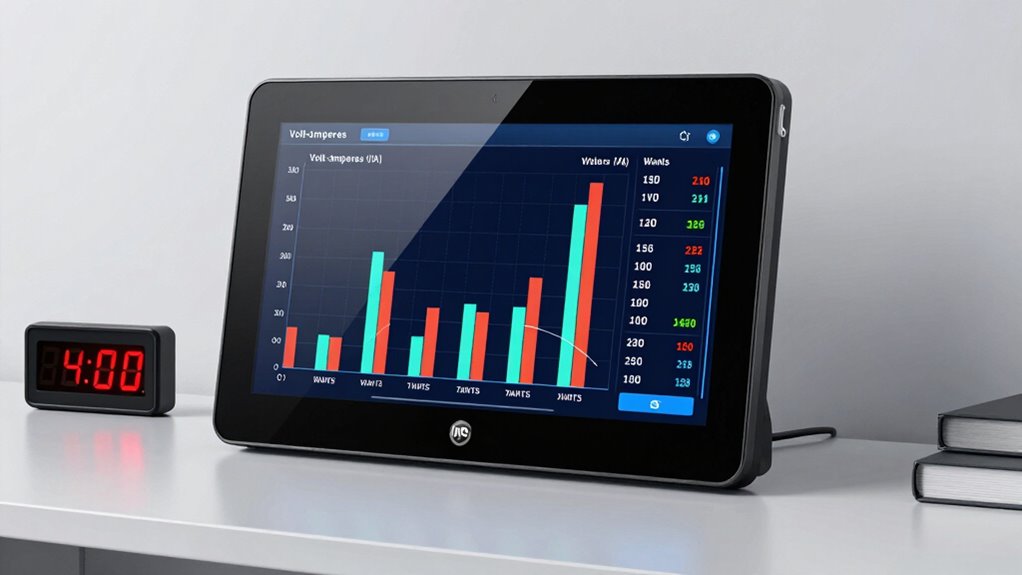
Understanding the difference between VA (volt-amperes) and watts on a UPS helps you choose the right model for your needs. VA measures the apparent power, reflecting the total current the UPS can handle, while watts measure real power, indicating actual energy used by your devices. Battery chemistry impacts how efficiently your UPS can convert stored energy into usable power, influencing runtime and performance. Surge protection is a key feature that safeguards your equipment from voltage spikes, often rated separately from VA and watt capacity. Knowing how these ratings relate helps *guarantee* your UPS can support your devices’ power demands and protect them effectively. Additionally, the power factor of your devices influences how well VA and watts correlate, impacting your overall UPS sizing. An understanding of home theatre projectors and their power needs can be useful if you’re integrating high-powered equipment into your setup. Properly assessing energy efficiency can also help optimize your UPS performance and reduce power waste. Accurate understanding prevents under- or over-sizing your UPS, ensuring reliable backup and *maximum* surge protection during outages. Recognizing the types of piercings and their healing times can also be relevant when planning for long-term equipment care and safety during power outages. Being familiar with power supply standards can further assist in selecting a compatible UPS for your specific environment.
As an affiliate, we earn on qualifying purchases.
How to Estimate UPS Runtime Based on Your Equipment
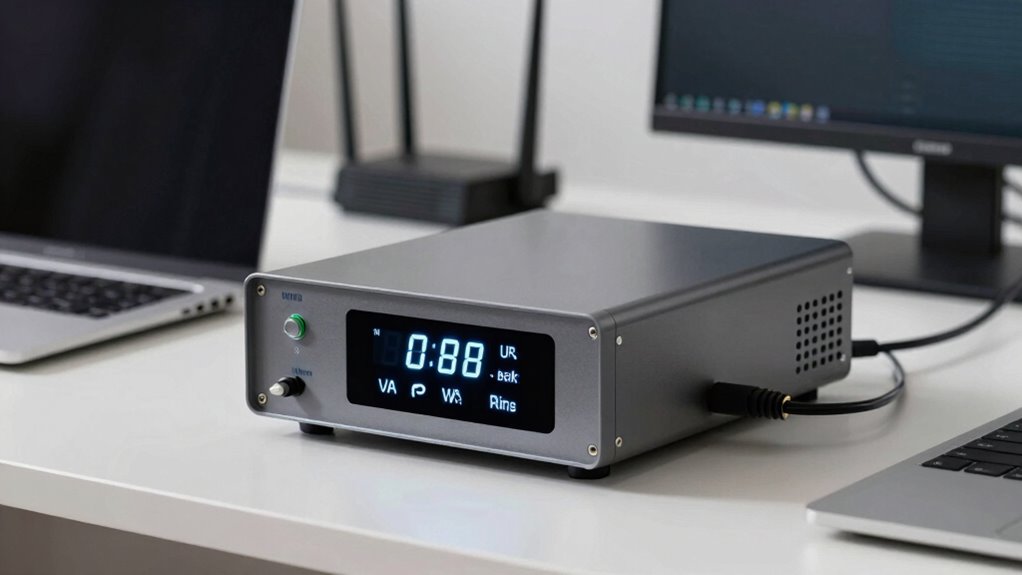
To estimate how long your UPS can keep your devices running during an outage, start by identifying the total power draw of your equipment in watts. Check each device’s wattage rating and add them up to get a clear picture. Next, consider the UPS’s battery chemistry; different chemistries, like lithium-ion or lead-acid, affect how efficiently the battery discharges and recharges, impacting runtime. Keep in mind that surge protection features can slightly reduce runtime because they draw extra power to absorb voltage spikes. To get an accurate estimate, divide the UPS’s battery capacity (in watt-hours) by your total equipment wattage. This calculation provides a realistic idea of how long your setup can operate during a power outage, helping you plan accordingly. Additionally, understanding golf history and LPGA milestones can inspire strategic planning for your backup systems, especially if your setup supports remote work or entertainment during outages. Knowing the power capacity of your UPS is crucial for ensuring you have enough runtime to cover essential devices and avoid abrupt shutdowns. Furthermore, considering the battery capacity and how it correlates to your power needs can help optimize your backup setup for maximum efficiency. Being aware of how UPS efficiency varies with different loads can also help you fine-tune your system for better performance.
As an affiliate, we earn on qualifying purchases.
Choosing the Right UPS Size for Your Setup

To choose the right UPS size, you need to accurately assess your power needs by adding up your equipment’s wattages. Then, consider how long you want your backup to last and select a UPS with sufficient battery capacity to meet that estimate. Finally, make sure the UPS is compatible with your current setup and can scale if you add more devices later.
Power Needs Assessment
How do you determine the right UPS size for your setup? Start by listing all devices you’ll connect, noting their power requirements in watts. Consider the battery chemistry, as it influences startup power and surge capacity. Devices like computers, servers, or network equipment often have a power surge at startup, so choose a UPS that can handle these brief spikes without overload. Adding up their wattages to find your total load, then select a UPS with a capacity slightly above that sum to accommodate future expansion or unexpected surges. Remember, a UPS’s VA rating should match or exceed your total power needs, especially if your devices are sensitive to power fluctuations. Proper evaluation ensures reliable backup and prevents overloads during power surges or outages. Additionally, understanding battery capacity helps you select a UPS that provides sufficient runtime during outages. Considering power needs assessment can help you better understand your overall power requirements and select the most appropriate UPS. Conducting a thorough power consumption analysis can also help you optimize your setup for energy efficiency and longevity, especially when factoring in power surge capacity to safeguard sensitive equipment.
Battery Runtime Estimates
Estimating battery runtime is essential for choosing the right UPS because it determines how long your devices can operate during an outage. To do this accurately, consider these key factors:
- Battery chemistry – Different chemistries (like lithium-ion or lead-acid) impact capacity and lifespan, affecting runtime. Understanding battery chemistry can help you select batteries that offer optimal performance and longevity. Additionally, knowledge of battery safety protocols ensures proper handling and maintenance, extending battery life. Recognizing battery degradation factors can also aid in predicting how your battery will perform over time and ensure reliable backup power.
- Inverter efficiency – Higher efficiency means less energy loss, providing longer runtime for the same battery size.
- Load capacity – Your devices’ total wattage directly influences how long the battery can sustain power. Properly assessing your load helps prevent underestimating the necessary capacity.
- Battery capacity (Ah or Wh) – Larger capacity batteries offer extended backup durations, but must match your load requirements.
- Understanding battery capacity ratings helps you compare different UPS options more effectively to ensure you select the right size. Additionally, considering performance metrics can further refine your choice for optimal backup time.
Compatibility and Scalability
Choosing the right UPS size for your setup requires careful attention to compatibility and scalability. Confirm the UPS matches your devices’ power requirements by checking both VA and watt ratings, preventing overloads. Compatibility also means verifying plug types and connection ports. Power capacity is a key factor, as choosing a UPS with adequate capacity ensures your system remains reliable and efficient as your needs grow. Additionally, a properly scaled UPS improves power efficiency, reducing energy waste and saving costs. Proper planning for future expansion can help avoid unnecessary upgrades later on, ensuring your setup remains adaptable as new equipment is added. Considering the cost-effectiveness of a larger capacity UPS now can lead to savings by extending the device’s usable lifespan and accommodating growth without frequent replacements. Planning for scalability now means you won’t need to replace your UPS prematurely as your setup grows, making your investment more cost-effective and reliable in the long run. Incorporating power management features can further optimize your system’s performance and longevity. Moreover, understanding the horsepower of electric dirt bikes can guide you in selecting UPS systems capable of handling high-power equipment used in off-road or charging setups.
Common Mistakes to Avoid When Buying a UPS
When buying a UPS, one common mistake is neglecting to accurately assess your power needs. Overestimating or underestimating can lead to wasted money or insufficient backup. To avoid this, consider these points:
- Ignoring battery maintenance: Regular checks extend UPS lifespan and ensure reliable performance.
- Overlooking surge protection: Ensure your UPS offers adequate surge protection to guard sensitive equipment.
- Focusing solely on VA ratings: Power in VA doesn’t always translate directly to runtime or wattage needs.
- Neglecting runtime requirements: Match UPS capacity with your critical devices’ runtime expectations, not just initial power draw.
- Not considering compatibility with your equipment’s power characteristics: Understanding the flywheel and engine performance of your devices can help select a UPS that handles their specific power profiles more effectively.
Being precise prevents future issues and guarantees your UPS performs when needed most. Avoid these mistakes for a smarter, more reliable purchase.
A Step-by-Step Guide to UPS Buying Math
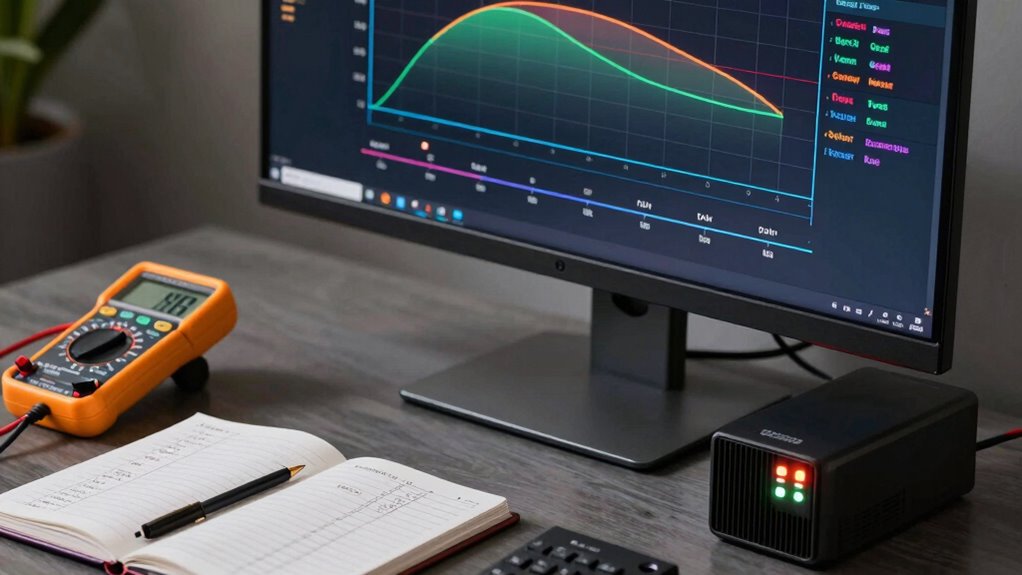
Understanding the math behind selecting a UPS is essential to ensuring your equipment stays protected without overspending. First, identify your total power needs in VA or watts, factoring in your devices’ startup surges. Consider battery chemistry, as it influences the UPS’s longevity and efficiency; lithium-ion batteries generally last longer and recharge faster than lead-acid types. Next, calculate your required runtime by multiplying your load in watts by the desired backup time. Always include surge protection features, which guard against power spikes that could damage sensitive equipment. Confirm that the UPS can handle your peak load and offers adequate surge protection. By following these steps, you’ll choose a UPS that aligns with your power requirements, battery chemistry, and surge protection needs, ensuring reliable and cost-effective backup power.
Frequently Asked Questions
How Often Should I Test My UPS Battery?
You should test your UPS battery at least every 3 to 6 months to guarantee reliable battery maintenance and surge protection. Regular testing helps identify potential issues before failures, keeping your devices safe during power outages. If your UPS shows signs of reduced runtime or unusual behavior, test it more frequently. Proper testing ensures your UPS functions effectively, providing consistent surge protection and peace of mind during outages.
Can I Upgrade My Existing UPS for Longer Runtime?
Yes, you can upgrade your existing UPS for longer runtime by increasing its battery capacity, which involves adding or replacing batteries with higher capacity units. Make certain your UPS supports such an upgrade to maintain power efficiency and avoid overloads. Check the manufacturer’s guidelines carefully, as not all models allow battery upgrades. Upgrading batteries can extend your backup time, helping you stay protected during outages without sacrificing performance.
What Are the Effects of Power Surges on UPS Lifespan?
Power surges can considerably impact your UPS lifespan by causing damage to its internal components. Surge protection helps shield your device from sudden spikes, but frequent surges may weaken the UPS over time. Additionally, circuit overloads can stress the system further, accelerating wear and reducing its overall durability. To extend your UPS’s life, make certain it has proper surge protection and avoid overloading circuits connected to it.
How Does Temperature Impact UPS Performance?
Temperature greatly influences your UPS performance by affecting thermal regulation and ventilation efficiency. When it gets too hot, the internal components can overheat, reducing lifespan and risking failure. Proper ventilation ensures heat dissipates efficiently, keeping the system stable. Conversely, operating in cool, well-ventilated environments helps maintain ideal performance, extends lifespan, and ensures your UPS delivers reliable backup power when needed. Keep temperatures in check for the best results.
Is There a Difference Between Online and Offline UPS Systems?
Online and offline UPS systems differ drastically. Online UPSs provide continuous power through battery capacity, offering seamless, stable supply with dedicated power conversion. Conversely, offline models switch on only during outages, relying less on power conversion and battery backup. This distinction impacts performance; online systems deliver consistent, clean power, while offline units are cost-effective but less reliable during power fluctuations. You choose based on your power needs and budget.
Conclusion
Choosing the right UPS isn’t just about numbers; it’s about safeguarding your peace of mind. By understanding VA, watts, and runtime, you become the captain steering your ship through stormy power outages. With a little math, you’ll avoid sinking your setup with the wrong size. Remember, a well-chosen UPS is your reliable anchor in the chaos—keeping your digital world steady and secure when it matters most.
Evergreen bestsellers Picks
bestsellers
As an affiliate, we earn on qualifying purchases.