
Smart speakers often mishear you due to background noise, microphone placement, or room acoustics. When there’s music, traffic, or conversations nearby, it’s harder for your device to isolate your voice. Properly positioning the microphone, reducing ambient noise, and speaking clearly can boost accuracy. Adjusting device settings like sensitivity and training your voice helps even more. If these tips aren’t enough, there are further steps to improve performance—explore them to get the best results.

Get the latest gadgets delivered free with Prime
- Fast, free delivery on millions of items
- Prime Video, Amazon Music and more included
- Member-only deals all year
Key Takeaways
- Background noise and environmental sounds can interfere with the device’s ability to accurately hear commands.
- Microphone placement issues, such as obstruction or improper orientation, reduce voice capture quality.
- Poor room acoustics, echoes, and distance from the speaker affect sound recognition.
- Inadequate voice training or low microphone sensitivity can lead to misinterpretation of commands.
- Outdated software or hardware limitations may hinder the speaker’s ability to understand voice inputs correctly.
Products Worth Considering

Sonos Era 100 Wireless Smart Speaker, Black

Sony WH-1000XM6 Wireless Noise-Canceling Over-Ear Headphones, Blue, Bundle

Bose SoundLink Flex Bluetooth Speaker (2nd Gen), Portable Waterproof Speaker, Black
As an affiliate, we earn on qualifying purchases.
How Do Smart Speakers Hear and Understand You?
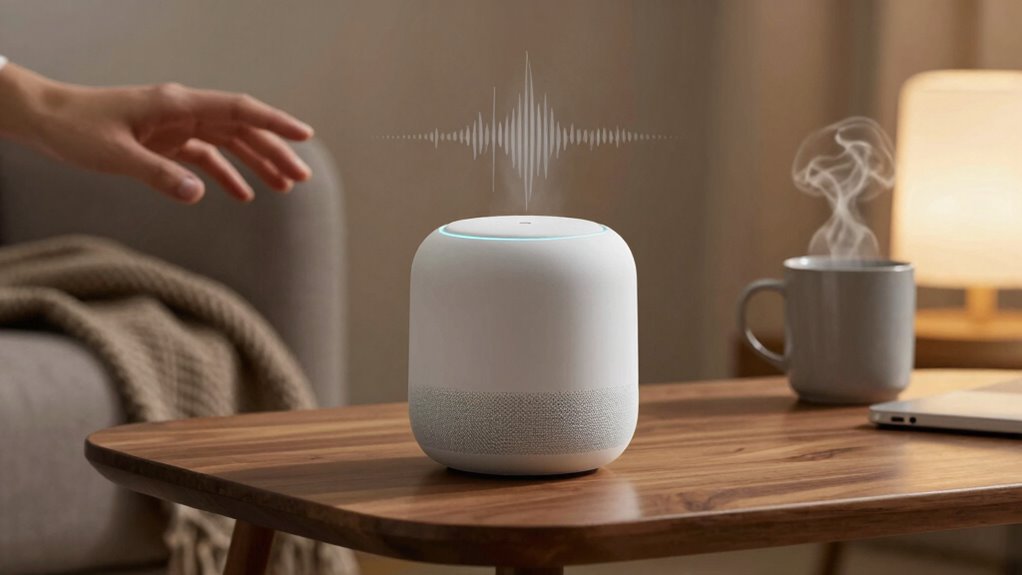
Ever wondered how smart speakers catch what you’re saying? When you speak, your voice travels to the device’s microphone, which picks up your words. Smart speakers analyze your voice using voice modulation techniques, helping them identify different tones and pitches. But ambient noise can make this tricky. Background sounds like music, chatter, or traffic interfere with the microphone’s ability to isolate your voice. To combat this, smart speakers use advanced algorithms to filter out noise and focus on your speech. They rely on pattern recognition to understand your commands, even when the environment isn’t perfect. Additionally, digital concepts play a crucial role in improving the overall accuracy of smart speaker responses, especially through techniques like noise filtering and machine learning. Improving the microphone sensitivity can also enhance the device’s ability to hear you clearly in noisy settings. The better your voice is heard, the more accurately the device can understand you. Enhancing audio processing techniques is essential for making these devices more reliable in diverse environments.
Why Do Smart Speakers Mishear You? Common Causes
Despite the advanced algorithms that help smart speakers interpret your commands, they still sometimes miss or mishear what you say. One common cause is background noise, which can drown out your voice and confuse the device. Loud music, TV, or conversations nearby can interfere with recognition. Another issue is microphone placement; if the microphone isn’t pointed directly at you or is obstructed, your voice may not be captured clearly. Poor positioning can reduce the clarity of your commands, especially in noisy environments. Additionally, ambient sounds, echoes, and distance from the speaker all contribute to mishearing. Being mindful of microphone placement impacts sound capture and can help you troubleshoot and improve recognition. Recognizing how sound environment factors influence recognition can help you identify why your smart speaker might struggle to catch what you’re saying, even when you’re speaking clearly. Proper room acoustics and minimizing echo can further enhance voice command accuracy.
How to Fix Voice Recognition Problems and Improve Accuracy
To improve your smart speaker’s voice recognition, start by optimizing its setup and environment. Focus on proper voice training to help your device better understand your speech patterns. Next, enhance noise filtering by minimizing background sounds that can confuse it. Here are four key steps:
- Repeat commands clearly during voice training to build accuracy.
- Reduce ambient noise by closing windows or turning off fans.
- Speak at a steady pace so your speaker can process your words properly.
- Maintain a consistent distance from the device for clearer recognition.
These adjustments boost confidence in your smart speaker’s ability to understand you, making interactions smoother and more reliable. Proper voice training and noise filtering are essential to fixing recognition issues and improving accuracy.
Adjust Your Settings for Better Listening Performance
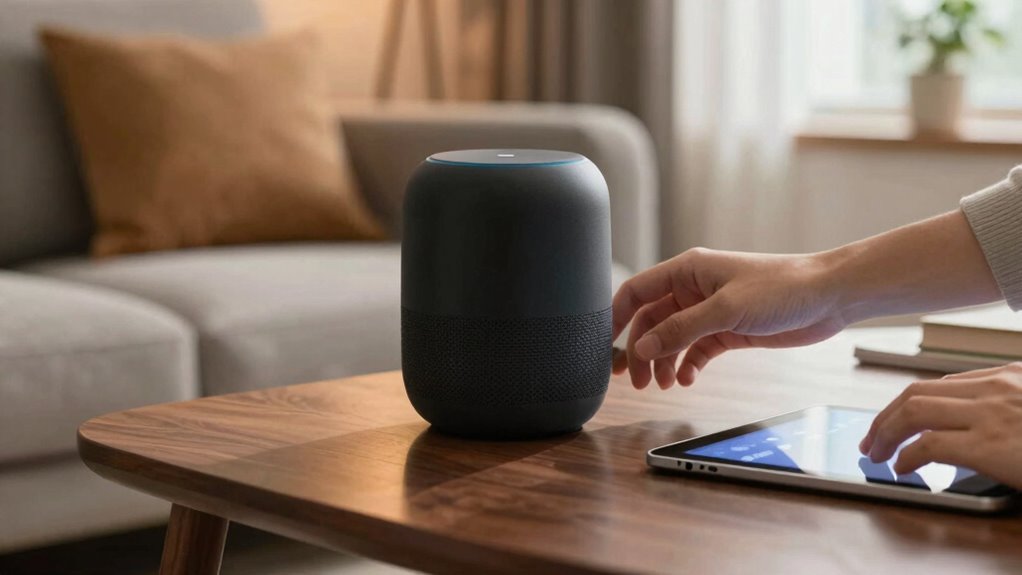
Adjusting your smart speaker’s settings can markedly enhance its listening performance. Start with voice command customization to better tailor responses to your speech patterns. Also, consider privacy considerations; adjusting microphone sensitivity or muting when needed can improve accuracy and protect your privacy. Here’s a quick guide:
| Setting Adjustment | Effect |
|---|---|
| Microphone sensitivity | Reduces background noise interference |
| Voice command training | Improves recognition accuracy |
| Wake word options | Prevents accidental activation |
| Privacy controls | Protects personal data |
| Location settings | Enhances location-based responses |
Using these options to optimize performance not only improves your smart home experience but also helps maintain your privacy. Additionally, understanding how composing accurate voice commands works can further boost your device’s responsiveness. For example, being aware of voice recognition technology can help you craft more effective commands. Recognizing the alignment with life purpose and soul mission and positive mindset can also foster a more harmonious interaction with your device.
When Should You Upgrade or Replace Your Smart Speaker?
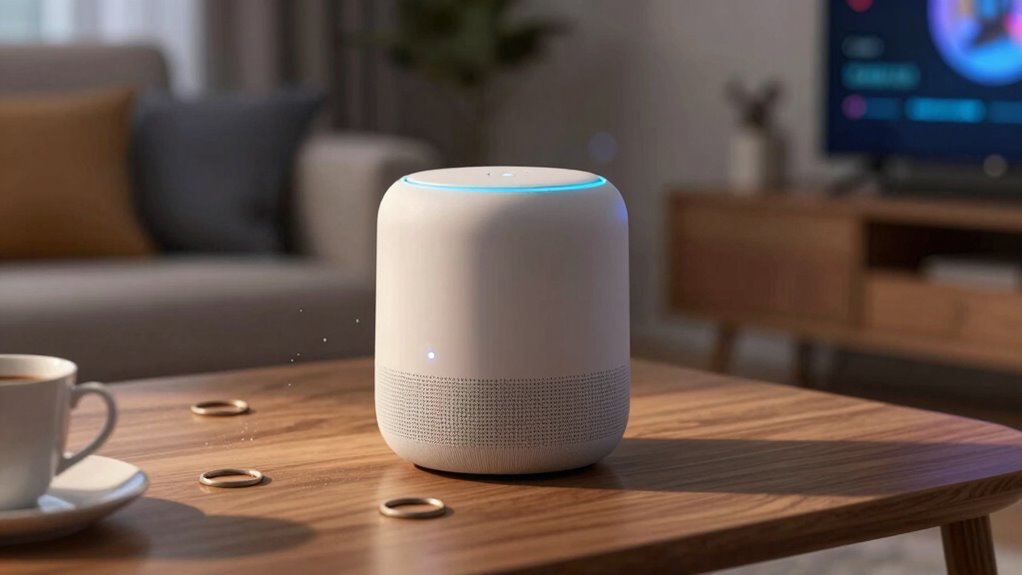
Knowing when to upgrade or replace your smart speaker depends on how well it continues to meet your needs. If you notice persistent issues, evaluate these signs:
Knowing when to upgrade your smart speaker depends on its ability to meet your needs and resolve ongoing issues.
- Your voice command etiquette no longer yields accurate responses, leading to frustration.
- Compatibility problems arise, preventing the device from supporting new apps or services.
- It struggles to recognize your voice or responds inconsistently, despite adjusting settings.
- You find yourself repeatedly resetting or troubleshooting, yet performance remains poor.
- Legal updates can also impact device functionality if software becomes outdated or unsupported. Additionally, ongoing software updates are essential for maintaining optimal performance and security.
- The device’s flushing mechanisms may become less effective over time, making it difficult to achieve reliable voice command results. Regular maintenance or upgrades can enhance performance and extend device lifespan.
- In regions like the Northeast, where diverse urban pursuits and cultural activities are prevalent, a reliable smart speaker can enhance your experience by seamlessly integrating with local services and entertainment options.
If any of these points resonate, it’s time to consider an upgrade. Staying current ensures you benefit from improved voice recognition technology, better smart speaker compatibility, and a smoother experience. Upgrading keeps your voice commands precise and your smart home seamlessly connected.
Frequently Asked Questions
Can Background Noise Affect Smart Speaker Accuracy?
Yes, background noise can affect smart speaker accuracy. Ambient interference from conversations, music, or other sounds causes sound distortion, making it harder for your device to interpret commands correctly. When there’s a lot of noise, your smart speaker might mishear or ignore what you’re saying. To improve accuracy, try to reduce ambient interference by speaking clearly in quieter environments, and avoid loud or overlapping sounds during interactions.
Do Different Accents Impact Voice Recognition Performance?
Different accents can impact voice recognition performance because accent variations often lead to pronunciation challenges. Your smart speaker may struggle to understand you clearly if your speech differs considerably from the device’s training data. To improve accuracy, try speaking slowly and clearly, and consider updating your device’s language settings or voice profile. Over time, the smart speaker can adapt better to your unique pronunciation, enhancing overall recognition.
How Does Microphone Quality Influence Hearing Ability?
Ever wondered how microphone quality affects your smart speaker’s hearing? Higher-quality microphones with better sensitivity capture your voice more precisely, reducing background noise and improving sound clarity. This means your commands are understood more accurately. If your microphone isn’t sensitive enough, your voice might get lost or distorted, leading to misinterpretations. Upgrading to a better mic makes your smart speaker listen better, ensuring smoother, more reliable interactions.
Are There Privacy Concerns With Voice Data Collection?
Yes, there are privacy concerns with voice data collection. When you use smart speakers, your voice data gets stored and analyzed, raising worries about how this information is used or shared. You might worry about unauthorized access or data breaches. To protect your privacy, review device settings, disable features you don’t need, and regularly delete stored voice data. Staying informed helps guarantee your voice data remains secure.
Will Software Updates Improve Smart Speaker Understanding?
Yes, software updates will improve your smart speaker’s understanding. These updates often include software optimization and algorithm enhancements that help the device better recognize your voice and decipher commands accurately. By regularly updating your smart speaker, you guarantee it benefits from the latest improvements, reducing misunderstandings. Over time, these enhancements make interactions smoother, making it easier for you to get the information or control you want with fewer errors.
Conclusion
You might think your smart speaker’s mishearing is just a glitch, but sometimes it’s a sign to pay closer attention. Coincidentally, the same tweaks that improve its accuracy—like adjusting settings or upgrading—can also reveal new features you hadn’t noticed before. So, next time your device stumbles, remember it might just be trying to tell you something. With a little patience, you’ll soon enjoy smarter, more seamless conversations.