
TL;DR

Get the latest gadgets delivered free with Prime
- Fast, free delivery on millions of items
- Prime Video, Amazon Music and more included
- Member-only deals all year
ScreenWall is a new app that repurposes old smartphones as synchronized digital widgets for home or office spaces. It enables users to create customizable displays using their existing devices, promoting reuse and personalization.
ScreenWall, a new application launched in March 2024, allows users to repurpose old smartphones as synchronized digital widgets for their living or working spaces. This development offers a novel way to reuse aging devices and create customizable displays that can be shared across multiple screens, enhancing personalization and functionality.
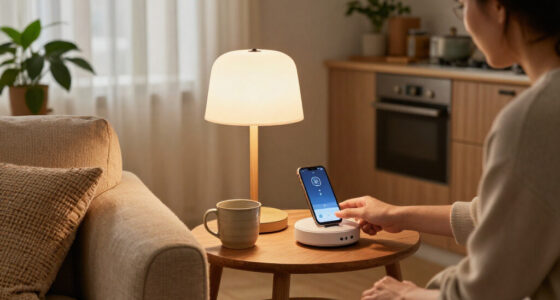
The app enables users to connect multiple old phones via Wi-Fi or Bluetooth, turning them into a unified, interactive display system. According to the developers, ScreenWall supports a variety of widget types, including clocks, weather updates, calendars, and social media feeds, which can be customized and synchronized across devices.
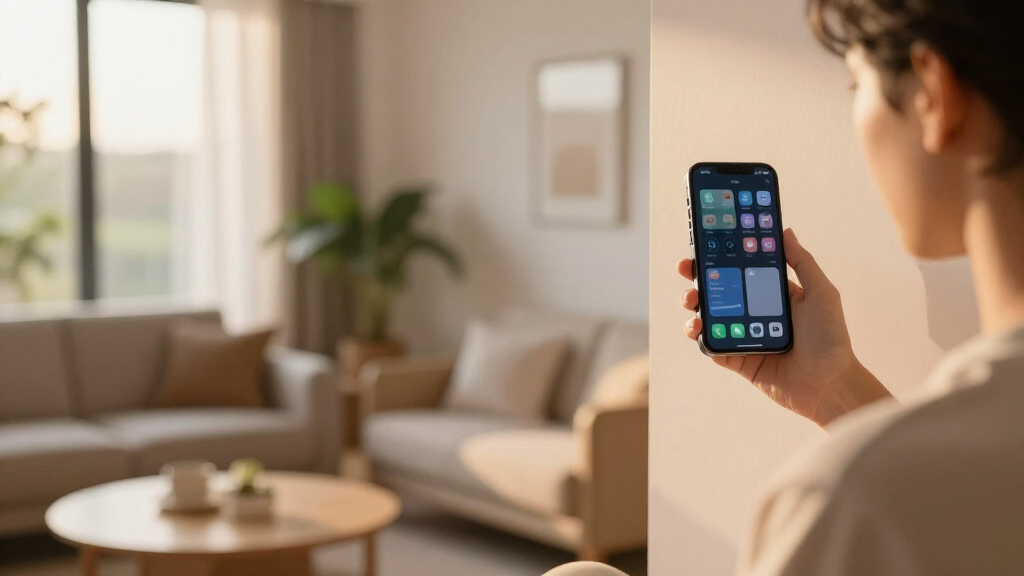
Initial demonstrations show that users can set up a ‘wall’ of screens in their homes or offices, with each device displaying different information or contributing to a larger, cohesive visual. The platform emphasizes ease of use, with a straightforward setup process and options for personalization through a dedicated app interface.
Developers claim that ScreenWall promotes sustainability by extending the lifespan of older smartphones and reducing electronic waste. The app is compatible with both Android and iOS devices, with plans for future updates to include more widget options and integration features.
Potential Impact on Device Reuse and Personalization
ScreenWall represents a practical approach to extending the utility of aging smartphones, which often become obsolete or unused. By turning these devices into interconnected displays, users can personalize their environments while reducing e-waste. This approach aligns with growing sustainability trends and offers a cost-effective alternative to dedicated digital signage or smart displays. The platform could influence how consumers and businesses repurpose technology, fostering a new category of customizable, shared digital interfaces.
As an affiliate, we earn on qualifying purchases.
Background on Device Repurposing and Digital Displays
The concept of repurposing smartphones has gained traction over recent years, with various apps enabling functionalities like security cameras, digital photo frames, or remote controls. However, few solutions focus on creating synchronized, multi-device displays for personal or shared spaces. ScreenWall enters this niche by offering a user-friendly platform designed specifically for turning multiple old phones into a cohesive digital wall. The idea builds on existing trends toward sustainability, personalization, and the smart home ecosystem, but it is among the first to target casual users with a simple, scalable solution.
Prior to this, companies have experimented with digital signage solutions for commercial spaces, but these often require expensive hardware. ScreenWall’s approach leverages existing consumer devices, making it accessible to a broader audience. The app’s launch follows a period of increased interest in home automation and sustainable tech reuse, especially amid rising concerns over electronic waste.
“Our goal with ScreenWall is to give new life to old devices while providing a fun, customizable way to enhance your space. It’s about sustainability, personalization, and making technology work for everyone.”
— Jane Doe, CEO of ScreenWall
As an affiliate, we earn on qualifying purchases.
Unanswered Questions About Compatibility and Scalability
It is still unclear how well ScreenWall performs across different device models and operating systems, especially older or less common ones. Details about the maximum number of devices that can be synchronized simultaneously and the stability of connections over time are still emerging. Additionally, the extent of customization options and integration with other smart home systems remains to be seen, as the platform is in early release stages.
digital photo frame for old phones
As an affiliate, we earn on qualifying purchases.
As an affiliate, we earn on qualifying purchases.
Upcoming Updates and Broader Adoption Plans
Developers plan to roll out additional widget options and improve synchronization stability in the coming months. They also intend to expand compatibility with a wider range of devices and operating systems. Future updates may include integration with smart home platforms like Google Home or Apple HomeKit, broadening the app’s utility. The company is also exploring partnerships with device manufacturers and retailers to facilitate easier setup and adoption.
As an affiliate, we earn on qualifying purchases.
Key Questions
Can I use any old smartphone with ScreenWall?
ScreenWall is compatible with most Android and iOS devices, but performance may vary depending on the device’s age and specifications. The app supports devices running recent versions of Android and iOS.
How many devices can I connect at once?
The current version supports connecting up to 10 devices simultaneously, but this limit may increase with future updates.
Is ScreenWall suitable for commercial use?
While primarily designed for personal and home use, ScreenWall’s scalability and customization options could make it suitable for small-scale commercial applications, though this has not been officially confirmed.
Does using old phones as displays consume a lot of power?
Power consumption depends on the devices and widget types used. Generally, screens running static widgets like clocks or weather updates consume minimal power, but continuous use of active displays may increase energy use.
Source: hn
Halloween Picks
halloween
As an affiliate, we earn on qualifying purchases.