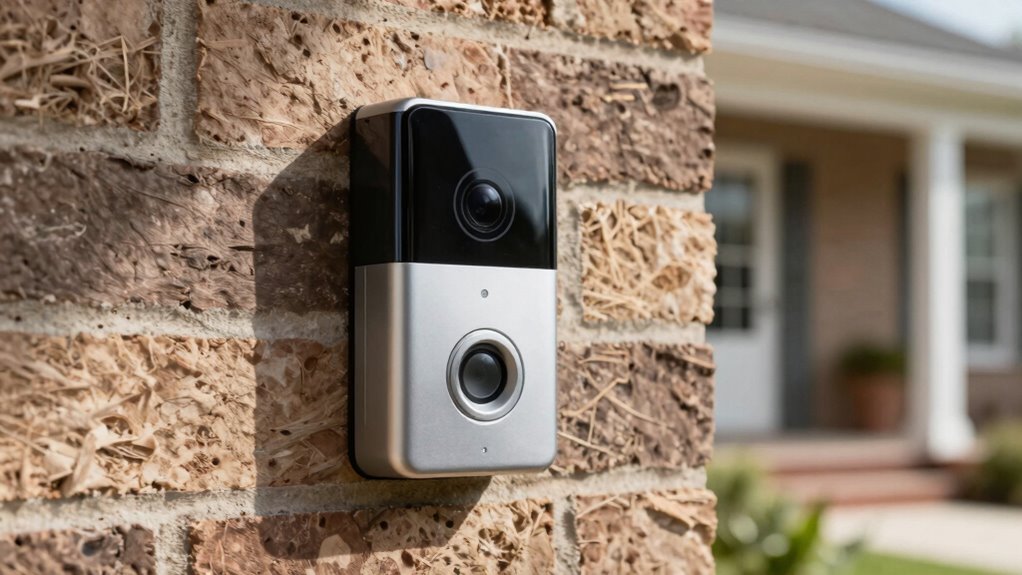

To optimize your video doorbell’s placement, mount it around eye level, about 48 inches from the ground, and adjust the angle slightly downward to capture clear faces without distortion. Make sure it covers main entry points and approach paths while avoiding direct sunlight or shadows. Use proper motion zones to target key areas and reduce false alerts. Keep testing and tweaking the position for the best results—if you want more tips, stay tuned for the details.

Get the latest gadgets delivered free with Prime
- Fast, free delivery on millions of items
- Prime Video, Amazon Music and more included
- Member-only deals all year
Key Takeaways
- Mount the doorbell at eye level (~48 inches) for clear facial recognition and optimal coverage of entry points.
- Tilt the camera slightly downward to capture faces clearly while avoiding distortion or blind spots.
- Define custom motion zones to focus on entry pathways and exclude irrelevant areas like street traffic or passing vehicles.
- Ensure strong Wi-Fi signal and test live footage to confirm unobstructed, reliable connectivity and camera view.
- Regularly review footage, adjust angles, and refine motion detection settings to optimize security and reduce false alerts.
As an affiliate, we earn on qualifying purchases.
What’s the Best Height for Your Video Doorbell?
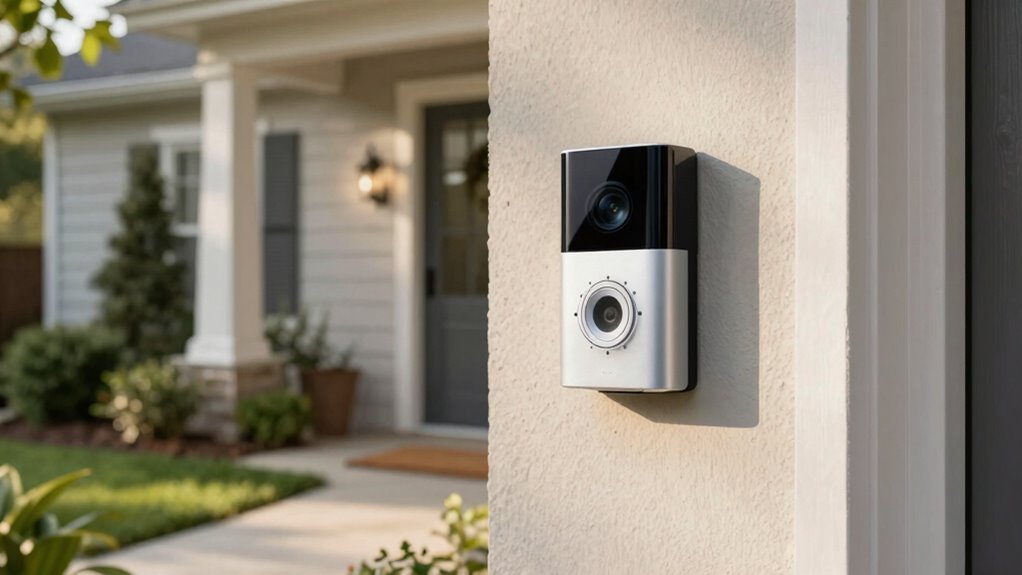
Choosing the right height for your video doorbell is essential to guarantee clear video footage and easy access for visitors. Ideally, mount it at about eye level, roughly 48 inches from the ground, so it captures faces well. Consider your door’s architecture and the height of visitors; if you have children or wheelchair users, adjust accordingly. When installing, pay attention to doorbell wiring and power sources; confirm the wiring is secure and accessible, and select a location near existing power supplies if you’re using a wired doorbell. Battery-powered models offer more flexibility but still benefit from placement that minimizes exposure to weather and tampering. Proper height ensures not only good video quality but also smooth operation and easy maintenance. Incorporating ethics in consumer technology can also guide you in choosing models that prioritize privacy and security features suitable for your household. Additionally, ensuring the placement adheres to privacy considerations can help protect both your household and neighbors from unintended surveillance, especially when considering the placement angle for optimal coverage. Selecting a height that aligns with sauna safety tips, such as avoiding areas prone to moisture or heat exposure, can also prolong the device’s lifespan and ensure consistent performance. Moreover, understanding wiring safety is crucial to prevent electrical issues during installation.
wireless video doorbell with adjustable angle
As an affiliate, we earn on qualifying purchases.
As an affiliate, we earn on qualifying purchases.
How to Find the Right Angle for Clear Footage
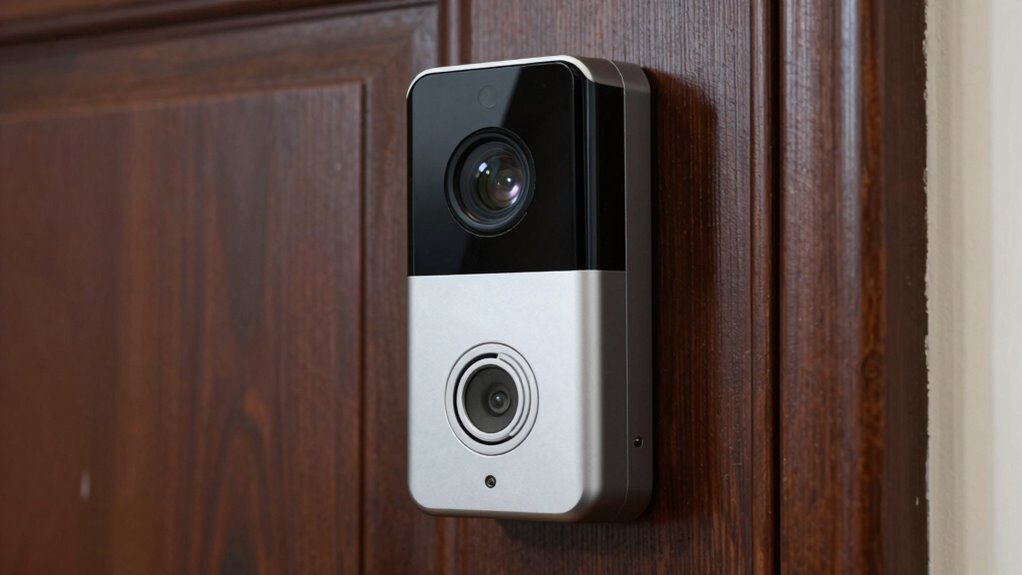
Finding the right angle for your video doorbell is essential to capturing clear, identifiable footage. You want the camera to focus on visitors’ faces and the door area, avoiding obstructions. To visualize, imagine this setup:
| Upward View | Straight-On View | Downward View |
|---|---|---|
| Doorbell wiring is hidden but accessible | Line of sight directly at visitors’ faces | Clear view of footsteps or packages |
| Wi-Fi connectivity remains strong | No blind spots from side angles | Minimize glare or reflections |
| Camera captures visitors’ expressions | Avoid obstructions like plants or lights | Ensure proper height for maximum footage |
Adjust your placement to enhance these angles, ensuring your wiring is discreet and Wi-Fi signals are strong for consistent footage. Proper positioning can also help mitigate common issues like blind spots and ensure optimal coverage. Additionally, paying attention to camera tilt can improve the overall quality of your footage by reducing distortions or unwanted angles. Ensuring your camera’s field of view is properly aligned can greatly enhance coverage. Remember that digital concepts such as field of view and angle adjustment play a critical role in achieving the best results. For better clarity, consider angle adjustment techniques to optimize your camera’s perspective.
As an affiliate, we earn on qualifying purchases.
Setting Up Motion Zones to Reduce False Alerts
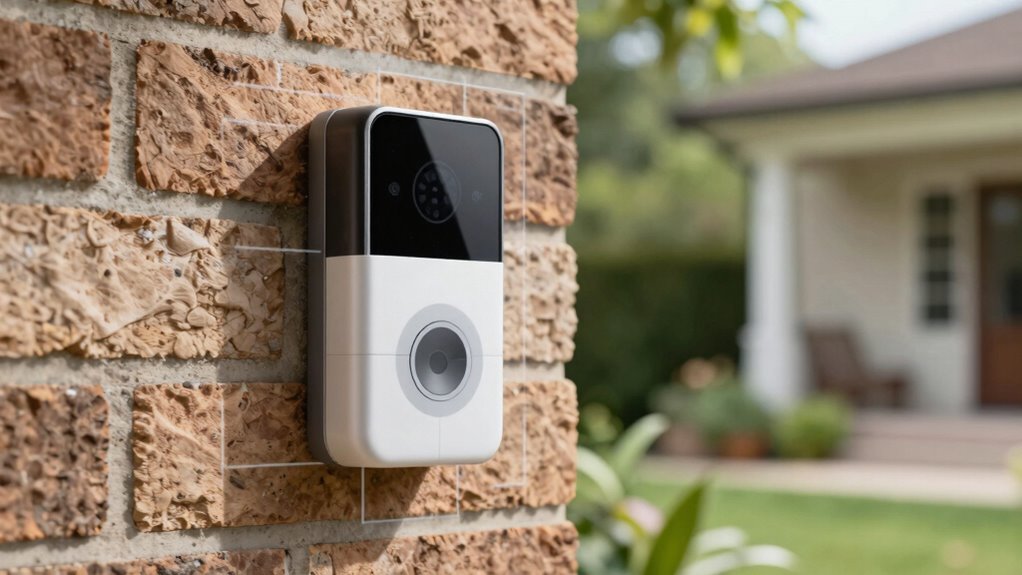
Once you’ve optimized your camera angle for clear footage, the next step is to set up motion zones. Proper motion zone customization helps target specific areas where movement matters, reducing false alert reduction caused by irrelevant motion. Focus on isolating zones like the street, driveway, or garden, and exclude areas like trees or passing cars that trigger unnecessary alerts. Adjust the boundaries carefully to cover critical entry points without overextending. Many doorbells allow you to fine-tune these zones via app settings, so take advantage of these features. By customizing your motion zones precisely, you’ll minimize false alerts, ensuring you’re only notified when it truly matters. Understanding motion zones is key to creating an effective security setup that balances coverage with minimal false alarms. Additionally, understanding how different camera angles influence detection accuracy can further enhance your setup. Proper placement and sensor positioning can significantly improve motion detection reliability, making your security system more efficient.
doorbell camera with customizable motion zones
As an affiliate, we earn on qualifying purchases.
As an affiliate, we earn on qualifying purchases.
Common Mistakes When Installing Your Doorbell
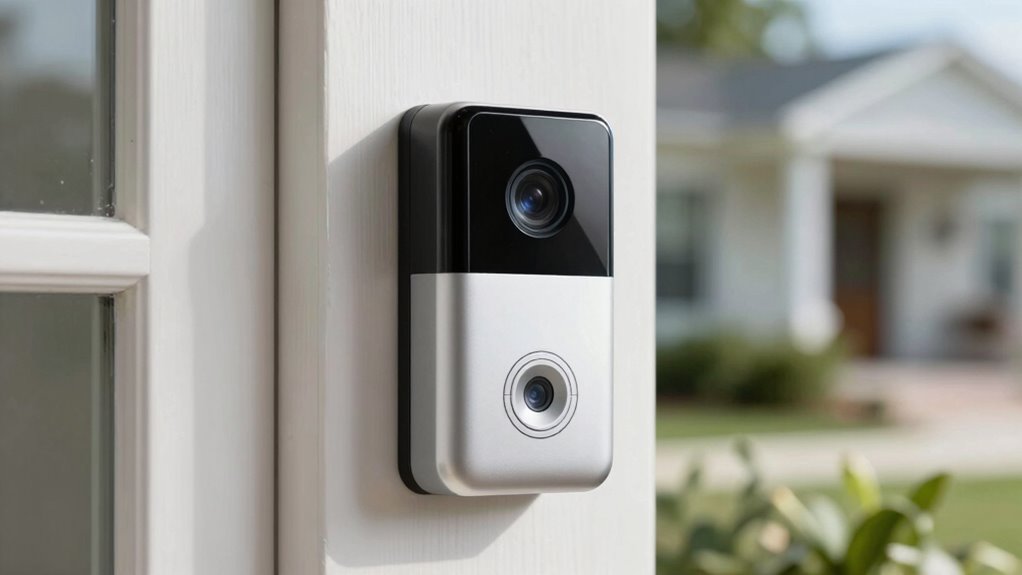
Installing your doorbell might seem straightforward, but overlooking common mistakes can lead to poor performance or early failure. One mistake is ignoring lighting conditions; placing the doorbell where it faces direct sunlight or harsh shadows can affect camera clarity and motion detection. Another common error is neglecting the power source. If you rely on batteries, verify they’re fully charged and accessible for easy replacement. If using a wired connection, verify the wiring is correct and secure to prevent power issues. Also, avoid installing the doorbell too high or too low; improper height can limit visibility and motion detection accuracy. By paying attention to lighting conditions and guaranteeing a reliable power source, you prevent issues that compromise your doorbell’s functionality and longevity. Additionally, understanding camera placement best practices can enhance detection and recording quality, especially when considering privacy considerations to avoid capturing unwanted areas. Proper region-specific installation techniques can further optimize performance based on your environment. Ensuring your installation environment is suitable can also help prevent issues caused by environmental factors like weather or obstructions. Moreover, paying attention to aesthetic integration can help your doorbell blend seamlessly with your home’s exterior while maintaining optimal functionality.
How to Test and Adjust Your Doorbell’s Placement
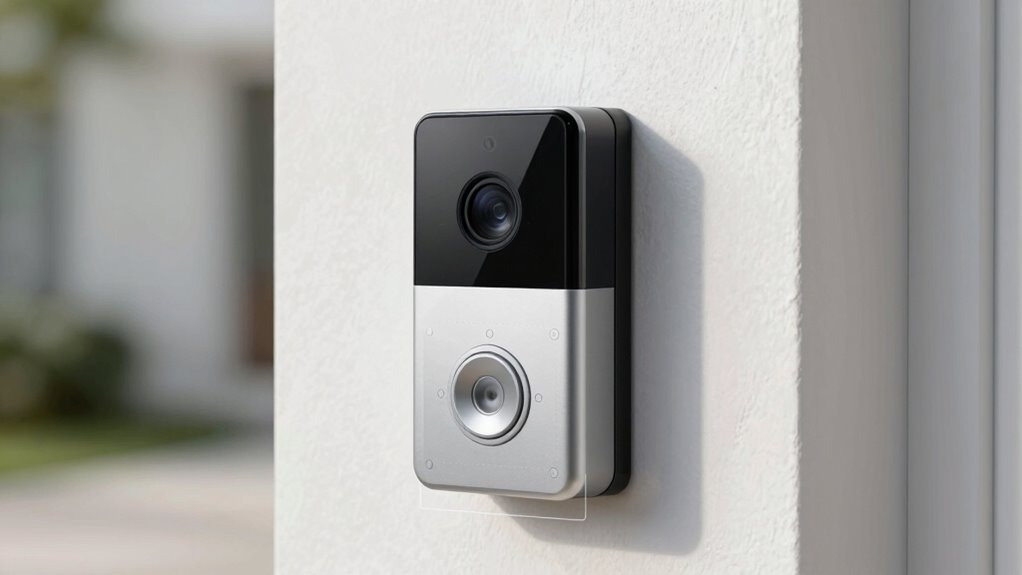
To guarantee your doorbell works effectively, you need to test its placement after installation. Start by walking through the area to check the camera’s view, ensuring it captures visitors without invading privacy concerns of neighbors or passersby. Verify Wi Fi connectivity by streaming live footage or testing the doorbell’s app; a weak connection can cause delays or disconnects. Adjust the angle or height if the view is obstructed or misses key entry points. Observe how motion zones trigger recordings—if false alerts happen, refine the placement or tweak motion sensitivity. Regular testing ensures your doorbell functions at its best, maintains privacy, and stays connected. Proper placement reduces blind spots and improves overall security, making your setup more reliable and user-friendly. Additionally, understanding the importance of camera angles can help optimize the coverage area for better security. Incorporating knowledge about wireless connectivity can also ensure your device remains dependable and responsive. Being aware of data storage options can help you choose the best backup solutions if needed, ensuring your footage is preserved securely. For example, choosing the right video quality settings can also impact storage needs and footage clarity. Ensuring your device supports high contrast ratio can further enhance image clarity in various lighting conditions.
Frequently Asked Questions
How Does Outdoor Lighting Affect Doorbell Camera Visibility?
Outdoor lighting greatly influences your doorbell camera visibility. If your outdoor lighting is too bright or uneven, it can cause glare or shadows that obscure the camera’s view. Proper lighting guarantees the camera captures clear images, especially at night. You should position outdoor lights to illuminate the area evenly without creating glare or reflections, which helps your camera detect motion accurately and improves overall security around your door.
Can Weather Conditions Impact Video Quality or Device Longevity?
Imagine you’re in the Wild West—weather impact can be as fierce as a dust storm. Rain, snow, or extreme temperatures can reduce your doorbell camera’s video quality and threaten device durability. Harsh weather can cause foggy footage or even damage internal components. To keep your device in tip-top shape, choose weather-resistant models, and consider installing a protective cover to shield it from the elements, ensuring longevity and clear footage.
What Are the Legal Considerations for Recording Visitors?
You need to be aware of privacy laws and consent requirements when recording visitors with your video doorbell. Laws vary by location, so make sure you’re not infringing on someone’s privacy rights. Usually, you should clearly notify visitors that they’re being recorded, often through signage or direct communication. Respect local regulations to avoid legal issues, and always prioritize transparency and consent to stay compliant.
How Often Should I Clean or Maintain My Doorbell Camera?
You should clean and maintain your doorbell camera at least once a month to guarantee peak performance. Follow a regular maintenance schedule, including cleaning tips like gently wiping the lens with a microfiber cloth and checking for debris or dirt buildup. Keep the camera’s housing free of dust and dirt, and ensure the motion zones are unobstructed. Regular upkeep helps maintain clear footage and prolongs your device’s lifespan.
Is There a Recommended Brand or Model for Optimal Placement?
Think of choosing a doorbell camera like picking a trusty lighthouse. Recommended brands like Ring, Nest, and Arlo stand out for reliability and smart features. For the best models, consider the Ring Video Doorbell 4 or Nest Hello, which offer clear footage, adjustable angles, and motion detection. These brands and models help you keep your home secure, giving you peace of mind just like a lighthouse guides ships safely ashore.
Conclusion
Properly positioning your video doorbell can drastically improve your security, with studies showing that well-placed devices reduce false alerts by up to 50%. By choosing the right height, angle, and setting effective motion zones, you’ll guarantee clear footage and reliable alerts. Take the time to test and adjust your setup—you’ll be surprised how much peace of mind it brings. Remember, a small investment in placement can make a big difference in protecting your home.
Fall Picks
fall essentials
As an affiliate, we earn on qualifying purchases.