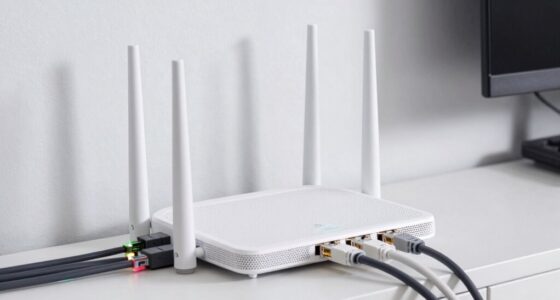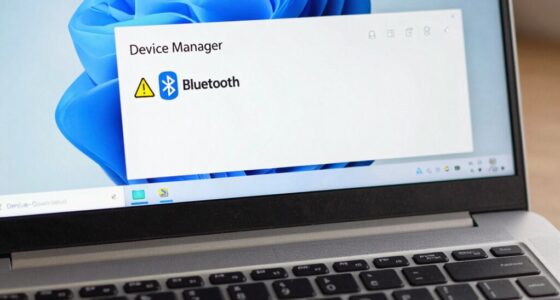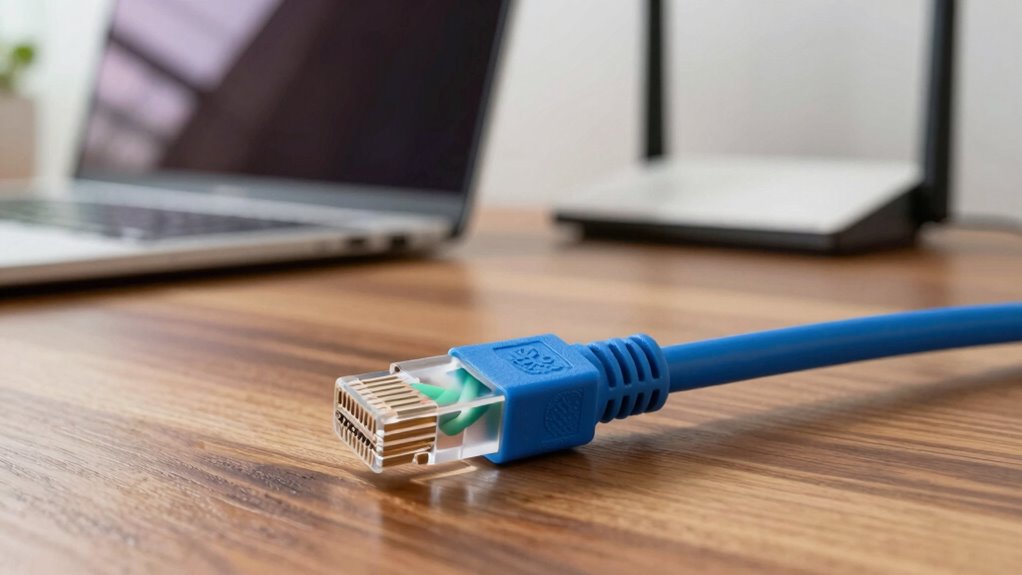

A $10 Ethernet cable can often outperform Wi-Fi upgrades by providing a more stable and faster connection, especially if your wireless signal faces interference or weak coverage. With wired Ethernet, you eliminate lag, drops, and signal disruptions, ensuring smooth streaming, gaming, or work. It’s an affordable way to boost your internet experience without costly equipment. For practical setup tips and more reasons to stick with Ethernet, keep exploring how this simple upgrade can make a big difference.
Key Takeaways
- A basic $10 Ethernet cable can significantly improve connection stability and reduce lag compared to Wi-Fi upgrades.
- Wired Ethernet provides consistent speeds unaffected by wireless interference, walls, or network congestion.
- Ethernet offers enhanced security, making data less vulnerable than wireless signals.
- For activities like gaming or streaming 4K content, Ethernet ensures lower latency and fewer disruptions.
- Upgrading to wired connections is a cost-effective way to boost performance without expensive Wi-Fi gear.

Amazon Basics RJ45 Cat 6 Ethernet Patch Cable, 10Gbps High-Speed, 250MHz, Snagless, Gold-Plated Connectors, 10 Foot, Black
IN THE BOX: 10-foot Cat-6 UTP Ethernet patch cable with 250 MHz bandwidth
As an affiliate, we earn on qualifying purchases.
As an affiliate, we earn on qualifying purchases.
Struggling With Slow Wi-Fi? Why Ethernet Is a Faster, More Reliable Choice
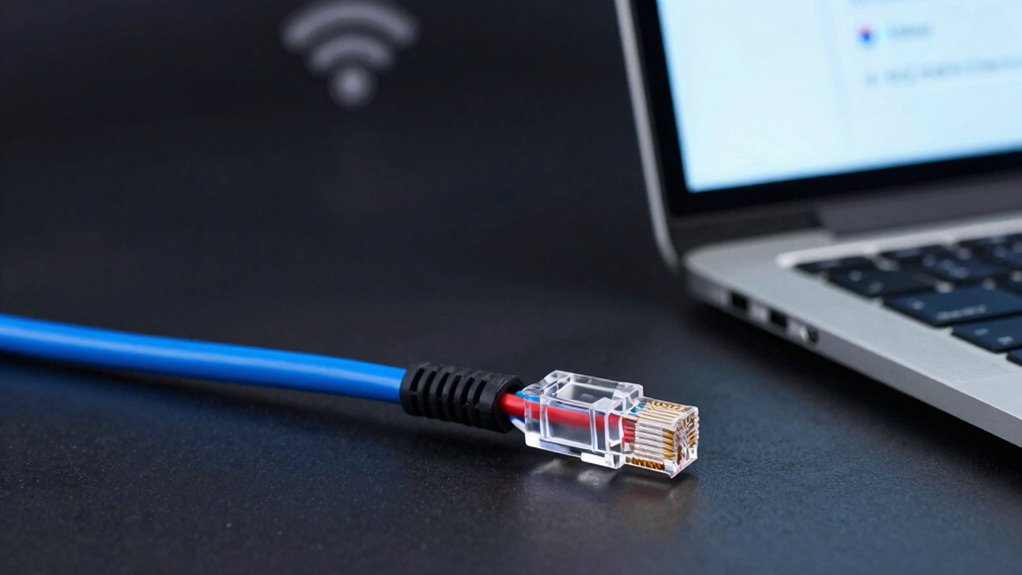
If your Wi-Fi keeps dropping or feels painfully slow, switching to Ethernet can dramatically improve your internet experience. Wireless interference from other devices, thick walls, or crowded networks can weaken your Wi-Fi signal, causing lag and disconnections. Ethernet provides a direct, wired connection that’s unaffected by these issues, ensuring a stable, consistent internet speed. Unlike Wi-Fi, which relies on signal range, Ethernet doesn’t suffer from limited coverage or dead zones. You get a dedicated connection that remains steady regardless of nearby electronic devices or physical obstructions. This reliability means faster downloads, smoother streaming, and fewer frustrating interruptions. Additionally, proper setup and gear can help maximize your network’s performance and minimize potential issues. If you want to improve your internet without constantly troubleshooting Wi-Fi problems, Ethernet is the straightforward solution that offers speed and dependability.

Smolink Ethernet Cable 50 ft, Cat 8 Ethernet Cable with 40Gbps 2000Mhz High Speed Ethernet Cable, Shielded Heavy Duty SFTP RJ45 LAN Cable Patch Cord for Modem Router Gaming PC PS4/5/6 Xbox, Black
HIGH SPEED ETHERNET CABLE: Lightning fast transmission of up to 40 Gbps, 4x faster than Cat 7 ethernet…
As an affiliate, we earn on qualifying purchases.
As an affiliate, we earn on qualifying purchases.
How a $10 Ethernet Cable Can Boost Your Internet Speed
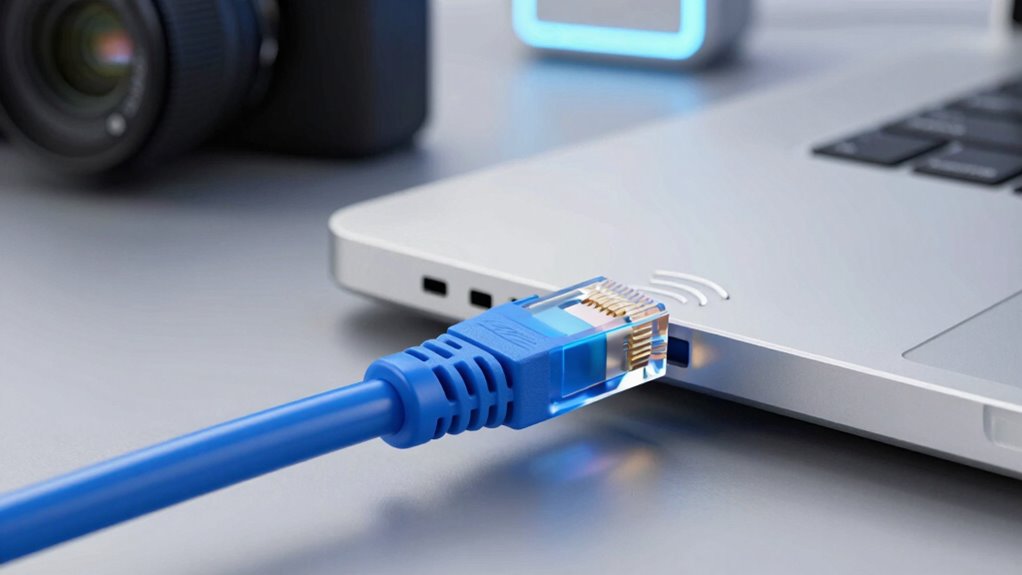
A $10 Ethernet cable can provide you with a more stable connection, reducing interruptions and lag. It also enables faster data transfer, so your downloads and streaming are smoother. Investing in one is a simple way to boost your internet performance without breaking the bank. Traditional Indonesian home decor principles emphasize natural materials and harmonious design, which can be complemented by a reliable internet connection to enhance your living space. A consistent internet connection can also reduce connection disruptions, creating a calmer and more focused environment for managing your daily routines. Ensuring reliable network infrastructure is crucial for Rhythm Failure and other streaming or music-related activities, making your digital experience more seamless. Achieving work-life harmony can be easier when your internet connection is reliable and efficient.
Stable Connection Quality
While Wi-Fi offers convenience, it often struggles with signal interference and inconsistent speeds, leading to frustrating disruptions. Using a $10 Ethernet cable guarantees a stable connection quality, giving you consistent performance without interruptions. Wired connections reduce latency and packet loss, making your browsing, streaming, or gaming smoother. Plus, Ethernet provides better network security, as it’s harder for outsiders to access your data compared to wireless signals. It also guarantees device compatibility, working seamlessly with most desktops, smart TVs, or gaming consoles without worrying about connection drops. This reliability makes Ethernet an excellent choice for those who need steady internet for work or entertainment. In short, a simple, inexpensive cable can substantially improve your connection stability and protect your digital activities.
Faster Data Transfer
Switching to a $10 Ethernet cable can considerably boost your internet speed by providing a direct, dedicated connection to your router. Unlike Wi-Fi, Ethernet offers faster data transfer rates, reducing lag and buffering during streaming or gaming. This stability not only enhances your experience but also improves network security by limiting exposure to wireless vulnerabilities. Additionally, Ethernet cables are highly compatible with most devices, ensuring seamless setup without worrying about compatibility issues. With a wired connection, you avoid the interference that often hampers Wi-Fi signals, allowing you to maximize your internet’s potential. Overall, a simple, affordable upgrade with an Ethernet cable delivers quicker data transfer, better security, and broader device compatibility—making it a smart choice for boosting your network performance. Leveraging digital concepts like direct connections can further optimize your network efficiency, highlighting how wired networks remain relevant in an increasingly wireless world. A wired setup also reduces interference, ensuring a more reliable and consistent internet experience. Understanding how microplastics in dust can impact indoor air quality reminds us of the importance of maintaining a healthy environment—just as a reliable wired connection can improve your digital life.

DIRECTV CCK-W Wireless Cinema Connection Kit (DCAW1R1-01)
Wireless Cinema Connection Kit allows compatible DIRECTV receivers to connect to your home internet network without running long…
As an affiliate, we earn on qualifying purchases.
As an affiliate, we earn on qualifying purchases.
Step-by-Step: How to Set Up a Wired Ethernet Connection
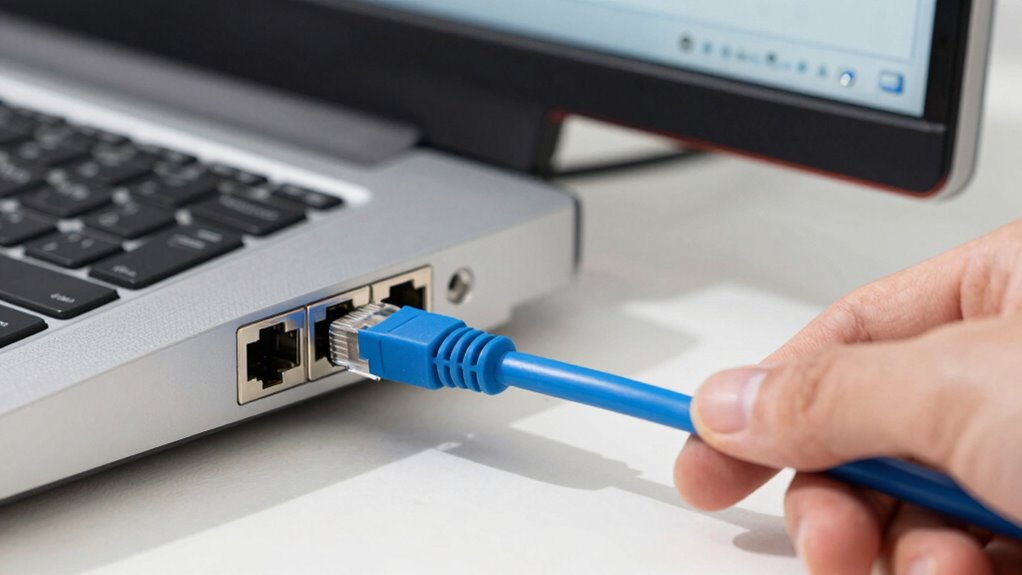
Setting up a wired Ethernet connection is straightforward and offers a reliable, high-speed link for your devices. Begin by checking your device’s port compatibility—most modern computers and routers have standard Ethernet ports. Next, connect one end of your Ethernet cable to your device’s port and the other end to your router or switch. For tidy cable management, route the cable along edges or behind furniture to avoid clutter and damage. Once connected, your device should automatically detect the wired connection, but if not, go to network settings and select Ethernet as your active network. Confirm the connection is active and running at ideal speed. Proper cable management not only improves aesthetics but also prolongs cable life, ensuring consistent performance. Additionally, Ethernet cable quality can affect your connection speed and stability, making it worth investing in a good cable. Moreover, a reliable network setup can significantly enhance your overall online experience by minimizing disruptions and latency. Keep in mind that network stability relies heavily on the quality of your cabling and setup.

B00A128S24
As an affiliate, we earn on qualifying purchases.
As an affiliate, we earn on qualifying purchases.
Busting Myths: Is Ethernet Really Faster Than Wi-Fi?
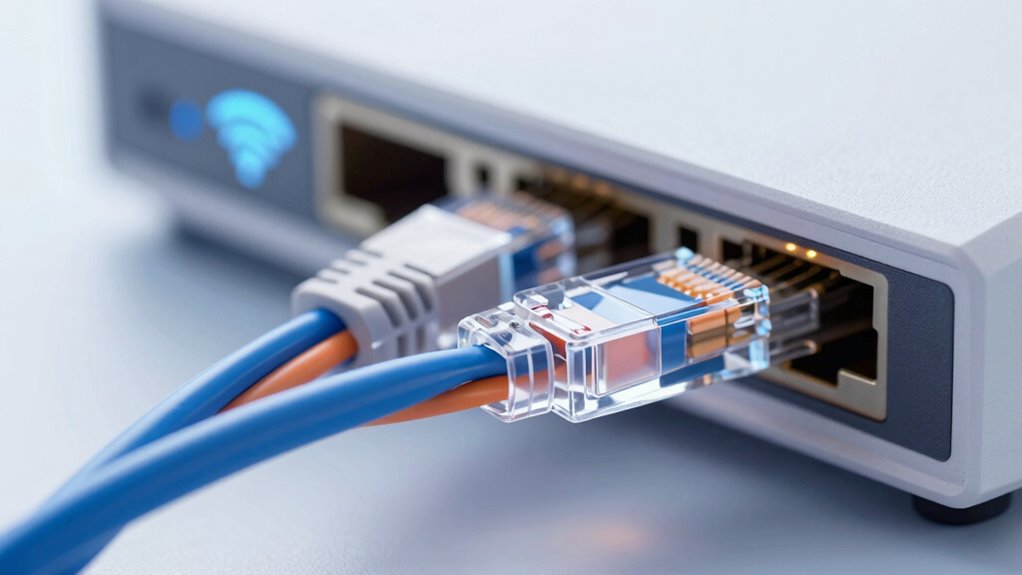
Many believe Ethernet is always faster than Wi-Fi, but that’s not the whole story. You need to take into account both consistency and reliability, which Ethernet often provides better, and speed and latency, where Wi-Fi can sometimes match or even surpass wired connections. For example, imagination’s role can influence how we perceive the capabilities of each technology, especially as advancements continue to blur the lines between wired and wireless performance. As technology evolves, network performance factors become increasingly complex, making it essential to consider real-world usage over theoretical maximums. Let’s examine whether these assumptions hold true in real-world situations.
Consistency and Reliability
When it comes to maintaining a stable internet connection, Ethernet often outperforms Wi-Fi in regard to consistency and reliability. With a wired connection, you avoid interference from other devices, ensuring a steady data flow. This stability is crucial for activities like streaming, gaming, or remote work, where interruptions can be frustrating. Ethernet also enhances network security because a physical cable makes unauthorized access more difficult than hacking into a Wi-Fi signal. Additionally, quality Ethernet cables are built for durability, resisting wear and tear over time, which further guarantees consistent performance. Unlike wireless signals that fluctuate with distance and obstacles, a wired connection provides a dependable, uninterrupted link, making it the preferred choice for those who need reliability above all else. Properly installed performance parts like high-quality Ethernet cables can significantly boost your network’s efficiency and longevity.
Speed and Latency
Is Ethernet truly faster than Wi-Fi? Generally, yes. Ethernet provides consistent speeds and lower latency because it’s less affected by network congestion or signal interference. Wi-Fi can fluctuate due to interference from devices like microwaves or cordless phones, and crowded networks slow it down. Ethernet connections bypass these issues, delivering stable, high-speed data transfer.
| Factor | Ethernet | Wi-Fi |
|---|---|---|
| Speed | Up to 10 Gbps (wired) | Up to 1-3 Gbps (wireless) |
| Latency | Lower, ideal for gaming/syncing | Higher, can cause lag |
| Network Congestion | Less affected | More affected |
| Signal Interference | Minimal | Common |
| Consistency | Very reliable | Variable |
When to Use Ethernet Instead of Wi-Fi for Gaming, Streaming, and Working
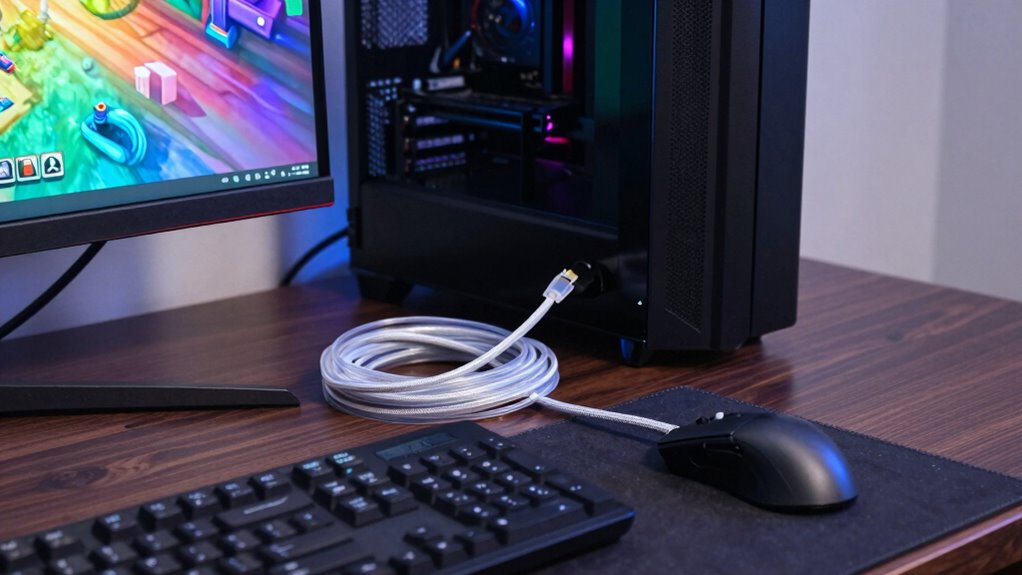
Choosing Ethernet over Wi-Fi becomes essential when you need a stable, low-latency connection for gaming, streaming, or working. If you face frequent disconnections or lag, an Ethernet cable provides a reliable link unaffected by wireless interference or device compatibility issues. Use Ethernet when:
- You’re gaming competitively and need minimal latency.
- Streaming 4K or multiple devices at once to avoid buffering.
- Working from home with large file transfers or video conferencing.
Ethernet is especially beneficial if your Wi-Fi signal is weak or inconsistent due to interference or distance from the router. It guarantees a consistent connection, reducing frustration and boosting productivity. When stability matters most, plugging in an Ethernet cable beats relying solely on Wi-Fi. Additionally, wireless interference can significantly impact your connection quality, making Ethernet the smarter choice.
Tips to Maintain a Stable Wired Connection and Future-Proof Your Setup
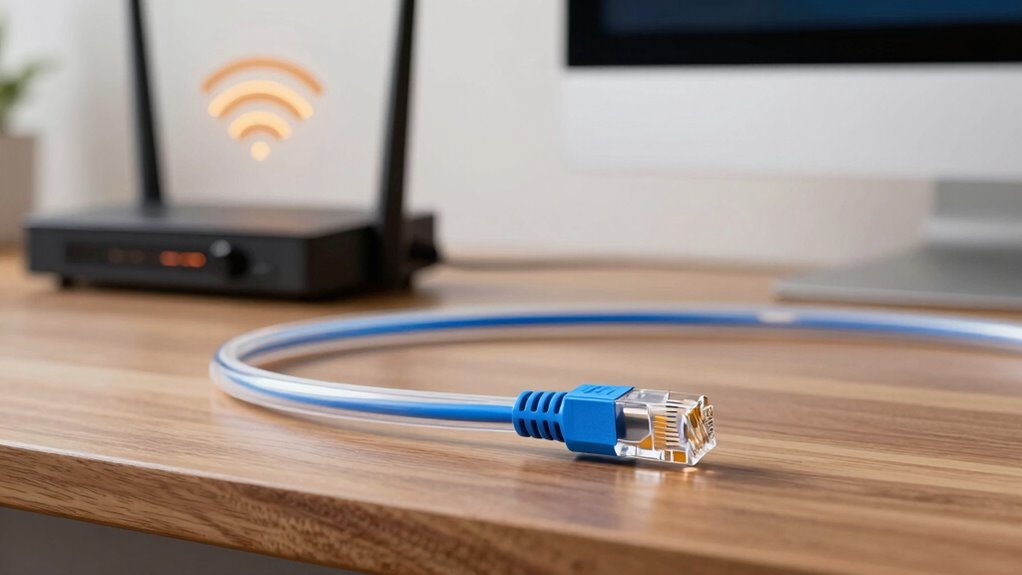
Maintaining a stable wired connection requires regular upkeep and strategic planning to keep your setup future-proof. Start by checking your Ethernet cables for wear or damage, replacing them with high-quality, shielded cables to reduce wireless interference that can disrupt your signal. Make certain your devices are compatible with current standards like Gigabit Ethernet to maximize performance. Keep firmware and drivers updated on your networking equipment to prevent compatibility issues and enhance stability. Use a dedicated port for your most critical devices to avoid congestion. Consider investing in a managed switch if you expand your setup, allowing for better traffic management. Additionally, selecting appropriate cable materials such as shielded cables can further improve connection reliability and shield against external interference. By regularly inspecting and upgrading your hardware, you minimize downtime and future-proof your network against evolving technology and interference challenges.
Frequently Asked Questions
Can Ethernet Cables Improve Wi-Fi Signal Strength?
Ethernet cables don’t directly improve your Wi-Fi signal strength, but they do enhance your overall connection stability. By using a wired connection, you avoid interference and signal loss common with Wi-Fi, especially over long distances. Plus, Ethernet cables offer better cable durability, ensuring a reliable, long-lasting connection. So, while they don’t boost Wi-Fi signals, they provide a more stable and consistent internet experience overall.
Does Ethernet Support Faster Upload Speeds Than Wi-Fi?
Yes, Ethernet supports faster upload speeds than Wi-Fi, especially when paired with fiber optics technology. You get reliable, consistent performance, with minimal latency, unlike wireless redundancy that can fluctuate. When you connect devices directly via Ethernet, you maximize your upload speeds, ensuring smoother video uploads, quicker data transfers, and overall better performance. It’s a simple upgrade that keeps your network fast, stable, and ready for demanding tasks.
Are There Disadvantages to Using Wired Ethernet Connections?
Yes, there are disadvantages to using wired Ethernet connections. You might face issues with cable durability, especially if the cables aren’t well-made or exposed to physical wear. Additionally, wired connections can be affected by wireless interference if cables are run near other electronic devices or sources of interference. Plus, Ethernet setups can limit your mobility, as you’re tethered to a physical connection, reducing convenience compared to Wi-Fi.
How Does Ethernet Handle Multiple Devices Simultaneously?
Ethernet handles multiple devices simultaneously by managing network congestion effectively, ensuring each device gets adequate bandwidth. It uses switches to direct data traffic precisely, reducing collisions and lag. Additionally, Ethernet supports device prioritization, allowing you to assign higher priority to essential devices or applications. This approach maintains smooth performance even when several devices are connected, making wired connections more reliable for multitasking and high-demand activities.
Is Ethernet More Secure Than Wi-Fi for Sensitive Data?
Yes, Ethernet is more secure than Wi-Fi for sensitive data. You benefit from encryption protocols like MACSec, which protect data during transmission. Plus, physical vulnerabilities are limited because someone needs direct access to your Ethernet cable or port to intercept data, unlike Wi-Fi, which can be hacked remotely if not properly secured. This makes Ethernet a safer choice for handling sensitive information in your network.
Conclusion
Don’t let your Wi-Fi’s smoke and mirrors fool you—sometimes, a simple $10 Ethernet cable is your secret weapon for speed and reliability. Like a trusty bridge over turbulent waters, a wired connection keeps your online experience smooth and steady, whether gaming, streaming, or working. So, when your wireless signal feels like a flickering candle, remember: a wired Ethernet connection is the lighthouse guiding you to better internet.