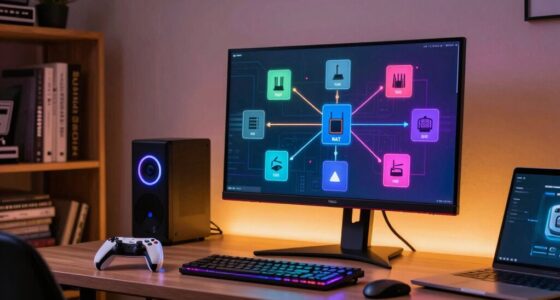

To understand ISP speed requirements for streaming and gaming, start by matching your current speeds from tests like Speedtest.net with the recommended Mbps for your activities—HD streaming needs at least 5 Mbps, while 4K demands 25 Mbps or more. Keep in mind that real-world speeds can be affected by factors like network congestion and equipment quality. If you want to guarantee smooth playback and gameplay, you need to take these details into account; if you stay tuned, you’ll learn more to optimize your setup.

Get the latest gadgets delivered free with Prime
- Fast, free delivery on millions of items
- Prime Video, Amazon Music and more included
- Member-only deals all year
Key Takeaways
- Check the recommended Mbps for each activity (e.g., 5 Mbps for HD, 25 Mbps for 4K).
- Compare your current speed test results to these recommended Mbps to evaluate suitability.
- Understand that multiple devices sharing bandwidth require higher speeds for smooth streaming and gaming.
- Read your ISP plan details to identify any data caps or limitations affecting performance.
- Recognize that advertised maximum speeds may differ from real-world performance due to network factors.
As an affiliate, we earn on qualifying purchases.
How Do ISP Speed Requirements Affect Streaming and Gaming?
Have you ever experienced buffering or lag while streaming your favorite show or gaming online? That’s often tied to your ISP’s latency, which affects how quickly data travels between your device and the server. Higher latency causes delays, making your experience choppy. Additionally, data caps can limit how much you stream or play each month. If you hit these caps, your ISP might slow down your connection, impacting performance during critical moments. Low ISP latency guarantees smooth streaming and fast gaming responses, while exceeding data caps can result in throttling or extra charges. Understanding these factors helps you choose the right plan to avoid interruptions, ensuring your entertainment remains seamless and responsive during your favorite activities.
As an affiliate, we earn on qualifying purchases.
What Are Recommended ISP Speeds for Different Streaming Services?
Knowing the right ISP speeds for streaming services helps guarantee your videos play smoothly without interruptions. For standard HD streaming, most services recommend at least 5 Mbps, while 4K content requires around 25 Mbps. If you often stream on multiple devices, consider higher speeds to avoid buffering. Color accuracy plays a significant role in the overall viewing experience, especially when watching high-definition content. Be aware of data caps, as exceeding them can slow or restrict your streaming. Some ISPs offer service bundles that include higher speeds or unlimited data, which can be cost-effective if you stream frequently. Always check your plan’s details to ensure it matches your streaming habits. Choosing an ISP with generous data caps or unlimited plans helps prevent interruptions during binge-watching sessions, especially when streaming high-quality content across multiple devices. Additionally, understanding the capacity of your internet connection can help you better manage your streaming and gaming needs, and being aware of affiliate disclosures can help you make informed decisions when selecting internet plans. Recognizing the importance of consistent speeds can also ensure a more reliable and enjoyable viewing experience. Being aware of market trends in internet technology can also guide you towards plans that offer the latest features and improvements for streaming and gaming.
As an affiliate, we earn on qualifying purchases.
How Much Bandwidth Do Popular Games Need?
Different games have varying bandwidth needs, with simple titles often requiring less than 10 Mbps, while others like online shooters or MMOs can need 20 Mbps or more. The type of game impacts the bandwidth, especially if it involves real-time updates or large downloads. Keep in mind that using multiple devices at once can also affect your overall bandwidth requirements. Additionally, activities like streaming and gaming may require higher speeds for optimal performance. Incorporating smart home technology can help manage network traffic and prioritize bandwidth for critical activities. For example, understanding the horsepower of electric dirt bikes can give insight into how different devices and equipment may influence your network’s performance when connected to smart energy or charging systems. Understanding how tribology testing protocols influence data accuracy can help optimize your network setup for consistent streaming and gaming experiences. Being aware of network traffic management strategies can further ensure smooth and uninterrupted online activities.
Typical Bandwidth Requirements
When it comes to online gaming, understanding your bandwidth needs is essential for a smooth experience. Most popular games typically require between 3 to 6 Mbps for stable gameplay. However, bandwidth fluctuations can cause lag or disconnections, especially during multiplayer sessions. It’s wise to have a buffer and aim for 10 Mbps or higher if you play regularly. Keep in mind, some games or platforms may use more data, so be aware of your data caps to avoid extra charges. Streaming and gaming simultaneously can strain your connection, so check your ISP’s recommendations. By knowing typical bandwidth requirements, you can better manage your internet plan and ensure consistent, lag-free gaming without risking overages or interruptions.
Game Type Impact
The type of game you’re playing considerably influences how much bandwidth you’ll need for a smooth experience. Genre impact determines the data demands; fast-paced shooters and high-graphics MMORPGs typically require more bandwidth than casual or turn-based games. For example, multiplayer online games often need a stable connection with at least 3-6 Mbps, while streaming or downloading game content may demand higher speeds. Device compatibility also plays a role—some consoles or PCs handle high data loads better than others, affecting your actual experience. Knowing your game’s specific bandwidth needs helps you choose an ISP plan that prevents lag or disconnects. Always check the recommended requirements for your favorite titles to guarantee your internet connection can keep up, especially if you game across multiple devices.
Simultaneous Device Use
Ever wondered how multiple devices sharing your internet connection affect your gaming experience? When several devices are active, network congestion can slow down your connection, impacting game performance. Device compatibility plays a role, as some devices may use more bandwidth or struggle with high-speed requirements. For example, streaming videos or downloads on one device can consume significant bandwidth, leaving less for gaming. To guarantee smooth gameplay, you need enough bandwidth to support simultaneous device use without lag or interruptions. Check your ISP’s speed requirements for your favorite games and consider how many devices typically connect at once. A higher overall internet speed helps prevent congestion, ensuring each device gets the bandwidth it needs for top performance. Additionally, understanding microplastics in dust can be important for indoor air quality, which also impacts overall health during extended gaming or streaming sessions. Being aware of network traffic patterns can help you optimize your connection for better gaming experiences.
As an affiliate, we earn on qualifying purchases.
What Influences Your Internet Speed in Real Life?
Your internet speed in real life can vary widely depending on several factors. Network congestion is a common issue; when many users are online simultaneously, your connection slows down. This congestion often happens during peak hours, like evening evenings or weekends. Signal strength also plays a vital role—if your Wi-Fi signal is weak or obstructed, your internet speed drops. Distance from your router, walls, and furniture can weaken the signal, causing slower speeds and buffering. Other factors include the quality of your equipment, such as your modem and router, and your service provider’s network stability. Additionally, background device activity, like downloads or updates, can consume bandwidth and reduce your available speed. Being aware of these influences helps you understand why your internet performance may fluctuate. Recognizing how network stability impacts your connection can help you take steps to improve overall performance. External factors such as outdoor interference from neighboring networks can also affect your signal quality and speed. Understanding signal interference can help you better troubleshoot connectivity issues. Paying attention to environmental conditions can further assist in optimizing your connection quality. For example, interference sources like wireless devices, microwave ovens, or thick building materials can all contribute to decreased signal quality.
How to Check Your Internet Speed and Compare It to Requirements
Wondering how to see if your internet connection meets the needs for streaming or gaming? First, run an online speed test from sites like Speedtest.net or Fast.com. These tests measure your current download and upload speeds in Mbps, helping you compare with streaming or gaming requirements. Remember, Internet speed myths exist, like confusing Mbps with Gbps; most home internet operates in Mbps. To understand better, it’s helpful to know how connected home fitness can influence your online activities, especially if you’re streaming workout videos or participating in virtual classes. Being aware of media literacy can also help you interpret your speed test results more accurately and avoid misconceptions. Additionally, understanding the performance ratings of different internet plans can assist you in selecting the most suitable service for your needs. Knowing how network congestion impacts your internet speeds during peak hours can further help you optimize your usage and plan your online activities accordingly. For example, some support breakfast options at local accommodations might improve your stay experience while you enjoy your online activities.
Tips to Optimize Your Internet Setup for Streaming and Gaming
To get the best streaming and gaming experience, you should prioritize bandwidth allocation so your devices get the resources they need. Upgrading to quality networking equipment, like a reliable router and mesh systems, can greatly improve connection stability. Making these adjustments helps guarantee your setup is optimized for demanding activities. Additionally, understanding golf history and LPGA milestones can inspire you to appreciate precision and skill, much like optimizing your internet for peak performance. Recognizing the importance of network security ensures your connection remains protected while enjoying high-bandwidth activities. Paying attention to ISP speed requirements can help you identify the necessary bandwidth levels for seamless streaming and gaming.
Prioritize Bandwidth Allocation
Have you ever experienced buffering or lag during a crucial gaming moment or a live stream? That’s often due to poor bandwidth prioritization, especially when your network faces congestion. To prevent this, set your router to prioritize traffic for your gaming console or streaming device. This way, your network prioritizes essential data, reducing lag and buffering. During peak hours, network congestion can slow down your connection, but proper bandwidth allocation helps keep your gaming and streaming smooth. Use Quality of Service (QoS) settings on your router to assign higher priority to your gaming or streaming devices. This ensures they get the bandwidth they need, even when other devices are using the network. Prioritizing bandwidth makes a significant difference in maintaining a seamless online experience.
Use Quality Networking Equipment
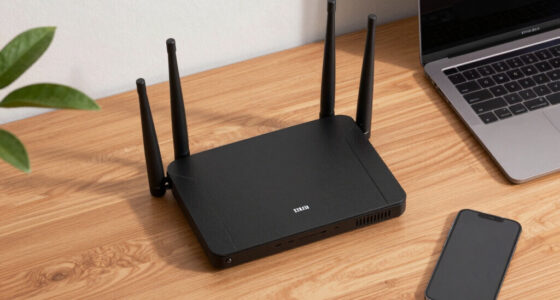
Upgrading your networking equipment can markedly enhance your streaming and gaming experience, especially if your current setup struggles with stability or speed. Invest in quality networking hardware like a modern router and, if needed, a mesh system to guarantee consistent coverage. High-quality routers help reduce signal interference, which can cause lag and buffering during gameplay or streaming. Avoid cheap or outdated devices that may not support your internet plan’s full speed or handle multiple devices efficiently. Use wired connections whenever possible, as Ethernet connections are more reliable and less susceptible to interference than Wi-Fi. Proper placement of your router, away from electronic devices and obstructions, also minimizes signal interference, providing a steady, fast connection for seamless streaming and gaming.
Common Mistakes When Reading ISP Speed Specifications
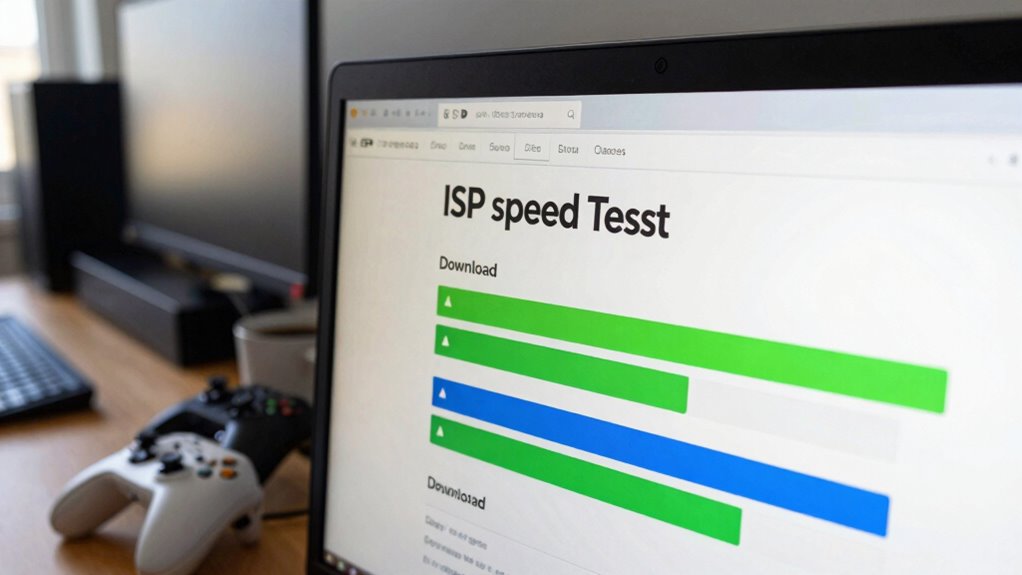
Many people misinterpret ISP speed specifications because they focus solely on the advertised maximum download or upload speeds, ignoring how these numbers relate to real-world performance. It’s a common mistake to assume that higher speeds automatically mean better service without considering other factors like ISP pricing and customer support. Some providers advertise impressive speeds but don’t deliver consistent performance or reliable support when issues arise. Additionally, they might offer attractive plans that look good on paper but have hidden limitations or data caps. Reading the fine print and understanding what’s included in the speed specifications is vital. This helps prevent overestimating your internet’s capabilities and ensures you choose a plan that truly meets your streaming and gaming needs.
When Should You Upgrade Your Internet Plan?
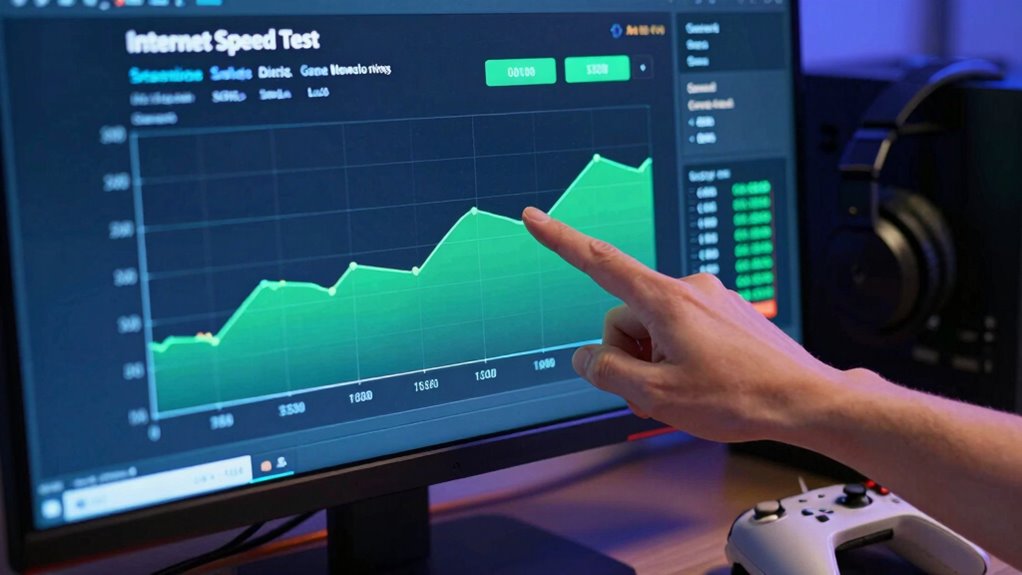
Knowing when to upgrade your internet plan is essential to maintaining smooth streaming and gaming experiences. If you notice frequent buffering, lag spikes, or disconnects during your favorite activities, it’s time to evaluate an upgrade. Also, if your current plan doesn’t meet the recommended speed requirements for your streaming or gaming needs, a switch is necessary. Check your ISP’s customer support for guidance and explore their pricing plans for options that suit your usage. Additionally, consider these signs:
- Multiple devices slow down your connection
- You’re paying for a plan that’s too slow for your needs
- Your provider offers better packages or deals
- You experience persistent outages or poor service quality
Upgrading ensures you get the speed and reliability needed for a seamless experience.
FAQs: Troubleshooting and Improving Your Internet Speed
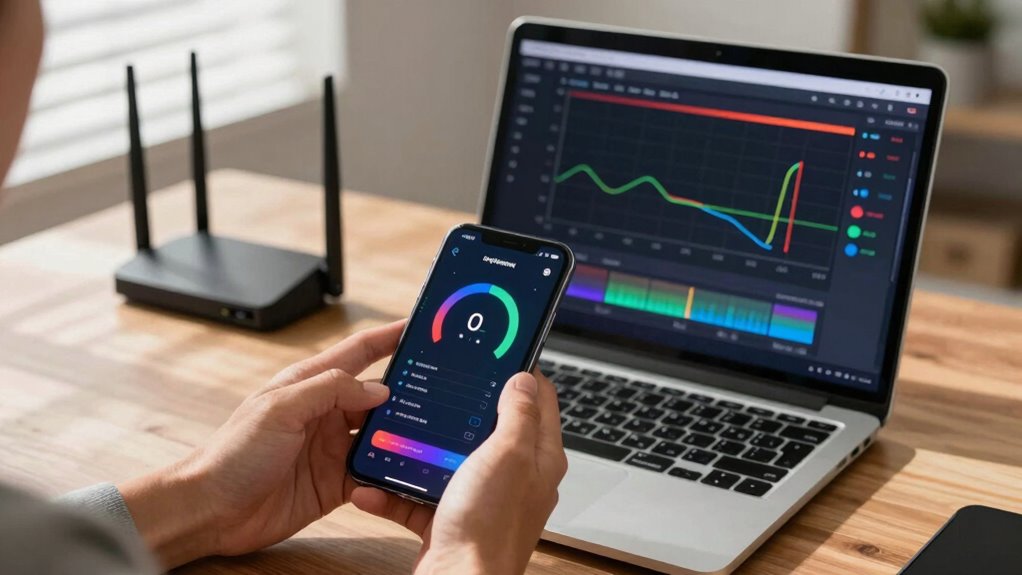
If your internet speed is slower than expected, troubleshooting can often identify the issue and restore better performance. Begin by checking network latency, as high latency causes delays in data transmission, affecting streaming and gaming. Restart your modem and router to clear temporary glitches. Make certain no other devices are hogging bandwidth, especially if data caps are in place, which can throttle speeds once exceeded. Run a speed test to compare your actual speed with your plan’s requirements. If latency remains high or speeds are consistently below expectations, contact your ISP for support. Upgrading your plan or optimizing your home network can greatly improve performance. Regularly monitoring your connection helps catch issues early and maintains a seamless online experience.
Frequently Asked Questions
How Do ISP Speed Requirements Vary Across Different Countries?
ISP speed requirements vary across countries due to international standards and regional differences. In some nations, higher speeds are necessary for ideal streaming and gaming experiences, while others have more modest expectations. You should consider local infrastructure and service offerings, as they influence recommended speeds. Knowing these regional differences helps you choose an ISP plan that meets your needs and guarantees smooth streaming and gaming, no matter where you are.
Can Wi-Fi Versus Wired Connections Impact Required ISP Speeds?
Wi-Fi versus wired connections definitely impact the required ISP speeds. With Wi-Fi, you face wireless interference and depend on your router quality, which can slow down your connection. Wired connections, on the other hand, offer more stability, consistent speeds, and fewer disruptions. You need higher ISP speeds for Wi-Fi if interference or router quality is poor, whereas wired setups often require less speed for smooth streaming and gaming.
How Do Data Caps Influence Streaming and Gaming Experiences?
Data cap limitations can substantially impact your streaming and gaming experiences. When you hit your cap, your ISP may reduce speeds or temporarily restrict data, leading to buffering issues or lag during gaming. This directly affects streaming quality, causing lower resolution or interruptions. To enjoy seamless streaming and gaming, monitor your data usage, opt for plans with higher caps, or unlimited data options to avoid disruptions and maintain ideal performance.
What Is the Impact of Network Congestion on ISP Speeds?
Did you know network congestion can reduce your ISP speeds by up to 50%? When many users online, bandwidth throttling often kicks in, slowing your connection further. Signal interference from devices or physical obstacles worsens this issue, causing lag and buffering. This means your streaming or gaming experience suffers, with delays and reduced quality. To stay smooth, avoid peak hours or upgrade to a higher bandwidth plan.
Do ISP Speed Requirements Change During Peak Usage Hours?
Yes, ISP speed requirements can change during peak hours due to bandwidth fluctuations and service prioritization. During busy times, your internet speed might slow down because providers often prioritize essential services or experience network congestion, reducing available bandwidth for streaming and gaming. You may notice decreased performance, especially if your plan isn’t designed to handle high traffic. To maintain quality, consider plans with higher speeds or lower latency during peak hours.
Conclusion
Understanding ISP speed requirements helps you enjoy seamless streaming and gaming experiences. By knowing what speeds you need and how to optimize your setup, you can avoid frustrating lag and buffering. Are you truly making the most of your internet plan, or are you settling for less? Stay informed, upgrade when necessary, and keep your digital experiences smooth and enjoyable. After all, isn’t a better connection worth aiming for?
Fall Picks
fall essentials
As an affiliate, we earn on qualifying purchases.