

Choosing between local and cloud backups depends on your needs for speed, security, and convenience. Local backups give you quick access, full control, and lower long-term costs, but they’re vulnerable to physical damage. Cloud backups offer easy, remote access, scalability, and strong encryption, yet rely on internet stability and ongoing fees. To fully understand which fits your situation best, explore the detailed differences and strategies that follow.

Get the latest gadgets delivered free with Prime
- Fast, free delivery on millions of items
- Prime Video, Amazon Music and more included
- Member-only deals all year
Key Takeaways
- Cloud backups offer remote access, scalability, and automation, while local backups provide faster recovery, full data control, and lower long-term costs.
- Cloud backups emphasize security through provider-managed encryption, whereas local backups depend on user-managed security measures.
- Local backups are vulnerable to physical damage but enable instant access; cloud backups depend on internet speed and provider reliability.
- Cost considerations vary: local backups involve hardware investments; cloud backups have ongoing subscription fees that grow with data size.
- A hybrid approach combining both methods maximizes security, redundancy, accessibility, and recovery speed.
external hard drive for data backup
As an affiliate, we earn on qualifying purchases.
As an affiliate, we earn on qualifying purchases.
Which Backup Method Is Right for Your Needs?
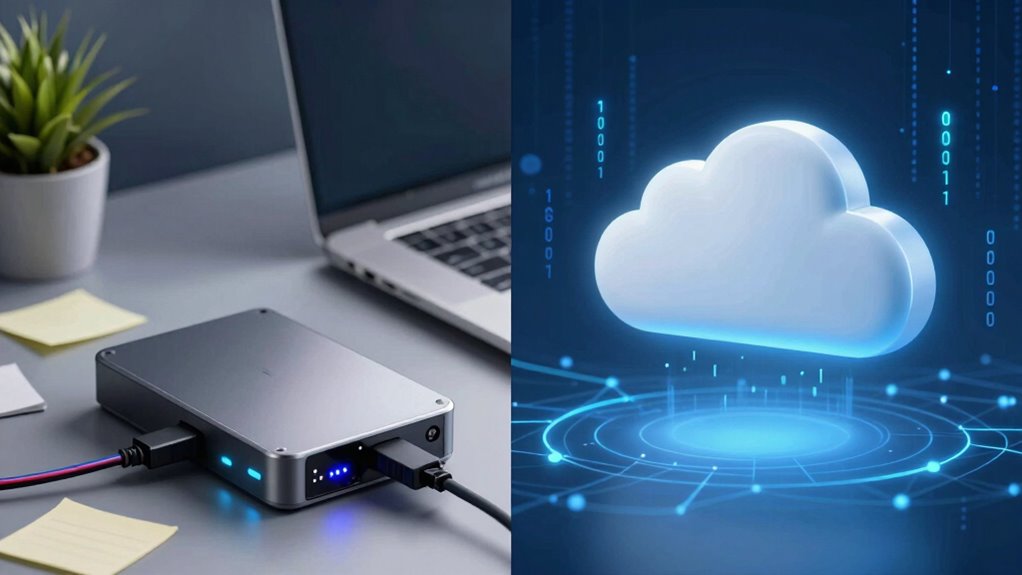
Deciding between local backup and cloud backup depends on your specific needs and priorities. If security is your top concern, look for options offering strong data encryption to protect your files both at rest and during transfer. Local backups give you control over your data and can be easily automated with backup software, ensuring regular updates without manual effort. However, they might require more maintenance and upfront costs. Cloud backups provide off-site storage, enabling you to access files from anywhere, often with built-in backup automation. Consider your internet speed and data sensitivity when choosing—if you prefer hands-off, automated backups with security, cloud might be better. Conversely, if you value direct control and physical access, local backups are a solid choice. Additionally, assess the storage medium options available, such as optical drives or enterprise USB backups, to find the most suitable solution for your setup. Understanding the security measures involved can help you make a more informed decision. Moreover, awareness of sound healing science can underscore the importance of choosing reliable and scientifically supported backup methods, ensuring peace of mind. For example, understanding the contrast ratio in projectors highlights the significance of selecting methods that safeguard your data’s clarity and detail, similar to how contrast impacts image quality.
cloud backup service subscription
As an affiliate, we earn on qualifying purchases.
As an affiliate, we earn on qualifying purchases.
Key Differences Between Local and Cloud Backup
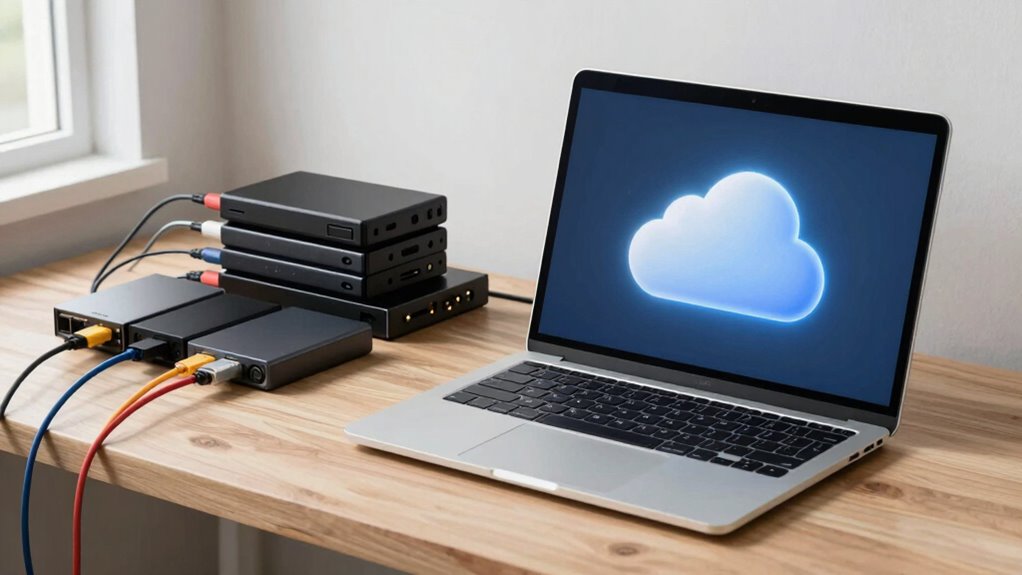
Understanding the key differences between local and cloud backups can help you select the best option for your needs. Local backups store data on physical devices, while cloud backups use remote servers. Here are some key distinctions:
- Encryption methods: Cloud backups often feature advanced encryption, keeping your data secure during transfer and storage, whereas local backups depend on your chosen encryption tools. Being aware of affiliate disclosure policies can also inform your choice of trusted providers.
- Data redundancy: Cloud providers typically offer automatic data redundancy across multiple servers, reducing risk. Local backups rely on your manual setup to guarantee copies are stored safely, which may require understanding data security best practices.
- Accessibility: Cloud backups offer remote access from any device, while local backups require physical connection.
- Maintenance: Local backups need regular updates and hardware management, unlike cloud backups, which are maintained by providers.
- Security considerations: The security of local backups depends heavily on your physical security measures and how you manage access to your devices.
As an affiliate, we earn on qualifying purchases.
Benefits of Local Backup: Speed, Control, and Cost
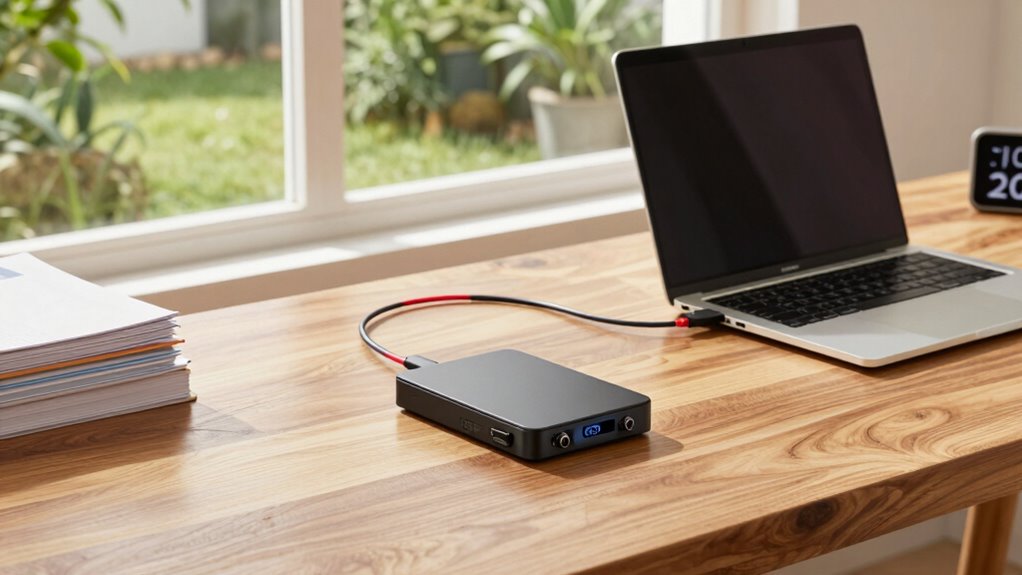
With local backups, you can access your data faster without relying on internet speed, saving you time when you need it most. You also have complete control over your backups, ensuring your data stays private and secure. Plus, over the long term, maintaining your own backup system can be more cost-effective than ongoing cloud subscription fees. Additionally, choosing a reputable backup solution, like those reviewed in Gold IRA Markets, can help ensure your data remains protected and reliable. Implementing consistent feedback in your backup practices can help identify and address potential issues early, further safeguarding your data. Understanding scams and red flags associated with online data solutions can also help you avoid security risks. Incorporating security-focused tools can enhance your backup system’s resilience against cyber threats and unauthorized access. Being aware of Italian gelato culture and the importance of authentic ingredients can also inspire confidence in choosing reliable backup options.
Faster Data Access
Local backups provide remarkably fast data access because your files are stored directly on your device or nearby storage, eliminating the delays associated with internet transfer speeds. You can retrieve your data instantly, which is vital when time matters. Plus, because local backups support advanced encryption methods, your data stays secure during quick access. Data redundancy ensures your files are duplicated across multiple drives, so you can recover quickly if one fails. Here are some benefits:
- Instant retrieval without waiting for uploads or downloads
- Reduced dependency on internet speed for quick access
- Faster recovery during emergencies
- Seamless access to encrypted files with minimal lag
This speed makes local backups ideal for those who need immediate, reliable access to their data at all times.
Greater Data Control
Having direct access to your backup data means you’re in full control of your information. With local backups, you decide where your data resides, giving you greater data sovereignty. You can enforce your own policies on data access and security without relying on third-party providers. This control extends to backup encryption; you manage and implement encryption methods to protect sensitive data. Unlike cloud solutions, where data may be stored across multiple jurisdictions, local backups keep your data within your physical reach, reducing concerns about compliance and legal restrictions. This setup guarantees you’re always aware of how your data is stored, protected, and accessible, empowering you to maintain the highest level of data control and security according to your specific needs.
Lower Long-Term Costs
When considering long-term data management, cost efficiency becomes a significant advantage of local backups. You avoid ongoing subscription fees and reduce expenses associated with cloud storage. With a local backup, you control the costs by investing in hardware once and maintaining it. Additionally, you can implement data encryption and backup scheduling without extra charges, ensuring your data remains secure and backed up on your terms. Here are some key benefits: 1. No recurring cloud service fees 2. Lower hardware upgrade costs over time 3. Control over data encryption and security 4. Flexibility in scheduling backups to optimize performance Research supports local backup’s cost-effectiveness, further demonstrating its advantages for long-term data management.
As an affiliate, we earn on qualifying purchases.
Advantages of Cloud Backup: Accessibility and Scalability
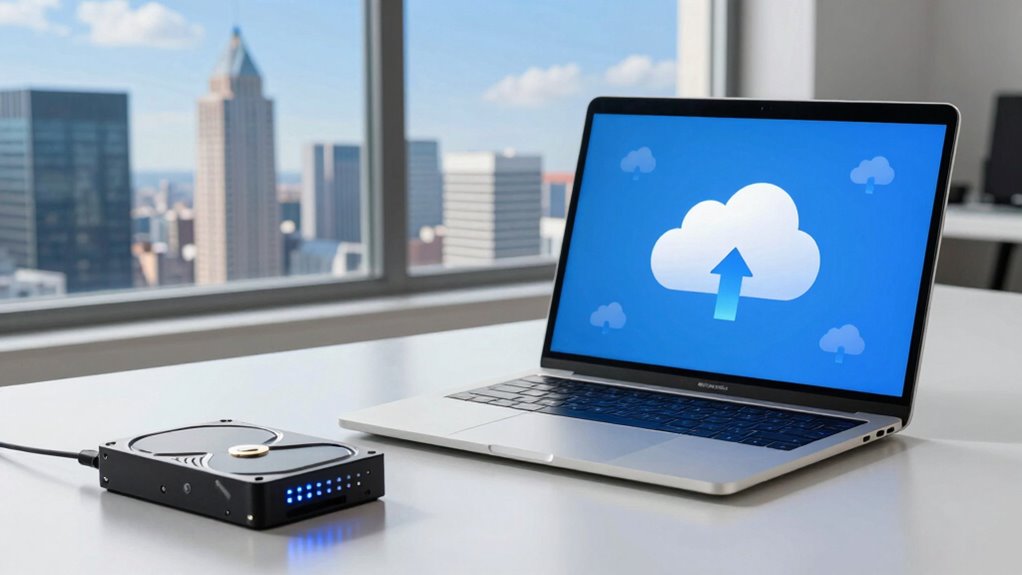
With cloud backup, you can access your data anytime and from anywhere, making remote access straightforward and reliable. As your storage needs grow, expanding your data capacity is effortless, without the hassle of physical hardware. Plus, cloud solutions work seamlessly across multiple devices, ensuring your data is always synchronized and ready to use. Additionally, integrating smart home protocols can enhance your backup system by enabling automated and secure data management. This integration can also help you make more ethically informed decisions about your data security and privacy. The flexibility is especially beneficial for scaling storage as your digital footprint increases. Cloud backups also support automatic updates, reducing manual effort and ensuring your system remains current and secure. Incorporating efficient data handling practices can further optimize your backup system by reducing bandwidth usage and improving overall performance.
Remote Access Convenience
Cloud backup offers unmatched remote access convenience because you can retrieve your files anytime, anywhere, as long as you have an internet connection. This flexibility means you’re not tied to a specific device or location, making data access effortless. Plus, with backup automation, your files stay updated without manual effort, ensuring data privacy and security. Here are some advantages:
- Instant access to files on any device, anywhere
- Seamless collaboration with remote teams
- Reliable recovery during emergencies
- Reduced downtime due to quick file retrieval
This convenience empowers you to work efficiently, knowing your data is always accessible and protected. The scalability of cloud storage means you can adjust your backup needs easily, without worrying about physical limitations or manual interventions.
Effortless Data Expansion
Effortless data expansion is one of the key benefits of cloud backup, allowing you to grow your storage needs without hassle. As your data increases, cloud services automatically scale to meet demand, so you don’t need to worry about hardware upgrades or running out of space. This flexibility makes managing your backups simple and efficient. Plus, cloud providers implement data encryption to keep your expanding data secure during transfer and storage. Hardware compatibility is rarely an issue, as cloud backup solutions work seamlessly across different devices and operating systems. You can focus on your work, knowing your storage can grow alongside your needs without complicated setups or costly hardware investments. That’s the true advantage of cloud backup’s scalability—effortless, secure, and always ready.
Multi-Device Compatibility
One of the biggest advantages of cloud backup is its ability to work seamlessly across multiple devices and operating systems. This means you don’t have to worry about compatibility issues or manual device synchronization. Cloud services automatically sync your data, regardless of whether you’re using a Windows PC, Mac, Android, or iPhone. Here are some key benefits:
- Effortless device synchronization across platforms
- No need for separate backups for each device
- Reduced compatibility issues, saving time and frustration
- Easy access to your data on any device, anytime
- Natural light can enhance your workspace, making it more comfortable and boosting productivity. Additionally, cloud backup often includes household safety features that help ensure your data remains protected in case of emergencies. Ensuring your data is protected from hardware failures is another critical benefit that cloud services provide, giving you peace of mind. This multi-device compatibility is especially valuable for those managing multiple devices or transitioning between different operating systems, as it supports exponential self-reflection on personal data management and security.
Cost Comparison: Local vs Cloud Backup
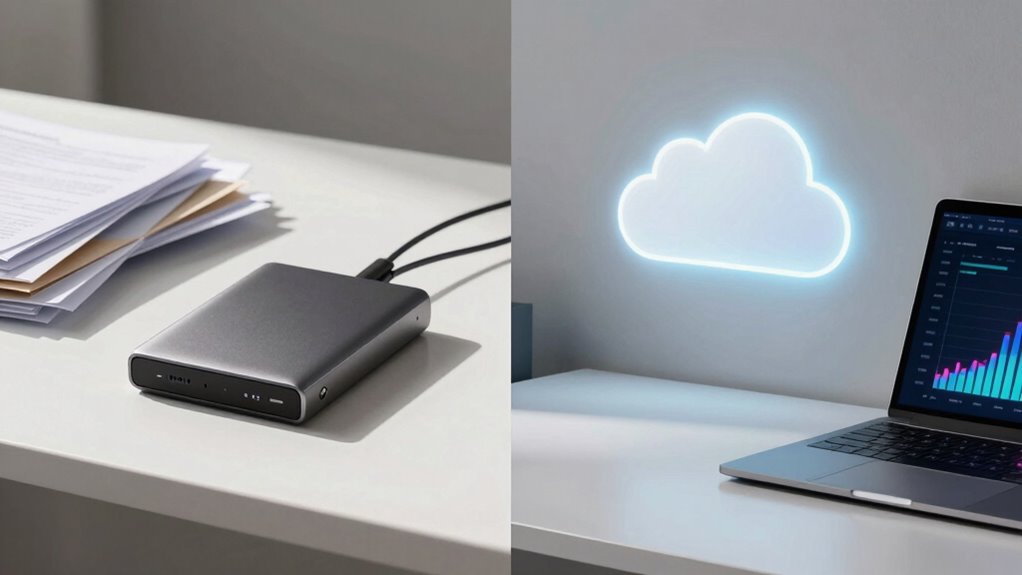
When comparing costs between local and cloud backups, it’s important to take into account both initial investments and ongoing expenses. Local backups often require upfront costs for hardware, like external drives or servers, plus storage encryption tools to secure your data. You’ll also need to factor in costs associated with backup scheduling software, which manages regular backups. Cloud backups usually involve a subscription fee based on storage size, with predictable monthly or yearly payments. While cloud services reduce hardware costs, they can become expensive as your storage needs grow. Additionally, cloud providers handle storage encryption, so you don’t need to invest in that separately. When considering cost management strategies, it’s essential to understand how the initial setup costs compare to ongoing maintenance expenses. Overall, local backups have higher initial costs but potentially lower long-term expenses, while cloud backups involve consistent payments with less setup complexity.
How Secure Is Your Data in Local and Cloud Backup?

Data security is a critical consideration when choosing between local and cloud backups. Your data’s safety depends on several factors, including encryption methods and data redundancy.
- Local backups often use encryption to protect files physically stored on drives. However, if your hardware isn’t protected, risks remain.
- Cloud backups typically encrypt data both during transfer and at rest, adding an extra layer of security.
- Data redundancy in the cloud ensures multiple copies are stored across servers, reducing the risk of data loss.
- Local backups rely heavily on your hardware’s resilience and security practices, while cloud providers invest heavily in security measures.
Easiest Data Recovery: Local or Cloud Backup?
When it comes to recovering your data, speed of access is key—you want your files quickly. Cloud backups often offer faster restoration from anywhere, while local backups can be faster if you’re on-site. Consider which method makes it easiest for you to restore your data without hassle.
Speed of Access
Access speed plays a critical role in determining how quickly you can recover your data, and it often depends on whether you choose local or cloud backup. With local backups, you typically experience faster access because data is stored directly on your device or nearby hardware. Cloud backups depend on internet speed and server response times, which can introduce delays. Consider these factors:
- Local backups allow instant data access without relying on internet bandwidth.
- Cloud backups may take longer, especially during large restores or slow connections.
- Encryption methods used in cloud backups can add slight delays during data retrieval.
- Backup scheduling impacts speed; frequent backups ensure recent data is quickly accessible in both methods.
Ultimately, local backups offer quicker access, but cloud backups provide convenience at the cost of potential delays.
Ease of Restoration
Choosing between local and cloud backups often comes down to how easily you can restore your data. With local backups, restoration is typically faster since your data is stored directly on physical devices, requiring minimal setup. However, it may involve manual steps, especially if you need to verify data integrity or troubleshoot hardware issues. Cloud backups offer convenience through automated, remote restoration, often with encryption methods that keep your data secure during transfer. Additionally, data redundancy in cloud storage ensures that multiple copies are available, reducing the risk of data loss. While cloud recovery might take longer due to internet speed, it’s generally more straightforward and less prone to hardware failures. Your choice depends on balancing quick access with security features like encryption and data redundancy.
Risks and Downsides of Local and Cloud Backup Solutions
Both local and cloud backup solutions come with their own set of risks that can jeopardize your data security and accessibility. For local backups, physical damage or theft can erase your data, and inconsistent backup automation may leave gaps. Cloud backups face risks like data breaches if data encryption isn’t robust, or service outages that hinder access. Additionally, reliance on internet stability affects cloud reliability.
Risks include:
- Physical damage or theft affecting local backups.
- Data breaches without strong data encryption.
- Service outages disrupting cloud access.
- Failure to automate backups, risking outdated data.
Being aware of these downsides helps you implement measures to safeguard your data effectively, regardless of your backup choice.
Choosing the Best Backup for Your Budget and Use Case

Selecting the right backup solution depends on your budget and specific needs, ensuring you don’t overspend while still protecting your data effectively. If you need frequent backups, cloud options often automate this process, saving time. For less frequent backups, local solutions might be enough, especially if data encryption is a priority for security. Consider these factors:
| Budget Level | Backup Frequency | Data Encryption Needed |
|---|---|---|
| Low | Manual, weekly | Basic encryption |
| Moderate | Daily, automated | Strong encryption |
| High | Continuous | Advanced encryption |
| High | Real-time updates | End-to-end encryption |
| Budget-Friendly | Infrequent | Optional encryption |
Match these factors to your use case to choose the most cost-effective and secure backup method.
Final Tips: How to Decide Between Local and Cloud Backup
When weighing your backup options, consider how each method aligns with your specific needs and circumstances. Focus on aspects like security, ease of access, and your data’s importance. To decide effectively, evaluate these factors:
- Encryption methods – Check if your backup solution offers robust encryption to protect sensitive data.
- Data redundancy – Ensure your backup method provides multiple copies, reducing risk of data loss.
- Accessibility – Decide if you need quick local access or remote cloud access from anywhere.
- Cost and maintenance – Weigh ongoing expenses against long-term convenience and security.
Ultimately, a hybrid approach combining both local and cloud backups might give you the best balance of security, redundancy, and accessibility.
Frequently Asked Questions
How Often Should I Back up My Data?
You should back up your data regularly, ideally daily or weekly, depending on your backup frequency needs. If your data changes frequently, daily backups help guarantee data retention without loss. For less active data, weekly backups may suffice. Consistency is key to avoid gaps. Set a schedule that fits your workflow, and always verify backups to maintain reliable data retention, so you’re protected against unexpected data loss.
Can I Use Both Local and Cloud Backups Together?
Absolutely, you can use both local and cloud backups together for a smart, hybrid strategy. This approach offers redundancy benefits, ensuring your data stays safe no matter what. Think of it as having a backup buddy system—local backups provide quick access, while cloud backups protect against physical disasters. Combining these methods maximizes security and convenience, giving you peace of mind knowing your data is well-protected and accessible whenever you need it.
What Are the Initial Setup Costs for Each Backup Type?
You’ll face different initial setup costs depending on your choice. Local backups usually involve buying external drives or servers, with costs mainly for storage and hardware setup. Cloud backups often require a subscription fee based on storage size, which can add up over time. Consider storage costs carefully, and also think about security concerns—local backups give you more physical control, while cloud backups depend on the provider’s security measures.
How Do I Restore Data Quickly From Each Backup Method?
Restoring data is like flipping a switch—you want it quick. With local backups, you enjoy fast data transfer speeds, letting you retrieve files almost instantly, especially if your backup device is connected directly. Cloud backups might take longer due to internet speeds, but they’re secure with backup encryption. To restore quickly, choose local backups for speed or optimize your internet connection for faster cloud data retrieval.
What Are Common Pitfalls to Avoid With Backups?
You should avoid common backup pitfalls like neglecting offline security and data encryption. Failing to keep offline backups secure exposes you to theft or damage, while weak encryption leaves sensitive data vulnerable to hackers. Always guarantee your backups are encrypted and stored offline in a secure location. Regularly test your backups and update your security protocols to prevent data loss or breaches. This way, your data stays protected and easily recoverable.
Conclusion
Choosing between local and cloud backup isn’t just a technical decision—it’s about safeguarding your future, much like a captain chooses the right stars to navigate. Trust your needs, weigh the risks, and consider your budget. Remember, no single method is flawless, but with the right balance, you can steer your data safely through any storm. Ultimately, your backup choice shapes your peace of mind—your own North Star in a vast digital sky.
Halloween Picks
halloween
As an affiliate, we earn on qualifying purchases.