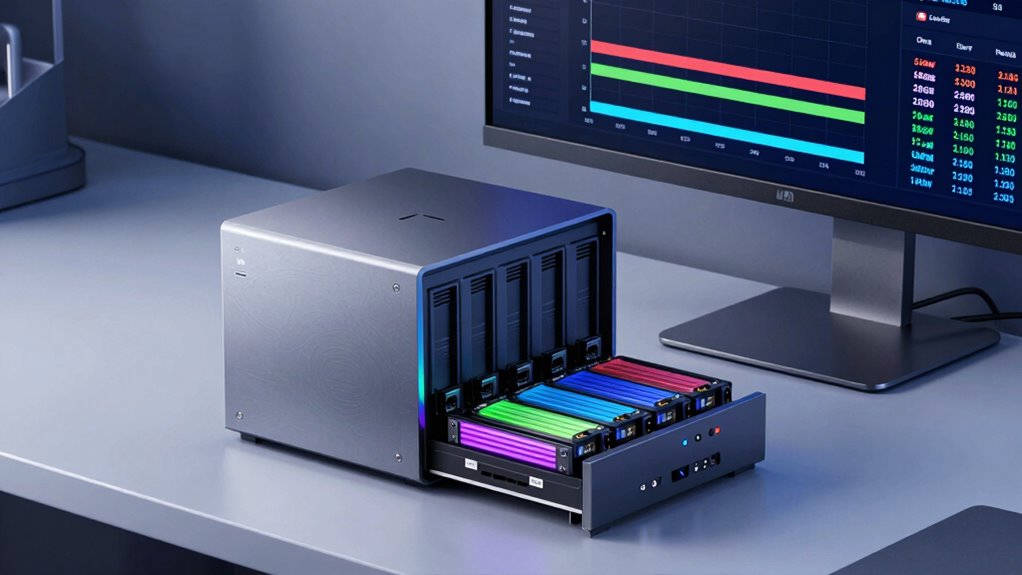

When choosing a NAS, you should consider the number of bays, RAM, and transcoding needs. Bays determine your storage capacity and flexibility with RAID options, while RAM affects performance and multitasking. Transcoding converts videos on-the-fly, ensuring smooth media streaming across devices but requires more CPU power. Balancing these factors based on your usage helps avoid costly mistakes. Keep exploring to discover how to pick the best setup for your storage needs.

Get the latest gadgets delivered free with Prime
- Fast, free delivery on millions of items
- Prime Video, Amazon Music and more included
- Member-only deals all year
Key Takeaways
- Choose NAS bays based on current storage needs and future expansion plans, balancing capacity, redundancy, and budget.
- Ensure sufficient RAM (4-8 GB or more) for smooth multitasking, media streaming, and data processing tasks.
- Enable transcoding if streaming to multiple devices or handling diverse media formats, considering CPU power and network bandwidth.
- Prioritize cooling, security, and scalability to maintain performance stability and protect data over time.
- Match hardware specifications to use case—small setups need less, enterprise environments require robust features.
As an affiliate, we earn on qualifying purchases.
What Are NAS Bays and How Do They Affect Storage?
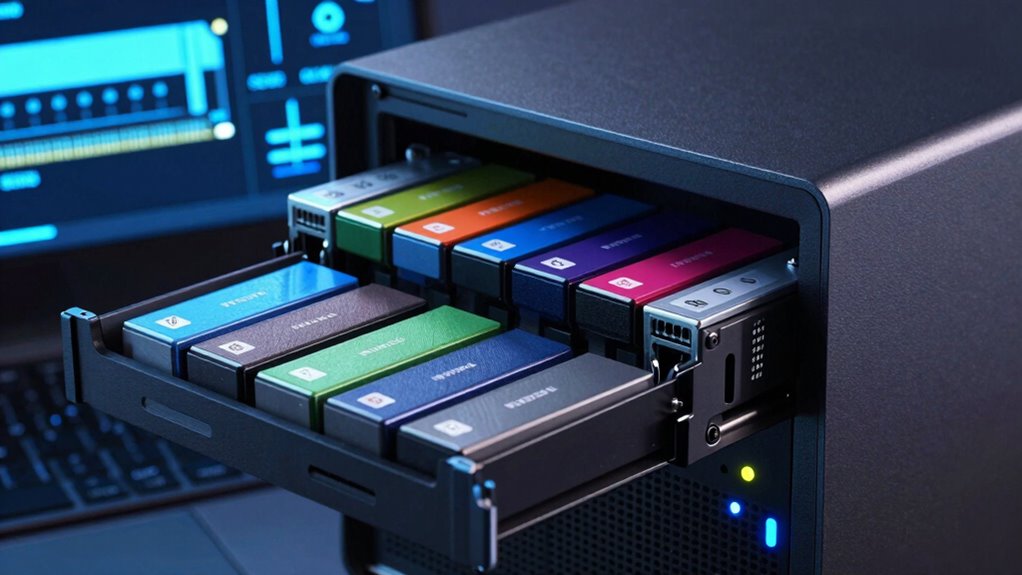
Have you ever wondered how network-attached storage (NAS) devices organize and manage your data? It all starts with NAS bays, which are the physical slots where you insert hard drives or SSDs. The number of bays directly impacts your storage capacity—more bays mean more drives and greater flexibility. But bays also influence NAS security and network protocols; with multiple drives, you can set up RAID configurations to protect data from drive failures. Understanding how bays work helps you optimize your setup for both performance and safety. For example, a 4-bay NAS can support different RAID levels, balancing speed and redundancy. Understanding NAS architecture can help you choose the right configuration for your needs. By choosing the right number of bays, you guarantee your storage system aligns with your needs for capacity, security, and network efficiency.
As an affiliate, we earn on qualifying purchases.
How Much RAM Does Your NAS Need for Smooth Performance?
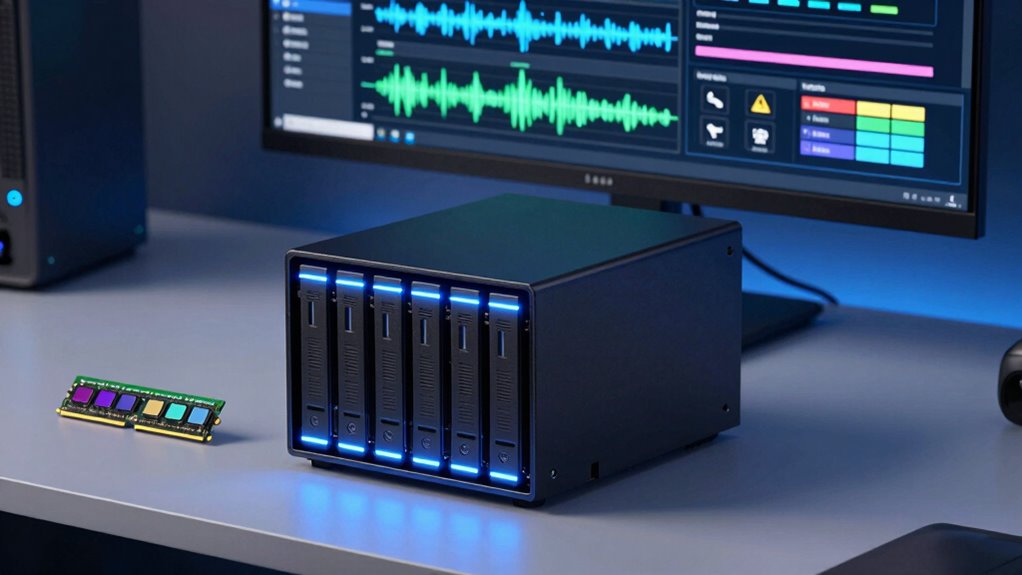
To guarantee your NAS runs smoothly and efficiently, it’s important to understand how much RAM it needs. Adequate RAM enhances data redundancy processes and cloud integration, ensuring seamless access and backup. Additionally, sufficient RAM supports mind-body healing techniques that can help reduce stress during data management tasks. Consider the following table for guidance:
| Use Case | Recommended RAM | Purpose |
|---|---|---|
| Basic file sharing | 2-4 GB | Small networks, simple data redundancy |
| Media streaming | 4-8 GB | Larger libraries, smoother multitasking |
| Heavy workloads | 8+ GB | Virtualization, intensive data tasks |
More RAM allows for better caching and faster data retrieval, making your NAS more responsive and reliable, especially when managing multiple users or complex backup routines. Understanding the memory requirements for different use cases can help optimize your NAS performance and prevent bottlenecks in data processing. Incorporating AI-driven optimization techniques can further enhance system efficiency and adaptability.
As an affiliate, we earn on qualifying purchases.
Why Transcoding Is Important for Media Streaming
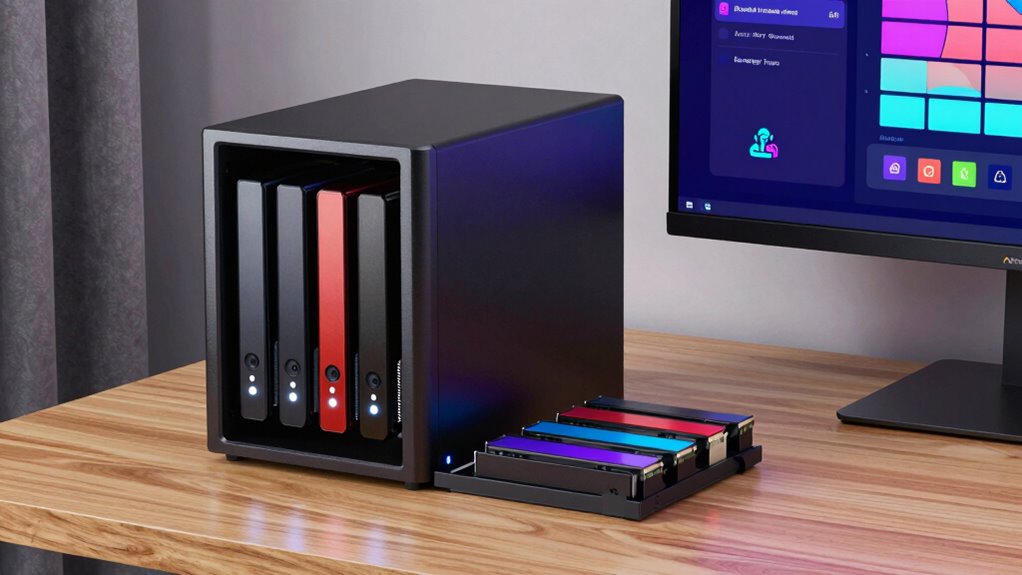
Ever wonder why transcoding plays such a crucial role in media streaming? It allows your NAS to convert videos into compatible formats and resolutions on the fly, guaranteeing smooth playback across various devices. This process is essential when streaming to smartphones, tablets, or smart TVs that may not support original file formats. Transcoding also enhances user experience by minimizing buffering and lag. With cloud integration, transcoding makes it easier to access and share media remotely, expanding your streaming options. Additionally, since media files can be large, transcoding helps manage bandwidth effectively. It also supports your network security by preventing the need to expose raw files directly, reducing risks. Overall, transcoding ensures flexible, secure, and seamless media streaming tailored to your device and network environment. Understanding media formats can further help optimize your streaming setup for the best quality.
high performance NAS for media streaming
As an affiliate, we earn on qualifying purchases.
As an affiliate, we earn on qualifying purchases.
How to Choose the Right Number of Bays for Your Storage Needs
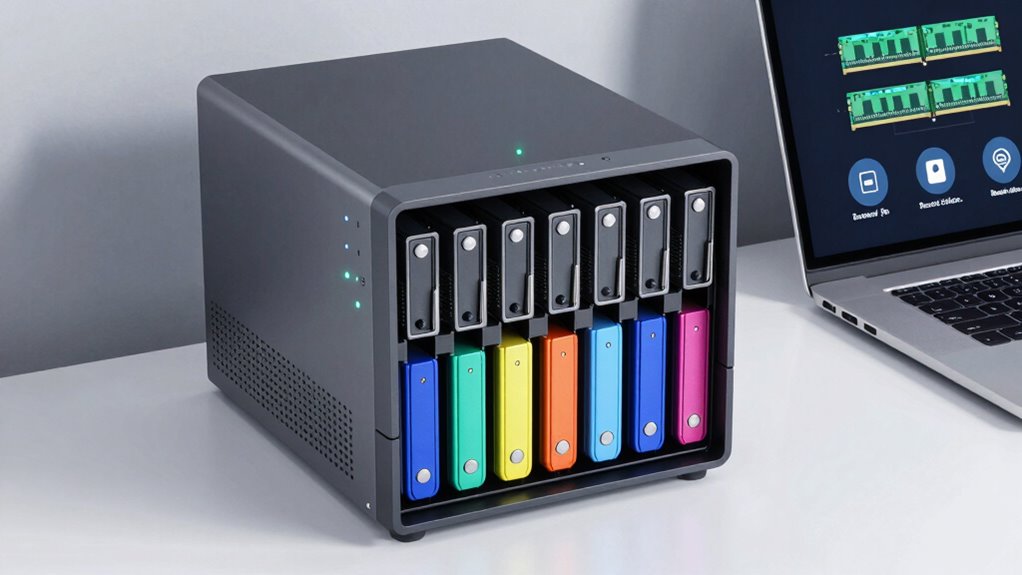
To select the right number of bays, start by evaluating your current storage needs and how much data you plan to store. Think about future expansion to avoid needing a new NAS later on. Finally, match your bay count to your budget to find a solution that’s both practical and cost-effective. Consider whether you want to incorporate Free Floating options like landscaping or outdoor features to enhance your overall setup and environment.
Assess Storage Requirements
How many drives do you actually need in your NAS? This depends on your storage needs, data redundancy goals, and network security concerns. If you mainly store personal files, fewer bays might suffice. But if you want data redundancy to protect against drive failure, consider more bays for RAID configurations. Think about your current storage volume and future growth to avoid outgrowing your setup. Also, larger NAS with more bays can improve network security by isolating sensitive data.
- Evaluate your current data volume and growth projections
- Decide if data redundancy or backup is a priority
- Balance storage capacity with your budget and security needs
Consider Future Expansion
Considering future expansion is essential when choosing the right number of NAS bays, as your storage needs will likely grow over time. Selecting a NAS with extra bays allows you to add drives as your data increases, avoiding the need for a complete upgrade later. Think about cloud integration features, which can supplement local storage and help manage growing data remotely. A NAS supporting remote access guarantees you can access files from anywhere, making scalability even more valuable. If you anticipate expanding your storage, choose a model with more bays than you currently need, providing flexibility and minimizing future costs. This foresight ensures your system can adapt to your evolving storage demands without sacrificing performance or convenience.
Match Bays to Budget
Balancing your storage needs with your budget is key when choosing the right number of NAS bays. If you need simple backup or media streaming, a 2-bay NAS may suffice and keep costs low. For greater capacity, scalability, or improved network security, consider 4 or more bays, which support RAID configurations and redundancy. Remember, more bays often mean higher costs but better performance and flexibility. Think about your plan for cloud integration—more bays can facilitate hybrid storage solutions. Also, consider future expansion; investing in additional bays now can save money later. Keep in mind that increasing bays can impact your budget but offers improved data security and the ability to scale easily. Ultimately, match the number of bays to your current needs and growth expectations.
How RAM Impacts NAS Performance and Multitasking
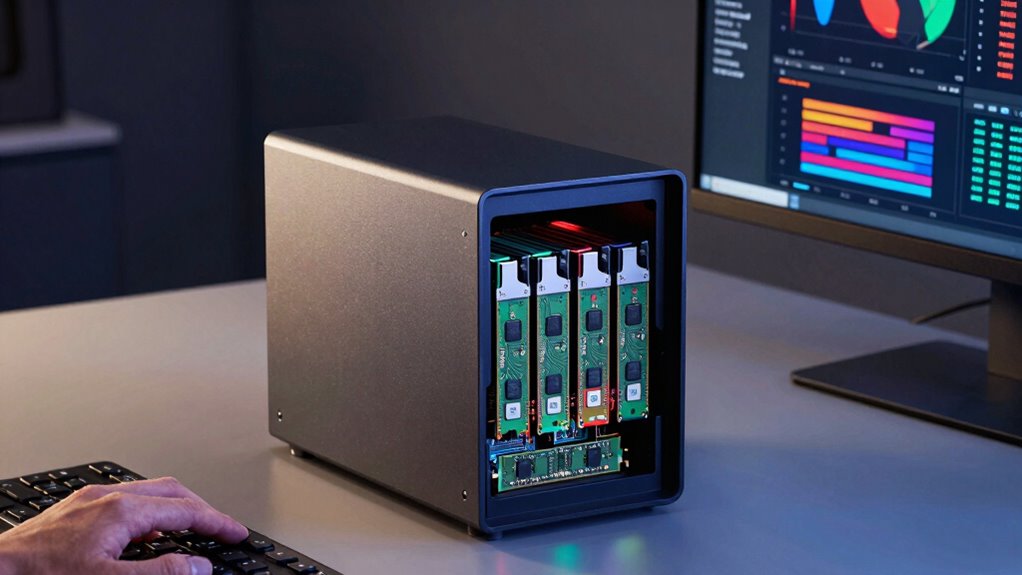
Adding more RAM can considerably improve your NAS’s overall speed and responsiveness. It allows your system to handle more tasks simultaneously without slowing down. This enhancement can make your NAS more efficient at multitasking, keeping everything running smoothly. Additionally, sufficient RAM can help optimize system performance when managing multiple applications or services. A well-equipped NAS can also better handle dust buildup and microplastics, which can impact internal components over time, especially in environments with less controlled air quality. Proper ventilation and regular maintenance can further protect your NAS from environmental factors that may affect its longevity and performance.
RAM and System Speed
Ever wonder how much RAM influences your NAS’s performance and ability to handle multiple tasks? RAM directly affects system speed, especially in data transfer and processing. Faster RAM with low memory latency helps your NAS respond quicker and run smoothly. Adequate RAM prevents bottlenecks, ensuring efficient data handling and minimal delays. Keep in mind, more RAM can lead to increased system cooling needs, as higher memory usage generates more heat. Proper cooling maintains performance stability. Additionally, understanding regional flavor profiles and pairing options can optimize your overall experience with your device setup.
Multitasking Capacity Boost
When your NAS has enough RAM, it can handle multiple tasks simultaneously without slowing down or becoming unresponsive. This boosts overall performance, allowing you to run network security measures like real-time threat monitoring and data redundancy processes smoothly. Adequate RAM guarantees your NAS can juggle backups, file sharing, and security scans without lag, maintaining quick access and data integrity. With improved multitasking, you reduce the risk of bottlenecks that could compromise network security or delay backups. More RAM also enables better caching, which speeds up access to frequently used files and applications. Additionally, understanding the importance of security and compliance can help ensure your data remains protected against threats and meets necessary regulations. Recognizing how multitasking capacity impacts performance allows you to optimize your NAS setup for both efficiency and data protection. Moreover, having sufficient RAM supports system stability, preventing crashes during peak usage times. Investing in adequate RAM is crucial because it directly influences the NAS’s ability to handle multiple workloads efficiently, keeping your data safe and accessible while supporting robust data redundancy strategies. Ensuring your NAS has the right amount of RAM also helps maintain system responsiveness, which is vital for seamless remote access and collaboration.
Do You Need Transcoding? Tips for Your NAS Setup
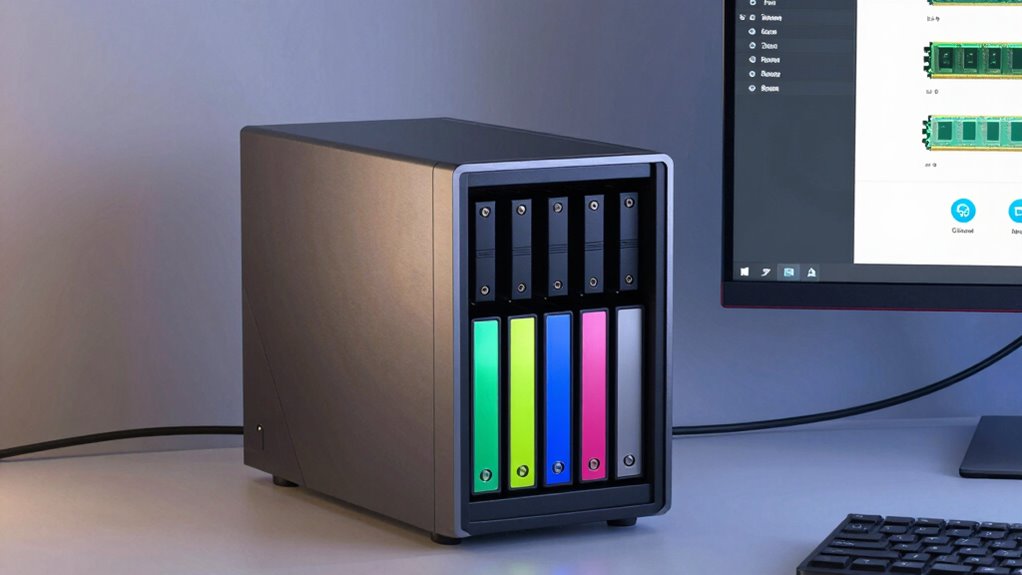
Deciding whether you need transcoding depends largely on your media setup and the devices you’ll be streaming to. Transcoding allows your NAS to convert media files on-the-fly, ensuring compatibility across various devices, especially if the originals are heavily compressed or use less common formats. If you stream to multiple devices or want seamless playback without media compression issues, transcoding is a smart choice. However, it requires more CPU power and can impact network security, as open streams may expose vulnerabilities. To determine if you need it, consider:
- The variety of devices accessing your media
- The level of media compression used
- Your NAS’s processing power for transcoding tasks
- Proper battery maintenance practices to ensure your setup remains reliable and efficient.
- Additionally, understanding home safety measures can help protect your equipment and data from potential threats.
- Evaluating your network bandwidth is also crucial, as transcoding can be demanding on your internet connection and local network performance.
- It’s also helpful to assess the future scalability of your setup, especially if you plan to expand your media library or add more devices later. Regularly reviewing your hardware capabilities and software updates can help keep your system optimized for transcoding needs.
Balancing Bays, RAM, and Transcoding for Different Use Cases
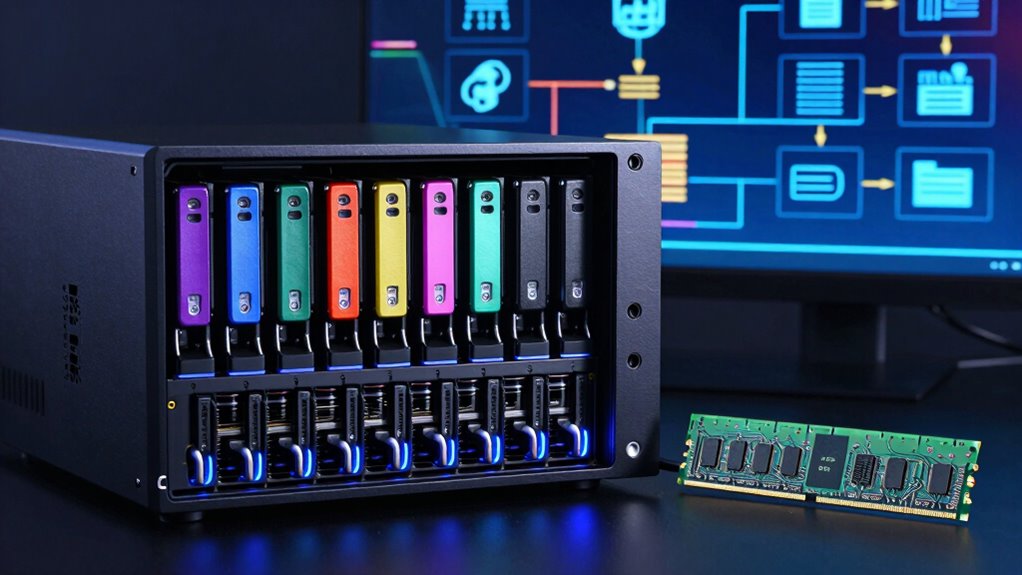
Choosing the right balance of NAS bays, RAM, and transcoding capabilities depends heavily on your specific use case. If you’re managing a large media library or multiple users streaming simultaneously, prioritize more bays and higher RAM for smooth performance. For businesses focused on data security, consider network security features to protect sensitive files. Transcoding demands can increase power consumption, so evaluate your energy efficiency needs, especially if the NAS runs 24/7. Small setups with few users may get by with fewer bays and less RAM, reducing both power use and complexity. Conversely, enterprise environments require robust hardware to handle intensive workloads and guarantee network security. Tailoring your NAS setup ensures suitable performance without unnecessary power draw or security vulnerabilities.
How to Evaluate NAS Devices Based on Bays, RAM, and Transcoding
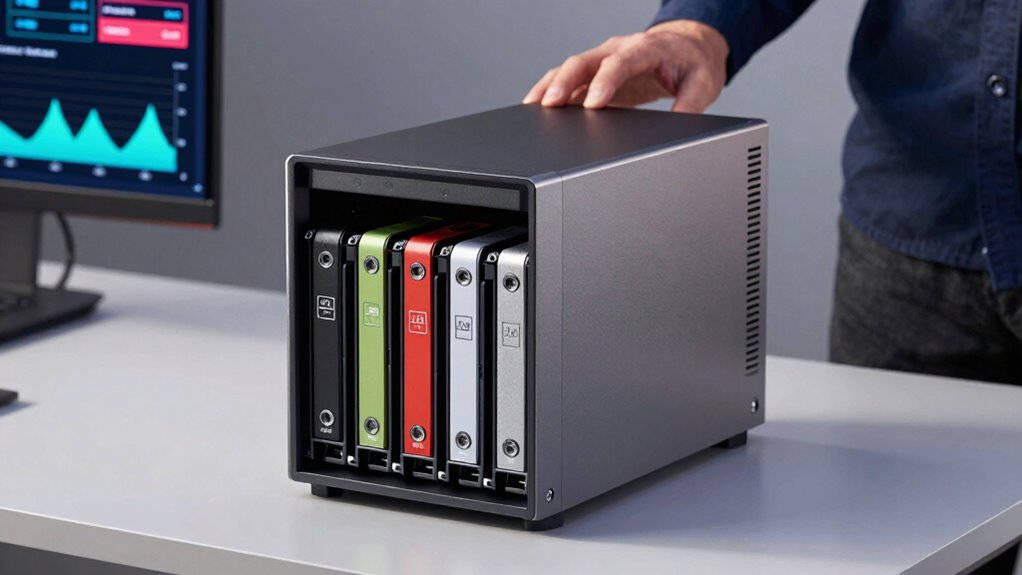
Evaluating NAS devices involves carefully examining their bays, RAM, and transcoding capabilities to match your specific needs. The number of bays determines storage capacity and data redundancy options, essential for safeguarding your data. Higher RAM improves performance, especially if you run multiple applications or access large files simultaneously. Transcoding capabilities enable smooth media streaming across devices and are crucial if you prioritize media sharing. To choose wisely:
- Consider the number of bays for future expansion and data redundancy
- Assess RAM size based on your multitasking needs and media demands
- Check transcoding features if media streaming is a priority for your network security
Matching these factors ensures your NAS supports your data management and security goals while providing reliable, efficient performance.
Common Mistakes to Avoid When Buying a NAS
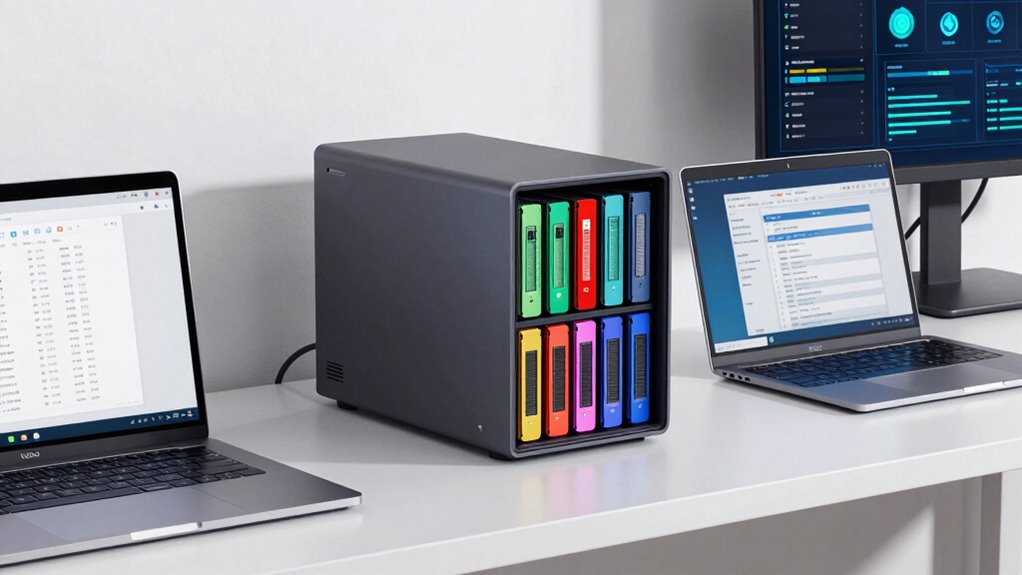
While focusing on features like bays, RAM, and transcoding helps, avoiding common mistakes is essential. One mistake is neglecting network security; weak passwords and open ports expose your data. Another is overlooking data encryption, risking data breaches. You might also buy a NAS with insufficient capacity, forcing costly upgrades later. Failing to plan for future needs can limit scalability. Finally, ignoring user reviews and technical support can leave you stranded during setup or issues. Here’s a quick overview:
| Mistake | Impact |
|---|---|
| Neglecting network security | Data theft, unauthorized access |
| Overlooking data encryption | Vulnerable to data breaches |
| Insufficient capacity | Frequent upgrades, extra costs |
| Ignoring future scalability | Limited growth, obsolescence |
| Ignoring reviews/support | Troubleshooting delays |
Additionally, not understanding the transcoding capabilities can lead to performance issues when streaming media.
Frequently Asked Questions
Can NAS Bays Be Expanded Later if I Need More Storage?
Yes, many NAS devices have expandable bays, allowing you to add more drives later for increased storage. This feature supports your storage scalability needs as your data grows. You can often swap out smaller drives for larger ones or add additional bays if your NAS supports expansion units. Always check the specific model’s specifications to guarantee it offers expandable bays, so you can grow your storage as needed without hassle.
How Does NAS RAM Affect Data Transfer Speeds?
Your NAS’s RAM influences data transfer speeds by preventing RAM bottlenecks that slow down processes. When you have ample RAM, the transfer rate is optimized, allowing data to move swiftly between storage and devices. Conversely, limited RAM can create a bottleneck, reducing speeds and hampering performance. Upgrading your RAM helps maximize transfer rate optimization, ensuring your NAS operates efficiently, especially during simultaneous tasks or high-demand data transfers.
What Are the Signs My NAS Needs More Transcoding Power?
You’ll notice your NAS needs more transcoding power when your streaming quality drops, buffering increases, or playback stutters, especially with high-definition videos. A high transcoding load strains your CPU capacity, causing these issues. If your NAS struggles during multiple streams or complex formats, it’s a clear sign you need a more powerful CPU or additional transcoding resources to handle the demand smoothly.
Are There Specific NAS Models Ideal for Small Businesses?
You’ll find that certain NAS models are tailored for small businesses, offering seamless cloud backup and remote access features. These devices often have a good balance of bays, RAM, and transcoding power, making data management effortless. Look for models from brands like Synology or QNAP, which provide reliable performance, scalability, and user-friendly interfaces. These NAS units help you stay connected, protect your data, and grow your business smoothly.
How Does Network Speed Influence NAS Performance?
Network speed directly impacts your NAS performance, as low bandwidth limits data transfer rates, causing delays. High network latency can lead to sluggish access and buffering issues when you’re trying to retrieve or store files. To guarantee smooth operation, you need a fast, reliable connection—preferably Gigabit Ethernet or higher. This way, you minimize bandwidth limitations and reduce network latency, enabling your NAS to perform efficiently even during heavy data usage.
Conclusion
When choosing a NAS, think of it like assembling a trusty steed for your digital journey—balancing bays, RAM, and transcoding to suit your needs. Don’t rush into the latest gadget without considering your storage, performance, and media needs. Remember, even in the age of cloud, a well-chosen NAS can be your digital castle, keeping your data safe and accessible. So, saddle up wisely, and your NAS will serve you well through many a digital quest.
Halloween Picks
halloween
As an affiliate, we earn on qualifying purchases.