
You might find that some USB-C cables seem to work but don’t deliver fast charging. This often happens because the cable isn’t fully compatible with Power Delivery standards, or it’s low quality and can’t handle higher wattages. Even if a cable looks capable, it may lack certification or proper support for fast charging protocols. To get the best performance, you’ll want to check for certified, high-wattage cables and verify your devices and chargers support the same standards. Keep going for more tips to boost your charging speed.

Get the latest gadgets delivered free with Prime
- Fast, free delivery on millions of items
- Prime Video, Amazon Music and more included
- Member-only deals all year
Key Takeaways
- Some USB-C cables support basic data transfer but lack the necessary power delivery capabilities for fast charging.
- Compatibility with fast charging standards like USB PD depends on cable quality and certification.
- Poorly manufactured or degraded cables can connect but limit current flow, slowing charging speeds.
- Mismatched wattage support between device, cable, and charger prevents achieving maximum fast-charging speeds.
- Using non-certified or low-quality cables can cause connection issues without necessarily stopping charging altogether.
USB-C PD fast charging cable 100W
As an affiliate, we earn on qualifying purchases.
As an affiliate, we earn on qualifying purchases.
What Is USB-C Power Delivery, Anyway?
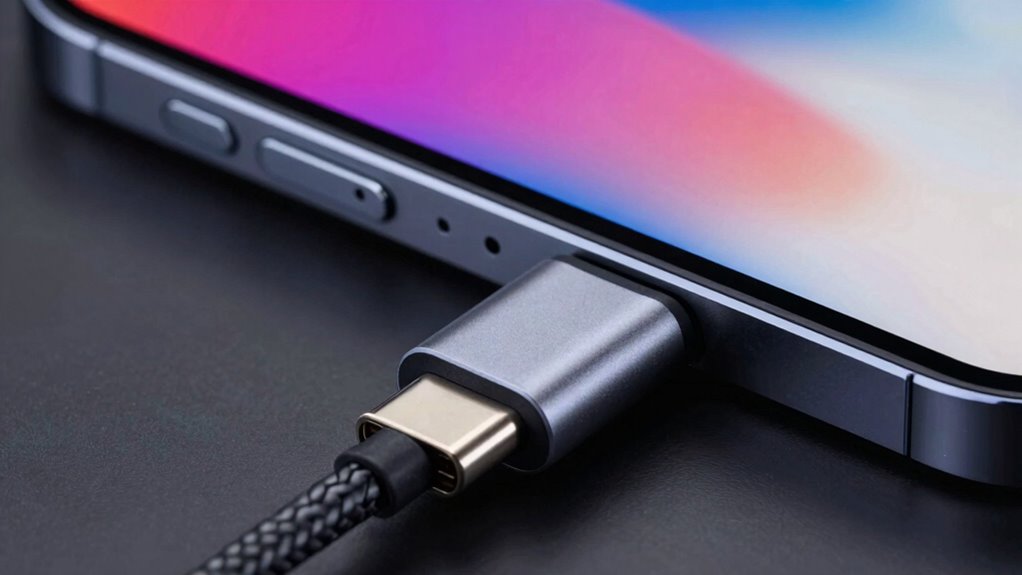
USB-C Power Delivery (PD) is a fast and flexible charging technology that allows your devices to draw more power through a single cable. It works by guaranteeing cable compatibility and enabling efficient power negotiation between your device and charger. When you connect your device, the devices communicate to determine the best power level, preventing overcharging or damage. This process, known as power negotiation, ensures you get the fastest possible charge safely. Not all USB-C cables support PD, so choosing the right cable is crucial for fast charging. USB‑C PD adapts to different devices, whether you’re charging a smartphone, tablet, or laptop. This dynamic system makes your charging experience quicker, safer, and more reliable. Additionally, understanding protocols involved can help you optimize your device’s charging performance. Knowing the compatibility standards ensures you select cables that can deliver the intended power safely and efficiently. Recognizing the cable quality is also essential, as poor-quality cables may not support all the features of USB-C PD. Being aware of technologies behind USB-C PD can further enhance your understanding of its capabilities and limitations. For example, power negotiation plays a key role in ensuring devices receive the correct amount of power without risking damage.
certified USB-C power delivery cable
As an affiliate, we earn on qualifying purchases.
As an affiliate, we earn on qualifying purchases.
How Do You Know If a USB-C Cable Supports Fast Charging?

Wondering how to tell if your USB-C cable supports fast charging? First, check the cable’s compatibility testing details. Look for labels like “Fast Charging” or specific standards such as USB Power Delivery or Quick Charge. Reliable cables often mention their supported wattage, like 60W or 100W. Also, consider the cable’s durability—stronger cables usually handle higher currents better and last longer during fast charging. You can test compatibility by connecting it between a compatible power source and device, then monitor if the device charges faster than usual. If it charges slowly or not at all, the cable may not support fast charging, or it might be experiencing issues like poor cable durability. Always opt for certified cables to guarantee superior performance. Additionally, choosing high-quality cables that are designed for optimal performance can significantly improve your charging speeds. Ensuring your cable meets industry standards helps prevent potential damage and guarantees efficient charging, especially when selecting cables that support proper wattage ratings for your device.
Incorporating cables with certified testing can also give you peace of mind regarding safety and compatibility.
high wattage USB-C charging cable
As an affiliate, we earn on qualifying purchases.
As an affiliate, we earn on qualifying purchases.
Why Do Some USB-C Cables Still Charge Slowly?
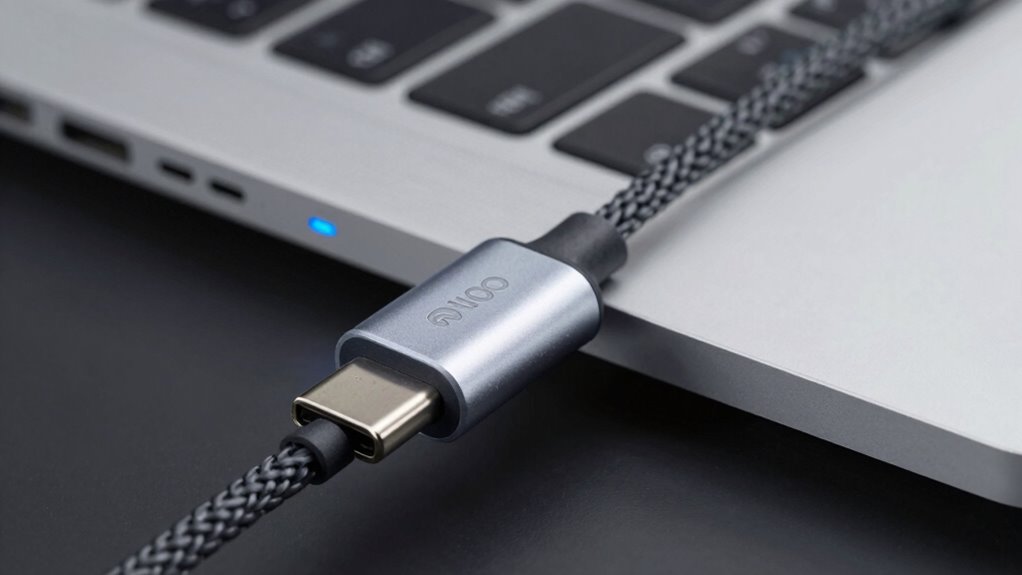
Even if your cable claims to support fast charging, it might still charge slowly due to several common issues. One key factor is cable durability; cheaper or poorly made cables often can’t handle higher currents reliably, leading to slower charging or inconsistent performance. In addition, the brand reputation matters—well-known brands typically produce cables with better quality materials and stricter testing, guaranteeing they meet the required standards for fast charging. Low-quality cables may not support the necessary power profiles, even if labeled as “fast charging” compatible. Over time, inferior cables can also degrade, reducing charging speed. To guarantee faster charging, choose cables from reputable brands that prioritize durability and quality, rather than just relying on packaging claims. Additionally, using high-quality cables can ensure consistent performance and safety during charging sessions, especially as charging standards evolve. Ensuring compatibility with power delivery protocols is also crucial to achieve optimal charging speeds. A thorough understanding of cable specifications helps prevent issues related to inadequate power transfer, and being aware of manufacturing standards can help you select more reliable options.
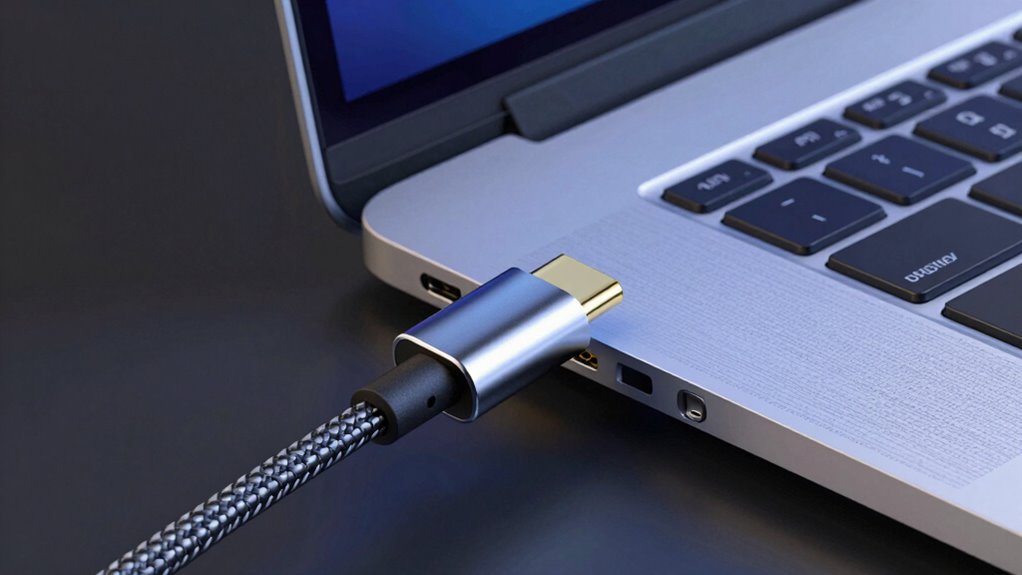
USB-C cable for fast charging laptop
As an affiliate, we earn on qualifying purchases.
As an affiliate, we earn on qualifying purchases.
Avoid These Mistakes That Block Fast Charging
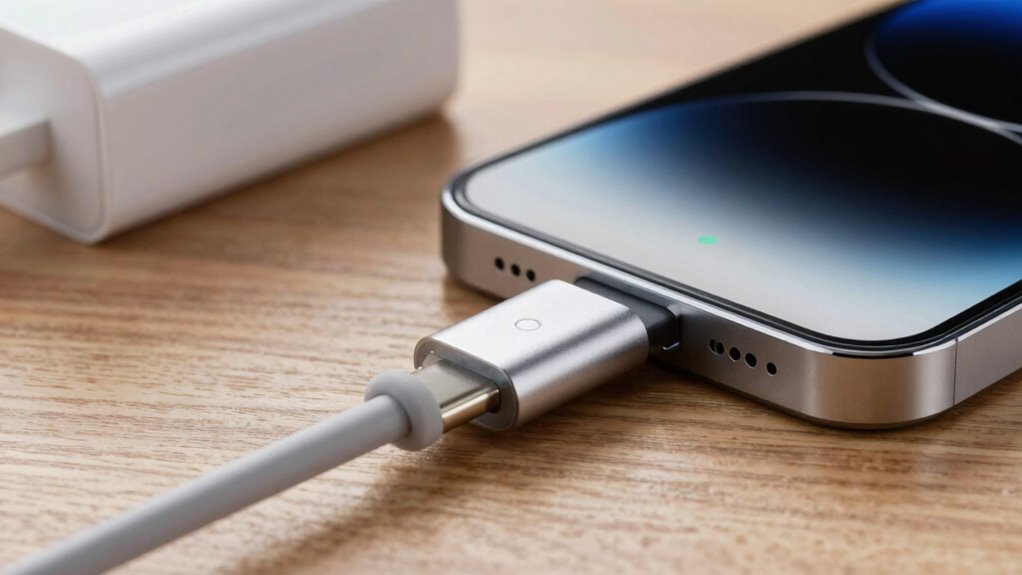
To guarantee you get the fastest charging speeds, it’s important to avoid common mistakes that can block the flow of power. Using cables with poor durability can lead to connection issues or damage over time, reducing charging efficiency. Also, mismatched power compatibility between your device and cable prevents ideal charging speeds. Check that your cable supports the necessary wattage for fast charging. Ensuring you use the correct gear can make a significant difference in performance and safety. Selecting appropriate electric components, such as compatible chargers and cables, can further optimize your charging experience. Being aware of power delivery standards can help you choose the most suitable equipment for your needs. Understanding charging protocols can also help prevent issues related to incompatible devices and cables.
Tips to Get the Fast Charging You Need
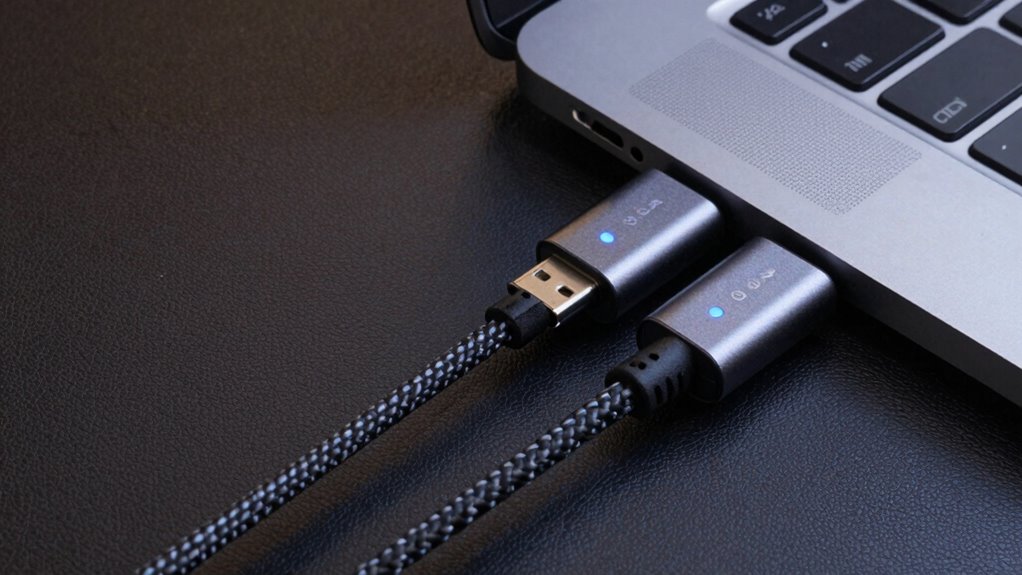
Getting the fastest charging speeds requires more than just plugging in your device; it involves following specific tips to optimize power flow. First, use high-quality cables designed for fast charging, as cable durability affects performance and safety. Avoid cheap or damaged cables, which can cause compatibility issues and slow charging or damage your device. Guarantee your charger and device support the same fast charging standards, like USB‑C PD, to prevent compatibility issues. Keep your cables and ports clean and free from debris, which can hinder connection quality. Also, opt for certified cables from reputable brands to guarantee reliable power delivery. By choosing durable, compatible cables and maintaining your equipment, you maximize charging speed and protect your device’s longevity. Additionally, understanding the importance of proper cable selection can significantly influence your charging efficiency, especially when considering specifications and approvals that ensure safety and performance. Being aware of standardized safety features can help you avoid hazards and ensure optimal charging conditions. Regularly inspecting your cables and connectors for any signs of wear can further prevent potential damage or malfunction, maintaining safe and efficient charging.
Frequently Asked Questions
Can I Use Any USB-C Cable for Fast Charging?
You can’t use any USB-C cable for fast charging. Cable quality and certification standards are essential; cheap or uncertified cables may work but won’t charge your device quickly. Look for cables that meet USB Power Delivery (PD) standards and are certified by reputable organizations. These guarantee proper power transfer, safety, and fast charging capabilities. Investing in quality, certified cables guarantees you get the fast charging performance your device needs.
Does Cable Length Affect Charging Speed?
Yes, cable length can affect charging speed because longer cables may cause signal interference and reduce power transfer efficiency. A durable cable maintains its integrity over time, ensuring consistent delivery of power without interruptions. Shorter cables typically offer better performance and less signal interference, helping you charge faster. When choosing cables, prioritize durability and appropriate length to maximize fast charging capabilities and prevent potential issues.
Are All USB-C Ports Capable of Fast Charging?
Not all USB-C ports are ready to sprint in a race—they vary in capabilities. Some offer universal compatibility with multiple devices, but only those supporting the latest Power Delivery standards can deliver fast charging. Think of it like a car with a powerful engine; if the port isn’t built to handle high wattage, your device won’t charge quickly, regardless of how versatile or modern the port seems.
How Do I Update My Device’s Firmware for Better Charging?
To improve charging, you should check for firmware updates on your device or charger. Firmware updates often include charging optimization features that enhance power delivery and speed. Visit your device manufacturer’s website or app to see if updates are available, then follow their instructions to install them. Keeping your firmware current guarantees your device can handle fast charging protocols more efficiently, resulting in quicker, safer charging experiences.
Is It Safe to Use Third-Party USB-C Cables?
You can use third-party USB-C cables, but be cautious—coincidence plays a role here. Look for cables with good cable durability and proper certification standards to guarantee safety and performance. Certified cables meet safety regulations, reducing risks like overheating or damage to your device. Avoid cheap, unbranded options, as they often lack these standards and could compromise your device’s health. Prioritize quality to keep your device safe and charging efficiently.
Conclusion
Now that you know the secrets behind USB-C PD, don’t let slow chargers fool you—your device’s speed depends on it! Avoid the common pitfalls and choose the right cable for lightning-fast charging. Imagine waiting forever for your phone to power up while everyone else zooms ahead—don’t be that person! Take control, pick wisely, and charge at blazing speeds. Your gadgets deserve the turbo boost—so go get that ultra-fast charge now!
Halloween Picks
halloween
As an affiliate, we earn on qualifying purchases.