
If your phone keeps overheating, it’s often caused by hardware issues like aging batteries or processor overload, environmental factors such as hot weather or direct sunlight, or poor usage habits like heavy gaming or multiple background apps. Charging with incompatible chargers or in high temperatures also adds to the problem. To fix this safely, cool down your device, manage settings, and avoid strenuous tasks while it’s hot. Keep exploring for more tips to prevent damage and get your phone back in shape.
Key Takeaways
- Overloaded processor from intensive apps or outdated software causes excessive heat buildup.
- Poor ventilation, thick cases, or high ambient temperatures trap heat and prevent dissipation.
- Damaged or aging batteries generate more heat and pose safety risks during charging or use.
- External factors like direct sunlight, humidity, and moisture increase device temperature.
- Managing background apps, avoiding incompatible chargers, and removing bulky cases help prevent overheating.

NEEWER Basics Magnetic Phone Cooler, Low Noise USB Cooling Fan with Smart Temp Control, RGB Light, Magnetic Ring & Clip Compatible with iPhone 15 16 Pro Max MagSafe Samsung iPad for Gaming, PA069
【Introducing NEEWER BASICS】 Simple and practical, NEEWER BASICS is an economical product line that focuses on essential functions…
As an affiliate, we earn on qualifying purchases.
As an affiliate, we earn on qualifying purchases.
Why Is My Phone Overheating During Use?
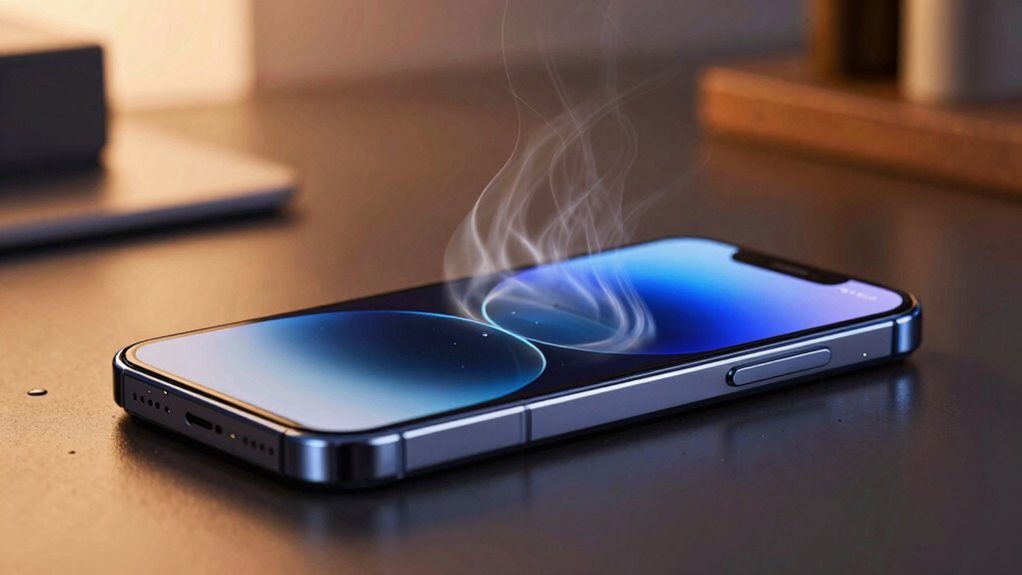
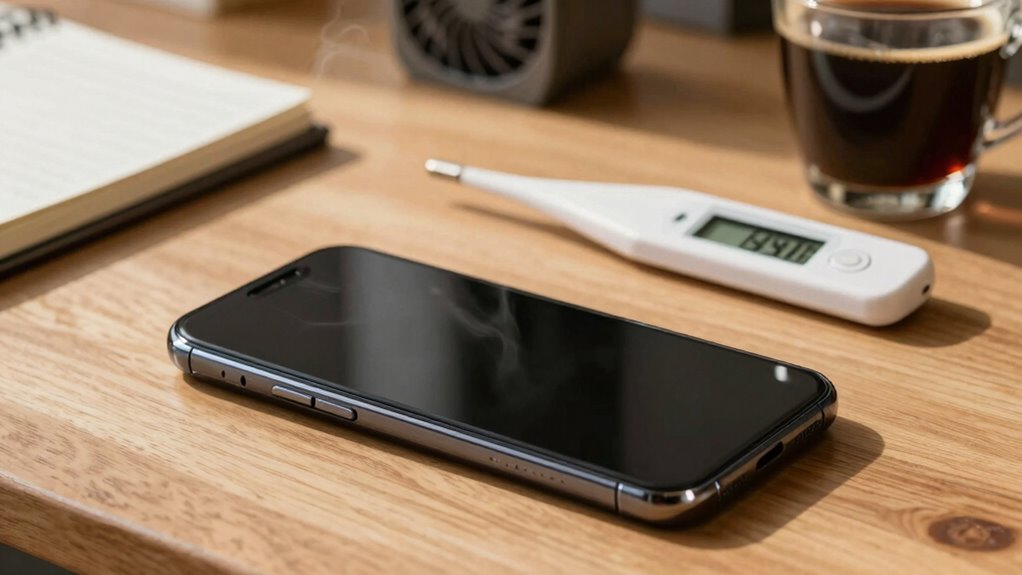
Have you ever noticed your phone getting unusually hot while you’re using it? This is often a sign of phone overheating, which can happen for several reasons. One common cause is poor battery health; if your battery is aging or damaged, it can generate excess heat during use. Intensive apps, such as games or live streaming, also put a strain on your device’s processor and battery, raising the temperature. Additionally, running multiple apps simultaneously increases workload, leading to overheating. Environmental factors matter too—using your phone in direct sunlight or hot environments makes overheating more likely. To prevent damage, avoid overloading your device and monitor battery health regularly. Keeping your phone cool guarantees peak performance and prolongs its lifespan. Proper device safety measures, such as avoiding extreme temperatures, are essential for maintaining your phone’s longevity. Being mindful of temperature management and taking proactive steps can significantly reduce overheating risks. Also, ensuring good air circulation around your device can help dissipate heat more effectively, especially when using cooling accessories or placing the phone in well-ventilated areas. Recognizing the importance of thermal regulation can help you better understand how to protect your device from overheating.

TempPro Hygrometer Thermometer for House, Bluetooth Room Indoor Greenhouse Thermometer Monitor Up to 260FT, Backlit Humidity Meter Temperature Sensor with 2-Year Data Export(Previously ThermoPro)
App Control:This bluetooth digital hygrometer helps you easily monitor temp and humidity changes from up to 260FT away…
As an affiliate, we earn on qualifying purchases.
As an affiliate, we earn on qualifying purchases.
Common Hardware Causes of Phone Overheating
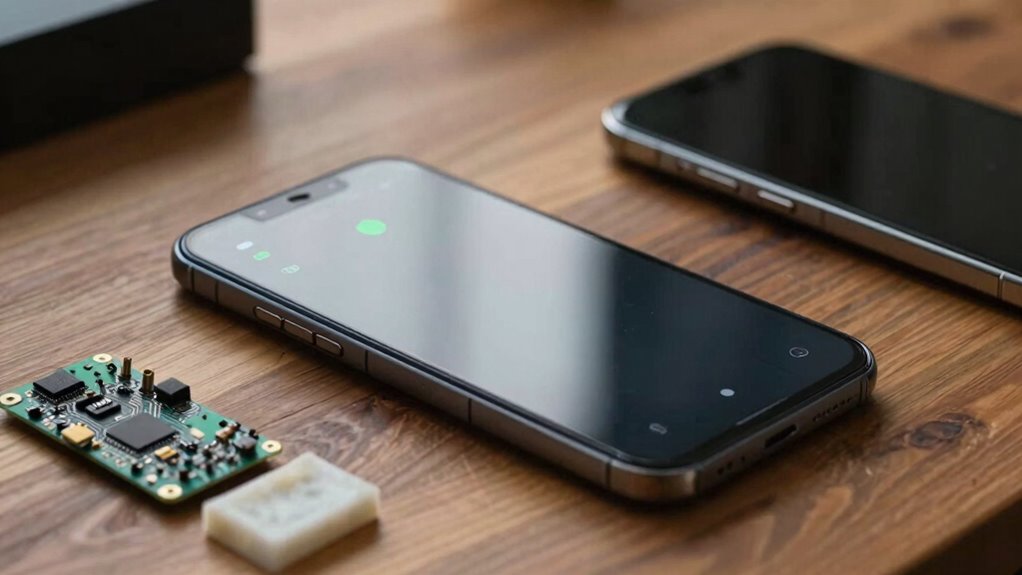
Your phone can overheat due to hardware issues like battery malfunctions, which cause excessive heat buildup, or processor overload from demanding apps. Poor ventilation, such as using your phone in hot environments or covering vents, also traps heat. Additionally, water parks and aquatic environments can contribute to moisture exposure, potentially harming internal components and leading to overheating. Exposure to extreme temperatures can also accelerate hardware stress and damage, further increasing the risk of overheating. Properly managing device ventilation and avoiding prolonged exposure to heat sources can help prevent these issues. Using smart home devices to monitor and control environmental conditions around your device can also be beneficial. Incorporating outdoor environments like backyard spaces with proper shading and ventilation can help mitigate heat buildup and protect your device. Identifying these hardware causes can help you prevent overheating and extend your device’s lifespan.
Battery Malfunctions
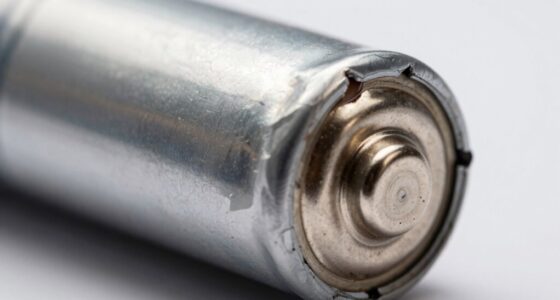
Ever wondered why your phone gets uncomfortably hot during use? Battery malfunctions are a common hardware cause. Over time, a battery’s lifespan declines, leading to inefficient energy management and heat buildup. Damaged or swollen batteries can also generate excess heat, risking safety. Poor charging habits, like using incompatible chargers, increase the likelihood of overheating and damage.
Here’s a quick look:
| Cause | Effect |
|---|---|
| Old or degraded battery | Produces more heat during operation |
| Damaged battery | Swelling and overheating |
| Unsafe charging practices | Excess heat and potential hazards |
| Overused battery cycles | Reduced efficiency, heat generation |
| Poor-quality chargers | Increased risk of overheating |
Processor Overload
When your phone starts heating up during intensive tasks or prolonged use, the processor often bears the blame. Processor overload occurs when your device’s CPU works too hard, generating excess heat. To prevent damage, thermal throttling kicks in, slowing down the processor to reduce temperature, which can cause sluggish performance. This cycle can make your phone feel unresponsive or hot to the touch. Understanding hardware stress is essential to maintaining optimal device performance. Additionally, battery health can influence how much heat your device produces under load.
- Pushing your phone to its limits during gaming or multitasking can trigger processor overload.
- Background apps drain resources, causing unnecessary strain on the CPU.
- Running outdated software or apps can lead to inefficient processing, increasing heat.
- Ensuring your device’s hardware components are functioning properly helps in managing hardware stress.
- Regularly cleaning your device’s vents and keeping it in a cool environment can help reduce overall thermal buildup.
- Monitoring your device’s performance with diagnostic tools can help identify underlying hardware issues early on.
Poor Ventilation
Poor ventilation is a common hardware issue that can cause your phone to overheat quickly. When your phone’s design doesn’t allow heat to dissipate, it traps warmth, leading to temperature spikes. User behavior, like using your phone for extended periods or covering vents with cases, worsens this issue. Check out the table below to understand how different factors influence ventilation:
| Factor | Impact |
|---|---|
| Phone design | Poorly ventilated models trap heat |
| Phone case | Thick or airtight cases block airflow |
| User behavior | Long gaming or streaming sessions |
| Environment | Hot surroundings increase heat buildup |
Improving ventilation by removing bulky cases or avoiding excessive usage can help your phone stay cool and prevent overheating. Additionally, choosing high-quality phones with better heat management features can make a significant difference in preventing overheating issues. For example, some models incorporate effective heat dissipation technologies to better handle intensive tasks. Ensuring proper thermal management is essential for maintaining optimal performance and longevity of your device.
![JSYVKUTO 22800mAh [Upgraded] Battery for iPhone 11, New 0 Cycle Higher Capacity Replacement Battery for iPhone 11 with Full Set Repair Tool Kit, Model A2111 A2221 A2223](https://m.media-amazon.com/images/I/61QCBQ9P1aL._SL500_.jpg)
JSYVKUTO 22800mAh [Upgraded] Battery for iPhone 11, New 0 Cycle Higher Capacity Replacement Battery for iPhone 11 with Full Set Repair Tool Kit, Model A2111 A2221 A2223
【Compatible Model】 This battery for iPhone 11, Model A2111 A2221 A2223 (Not for Other iPhone Model). Please confirm…
As an affiliate, we earn on qualifying purchases.
As an affiliate, we earn on qualifying purchases.
How Do Environmental Factors Make Your Phone Warm?
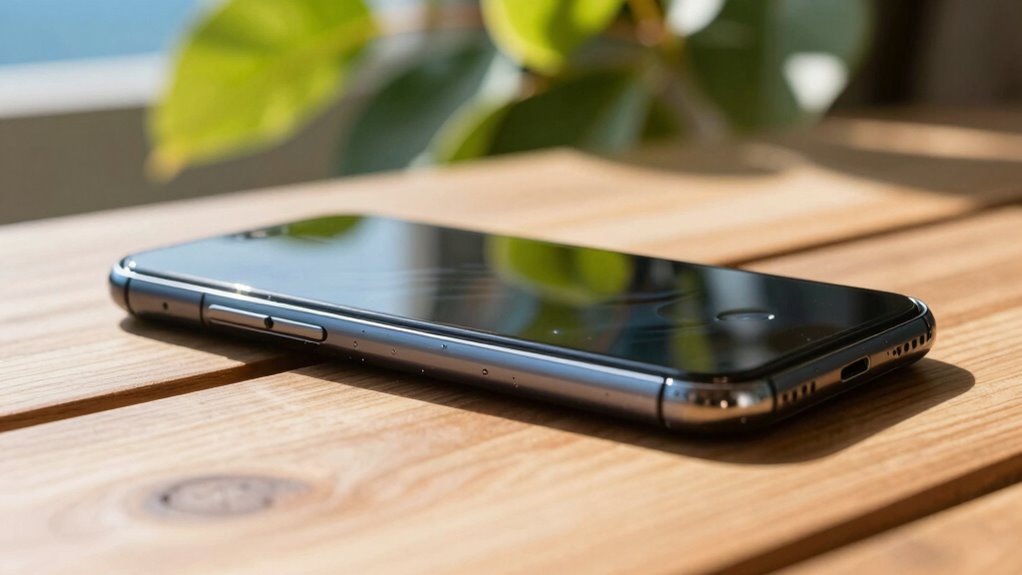
Environmental factors like high ambient temperatures, direct sunlight, and humidity can cause your phone to heat up quickly. When you’re outdoors on a hot day or in bright sunlight, your device works harder to stay cool, which can lead to overheating. Moisture and humidity further impair cooling, making your phone even more prone to warm-up issues. Additionally, exposure to extreme weather conditions may exceed your phone’s operational capacity, leading to potential overheating problems. Ensuring proper ventilation can help mitigate some of these effects by allowing better heat dissipation. Being aware of environmental stressors can help you take proactive steps to prevent overheating. Recognizing the importance of device durability in various conditions can guide you in choosing models that withstand environmental challenges better. Using smart home devices like climate control systems can also help maintain an optimal environment for your devices.
Ambient Temperature Effects
High ambient temperatures can profoundly impact your phone’s temperature, causing it to heat up more quickly and stay warm longer. When the environment is hot, your device struggles to cool down naturally, leading to overheating issues. To combat this, indoor cooling methods like air conditioning can help maintain a lower temperature. Fan solutions, such as portable fans or desktop cooling pads, also provide immediate relief by increasing airflow around your phone. Be mindful of how the surrounding heat affects your device’s performance and lifespan. Ignoring these environmental factors can cause your phone to overheat frequently, risking battery damage or data loss. Staying aware of ambient conditions and using simple cooling strategies can keep your phone safe and running smoothly. Understanding thermal management is crucial for preventing overheating caused by environmental factors. Additionally, avoiding exposure to direct sunlight can significantly reduce the risk of overheating in outdoor settings.
Sunlight Exposure Risks
Have you ever noticed your phone getting unusually warm after spending time in direct sunlight? Sunlight exposure and high outdoor temperatures can cause your device to overheat quickly. When sunlight hits your phone, it absorbs heat, raising its internal temperature. This effect worsens if the outdoor temperature is already high, making your phone work harder to cool down. To understand this better, consider the table below:
| Environmental Factor | Effect on Phone Temperature |
|---|---|
| Sunlight exposure | Direct heat absorption increases |
| Outdoor temperature | Raises baseline temperature, boosting risk |
| Shade | Reduces heat absorption |
| Cool environment | Helps keep your phone cooler |
Avoid leaving your phone in direct sunlight for long periods to prevent overheating and potential damage.
Humidity and Moisture
While sunlight can directly heat your phone, humidity and moisture also play a significant role in raising its temperature. Humidity buildup causes internal components to work harder, increasing heat. Moisture damage can short-circuit circuits, leading to overheating or even complete failure. When your phone is exposed to damp environments, it’s vulnerable to these issues, which can silently cause harm. You might not notice the damage until your device starts overheating or acts erratically. Protecting your phone from moisture is essential for its longevity and safe operation.
- Feeling your phone heat up unexpectedly in humid weather?
- Noticing sudden shutdowns or sluggishness?
- Seeing condensation or corrosion inside your device?

Phone Charger Protector Animal for Cord – Set of 3 USB Cable Protector Animals in Fun Dinosaur Shapes – Durable Plastic Cable Accessories, Long Lasting Protection, Prevents Fraying, Bending & Damage
Durable Charger Accessories: Made with premium silicone, our charging cable protector combines flexibility and strength to protect your…
As an affiliate, we earn on qualifying purchases.
As an affiliate, we earn on qualifying purchases.
Can Hardware Problems Cause Persistent Overheating?
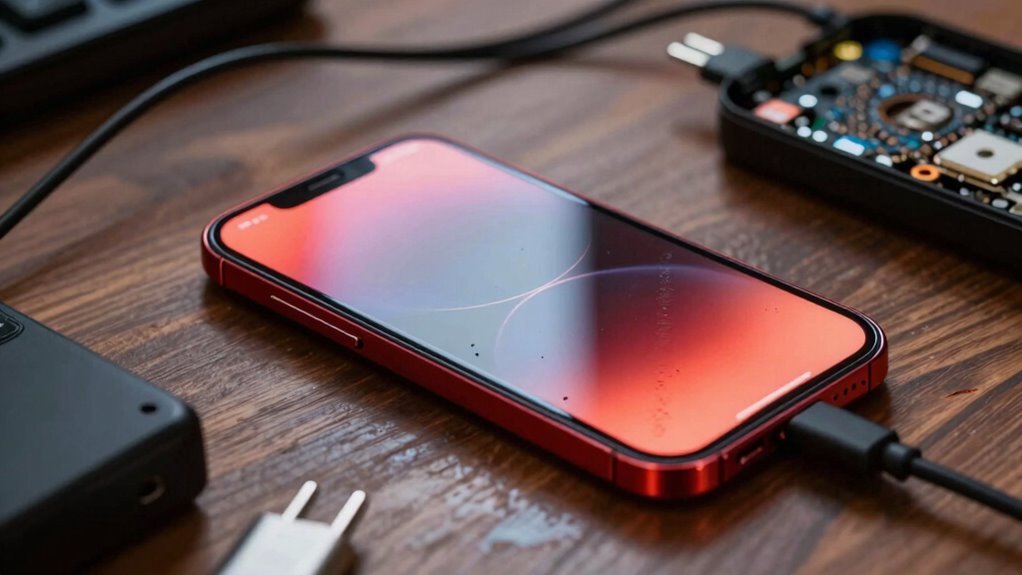
Hardware problems can often be the root cause of persistent overheating in your phone. If internal components like the battery, processor, or cooling system are damaged or malfunctioning, your device may overheat constantly. Running hardware diagnostics can help identify issues early, revealing if parts are working outside normal parameters. If your phone is still under warranty, repairs or replacements may be covered, saving you money. Ignoring hardware problems can worsen overheating and damage other parts, so it’s important to address these issues promptly. Faulty or aging hardware often causes inefficient heat dissipation, leading to persistent overheating. By checking hardware diagnostics and understanding warranty coverage, you can determine whether repair or replacement is necessary to restore your phone’s proper functioning and prevent further damage.
Do Software Updates Contribute to Phone Overheating?
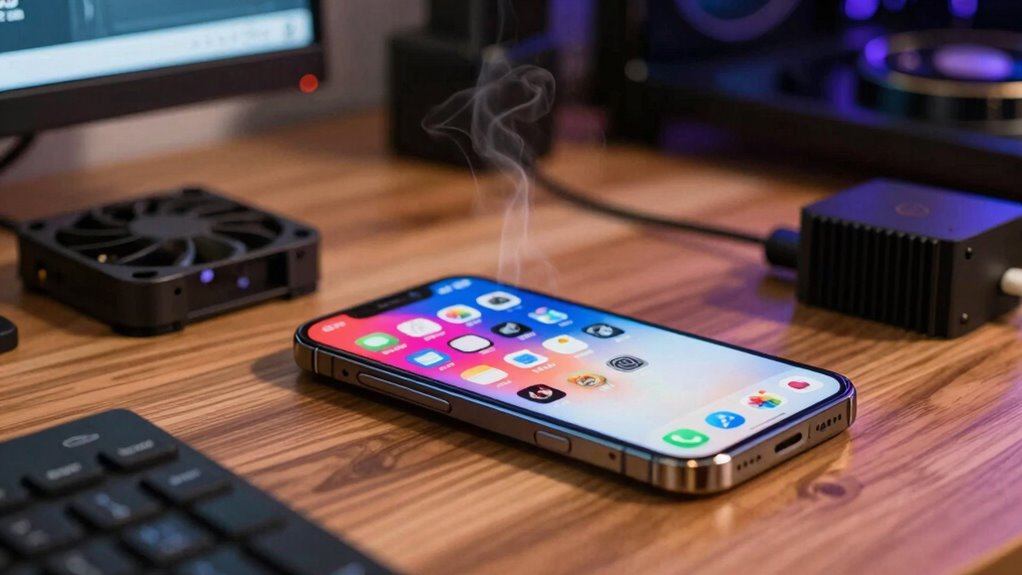
Software updates can sometimes be a hidden factor behind phone overheating. When your device installs new software, it may temporarily strain the processor, causing heat buildup. Software glitches or bugs introduced during updates can lead to increased power consumption and CPU activity, making your phone heat up unpredictably. Additionally, update delays or incomplete installations can leave your phone struggling to optimize new features, resulting in extra work for the hardware. These issues can make your device feel uncomfortably hot, especially during intensive tasks.
- Feel frustrated when your phone overheats after an update, questioning if it’s worth the hassle.
- Worry about potential damage from persistent overheating caused by software problems.
- Fear that future updates might cause even more overheating issues.
How Do Background Apps Increase Phone Temperature?
Have you noticed your phone getting unusually hot even when you’re not using heavy apps? That’s often caused by background apps running silently in the background. These apps consume CPU and memory resources, forcing your device’s processor to work harder. When multiple background apps are active, they generate heat, challenging your phone’s thermal management system. This increased workload causes components to heat up faster than they can cool down, leading to overheating. Even simple tasks like syncing data, checking notifications, or updating apps contribute to this heat buildup. To keep your phone cooler, it’s essential to manage background apps effectively. Limiting their activity reduces unnecessary processing, helping maintain ideal thermal performance and preventing overheating.
What Settings Can Help Keep Your Phone Cooler?
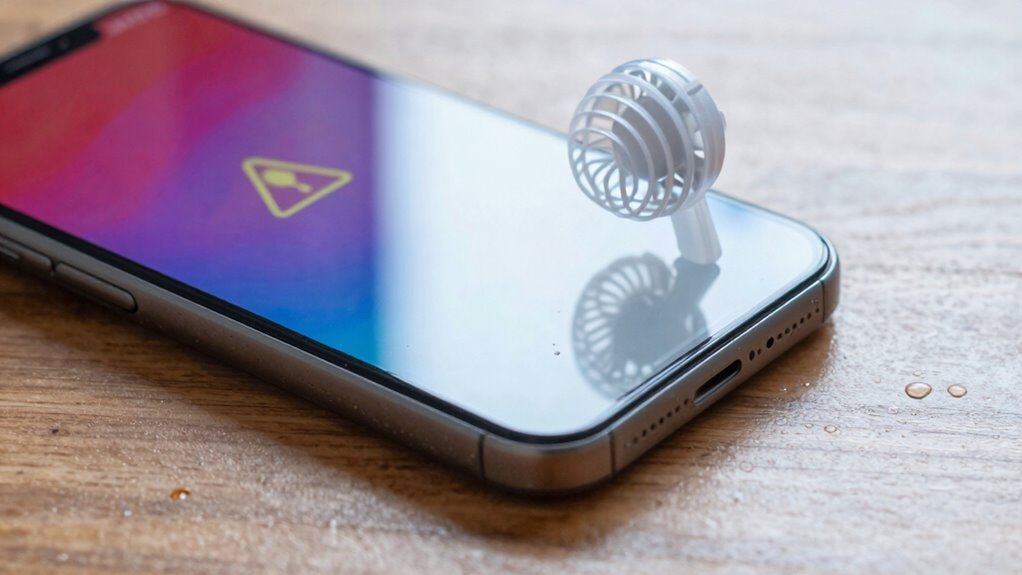
Wondering how to keep your phone from overheating? Adjusting your settings can make a big difference in maintaining battery health and improving software optimization. Start by lowering screen brightness or enabling adaptive brightness to reduce power drain. Turn off location services and Bluetooth when not in use to prevent unnecessary activity. You can also activate power-saving mode, which limits background processes and optimizes performance, helping your device stay cooler longer. These simple steps not only protect your hardware but also extend your phone’s lifespan. Remember, keeping your device cool isn’t just about comfort—it’s about preserving its overall health. By tweaking these settings, you’ll keep your phone running smoothly and prevent overheating from causing long-term damage.
Are Your Charging Habits Making Your Phone Overheat?
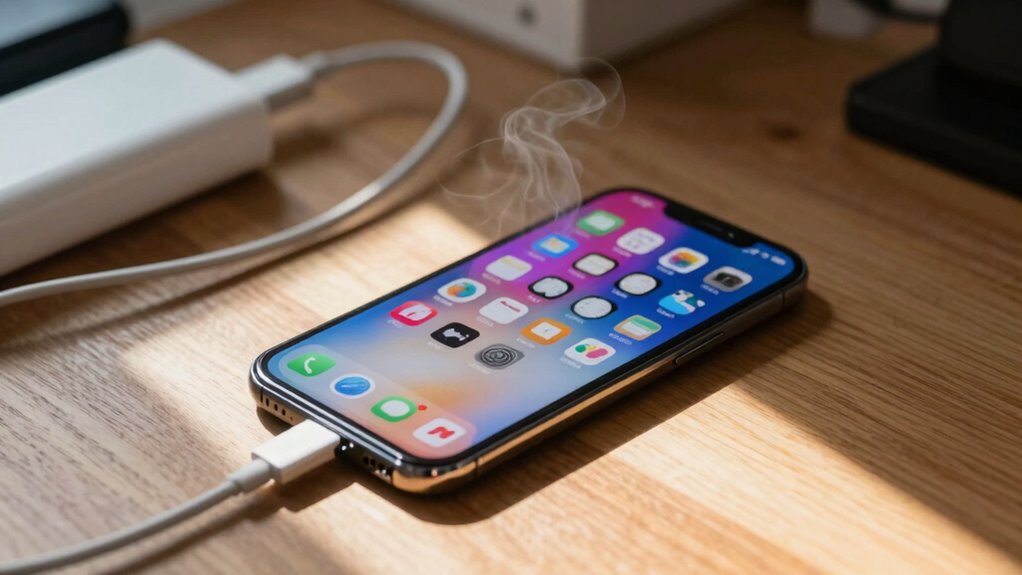
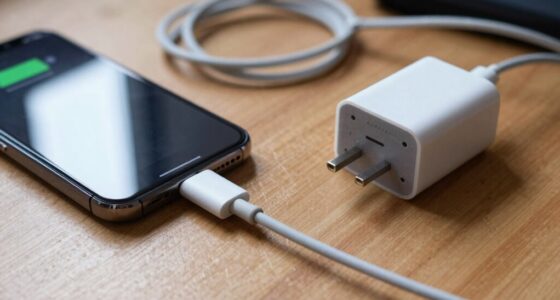
While adjusting your phone’s settings can help keep it cool during use, your charging habits also play a significant role in overheating. Poor charging habits, such as using incompatible chargers or charging your phone in hot environments, can cause excessive heat buildup. Data transfer activities, like syncing large files or streaming while charging, increase the workload and generate extra heat. Continuously connecting and disconnecting chargers or using fast chargers improperly can also strain your device’s battery and internal components, leading to overheating. To prevent this, avoid charging your phone in direct sunlight or on soft surfaces that trap heat. Use certified chargers and cables, and try to limit intensive data transfer tasks while your phone is charging. These habits help reduce heat and extend your phone’s lifespan.
How to Detect Overheating Before It Causes Damage?
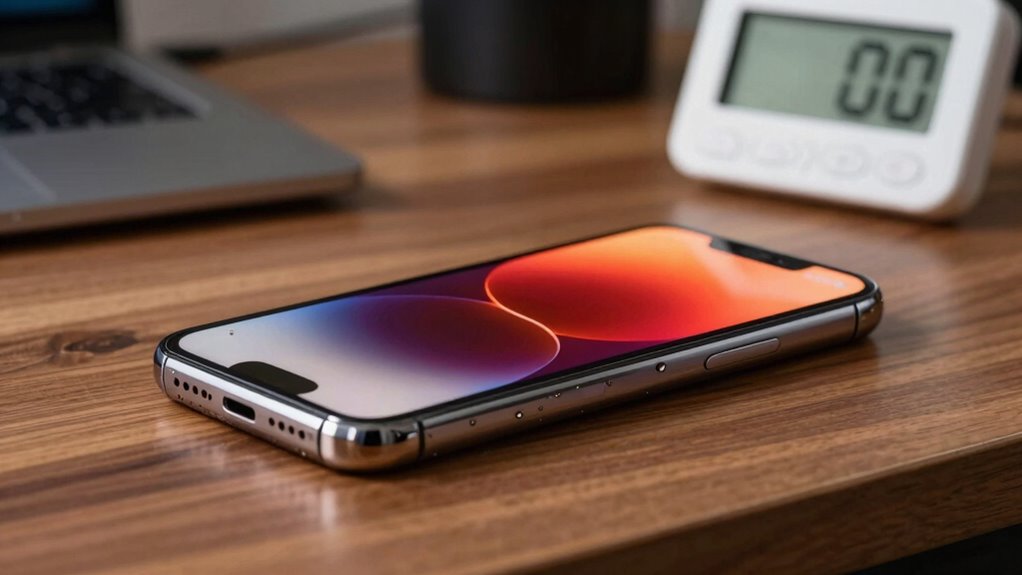
You should keep an eye on your phone’s temperature, especially during heavy use or charging. Pay attention to signs like excessive heat, slow performance, or unusual battery drain. Catching these early clues can help prevent damage before overheating becomes serious.
Monitor Temperature Levels
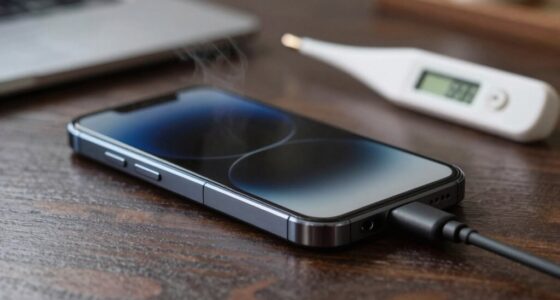
How can you tell if your phone is overheating before it sustains damage? The key is to monitor temperature levels regularly. Many smartphones have built-in temperature sensors that give you real-time data on your device’s heat. You can also use monitoring apps that display temperature readings and alert you to danger zones. Keep an eye out for signs like rapid battery drain or sluggish performance, which may indicate rising temperatures.
- Feel the phone’s back; if it’s uncomfortably hot, it’s a warning sign.
- Use monitoring apps to track temperature spikes during intensive tasks.
- Watch for sudden shutdowns or strange behavior, signaling overheating risks.
Recognize Overheating Signs
Detecting overheating early can prevent serious damage to your phone by catching warning signs before they escalate. Keep an eye on signs like rapid battery drain, unexpected shutdowns, or the device feeling unusually warm. Poor battery health can cause overheating, especially if your battery is swollen or aging. Your charging habits also matter; using incompatible chargers or overcharging can increase heat levels. Watch for screens that feel hot to touch or laggy performance, which indicate temperature issues. Regularly check your device’s temperature and battery health through settings or apps.
| Warning Signs | What to Do |
|---|---|
| Unusual warmth or hot to touch | Reduce usage, avoid charging, or cool device |
| Battery draining quickly | Replace battery or optimize apps |
| Performance lag or shutdowns | Restart or seek professional help |
Quick and Safe Ways to Cool Down an Overheated Phone
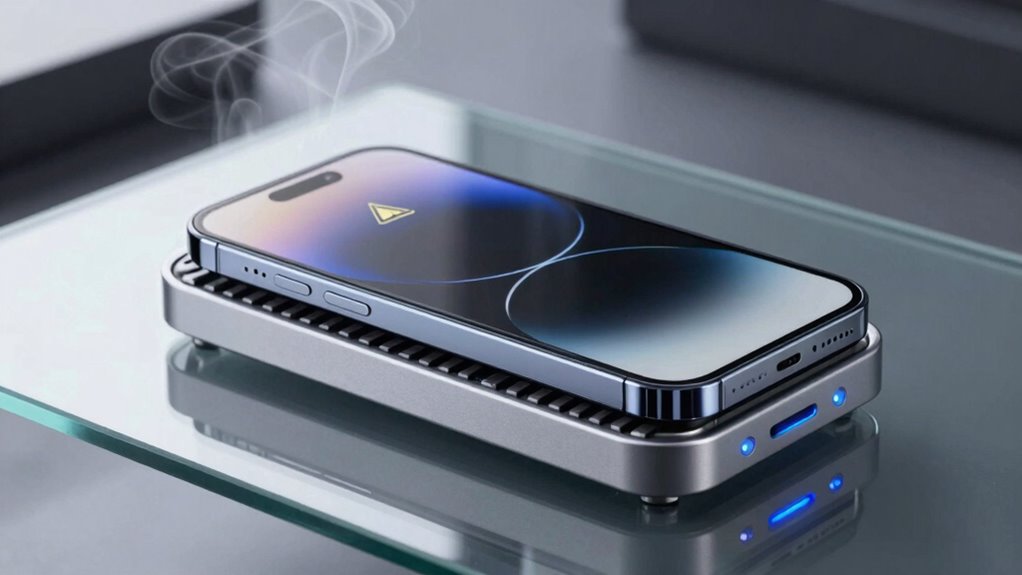
When your phone starts overheating, acting quickly can prevent potential damage and restore normal function. To cool it down safely, start by removing it from direct sunlight or a hot environment. Turn off unnecessary apps to reduce strain on the battery life and lower heat production. You can also place the phone on a cool, hard surface or use a fan to help dissipate heat. Avoid using cold water or ice, as sudden temperature changes can damage internal components.
Remove from heat, turn off apps, and use a fan—avoid cold water to safely cool your phone.
- Feel confident knowing you’re protecting your device’s longevity and signal strength.
- Experience relief as your phone quickly cools, preventing performance drops.
- Regain peace of mind, knowing you’re taking safe steps to preserve your device’s health.
Frequently Asked Questions
Can Overclocking Cause My Phone to Overheat?
Yes, overclocking can cause your phone to overheat because it pushes the hardware beyond its normal limits. When you overclock, your device generates more heat, making cooling methods like reducing screen brightness or closing background apps essential. Hardware upgrades aren’t an option for phones, but managing overclocking settings helps prevent overheating. Always monitor your temperature and avoid excessive overclocking to keep your phone safe and cool.
Does Using a Phone Case Increase Overheating Risk?
Using a phone case can increase overheating risk, especially if it traps heat or blocks ventilation. Thick or poorly designed cases prevent heat dissipation, making your phone hotter during intensive use like gaming or streaming. To reduce overheating risk, choose a breathable, lightweight case and avoid covering vents. Regularly remove the case when charging or during heavy use to help your phone stay cool and function properly.
How Does Battery Age Affect Phone Temperature?
Battery deterioration impacts your phone’s temperature because an aging battery can’t regulate heat as effectively. As batteries wear out, internal resistance increases, generating more heat during use. This hampers thermal regulation, causing your device to overheat more easily. You might notice it gets warmer faster, especially with intensive tasks. To prevent overheating, consider replacing an old battery, which restores better thermal management and keeps your phone functioning safely and efficiently.
Can Malware Lead to Excessive Phone Heating?
Yes, malware can cause your phone to heat up excessively. It often runs background processes without your knowledge, overloading the CPU and draining resources. Malware can also trigger hardware malfunctions, leading to increased temperature. To fix this, you should run a trusted security scan, close unnecessary background apps, and consider a factory reset if the problem persists. Keeping your software updated helps prevent malware infections too.
Are Certain Apps More Likely to Cause Overheating?
Certain apps are more likely to cause overheating because of their demanding app performance and background processes. Apps that run intensive tasks, like games or streaming services, push your phone’s processor and GPU, generating heat. Additionally, apps that run multiple background processes drain resources and cause excess heat. You should monitor these apps, close unnecessary background processes, and avoid overusing high-performance apps to prevent overheating and maintain your phone’s health.
Conclusion
When your phone starts to heat up like a summer sun, it’s a sign to listen closely. Picture the internal components shimmering with heat, craving relief. By understanding the causes and taking quick, safe steps—like removing cases or avoiding direct sunlight—you can restore its cool, steady rhythm. Stay attentive to its signals, and your device will keep running smoothly, like a calm breeze on a hot day. Keep it cool, keep it safe.