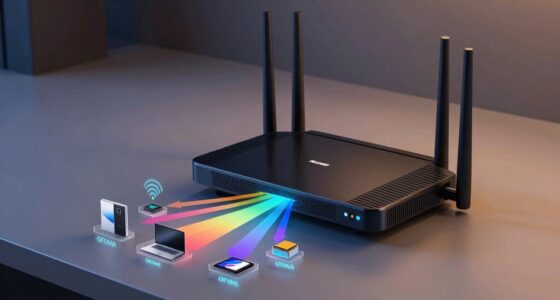

Port forwarding allows you to direct external data to specific devices in your network by opening selected router ports. While it’s useful for remote access, gaming, or streaming, it also poses security risks. If misconfigured, it can leave your network vulnerable to hackers who scan for open ports to exploit. Understanding how to set it up safely helps protect your devices. Keep going to discover key tips on securing your network effectively.
Key Takeaways
- Port forwarding directs external data to specific devices by opening designated router ports.
- It is essential for remote access, gaming, and streaming but increases security risks if misconfigured.
- Open ports can be scanned by hackers, potentially exposing devices to unauthorized access.
- Proper security measures, like strong authentication and limiting open ports, are crucial to mitigate risks.
- Common mistakes include using default passwords and neglecting network segmentation, which heighten vulnerabilities.

NF-8209S RJ45 Network Cable Tester Ethernet Tester with PoE/NCV Cable Length Test, Port Flashing, CAT5, CAT6, CAT7 and CAT6a Anti-Interference Scanner LAN Line Tracer Network Toner Tool
【Newly Upgraded 3 Tracking Modes】 NF-8209S RJ45 Network Cable Tester This NF-8209S RJ45 Cable Tester employs new sensors…
As an affiliate, we earn on qualifying purchases.
As an affiliate, we earn on qualifying purchases.
What Is Port Forwarding and How Does It Work?
Ever wondered how online games, remote desktops, or security cameras connect smoothly through your network? It all comes down to port forwarding, which works with network addressing to direct data to specific devices. When your device receives data, it uses protocol translation to understand and process it correctly. Port forwarding tells your router to open a specific port and send incoming traffic to a designated device on your local network. This process involves mapping external ports to internal IP addresses, ensuring data reaches the right destination. Without it, your network wouldn’t know where to send the information. By managing network addressing and protocol translation, port forwarding creates a seamless connection between the internet and your devices, enabling smooth communication for various applications. Understanding how network protocols work is essential to grasping the full scope of port forwarding. Additionally, proper configuration of port forwarding can enhance your network security by controlling which data is allowed through your router. Proper knowledge of network addressing is crucial to effectively setting up and troubleshooting port forwarding configurations.

WEN Plunge Base Kit for Compact Trim Routers (20610-PB)
Compatible with the WEN 20610 and RT1460 trim routers, Makita model RT0701C, and most other trim routers on…
As an affiliate, we earn on qualifying purchases.
As an affiliate, we earn on qualifying purchases.
Why Do People Use Port Forwarding? Common Use Cases

People use port forwarding for a variety of practical reasons, primarily to enable external devices to access services hosted on their local networks. This is essential for tasks like remote access, where you need to connect to your home server or security cameras from anywhere. It’s also common for gaming connectivity, allowing you to host multiplayer games or improve connection stability. Additionally, understanding the horsepower of electric dirt bikes can help users assess the performance of remote-controlled devices or electric vehicles that might benefit from optimized network settings. Proper port management can also enhance network security by controlling which services are exposed to the internet, reducing potential vulnerabilities. Knowing how smart yard care devices operate, such as robot mowers, can also influence how you set up port forwarding for remote control or monitoring purposes. For example, choosing the right port forwarding settings can improve the reliability of remote device access, ensuring your smart devices function seamlessly. Some common use cases include:
Port forwarding enables remote access to home servers, security cameras, and improves gaming and streaming connections.
- Allowing remote access to files or devices at home or in the office.
- Hosting game servers so friends can join your multiplayer sessions.
- Improving streaming or VoIP quality by opening specific ports for better data flow.
These scenarios showcase how port forwarding helps you connect more effectively with your networked devices.

Network Security, Firewalls, and VPNs (Issa)
As an affiliate, we earn on qualifying purchases.
As an affiliate, we earn on qualifying purchases.
What Are the Security Risks of Port Forwarding?
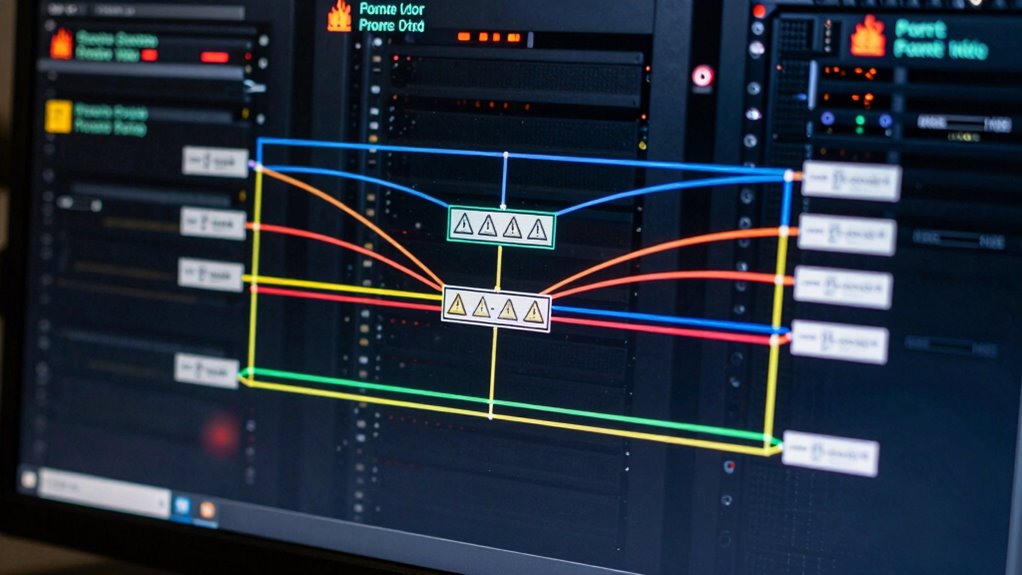
Port forwarding can introduce significant security risks if not configured carefully. When you open specific ports, you potentially expose your network to unauthorized access, especially if your firewall configuration isn’t robust. Hackers often scan for open ports to find vulnerable devices or services. If you don’t secure these ports properly, malicious actors can exploit weaknesses, gaining control over your devices or stealing sensitive data. Additionally, misconfigured port forwarding can create loopholes that bypass your firewall’s protections, making it easier for intruders to penetrate your network. It’s vital to understand that even a single open port can serve as an entry point for cyberattacks. Properly managing and securing your port forwarding setup is essential to minimize these security risks. Understanding these vulnerabilities can help you better protect your network from potential threats, especially considering the popularity of arcade games and retro gaming. For example, understanding how dream symbolism relates to uncovering hidden threats can provide valuable insight into potential security breaches.

GMK Security Cameras Wireless Outdoor 4 Pack, 2K Battery Powered Cameras for Home Security, Color Night Vision, Motion Detection, 2-Way Talk, IP65 Waterproof, Remote Access, Cloud/SD Storage
【2K Ultra HD & Full Color Night Vision – 4 Cam Kit】Upgrade your home security with this 4…
As an affiliate, we earn on qualifying purchases.
As an affiliate, we earn on qualifying purchases.
How to Set Up Port Forwarding Safely and Secure Your Network
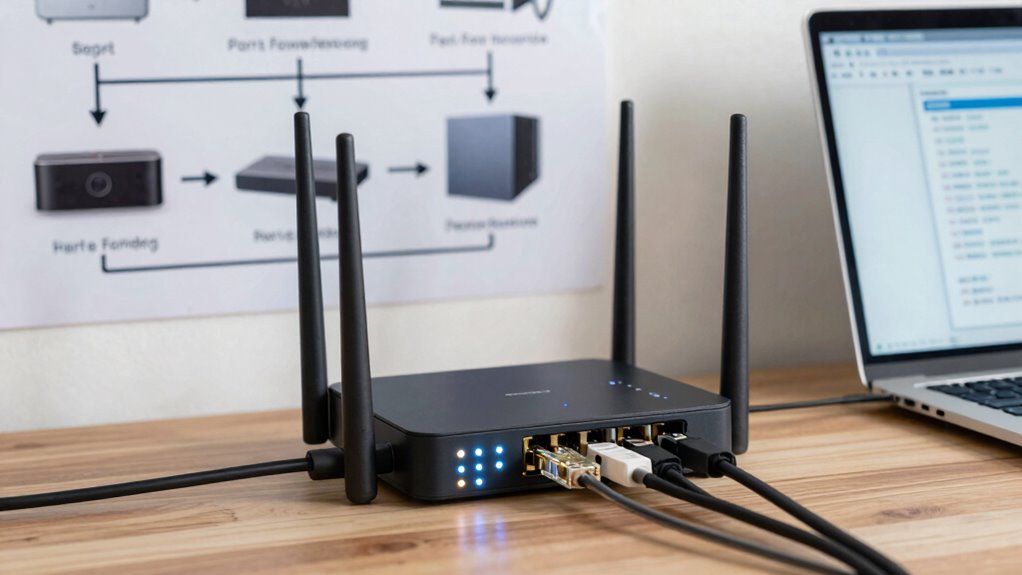
Setting up port forwarding safely begins with understanding the importance of proper configuration and security measures. To protect your network while enabling remote access, consider these steps:
- Limit port forwarding to necessary services only, reducing exposure.
- Use network segmentation to isolate devices, preventing threats from spreading.
- Enable strong authentication and encryption for remote access, safeguarding sensitive data.
- Be aware that exposing certain services may also increase the risk of security vulnerabilities, similar to how halal culture and traditions require specific attention to maintain integrity and authenticity.
- Additionally, understanding how Free Floating concepts relate to flexible and adaptable network configurations can help in designing safer port forwarding strategies. Recognizing the importance of filter maintenance and timely updates can further reduce vulnerabilities.
- Comprehending the security implications of port forwarding can further enhance your ability to manage risks effectively.
Common Mistakes That Leave Your Network Vulnerable
Even small mistakes in configuring port forwarding can leave your network vulnerable to attacks. One common error is poorly secured device configuration, like using default passwords or leaving unnecessary ports open. These oversights give hackers easy entry points. Additionally, neglecting proper network segmentation can expose your entire network if one device is compromised. Failing to isolate sensitive systems limits damage, but improper segmentation can create vulnerabilities across your network. Always guarantee your device configuration is secure, with strong passwords and minimal open ports. Implement network segmentation to restrict access and contain potential threats. Ignoring these best practices makes it easier for attackers to exploit weaknesses, risking data breaches and system compromise. Properly managing device settings and segmentation is essential for a safer, more resilient network. Understanding default passwords and the importance of secure device setup can significantly reduce your risk.
Frequently Asked Questions
Can Port Forwarding Improve My Internet Speed?
Port forwarding itself doesn’t improve your internet speed directly. Instead, it helps by allowing specific traffic through your firewall to reach certain devices, which can enhance your online gaming or remote access experience. However, it can compromise network security if not configured properly, making your network vulnerable. Always make sure your firewall configuration is secure, and be cautious about opening ports to avoid exposing your network to potential threats.
Is Port Forwarding Legal in All Countries?
Think of port forwarding like a gatekeeper—it’s not allowed everywhere. You might find it’s illegal in some countries due to legal restrictions or regional regulations designed to protect networks and prevent misuse. Laws differ globally, so what’s okay in one place could land you in hot water elsewhere. Always check your local laws before setting up port forwarding, or you risk unknowingly crossing legal boundaries.
How Do I Know if My Port Is Open?
You can check if your port is open by using online tools or command line scans like Telnet or PowerShell. Make certain your network security isn’t compromised by double-checking your firewall configuration, which might block open ports. If the port appears closed, adjust your firewall settings carefully to open it. Always consider the risks involved, as open ports can expose your system to vulnerabilities without proper security measures.
What Alternative Methods Exist to Achieve Similar Results?
To achieve similar results without port forwarding, you can use VPN security to securely connect to your network remotely, reducing exposure risks. Cloud-based forwarding services also allow you to access your resources without opening vulnerable ports. These methods keep your network safer while providing remote access. Always guarantee your VPN or cloud service uses strong encryption and authentication to protect your data from potential threats.
How Often Should I Update My Port Forwarding Settings?
Your port forwarding settings are as crucial as your heartbeat—don’t leave them static! You should update them whenever you change your network setup, such as new devices or IP addresses, or if you notice suspicious activity. Regularly reviewing your firewall configuration and network security guarantees your system stays protected. Keep an eye on updates and adapt proactively, because outdated settings can leave your network vulnerable to cyber threats.
Conclusion
Remember, slow and steady wins the race—especially when it comes to network security. While port forwarding can enhance your connectivity, it also opens doors to potential threats if not done carefully. By understanding the risks and following best practices, you can enjoy the benefits without compromising your safety. Keep your network locked tight, and don’t let convenience overshadow caution. After all, a chain is only as strong as its weakest link.