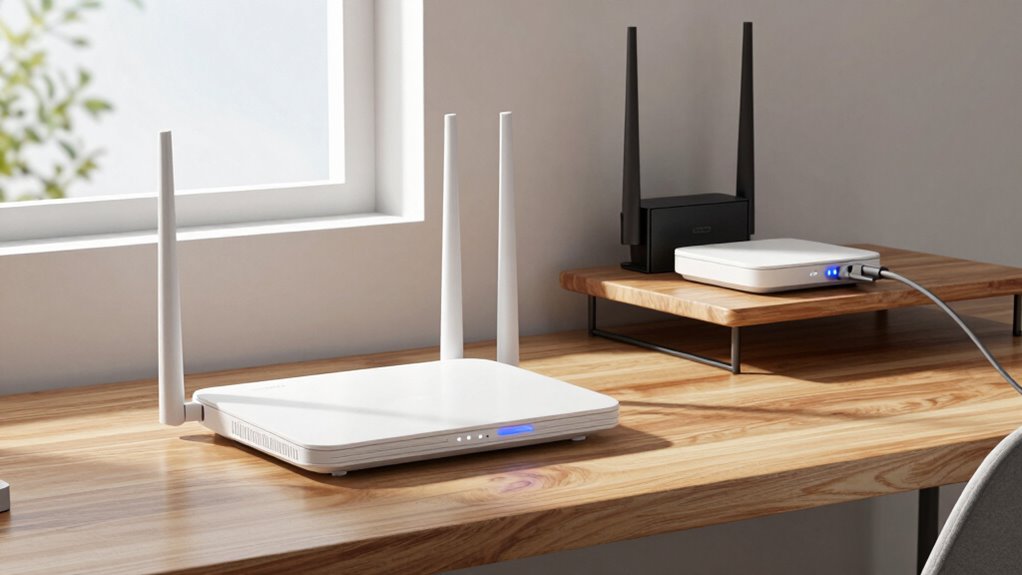
A Wi-Fi repeater rebroadcasts your existing signal to extend coverage, but it may reduce security and performance. An extender connects to your router for better stability and wider reach, making it a good choice for larger areas. An access point connects via Ethernet to create a new, reliable Wi-Fi network, ideal for secure, large spaces. Each device serves different needs, and understanding their differences helps optimize your network—more details follow to guide your choice.
Key Takeaways
- Wi-Fi repeaters rebroadcast existing signals, often with reduced security, suitable for small coverage gaps.
- Extenders connect to the router and improve coverage and stability, ideal for larger areas needing device compatibility.
- Access points connect via Ethernet, creating a new Wi-Fi network for reliable, secure coverage in extensive or business setups.
- Repeaters are simple and cost-effective; access points require wired installation and offer better security and management.
- Mesh networks and signal boosters serve larger spaces or specific areas, providing seamless and targeted coverage.

TP-Link AC1200 WiFi Extender, 2023 Engadget Best Budget Pick, 1.2Gbps Signal Booster for Home, Dual Band 5GHz/2.4GHz, Covers Up to 1500 Sq.ft and 30 Devices,Support Onemesh, One Ethernet Port (RE315)
𝐒𝐭𝐫𝐨𝐧𝐠𝐞𝐫 𝐖𝐢-𝐅𝐢 𝐢𝐧 𝐄𝐯𝐞𝐫𝐲 𝐂𝐨𝐫𝐧𝐞𝐫 – Enjoy extended coverage with strong performance powered by Adaptive Path Selection and…
As an affiliate, we earn on qualifying purchases.
As an affiliate, we earn on qualifying purchases.
What Are Wi-Fi Repeaters, Extenders, and Access Points?
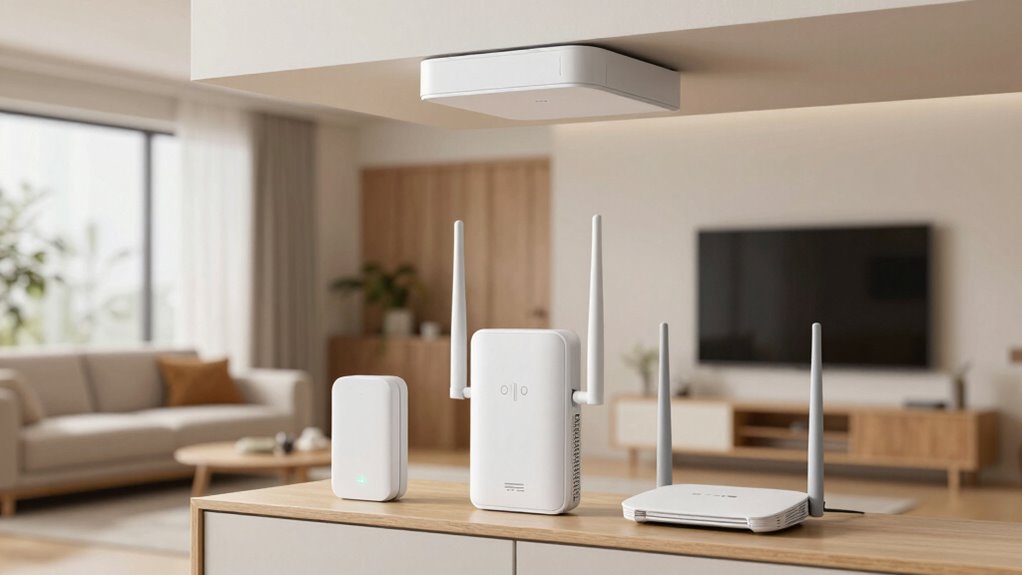
Have you ever wondered how to extend your Wi-Fi coverage effectively? Wi-Fi repeaters, extenders, and access points each play a role in boosting your signal. Repeaters pick up your existing Wi-Fi signal and rebroadcast it, but they can reduce wireless security if not configured properly. Extenders are similar but often offer better coverage and connection stability. Proper placement of these devices is essential to maximize their effectiveness and avoid signal interference. Additionally, selecting the right device type depends on your specific needs and network setup, which can influence overall wireless performance. Using network topology strategies can help optimize your entire network system for better connectivity. For example, implementing sound healing science principles, such as optimizing frequencies and vibrations, could inspire innovative approaches to wireless signal enhancement. Access points connect to your router via Ethernet, creating a new Wi-Fi network that can serve multiple devices. Regular firmware updates keep these devices secure and improve performance, especially in regards to wireless security. Understanding their differences helps you choose the right equipment for your space, ensuring your network remains fast, secure, and reliable. Additionally, wireless security considerations are vital to prevent unauthorized access and protect your data.
TP-Link AC1200 WiFi Extender, 2023 Engadget Best Budget Pick, 1.2Gbps Signal Booster for Home, Dual Band 5GHz/2.4GHz, Covers Up to 1500 Sq.ft and 30 Devices,Support Onemesh, One Ethernet Port (RE315)
𝐒𝐭𝐫𝐨𝐧𝐠𝐞𝐫 𝐖𝐢-𝐅𝐢 𝐢𝐧 𝐄𝐯𝐞𝐫𝐲 𝐂𝐨𝐫𝐧𝐞𝐫 – Enjoy extended coverage with strong performance powered by Adaptive Path Selection and…
As an affiliate, we earn on qualifying purchases.
As an affiliate, we earn on qualifying purchases.
How Do Wi-Fi Repeaters, Extenders, and Access Points Differ?
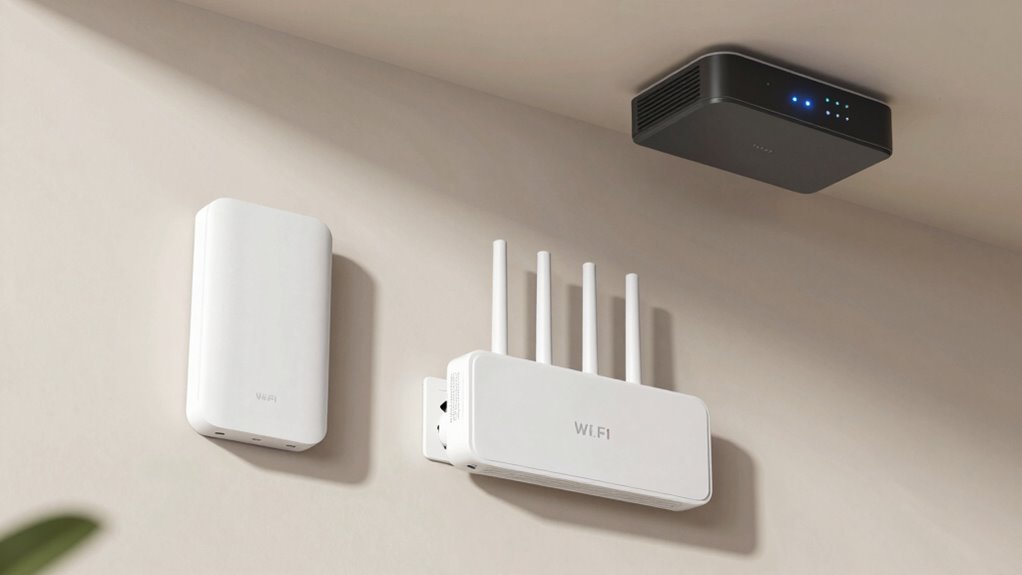
Although Wi-Fi repeaters, extenders, and access points all aim to improve your wireless coverage, they function quite differently. A Wi-Fi repeater captures your existing signal and rebroadcasts it, which can reduce Wi-Fi security by creating additional points of vulnerability. Extenders expand your network’s reach by connecting to your router, often using separate network segmentation, which can complicate device management. Access points, on the other hand, connect directly to your router via Ethernet, providing a more secure connection with better Wi-Fi security features and centralized network management. Unlike repeaters and extenders, access points allow you to create a seamless, unified network. Understanding these differences helps you choose the right device to optimize coverage, security, and management in your home or office.

TP-Link Omada WiFi 6 Wireless Access Point – AX3000 Dual Band, 1G Port, PoE+ or DC Powered, DC Adapter Included, 5yr Warranty, Captive Portal, Mesh, WPA3, Roaming, Business WiFi Experience(EAP650)
𝗙𝗥𝗘𝗘 𝗢𝗠𝗔𝗗𝗔 𝗘𝗦𝗦𝗘𝗡𝗧𝗜𝗔𝗟𝗦: Free cloud management with no additional fees, everything is managed in the cloud without the…
As an affiliate, we earn on qualifying purchases.
As an affiliate, we earn on qualifying purchases.
Which Wi-Fi Booster Is Right for Your Home or Office?
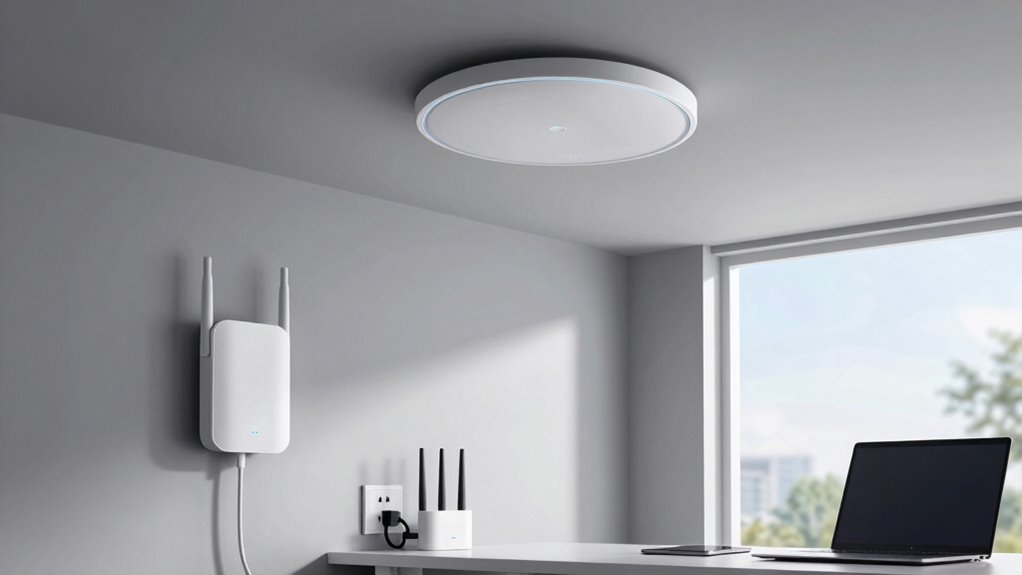
Choosing the right Wi-Fi booster depends on your coverage needs and the devices you use. Think about how large your space is and whether your devices are compatible with specific types of extenders or access points. Getting these details right guarantees you get a reliable connection throughout your home or office. Understanding different travel destinations can also help you plan better for connectivity needs when traveling. Additionally, considering your home’s Wi-Fi infrastructure can help ensure optimal performance and compatibility with the booster you select. Being aware of your home network setup can further assist in selecting the most suitable booster for your specific environment.
Coverage Area Needs
Determining the right Wi-Fi booster for your space depends largely on the size and layout of your home or office. If your area is large or has multiple walls, a mesh network might be the best choice, providing seamless coverage without dead zones. For smaller spaces, signal boosters or extenders can efficiently amplify your existing signal. Consider these options:
- Large, multi-room spaces benefit from mesh networks that distribute Wi-Fi evenly.
- Compact homes or offices may only need a simple extender or repeater to boost coverage.
- For targeted coverage, like a garage or basement, signal boosters are effective without complicating your network.
Choosing the right device guarantees you get maximum coverage without sacrificing speed or reliability.
Device Compatibility Tips
Once you’ve assessed your coverage needs, it’s important to verify the Wi-Fi booster you select is compatible with your existing network setup. Check device compatibility by ensuring the booster supports your router’s brand and model, especially if it’s a dual-band or mesh system. Review the specifications to confirm it operates on the same Wi-Fi standards (e.g., 802.11ac or ax). Firmware updates are essential; choose a device that receives regular updates to enhance security and performance. Updated firmware helps prevent compatibility issues and guarantees your booster functions smoothly with your network. Before purchasing, consult the manufacturer’s compatibility list and user reviews to avoid surprises. Proper compatibility guarantees your device will work seamlessly, giving you reliable, expanded coverage.

2026 Fastest WiFi Extender, WiFi Repeater, WiFi Booster, Covers Up to 10000 Sq.ft and 80 Devices, Internet Booster – with Ethernet Port, Quick Setup, Home Wireless Signal Booster
✅Extended wireless coverage – Boosts your WiFi Range and Connects up to 80 Devices such as Smartphones,Laptops, Tablets,…
As an affiliate, we earn on qualifying purchases.
As an affiliate, we earn on qualifying purchases.
Pros and Cons of Wi-Fi Repeaters, Extenders, and Access Points
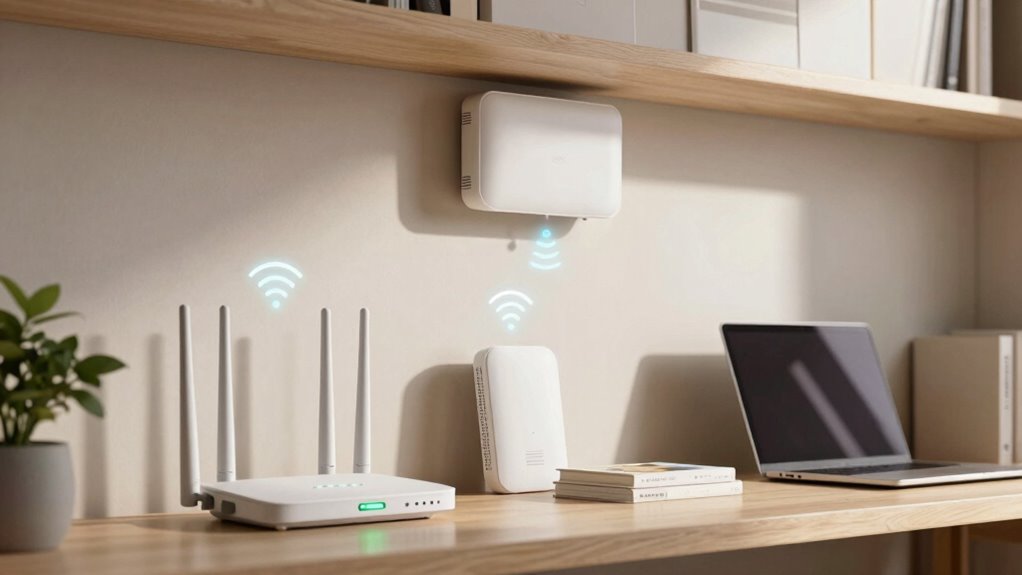
Wi-Fi repeaters, extenders, and access points each offer unique benefits and drawbacks, depending on your network needs. Repeaters are simple and cost-effective but can reduce wireless security if not configured properly. Extenders usually provide broader coverage with better device compatibility, though they may introduce some latency. Access points deliver the most reliable connection, ideal for stable wireless security and seamless device compatibility but require more setup.
- Repeaters are easy to install but might lower your network’s security and performance.
- Extenders balance coverage and device compatibility but may cause minor delays.
- Access points offer superior reliability and security but need a wired connection and advanced setup.
How to Set Up and Optimize Your Wi-Fi Extension Devices
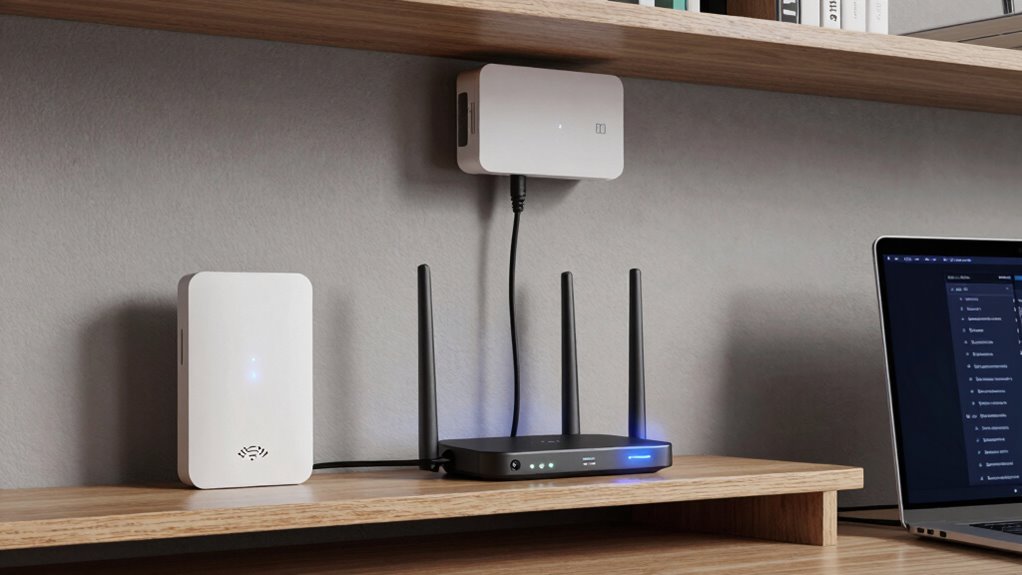
Setting up your Wi-Fi extension devices might seem intimidating at first, but with the right steps, it becomes straightforward. First, position your device halfway between your router and area needing coverage. Connect it via Wi-Fi or Ethernet, following the manufacturer’s instructions. For best performance, guarantee your device supports smart home integration and energy-efficient devices for seamless control and power savings. Additionally, understanding network fundamentals can help you troubleshoot and optimize your setup more effectively.
Troubleshooting Common Wi-Fi Coverage Problems
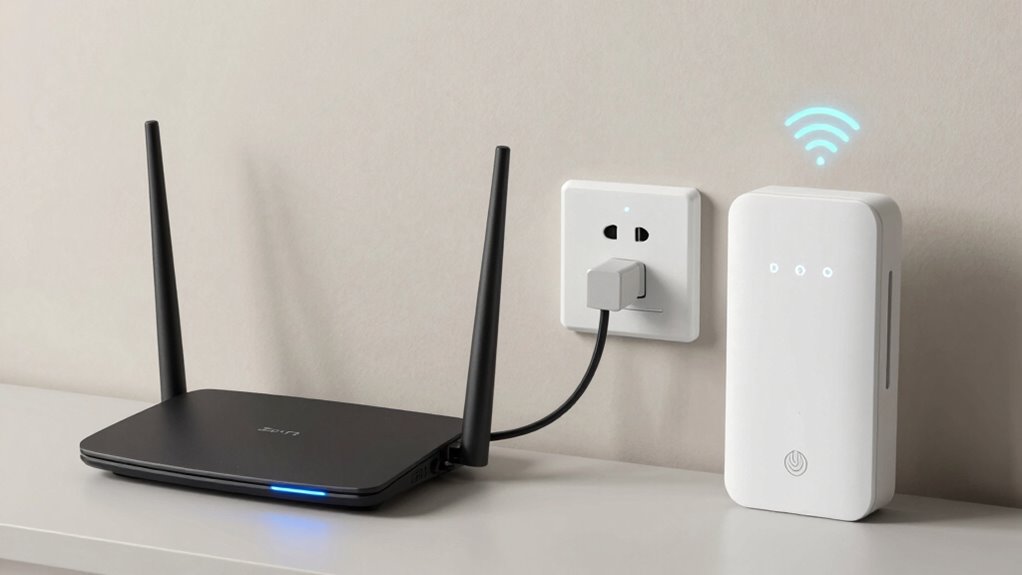
When you notice areas with weak or no signal, it’s often due to obstacles, interference, or improper device placement. To troubleshoot, start with these steps:
- Rearrange your devices: Place mesh networking nodes or extenders in open, central spots away from thick walls or metal objects to improve coverage.
- Reduce interference: Move devices away from microwaves, cordless phones, or other electronics that cause signal disruption.
- Boost signal amplification: Consider adding more mesh nodes or extenders to fill coverage gaps, ensuring seamless connectivity throughout your space.
Tips for Improving Your Wi-Fi Signal Everywhere
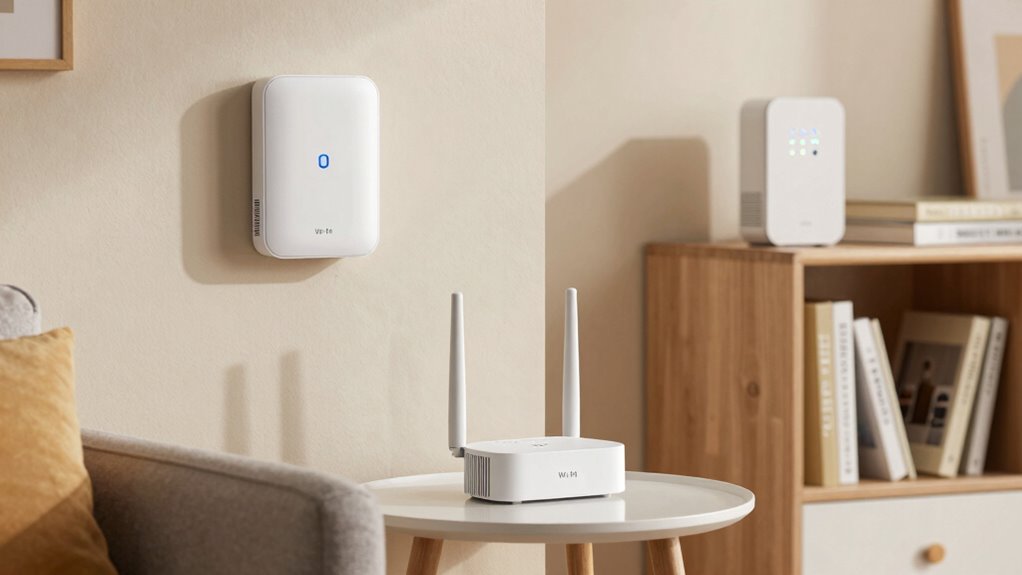
To boost your Wi-Fi signal everywhere, start by optimizing your router’s placement—preferably near the center of your home and away from thick walls or metal objects. Be mindful of potential sources of interference, like cordless phones or microwaves, and keep them away from your router. Making these simple adjustments can markedly improve your Wi-Fi coverage and performance.
Optimize Router Placement
The placement of your router plays a crucial role in ensuring strong Wi-Fi signals throughout your home. Proper router placement is key to signal optimization and avoiding dead zones. To improve your Wi-Fi coverage, consider these tips:
- Place your router centrally in your home to evenly distribute the signal.
- Elevate it on a shelf or high surface to prevent obstructions.
- Keep it away from thick walls, metal objects, and electronics that can cause interference.
- Selecting the right Wi-Fi equipment, such as extenders or access points, can further enhance coverage in larger spaces.
Minimize Signal Interference
Signal interference is a common culprit behind weak or unreliable Wi-Fi connections. Interference sources like cordless phones, microwave ovens, and nearby Bluetooth devices can disrupt your signal. Signal congestion occurs when multiple networks operate on the same or overlapping channels, causing further disruptions. To minimize interference, keep your router away from these devices and position it in an open, central location. Change your Wi-Fi channel through your router’s settings to avoid crowded frequencies. Avoid placing your router near thick walls or metal objects, which can block signals. Additionally, reducing the number of active devices connected to your network during peak times can help prevent **Signal congestion**. Taking these steps helps cut down on interference sources and signal congestion, resulting in a stronger, more reliable Wi-Fi connection everywhere. Understanding network optimization principles can further enhance your Wi-Fi performance and help you achieve a stronger signal. Regularly updating your router’s firmware is also crucial for maintaining optimal wireless performance. Being aware of Interference sources and their impact can guide you in making more effective adjustments.
Frequently Asked Questions
Can Wi-Fi Repeaters or Extenders Improve Internet Speed?
Wi-Fi repeaters and extenders don’t typically improve your internet speed; instead, they can sometimes reduce it due to bandwidth limitations. They boost coverage but might struggle with device compatibility, leading to slower connections. To really enhance speed, consider an access point or upgrading your router. If you choose repeaters or extenders, make sure they’re compatible with your existing network and positioned ideally for the best performance.
Are There Security Differences Between Access Points and Repeaters?
Yes, there are security differences between access points and repeaters. Access points typically support advanced encryption protocols like WPA3, offering stronger security for your network. Repeaters may have limited device compatibility and often use weaker encryption, which could expose your network to vulnerabilities. To guarantee safety, choose devices that support current encryption standards and confirm they’re compatible with your existing network security setup.
Do All Devices Support Mesh Networking With Access Points?
You’re probably wondering if all devices support mesh networking with access points—well, not quite! While many modern devices boast mesh network support, some older or budget models might not. Device compatibility varies widely, so before upgrading, check if your devices are mesh-supported. If they aren’t, you’ll need additional hardware or consider upgrading to guarantee seamless connectivity across your entire network. Mesh networking is fantastic, but not universal yet!
How Do I Choose Between a Wired or Wireless Access Point?
You should choose a wired access point if you want a stable connection with minimal signal interference, especially in high-traffic areas. Ethernet cabling provides reliable, high-speed connections, making it ideal for streaming or gaming. If cabling isn’t feasible, opt for a wireless access point; just be aware that signal interference from other devices can degrade performance. Your choice depends on your setup and need for stability versus convenience.
What’s the Best Placement for Maximizing Wi-Fi Coverage?
For the best Wi-Fi coverage, place your device halfway between your router and the area needing better signal. Make certain it’s elevated, like on a shelf, to boost signal strength and avoid obstructions. Check device compatibility to guarantee your extender or access point works seamlessly. Avoid placing it near metal objects or thick walls that can weaken the signal. Regularly test the connection to find ideal placement for maximum coverage.
Conclusion
Choosing between a Wi-Fi repeater, extender, or access point isn’t just technical—it’s strategic. While repeaters and extenders expand coverage, they may sacrifice speed; access points offer seamless performance but require more setup. Your decision hinges on your priorities: convenience or performance. Ultimately, understanding these distinctions empowers you to craft a network that’s not just connected, but optimized—transforming a patchwork of signals into a unified, efficient digital space.