If you’re choosing between static IPs and DHCP reservations for your home network, consider your needs. Static IPs give you fixed addresses but require manual setup for each device, making management harder as your network grows. DHCP reservations automatically assign consistent IPs, simplifying device management and reducing errors. For most household setups, reservations balance stability with ease. To make the best choice and learn more about setup tips and security, keep exploring this guide.
Key Takeaways
- Use static IPs for devices needing consistent, long-term access like servers, printers, or security cameras.
- DHCP reservations are ideal for household devices, offering stability with easier management and less manual configuration.
- Static IPs require manual setup on each device, while reservations are managed via the router’s DHCP settings.
- Static IPs provide maximum control but can be cumbersome as your network grows; reservations balance stability and convenience.
- For most home networks, DHCP reservations are sufficient, reserving static IPs for critical or specialized devices.

Solar Address Signs for Yard, Solar Powered Address Sign with Warm White & Cold White, IP65 Waterproof Solar House Numbers for Outside, LED Illuminated Plaques Wall Mounted & In Ground
【2 Color Modes with 45 LEDs】 Solar address signs for house has 2 lighting modes: 2700K warm light,…
As an affiliate, we earn on qualifying purchases.
As an affiliate, we earn on qualifying purchases.
What Are Static IP Addresses and DHCP Reservations?
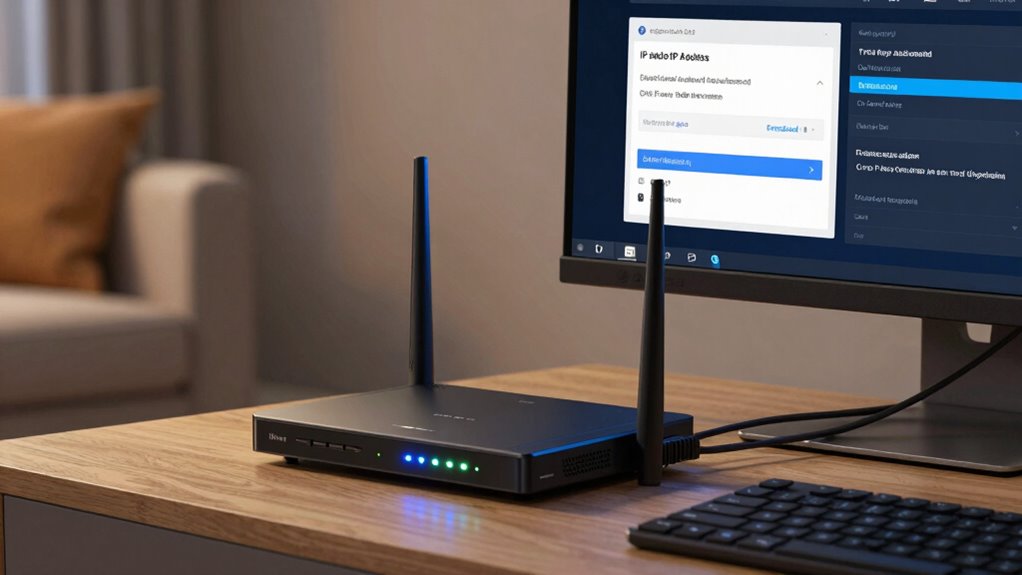
A static IP address is a fixed numerical label assigned to a device, ensuring it always has the same address on a network. This consistency simplifies IP address management and is essential for network configuration, especially for servers or devices needing reliable access. Unlike dynamic addresses, static IPs don’t change over time, making troubleshooting and remote access more straightforward. When setting up your network, you manually assign these IPs to specific devices, giving you control over their location within the network. Unplanned weather changes can sometimes affect network setups, especially if outdoor equipment relies on stable connections. DHCP reservations are similar but involve configuring a DHCP server to always assign the same IP to a device based on its MAC address. Both static IPs and DHCP reservations help maintain a stable network, but they differ in setup and flexibility. Additionally, understanding IP address management is crucial for maintaining network stability, especially when dealing with different types of devices and environments. Proper network configuration practices can help prevent conflicts and ensure reliable device communication, particularly by utilizing consistent IP addressing methods for critical devices.
DHCP reservation router
As an affiliate, we earn on qualifying purchases.
As an affiliate, we earn on qualifying purchases.
How Do Static IPs and DHCP Reservations Differ?
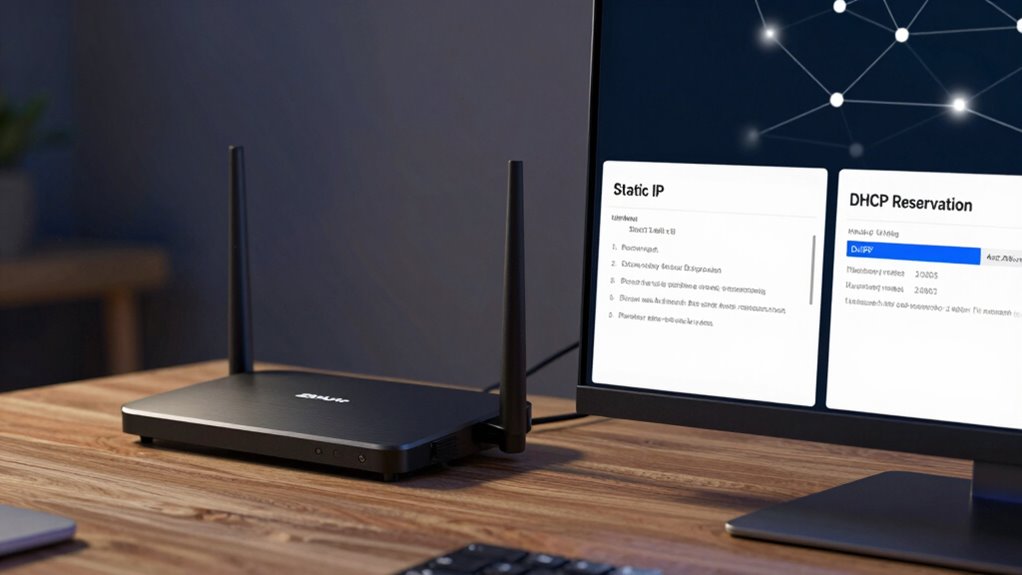
Static IPs are assigned permanently, ensuring your device always has the same address, while DHCP reservations link a device’s MAC address to a specific IP, but it can change if the reservation is removed. The configuration process for static IPs involves manual setup on each device, whereas DHCP reservations are managed through your router or server. You’ll prefer static IPs for devices needing consistent addresses and reservations for easier management of specific devices in your network. Network configuration can be simplified by understanding these differences. Additionally, knowing the pricing of related technologies, like electric bikes, can help in planning a comprehensive home setup. Recognizing the importance of fundamentals in network management can also aid in maintaining a reliable and secure home network. Moreover, understanding how growth mindset principles can be applied to learning about network setups can make acquiring these skills more effective. A solid grasp of IP address management is essential for proper network planning and troubleshooting.
Permanent Versus Dynamic Assignment
While both static IP addresses and DHCP reservations provide consistent network addresses, they differ in how they assign and manage those addresses. Static IPs are permanently assigned, meaning the IP address stays the same indefinitely, offering high IP address longevity. This ensures reliable network stability, especially for devices that need fixed access points. DHCP reservations, on the other hand, assign addresses dynamically but reserve specific IPs for particular devices. These reservations maintain consistent IPs for the device’s lifetime within the DHCP lease period, balancing IP address longevity with flexibility. This dynamic approach simplifies management and reduces manual configuration. Additionally, network management can be streamlined by choosing the appropriate assignment method based on your home setup. Digital frames and interactive murals are examples of innovative wall art that can benefit from stable network connections. So, static IPs deliver long-term stability, while DHCP reservations offer a mix of consistency and adaptability, making them suitable for different network needs at home.
Configuration Process Differences
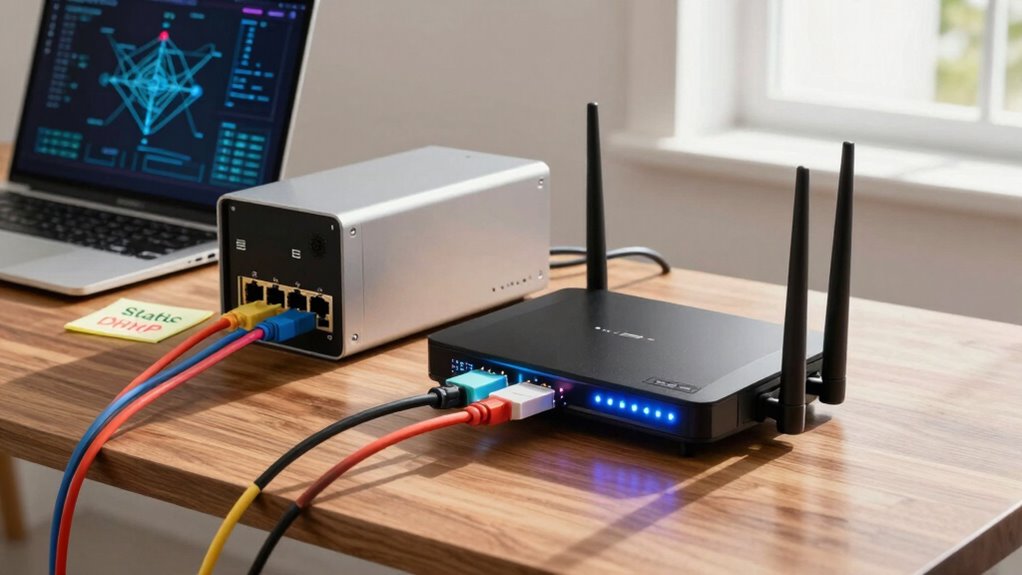
How do static IPs and DHCP reservations differ in their setup processes? Static IPs require you to manually assign an IP address directly on each device or through network configuration files. You need to access device settings or network interfaces, inputting a specific IP, subnet mask, gateway, and DNS info. This process gives you complete control over IP address management but can be time-consuming for multiple devices. DHCP reservations, on the other hand, involve configuring your router’s DHCP settings. You specify which device’s MAC address should always get the same IP, without altering device settings individually. This simplifies network configuration and reduces errors, especially for multiple devices. Overall, static IP setup is more hands-on, while DHCP reservations automate IP management within your existing network infrastructure.
Use Case Preferences
Choosing between static IPs and DHCP reservations depends on your specific network needs. If you prioritize network scalability, DHCP reservations make managing IP addresses easier, especially as devices increase. They allow you to assign fixed IPs without manual configuration, simplifying IP address management. Static IPs are better suited for devices that require consistent addressing, like servers or network printers, where stability is critical. With static IPs, you control every address, but it can become cumbersome as your network grows. DHCP reservations strike a balance, offering consistent addresses without the complexity of static IPs. Your choice hinges on how much control you need versus ease of management — static IPs for stability, reservations for flexibility and scalability.

Wire Comb for Network Ethernet Cable Management Organizer Tool with Cat5 Cat6 Wire Straightener Low Voltage PSU Organizing Tool (2 Pack Yellow Blue)
【Wide Compatibility】 Compatible with Cat5, Cat5e, Cat6, and other cables up to 1/4" (6.35mm) diameter. Perfect for network…
As an affiliate, we earn on qualifying purchases.
As an affiliate, we earn on qualifying purchases.
Pros and Cons of Using Static IPs at Home
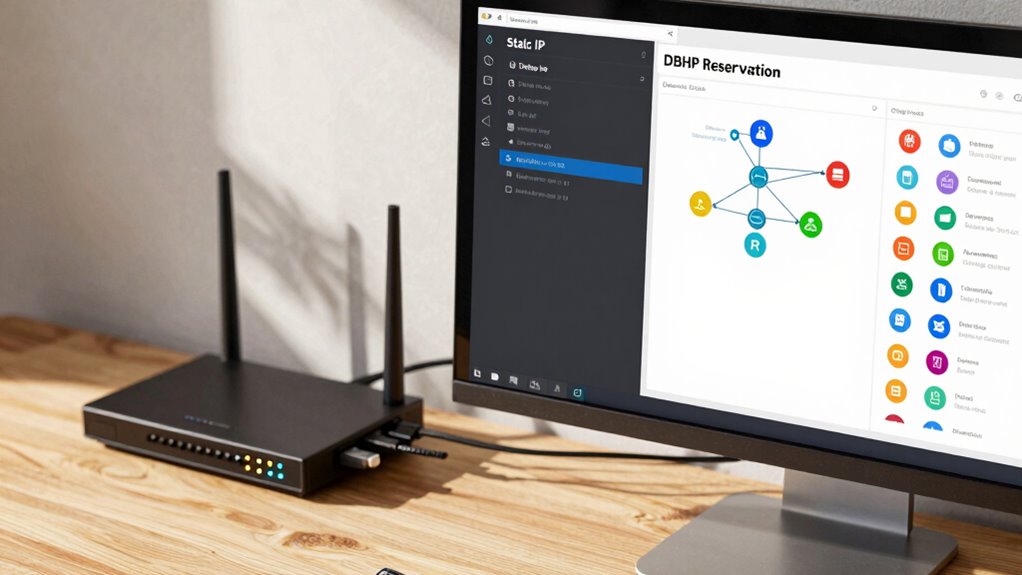
Using static IPs at home gives you better control over your devices, making it easier to manage specific network settings. It can also boost your network security by reducing the risk of unauthorized access. However, weigh these benefits against potential downsides like increased setup effort and troubleshooting challenges.
Enhanced Device Control
Assigning static IPs at home gives you greater control over your devices, making it easier to manage network resources and guarantee consistent access. With static IPs, you can streamline device troubleshooting because each device has a fixed address, simplifying problem diagnosis. This control also aids in planning for network scalability, as you can allocate IPs systematically for future devices. Additionally, understanding how aromatherapy can complement traditional care may inspire you to create a more holistic wellness environment at home. Managing static IPs can also benefit network security, providing more control over device access and reducing vulnerabilities. However, managing static IPs can become cumbersome as your network grows, requiring manual updates and oversight. If you’re tech-savvy, static IPs offer precision, but for larger or more dynamic networks, maintaining them can be time-consuming. As your network expands, it’s helpful to learn about IP management tools that can simplify this process. Overall, static IPs enhance device control, but consider how much effort you’re willing to invest in managing IP assignments as your home network expands. Additionally, being aware of dynamic IP allocation methods can help you decide whether static IPs are the best fit for your needs.
Increased Network Security
Static IPs can enhance your home network’s security by making it easier to monitor and control device access. With fixed IP addresses, you can quickly identify devices, reducing the risk of unauthorized access. They also simplify IP management, allowing you to set precise security rules and firewall settings for each device. However, static IPs may impact network scalability; as your network grows, managing numerous static addresses can become cumbersome. Additionally, if not properly secured, static IPs can be targeted by attackers looking for predictable addresses. While they offer better control, you need to weigh these security benefits against the increased effort in IP management and potential scalability issues, especially in larger or more dynamic home networks. Implementing network security best practices can further help protect static IP configurations from threats.
home network IP address planner
As an affiliate, we earn on qualifying purchases.
As an affiliate, we earn on qualifying purchases.
Advantages and Disadvantages of DHCP Reservations for Your Home Network

DHCP reservations offer a convenient way to guarantee your devices always receive the same IP address without the hassle of manual configuration. This simplifies remote access, as you always know where to find your devices. However, it can introduce some disadvantages. For example, if not managed properly, IP conflicts may occur, especially when devices are moved or replaced. Additionally, relying solely on reservations reduces flexibility for network changes or new device additions. Using DHCP reservations requires careful management to avoid overlaps. Properly implemented, they can streamline your home network without sacrificing control. Understanding network devices is essential to ensure your reservations are correctly configured and maintained. Moreover, quorum sensing insights from biological systems highlight the importance of communication and coordination, which parallels the need for precise management of network reservations to prevent conflicts.
Which Is Better for Gaming and Streaming?
When it comes to gaming and streaming, choosing the right IP setup can substantially impact your experience. A static IP offers consistent IP address management, reducing the chances of connection drops or lag during intense gaming sessions or live streams. It ensures your device always has the same address, making it easier to configure port forwarding and improve network stability. DHCP reservations also provide a fixed IP, but they depend on the DHCP server, which can introduce slight variability if the server resets. For peak performance, a static IP minimizes disruptions, providing a reliable connection essential for high-quality gaming and streaming. While both options can work, static IPs generally deliver better network stability for demanding activities.
When Should You Use Static IPs Instead of DHCP Reservations?
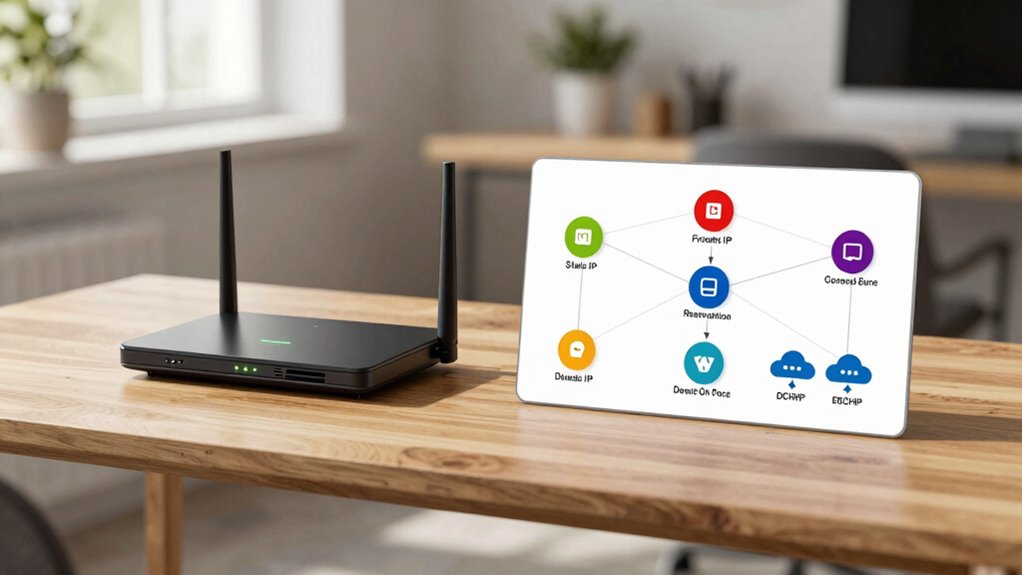
While DHCP reservations can provide a stable IP for most everyday uses, there are times when assigning a static IP makes more sense. If you’re managing a device that requires consistent access, such as a network printer or security camera, static IPs guarantee it always has the same address. Additionally, when your network’s scalability is limited, static IPs help simplify IP address management and avoid conflicts. Consider using static IPs if:
- You need predictable device access for remote management
- You’re setting up port forwarding for gaming or servers
- Your network size is small, and you want to control IP allocation directly
- Network management skills are necessary to properly configure and maintain IP addresses. Static IPs can also be beneficial in networking scenarios where precise device identification is crucial for troubleshooting and diagnostics. Furthermore, they facilitate consistent device configuration across network updates. Static IPs offer control and reliability, especially when flexibility and precise network management are priorities. Properly assigning static IPs can also improve device security by reducing the risk of unauthorized access or IP conflicts.
How to Set Up Static IPs and DHCP Reservations at Home

Setting up static IPs and DHCP reservations at home is straightforward and helps guarantee your devices keep consistent addresses. To do this, access your router’s admin panel, usually via a web browser. For static IPs, assign a fixed IP directly on each device’s network settings, *making certain* they don’t change over time. For DHCP reservations, locate the DHCP or LAN settings in your router, then reserve specific IP addresses for your devices based on their MAC addresses. This approach simplifies IP address management and supports better network scalability by preventing address conflicts. Always document assigned IPs to avoid confusion. After making changes, restart your devices to ensure they receive the correct IPs. Correct setup ensures a stable, manageable home network.
Tips for Choosing the Best IP Addressing Method for Your Household
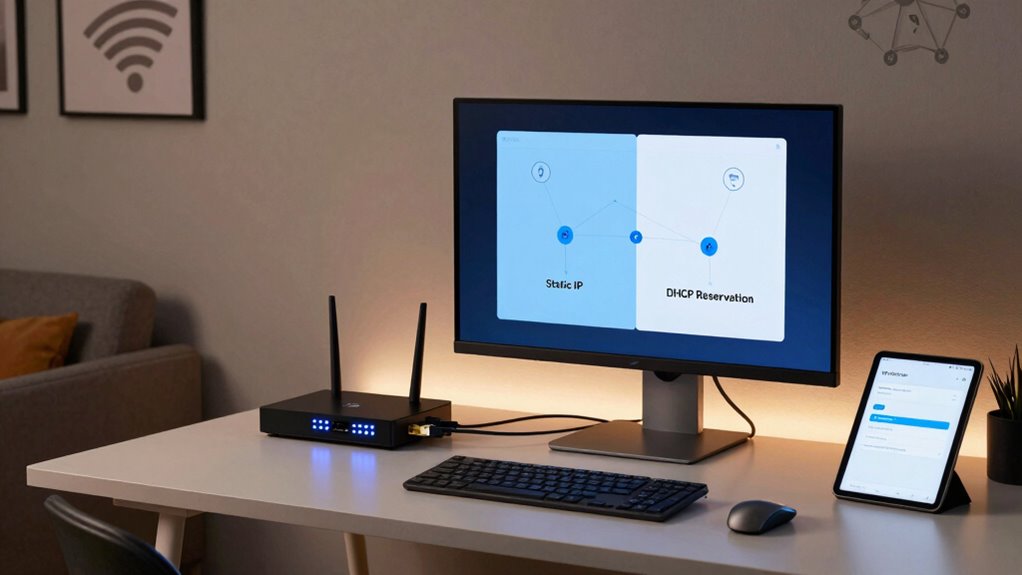
Choosing the right IP addressing method depends on your household’s needs and how you use your devices. If you have many devices or experience frequent IP address conflicts, static IPs can provide stability, especially for devices like printers or servers. For simpler setups or devices that move around, DHCP reservations offer ease and flexibility. Consider your wireless connectivity requirements; static IPs can improve connection reliability for critical devices, while DHCP keeps things streamlined for casual use. To decide, think about:
Choose static IPs for stability with critical devices; use DHCP reservations for flexibility and ease in everyday household setups.
- The number of devices needing consistent IPs
- Your ability to troubleshoot IP conflicts
- The importance of seamless wireless connectivity
Balancing these factors will help you choose between static IP and DHCP reservation, ensuring your household network runs smoothly and efficiently.
Frequently Asked Questions
Can I Switch Between Static IP and DHCP Reservation Easily?
Yes, you can switch between static IP and DHCP reservation easily by adjusting your network configuration. To do this, access your router’s settings for IP address management. Change the device’s settings from static to DHCP reservation or vice versa. Keep in mind, switching can temporarily disrupt your network connection, so plan accordingly. This flexibility helps you manage your network effectively without much hassle.
Does Using Static IP or DHCP Reservation Affect Internet Speed?
Using a static IP or DHCP reservation doesn’t affect your internet speed directly. Instead, it enhances network stability and device accessibility. Static IPs ensure your device always has the same address, making it easier to connect and manage, especially for servers or printers. DHCP reservations give similar benefits without manual setup, maintaining quick, reliable connections. Neither method slows down your internet; they’re mainly about better network management.
Are There Security Risks Associated With Static IPS or DHCP Reservations?
Imagine your network as a fortress; static IPs and DHCP reservations are the gates. They pose minimal security risks if managed properly, but misconfigurations can widen vulnerabilities. Static IPs can be targeted if not secured, risking network stability. DHCP reservations simplify device management, but if a hacker gains access, they could exploit the reservation system. Keep your firmware updated and use strong passwords to safeguard your fortress.
How Do I Troubleshoot IP Conflicts With Static IPS or DHCP Reservations?
To troubleshoot IP conflicts with static IPs or DHCP reservations, first check your network settings to guarantee no duplicate addresses exist. Use network tools like ping or IP scanners to identify conflicting devices. Implement IP conflict prevention by reserving specific IPs within your DHCP server or carefully assigning static IPs, and keep a record of assigned addresses. This helps maintain proper network configuration strategies and avoids conflicts.
Is a Static IP Necessary for Smart Home Devices?
A static IP isn’t always necessary for smart home devices, but it can improve device configuration and network stability. When you assign static IPs, you guarantee devices always have the same address, reducing connection issues. However, for many devices, DHCP reservations work well without extra setup. If you want consistent performance and easier troubleshooting, static IPs are a good choice, especially for critical smart home gadgets.
Conclusion
Choosing between static IPs and DHCP reservations is like picking the right tool for a job—you want what fits best. Static IPs give you control but can be tricky to manage, while DHCP reservations offer convenience with less fuss. Consider your needs carefully, especially for gaming or streaming. With the right setup, your home network will run smoother than a well-oiled machine, making sure everything from your devices to your hobbies stays connected seamlessly.