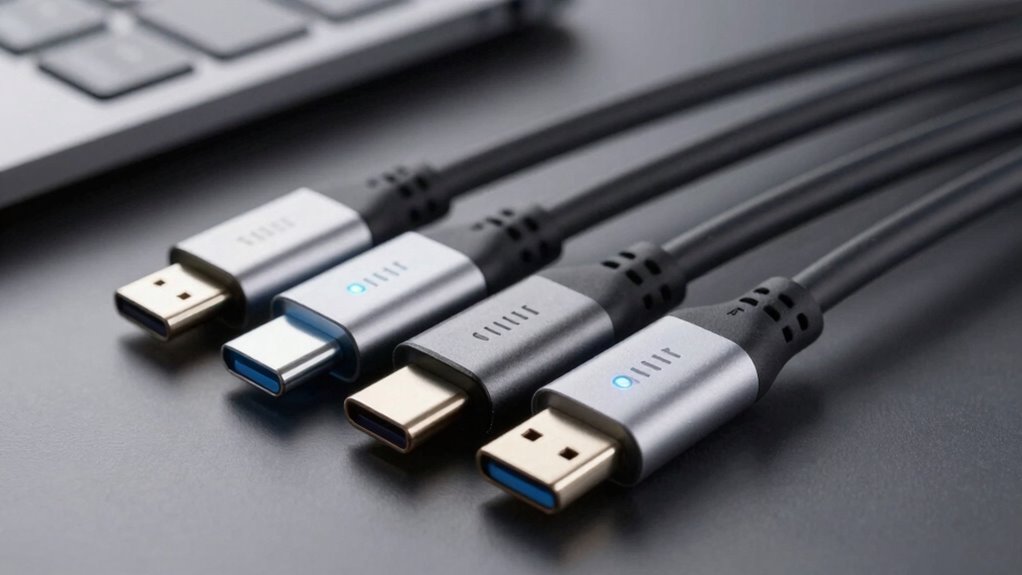

USB‑C cables come in different types based on their focus—some prioritize fast data transfer, supporting standards like USB 3.1 Gen 2 or Thunderbolt 3 for speeds up to 40 Gbps. Others emphasize quick charging, supporting higher wattages like 60W or more through Power Delivery. Many cables can do both, but it’s important to check their specs and certifications. To find the best cable for your needs, continue exploring how data and charging speeds work together.
Key Takeaways
- Different USB-C cables support varying data transfer standards like USB 2.0, USB 3.1, Thunderbolt 3, and USB 4, affecting speed.
- Charging speeds depend on wattage support, with cables supporting Power Delivery up to 100W enabling faster device recharges.
- High-quality, certified cables ensure optimal balance of fast data transfer and rapid charging capabilities.
- Basic cables may charge devices but often lack high-speed data transfer support.
- Selecting cables with appropriate standards ensures compatibility for both high-speed data and fast charging needs.

USB A to USB C Cable 6.6ft, 10Gbps Data Transfer and 60W 3A Fast Charging Cable, USB C 3.1/3.2 Cable for Android Auto Samsung S21/S20/S10/Note 20, iPad Pro, Sony XZ, LG Other Type-C Devices
✅【10Gbps data transfer】: USB C to USB A Cable 3.1/3.2 Gen 2 supports ultra-high speed data transfer up…
As an affiliate, we earn on qualifying purchases.
As an affiliate, we earn on qualifying purchases.
What Are the Main Types of USB‑C Cables and Their Uses
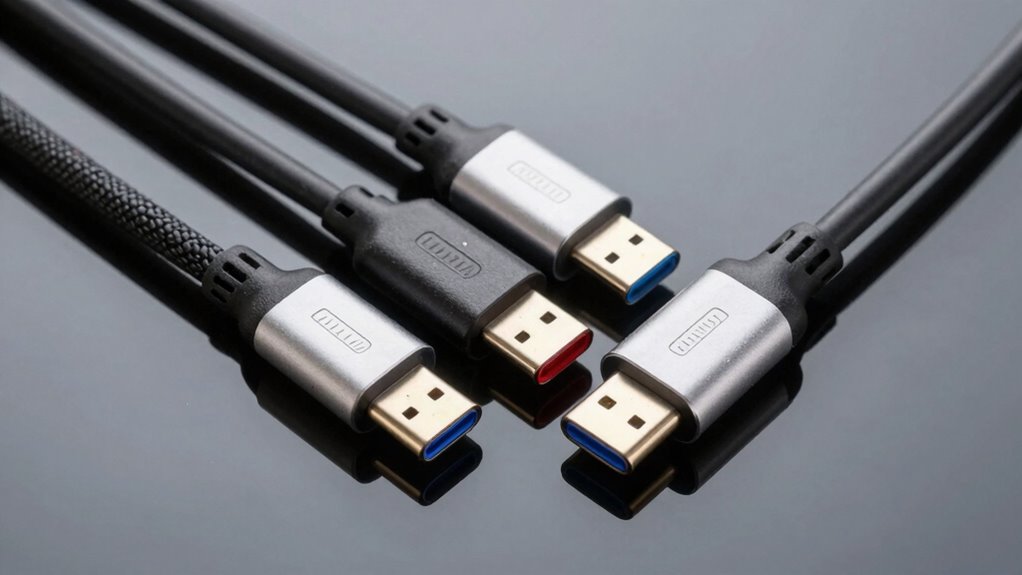
USB‑C cables come in several main types, each designed for specific uses and performance levels. Some cables prioritize cable durability, making them ideal for daily, heavy use, while others focus on fast data transfer or rapid charging. Choosing the right type helps avoid compatibility issues, especially since not all USB‑C cables support the same features. For example, a basic cable may work for charging but won’t support high-speed data transfer or video output. High-quality cables often have reinforced connectors and robust insulation, reducing wear and tear over time. Understanding your device’s needs guarantees you pick a cable that’s both reliable and compatible, preventing issues like slow charging or data transfer failures. Proper selection enhances your overall experience and device longevity, and color accuracy in some cables can also influence performance for specific tasks. Additionally, selecting a compatible cable ensures optimal performance and safety during use.
![INIU USB C to USB C Cable, 240W Fast Charging Type C Charger Cord, Braided USBC Cable for iPhone 17, Samsung S25, Laptop, MacBook, Switch, Photographers, Outdoor, Travel, [6.6ft+6.6ft Black]](https://m.media-amazon.com/images/I/41r3DXOHFvL._SL500_.jpg)
INIU USB C to USB C Cable, 240W Fast Charging Type C Charger Cord, Braided USBC Cable for iPhone 17, Samsung S25, Laptop, MacBook, Switch, Photographers, Outdoor, Travel, [6.6ft+6.6ft Black]
[From INIU—the SAFE Fast Charge Pro] Experience the safest charging with over 38 million global users. At INIU,…
As an affiliate, we earn on qualifying purchases.
As an affiliate, we earn on qualifying purchases.
What Do USB‑C Standards and Certifications Mean for You
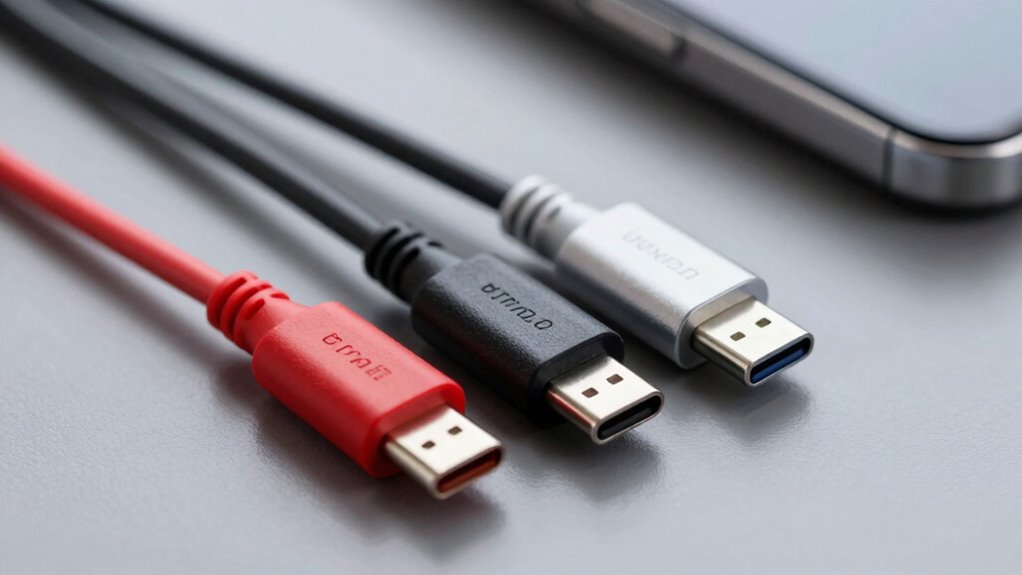
Choosing the right cable is only part of guaranteeing your devices work smoothly; understanding what the standards and certifications behind USB‑C cables mean can make a big difference. Certification importance helps verify that a cable meets specific safety, performance, and quality benchmarks, giving you confidence in its reliability. Certifications from reputable organizations ensure compatibility considerations are addressed, meaning your device will function as intended without issues. When a cable is certified for certain data transfer speeds or charging capabilities, you can trust it will perform as promised. Without these standards and certifications, you risk using a cable that may be unsafe, incompatible, or underperforming, which could damage your device or hinder its functionality. Always opt for certified cables to guarantee optimal performance and safety. Ensuring the cable aligns with AI ethics considerations can also help promote responsible technology use and device longevity.
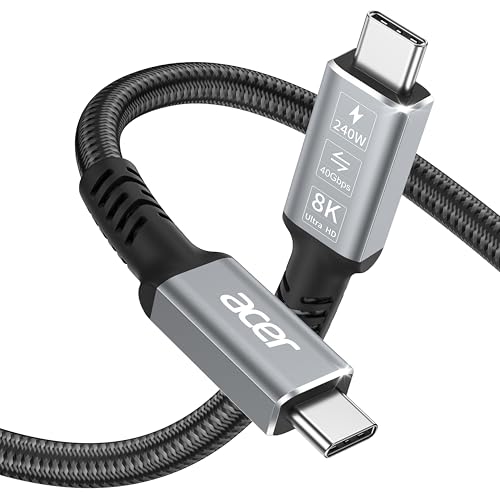
acer USB4 Cable 40Gbps, 8K@60Hz Thunderbolt 4/3 Cable, 240W Fast Charging Braided High Speed USB-C Video Cord Compatible with MacBook, SSD, Docking, iPhone 16 and More (3.3FT)
All-in-One USB4 Cable: A fully functional USB C monitor cable compatible with Thunderbolt 4/3, supporting 40Gbps ultra-fast data…
As an affiliate, we earn on qualifying purchases.
As an affiliate, we earn on qualifying purchases.
How Fast Are USB‑C Data Transfer Speeds?
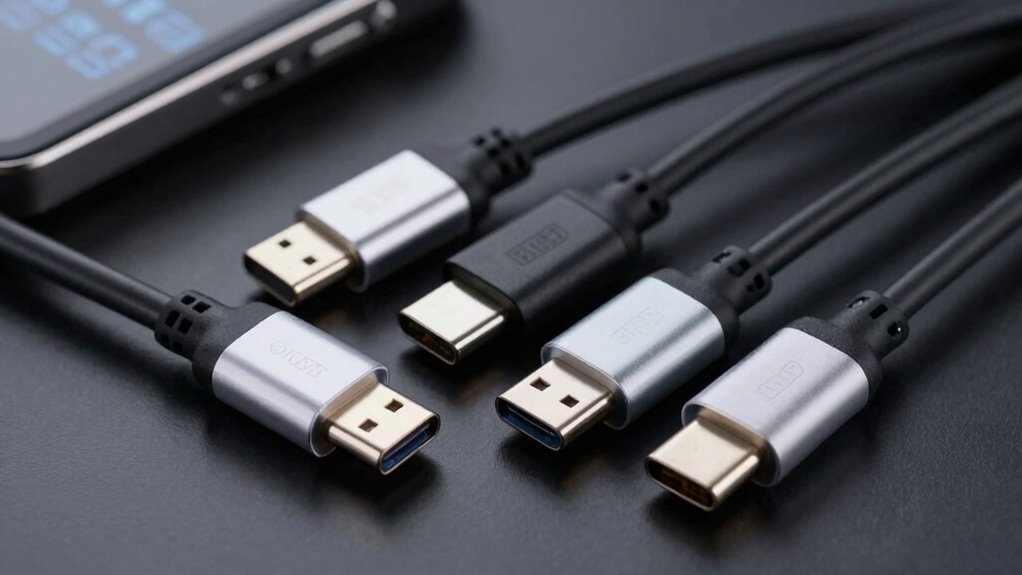
Understanding data transfer speeds is essential because not all USB‑C cables are created equal in this regard. Your transfer rates depend on data transfer protocols like USB 3.1 Gen 2, Thunderbolt 3, or USB 4, which determine maximum speeds. The cable’s durability also impacts performance over time. Faster protocols enable quicker file transfers, but a fragile cable may degrade, reducing speeds. Here is a quick comparison:
| Protocol | Max Speed |
|---|---|
| USB 3.1 Gen 2 | Up to 10 Gbps |
| Thunderbolt 3 | Up to 40 Gbps |
| USB 4 | Up to 40 Gbps |
| USB 2.0 | Up to 480 Mbps |
Choosing the right cable with suitable data transfer protocols ensures peak speed and durability. Understanding data transfer protocols helps users select cables that maximize performance.
USB A to USB C Cable 6.6ft, 10Gbps Data Transfer and 60W 3A Fast Charging Cable, USB C 3.1/3.2 Cable for Android Auto Samsung S21/S20/S10/Note 20, iPad Pro, Sony XZ, LG Other Type-C Devices
✅【10Gbps data transfer】: USB C to USB A Cable 3.1/3.2 Gen 2 supports ultra-high speed data transfer up…
As an affiliate, we earn on qualifying purchases.
As an affiliate, we earn on qualifying purchases.
What Charging Speeds Can USB‑C Cables Support?
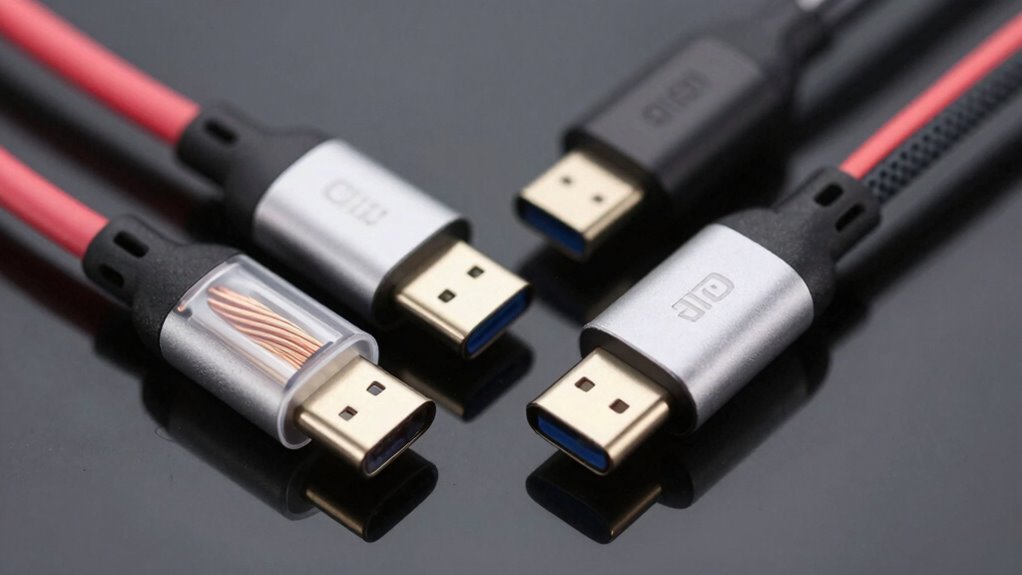
Your charging speed with a USB‑C cable depends on the Power Delivery standards it supports. The quality of the cable also plays a vital role, as cheaper options may not handle higher speeds safely. Understanding these factors helps you choose the right cable for fast, reliable charging. Additionally, selecting cables with industry-standard certifications ensures compatibility and safety during high-speed charging. Being aware of cable quality can also prevent potential damage to your devices and improve overall performance. To ensure optimal performance, consider the compatibility of your cable with your device and charger. Recognizing the importance of proper cable selection can help maximize both safety and efficiency during charging. Incorporating Free Floating backyard transformations can also optimize your outdoor space for both leisure and functional needs.
Power Delivery Standards
USB-C cables vary widely in the charging speeds they support, depending on their power delivery standards. These standards determine how much power the cable can handle, impacting charging times for your devices. For example, some cables support up to 60W, while others can deliver 100W or more, enabling faster charging for laptops and larger devices. Power standards are set by organizations like USB-IF, making certification important to assure safety and reliability. Certified cables meet specific requirements, reducing risks like overheating or damage. When choosing a cable, always check its power standards and certification status to guarantee it supports your device’s charging needs safely and efficiently. This helps you avoid poor performance and potential hazards. Additionally, understanding your device’s power requirements can help you select the most suitable cable for optimal charging performance. Recognizing the microplastic content in dust and dust accumulation can also influence your choice of cables and accessories, ensuring safer and cleaner use environments. Being aware of essential oil properties can further enhance your overall device maintenance and health practices. Also, understanding power standards can help you identify cables that meet your specific charging needs. Moreover, selecting cables with appropriate power delivery capabilities ensures that your devices are charged efficiently without risking damage.
Cable Quality Impact
The quality of a USB‑C cable directly influences the charging speeds it can support. Higher cable durability and better material quality guarantee consistent power transfer and reduce risks of damage. Cheaper cables often use low-quality materials, which can lead to slower charging or even failure over time. To maximize charging speeds, look for cables with sturdy connectors and high-quality insulation. Additionally, choosing cables that support proper co‑parenting practices can help ensure safe and reliable connections during daily use. Selecting cables with correct specifications can further enhance safe and efficient performance. Here are three key factors:
- Material quality — influences overall cable strength and ability to handle higher currents.
- Cable durability — affects longevity and consistent performance under frequent use.
- Build integrity — ensures fewer connection issues and maintains ideal charging speeds. A well-made cable can also prevent overheating issues, which is crucial for maintaining safe charging practices. Moreover, selecting cables with appropriate certifications can further ensure compliance with safety standards and optimal performance. Properly rated cables also help prevent potential safety hazards, ensuring faster, safer charging and longer-lasting performance.
How to Choose the Right USB‑C Cable for Your Devices
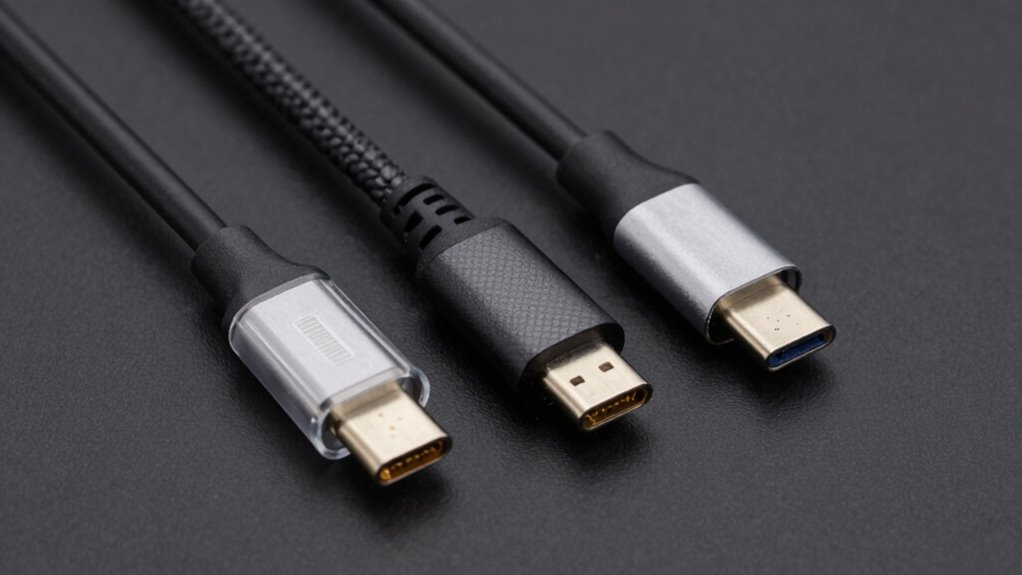
Choosing the right USB‑C cable depends on understanding your device’s specific needs and capabilities. First, consider compatibility considerations—ensure the cable supports your device’s port type and desired functions like fast charging or data transfer. Check the cable’s specifications for data speeds and charging wattage to match your device’s requirements. Cable durability matters too; opt for reinforced designs or braided cables if you need something long-lasting and resistant to wear. Avoid low-quality options that may not deliver consistent performance or could damage your device. Always verify that the cable’s specifications align with your device’s capabilities, especially for high-speed data or fast charging. Incorporating AI-powered testing tools can help verify a cable’s performance before purchase. Making informed choices helps you get the best performance and longevity from your USB‑C cables.
Common Mistakes to Avoid When Buying a USB‑C Cable
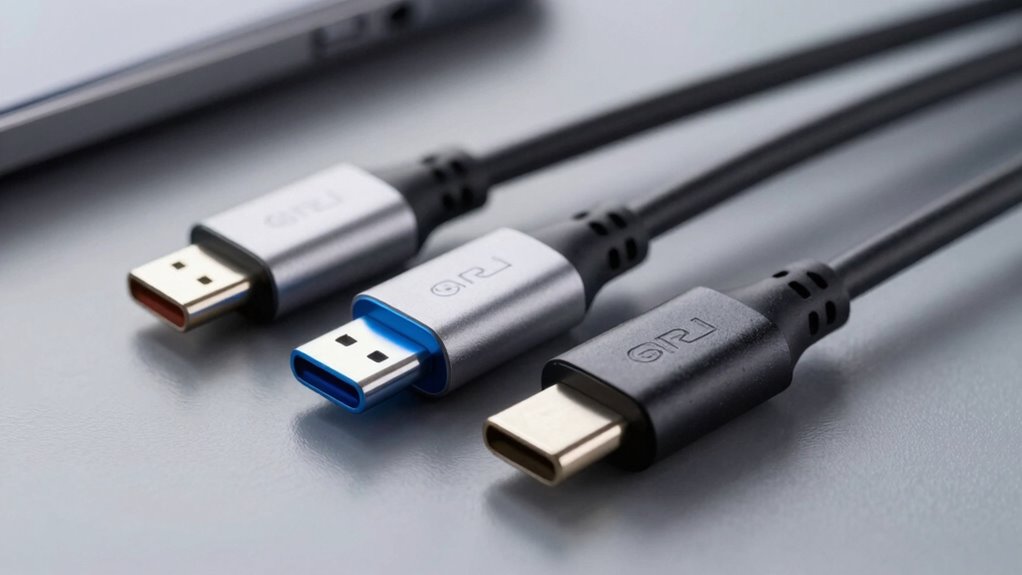
Many consumers make the mistake of purchasing a cable based solely on price, without considering its quality or compatibility. This can lead to poor cable durability and subpar performance. To avoid this, focus on the following:
- Cable durability – Guarantee the cable is built with quality materials to prevent fraying or breaking over time.
- Aesthetic design – Choose a cable that matches your device’s look, but don’t sacrifice function for style.
- Compatibility – Verify the cable supports your device’s data and charging speeds, avoiding mismatched specifications.
Skimping on quality might save money initially, but it can result in frequent replacements and frustration. Prioritize durable construction and a functional design for a reliable, long-lasting USB‑C cable.
Can a High-Speed Data Cable Also Support Fast Charging?
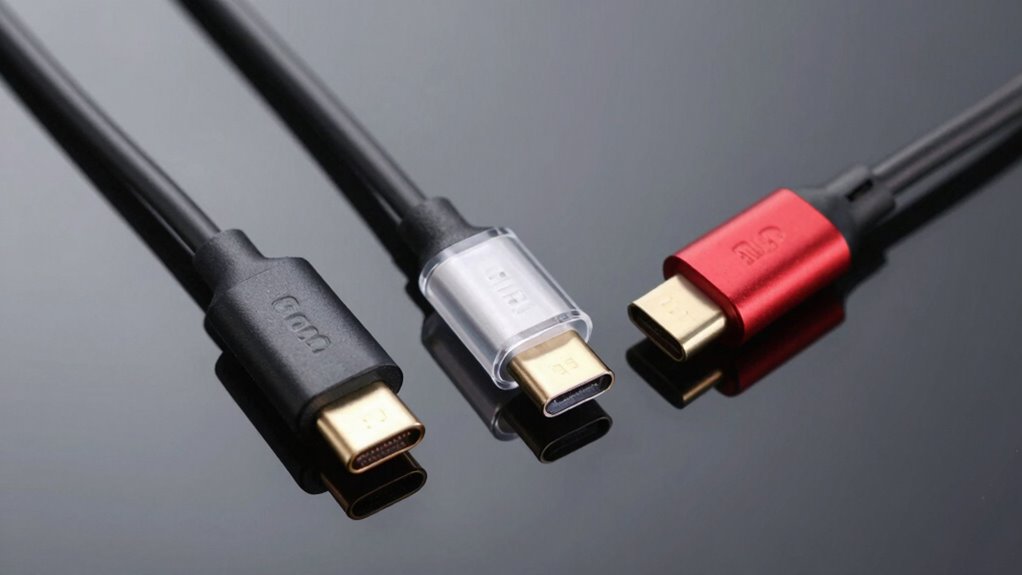
While a high-speed data cable is designed to transfer large amounts of information quickly, it can also support fast charging if built with the right specifications. Many USB-C cables are capable of delivering high wattage, enabling rapid charging of devices like smartphones and tablets. This demonstrates the importance of understanding gelato culture and its nuances, much like selecting the right cable for your device. This means you don’t need a separate cable for charging; a high-speed data cable can handle both data transfer and fast charging simultaneously. However, supporting wireless charging or Bluetooth connectivity depends on the device and cable compatibility. Some cables include the necessary power delivery (PD) standards to facilitate fast charging, but wireless charging and Bluetooth still rely on separate technologies. Always check your cable’s specifications to guarantee it meets your power delivery standards and connectivity needs effectively. Additionally, understanding USB-C protocols can help ensure you’re choosing a cable that supports both high data speeds and fast charging efficiently.
What’s Next for USB‑C Technology and Cables?
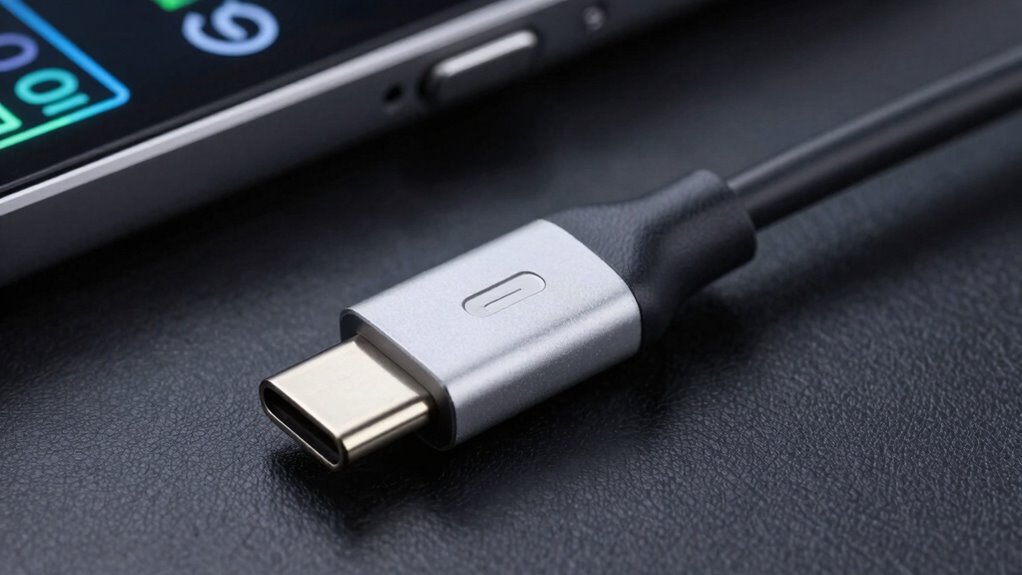
As USB‑C technology continues to evolve, future advancements promise faster speeds, increased power delivery, and broader compatibility. You can expect enhanced wireless charging capabilities, making it easier to power devices without cables. Bluetooth connectivity will also improve, enabling seamless data transfer alongside traditional USB functions. Additionally, family waterpark safety awareness and preparedness can serve as a useful analogy for understanding the importance of reliable and efficient technology standards.
Here are some upcoming developments:
- Faster data transfer rates for smoother streaming and large file transfers.
- Enhanced wireless charging with higher wattage, reducing charging time.
- Better integration of Bluetooth and USB‑C standards for unified device ecosystems.
These changes will make your devices more versatile, reducing reliance on cables, and supporting smarter, more efficient workflows.
Frequently Asked Questions
Are All Usb‑C Cables Compatible With Every Device?
Not all USB‑C cables are universally compatible with every device. You should look for cables that meet certification standards, ensuring they support your device’s specific requirements. While many cables work across various devices, some lack the necessary power or data transfer capabilities. To avoid issues, choose cables with universal compatibility and proper certification standards, so they can reliably connect and perform whether you’re charging, transferring data, or connecting peripherals.
How Do I Identify a High-Quality Usb‑C Cable?
To identify a high-quality USB‑C cable, check its cable material—look for durable, braided or sturdy plastics. Confirm it meets certification standards like USB-IF, guaranteeing safety and performance. A well-made cable often feels solid, with good insulation and connectors. Avoid cheap, flimsy options, as they can damage your devices or deliver slow charging. Investing in certified, high-quality cables ensures faster data transfer, reliable charging, and long-term durability.
Can Using the Wrong Cable Damage My Device?
Using the wrong cable is like using a mismatched key — it can cause damage. If your cable isn’t compatible with your device’s charger, it could lead to overheating or even short circuits. Check for charger compatibility and verify the cable’s flexibility matches your needs. Using an incompatible or low-quality cable risks harming your device’s internal components, so always opt for certified cables to keep your device safe and functioning properly.
Do Longer Usb‑C Cables Affect Data Transfer or Charging Speeds?
Yes, longer USB‑C cables can affect your data transfer and charging speeds. As cable length increases, signal degradation may occur, leading to slower data speeds and less efficient charging. To maintain peak performance, choose a cable that’s not excessively long for your needs. Shorter cables typically provide better signal quality, ensuring quicker data transfer and faster charging without compromising your device’s safety.
Are There Differences in Durability Among Usb‑C Cable Brands?
You’ll notice some USB-C cables last longer than others—like they’re built to withstand a hurricane! Durability varies greatly among brands, influenced by cable material and manufacturing quality. Reputable brands typically use stronger, more resilient materials, ensuring your cable withstands daily wear and tear. You might pay a bit more, but it’s worth it to avoid replacing cheap, fragile cables constantly. Choose wisely for longevity and dependable performance.
Conclusion
Did you know that USB‑C cables can transfer data at speeds up to 40 Gbps with the right standards? Knowing the differences between data and charging speeds helps you pick the perfect cable for your needs. By understanding certifications and avoiding common mistakes, you guarantee safe, fast, and reliable connections. Stay informed about evolving USB‑C technology to keep your devices running smoothly—because the right cable can make all the difference in your daily tech use.