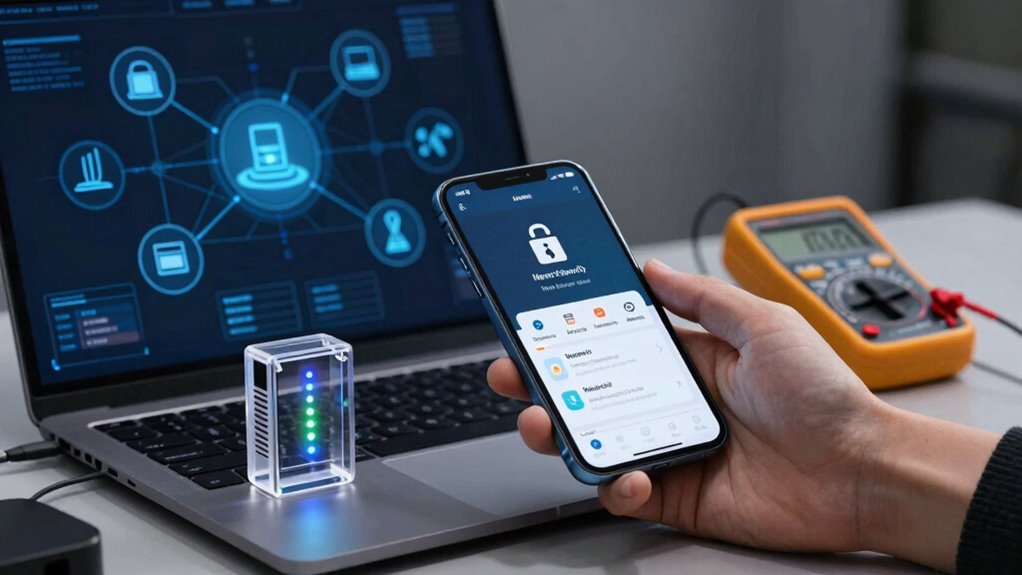

To vet smart devices before adding them to your network, check their security features like encryption and strong user authentication. Research the manufacturer’s reputation for transparency, security practices, and compliance certifications. Review privacy policies to understand data collection and sharing, and verify they support your preferred ecosystem. Test compatibility and ease of setup to avoid surprises. Regular firmware updates and network segmentation are essential for security. Keep these tips in mind to protect your devices—and there’s more to discover if you continue exploring.
Key Takeaways
- Verify device encryption, strong authentication methods, and end-to-end encryption to ensure secure communication and data protection.
- Review manufacturer reputation, transparency, and compliance certifications like ISO 27001, GDPR, or UL.
- Examine privacy policies for clear data collection, sharing practices, and options to control privacy settings.
- Ensure compatibility with your existing ecosystem and check for user-friendly setup and interface design.
- Confirm regular firmware updates, network segmentation, and security features like default password changes for ongoing protection.
smart home device security features
As an affiliate, we earn on qualifying purchases.
As an affiliate, we earn on qualifying purchases.
What Features Make a Smart Device Secure and Trustworthy?

When evaluating a smart device for security and trustworthiness, it’s essential to look for features that protect your data and privacy. Device encryption is vital because it guarantees that any data transmitted or stored remains unreadable to unauthorized users. A trustworthy device should also support strong user authentication methods, like multi-factor authentication or biometric options, to prevent unauthorized access. These features help keep your personal information safe from hackers and malicious attacks. Additionally, check if the device employs end-to-end encryption for communications, adding an extra layer of security. Overall, prioritizing devices with robust device encryption and reliable user authentication helps you maintain control over your data and minimizes security risks. Understanding device security features is crucial for making informed choices about your smart home technology, especially considering how security protocols can vary between devices. Being aware of the security protocols a device uses can help you better assess its overall trustworthiness. It’s also important to consider whether the device’s security standards are aligned with industry best practices to ensure comprehensive protection. Recognizing the importance of encryption methods can further enhance your ability to choose secure devices that safeguard your privacy effectively.
As an affiliate, we earn on qualifying purchases.
How to Research a Manufacturer’s Reputation and Transparency
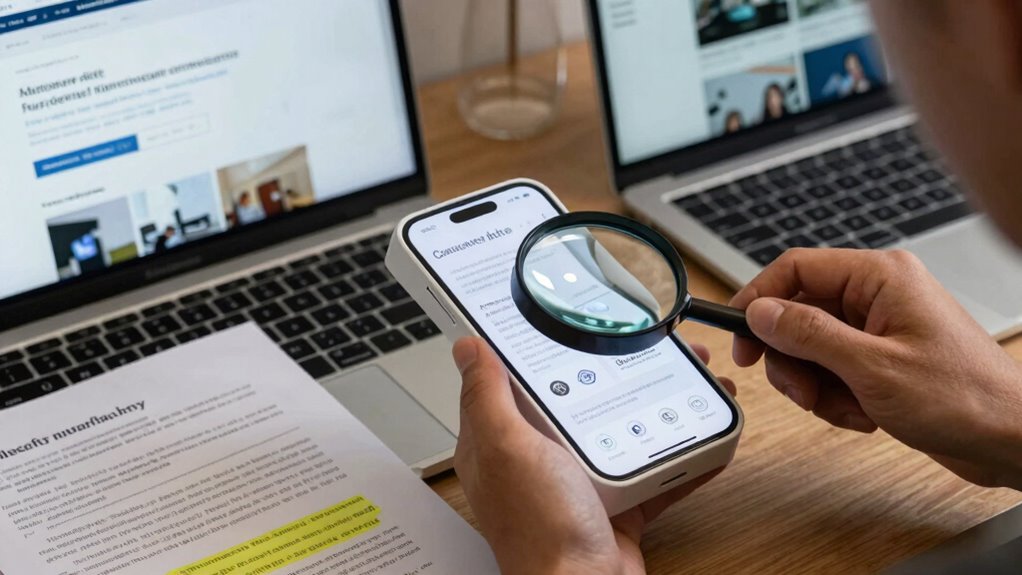
To evaluate a manufacturer’s reputation and transparency, start by checking how openly they share information about their practices and policies. Confirm that they meet industry compliance standards, which indicates a commitment to safety and quality. This research helps guarantee you’re choosing a trustworthy brand that values transparency. Additionally, reviewing their cabling solutions can reveal their attention to installation quality and reliability. Understanding their privacy policy can also provide insight into how they handle user data and protect consumer privacy. Exploring the horsepower of electric dirt bikes they offer can give you an idea of the power and performance standards they maintain. Considering their approach to water safety can also reflect their dedication to consumer well-being and responsible manufacturing practices. Paying attention to their natural pool designs can also reflect their commitment to sustainable and eco-friendly practices, which is increasingly important for environmentally conscious consumers.
Assess Manufacturer Transparency Levels
Understanding a manufacturer’s transparency is essential in evaluating the trustworthiness of smart devices. You should research their transparency practices, including how openly they share information about data handling, security measures, and updates. Look for brands that openly communicate their processes and policies, which indicates higher manufacturer reliability. Check their website, privacy policies, and any third-party reviews or reports. Transparent manufacturers often participate in industry forums, disclose vulnerabilities, and respond promptly to security concerns. Additionally, examining their industry reputation can provide further assurance of their credibility. A manufacturer’s transparency practices can also reflect their commitment to user privacy and security, making this an important factor in your evaluation. Avoid companies that are vague about their practices or resist sharing details. Trustworthy manufacturers prioritize clear communication and demonstrate accountability. By examining their transparency levels, you gain insight into their overall reliability and commitment to user security, helping you make informed decisions before integrating their devices into your network. Moreover, understanding their security protocols can reveal how seriously they take safeguarding user data against potential threats. Being aware of industry standards can further inform you about their adherence to best practices in security and data protection. It’s also helpful to review any certifications or audits they have undergone, which can serve as additional indicators of their security commitment.
Verify Industry Compliance Standards
Verifying a manufacturer’s compliance with industry standards provides critical insight into their reputation and level of transparency. It helps you assess whether they meet established compliance benchmarks for security, privacy, and quality. Research the manufacturer’s certifications and adherence to standards like UL, FCC, or GDPR. These benchmarks indicate their commitment to safety and data protection. To compare manufacturers, review the table below:
| Manufacturer | Industry Standards Conformed To | Transparency Level |
|---|---|---|
| Company A | UL, FCC | High |
| Company B | GDPR, ISO 27001 | Medium |
| Company C | None | Low |
| Company D | FCC, CE | High |
| Company E | GDPR | Medium |
Relying on compliance benchmarks ensures you choose trustworthy devices that prioritize security and transparency. Understanding the manufacturer’s reputation and transparency level can help you make more informed decisions when integrating smart devices into your network. Additionally, assessing a manufacturer’s adherence to industry standards can reveal their commitment to ongoing compliance and quality assurance. Recognizing the importance of regulatory compliance can further guide your selection process to ensure long-term reliability and safety. Incorporating ongoing compliance practices demonstrates a manufacturer’s dedication to maintaining standards over time, which is essential for long-term security.
multi-factor authentication smart locks
As an affiliate, we earn on qualifying purchases.
As an affiliate, we earn on qualifying purchases.
How to Check a Device’s Privacy and Data Collection Policies

Checking a device’s privacy and data collection policies might seem intimidating, but it’s essential for protecting your personal information. Start by reviewing the privacy policies provided by the manufacturer or app. Look for clear explanations of how your data is collected, used, and shared. Next, consider these steps:
Review privacy policies carefully to understand data collection, sharing, and control options for better personal information protection.
- Verify if the policies specify what data is collected and whether it’s necessary for the device’s functionality.
- Check if the device or app shares data with third parties, and under what circumstances.
- See if there are options to limit data collection or control privacy settings.
Being thorough guarantees you understand the scope of data collection and helps you decide if the device aligns with your privacy preferences.
secure Wi-Fi router for smart devices
As an affiliate, we earn on qualifying purchases.
As an affiliate, we earn on qualifying purchases.
How to Test Compatibility and Ease of Use Before Buying
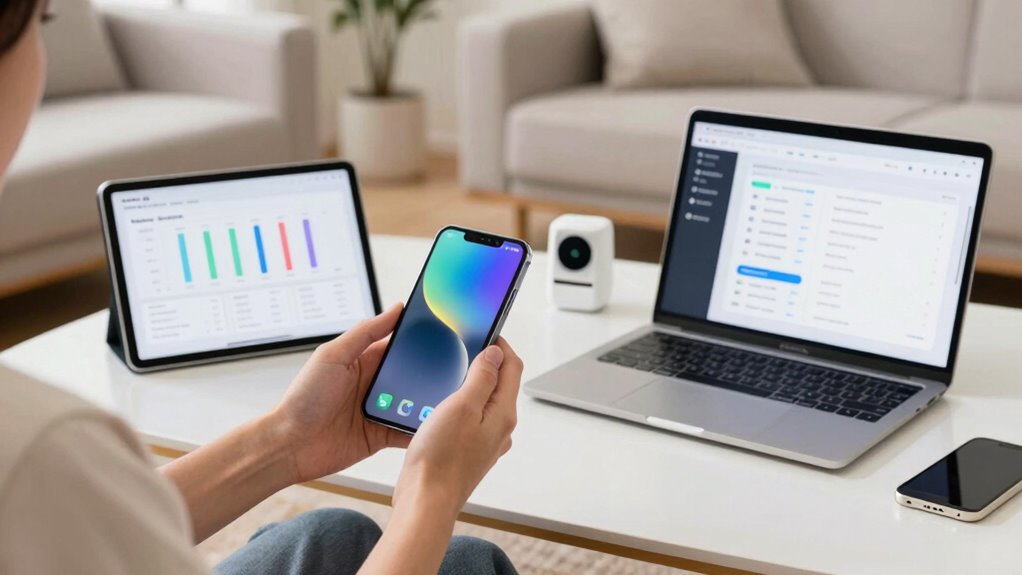
Before making a purchase, you should verify the device works with your existing gadgets and systems. Pay attention to how simple the user interface is and whether it feels intuitive to use. Also, test how easy it is to set up and integrate the device into your home or office. Additionally, consider the device’s recycling options, ensuring it can be disposed of responsibly at the end of its lifespan. Being aware of compatibility requirements can help prevent issues with your current setup and ensure a smoother integration process. Checking for sustainable manufacturing practices can also give you confidence that the device aligns with eco-friendly values. Understanding performance standards can help you select devices that reliably meet your needs over time.
Check Compatibility With Devices
To guarantee a smart device will seamlessly integrate into your existing setup, you need to test its compatibility with your current gadgets and systems. First, verify device compatibility by checking if the device supports your preferred ecosystem, like Alexa, Google Home, or Apple HomeKit. Next, confirm network integration by ensuring it works with your Wi-Fi setup and doesn’t cause connectivity issues. Finally, review the device’s requirements for other gadgets, such as hubs or bridges, to avoid surprises after purchase. Additionally, consider exploring wall art trends, which often incorporate smart technology to enhance aesthetic and functional appeal.
Evaluate User Interface Simplicity
Once you’ve confirmed that a smart device is compatible with your existing setup, it’s time to evaluate how user-friendly it truly is. Look for user feedback online to see how others find its interface design—whether it’s intuitive or confusing. A well-designed interface should allow you to navigate easily without constant troubleshooting or consulting manuals. Test the device in-store if possible, paying attention to how simple it is to perform common tasks like setup, control, and adjustments. If the interface feels cluttered or overly complex, it could hinder your experience long-term. Remember, a straightforward, clean design usually indicates better usability and less frustration down the line. Prioritizing ease of use now guarantees smoother daily interactions with your smart device.
Test Setup and Integration
Testing a smart device’s setup and integration is essential to guarantee it works smoothly with your existing ecosystem. When evaluating, focus on how easy the device installation is and whether it supports network segmentation to protect your main network. To do this effectively:
- Connect the device in a controlled environment to observe the setup process and note any complications.
- Check if it seamlessly integrates with your current smart home system or if additional apps or configurations are needed.
- Test network segmentation by isolating the device on a separate network to assess security and performance impacts.
This approach helps assure compatibility, ease of use, and security, so you avoid surprises after purchase. Proper testing saves time and minimizes potential vulnerabilities.
Why Regular Firmware Updates and Security Features Matter
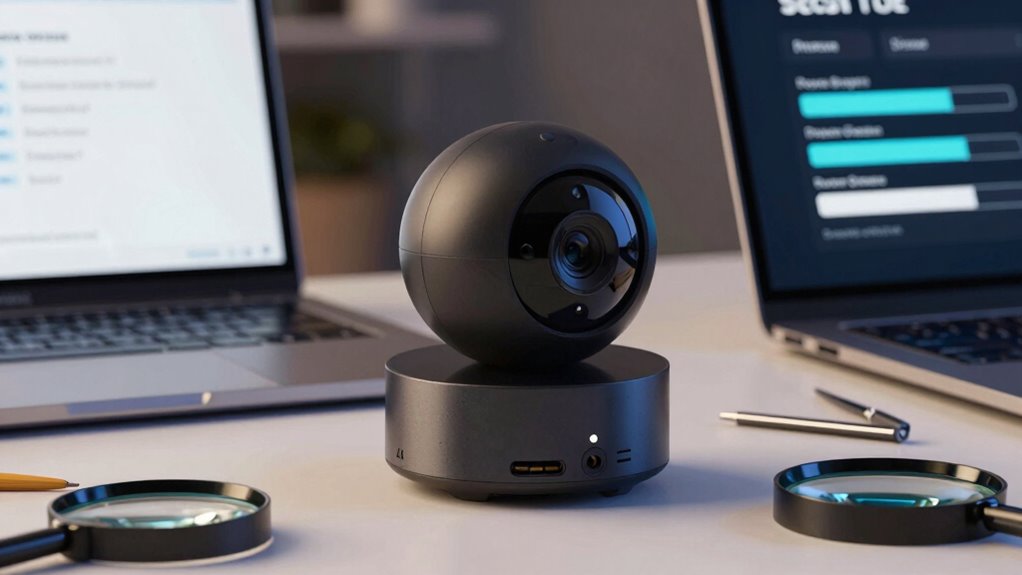
Regular firmware updates and security features are essential because they keep your smart devices protected against evolving threats. Firmware updates patch vulnerabilities, fix bugs, and improve functionality, preventing hackers from exploiting outdated software. Security features like encryption and access controls add layers of protection, making it harder for unauthorized users to access your data. To understand their importance, consider this table:
| Aspect | Why It Matters | Example |
|---|---|---|
| Firmware updates | Fix vulnerabilities and bugs | Regular patches improve security |
| Security features | Protect data and privacy | End-to-end encryption |
| Compatibility | Ensures seamless operation | Updated firmware maintains compatibility |
| Device longevity | Extends device lifespan | Security updates prevent obsolescence |
Staying current with updates and security features keeps your smart devices safe and reliable.
Simple Steps to Secure Your Home Network and Manage Risks
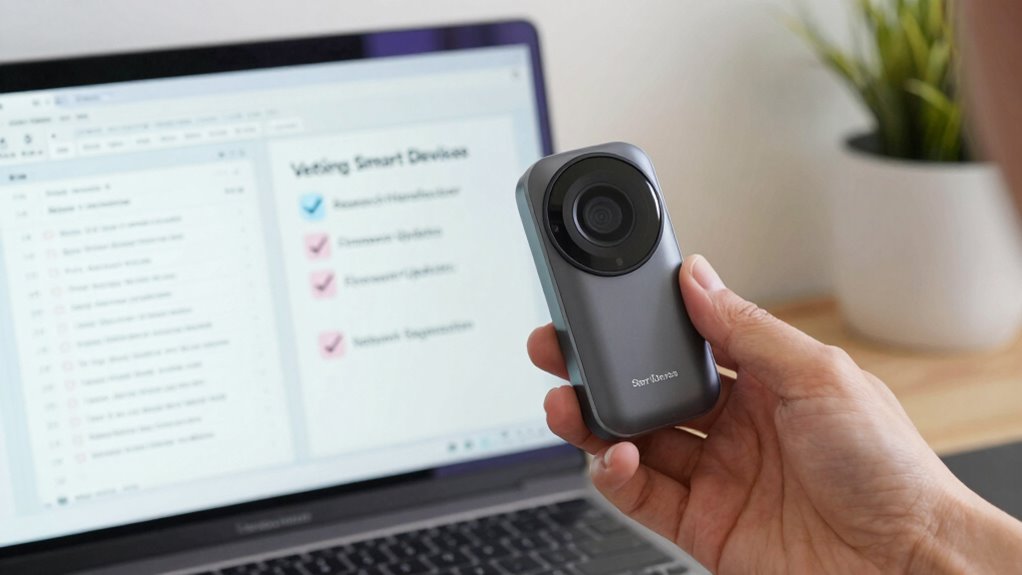
Securing your home network is essential to protecting your smart devices and personal data from cyber threats. To manage risks effectively, start with these simple steps:
Securing your home network protects smart devices and personal data from cyber threats effectively.
- Change default passwords on your router and IoT devices to strong, unique ones to prevent unauthorized access.
- Enable network segmentation by creating a separate Wi-Fi network for your home automation devices, reducing the risk of IoT privacy breaches.
- Keep firmware and software updated regularly to patch vulnerabilities and enhance security.
Frequently Asked Questions
How Do I Identify Hidden Security Vulnerabilities in Smart Devices?
You can identify hidden security vulnerabilities by regularly checking for firmware updates, as outdated software often contains flaws. Use network segmentation to isolate smart devices, preventing potential breaches from spreading. Monitor device behavior for unusual activity and run vulnerability scans. Keep firmware current, segment your network effectively, and stay vigilant to detect and address hidden vulnerabilities, ensuring your smart devices stay secure against emerging threats.
What Are Signs of a Trustworthy Smart Device Manufacturer?
A trustworthy smart device manufacturer often shines through in their transparency and solid brand reputation. You’ll notice they openly share security practices and updates, showing they care about user safety. They also have a history of positive reviews and quick responses to issues. When a manufacturer’s communication feels genuine and consistent, it’s a good sign they prioritize your security and trust, making their devices a safe bet on your network.
How Can I Verify the Privacy Claims of Smart Device Companies?
You can verify a smart device company’s privacy claims by carefully reading their privacy policies to understand how they handle your data. Look for clear statements about data encryption, which protects your information from unauthorized access. Additionally, check if they have transparent disclosures about data collection and sharing practices. Reach out to customer support if anything’s unclear, and research independent reviews to see if their privacy practices hold up in real-world use.
Are There Independent Reviews or Certifications for Smart Device Security?
Sure, there are some independent reviews and certifications, but don’t rely solely on them. You should look for third-party audits and credible user feedback to truly gauge a device’s security. After all, if the smart device company’s claims sound too good to be true, they probably are. Trust experts and real users more than glossy marketing, and constantly stay alert for any new vulnerabilities or security breaches.
What Should I Do if a Device’s Security Features Are Lacking?
If a device’s security features are lacking, you should first check for firmware updates and install any available ones to enhance security. Next, review and adjust user permissions, limiting access to trusted users only. If updates don’t improve security or permissions are insufficient, consider replacing the device with a more secure alternative. Regularly monitor device activity to detect suspicious behavior and stay proactive about your network’s safety.
Conclusion
Think of vetting your smart devices like tending a garden. You choose trustworthy seeds, nurture them with care, and keep pests at bay through regular checks. By researching manufacturers, reviewing privacy policies, and ensuring updates, you cultivate a secure environment. With attentive stewardship, your smart home flourishes—a carefully tended oasis in a digital landscape. Stay vigilant, and your devices will serve you reliably, safeguarding your sanctuary like a well-guarded fortress.