
Wi-Fi 7 is the latest wireless standard that offers faster speeds, lower latency, and more reliable connections, making streaming, gaming, and smart home use smoother. It improves spectrum management with advanced techniques like multi-link operation and channel bonding, efficiently handling multiple devices. Not all devices support Wi-Fi 7 yet, so upgrading may involve new hardware. If you want to stay ahead with the best performance and security, exploring these updates further will help you prepare.
Key Takeaways
- Wi-Fi 7 offers significantly faster speeds, lower latency, and improved reliability for high-demand activities like gaming and streaming.
- It introduces advanced spectrum management techniques, including multi-link operation and dynamic frequency selection, to reduce interference.
- Compatibility varies; newer devices support Wi-Fi 7, while older models may require upgrades or firmware updates.
- Upgrading enhances home network performance, supporting multiple devices simultaneously and improving security features.
- Early adopters face higher costs, but future devices will become more affordable as Wi-Fi 7 adoption increases.

TP-Link BE6500 Dual-Band WiFi 7 Router (BE400) – Dual 2.5Gbps Ports, USB 3.0, Covers up to 2,400 sq. ft., 90 Devices, Quad-Core CPU, HomeShield, Private IoT, Free Expert Support
𝐅𝐮𝐭𝐮𝐫𝐞-𝐑𝐞𝐚𝐝𝐲 𝐖𝐢-𝐅𝐢 𝟕 – Designed with the latest Wi-Fi 7 technology, featuring Multi-Link Operation (MLO), Multi-RUs, and 4K-QAM….
As an affiliate, we earn on qualifying purchases.
As an affiliate, we earn on qualifying purchases.
What Is Wi-Fi 7 and How Is It Different?
What exactly is Wi-Fi 7, and how does it stand out from its predecessors? Wi-Fi 7 is the latest wireless standard designed to deliver faster speeds and more reliable connections. It introduces advanced spectrum management, allowing devices to efficiently use available frequencies, reducing interference and boosting overall performance. This enhancement also improves Wi-Fi security by supporting stronger encryption protocols, protecting your data from potential threats. Unlike earlier versions, Wi-Fi 7 can handle multiple streams simultaneously, making it ideal for high-demand activities like streaming, gaming, or smart home setups. Its intelligent spectrum management ensures maximum use of bandwidth, minimizing lag and disruptions. Additionally, Wi-Fi 7 leverages spectrum management to optimize network efficiency and performance, ensuring a smoother experience across various devices and environments. As the demand for higher bandwidth capacity grows with modern technology, Wi-Fi 7’s innovations make it a significant upgrade over previous standards.

Amazon eero 7 dual-band mesh Wi-Fi 7 router (newest model) – Supports internet plans up to 2.5 Gbps, Coverage up to 2,000 sq. ft., 1-pack
OUR MOST AFFORDABLE WI-FI 7 ROUTER – eero 7 helps you future-proof your network and make the most…
As an affiliate, we earn on qualifying purchases.
As an affiliate, we earn on qualifying purchases.
Key Features of Wi-Fi 7: Faster Speeds and Lower Latency

Wi-Fi 7 delivers faster speeds through enhanced data transmission rates, so your downloads and streaming happen more smoothly. It also reduces network latency, making real-time activities like gaming and video calls more responsive. Plus, it uses advanced frequency techniques to optimize spectrum efficiency and boost overall performance.
Enhanced Data Transmission Rates
With Wi-Fi 7, you’ll experience considerably faster data transmission speeds, allowing you to download, stream, and transfer files more quickly than ever before. This leap in speed is achieved through advanced interference management, which minimizes disruptions from competing signals, ensuring your connection remains stable. Signal boosting techniques further enhance data flow by strengthening weak signals and maintaining peak performance even in busy networks. These improvements mean you’ll enjoy smoother video calls, faster uploads, and seamless multitasking without lag. Wi-Fi 7’s ability to handle higher data rates makes it ideal for data-heavy activities, future-proofing your network for upcoming technologies. Overall, these enhancements translate into a more reliable, faster, and efficient wireless experience that keeps up with your increasing digital demands.
Reduced Network Latency
As Wi-Fi 7 advances, reducing network latency becomes a key benefit, guaranteeing your online activities feel more instantaneous. With improved bandwidth optimization, your devices can transmit data more efficiently, minimizing delays. Wi-Fi 7 also enhances interference management, which reduces signal disruptions from other networks and devices. This improvement aligns with body-based healing principles by fostering a smoother connection that minimizes disruptions and creates a more seamless online experience. Additionally, incorporating advanced modulation techniques allows for more efficient data encoding, further boosting overall performance. This means your streaming, gaming, and video calls experience less lag and quicker responses. By prioritizing critical data and streamlining transmission, Wi-Fi 7 delivers a smoother, more responsive connection. Additionally, interference mitigation techniques help maintain a stable connection even in congested environments, further enhancing user experience. These advancements also contribute to network reliability, ensuring consistent performance across various scenarios. Improved signal quality is essential for maintaining optimal connectivity in complex network environments. Whether you’re working remotely or enjoying high-definition content, lower latency ensures real-time interactions happen seamlessly. Overall, these improvements make your online experience faster, more reliable, and less prone to interruptions caused by network congestion or interference.
Advanced Frequency Utilization
Advanced frequency utilization is at the heart of Wi-Fi 7’s ability to deliver faster speeds and lower latency. It enhances spectrum management, allowing devices to intelligently access and allocate frequency bands, reducing congestion. Wi-Fi 7 also improves interference mitigation, minimizing signal disruptions from other networks or devices. This is achieved through techniques like multi-link operation, which uses multiple bands simultaneously for data transfer, optimizing bandwidth and stability. Faster, more reliable connections mean better streaming, gaming, and file transfers. Here’s a quick overview:
| Feature | Benefit | Impact |
|---|---|---|
| Spectrum Management | Efficient band use | Less congestion |
| Interference Mitigation | Signal clarity | Reduced disruptions |
| Multi-Link Operation | Parallel bands | Higher speeds |
| Dynamic Frequency Selection | Adaptive switching | Stable connections |
| Channel Bonding | Larger bandwidth | Faster data transfer |

TP-Link Deco 7 BE25 Dual-Band BE5000 WiFi 7 Mesh Wi-Fi System | 4-Stream 5 Gbps, 240 Mhz | Covers up to 6,600 Sq.Ft | 2X 2.5G Ports Wired Backhaul | VPN,MLO, AI-Roaming, HomeShield, 3-Pack
𝐃𝐞𝐜𝐨 𝟕 𝐒𝐮𝐩𝐞𝐫𝐜𝐡𝐚𝐫𝐠𝐞𝐝 𝐰𝐢𝐭𝐡 𝟒-𝐒𝐭𝐫𝐞𝐚𝐦 𝐁𝐄𝟓𝟎𝟎𝟎 𝐃𝐮𝐚𝐥-𝐁𝐚𝐧𝐝 𝐖𝐢𝐅𝐢 𝟕 – Achieve full speeds of up to 4324 Mbps…
As an affiliate, we earn on qualifying purchases.
As an affiliate, we earn on qualifying purchases.
How Wi-Fi 7 Will Improve Your Internet Speed and Reliability

Have you ever experienced frustrating lag or dropped connections during your online activities? Wi‑Fi 7 is designed to boost your internet speed and reliability greatly. It uses advanced technology, like wider channels and higher modulation, to deliver faster data transfer. This technology is similar to how derating ensures reliable power supply in challenging environments, like data centers. This results in more efficient whole-home network performance, ensuring that all devices stay connected smoothly. Wi-Fi 7 also improves wireless security, keeping your network safer from potential threats. Plus, it handles signal interference better by intelligently managing multiple devices and minimizing disruptions caused by crowded networks. These enhancements ensure your internet stays stable, even in busy environments. Additionally, Wi-Fi 7 incorporates advanced spectrum management, which further optimizes network stability and performance. With these improvements, Wi-Fi 7 can better adapt to challenging network conditions, providing a more consistent and seamless online experience.
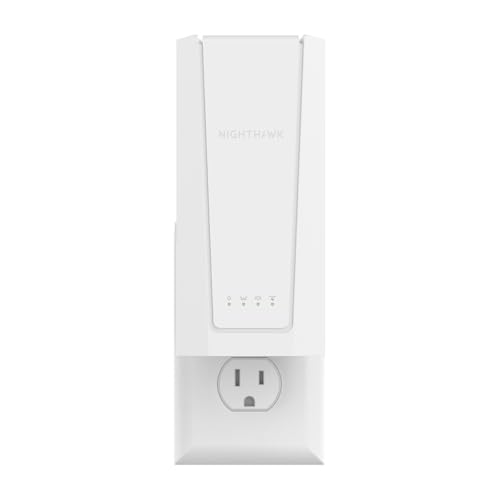
NETGEAR WiFi 7 Range Extender (EXS18) – BE3600 Dual-Band Wireless Internet Signal Range Extender (up to 3.6 Gbps Speed) – Add up to 1,200 sq. ft., 40 Devices – WPA3 Security, Smart Roaming
Adds WiFi range coverage up to 1,200 sq. ft. and connects up to 40 devices such as laptops,…
As an affiliate, we earn on qualifying purchases.
As an affiliate, we earn on qualifying purchases.
Will Your Devices Support Wi-Fi 7? Compatibility Insights
Not all devices will support Wi-Fi 7 right away, as they need specific hardware and firmware updates. Upgrading compatibility can be straightforward for newer devices but challenging for older ones. Understanding these requirements helps you prepare for seamless adoption or plan your upgrades accordingly. Additionally, as home security systems increasingly incorporate smart technology, ensuring your devices are compatible with Wi-Fi 7 can enhance security and connectivity. Being aware of device compatibility can also help you select the right products to upgrade in the future. Staying informed about backyard transformation essentials and other home upgrades can further optimize your living space for advanced connectivity and comfort. Recognizing the importance of Crypto Market Trends can also guide you in making informed investment decisions for your financial future.
Device Compatibility Requirements
To use Wi-Fi 7, your devices need to support the new standard through hardware upgrades or firmware updates. Firmware updates are essential because they can enable older devices to handle new features and improve performance. Check if your device manufacturer offers updates that add Wi-Fi 7 compatibility. Additionally, security protocols are evolving with Wi-Fi 7, so your devices should support the latest security standards to guarantee safe connections. Not all devices will support Wi-Fi 7 out of the box, especially older models, so verify compatibility before upgrading your network. Supporting the new security protocols helps protect your data and prevents unauthorized access. Moreover, understanding the compatibility requirements can help ensure a seamless transition to the new Wi-Fi standard. Staying aware of hardware limitations is also crucial to determine whether a device can be upgraded or if it needs replacement. Being informed about device specifications can assist in making the right upgrade decisions and avoid potential connectivity issues. It’s also helpful to review software update availability to ensure your device can fully leverage the new features and security enhancements.
Upgrading Compatibility Challenges
As Wi-Fi 7 adoption advances, many users face the challenge of ensuring their existing devices can keep up with the new standard. Upgrading compatibility often leads to concerns about device obsolescence, as older gadgets may not support the latest Wi-Fi features. You might find yourself needing new routers or network adapters, which can have significant cost implications. Some devices may require firmware updates, but hardware limitations could mean replacement is inevitable. This shift can be frustrating and expensive, especially if you own multiple devices. To minimize costs, consider prioritizing essential upgrades and researching device compatibility before investing. Ultimately, understanding which devices need replacing helps you plan your upgrade strategy and avoid unnecessary expenses.
How Wi-Fi 7 Benefits Streaming, Gaming, and Smart Homes

Have you ever experienced lag or buffering when streaming your favorite shows or playing online games? Wi-Fi 7 improves your experience by providing faster, more reliable connections. For smart homes, this means seamless control of devices without interruptions. Streaming quality gets a boost with higher bandwidth and lower latency, so your movies and music come through crystal clear. Gaming becomes smoother, with less lag and quicker response times, giving you an edge over opponents. Multiple devices can connect simultaneously without slowing down your network. Whether you’re streaming, gaming, or managing a smart home, Wi-Fi 7 guarantees consistent performance. It’s designed to handle the increasing demands of connected devices, making your digital life more efficient and enjoyable. Additionally, local automation capabilities are enhanced, allowing for more responsive and integrated smart home systems.
When Will Wi-Fi 7 Be Available and Affordable?
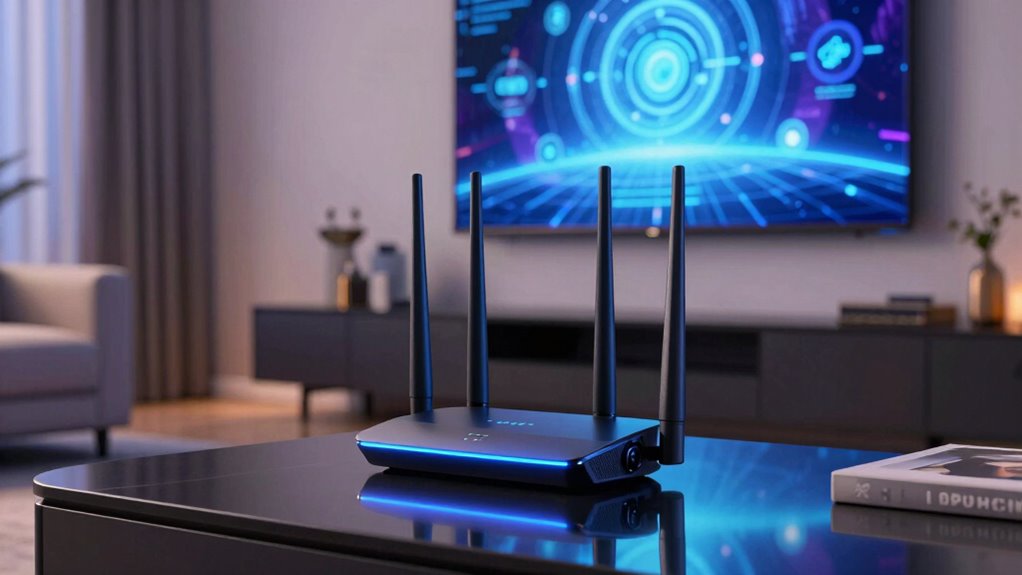
When can you expect Wi-Fi 7 to become widely available and affordable? Industry predictions suggest it will hit the market around 2024-2025, with prices gradually dropping as technology matures. Early adopters will benefit from enhanced bandwidth optimization and stronger security protocols, but the cost may initially be high. Over time, economies of scale and improved manufacturing will make Wi-Fi 7 more accessible and affordable for most users. The table below highlights key milestones:
| Year | Availability & Affordability |
|---|---|
| 2023 | Development and testing phase |
| 2024 | Initial product launches, higher prices |
| 2025 | Broader adoption, prices decrease |
| 2026 | Mainstream devices with Wi-Fi 7 becoming common |
| 2027+ | Affordable options for most households |
Stay patient—Wi-Fi 7’s benefits in security and performance will be worth the wait.
Challenges and Consider When Upgrading to Wi-Fi 7
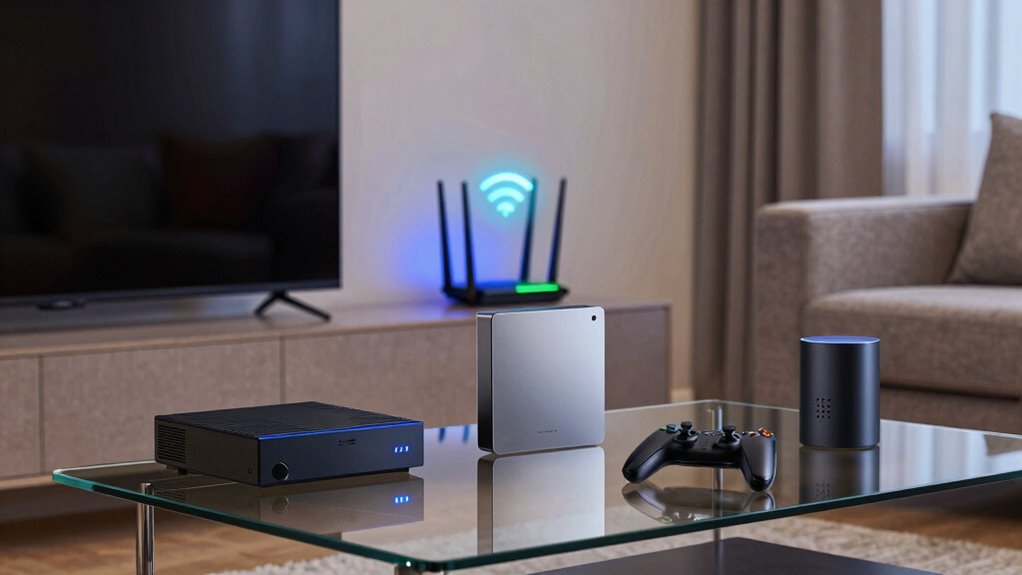
Upgrading to Wi-Fi 7 involves several challenges you should consider before making the switch. Security concerns are paramount, as new technology can introduce vulnerabilities if not properly managed. You’ll need to update firmware, implement stronger encryption, and guarantee devices are compatible to protect your network. Additionally, consider the environmental impact; increased energy consumption from more advanced hardware and higher data throughput could lead to greater power use. Upgrading may also mean replacing or upgrading existing devices, which can generate electronic waste. Budget constraints, compatibility issues, and the need for more robust security measures might slow your adoption process. Being aware of these challenges helps you plan effectively, assuring a smoother shift while minimizing risks and environmental impact. Incorporating specialized kitchen gear can also influence your overall upgrade strategy, especially if you’re integrating Wi-Fi 7 into a food service setting. Furthermore, understanding regional flavors and how they influence device placement or network requirements can help optimize your setup.
How to Prepare Your Network for Wi-Fi 7 Adoption
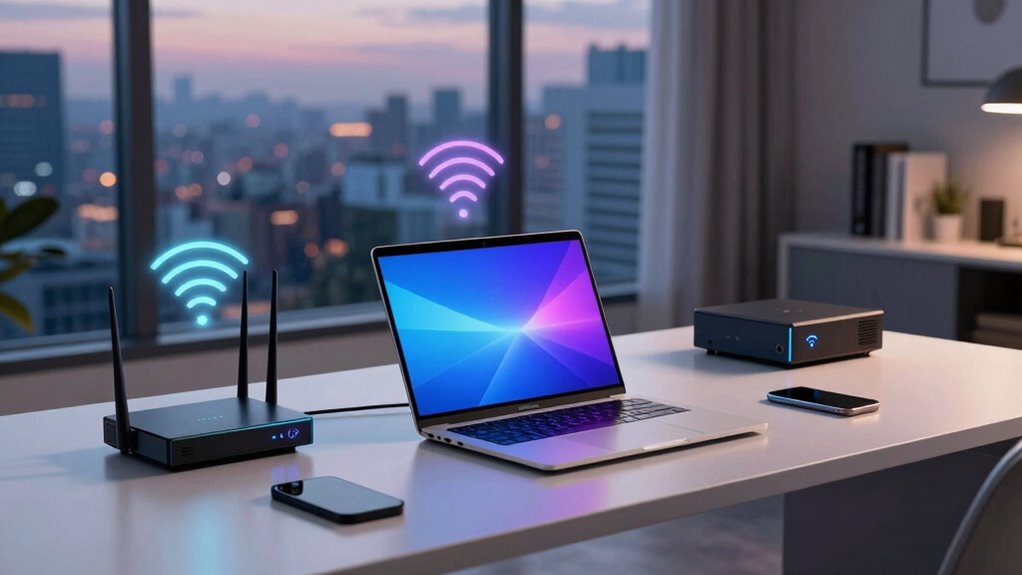
To get ready for Wi-Fi 7, start by upgrading your network equipment to support the latest standards. Next, optimize your router placement to guarantee maximum coverage and performance. Taking these steps now sets a strong foundation for seamless adoption of Wi-Fi 7.
Upgrade Network Equipment
Preparing your network for Wi-Fi 7 begins with evaluating and upgrading your existing equipment to guarantee compatibility with the new standard. You’ll need to replace outdated routers and network devices, especially if you manage a smart home with numerous connected gadgets. Upgrading enhances not only speed but also network security, safeguarding your devices from potential threats. Consider investing in Wi-Fi 7-compatible routers that support advanced features like multi-gig Ethernet ports and improved security protocols. To help decide, here’s a quick comparison:
| Feature | Wi-Fi 6 Router | Wi-Fi 7 Router |
|---|---|---|
| Compatibility with devices | Moderate | High |
| Network security features | Basic | Advanced (e.g., WPA3) |
| Smart home support | Good | Superior |
| Speed and capacity | Good | Drastically better |
Upgrading ensures your network is ready for the latest speeds and security standards.
Optimize Router Placement
After upgrading your equipment to support Wi-Fi 7, the next step is to optimize your router placement to maximize performance. Position your router centrally in your home, avoiding walls and large metal objects that cause signal interference. Elevate it off the floor, ideally on a shelf or high surface, to improve coverage. Keep it away from other electronics that might disrupt the signal or compromise router security. Proper placement reduces dead zones and ensures faster, more reliable connections. Also, consider securing your router with strong passwords and updated firmware to protect your network from unauthorized access. By thoughtfully placing your Wi-Fi 7 router, you’ll enjoy enhanced speeds, reduced interference, and a more secure, efficient home network.
Should You Upgrade to Wi-Fi 7 Now or Wait?

Deciding whether to upgrade to Wi-Fi 7 now or wait depends on your current needs and the devices you use. If you prioritize gaming optimization, upgrading can reduce latency and improve connection stability, giving you a smoother experience. For smart home integration, Wi-Fi 7 offers better bandwidth management to support multiple devices simultaneously without lag. However, if your current setup handles your activities well and you don’t need the latest speeds, waiting might save you money. Keep in mind that early adopters may face limited device compatibility and higher costs. If you’re enthusiastic to boost your gaming or smart home setup now, upgrading makes sense. Otherwise, it’s wise to watch for more device support and price drops in the coming months.
The Future of Wi-Fi 7: What’s Next for Your Home Network
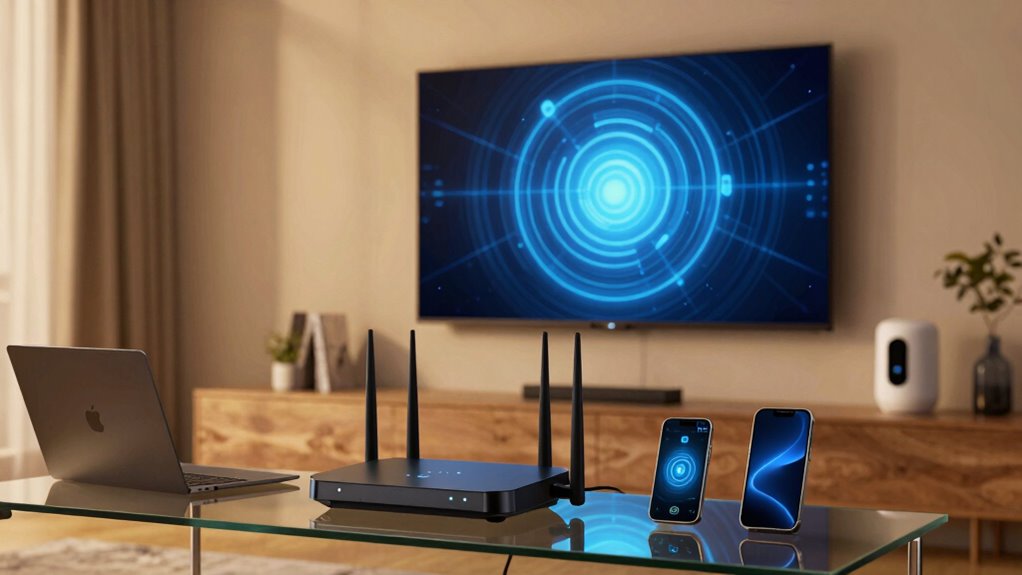
What does the future hold for Wi-Fi 7 and how will it transform your home network? Expect faster speeds, lower latency, and more reliable connections, even with multiple devices. As technology advances, wireless security will become a top priority, with stronger encryption methods to protect your data. User privacy features will also improve, giving you more control over your information and how it’s shared. Manufacturers will focus on integrating these security measures seamlessly into your devices, making it easier to stay protected without sacrificing performance. Additionally, Wi-Fi 7’s capabilities will support smarter home setups, enabling better streaming, gaming, and remote work experiences. Overall, the future of Wi-Fi 7 promises a safer, faster, and more privacy-conscious home network environment.
Frequently Asked Questions
Will Wi-Fi 7 Require New Hardware or Can Existing Devices Upgrade?
Wi-Fi 7 is like a new gear in your tech toolbox, but you’ll likely need new hardware for full benefits. Most existing devices won’t automatically upgrade and will require compatible hardware or firmware updates. Check device compatibility first, as firmware updates might enhance some features, but to truly access Wi-Fi 7‘s speed, upgrading to compatible hardware is essential. Keep an eye on manufacturer announcements to stay ahead.
How Does Wi-Fi 7 Impact Network Security and Data Privacy?
Wi-Fi 7 enhances your network security by using advanced encryption protocols, making it harder for outsiders to access your data. It also introduces privacy enhancements that better protect your personal information from tracking and breaches. These improvements help guarantee your data remains confidential and your connections stay more secure. As a user, you’ll benefit from stronger safeguards, giving you peace of mind when browsing, streaming, or transmitting sensitive information over your Wi-Fi network.
What Are the Environmental Impacts of Upgrading to Wi-Fi 7?
They say, “Every little bit helps,” and upgrading to Wi-Fi 7 can have a positive environmental impact. Its improved energy efficiency reduces power consumption, supporting sustainability initiatives. However, increased device production and electronic waste from new hardware could offset these gains. You should consider both the benefits of greener technology and the environmental costs, making mindful choices about upgrades to minimize your ecological footprint.
Are There Specific Industries or Sectors That Will Benefit Most From Wi-Fi 7?
You’ll find that industries like healthcare, manufacturing, and entertainment benefit most from Wi-Fi 7, thanks to faster speeds and improved reliability. With industry adoption, you’ll experience a smoother user experience, especially for high-bandwidth applications like telemedicine, smart factories, and immersive media. These sectors can leverage Wi-Fi 7’s enhanced capabilities to boost efficiency, innovation, and connectivity, making your work and digital experiences more seamless and responsive.
How Does Wi-Fi 7 Compare to Upcoming 5G or Other Wireless Technologies?
Wi-Fi 7 is like a high-performance race car compared to upcoming 5G, offering better spectrum efficiency and interference mitigation. While 5G excels in wide-area coverage and mobility, Wi-Fi 7 provides faster speeds and lower latency for indoor and localized use. If you’re in environments needing reliable, high-capacity wireless connections, Wi-Fi 7 complements 5G by optimizing spectrum use and minimizing interference for seamless experiences.
Conclusion
As Wi-Fi 7 rolls out, you’ll find faster speeds and lower latency transforming your online experience. Did you know that Wi-Fi 7 promises up to 30 Gbps—over three times faster than Wi-Fi 6? Upgrading now means enjoying smoother streaming, gaming, and smarter homes. While some devices may need time to catch up, staying ahead guarantees you’re ready for the future of wireless connectivity. Embrace the change and realize the full potential of your network.